iPad still dominates in latest tablet web usage numbers — from ipadinsight.com by Patrick Jordan

From DSC:
This is especially important data given the ever increasing trend towards mobility as well as when you are considering which ecosystem(s) to build up and around (i.e. consider things such as BYOD, what apps and platforms your students are going to develop for, digital textbooks, smartphone/tablet-based “clickers,” etc.)


First a definition:

A digital audio workstation (DAW) is an electronic system designed solely or primarily for recording, editing and playing back digital audio. DAWs were originally tape-less, microprocessor-based systems such as the Synclavier. Modern DAWs are software running on computers with audio interface hardware.

Secondly, some items from Adam Dachis on LifeHacker.com:


From DSC:
For those who want to dip their feet into the pool quickly to see what it’s like, I would recommend checking out Garageband — it’s a powerful tool that can give you some nice results — and the learning curve is far better/easier than the more complex tools out there.


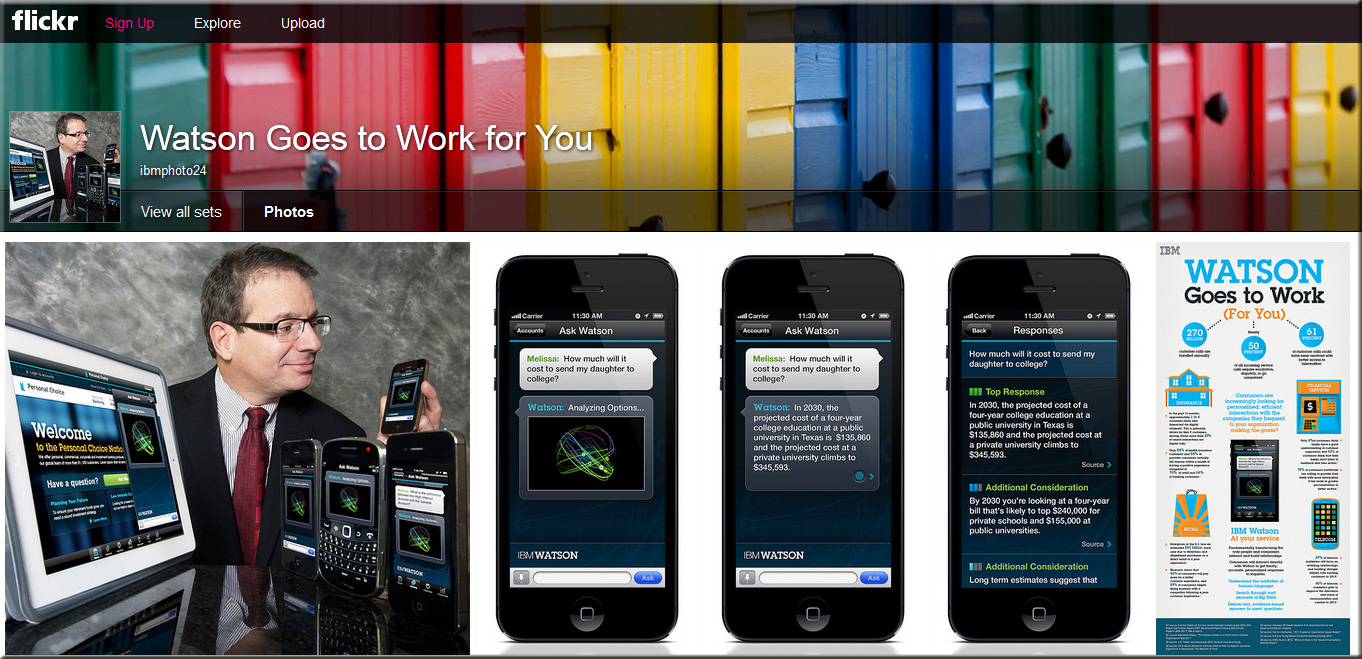
IBM Watson at your service: New Watson breakthrough transforms how brands engage today’s connected consumers — from IBM.com
Delivered from the cloud and into the hands of mobile consumers, Watson provides faster, personalized service for smarter commerce; top brands tap Watson’s ability to crunch big data and provide fast, personalized advice for empowered consumers

.

WatsonGoesToWorkForYouMay2013

.

Also see:


.

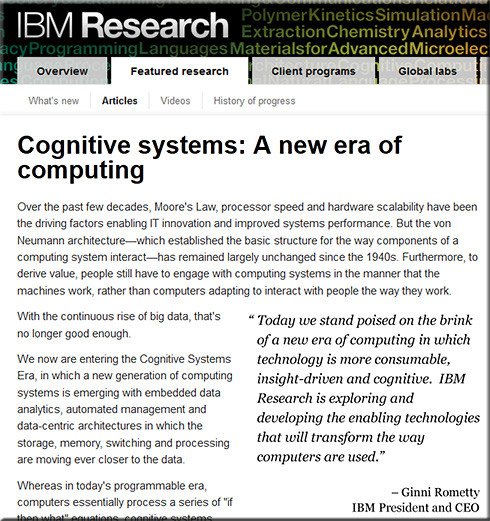
CognitiveSystems-IBMResearch-May2013


.


.

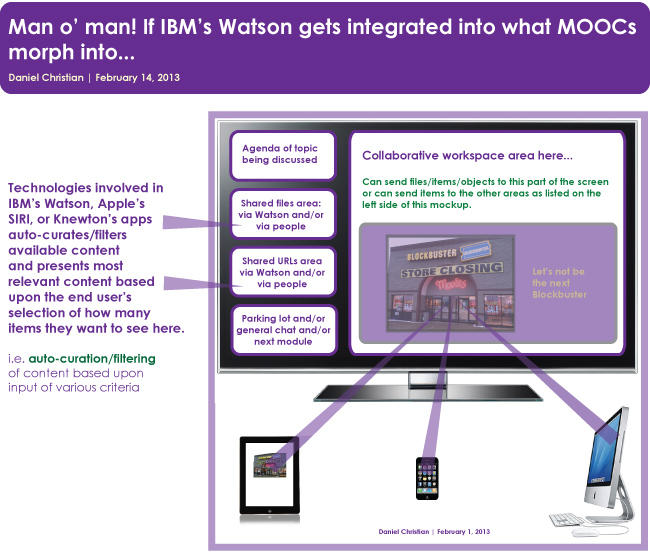
Watson-MOOCs-NewTypesCollaboration-DChristian-2-14-13

.


IBM’s Watson tries to learn…everything — from spectrum.ieee.org by Steven Cherry
What happens when Watson learns a million databases? RPI students and faculty hope to find out.


Tagged with: • • •  

Interactive whiteboards are front and center in college classrooms — from edtechmagazine.com
A look at whiteboards at New York’s Touro College.

.

From DSC:
We currently have 3 types of Interactive WhiteBoards (IWB’s) on our campus:  Epson BrightLinks, SMART Boards, and/or an Eno Board from PolyVision.

However, the idea of using mobile interactive whiteboards is becoming increasingly popular — i.e. being able to annotate on an iPad, for example, and having everyone in the class see these annotations.  I’ve seen some K-12 folks use Apple TV for this type of thing, but Apple’s multi-cast wireless protocol doesn’t work as well for us in a campus environment.  I’ve also seen/heard of people using one of the following solutions listed below as well. (I wish I had more time to check each of them out, but I’ll simply list them for you here.)


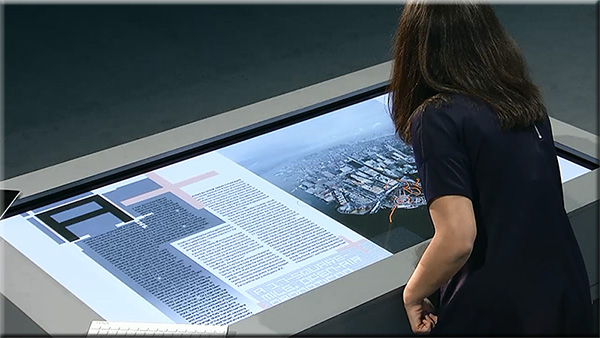
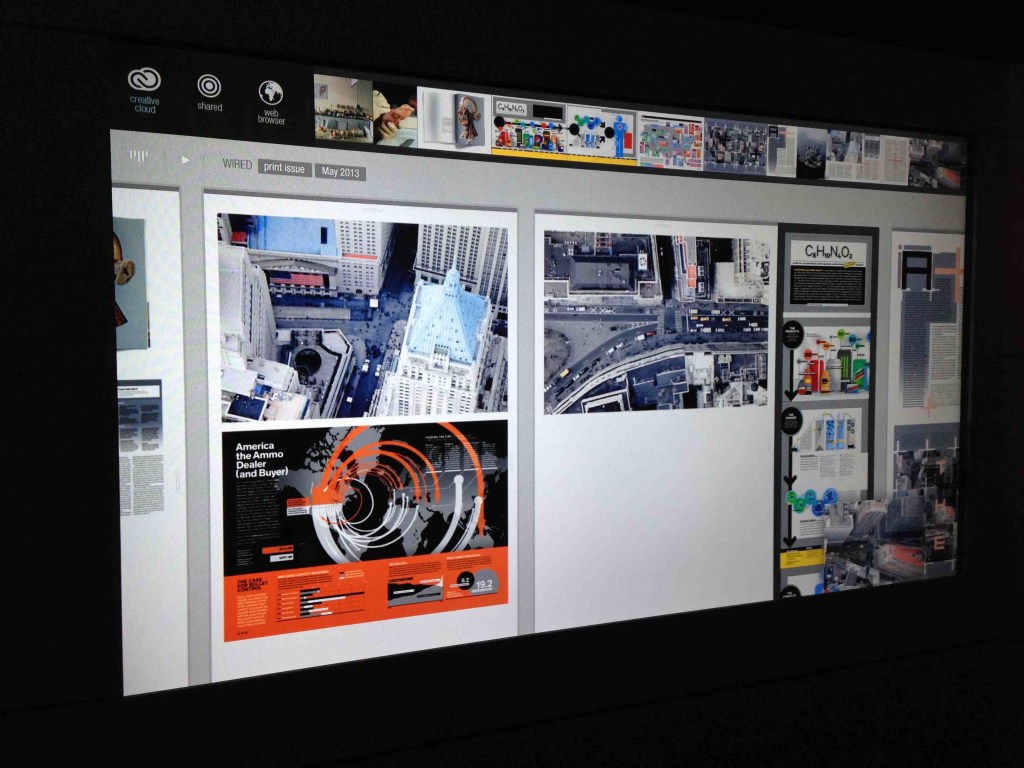
From DSC: re: Adobe’s Project Context:
This is the type of hardware/software combination that I’ve been hoping for and envisioning! Excellent!

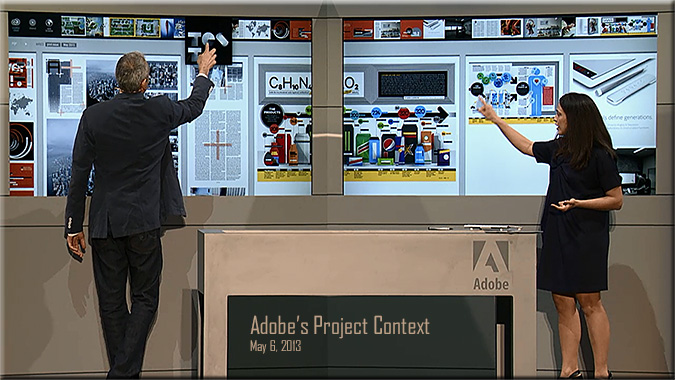
It appears to be the type of setup whereby students could quickly and easily collaborate with one another — in a face-to-face setting (and ideally in remote locations as well) — by not just displaying files but also being able to share files with one another.  Files can be sent up to the interactive, multi-touch displays as well as to an interactive table. So it’s not just displaying files, but actually sharing files and being able to collaboratively work on a project.

Eventually, I see this being able to be done in your living room.  What if MOOCs could integrate this type of web-based collaboration into their projects?

But for now, this is a HUGE step forward in this vision. Great work Adobe! This is innovative! Very helpful!

Example screenshots:


AdobeProjectContext-May2013


.


AdobeProjectContext-1


.

.

AdobeProjectContext-2


..


Also see:

  • Adobe’s hardware experiments are more than just hobbies: Hands-on with Project Context –– from techcrunch.com by Frederic Lardinois
    Excerpt (emphasis DSC):
    At its MAX conference in Los Angeles [on 5/6/13], Adobe showed  quite a few products that will soon be available to its customers, but it also highlighted a number of hardware experiments, including Project Context, a totally re-imagined way for creating magazine layouts, as well as an advanced stylus and a ruler for touchscreens.

.

project_context_screen_1

Watch a replay of today’s Adobe MAX 2013 keynote.
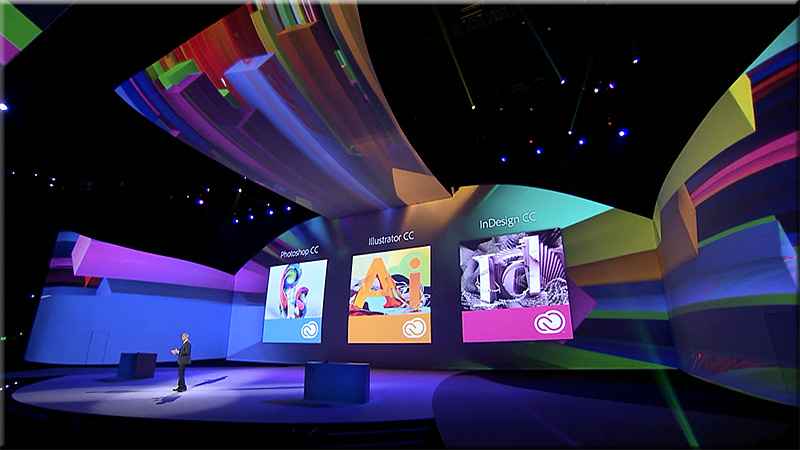
Even if you can’t join us in person, you can still connect with the Adobe community. Watch the Adobe MAX 2013 keynotes live from Nokia Theatre L.A. LIVE. We’ll explore the creative evolution – how to use the latest tools to give shape to ideas, and what are the trends that will shape how you’ll work in the future.

A Creative Evolution
Monday, May 6, 9:30-11:30 a.m. PDT

The process of where and how we create is dramatically changing thanks to major advancements in technology, and there has never been a more exciting time. Join Adobe CEO Shantanu Narayen, Adobe’s SVP and GM of Digital Media David Wadhwani, and a collection of Adobe visionaries across digital photography, web design, illustration, video and more as we unveil brand new creative workflows and capabilities. We’ll take a look at the present and set our sights on the endless possibilities in our creative future.
.
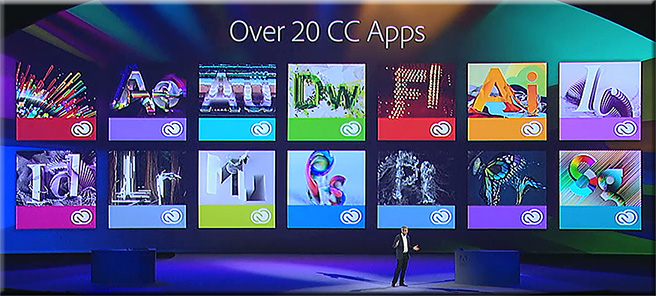
Over20CreativeCloudApps-AdobeMaxMay62013

.

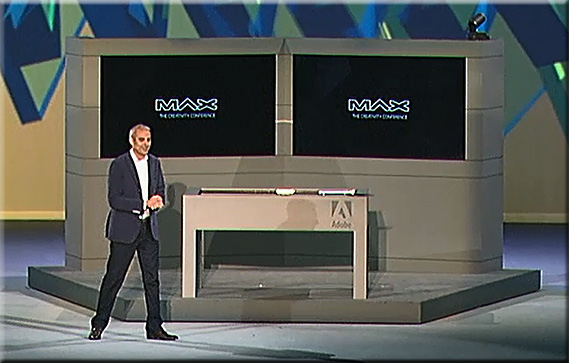
AdobeMax-May62013

.

Join us tomorrow at 10 a.m. PDT to watch the keynote – Community Inspires Creativity – live.

Tagged with: •  

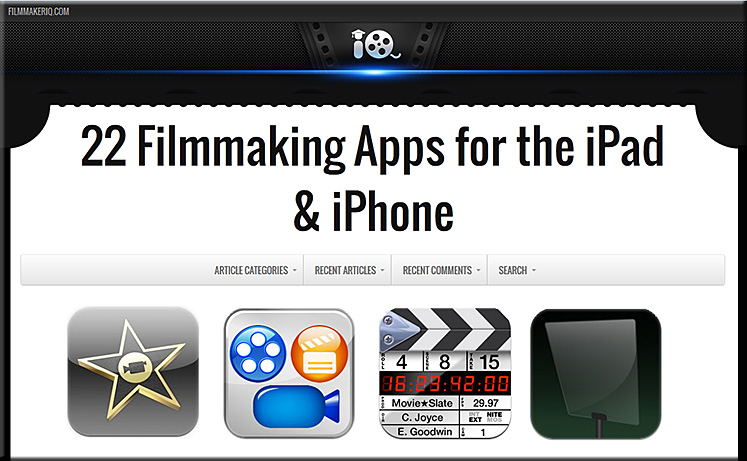
22-Filmmaking-Apps-for-the-iPadiPhone-May2013

Tagged with: • •  

Apple Inc. (AAPL), Google Inc (GOOG), Amazon.com, Inc. (AMZN): Ecosystems are widening moats — from insidermonkey.com

Apple smartphone strategy: It’s the ecosystem — news.investors.com

The strength of Apple’s ecosystem remains its greatest asset and will secure customers and profits despite slowing growth and margin dips — from tbrnewsommentary.wordpress.com by Beau Skonieczny, Analyst
iPad continued to fuel growth and healthy margins for Apple despite headwinds


From DSC:
Those of us working in the tech side of the house know how difficult it is to navigate this space. The targets are always moving, and determining which tool to go with has changed through these last few years.  It used to be about individual tools (and sometimes still is).  But increasingly, one needs to fly at the 50,00-foot level and ask how the ecosystems are playing out and how an individual tool fits into a greater ecosystem or platform.  Some ecosystems that come to my mind right now include: Apple, Google, Amazon, and Microsoft.


Rating and comparison of online conferencing and webinar software — from webconferencing-test.com with thanks to Mr. Tim Pixley for scooping this  (Tim on Twitter)
What they offer, what they cost

Also, a solid comment from  Robin Good

If you need to review and compare alternative web conferencing and online collaboration tools you should give a look to Online Meeting Tools Review, a web service providing basic information for 35 different tools. I have already recommended this service in May 2012, but the service has been significantly improved and updated. For each service included you get a review, a direct link to its home page and free trial offering, and an overall rating score.  With the Basic Comparison Tool you can review up to four different conferencing services side-by-side for no additional fee: https://webconferencing-test.com/en/compare-tools-basic

With the Pro version of the same Comparison Tool you can get up to 12 different tools compared into a report that is sent straight to your email without any cost. The only requirement is that you accept the option of being later contacted by one of the companies you have requested to be compared. Free to use.

Testing methodology: https://webconferencing-test.com/en/how-we-test
Try it out now:  https://webconferencing-test.com/en/online-meeting-home


Also see:


Tagged with: •  

Social video with Vyclone — from esuid.wordpress.com by Joseph Kern
Create dynamic, instantly-edited video collages


From website:
With Vyclone you can:

  • Make multi angle movies — automatically syncs and edits footage filmed at the same event, making you a movie from multiple angles in minutes
  • Find great multi-angle movies to watch by searching users, tags, location and trends. follow your friends, celebs, musicians or anyone making killer content
  • Put your directors stamp on footage by remixing content with the playful vyclone editor, then share it with friends and fans


From DSC:
In his video, Joseph covers some potential apps for education. Thanks for putting this out there Joseph. I like the apparent ease of use of this tool.


Tagged with: •  

iPad and music recording apps (audio and MIDI) — from iPad and Technology in Music Education by Paul Shimmons

Excerpt:

So I have been checking out apps that I can record audio and MIDI with on my iPad – here are some of my observations…

First of all there are several major features that are involved in looking at these DAW’s – 1) Recording of Audio – both from the obvious external source like a mic, guitar, wind instrument, etc… but also through the integration of AudioBus that allows recording of audio from other apps.  2) Recording of MIDI – both virtual MIDI as well as being able to access external MIDI equipment  3)  Built-in synths, drum machines and sounds or loops.

A solid list of apps from 21innovate.com — a blog by Brad Wilson, Educational Technology Consultant with the Jackson County ISD (Detroit, MI)

As Brad mentions on his website (emphasis DSC):

Innovate with an iDevice
I’ve evaluated thousands of educational apps so that you don’t have to! Landing in 17 categories, here are more than 150 of the best FREE apps, along with 100+ that will be worth a small investment for many classrooms.


Also see:


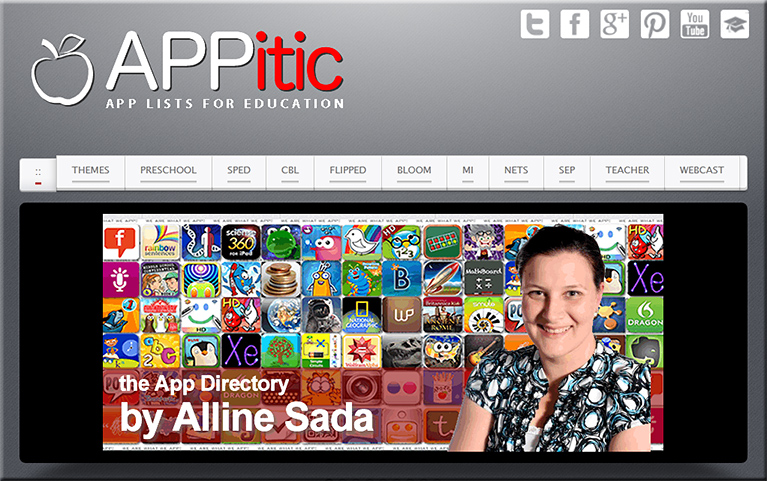
APPitic-March2013

APPitic is a directory of apps for education by Apple Distinguished Educators (ADEs) to help you transform teaching and learning.


Also see:

© 2025 | Daniel Christian