Key point from DSC:
Digitally-based means of learning are going to skyrocket!!! Far more than what we’ve seen so far!  There are several trends that are occurring to make this so.


As background here, some of the keywords and phrases that are relevant to this posting include:

  • Wireless content sharing
  • Wireless collaboration solutions
  • Active learning based classrooms
  • Conference rooms
  • Bring Your Own Device (BYOD)
  • Enterprise wireless display solutions
  • Enterprise collaboration solutions
  • Cross platform support: iOS, Android, Windows
  • Personalized learning
  • Learning analytics

Some of the relevant products in this area include:

  • Bluescape
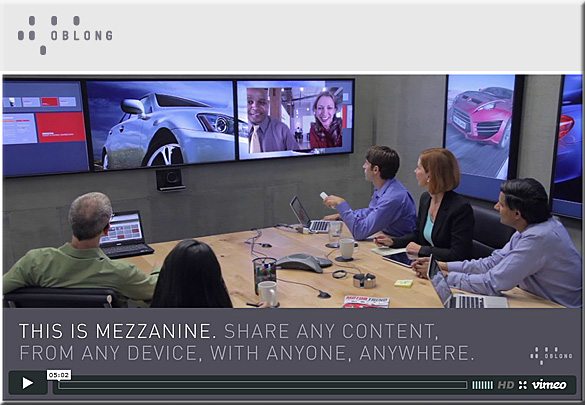
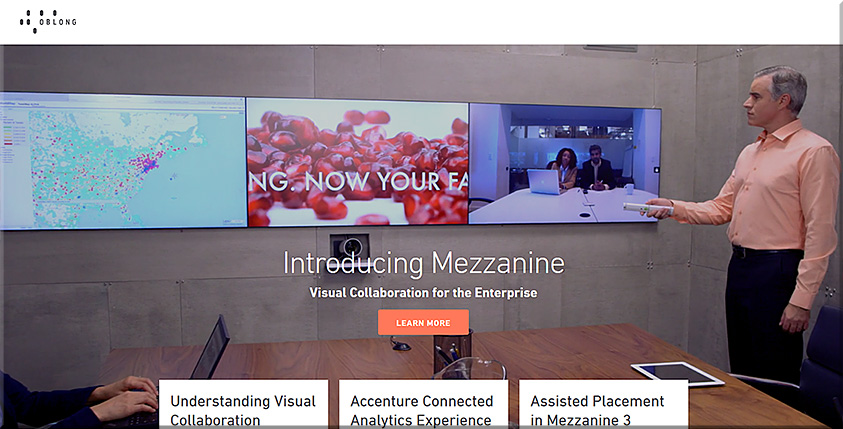
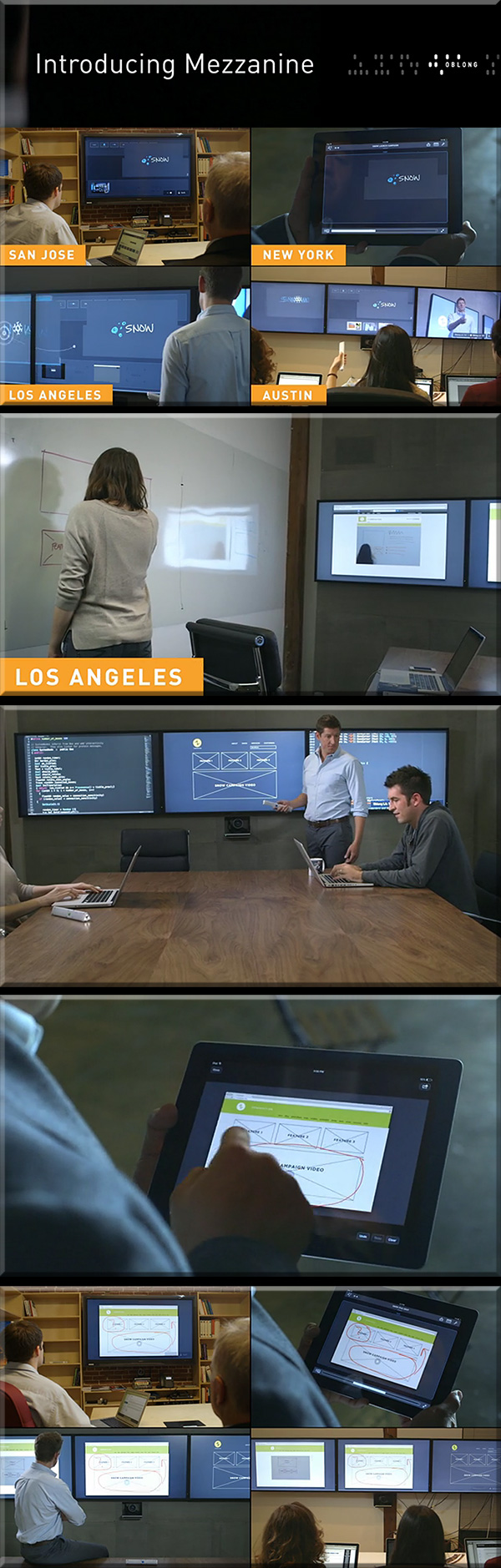
  • Mezzanine from Oblong Industries
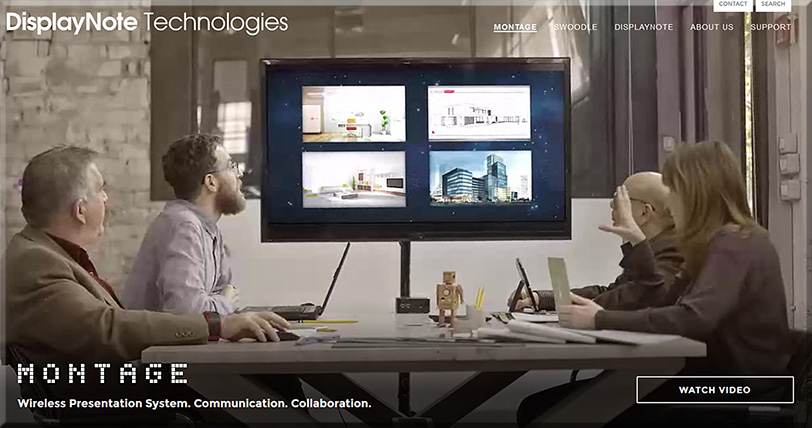
  • Montage from DisplayNote Technologies
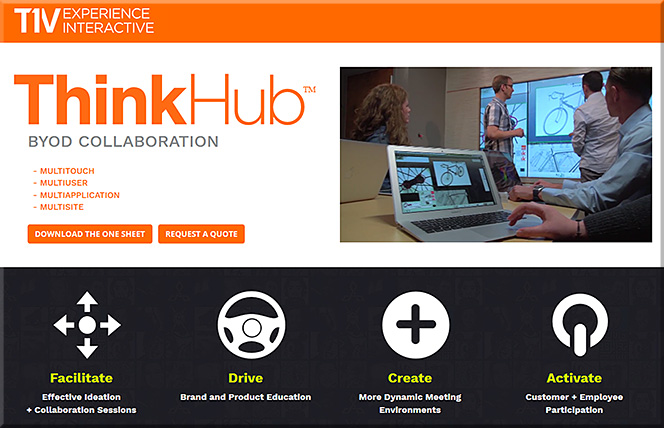
  • ThinkHub and ViewHub from T1V
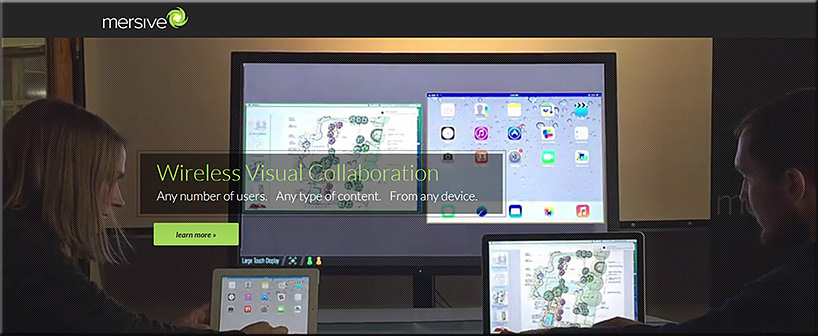
  • Mersive Solstice
  • Crestron AirMedia
  • Barco Clickshare
  • Haworth Workware Wireless
  • Christi Brio
  • AMX enzo
  • NovoConnect from Vivitek
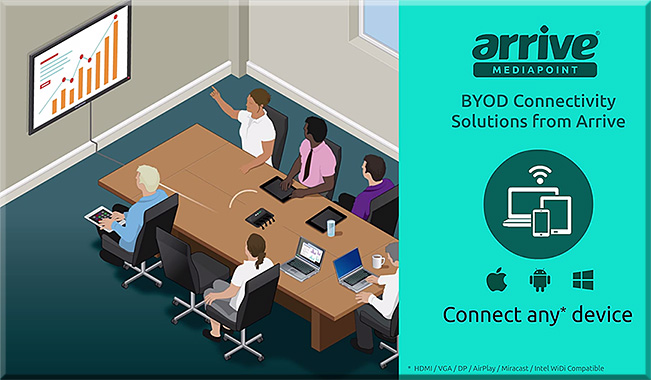
  • Arrive MediaPoint
  • Apple TV
  • Chromecast

From DSC:

First of all, consider the following products and the functionalities they offer.

People who are in the same physical space can collaborate with people from all over the world — no matter if they are at home, in another office, on the road, etc.

For several of these products, remote employees/consultants/trainers/learners can contribute content to the discussions, just like someone in the same physical location can.
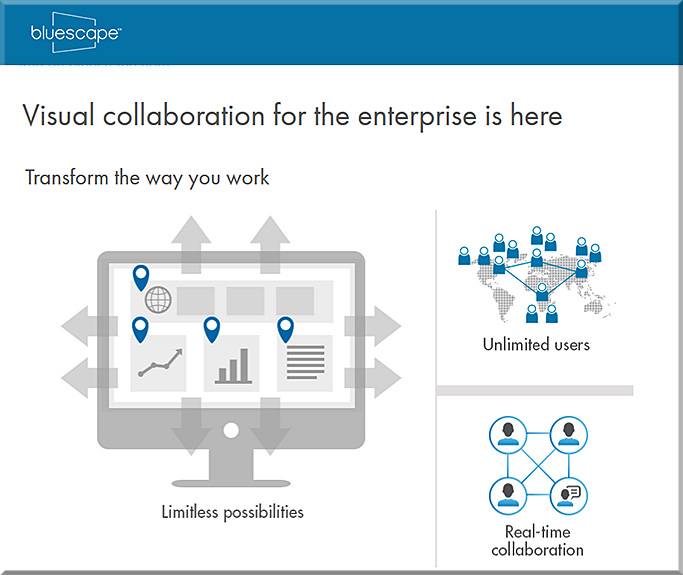

 

Bluescape-March2016


BlueScape-2015


Mezzanine-from-Oblong-May2013

Mezzanine-By-Oblong-Jan2016


mezzanine-feb-2015


ThinkHub-March2016


mersive-March2016

Montage-March2016

ArriveMediaPoint-March2016


From DSC:

Many of these sorts of systems & software are aimed at helping people collaborate — again, regardless of where they are located. Remote learners/content contributors are working in tandem with a group of people in the same physical location. If this is true in business, why can’t it be true in the world of education?

So keep that in mind, as I’m now going to add on a few other thoughts and trends that build upon these sorts of digitally-based means of collaborating.

Q: Towards that end…ask yourself, what do the following trends and items have in common?

  • The desire to capture and analyze learner data to maximize learning
  • Colleges’ and universities’ need to increase productivity (which is also true in the corporate & K-12 worlds)
  • The trend towards implementing more active learning-based environments
  • The increasing use of leveraging students’ devices for their learning (i.e., the BYOD phenomenon)
  • The continued growth and increasing sophistication of algorithms

A: All of these things may cause digitally-based means of learning to skyrocket!!!

To wrap up this line of thought, below are some excerpts from recent articles that illustrate what I’m trying to get at here.


Embrace the Power of Data
A continuous improvement mindset is important. Back-end learning analytics, for example, can reveal where large numbers of students are struggling, and may provide insights into questions that require new feedback or content areas that need more development. Data can also highlight how students are interacting with the content and illuminate things that are working well—students’ lightbulb moments.

— Five Principles for Your Learning Design Toolkit
from edsurge.com by Amanda Newlin


Mitchell gave the example of flight simulators, which not only provide students with a way to engage in the activity that they want to learn, but also have data systems that monitor students’ learning over time, providing them with structured feedback at just the right moment. This sort of data-centric assessment of learning is happening in more and more disciplines — and that opens the door to more innovation, he argued.

…

A promising example, said Thille, is the use of educational technology to create personalized and adaptive instruction. As students interact with adaptive technology, the system collects large amounts of data, models those data, and then makes predictions about each student based on their interactions, she explained. Those predictions are then used for pedagogical decision-making — either feeding information back into the system to give the student a personalized learning path, or providing insights to faculty to help them give students individualized support.

…

“We need the models and the data to be open, transparent, peer-reviewable and subject to academic scrutiny.”

…

“We began to actually examine what we could do differently — based not upon hunches and traditions, but upon what the data told us the problems were for the students we enroll,” said Renick. “We made a commitment not to raise our graduation rate through getting better students, but through getting better — and that gain meant looking in the mirror and making some significant changes.”

…

A 21st-century learning culture starts with digital content. In 2010, Jackson State University was looking for ways that technology could better address the needs of today’s learner. “We put together what we call our cyberlearning ecosystem,” said Robert Blaine, dean of undergraduate studies and cyberlearning. “What that means is that we’re building a 21st-century learning culture for all of our students, writ large across campus.” At the core of that ecosystem is digital content, delivered via university-supplied iPads.

— 7 Things Higher Education Innovators Want You to Know
from campustechnology.com by Rhea Kelly


On Bennett’s wish list right now is an application that allows students to give feedback at specific points of the videos that they’re watching at home. This would help him pinpoint and fix any “problem” areas (e.g. insufficient instructions for difficult topics/tasks) and easily see where students are experiencing the most difficulties.

TechSmith’s now-retired “Ask3” video platform, for example, would have done the trick. It allowed users to watch a video and ask text-based questions at the point where playback was stopped. “I’d like to be able to look at my content and say, ‘Here’s a spot where there are a lot of questions and confusion,'” said Bennett, who also sees potential in an “I get it” button that would allow students to hit the button when everything clicks. “That would indicate the minimum viable video that I’d need to produce.” Learning Catalytics offers a similar product at a fee, Bennett said, “but I can’t charge my students $20 a year to use it.”

— 6 Flipped Learning Technologies To Watch in 2016
from thejournal.com by Bridget McCrea


All of these trends lend themselves to causing a major increase in the amount of learning that occurs via digitally-based means and methods.


The essential unique search tool your students may have never used — from novemberlearning.com by Alan November
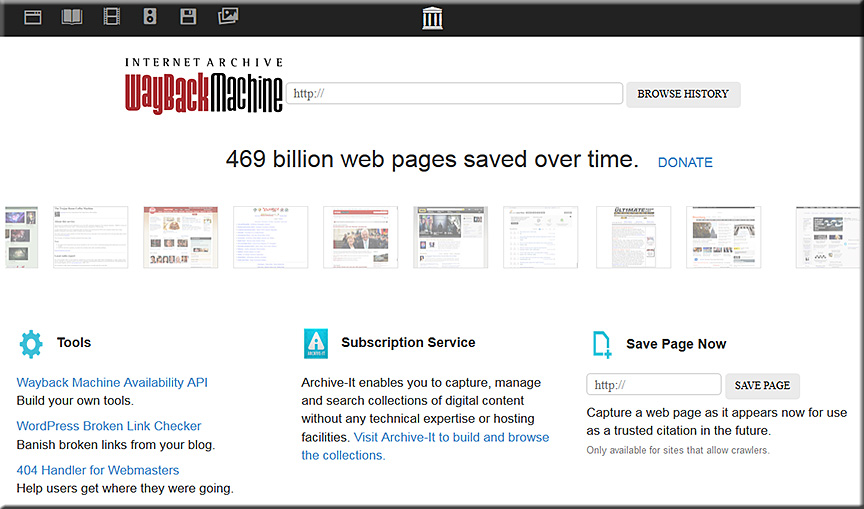
The Wayback Machine is as basic a reference tool for the Internet Age as a dictionary. When was the last time you saw a student use it?

Excerpt:

When I’m giving a talk to students about being responsible digital citizens, I’ll tell them, “You know, some day you might apply to college, or run for Congress—and you might regret something you posted online when you were young.” And there’s always one student who will say to me, “Mr. November, we’re not that stupid—we’re going to take those things off the Web before we apply to college.”

At that point, I pause the discussion. I show them a website called the Wayback Machine, and I call up some website that’s been gone for 10 years. There it is, live on the screen, as if it never had vanished. Typically, all of the links work as well.

The audience goes from laughing at me for how naïve I am for not realizing there is a delete button for web content to stunned silence in the blink of an eye.

I should really bring paper bags, because some kids are so nervous about the implications of what they’ve just seen, they’re hyperventilating. They simply had no idea that the overwhelming majority of the Internet is being saved in its entirety, links and all. This happens every few weeks or months, depending on the nature of a website and how often it’s updated.


waybackmachine-march-2016


What happens when you’re reading an article online, and you come across a link and you click on it, but it’s dead? They’ll say, “Well, I just give up.” And I say, “Watch this: You just copy the link, and you paste it into the Wayback Machine, and presto—there’s the website.”


From DSC:
I’m guessing this can be a scary thing — not just for students, but for adults as well.  I post it so that we can impress on our students NOT to post things that they don’t want to haunt them later on in life (which is a tall order indeed).


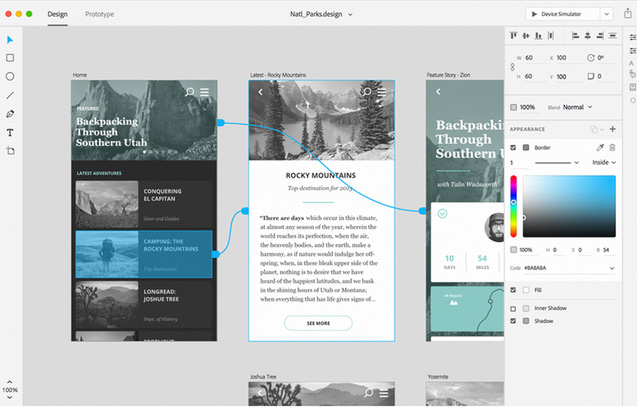
Adobe’s Project Comet has been renamed ‘Experience Design’ — and it [launched on 3/14/16] — from thenextweb.com by Nate Swanner

Excerpt:

Adobe’s Project Comet is now Experience Design (XD), and is available in preview for anyone with an existing Adobe account.

Noting there are currently “lots of tools tackling many parts of the problem” of designing apps, Adobe is positioning XD to compete more directly with Sketch, and it does a fantastic job. Not only will you be able to design artboards, but XD lets you make macro changes and prototype as well.

It begins with the type of project you have (Web, iPhone, iPad or ‘custom size’ designs), but XD also has UI Kit packets preloaded. You can choose from iOS, Google’s Material Design or Windows. XD also shows you recent files so you can jump right back into prototyping.


Adobe-ExperienceDesign-3-14-16


What are the learning-related ramifications of technologies that provide virtual personal assistants? [Christian]

Everything Siri can do for you and your Apple TV — from imore.com by Lory Gill

Excerpt:

When you ask Siri what it can search for, it will respond, “I can search by title, people (actor, director, character name, guest star, producer, or writer), ratings (like PG or TV-G), reviews (such as best or worst), dates (like 2012 or the 80s), age (like kid-friendly or teen), seasons, episodes, and studio. And of course, I can search by genre.”

But, what else can Siri do?
…
Siri has a fairly robust search feature with multi-layer filtering.
…
While you are watching a movie or TV show, or listening to music, you can get a little extra help from Siri. It’s like having a buddy sitting next to you — but they don’t shush you when you ask a question.
…
You can search for content in the Music app on Apple TV by artist, album, or song title. With a little know-how, you can also turn Siri into your personal deejay.
…
While you may normally look to your smartphone for your weather predictions, Siri can be just as helpful about the conditions around the world as your local weatherman or app. All you have to do is ask.


From DSC:
Following this trajectory out a bit into the future — and in light of significant developments that continue to occur with artificial intelligence, the development and use of algorithms, the potential use of web-based learner profiles (think LinkedIn.com/Lynda.com, MOOCs, the use of nanodegrees), second screen-based apps, and the like — one has to wonder:

“What are the ramifications of this for learning-related applications?!”


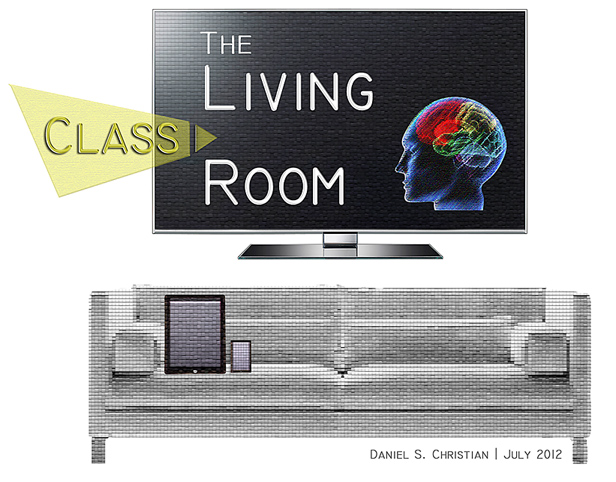
The Living [Class] Room -- by Daniel Christian -- July 2012 -- a second device used in conjunction with a Smart/Connected TV


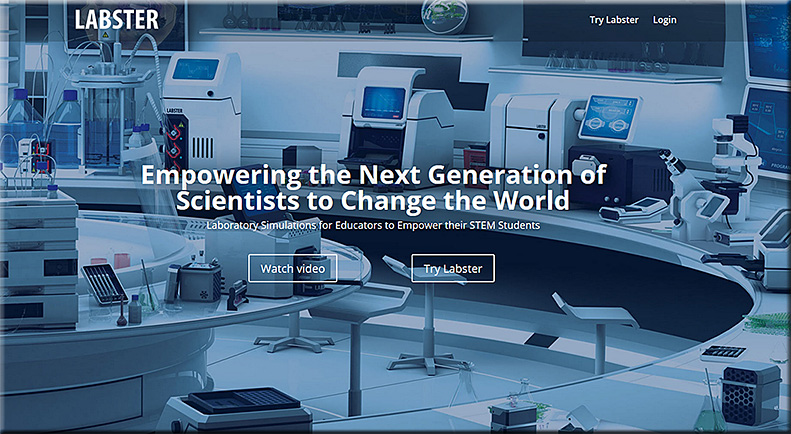
Labster: Empowering the Next Generation of Scientists to Change the World
Laboratory Simulations for Educators to Empower their STEM Students

From DSC:
I recently met Maaroof Fakhri at the Next Generation Learning Spaces Conference. It was a pleasure to meet him and hear him speak of the work they are doing at Labster (which is located in Denmark). He is very innovative, and he shines forth with a high degree of energy, creativity, and innovation.

Keep an eye on the work they are doing. Very sharp.


labster-march2016


Also see:


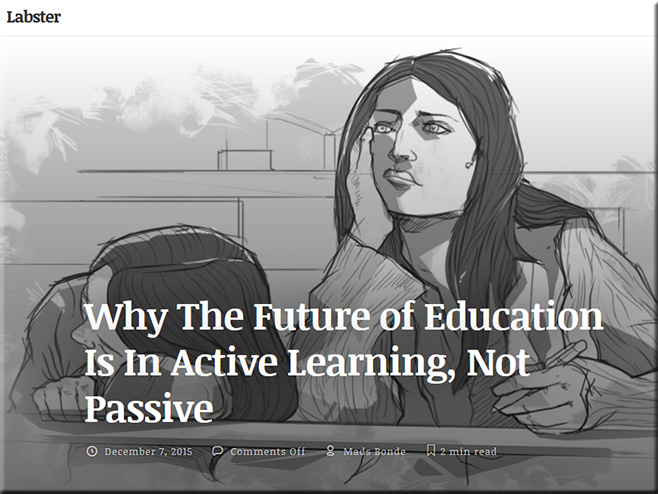
activelearning-labster-dec2015


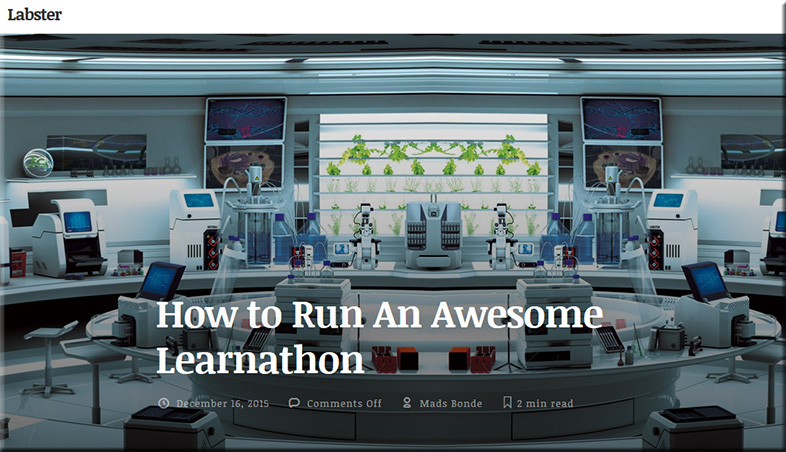
learnathon


Learnathons, on the other hand are optimized sessions that teach participants how to apply what they learn as soon as possible. They are on the opposite end of how classroom teaching is organized, with lessons spread out over the course of a semester focusing on theory and weekly practice. They are a fairly new concept, but have created an environment for learning that is speeding up comprehension and application to levels that aren’t seen elsewhere.


Addendum on 3/16/16:

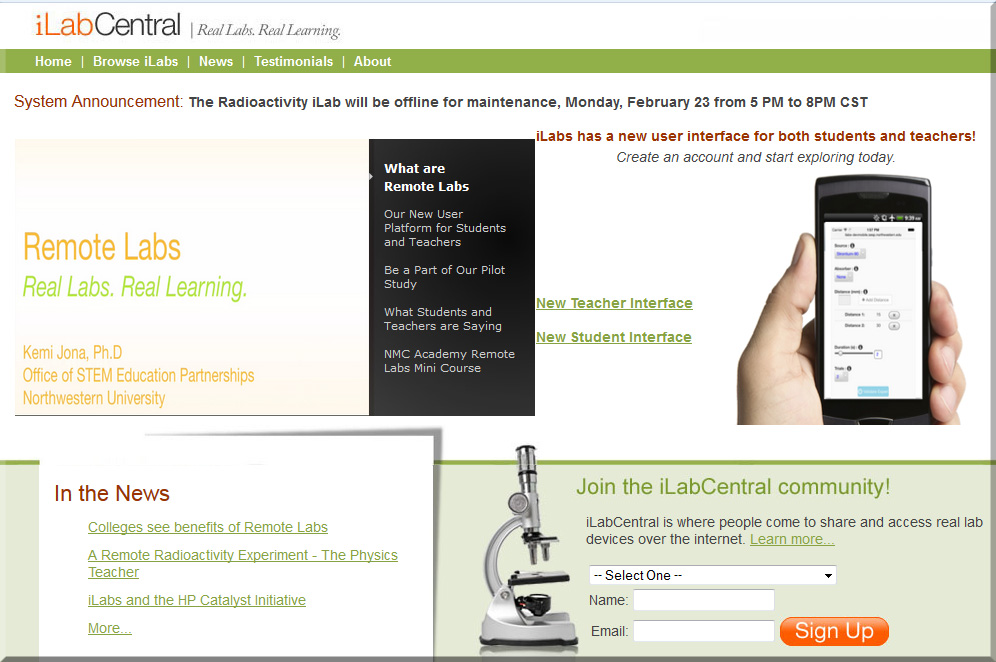
What are Remote Labs? <– from ilabcentral.org

Making high school science labs more real, more engaging, and more accessible
Remote Online laboratories (iLabs) are experimental facilities that can be accessed through the Internet, allowing students and educators to carry out experiments from anywhere at any time.


iLabCentral-march2016


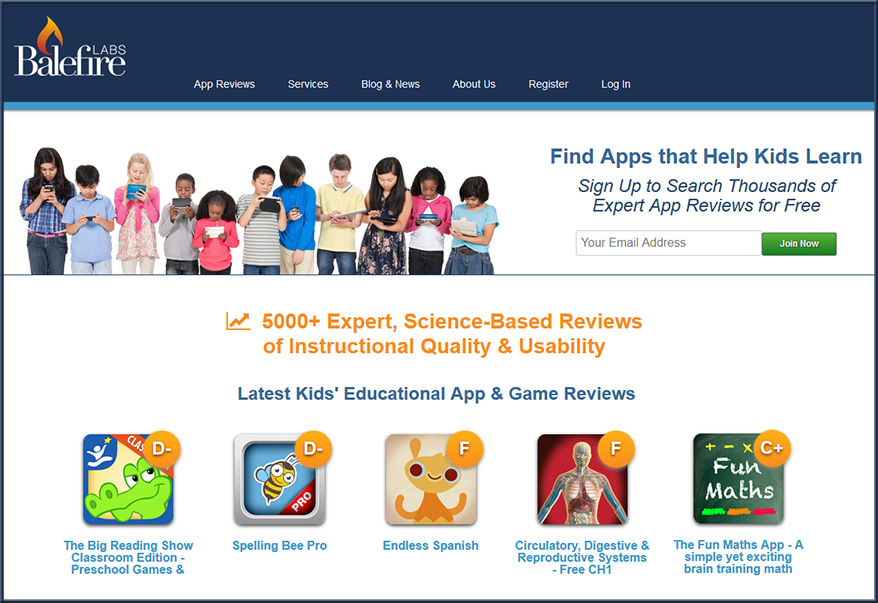
balefirelabs.com — with thanks to Rene Grimes for this resource.

Per Rene:

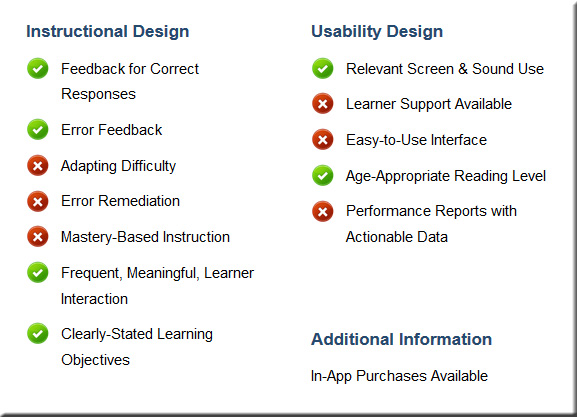
I’d like to recommend you check out Balefire Labs, an app review service, because they have very solid objective metrics for determining the learning elements within content apps. We know not all edtech is actually educational (talking specifically about instructional apps). Content apps have their place, to be sure; but I have decided to only use adaptive, mastery based apps because these individualize instruction. Not all apps that use the word “adaptive” mean they adapt to learners levels of mastery. Check out their metrics and see what you think. http://www.balefirelabs.com


Balefirelabs-March2016


Balefirelabs2-March2016


For example, see:

  • New Top-Rated Kids’ Learning Apps & Games of March 2016
    Every month we look for the best of the best learning apps and games for kids and every month we find some new and very cool apps to recommend. Here are this month’s top eight apps and games we found for your kids…all of these top rated apps earned a letter grade of A or B, according to our research-based review criteria, putting them in the top 12% of the more than 5,000 apps we’ve reviewed. Enjoy!


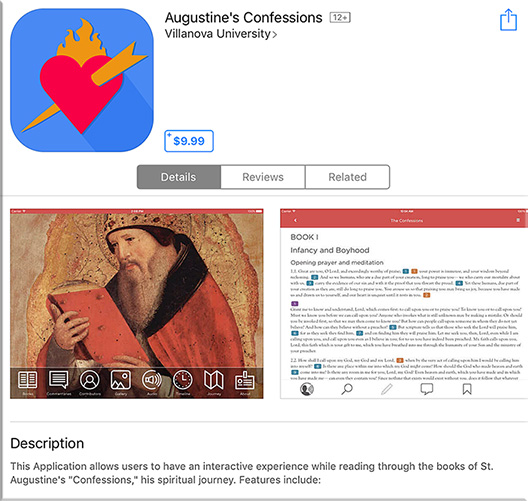
Interactive app brings 4th-century thinker to life — from campustechnology.com by Toni Fuhrman
At Villanova University, a student-developed app version of Augustine’s Confessions brings contemporary vitality and relevance to a classic 4th-century work.

Excerpt:

Augustine of Hippo, who lived from A.D. 354 to 430, might be surprised to find his Confessions in circulation today, including a number of e-book versions. Still widely read, popular in great books programs and studied in university classes, The Confessions of St. Augustine is autobiography and confession, spiritual quest and emotional journey.

One of the most recent electronic versions of the Confessions is an interactive app developed at Villanova University (PA), the nation’s only Augustinian Catholic University. Released three months ago on Augustine’s birthday (Nov. 13), the Confessions app is required for all freshmen as part of a “foundation” course. Available for both Apple and Android devices, the app includes the 13 books of the Confessions, authoritative commentaries, photo gallery, timeline, map and text-highlighted audio, as well as search, note-taking, annotation and bookmark options.


“What better way to reflect on and update this struggle than for today’s students to use technology to bring the text to life through visual, audio and analytical components?”


Confessions-Feb2016


From DSC:
Love the idea. Love the use of teams — including students — to produce this app!


Personal Response Systems and Student Engagement — from er.educause.edu by Stephanie Blackmon

Key Takeaways (the professor used Poll Everywhere)

  • A professor who wanted a mechanism for students to share their learning experiences, particularly a tool with the potential for anonymized feedback, implemented a mobile personal response system to accomplish that goal.
  • This article explains how the Poll Everywhere system helped the professor gauge students’ experiences in her course and consequently adjust aspects of the course based on students’ learning needs.
  • Practical uses for a mobile personal response system in a face-to-face course can spur further ideas for their effective use in synchronous and asynchronous online courses and other online environments.
…
Practical Online-Course Uses

Specific practical uses for a mobile personal response system in synchronous and asynchronous online courses can spur other ideas for their effective use. Some immediately practical uses include:
  • Poll students at the end of a lesson to assess student learning and adjust the remainder of the class time based on their responses (synchronous courses)
  • Use polls to quiz students on course material (synchronous and asynchronous courses)
  • Use polls for early course activities to get to know students and allow them to get to know each other (synchronous and asynchronous courses)
  • Imbed polls in course presentations to get just-in-time responses from students about course material during the presentation (synchronous courses)


From DSC:
A polling/student response system can be a solid tool in your toolbox, especially if you are teaching in an active learning environment.

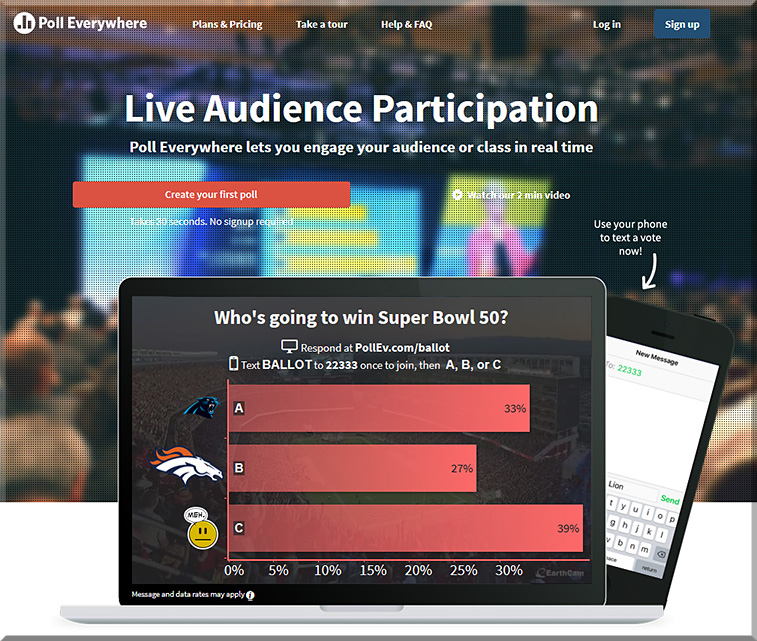
Stephanie Blackmon, in the article above, mentioned that she was using Poll Everywhere:


PollEverywhere-Feb2016


Professor Derek Bruff also uses Poll Everywhere and has some solid thoughts re: clickers out at his website:

DerekBruffDotCom-Feb2016


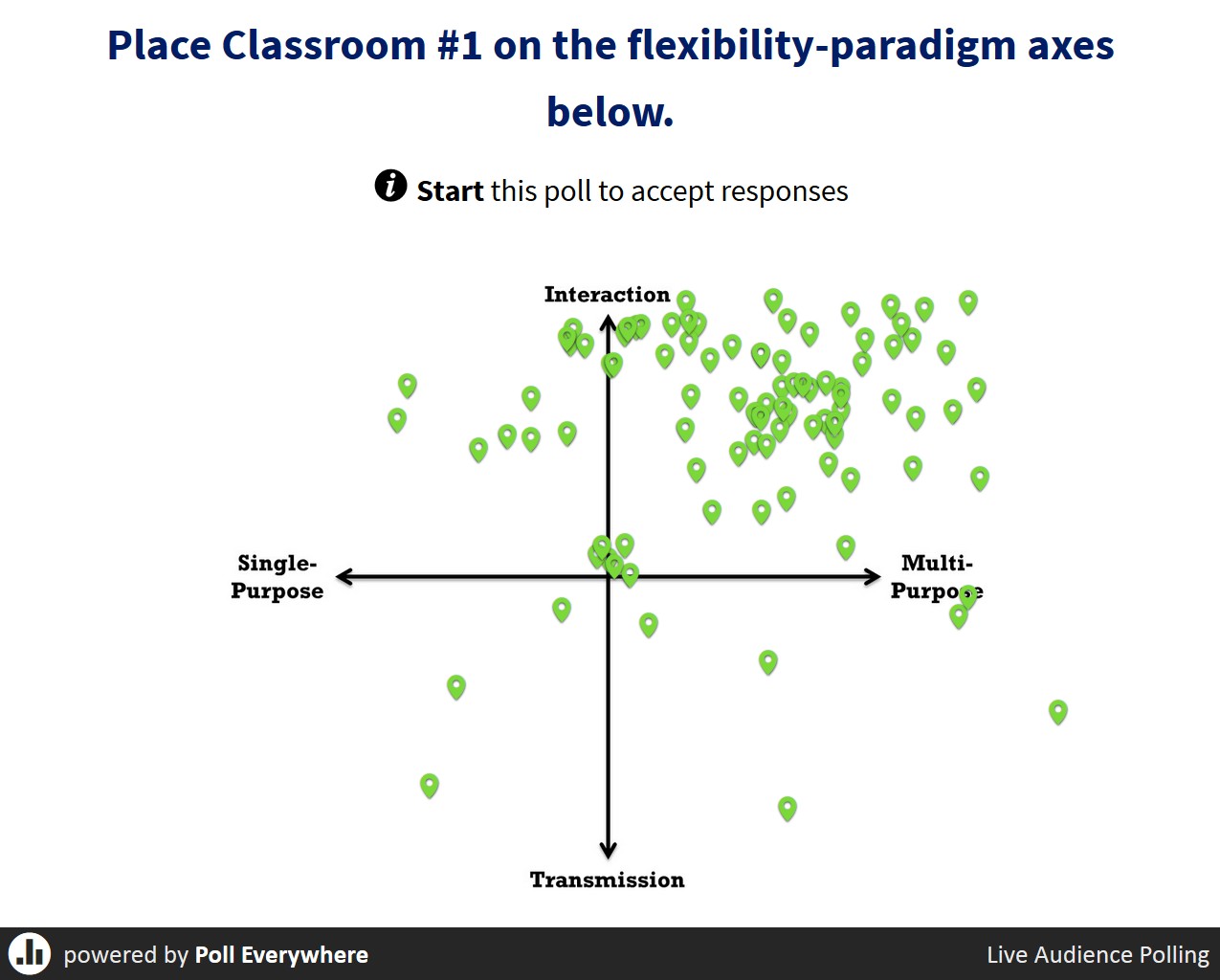
In fact, Derek was presenting last year at Vanderbilt University, during a Next Generation Learning Spaces Conference.  He effectively used Poll Everywhere’s clickable image question type in the session that I attended:


While not an exhaustive list, below are some other tools to consider in this space:


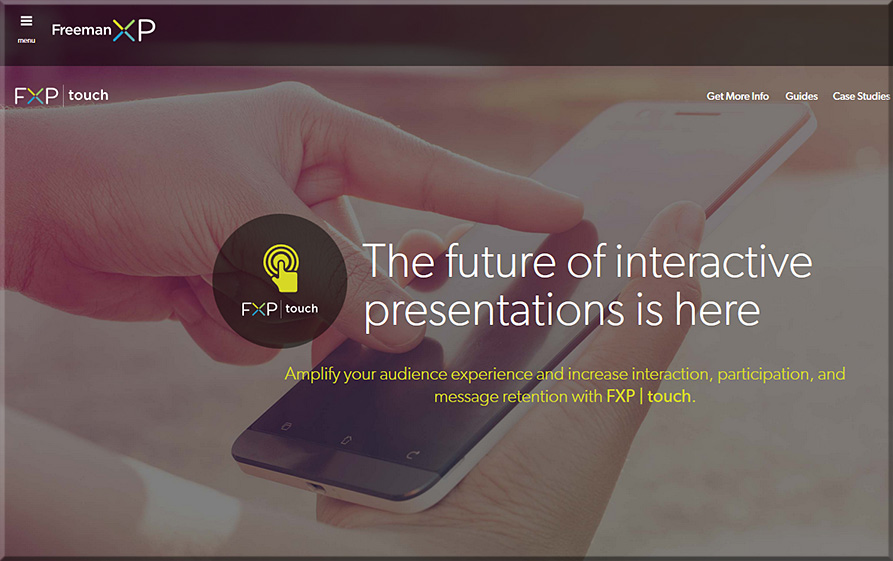
FreemanXP-Feb2016


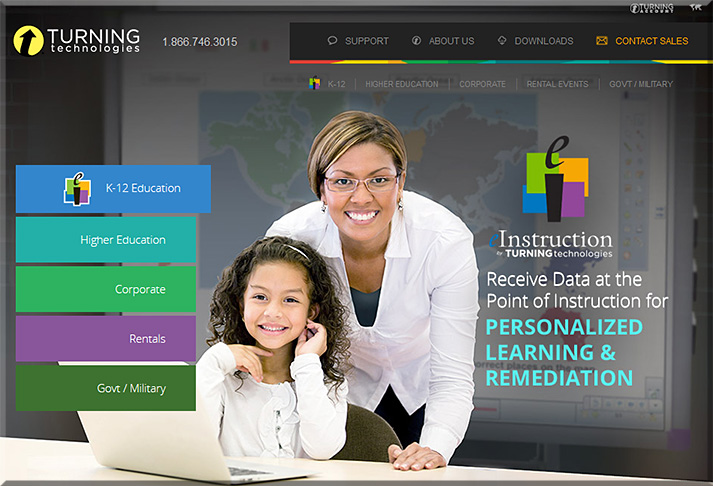
Turning Technologies

TurningTechnologies-feb2016


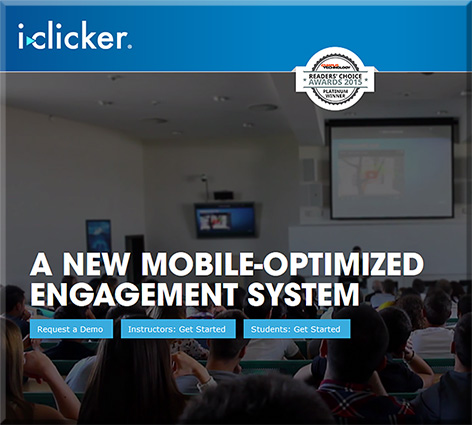
iclicker

iclicker-feb2016


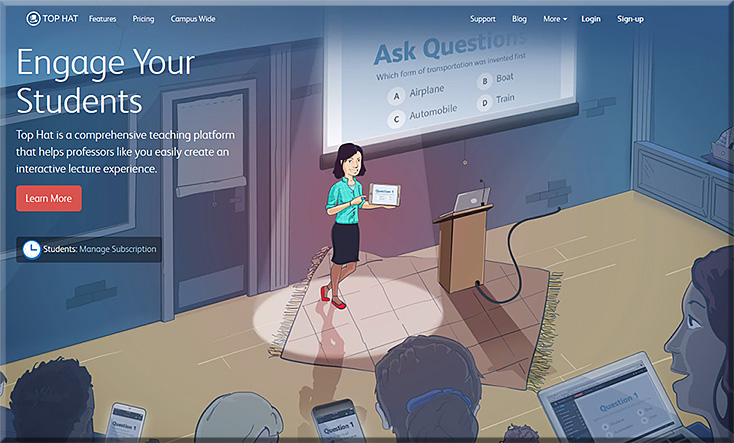
Top Hat

TopHat-Feb2016


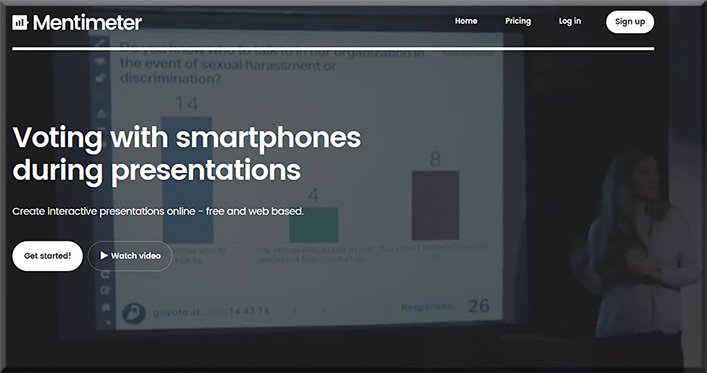
Mentimeter.com

Mentimeter-Feb2016


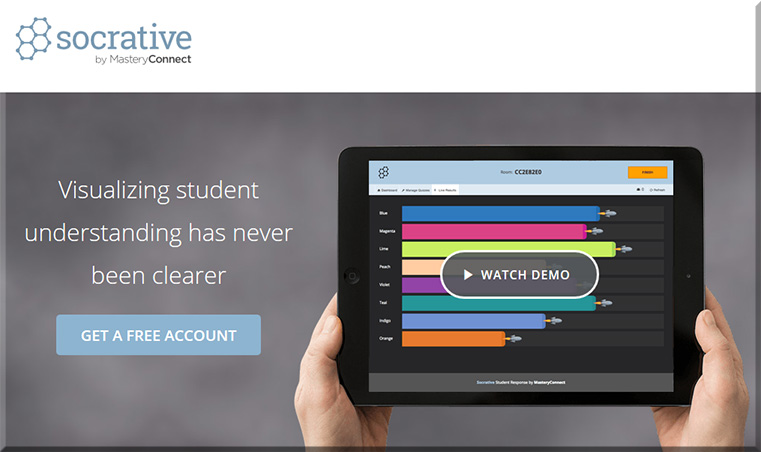
Socrative

Socrative-Feb2016


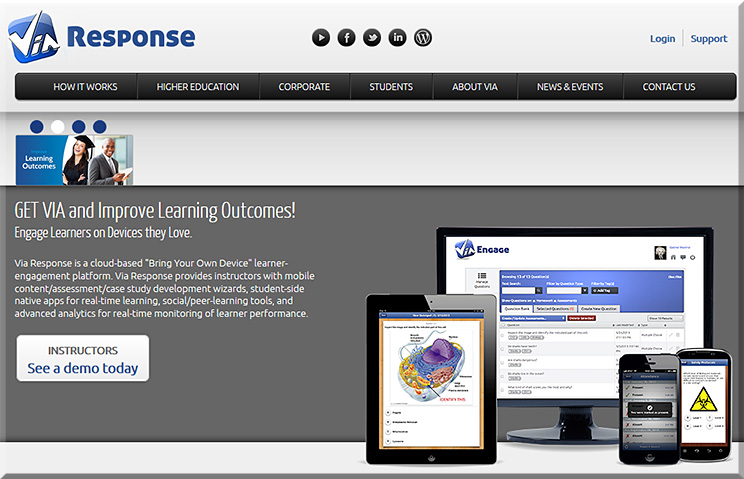
Via Response

ViaResponseFeb2016


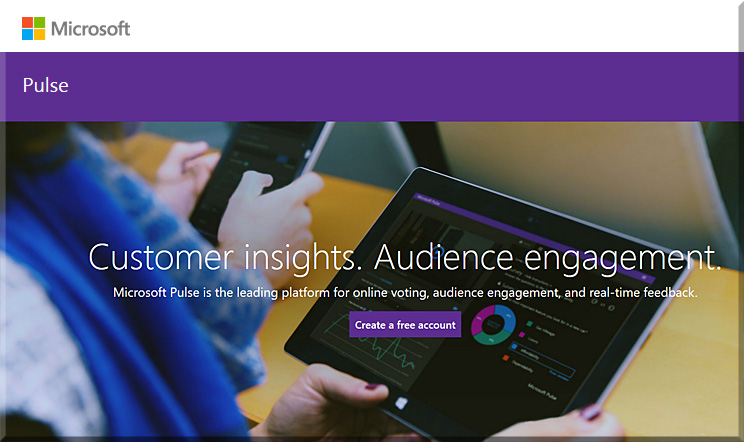
Microsoft Pulse

MicrosoftPulse-feb2016


Survey Monkey


From Campus Technology 2015 Readers’ Choice Awards (09/30/15):

Student Response Systems and Classroom Clickers
Faculty members want to know whether their students are paying attention in class, and student response systems provide a simple way to know whether that’s happening. i>clicker, grabbing first place, introduced REEF Polling in April 2015, a free app for instructors that can be set up in two minutes, according to the company, and can allow dynamic polling sessions with any presentation application without having to import content first. Students subscribe to a paid version of REEF Polling to use with their smart devices to answer questions and show the instructor whether lessons have stuck or not. Runner-up Turning Technologies sells software and response devices for polling in the classroom (TurningPoint) and remote locations (RemotePoll). Third-place finisher Poll Everywhere’s higher ed plan offers an app that’s free for up to 40 responses per poll.

Platinum: i>clicker

Gold: Turning Technologies

Silver: Poll Everywhere


Addendum on 2/9/16:

Excerpt (emphasis DSC):
Nelson said there are many ways of effectively utilizing the i>clicker in classes: to facilitate discussion; to test preexisting knowledge; to ask anonymous questions; or to quiz students on the material taught, where instructors can give points to correct answers or simply to student participation.


50 of the best teaching & learning apps for 2016 — from teachthought.com

Excerpt:

What are the best teaching and learning apps for 2016? That’s a good question this post looks to answer.

Every year, we put together a collection of what we believe are the best teaching and learning apps for that year. (Here, for example, is our 2015 version of the list below, where you will notice about half the apps are the same, and half have changed. That’s not bad for progress, is it?

This year, we were asked by the good folks at Easelly (the infographic and visual data platform) to create a collection of resources that while including their apps, would curate a lot of good stuff teachers would benefit from in 2016. Since we were preparing to release our TeachThought Editor’s Choice: 2016 Best Teaching and Learning Apps–and have used Easelly for years ourselves–we combined the two projects to give you something you can use to guide your #edtech integration this year.


6 ed tech tools to try in 2016 — from cultofpedagogy.com by Jennifer Gonzalez

Excerpt:

About a year ago, I published an e-book called the Teacher’s Guide to Tech. Over the last month, I have been updating it for 2016, adding over 30 new tools and refreshing the information I had about the original ones. I have to say, the 2015 version was excellent, but now it’s SO MUCH BETTER. (To take a peek at the guide, scroll to the bottom of this post.)

In the process, I discovered some tools that I absolutely fell in love with, and I wanted to share them with you here. Each of these tools can make your teaching more efficient and effective, and your students’ learning deeper and more engaging.

Let’s take a look.


6toolstotry-2016


Visit Shakespeare’s London at FIU’s new virtual reality facility — from cec.fiu.edu

Excerpt:

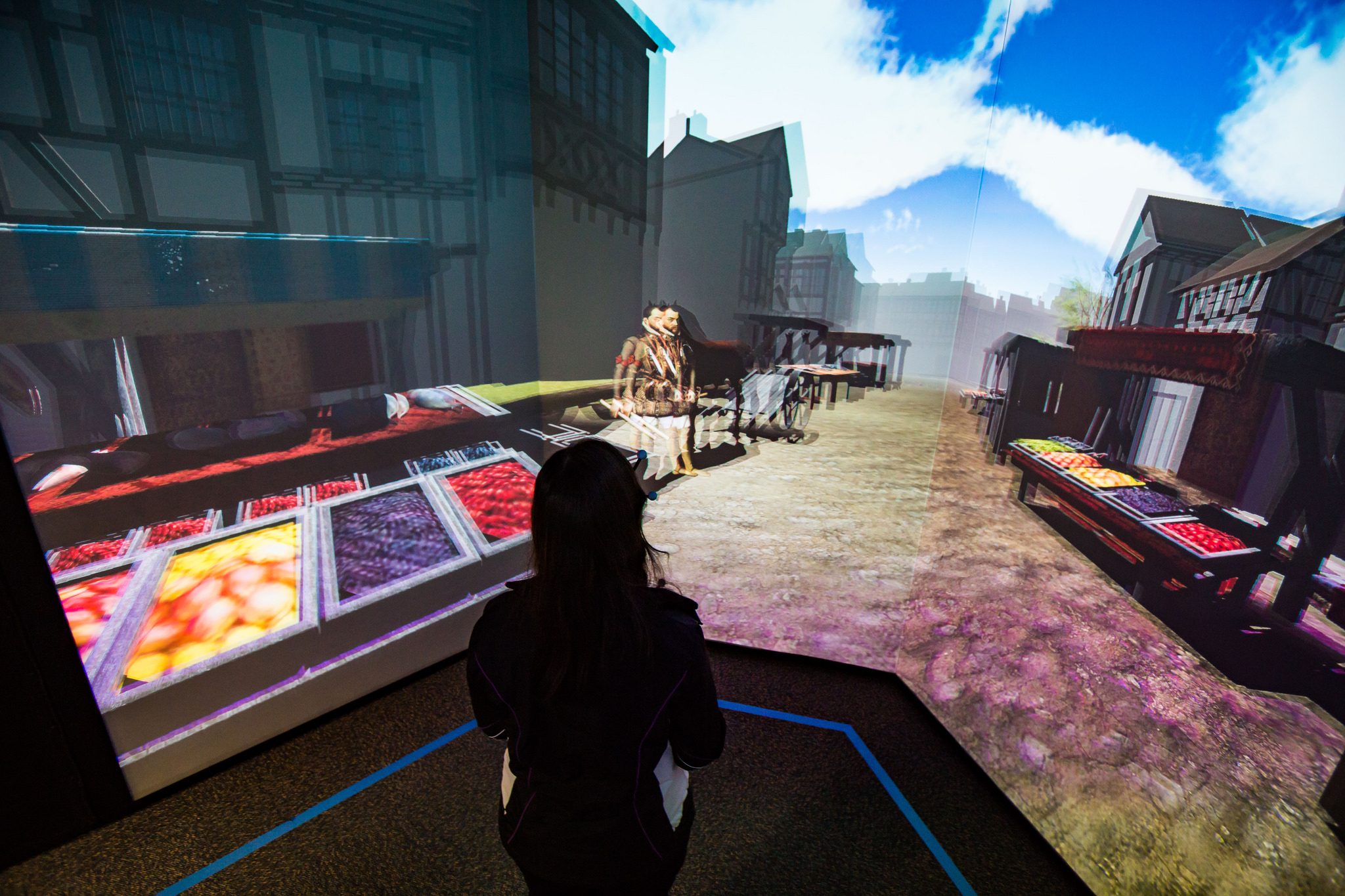
It’s 1598, and you’re on your way to the Globe Theater to watch one of Shakespeare’s plays. You walk along the dirt roads and the green fields of London and you realize you can see the London Bridge in the distance. A vagabond asks you for a coin, and you find the village houses and the town market bustling with customers. Once you arrive at the theater, you watch the first few minutes of the opening monologue of “Henry V.”

This is a virtual world created by a multidisciplinary team of FIU students – and you can immerse yourself in this time-travel journey starting Jan. 29 when the I-CAVE opens at Modesto A. Maidique Campus.

.


Google brings commenting to sheets and slides on mobile— from techcrunch.com by Frederic Lardinois

Excerpt:

Google announced [on 1/28/16] a couple of updates to the commenting features in its Google Apps productivity suite.

These include the launch of mobile commenting in the iOS and Android apps for Slides and Sheets. Thanks to this, the commenting experience in Google’s apps is now (almost) the same across all of its apps — whether on the web or on mobile. I’m not sure why Google didn’t already offer this before, but better late than never, right?


10 very good tools for student researchers — from educatorstechnology.com

Excerpt:

One of the onerous parts in essay and academic writing is the bibliography section. Managing, organizing and citing references can sometimes be a real challenge especially if you don’t keep track of what and who you cite. The last thing you  want after a strenuous writing task is a messy bibliography with one reference missing a page number, the other needs publication date or, worse of all, having to go back to your sources to check for the source of that quotation you included in your conclusion. If you find yourself constantly grappling with problems such as these, the web tools below are absolutely something you might need to consider. These are some of the best applications for organizing, managing, and publishing bibliographies, citations and references. Some of these softwares are integrated with Google Scholar.


Fresco News app brings crowdsourced journalism to Apple TV — from imore.com by Dan Thorp-Lancaster

Excerpt:

Fresco News, an app that crowdsources news footage by allowing citizen journalists to upload and share their photos videos of current events around the globe, has officially launched an Apple TV app. With the app, users can check out first-hand accounts of events around the world on the big screen through their Apple TV.


5 Apple TV fitness apps to get in shape on a budget — from macworld.com by Caitlin McGarry
There are tons of streaming TV apps, but I’m on the hunt for a streaming workout app that won’t cost a fortune.

Excerpt:

The fourth-generation Apple TV now has more than 3,600 tvOS apps, Apple revealed in its first-quarter earnings call Tuesday. Most of those are games or streaming video apps, and there are tons of great options in both categories. When it comes to fitness, which seems to me a natural fit for the TV, the selection is sparse. But still, I was sure at least one Apple TV app would have what I was looking for: a cheap way to stay in shape. But it wasn’t that easy.


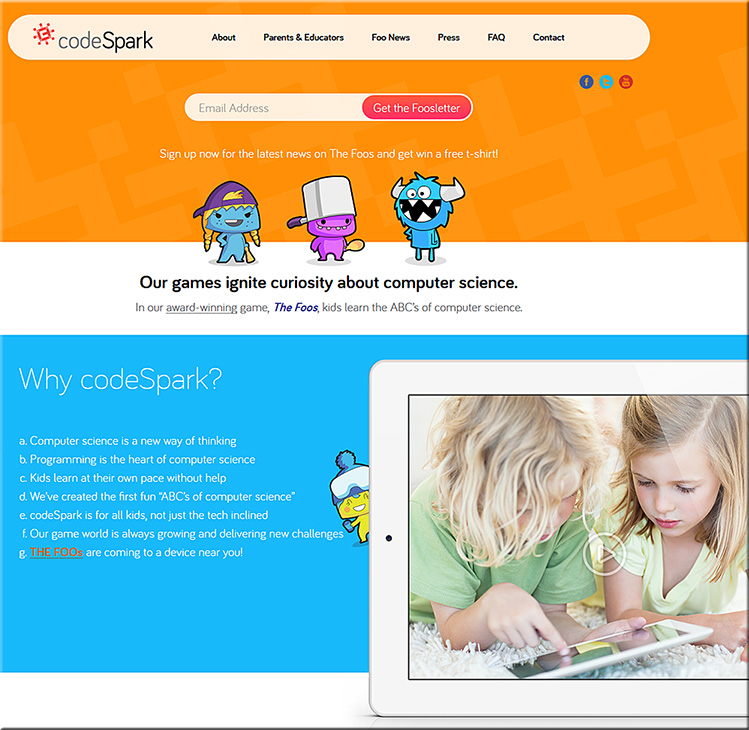
Codespark.org


codespark-jan2016


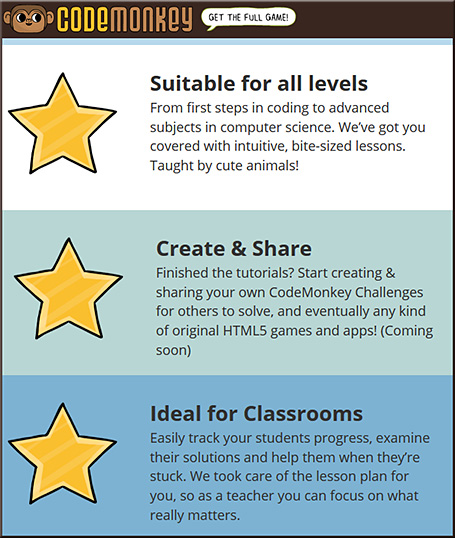
Codemonkey

codemonkey-jan2016


Best iPhone 6 and 6s tripods for stablizing and mounting — from imore.com by Brent Zaniewski
A dependable tripod can enhance your iPhone photography skills and help you get an otherwise impossible shot.


Livestream unveils new device for affordable multi-camera productions — from bizbash.com by Mitra Sorrells
The tiny Movi camera links with an iOS app for real-time recording, editing, and streaming from events.

Excerpt:

Planners interested in creating multi-camera video productions at their events will soon have a new, inexpensive option. Livestream, the company behind live online events for brands such as Tesla, Salesforce.com, the N.B.A., and more, has created a 2.5-inch device that lets users record and edit in real time between nine virtual high-definition cameras. Movi is available for preorder for delivery in April, currently at a price of $299.


This lens can widen your view into a classroom for only $10 — from blog.edthena.com


How Five EdTech Start-Ups Are Using Big Data To Boost Business Education — from by Seb Murray
MOOC platforms explore analytics with b-school partners

Excerpt:

Education tech companies including Coursera, edX, Udacity and their b-school and university partners are delving deeper into big data analytics to improve teaching and student learning.

Simon Nelson, CEO of online learning company FutureLearn, says: “The potential is incredible — and we are just scratching the surface.”

A report to be published in January by the UK’s Higher Education Commission (HEC) envisages that big data will help identify risk of failure; give students instant feedback; and benchmark their performance against peers.

Addendum on 2/1/16:

Addendum on 2/2/16:


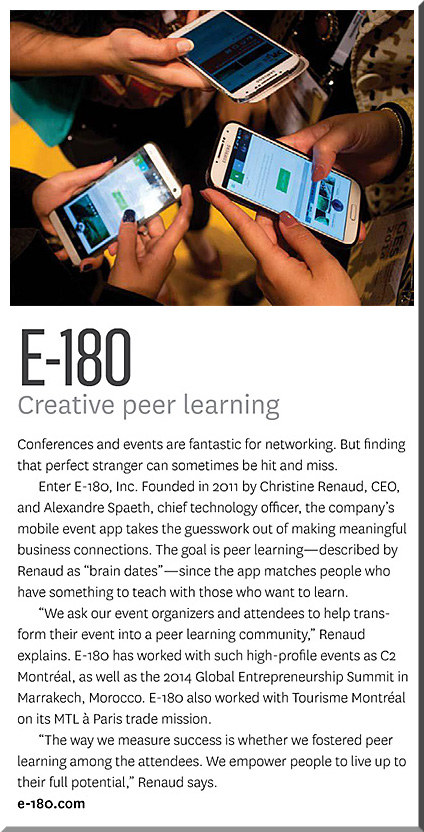
e-180-creative-peer-learning-jan2016


e-180-creative-peer-learning2-jan2016


From their website:

For Events & Conferences
Much more than a conference app, E-180 works with your team to transform your event into a peer-learning community, using both our matchmaking technology and the onsite presence of our professional matchmakers. Nothing is left to chance, ensuring that your attendees meet and share knowledge with the right people.


From DSC:
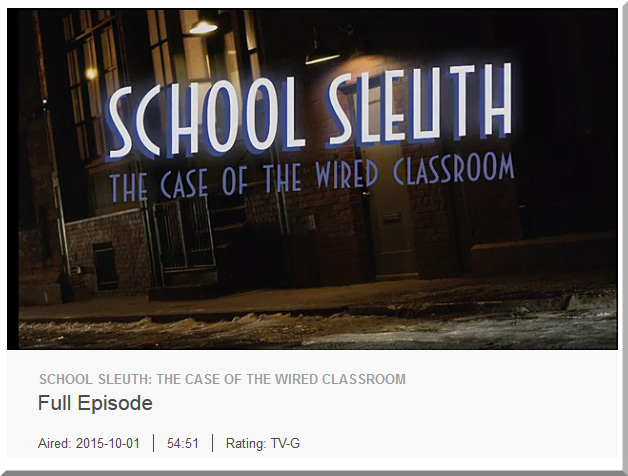
If you can clear up just short of an hour of your time, this piece from PBS entitled, “School Sleuth: The Case of the Wired Classroom” is very well done and worth your time.  It’s creative and objective; it offers us some solid research, some stories, and some examples of the positives and negatives of technology in the classroom. It weaves different modes of learning into the discussion — including blended learning, online learning, personalized learning and more. Though it aired back in October of 2015, I just found out about it.

Check it out if you can!


SchoolSleuth-WiredClassroom-Oct2015


Also see:

  • Schools push personalized learning to new heights — from edweek.org
    Excerpt:
    For most schools, reaching the next level of digitally driven, personalized learning is far from reality. Still, some schools are extending their digital reach in significant and sometimes groundbreaking ways, as the stories in this special report illustrate. They are making moves to integrate a variety of technologies to track how students learn and to use the resulting data to expand the use of hands-on, project-based learning. The goal is to build never-ending feedback loops that ultimately inform the development of curriculum and assessment. Plus, big data and analytics are gradually making their marks in K-12 education. This special report outlines the progress schools are making to use digital tools to personalize learning, but also raises the question: Are they reaching far enough?
    .
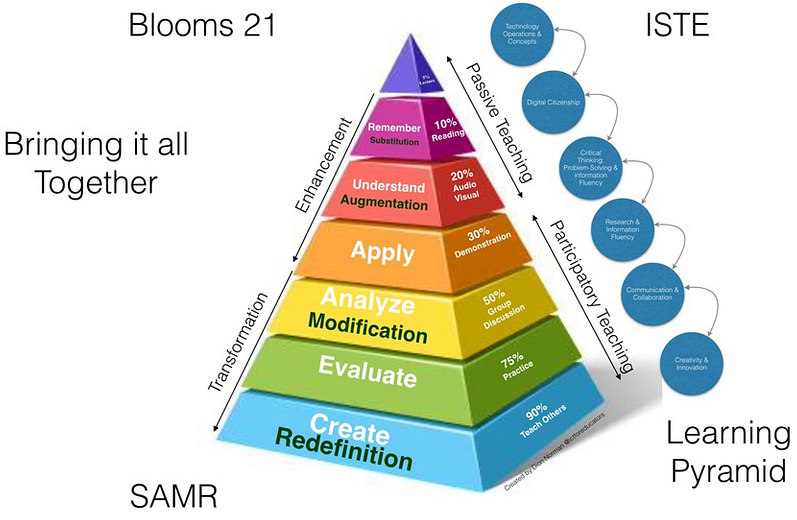
  • A Pedagogical Model for the use of iPads for Learning — from higheru.org


pedagogicalmodeliPads-dec2015


Microlearning: The e-Learning method taking off around the world — from educators.co.nz by Catherine Knowles

Excerpt:

Technology is disrupting traditional learning bringing new methods and tools into educational institutions and businesses.

Microlearning, for instance, has displayed great potential for growth, according to Association Learning + Technology 2016 – a report published by Tagoras and sponsored by YM Learning.

The report looks at the use of technology to enable and enhance learning in the continuing education and professional development market and provides insight into how the role technology plays in learning has and will evolve.


In fact, among five emerging types of learning (microlearning, massive open online courses (MOOCs), flipped classes, gamified learning, and microcredentials), microlearning shows the highest rate of adoption – and arguably the greatest potential for growth.


Podcasting is perfect for people with big ideas. Here’s how to do it — from by Todd Landman
Surprisingly few academics have learned how to podcast – but it’s a great way to reach a wider audience

Excerpt:

In the face of conflict in the Middle East, the flow of refugees to Europe and the violence associated with Islamic State and other militants, there has never been a more important time to talk about human rights. And talk about them is what I do – not in a lecture hall or at conferences with academics, but in a podcast series. Let me explain why.

I have worked as a political scientist for 25 years, focusing on human rights problems such as the struggle for citizenship rights in Latin America and the relationship between inequality and human rights violations.

I am part of a wide network of people dedicated to producing sound evidence on human rights, and my work has been communicated through articles, books and reports. But I am limited in my ability to reach the people I would most like to engage and influence – those who do not have an academic understanding of human rights but might benefit from finding out about it.

There is a new breed of academic who understands this and is committed to bridging the gap between academia and the real world. Many blog, actively seek media coverage of their research and appear on radio and television to shed light on the issues of the day.


From DSC:
Some of the tools that Landman mentioned were:

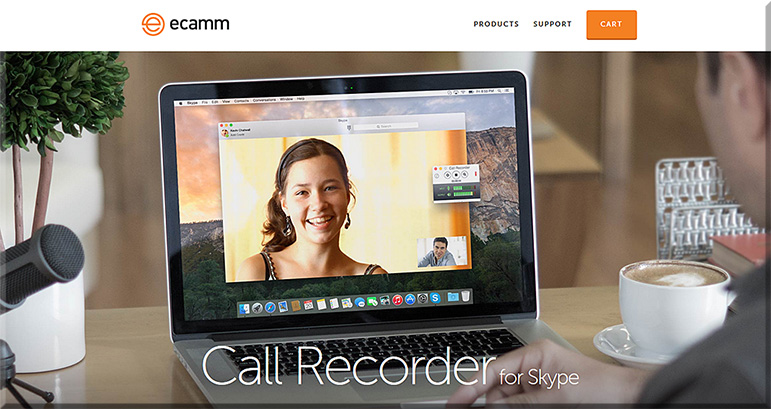
e-camm-for-skype-jan2016

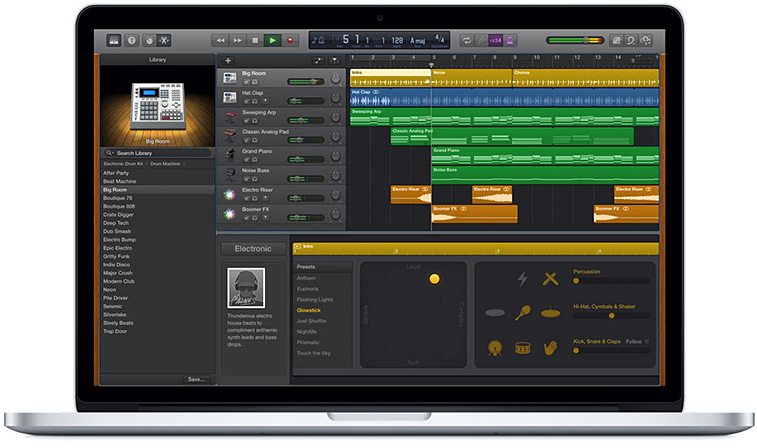
  • A MacBook Pro and its free audio editing software GarageBand (for Mac OS X and for iOS)
  • A lapel mic used with his iPhone


garageband-jan2016


Some other tools to consider:


From DSC:
The above articles point to the idea — and the need — of creating “streams of content” — something that I wish more professors, teachers, staff, administrators, trainers, and instructional designers would create. Blogs, podcasts, and the use of Twitter come to my mind. Such channels could really help build others’ learning ecosystems.

Many professors and academics — folks who have so much information to share with the world — often produce works just for other academics in their discipline to review/check out. Such bubbles don’t have the impact that would occur if professors created streams of content for members of society to check out and learn from. Such mechanisms would also hopefully strip away some of the more academic sounding language and would get to the point.


streams-of-content-blue-overlay


Also see:

podcastscratch-june2015


Flipping Feedback: Screencasting feedback on student essays — from facultyfocus.com by Ron Martinez

Excerpt (emphasis):

But, I thought, what if students could actually watch and hear me in a video as I go over their papers? If possible (which it is), that would approximate the kind of feedback experience I aimed to offer students without constraining it to a particular time or location.

Screencasting (recording and narrating actions performed by the instructor on a computer screen) did that and much more for me and my students. Below I describe the process and the resulting benefits.


From DSC:
Though Ron mentioned that he selected Screencast-O-Matic on his PC (and he also mentioned Quicktime), I wanted to offer up a couple of other possibilities:


The tech that will change your life in 2016 — from wsj.com by Geoffrey A. Fowler and Joanna Stern
Gadgets, breakthroughs and ideas we think will define the state of the art in the year ahead

Excerpts:

  • Virtual Reality Gets Real
  • Wiser Messaging Apps
  • Safer, Smarter Drones
  • Happy New USB Port! (USB Type-C port)
  • Voice-Operated Everything
  • Chinese Phones Hit the U.S.
  • Cameras That See More
  • Streaming Channels Galore
  • Wireless Charging Everywhere
  • Independent Wearables
  • Cutting the Headphone Cord
  • A Useful Internet of Things


Technology trends 2016 — from thefuturesagency.com by Rudy de Waele

Excerpt:

It’s this time of the year again for everyone in the business to release their yearly predictions. In order to save you some time, we collected all the most important and relevant trends – from the sources that matter, in one post.

The trends have been collected by The Futures Agency partner, speaker and content curator, Rudy de Waele, and were originally published on the shift 2020 Brain Food blog and newsletter.


CES 2016: Smart homes, smart cars, virtual reality — from cnbc.com by Harriet Taylor

Excerpt:

Nevertheless, there are still some distinct themes this year: Products that highlight the so-called Internet of Things (IoT), the connected home, autos and virtual reality will all have a big presence.


From smart to intelligent: 2016 AV trends — from avnetwork.com by Jonathan Owens

Excerpts:

  • Sensors
  • Bring Your Own Identity
  • UCC Bridging and True Collaboration


Cloud, virtual reality among top tech trends for 2016 — from news.investors.com by Patrick Seitz

Excerpts:

  • Cloud computing
  • Voice user interfaces
  • Virtual reality
  • Autonomous Vehicles
  • Over-The-Top TV


Virtual reality, robot companions and wraparound smartphones: Top 5 tech trends due in 2016 — from scmp.com by Jack Liu


The headset cometh: A virtual reality content primer — from gigaom.com by Megan Logan

Excerpt:

When we talk about VR, we tend to talk in broad strokes. “Experiences,” we call them, as if that term is somehow covers and conveys the depth and disparity that exists between gaming, watching, and interacting with VR content. The reality of virtual reality, however, is not so easily categorized or described.

VR content is the big blanket term that clumsily and imprecisely covers large and vastly divergent portions of the content market as it stands. VR games, immersive video, and virtual cinema all fall under “VR content”, but they’re fundamentally different experiences, possibly appealing to very different portions of a potential mainstream VR market.


6 ways work will change in 2016 — from fastcompany.com by Jared Lindzon
Workplace trends for 2016 will be set in large part by what’s happening in the freelance world right now.

Excerpt:

Most major workplace trends don’t evolve overnight, and if you know where to look, you can already witness their approach.

Many of the trends that will come into focus in 2016 already exist today, but their significance is expected to grow and become mainstream in the year to come.

While such trends used to be set by the world’s largest companies, today many are championed by the smallest. Freelancers and independent employees need to stay ahead of future needs to ensure they are up to date with the most in-demand skills. Therefore, activity in the freelance market often serves as an early indication of the growing needs of traditional businesses.

At the same time, large organizations today are under greater threat of disruption, requiring early adoption and a heightened awareness of the surrounding business environment.

Here are some of the workplace trends that are expected to have far-reaching effects in 2016, from the boardrooms of Fortune 500 companies to the home offices, cafes, and coworking spaces of the freelance economy.


7 top tech trends impacting innovators in 2016 — from innovationexcellence.com by Chuck Brooks

Excerpts:

  1. The Internet of Things
  2. Data Science & Digital Transformation
  3. Artificial Intelligence (AI) and Augmented Reality technologies
  4. Quantum and Super Computing
  5. Smart Cities
  6. 3-D Printing
  7. Cybersecurity


Related:


Addendum on 1/13/16:


From DSC:
Listed below are some potential tools/solutions regarding bringing in remote students and/or employees into face-to-face settings.

First of all, why pursue this idea/approach at all?

Because schools, colleges, universities, and businesses are already going through the efforts — and devoting the resources — to putting courses together and offering the courses in face-to-face settings.  So why not create new and additional revenue streams to the organization while also spreading the sphere of influence of the teachers, faculty members, trainers, and/or the experts?

The following tools offer some examples of the growing capabilities of doing so. These types of tools take some of the things that are already happening in active learning-based classrooms and opening up the learning to remote learners as well.

Eventually this will all be possible from your living room, using morphed
versions of today’s Smart/Connected “TVs”, VR-based devices, and the like.

————————

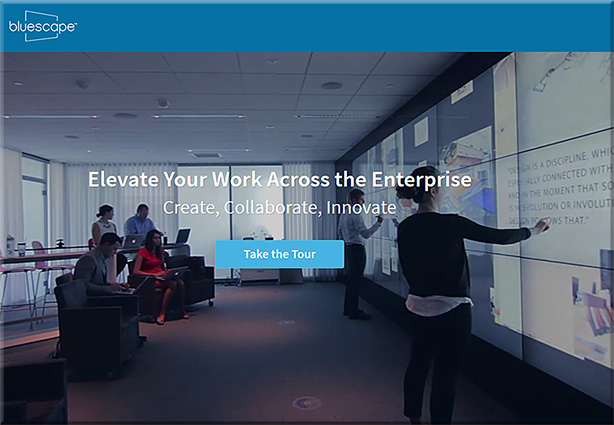
Bluescape

Excerpts from their website:

  • Each Bluescape workspace is larger than 145 football fields, a scale that allows teams to capture and build upon every aspect of a project.
  • A single Bluescape workspace enables unlimited users to work and collaborate in real time.
  • Edits to your Bluescape session happen instantly, so geographically distributed teams can collaborate in real time.
  • Write or type on multi-colored notecards that you can easily move and resize. Perfect for organizing and planning projects.
  • Ideate and quickly iterate by writing and drawing in a full range of colors and line thicknesses. Works with iOS devices and Bluescape multi-touch displays.
  • Add pictures and write on the workspace via the iOS App for iPads.
  • Securely access your Bluescape workspaces with a web browser, our iOS app, or our multi-touch displays.
  • Easily share what’s on your computer screen with other people.
  • Bluescape creates persistent online workspaces that you can access at any time that works for you.
  • Work with any popular website like Google, YouTube or CNN in your workspace.
  • Drag and drop files like JPEGs and PNGs into your Bluescape workspace for inspiration, analysis, and valuation.
  • Share your screen instantly during online or in-person meetings.
  • Use the same touch gestures as you do on smart phones, even handwriting on your iPad.


BlueScape-2016

BlueScape-2016-screens


Mezzanine, from Oblong


Mezzanine-By-Oblong-Jan2016


ThinkHub Demo: MultiSite Collaboration


Then there are tools that are not quite as robust as the above tools, but can also bring in remote learners into classroom settings:


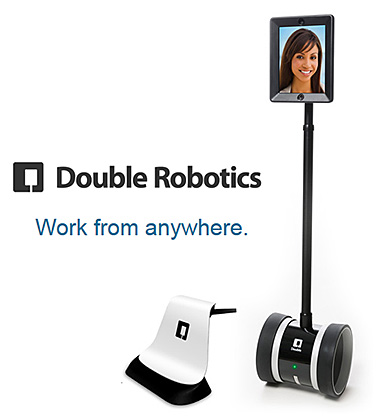
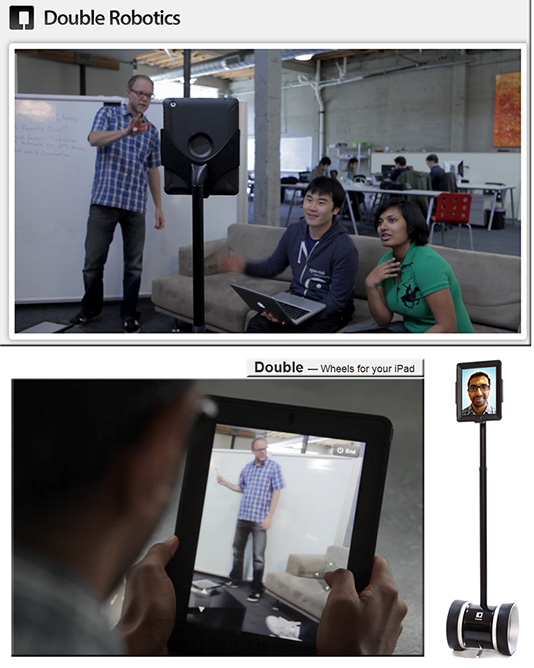
Double Robotics Telepresence Robot

DoubleRobotics-Feb2014


doublerobotics dot com -- wheels for your iPad


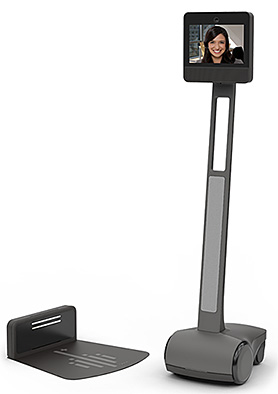
Beam+

Beam-Plus=-2016


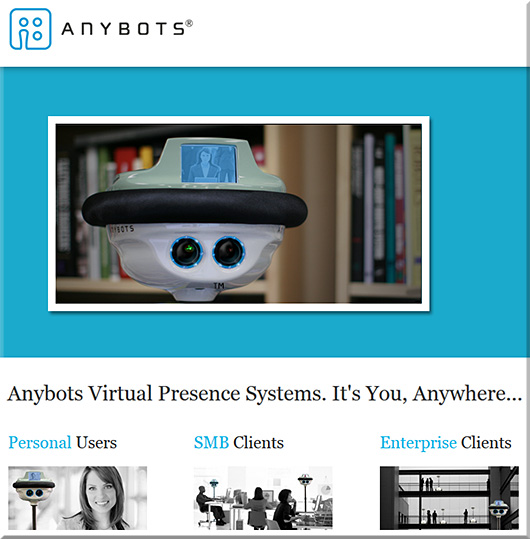
Anybots

Anybots-2016


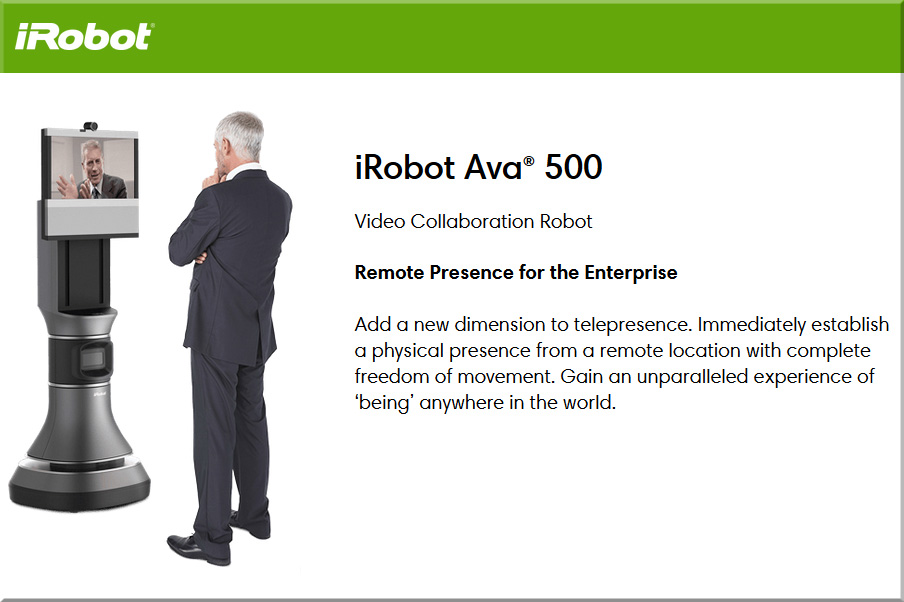
iRobot


irobot-jan2016


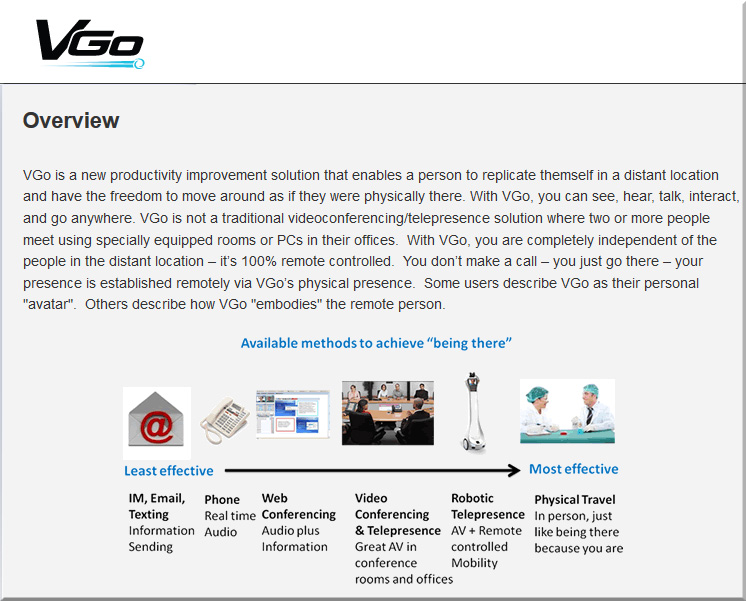
Vgo

vgo-jan2016


…and there are other telepresence robots out there as well.


Some other somewhat related tools/solutions include:

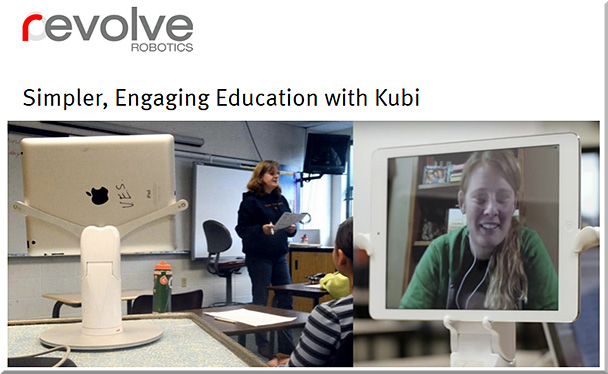
Kubi


kubi-Jan2016


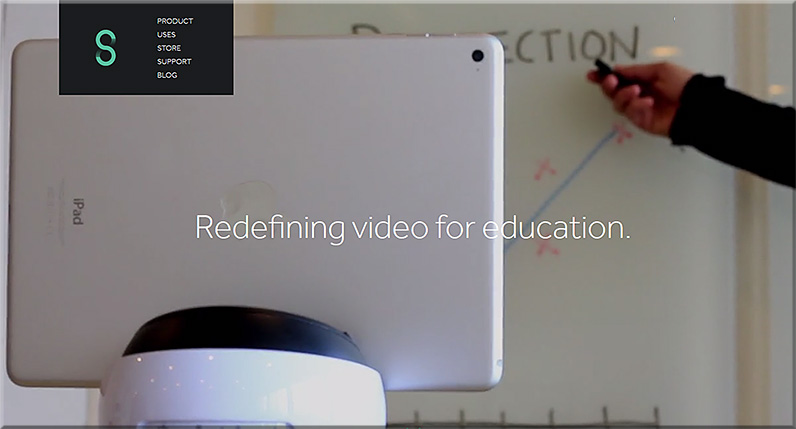
Swivl

Swivl-2016


Vaddio RoboSHOT PTZ cameras

The RoboSHOT 12 is for small to medium sized conference rooms. This model features a 12X optical zoom and a 73° wide angle horizontal field of view, which provides support for applications including UCC applications, videoconferencing, distance learning, lecture capture, telepresence and more.

The RoboSHOT 30 camera performs well in medium to large rooms. It features a 30X optical zoom with a 2.3° tele end to 65° wide end horizontal field of view and provides support for applications including House of Worship productions, large auditorium A/V systems, large distance learning classrooms, live event theatres with IMAG systems, large lecture theatres with lecture capture and more.


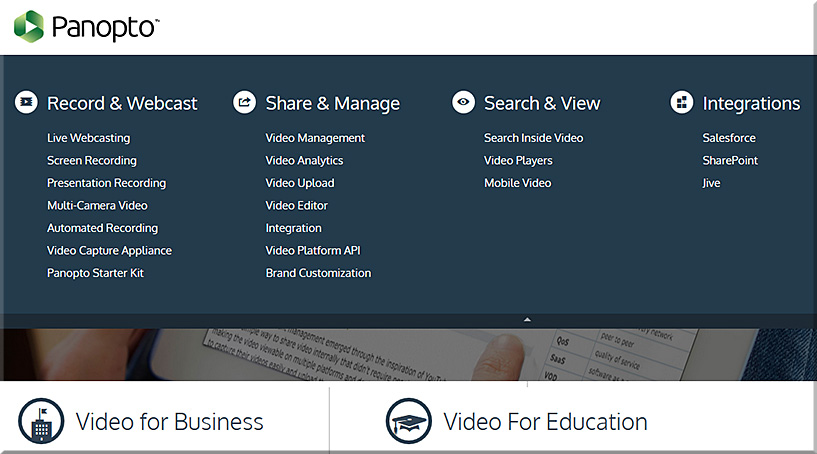
Panopto


Panopto-Jan2016


6 top iPad collaboration apps to bring remote teams closer together — from ipad.appstorm.net by Nick Mead


© 2025 | Daniel Christian