safeshare.tv
A safe way to watch and share YouTube and Vimeo videos.
From Apple:
These are Apple’s big announcements from WWDC 2016 — from imore.com by Joseph Keller
Excerpt:
Apple made several interesting announcements today during its WWDC 2016 keynote. Here are the major announcements from the event.
Highlights from Apple’s WWDC 2016 Keynote — from fastcompany.com
From Messages to Music, and Siri to Apple Pay on the web, here are the most important announcements from Apple’s event today.
Apple launches Swift Playgrounds for iPad to teach kids to code — from techcrunch.com by Frederic Lardinois
Excerpt:
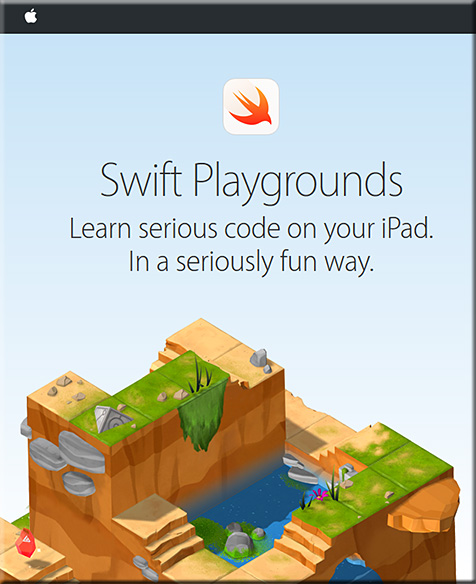
Apple today announced Swift Playgrounds for the iPad, a new project that aims to teach kids to code in Swift.
When you first open it, Swift Playground presents you with a number of basic coding lessons, as well as challenges. The interface looks somewhat akin to Codecademy, but it’s far more graphical and playful, which makes sense, given that the target audience is kids. Most of the projects seem to involve games and fun little animations to keep kids motivated.
To make coding on the iPad a bit easier, Apple is using a special keyboard with a number of shortcuts and other features that will make it easier to enter code.
Also see:
What’s new in iOS 10: Siri and Maps open to developers, machine learning and more — from arc.applause.com
Excerpts:
The biggest news for Siri from the WWDC keynote: Apple’s assistant is now open to third party developers.
…
Apple is now opening Siri to all of those potential interactions for developers through SiriKit. Siri will be able to access messaging, photos, search, ride booking through Uber or Lyft etc., payments, health and fitness and so forth. Siri will also be incorporated into Apple CarPlay apps to make it easier to interact with the assistant while driving.
Photos is getting a machine learning boost and automatic ‘Memories’ albums — from imore.com by Dan Thorp-Lancaster
Excerpt:
Speaking at WWDC 2016, Apple announced that it is bringing the power of machine learning to the Photos app in iOS 10. With machine learning, the Photos app will include object and scene recognition thanks to what Apple calls “Advanced Computer Vision.” For example, the app will be able to automatically pick out specific animal, features and more. Facial recognition is also available, all done locally on the iPhone with automatic people albums.
Home is a new way to control all of your HomeKit-enabled accessories — from imore.com by Jared DiPane
Excerpt:
Apple has announced its newest and easiest way to control any and all HomeKit accessories that you may have in your house: Home. With Home, you’ll be able to control all of your accessories, including Air Conditioners, cameras, door locks and other new categories. 3D Touch will be able to give you deeper controls at just a press, and notifications from these will also have 3D Touch functionality as well.
Here’s what Apple is bringing to the Apple TV — from fastcompany.com
tvOS is taking a step forward with updates to Siri, and new features such as single sign on, dark mode, and more.
Excerpt:
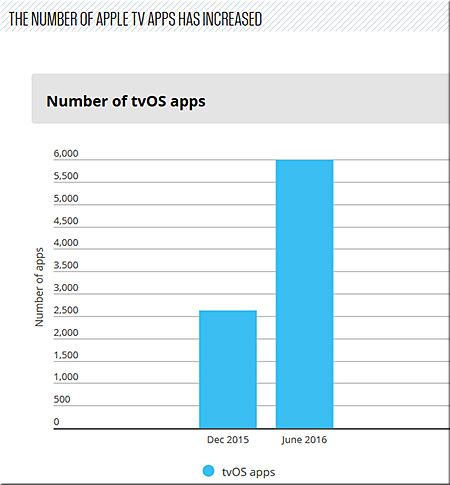
Less than nine months after the first version of tvOS, there are now over 6,000 native apps for the Apple TV. Of those apps, 1,300 are for streaming video. Popular over-the-top Internet television service Sling TV arrives on the Apple TV today. Live Fox Sports Go streaming will come this summer. Speaking of apps: Apple is introducing a new Apple TV Remote app for iOS that allows people to navigate tvOS using Siri from their iPhone and iPad.
…
Download apps on iPhone and get them on Apple TV
Now when you download an app on your iPad or iPhone, if there is an Apple TV version of the app, it will download to your Apple TV automatically.
tvOS 10 FAQ: Everything you need to know! — from imore.com by Lory Gil Mo
Apple iOS 10 “Memories” turns old photos into editable mini-movies — from techcrunch.com by Josh Constine
Using local, on-device facial recognition and AI detection of what’s in your images, it can combine photos and videos into themed mini-movies complete with transitions and a soundtrack.
Apple announces iOS 10 — from techcrunch.com
Apple launches iMessage Apps so third-party devs can join your convos — from techcrunch.com by Jordan Crook
Don’t brick your iPhone, iPad, Mac, or Apple Watch by installing developer betas — from imore.com by Serenity Caldwell
Excerpt:
As a reminder: You shouldn’t install developer betas on your primary devices if you want them to work.
This is our yearly reminder, folks: Unless you’re a developer with a secondary iPhone or Mac, we strongly, strongly urge you to consider not installing developer betas on your devices.
It’s not because we don’t want you to have fun: iOS 10, watchOS, tvOS, and macOS have some phenomenal features coming this Fall. But they’re beta seeds for a reason: These features are not fully baked, may crash at will, and probably will slow down or crash your third-party applications.
You already have the ultimate Apple TV remote, and it’s in your pocket — from techradar.com by Jon Porter
Apple quietly outs ‘next-generation’ file system destined for full product lineup — from imore.com by Dan Thorp-Lancaster
watchOS 3 FAQ: Everything you need to know — from imore.com by Mikah Sargent
Addendum on 6/15/16:
From Microsoft and LinkedIn:
Microsoft and LinkedIn: Together changing the way the world works — from blog.linkedin.com
Excerpt:
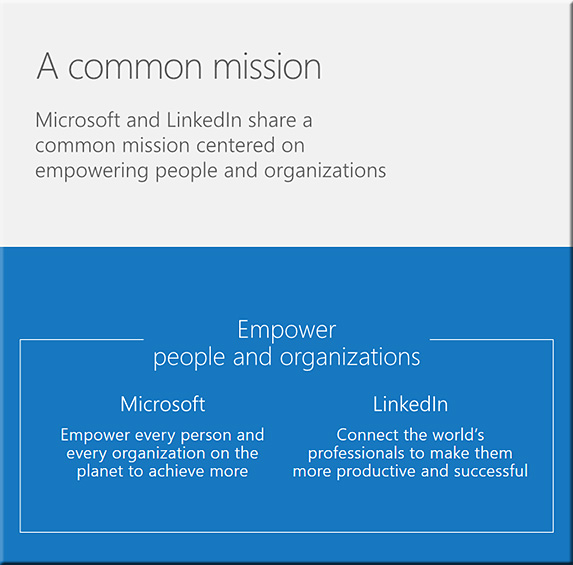
Today [6/13/16] we are excited to share that LinkedIn has entered into an agreement to be acquired by Microsoft. We are joining forces with Microsoft to realize a common mission to empower people and organizations. LinkedIn’s vision – to create economic opportunity for every member of the global workforce – is not changing and our members still come first.
Our companies are the world’s leading professional cloud and network. This deal will allow us to keep growing, investing in and innovating on LinkedIn to drive value for our members and our customers. Our members will continue to develop their skills, find a job and be great at that job, using our platform. We will continue to help our customers hire top talent, market their brand, and sell to their customers.
From DSC:
It’s interesting to reflect upon what this acquisition could mean and what it could bring to the workplace/career development table.
LinkedIn.com purchased/acquired Lynda.com (announced in April 2015), a growing/thriving (online-based learning) training and development company who can deliver lifelong learning and credentials to people…which continues to help people reinvent themselves.
LinkedIn.com is working on an economic graph, a digital mapping of the global economy…building a database/marketplace of job openings and people who can fill those jobs.
What is the Economic Graph?
The Economic Graph is, in short, a digital mapping of the global economy. It will include a profile for every one of the 3 billion members of the global workforce, enabling them to represent their professional identity and subsequently find and realize their most valuable opportunities. It will include a profile for every company in the world, who you know at those companies up to three degrees to help you get your foot in the door, and the product and services those companies offer to enable you to be more productive and successful. It will digitally represent every economic opportunity offered by those companies, full-time, temporary and volunteer, and every skill required to obtain those opportunities. It will include a digital presence for every higher education organization in the world that can help members obtain those skills. And it will overlay the professionally relevant knowledge of every one of those individuals, companies, and universities to the extent that they want to publicly share it. Learn more about the Economic Graph and join the discussion.
Now Microsoft is purchasing/acquiring LinkedIn.com and the data/endeavors/technologies/platforms LinkedIn.com has been working on.
(Add to that the fact that Microsoft has been working on artificial intelligence (AI), personal assistants (i.e., Cortana). It has been working on other forms of HCI as well, such as HoloLens.)
Therefore, some questions come to my mind:
Hmmmm….time will tell.
Addendums later on 6/13/16
Excerpt from this article:
Nadella explained it in a sentence to Business Insider’s Matt Rosoff Monday morning.
He said that buy buying LinkedIn’s professional network:
“It helps us differentiate our CRM product with social selling. It helps us take Dynamics into new spaces like human capital management with recruiting, and learning, and talent management.”
He later told analysts that connecting LinkedIn data with Dynamics [Microsoft’s suite of business management software] is “where the magic starts to happen.”

Excerpt from this article:
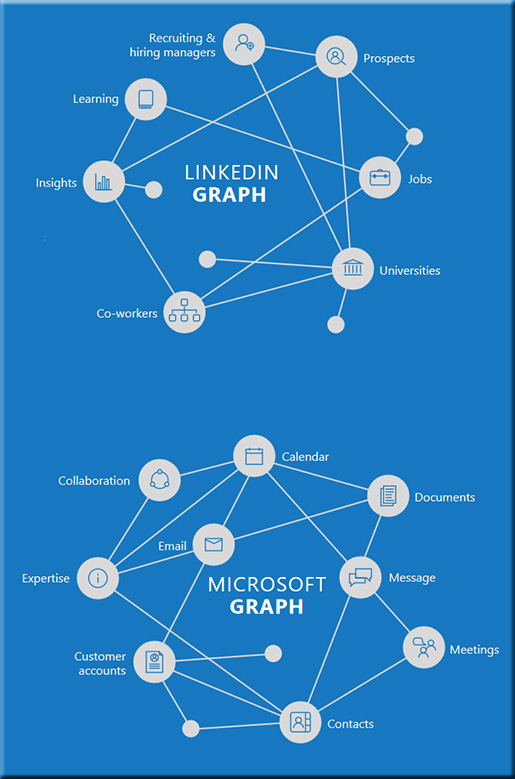
Think about it: How people find jobs, build skills, sell, market and get work done and ultimately find success requires a connected professional world. It requires a vibrant network that brings together a professional’s information in LinkedIn’s public network with the information in Office 365 and Dynamics. This combination will make it possible for new experiences such as a LinkedIn newsfeed that serves up articles based on the project you are working on and Office suggesting an expert to connect with via LinkedIn to help with a task you’re trying to complete. As these experiences get more intelligent and delightful, the LinkedIn and Office 365 engagement will grow. And in turn, new opportunities will be created for monetization through individual and organization subscriptions and targeted advertising.
Apps to explore over summer break — from edtechafterdark.com by Zac Leonard
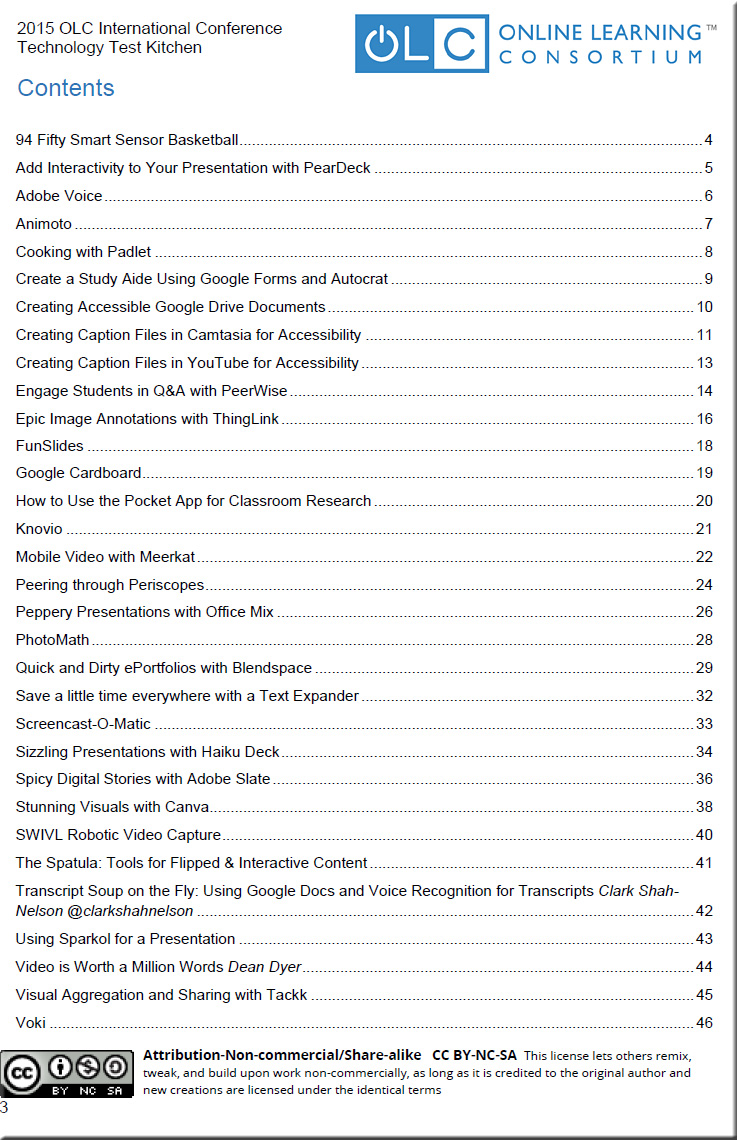
With thanks to Campus Technology, who mentioned this list in their June 2016 edition
20+ tools to create your own infographics — from hongkiat.com
Excerpt:
While not everyone can make infographics from scratch, there are tools available on the Web that will help you create your very own infographics. In this article, we’re listing more than 20 such options to help you get your messages across to your readers, visually.
Apple working on Echo-like device: report — from usatoday.com by Marco della Cava
Excerpt:
SAN FRANCISCO — Apple is planning to make Siri smarter by linking it to the vast menu of iOS apps and eventually will deploy the digital assistant on a standalone device similar to Amazon’s best-selling Echo, according to a published report.
The news, reported Tuesday by tech media site The Information, answers an oft-asked question about why the iPhone-maker seems to be sitting on the sidelines as a growing number of companies, from Google to Siri-offshoot Viv, make big announcements about the coming age of voice-activated machine learning.
“People-to-people conversations, people-to-digital assistants, people-to-bots and even digital assistants-to-bots,” Nadella said. “That’s the world you’re going to get to see in the years to come.”
2 great tools for creating beautiful newsletters — from educatorstechnology.com
Excerpt:
Newsletters are great communicative tools which you can use with your students for a variety of educational purposes. There are now several web tools which makes the process of newsletter making a simple matter of choosing a template, filling in content, adjusting elements and sharing the finished product. Below are two very good examples of web tools we recommend for teachers keen on designing educational newsletters for their classes.
Amazon Alexa now has over 1,000 Skills, up from 135 in January — from techcrunch.com by Sarah Perez
Microsoft launches a project management app called Planner — from theverge.com by Nick Statt
To compete with Trello and Asana
Excerpt:
Microsoft wants to help businesses and small teams collaborate and track work with a new app called Planner. Released [on 6/6/16] for free as part of the Office 365 suite, Planner is a project management service similar to products like Asana and Trello. Microsoft isn’t doing anything particularly groundbreaking here. It uses the established concept of a digital whiteboard plastered with note cards, which you can use to track projects, communicate progress, and attach files. It also integrates with other Microsoft products like OneNote and Outlook.
This app builder is letting students turn their ideas into apps for free — from techcrunch.com by Fitz Tepper
Best apps for parent engagement — from by Theresa Stager
Excerpt:
Parent engagement is one of the most important pieces to an administrator’s job, and there are so many ways to do it. In many conversations I have with other school administrators, one of the most common questions that arise is, “What do you use that works?” There are multiple apps and services that allow for communication between school and parent. At St. Mary Catholic School in Rockwood, Michigan, we utilize the apps listed below and our parents are so thankful to have the insight into our building and our classrooms.
Somewhat related:
Excerpt:
It’s a new world: the digital and tangible are merging, and educators need to help students navigate the changing terrain. The solution? Let them be Makers. I’ve been involved in digital learning and education technology for more than 30 years, and the burgeoning attempt to merge the digital and physical worlds has been one of the most interesting aspects of the evolution of EdTech to date. Managing that change in a Making context that encompasses digital tools, hands-on construction, creation and interaction allows students to learn and create new knowledge experientially. It gives them the ability to conceptualize new ideas and invent solutions for unexpected problems. It’s no longer enough—if it ever was—for teachers to lecture to a row of desks; today’s teacher must be more of a coach. The task now is to help students understand what they need to know, strategize about what they need to do next and engage in critical problem-solving—all while helping them understand how information in the arts, sciences and mathematics fit together.
Campus Technology Announces 2016 Innovators Award Honorees
The categories for the 2016 Campus Technology Innovators include:
From DSC:
As one of the Judges for this year’s awards, I congratulate these award honorees on jobs that were well done! There were some solid submissions this year.

Sony’s canvas redefines the giant display landscape.
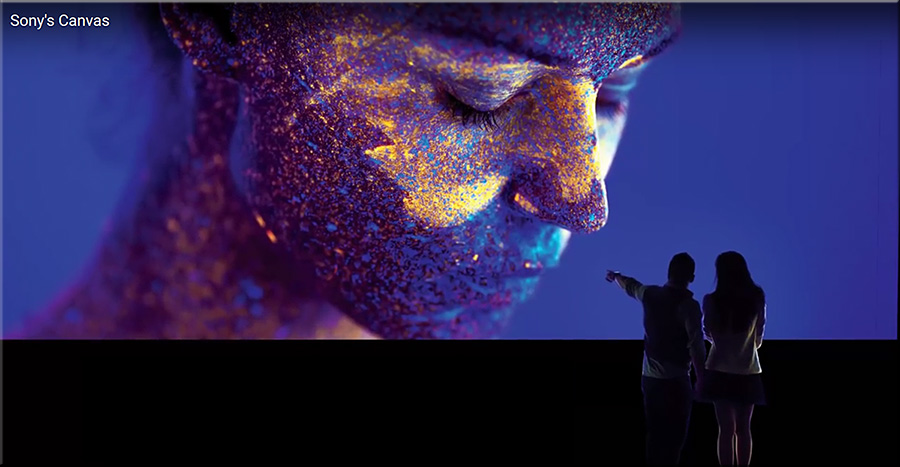
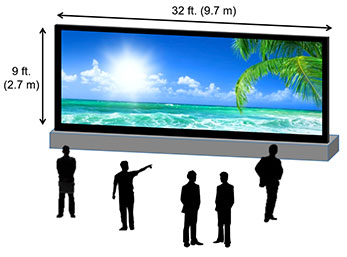
The bigger your giant display, the more important viewing angle becomes.
In this example, we’re showing an 8K x 2K (7680 x 2160) screen.
Sony redefines high-end visual display with new canvas for creativity — from blog.sony.com
Excerpt:
The scalable system is made up of multiple display units (each measuring 18 x 16 inches) that can be joined together with no bezels to create a limitless and seamless large-screen display.
Also see:
Excerpt:
Sony is literally blowing people away with their new Crystal LED technology. Sony’s new Canvas display system is a high-end visual display that re-defines the landscape for large-scale visual entertainment. The new technology, Crystal Light Emitting Diode Integrated Structure (CLEDIS), uses Sony’s ultrafine LEDs in a unique surface mounting structure as its light source to deliver a visual experience not possible with even the highest end conventional LED array. This scalable new type of canvas delivers an unmatched viewing experience, offering 99 percent black surface area, for high contrast, high resolution and immersive visuals.
This new type of canvas enables limitless flexibility and creativity in public spaces and high-end visual entertainment. It is far more advanced when compared to the technologies currently available for large-scale display, offering a leap forward in depth, contrast, color, resolution and impact.
From DSC:
Leveraging the power of the BYOD phenomenon along with the increased usage of active learning-based classrooms, if students could “upload” their content to such enormous screens, one could easily imagine some highly-engaging discussions — providing students with excellent opportunities to create and share their own content. Numerous windows and applications could be simultaneously displayed on such a video wall, providing/hosting some serious Jigsaw teaching techniques!

Also from visionmobile.com’s Developer Economics newsletter:
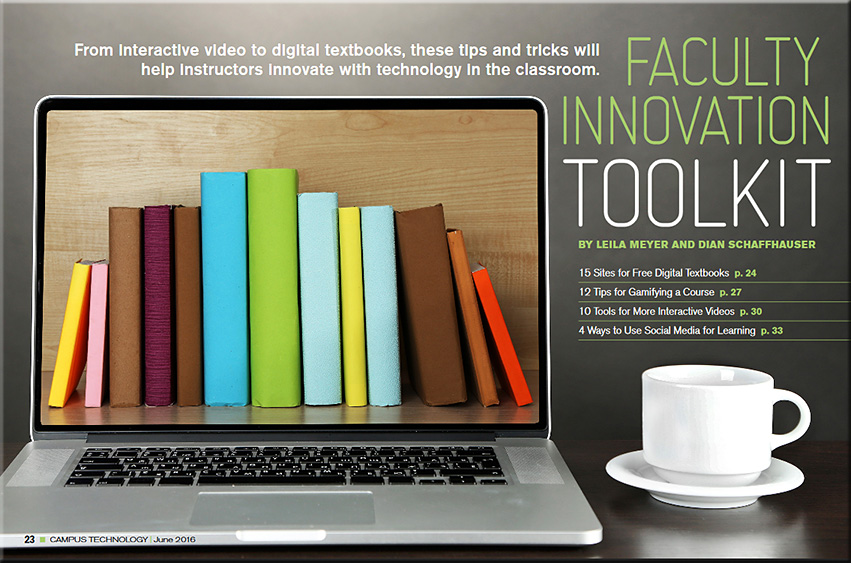
Faculty Innovation Toolkit — from campustechnology.com by Leila Meyer and Dian Schaffhauser
Excerpt:
HoloAnatomy app previews use of augmented reality in medical schools — from medgadget.com
Excerpt:
The Cleveland Clinic has partnered with Case Western Reserve University to release a Microsoft HoloLens app that allows users to explore the human body using augmented reality technology. The HoloLens is a headset that superimposes computer generated 3D graphics onto a person’s field of view, essentially blending reality with virtual reality.
The HoloAnatomy app lets people explore a virtual human, to walk around it looking at details of different systems of the body, and to select which are showing. Even some sounds are replicated, such as that of the beating heart.

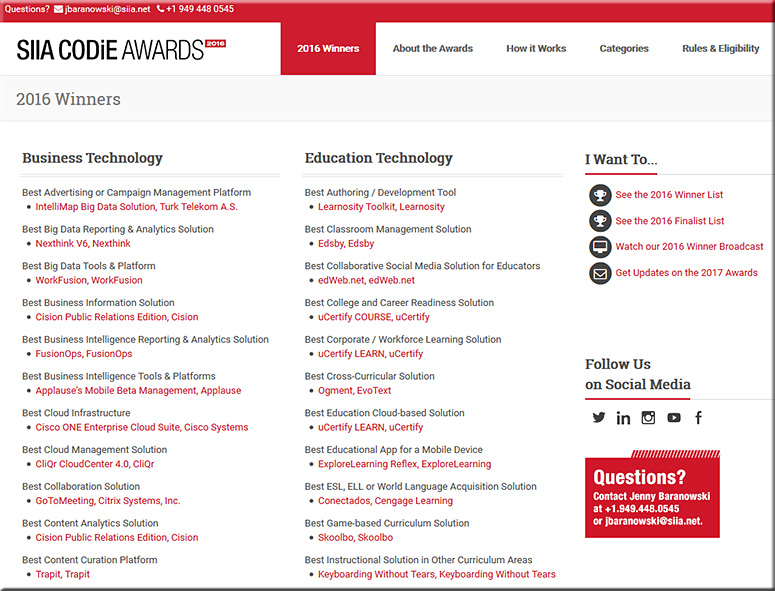
The SIIA CODiE Awards for 2016 — with thanks to Neha Jaiswal from uCertify for this resource; uCertify, as you will see, did quite well
Since 1986, the SIIA CODiE Awards have recognized more than 1,000 software and information companies for achieving excellence. The CODiE Awards remain the only peer-recognized program in the content, education, and software industries so each CODiE Award win serves as incredible market validation for a product’s innovation, vision, and overall industry impact.
From DSC:
Below are some questions and thoughts that are going through my mind:
Along these lines, are are some videos/images/links for you:

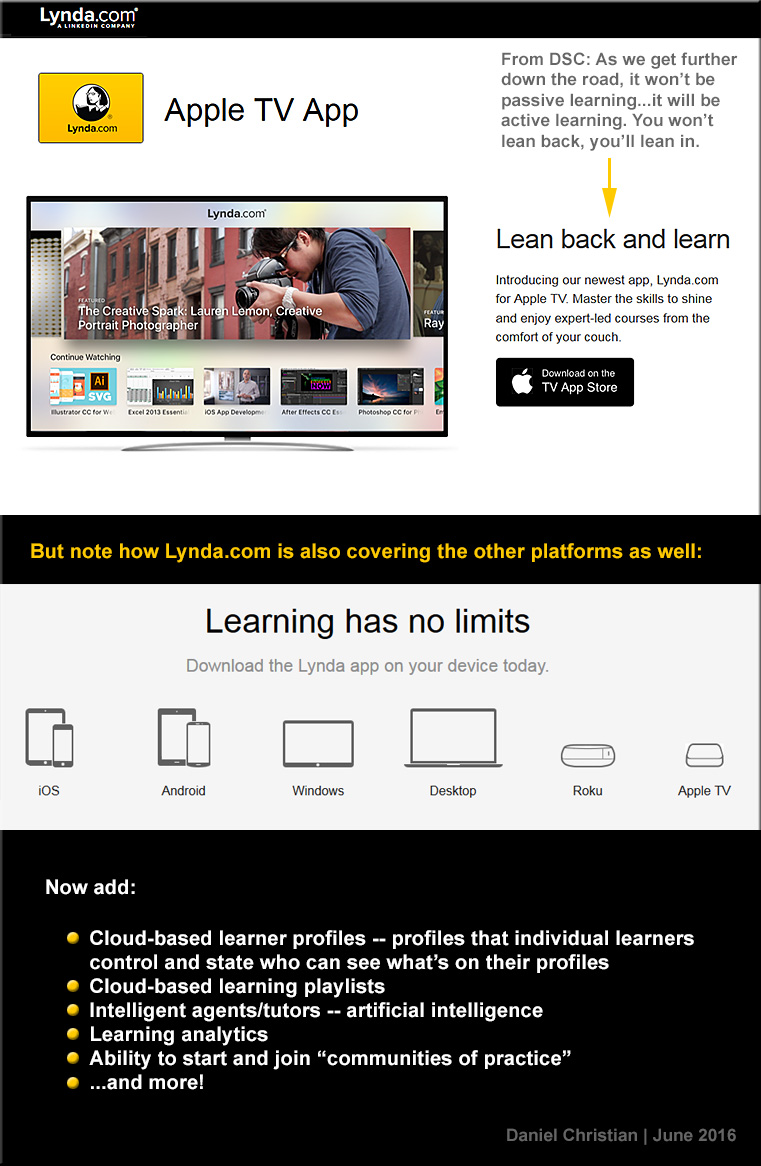
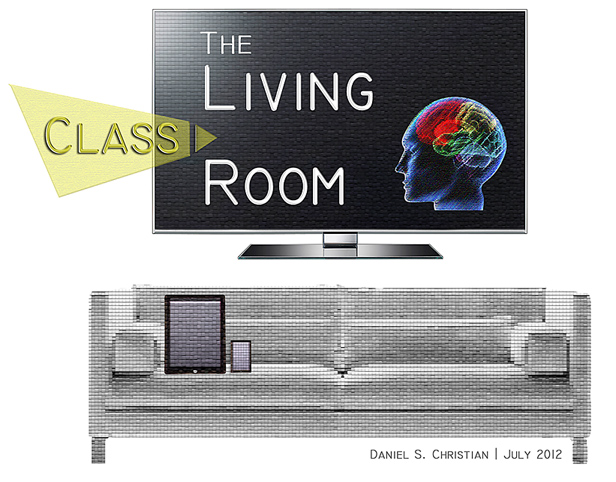
Also see:
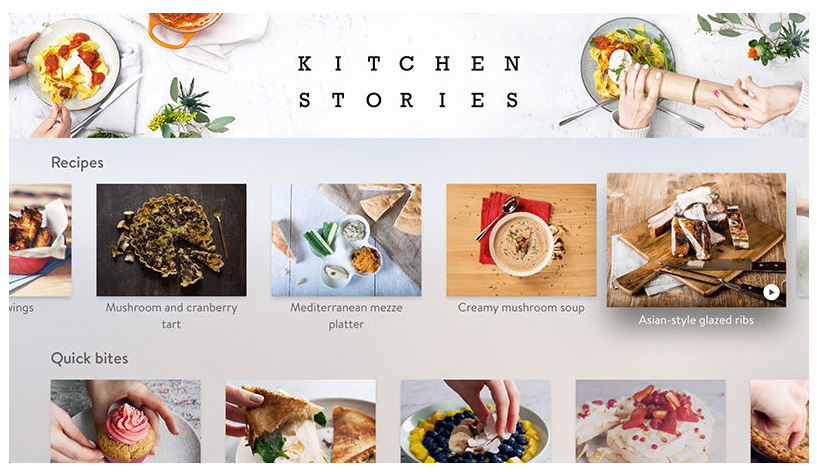
Also see:
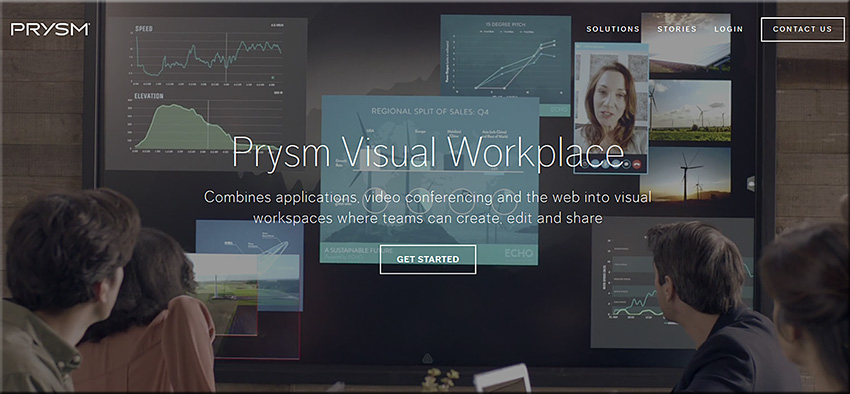
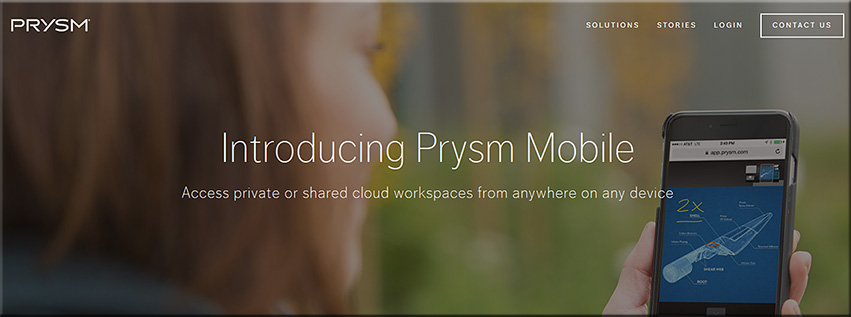
Prysm Adds Enterprise-Wide Collaboration with Microsoft Applications — from ravepubs.com by Gary Kayye
Excerpt:
To enhance the Prysm Visual Workplace, Prysm today announced an integration with Microsoft OneDrive for Business and Office 365. Using the OneDrive for Business API from Microsoft, Prysm has made it easy for customers to connect Prysm to their existing OneDrive for Business environments to make it a seamless experience for end users to access, search for, and sync with content from OneDrive for Business. Within a Prysm Visual Workplace project, users may now access, work within and download content from Office 365 using Prysm’s built-in web capabilities.
Questions from DSC:
As an example of what I’m trying to get at here, who all might be involved with an effort like Echo Dot? What types of positions created it? Who all could benefit from it? What other platforms could these technologies be integrated into? Besides the home, where else might we find these types of devices?
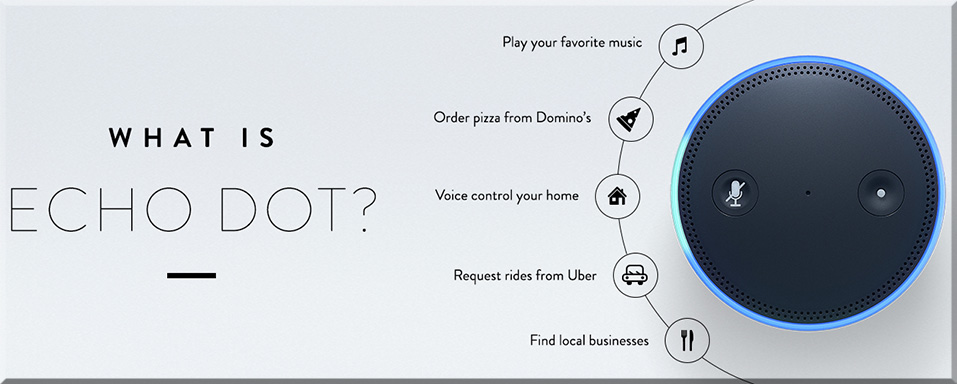
Echo Dot is a hands-free, voice-controlled device that uses the same far-field voice recognition as Amazon Echo. Dot has a small built-in speaker—it can also connect to your speakers over Bluetooth or with the included audio cable. Dot connects to the Alexa Voice Service to play music, provide information, news, sports scores, weather, and more—instantly.
Echo Dot can hear you from across the room, even while music is playing. When you want to use Echo Dot, just say the wake word “Alexa” and Dot responds instantly. If you have more than one Echo or Echo Dot, you can set a different wake word for each—you can pick “Amazon”, “Alexa” or “Echo” as the wake word.
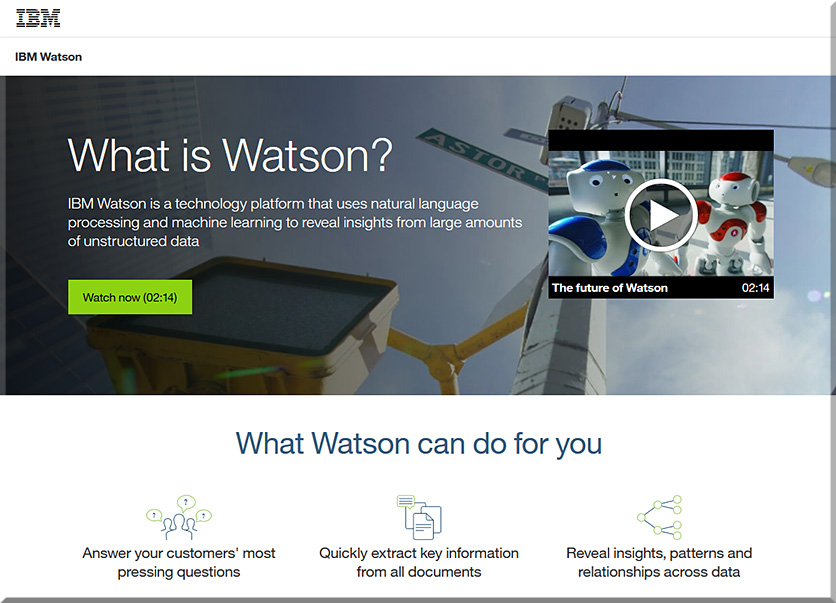
Or how might students learn about the myriad of technologies involved with IBM’s Watson? What courses are out there today that address this type of thing? Are more courses in the works that will address this type of thing? In which areas (Computer Science, User Experience Design, Interaction Design, other)?
Lots of questions…but few answers at this point. Still, given the increasing pace of technological change, it’s important that we think about this type of thing and become more responsive, nimble, and adaptive in our organizations and in our careers.
Per Ivan Kreimer, “every day we feature the top 100 educational apps for iPhone and iPad, and also review many individual apps for teachers and students.”


Per Jack Du Mez at Calvin College, use this app to randomly call on your students — while instilling a game-like environment into your active learning classroom (ALC)!
Description:
Randomly is an app made specifically for teachers and professors. It allows educators to enter their students into individual classes. They can then use the Random Name Selector feature to randomly call on a student to answer a question by one of two ways: Truly random, where repeated names are allowed, or a one pass – where all students are called once before they are called again. The device you’re using will even call out (vocally) the student’s name for you!
This app can also be used to randomly generate groups for you. You can split your class into groups by number of groups or by number of students per group. It intelligently knows what to do with any remaining students too!
This app supports Apple Watch, so you can call on your students with the use of your Apple Watch!
From DSC:
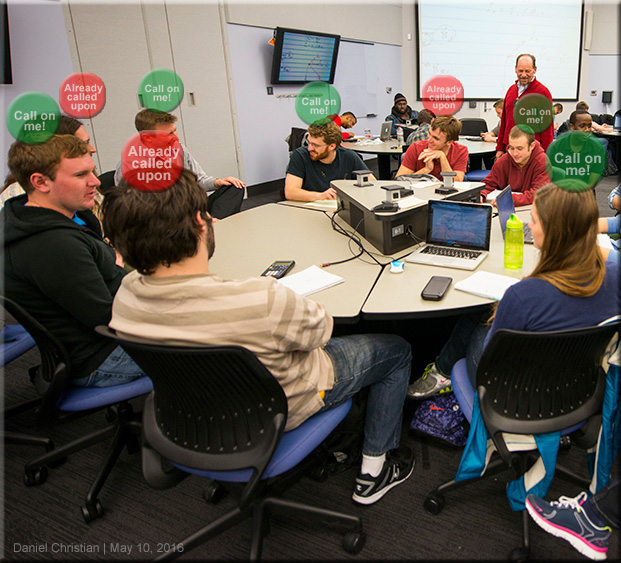
In the future, given facial and voice recognition software, I could see an Augmented Reality (AR)-based application whereby a faculty member or a teacher could see icons hovering over the students — letting the faculty member/teacher know who has been called upon recently and who hasn’t been called upon recently (with settings to change the length of time for this type of tracking — i.e., this student has been called upon in this class session, or in the last week, or in the last month, etc.).