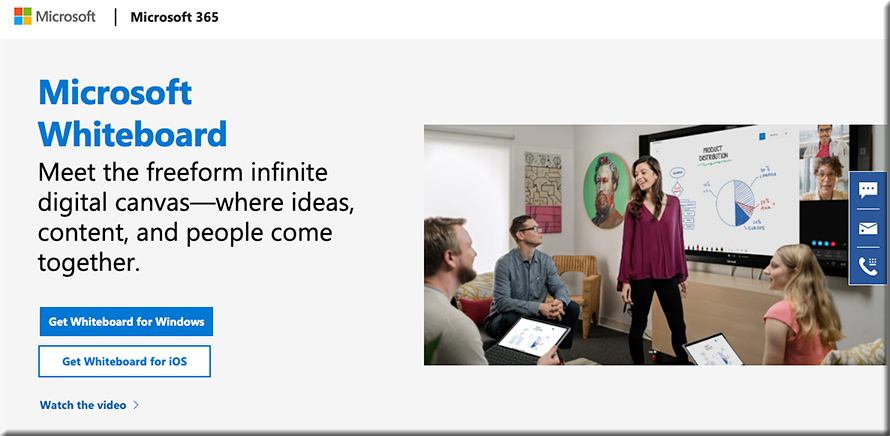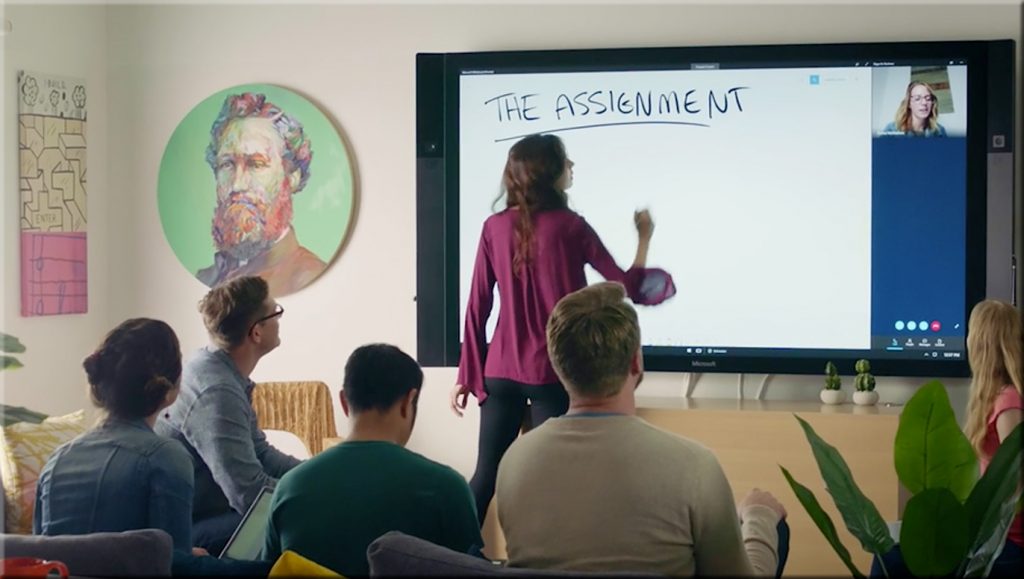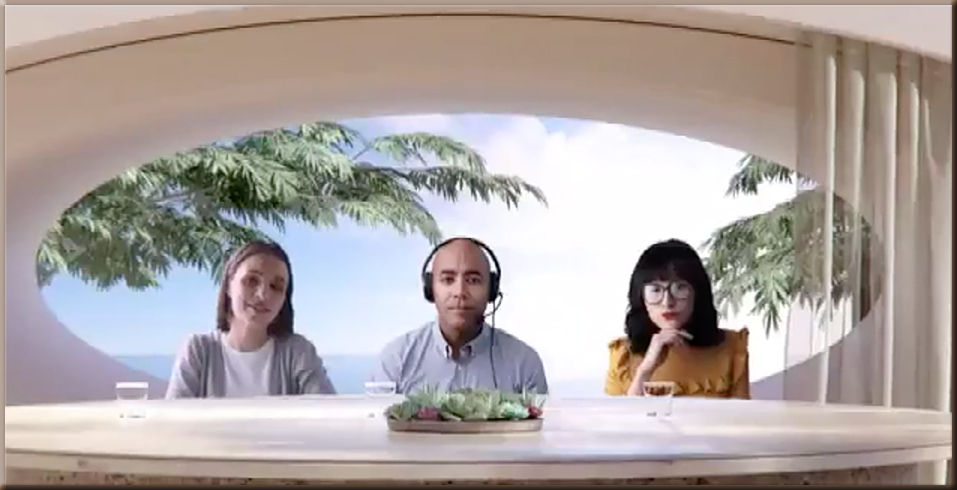
How might tools like Microsoft’s new Whiteboard be used in online-based learning? In “learning pods?” [Christian]

The new Microsoft Whiteboard -- how might this be used for online-based learning? Learning pods?

The new Microsoft Whiteboard -- how might this be used for online-based learning? Learning pods?

Questions/reflections from DSC:

  • How might this be used for online-based learning?
  • For “learning pods” and homeschoolers out there? 
  • Will assistants such as the Webex Assistant for Meetings (WAM) be integrated into such tools (i.e., would such tools provide translation, transcripts, closed captioning, and more)?
  • How might this type of tool be used in telehealth? Telelegal? In online-based courtrooms? In presentations?

#onlinelearning #collaboration #education #secondscreen #edtedh #presentations #AI #telehealth #telelegal #emergingtechnologies


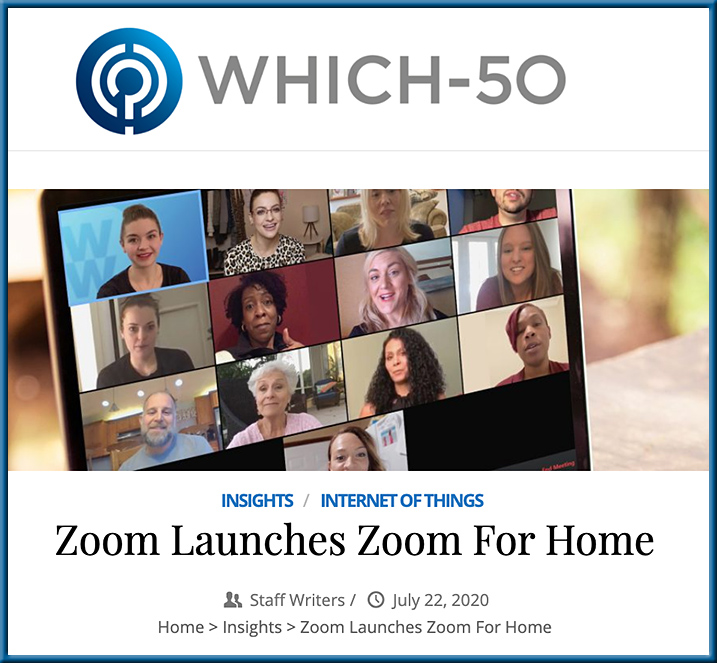
Zoom Launches Zoom for Home

Zoom Launches Zoom For Home — from which-50.com

Excerpts:

Zoom Video Communications has announced Zoom for Home, which it describes as a new category of software experiences and hardware devices to support remote work use cases. The focus is on improving employee experiences to connect remotely and be productive.

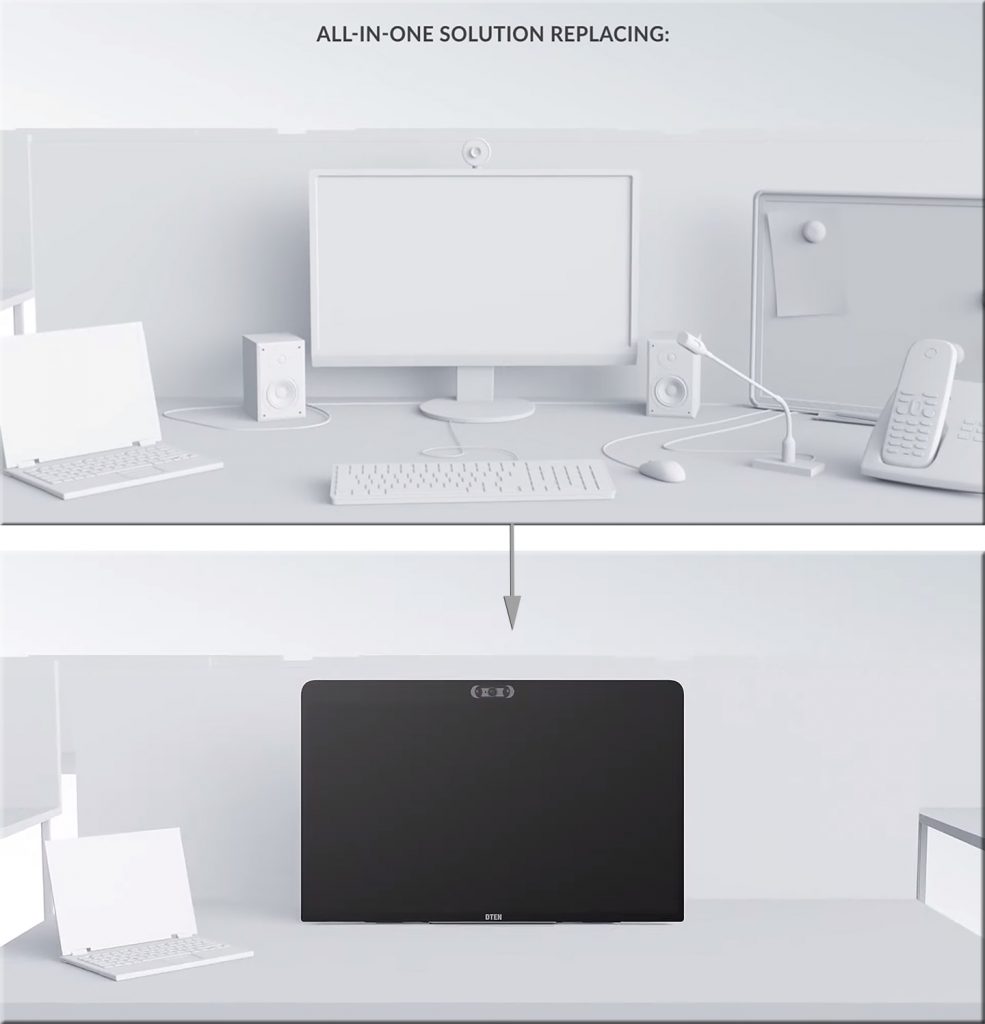
Features for the all-in-one 27-inch device include: three built-in wide-angle cameras for high-resolution video; an 8-microphone array for crystal-clear audio in meetings and phone calls; and, an ultra-responsive touch display for interactive screen sharing, whiteboarding, annotating, and ideation.

Also see:

From DSC:
Again, we see some further innovation in this space. The longer the Coronavirus impacts things, the further ahead the online-learning space will be catapulted. This type of device consolidates several devices into one, while making it intuitive and likely easy to annotate items on it.

Zoom Launches Zoom For Home


Pedagogical considerations for instructional videoconferencing sessions — from onlinelearningconsortium.org by Amanda Major

Excerpt:

Presented here are recommendations and strategies to support educators.

We hope you find these pedagogical considerations for faculty holding a synchronous class session via a video conferencing tool as timely, practical, and rewarding. The intent is to allay your anxieties about offering quality instruction to your students; thereby, helping you to adapt quickly to this new situation.

The ending points of your content delivery should make a lasting impression. Try these ideas:

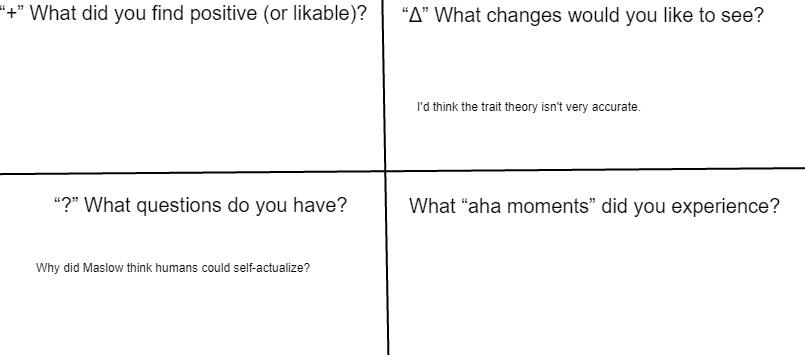
    • Wrap-up your session with a Parking Lot designed as a quadrant (see below), use a shared document and include the following quadrant headings/questions so students can respond in real time:


Also see the idea of a learning journal here.

Have the students keep a learning journal, while answering these questions each week


From DSC:
My dad is hard of hearing and the issue continues to get worse, though his hearing aids do help some. I’ve been looking for an app that could take what’s being spoken — in real-time — and write it out for him on a device (iPad, iPhone, other). But the WiFi network is not available at the retirement home where he’s at. So this needs to work off of a cellular connection. If you know of some solid apps in this regard, please leave a note in the comments section. Thanks!

Items mentioned in a video I saw the other day, but may have different applications:


Tips for managing remote culture fatigue — from trainingmag.com by Jo Deal, Chief Human Resources Officer, LogMeIn
Making sure employees know which virtual meetings/social gatherings are mandatory, giving them the freedom to prioritize other tasks, and learning from those who already have experience working remotely are all important lessons for finding the right cultural fit.

Excerpts:

1. Be clear about what is and isn’t mandatory.
2. Reinforce a healthy work/life balance.
3. Overhaul your meetings.
4. Learn from remote employees with experience.


Here’s how colleges should help close the digital divide in the COVID-Era — from edsurge.com by Dr. Mordecai I. Brownlee

Excerpt:

One key problem prevalent in many low-socioeconomic communities around the nation—like San Antonio, which now has the highest poverty rate of the country’s 25 largest metro areas—is the digital divide. Digital divide is a term used to describe the gap present in society between those who have access to the internet and technology and those who don’t.

It speaks directly to a primary challenge facing our education system in this COVID-era: Some students and families have the means to succeed in a remote learning environment, and others do not.


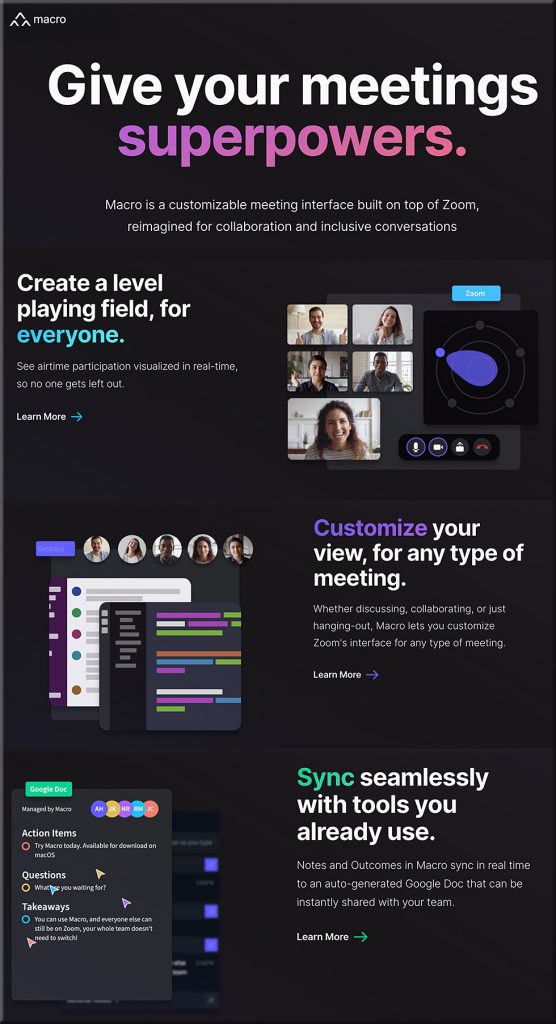
“Existing meeting interfaces had been designed with a singular goal, to simply enable virtual conversations. How could we build a meeting interface from the ground-up that intentionally facilitates engaging, productive, and inclusive conversations?”


What will tools like Macro.io bring to the online-based learning table?!


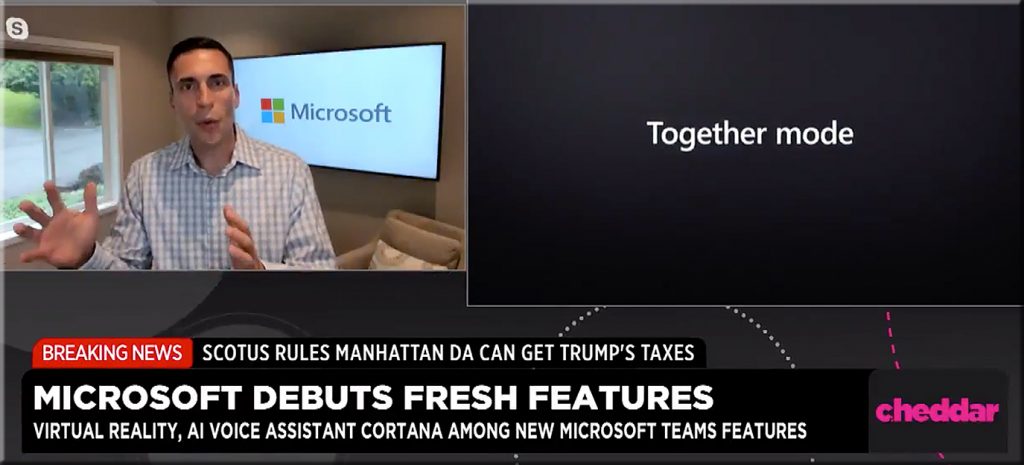
Microsoft Teams Rolls Out Virtual Rooms to Fight ‘Meeting Fatigue’ — from cheddar.com by Taylor Craig

Microsoft introduced Together Mode -- July 2020


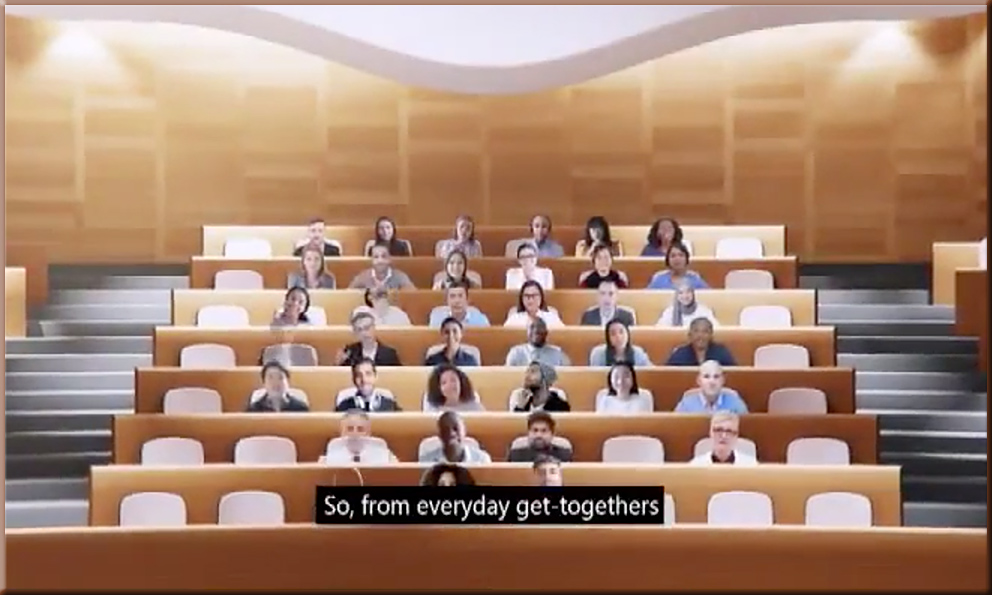
A common background in meetings helps reduce extraneous cognitive load


A common background in meetings helps reduce extraneous cognitive load


From DSC:
Again, the longer the Coronavirus hangs around and we are learning and meeting like this, the more innovations like these will occur.


Addendums on 7/14/20:

Microsoft’s Together mode can help address executives’ concerns over remote work productivity — from businessinsider.com by Hirsh Chitkara

Excerpt:

Together mode offers an alternative to “grid view,” in which video call participants are displayed on-screen — instead, through AI segmentation, participants are placed in a single virtual environment such as an auditorium or coffee bar, creating the illusion that they are in the same space.

The future of work—the good, the challenging & the unknown — from microsofot.com by Jared Spataro

Excerpt:

Together mode is a new option in the Teams meeting experience that uses AI segmentation technology to digitally place participants in a shared background. The view makes it feel like you’re sitting in the same room, which reduces background distractions, makes it easier to pick up on non-verbal cues, and makes back and forth conversation feel more natural.


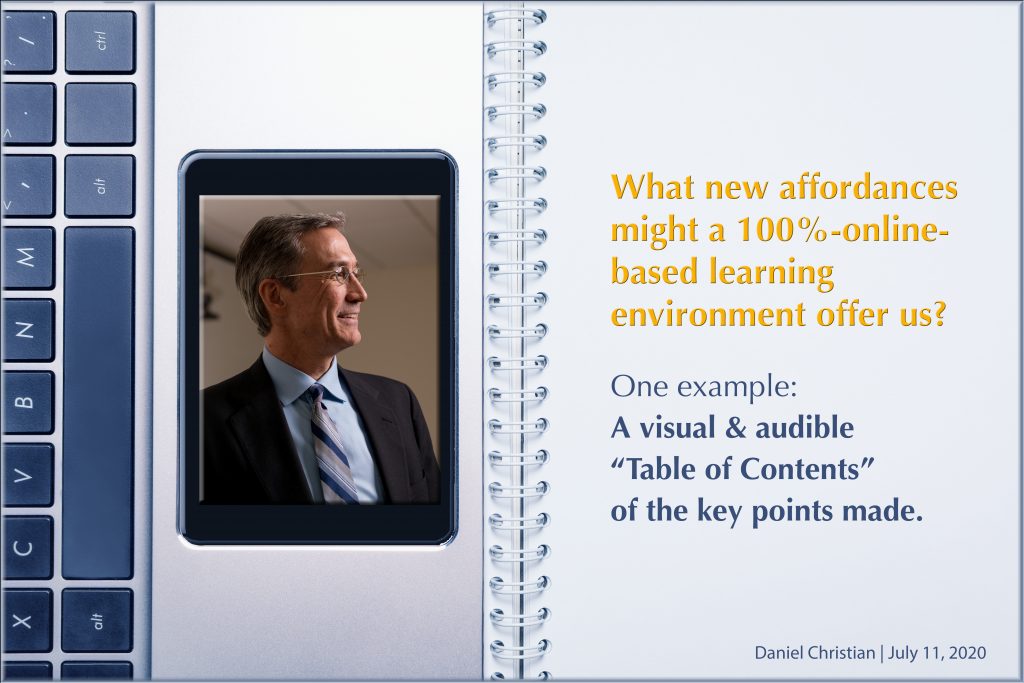
A new affordance of a 100%-online-based learning environment: A visual & audible “Table of Contents of the Key Points Made” [Christian]

What new affordances might a 100%-online-based learning environment offer us?


From DSC:
As I’ve been listening to some sermons on my iPhone, I end up taking visual snapshots of the times that they emphasize something. Here are some examples:


A snapshot of one of the key points made during a sermon


Another snapshot of one of the key points made during a sermon


Another snapshot of one of the key points made during a sermon


Which got me to thinking…while tools like Panopto* give us something along these lines, they don’t present to the student what the KEY POINTS were in any given class session.

So professors — in addition to teachers, trainers, pastors, presenters, etc. — should be able to quickly and easily instruct the software to create a visual table of contents of key points based upon which items the professor favorited or assigned a time signature to. I’m talking about a ONE keystroke or ONE click of the mouse type of thing to instruct the software to take a visual snapshot of that point in time (AI could even be used to grab the closest image without someone’s eyes shut). At the end of the class, there are then just a handful of key points that were made, with links to those time signatures.

At the end of a course, a student could easily review the KEY POINTS that were made throughout the last ___ weeks.

****

But this concept falls apart if there are too many things to remember. So when a professor presents the KEY POINTs to any given class, they must CURATE the content.  (And by the way, that’s exactly why pastors normally focus on only 3-4 key points…otherwise, it gets too hard to walk away with what the sermon was about.)

****

One could even build upon the table of contents. For example…for any given class within a law school’s offerings, the professor (or another team member at the instructions of the professor) could insert links to:

  • Relevant chapters or sections of a chapter in the textbook
  • Journal articles
  • Cases
  • Rules of law
  • Courts’ decisions
  • Other

****

And maybe even:

  • That’s the kind of “textbook” — or learning modules — that we’ll move towards creating in the first place.
    .
  • That’s the form of learning we’ll see more of when we present streams of up-to-date content to folks using a next-generation learning platform.
    .
  • Future webinars could piggyback off of this concept as well. Dive as deep as you want to into something…or just take away the main points (i.e., the Cliff notes/summaries) of a presentation.

At the end of the day, if your communication isn’t in a digital format, there is no playback available. What’s said is said…and gone.


* The functionality discussed here would take a day’s worth of work for a developer at Panopto (i.e., give a presenter a way to favorite existing TOC items and/or to assign a time signature to slots of time in a recording) — but it would save people and students sooooo much time. Such functionality would help us stay up-to-date — at least at a basic level of understanding — on a variety of topics.


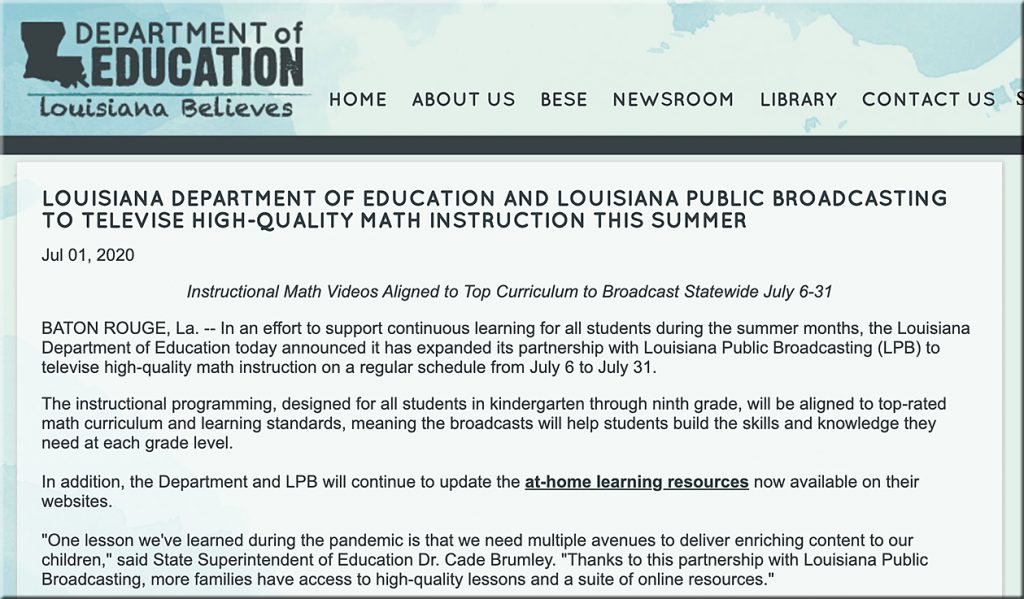
Great Minds®, Louisiana Public Broadcasting, WCNY Public Television Make Free Video Lessons Available for Summer, Fall Distance Learning — from louisianabelieves.com with thanks to Jill Gerber for this resource

Excerpt:

Thursday, July 9, 2020—In an unprecedented effort to prevent summer learning loss, Louisiana Public Broadcasting is airing 60 lessons on Eureka Math® from Great Minds, starting this week, for Grades K–5 statewide. In addition, PBS affiliate WCNY-TV in Syracuse, N.Y., partnered with Great Minds to make 172 video lessons on math, English language arts, and science available to all 330 PBS stations across the country.


zzzzzz


From DSC:
For current and/or future data scientists out there.

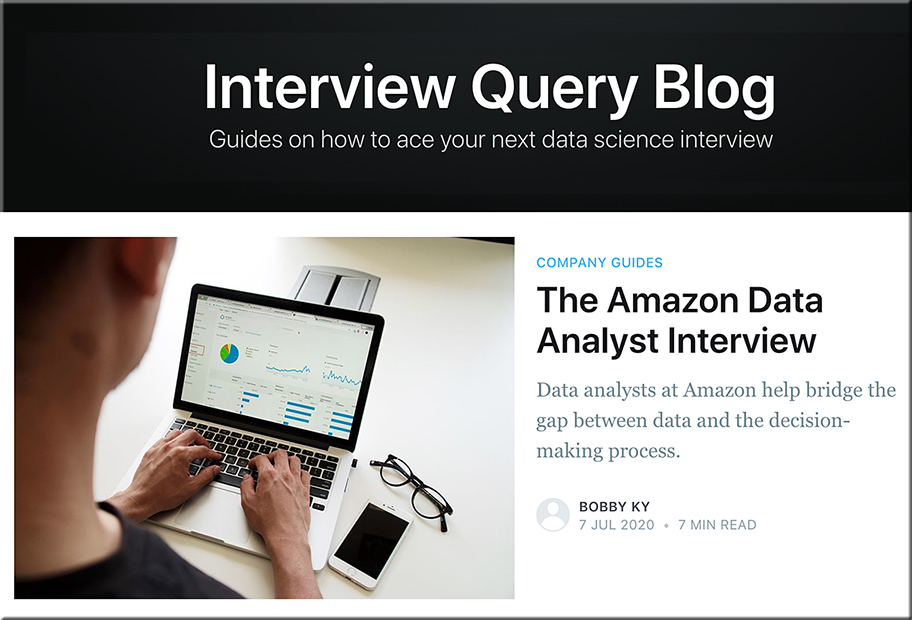
Guides on how to ace your next data science interview

Required Skills
The data analyst position at Amazon requires specialization in knowledge and experience. Therefore, Amazon only hires highly qualified candidates with at least 3 years of industry experience working with data analysis, data modelling, advanced business analytics, and other related fields.

Other basic qualifications include:

  • Bachelor’s or Masters (PhD prefered) in Finance, Business, Economics, Engineering, math, statistics, computer science, Operation Research, or related fields.
  • Experience with scripting, querying, and data warehouse tools, such as Linux, R, SAS, and/or SQL
  • Extensive experience in programming languages like Python, R,  or Java.
  • Experience with querying relational databases (SQL) and hands-on experience with processing, optimization, and analysis of large data set.
  • Proficiency with Microsoft Excel, Macros and Access.
  • Experience in identifying metrics and KPIs, gathering data, experimentation, and presenting decks, dashboards, and scorecards.
  • Experience with business intelligence and automated self-service reporting tools such as Tableau, Quicksight, Microsoft Power BI, or Cognos.
  • Experience with AWS services such as RDS, SQS, or Lambda.
 
© 2025 | Daniel Christian