2021 Report on the State of the Midsize Legal Market — from legal.thomsonreuters.com; with thanks to Gabe Teninbaum for this resource and the resource below

Managing through the endless changes of 2020 uncovered both challenges and opportunities for law firms. The past year was an exercise in responding swiftly and decisively to massive disruptions. 2021 may allow for a strategic reassessment of what works — or no longer works — in this new environment.

Download the “Report on the state of the midsize legal market” for a look back at midsize law firms’ performance, the strategies they employed to preserve profitability throughout the year, and the unique opportunities that exist for them.

Also see:

The fate of midsize firms in a post-pandemic world — from abovethelaw.com by Nicole Black

Excerpts:

Of course, the effect of the pandemic on the practice of law varied greatly from one firm to the next. Often, the impact was largely dependent on firm size, geographic location(s), practice area(s), and, of course, technology readiness. For example, some firms were already operating in the cloud and were able to quickly pivot to remote functionality and were easily able to communicate with clients and colleagues, accept online signatures and payments, and quickly access documents and law firm data. For other firms, the transition to remote work was a much more difficult one.

Law firms leaders quickly learned that a willingness to adopt new technologies into their firms was a requirement for survival during the pandemic.

The bottom line: we’re going to be entering a “new normal” on the other side of the pandemic and the old school ways of thinking and doing business simply won’t cut it. An innovative mindset is key, and this includes a willingness to: 1) adapt when needed, and 2) invest in cutting edge technologies that will ensure built-in efficiency and flexibility.
 

What is Book Creator and How Can Educators Use It? — from techlearning.com by Erik Ofgang

 Excerpt:

Book Creator is a free tool that allows educators and their students to create multimedia ebooks based off of class assignments and topics.

Available on Apple and Android tablets and phones, and on Google Chrome for desktop use, Book Creator is a digital resource that helps students explore their creative sides while learning.

The tool lends itself well to active learning and collaborative projects of all kinds, and is appropriate for various subjects and age groups.

Book Creator gives students the ability to upload images, vidoes, audio, and more within the ebooks they create. It also empowers them to draw, take notes, and collaborate in real-time with their classmates and instructor.

Read on to find out everything you need to know about Book Creator.

Also see the Book Creator’s website:

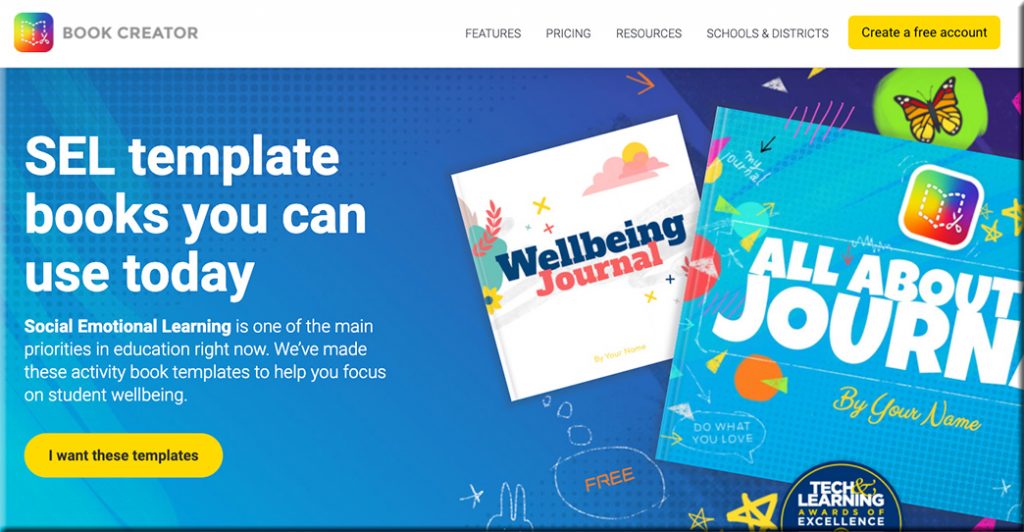
Clicking here will take you to the Book Creator website, where they are offering SEL template books that you can use today.

Addendum on 5/21/21:

  • Sketch, draw, and doodle — apps to unleash students’ creativity — from educatorstechnology.com
    How about using arts-based approaches to engage students in meaningful learning experiences? Drawing, sketching, doodling, and painting are three expressive forms of art with huge educational potential that students can use to unleash their creativity. They can be applied in writing, reading, speaking, and in storytelling activities. Finished products can also be included in students’ portfolios to document and showcase their learning. To this end, the selection below features some good apps students can use in this regard. Check them out and share with us your feedback.

Addendums on 5/24/21:

As with all of Book Creator we have made the image search fully accessible to screen readers and keyboard navigation. But we thought we could go a bit further with the image search and make it accessible to younger kids or ELL students who aren’t super confident with their spelling by introducing a voice search.

Addendum on 6/7/21:

  • A rubric for Book Creator — from bookcreator.com
    Sam Kary talks about helping his students elevate their work by introducing a rubric for their digital book projects, helping them focus on design and multimedia.
 

Leading the Way for Microlearning? Assess the Barriers — from learningsolutionsmag.com by Robyn Defelice

Excerpt:

Since the release of Microlearning: Short and Sweet, a book I co-authored with Dr. Karl Kapp, I have assisted several leaders in setting the stage to incorporate microlearning. From my experiences, I have identified several reasons that learning leaders struggle to achieve broad acceptance of microlearning. Below, I address common barriers that impede successful incorporation paired with approaches that help to move adoption forward.


What I Learned: Great Stories Unlock the WHY — from learningsolutionsmag.com by JD Dillon

Excerpt:

This approach worked because a great story elevates. It helps people find commonalities and amplifies an organization’s culture. A great story unlocks the WHYs that are so often hidden behind a company’s mission and performance objectives. But impactful storytelling doesn’t just happen. It requires intention and effort, especially in large, complex, and distributed workplaces.

Here are four intentional storytelling practices I learned from Disney.


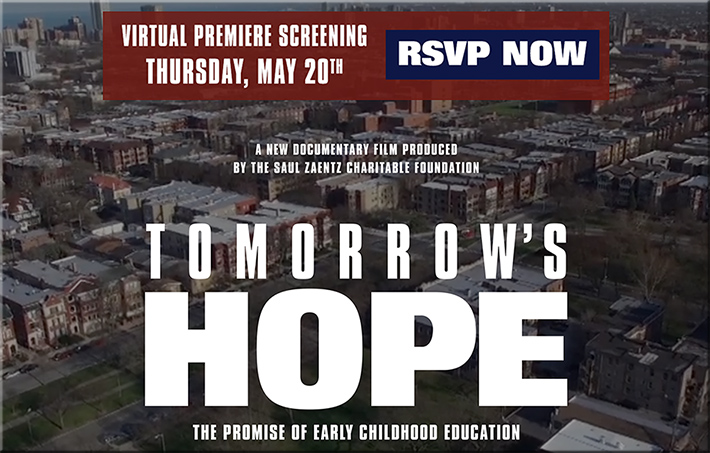
A virtual premiere screening for Tomorrow's Hope: The Promise of Early Childhood Education

[Virtual premiere screening] Tomorrow’s Hope: The Promise of Early Childhood Education

Free and open to the public.

“Tomorrow’s Hope” brings us into the journey of passionate educators and tenacious kids and their families on the south side of Chicago, determined to carve out the future despite a sea of incredible challenges.


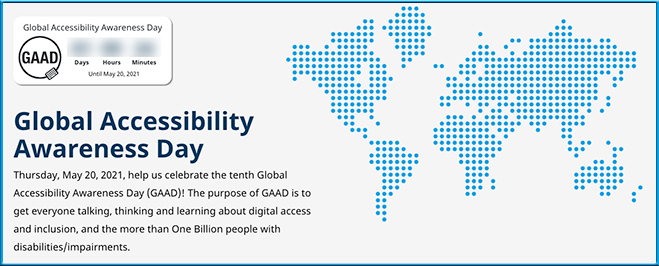
Thursday, 5/20/21, is Global Accessibility Awareness Day!!!

Global Accessibility Awareness Day is this Thursday, May 20, 2021
Help us celebrate the tenth Global Accessibility Awareness Day (GAAD)! The purpose of GAAD is to get everyone talking, thinking and learning about digital access and inclusion, and the more than One Billion people with disabilities/impairments.

Global Accessibility Awareness Day is is Thursday, May 20th 2021

Also see:

Global Accessibility Awareness Day is Thursday, May 20, 2021


When Learning How to Write Starts Virtually, Here’s What’s Helpful to Know — from kqed.org by Caroline Smith

Excerpt:

This school year, kindergarteners learned how to turn on and off their web cameras and mute buttons alongside spelling and reading fundamentals. Separated by distance and screens, kindergarten teachers soon faced the additional challenge of teaching their 5- and 6-year-old students to write on pieces of paper that instructors couldn’t directly see.

So kindergarten teacher Lynn Marie Glick began having her students tilt their computer screens, pointing cameras down to their work, so she could watch as they label drawings of stuffed animals, pets or family members with letters formed by colored pencils, markers and crayons. She pinned the screens of students on Zoom who wanted to share their work with their class.

When it was time to submit their assignments, her students uploaded photos of handwritten work to the online platform Seesaw.


Romans 11:33-36 — from biblegateway.com

Oh, the depth of the riches of the wisdom and[a] knowledge of God!
    How unsearchable his judgments,
    and his paths beyond tracing out!
34 “Who has known the mind of the Lord?
    Or who has been his counselor?”[b]
35 “Who has ever given to God,
    that God should repay them?”[c]
36 For from him and through him and for him are all things.
    To him be the glory forever! Amen.


From DSC:
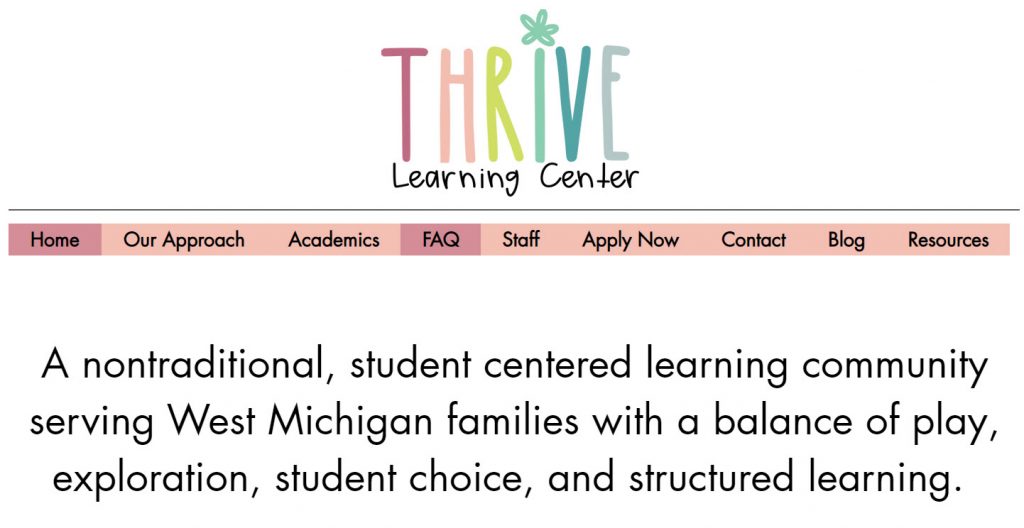
My wife recently told me about The Thrive Learning Center. Though we don’t have any of our kids there, it looks very interesting to me! They offer play, choice, agency, a learning community, a chance to pursue one’s interests, and more! I wish we had seen this several years ago. But maybe it will help someone else out there reenvision what learning could look and be like.


The Thrive Learning Center -- offering a student-centered learning community-- full of choice and agency.


10 In the Moment Responses for Addressing Micro and Macroaggressions in the Classroom — from scholarlyteacher.com by Chavella Pittman

Excerpt:

Many faculty admit their minds go blank or that they are stunned into silence when student incivility, micro/macro aggressions, discrimination, etc., occur in the classroom. It’s more commonplace than you think. Research reveals most faculty (~50%+) are “not prepared to deal with diversity-related conflict in their own classrooms” (Stolzenberg, et. al., 2019). Nevertheless, faculty must address these moments given their negative impact on student learning and even more so for BIPOC students (Ambrose, Bridges, DiPietro, Lovett, & Norman, 2010). The purpose of this post is to provide faculty with example responses to be used as a foundation for creating and personalizing classroom management of student incivility.


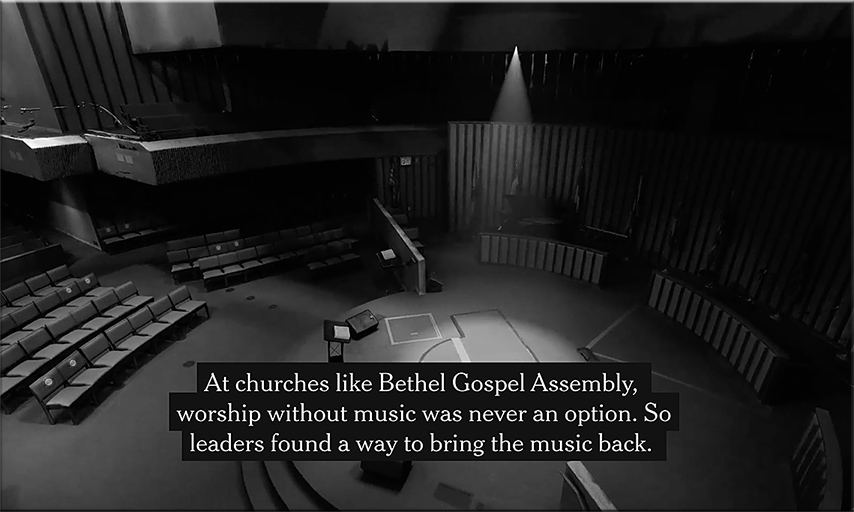
Hear a Harlem Choir Rejoice Again — from nytimes.com by Tariro Mzezewa
This article features music. For the best experience, turn your sound on.

A spotlight shines down on the Bethel Gospel Assembly church.


Coursera Conference 2021: Highlights and Takeaways — from blog.coursera.org by Betty Vandenbosch

Excerpt:

The Coursera Product Innovation session was another conference favorite, as we shared learner stories and offered a glimpse into some of the key innovations we worked on over the past year to support learners, educators, and institutions:

  • Individual learners now benefit from personalized course recommendations, hands-on projects, improved accessibility options, and AI-powered support to help motivate and encourage them on their learning journey.
  • Educators and instructors can import videos, quizzes, and other assets to re-use across courses. They can also connect Coursera to their institution’s learning management system and repackage content to create new, stackable credentials such as Specializations and Professional Certificates.
  • Businesses, governments, and universities can help employees and learners develop in-demand skills to stay competitive in the workplace with smart solutions like SkillSets and Academies, which are designed to offer targeted skills development in every part of an organization.

Also see:


7 good apps for learning spelling — from educatorstechnology.com

Excerpt:

We have curated for you this collection of carefully vetted apps to use with your kids, students and anyone else keen on learning and improving their spelling skills. The apps provide guided practice, interactive games, lessons, quizzes, puzzles, and several other materials to make learning spelling a fun and engaging task. We invite you to check them out and share with us if you have other suggestions to add to the list.

From DSC:
If you or someone you know is having significant issues with spelling, you/they may want to do some investigative work around:

Also, Microsoft’s Immersive Reader might come in handy.


Designing Accessible IoT Experiences — from inclusionhub.com by Be My Eyes
While not every IoT product is designed with accessibility in mind, it has the potential to enable people with disabilities to communicate with and through technologies in ways that were previously unavailable

Excerpt:

As we have seen, the proliferation of both devices and tools to make devices smarter can have major benefits for people with disabilities. However, when these users are not considered during the creation of products and apps, these technologies can end up widening the accessibility gap, rather than closing it.

The key to providing accessible experiences for as wide a range of users as possible is to include a variety of stakeholders in the design and testing phases of any device. By inviting people with disabilities–including visual, hearing, cognitive and other–into the process, designers can ensure that their needs are met up front, rather than having to backfill or find work-around solutions post-launch.

 
© 2025 | Daniel Christian