Remote collaboration and virtual conferences, the future of work — from forces.com by Charlie Fink

Excerpts:

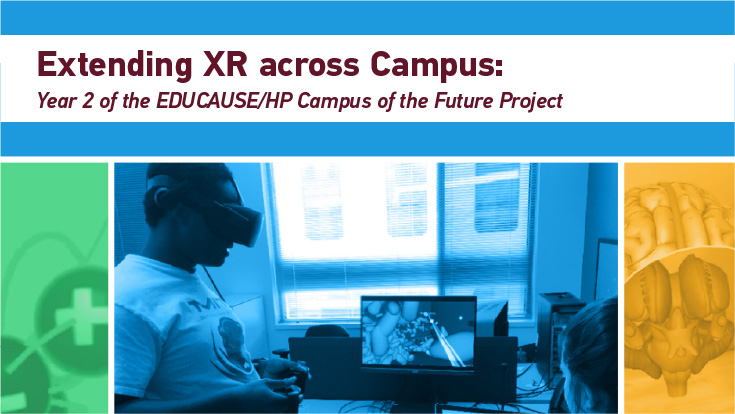
Ten weeks ago, Jesse Damiani, writing on Forbes.com, told the story of a college professor who turned his course about XR into a research project about remote collaboration and virtual conferences.
…
He and his students reimagined the course as an eight-week research sprint exploring how XR tools will contribute to the future of remote work—and the final product will be a book, tentatively titled, Remote Collaboration & Virtual Conferences: The End of Distance and the Future of Work.”

This is a chapter of that book. It will be available on June 15.
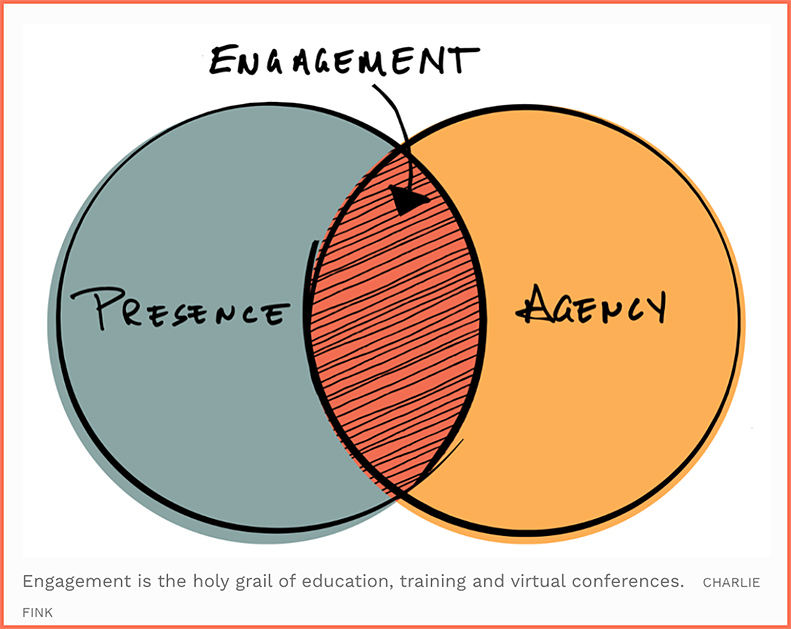
The thing everyone wants is not a technology, it’s engagement. The same kind of engagement that you would have in real life, but better, faster, cheaper *and safer* than it was before.

Also see:
 

XR for Learning – June 3, 2020 — from twist.learningguild.net

Excerpt:

Augmented, Virtual, and other mixed reality technologies are rapidly emerging and advancing, creating new and exciting opportunities for training and education. XR for Learning collects some of the best XR content that learning professionals can learn from.

Here’s this week’s recommended content.


ECAR Study of the Technology Needs of Students with Disabilities, 2020 — from er.educause.edu by Dana Gierdowski and Joseph Galanek
Technology in higher education can be both an aid and a challenge for students with disabilities. Institutions and instructors can take steps to ensure that these students have equitable access, and those same measures can help all students, particularly during the era of emergency remote teaching.

Excerpt (emphasis DSC):

We asked students, “What is ONE thing you would like your instructors to do with technology to enhance your academic success?” In our analysis of their responses, we identified two overarching themes, as well as prominent patterns within those themes:

  • Online Access to Materials and Resources
    • Class notes and slides
    • Assignments, tests, and quizzes
    • Recorded lectures
    • The LMS and the user experience
  • Teaching with Technology
    • Mobile devices in the classroom
    • Training students and faculty in using technology
    • Multiple methods of presenting course materials
    • Engagement through the use of technology

Read full report: PDF | HTML

Access other materials: Executive Summary | Infographic


Also see:

ADA -- Disability and Covid-19


From DSC:
I can’t help but reflect on how slippery the slope is when we start talking about using drones — especially as sponsored and used by governments, including our government here in the U.S. Consider the following from The Future Institute.

The Future Institute Today -- discussing the slippery slope of using drones

Excerpt:

Eyes in the sky
As nationwide racial justice protests continue, some journalists and protestors have noticed a new addition to the armed police officers and National Guard troops: a drone flying a hexagon-shaped route 20,000 feet above the streets in Minneapolis. The drone, flown by U.S. Customs and Border Protection, is called a Predator, and is a piece of military technology used for identifying and targeting terrorists overseas. Lately, it’s become a more common sight domestically.

Last month, a number of New Yorkers witnessed a drone floating above them, barking orders to follow social distancing guidelines. The mysterious drone wasn’t official police equipment, but rather a privately owned device piloted by a man named Xavier Arthur in Queens, who was frustrated that people weren’t following stay-at-home orders. He claimed to represent the “Anti-Covid-19 Volunteer Drone Task Force. 

It’s not an isolated incident. During the outbreak, drones have been used extensively to monitor residents and encourage them to stay indoors, to inspect traffic stops and hospitals, and to spray cities with disinfectants. In Paris and Mumbai, they’re patrolling social distancing violators. In China, a video clip went viral, showing a drone breaking up a mahjong game—residents had defied local orders that they stay indoors. Drones with infrared cameras also allegedly flew overhead and checked for people with fevers.

Advanced drones can pinpoint certain behaviors in crowds from high altitudes, recognize and automatically follow targets, and communicate with each other or to command centers on the ground with remarkable precision and low latency. The pandemic and protests are playing to the strengths of an emerging real-time aerial surveillance ecosystem.

3 Things You Should Know

  1. The Flying Internet of Things is taking off.
  2. New drones can self-destruct.
  3. Shareable drones may drive growth in the industry.
 

From DSC:
After reading the following item from Jeremy Caplan’s most recent e-newsletter entitled, “Tiny Stuff I Love“…

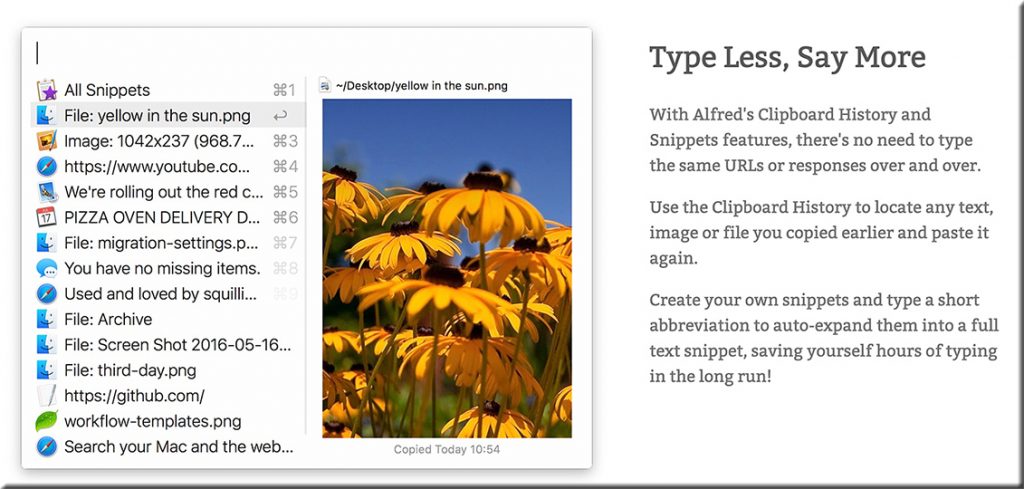
Alfred = Saves me time on copying and pasting
If you copy and paste stuff frequently, get a clipboard manager. I use Alfred throughout every workday. It keeps the last 100+ things I’ve copied in a neat list so I can paste anything I’ve used recently into a browser, document, or wherever else.

This is super-handy when I’m copying and pasting things repeatedly from one place to another. Sometimes I’m moving a bunch of stuff from a document into an email. Or putting several links or notes into a Zoom chat window.

Lots of tools do something similar. I also like the Copied App, $8 on the Mac App store. It has a companion iPhone app.


…I instantly thought of how useful this type of tool would be for teachers, professors, and perhaps trainers as well — especially when grading!

From this page (emphasis DSC):

What Does a Clipboard Manager Do?
The default clipboard in Windows works well, but it’s quite basic. The biggest limitation is that it can only hold one item at a time. If you copy a piece of text, forget to use it, then copy an image later, the text will be gone. Another hassle is that you can’t view what you’ve copied without pasting it.

For anyone who copies and pastes all the time, these are big problems. Thankfully, this is where clipboard managers come in. They greatly expand the functionality of your clipboard by remembering dozens of entries, allowing you to pin frequently used snippets for easy access, and much more.


Afred 4 for the Mac

Alfred is a clipboard manager for the Mac


Readers of this blog might also be interested in some of the other tools that Jeremy mentions, including:

  • Toby = Save and share my browser tabs

Toby -- save and load sets of browser tabs


From DSC:
I, for one, am glad that we made the investments in the telecommunications and networking infrastructures, in the PCs, Macs, laptops, tablets, other items in the #edtech realm, as well as investing in a variety of technologies through the years. Given the need to move online due to the Coronavirus, I’d say such investments offered many a solid ROI throughout K-12, higher education, as well as in the corporate world. But I realize that not everyone has access to these things…which is something we must work on as a nation.

But had we not made those investments, where we would be now?

Also see:

Teaching during COVID-19: Why We’re Fortunate — from er.educause.edu by Gardner Campbell


Not in the Future—Now — from er.educause.edu by John O’Brien

Excerpts:

…technology can no longer be seen as a utility working quietly in the background. Now more than ever, technology is a strategic asset that is vital to the success of every higher education institution.
…
Digital transformation (Dx) can no longer be considered an aspirational concept. It must be understood as an imperative. And that well-worn, precious notion of campus technology professionals doing work that is noticed only when there is an outage? This too is a thing of the past.

…
[Technology] is not just a lifeline that got us through a tricky situation. It is and must increasingly be understood as an integral, strategic part of the successful college or university. Not in the future. Now.


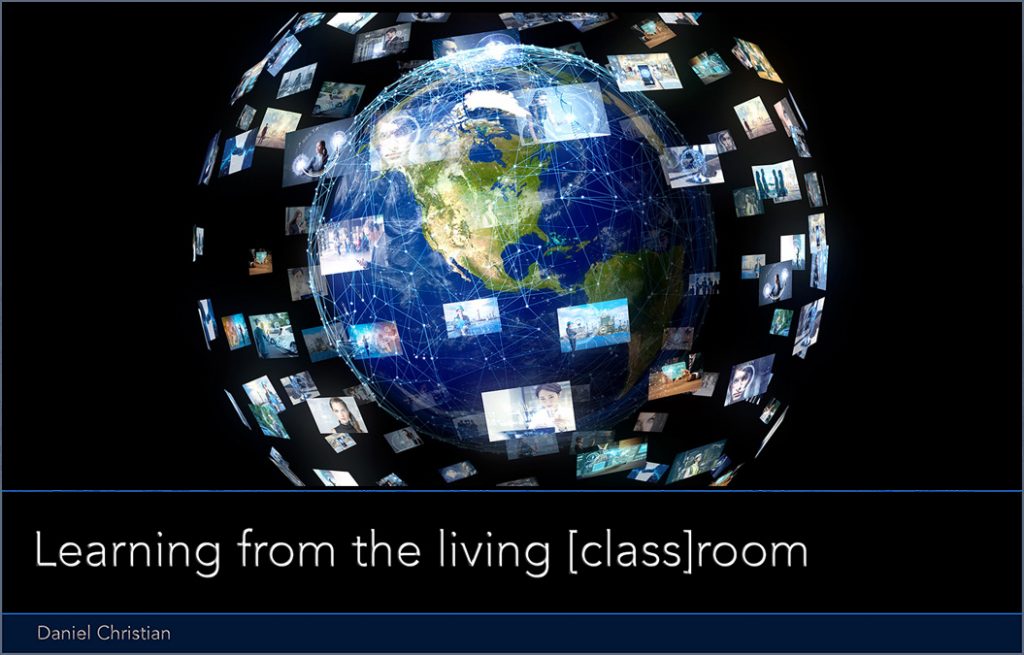
Learning channels of the future will offer us more choice. More control. [Christian]


From DSC:
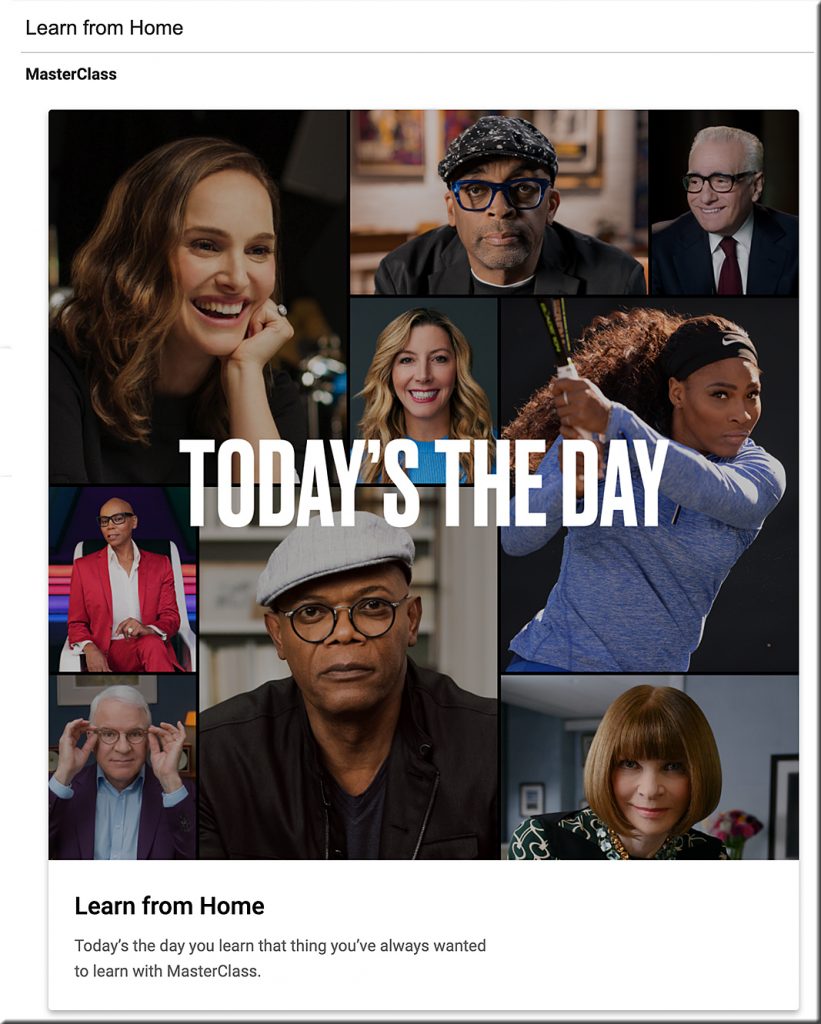
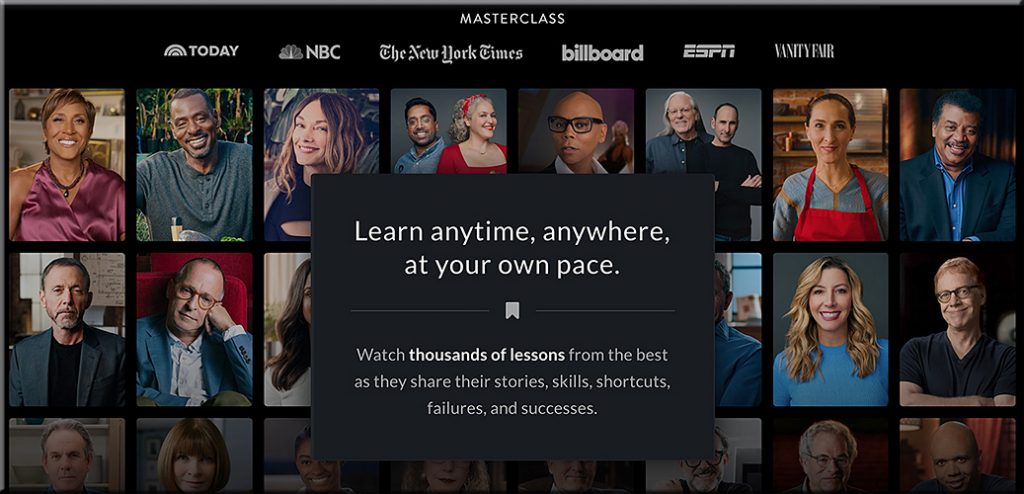
And this phenomenon of learning from the living [class] room will likely pick up steam; some learning-related services are already heading that way.


Learning from home -- masterclass dot com

Learning from home -- masterclass dot com


Also see:

Preparing Students for a Lifelong Disruptive Future: The 60-Year Curriculum — from evolllution.com by Chris Dede | Professor of Learning Technologies in the Graduate School of Education, Harvard University and John Richards | Professor in the Graduate School of Education, Harvard University

Although written before the pandemic, a just-published book, The 60-Year Curriculum: New Models for Lifelong Learning in the Digital Economy (Dede and Richards, 2020), describes the looming challenge/opportunity of a coming, epic half-century whose intensity of disruption will rival the historic period civilization faced from 1910-1960: two world wars, a global pandemic, a long-lasting economic depression and unceasing conflicts between capitalism and communism.
…
In our tactical responses to moving teaching online because of the pandemic, we have the strategic opportunity to develop a new model that blends higher and continuing education and realizes the potential of next-generation methods of instruction and assessment (National Academy of Sciences, Engineering and Medicine, 2018) to focus on lifelong learning.


Higher ed needs to build more mature Digital Learning Ecosystems

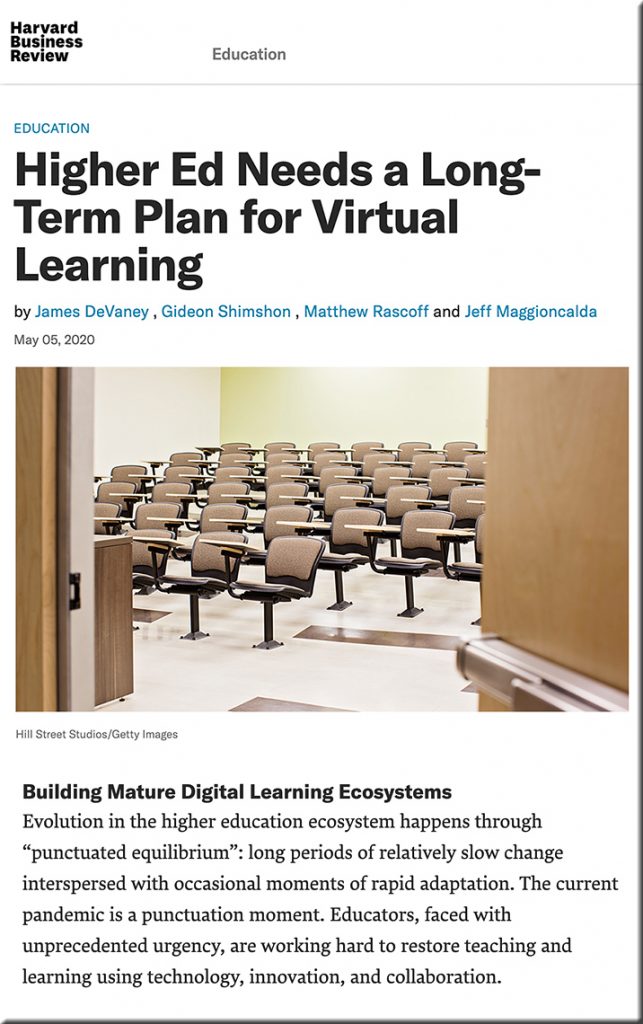
Higher Ed Needs a Long-Term Plan for Virtual Learning — from Harvard Business Review by James DeVaney, Gideon Shimshon, Matthew Rascoff, and Jeff Maggioncalda

Excerpts:

The staggering impact of Covid-19 on education systems around the world is unlike anything we have seen in the post-war era. More than 1.6 billion students have been affected, representing over 91% of all students in the world. Unsurprisingly, demand for online learning has skyrocketed. In the last 30 days, there were 10.3 million enrollments in courses on Coursera, up 644% from the same period last year.
…
As the emergency subsides but normal fails to return, higher ed institutions need to do more. There’s a good likelihood that virtual learning — in some capacity — will need to be a part of education for the foreseeable future. Higher ed institutions need a response framework that looks beyond the immediate actions. They have to prepare for an intermediate period of transition and begin future-proofing their institutions for the long term.


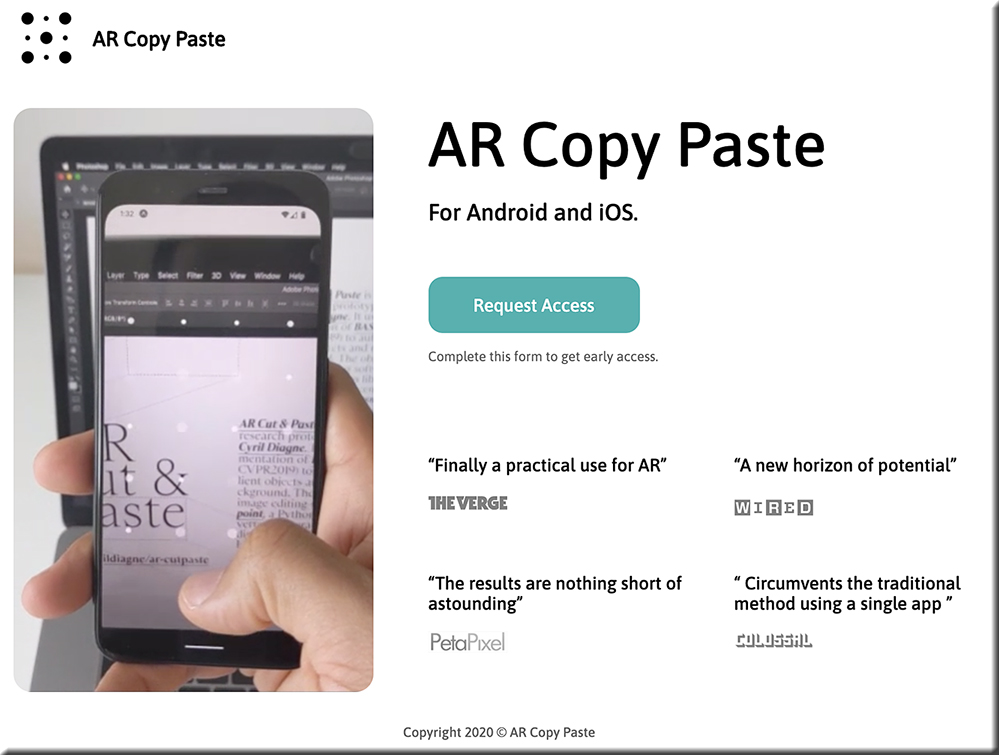
This magical interface will let you copy and paste the real world into your computer — from fastcompany.com by Mark Wilson
Wowza.

Excerpt:

But a new smartphone and desktop app coming from Cyril Diagne, an artist-in-residence at Google, greatly simplifies the process. Called AR Copy Paste, it can literally take a photo of a plant, mug, person, newspaper—whatever—on your phone, then, through a magical bit of UX, drop that object right onto your canvas in Photoshop on your main computer.
…

“It’s not so hard to open the scope of its potential applications. First of all, it’s not limited to objects, and it works equally well with printed materials like books, old photo albums, and brochures,” says Diagne. “Likewise, the principle is not limited to Photoshop but can be applied to any image, document, or video-editing software.”


https://arcopypaste.app/


DC: Ouch! Likely a *major game-changer* — esp given the current landscape of #HigherEducation. [Christian]

From DSC:
Readers of this blog will know that I’m a big fan of online learning. That said, I realize it’s not for everyone. Our son, who is studying to become an actor, hates it.

Given:

  • our current technological tools, setups, and  infrastructures
  • the ways that we are used to doing things
  • our past and current educational systems 
  • and folks’ learning preferences

…it’s hard to do some things online. I get it.

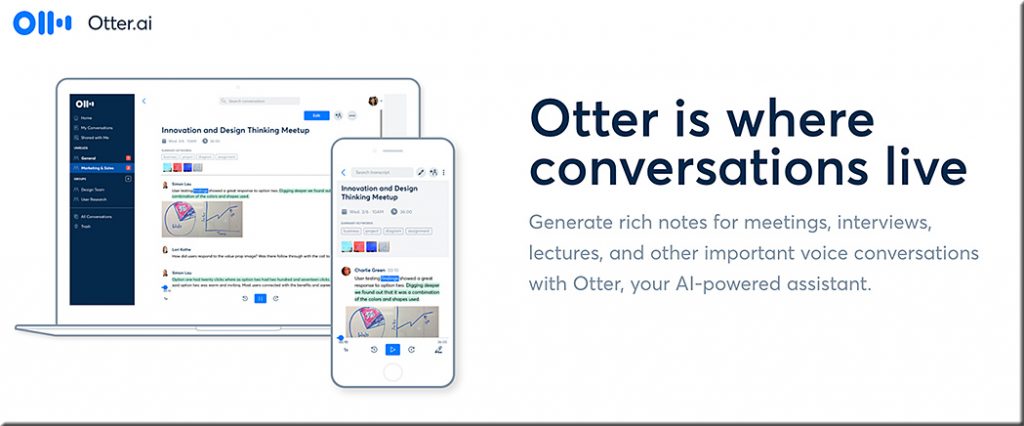
That said, I wouldn’t rule out the further significant growth and development of online-based learning experiences by any stretch of the imagination. The Coronavirus will force traditional institutions of higher education (plus many K-12 school systems as well as corporate training programs) to invest much more aggressively in the research and development of online-based learning experiences. And with AI-based tools like Otter.AI, our future virtually/digitally-based learning ecosystems could be very powerful indeed.

As but one example, consider that AI technologies — as unseen but present participants in future videoconferencing calls — will “listen” to the conversation and likely provide us with a constantly updating sidebar that will consist of beneficial resources such as:

  • relevant research
  • websites
  • journal articles
  • blog postings
  • former team conversations
  • etc.

The output from that sidebar will likely be able to be saved /downloaded just like we do with transcripts of chat sessions. The available options for such a service will be customizable, and filtering mechanisms can be turned on, or off, or be adjusted.

Otter dot AI


All of that said, it IS time to reduce the investments that are being used to create new athletic facilities and/or other new physical buildings. And it’s time to start reallocating those millions of dollars of investments into creating/developing highly-effective online-based learning experiences. 

Don’t get me wrong. Going to campus is an ideal learning experience, and I hope that for everyone out there. But if the current trends continue — especially the increasing costs of obtaining a degree — that won’t be an option for a growing number of people (especially with the aftermath/ripple effects of the Coronavirus on our society).

#CostOfObtainingADegree #StudentRelated #AI #InstructionalDesign #IntelligentSystems #IntelligentTutoring #FutureOfHigherEducation #Innovation #LearningEcosystems #HigherEducation #Change #NewBusinessModels #Reinvent #StayingRelevant #Surviving


L&D in Lockdown: What’s taking place? — from modernworkplacelearning.com by Jane Hart

Excerpt:

So what are L&D doing differently?

Zoom is still being used to power virtual sessions, but L&D folk are using different formats than traditional training, e.g.

  • leaders’ talk shows
  • virtual interactive sessions for staff to share how they are doing, what has inspired them, energised them, what they are learning and they will take into the future.
  • virtual coaching to support people managing change and virtual working.
  • 30-min “pop up” trainings on simple, urgent topics like MS Teams

Others in L&D are experimenting with new (for them) formats, e.g.

  • book summaries and podcasts
  • weekly newsletters on key topics, mostly to create faster distribution channels
  • converting face to face items to virtual offerings in various forms, accelerating online access and remote learning campaigns
  • curation of internal and external content
  • experimenting with creative practice via an online platform (eg simple drawing exercises designed to help people learn, engage, relax, talk, draw, experiment)
  • taking the time to reflect and make a better learning experience? Running things online that people said couldn’t be done virtually.

Also see:


OLC Innovate™ 2020 Conference Moves to June with All-Virtual Format — from prweb.com
Produced by the Online Learning Consortium, in partnership with MERLOT, OLC Innovate 2020 Virtual will gather digital learning leaders and practitioners, online, June 15-26, to focus on innovation in digital, blended and online learning.

Excerpt:

BOSTON (PRWEB) MAY 01, 2020
The Online Learning Consortium (OLC) announced today that its annual OLC Innovate™ Conference is moving to an all-virtual format for 2020. OLC and conference partner MERLOT will gather the digital learning community, online, June 15-26, for OLC Innovate™ 2020 Virtual Conference (#OLCInnovate). This year’s theme, “Building Bridges in Digital, Blended and Online Learning,” frames a 10-day online program that highlights inspiring innovators and thought leaders from higher education, K-12, military, health care and workforce education.


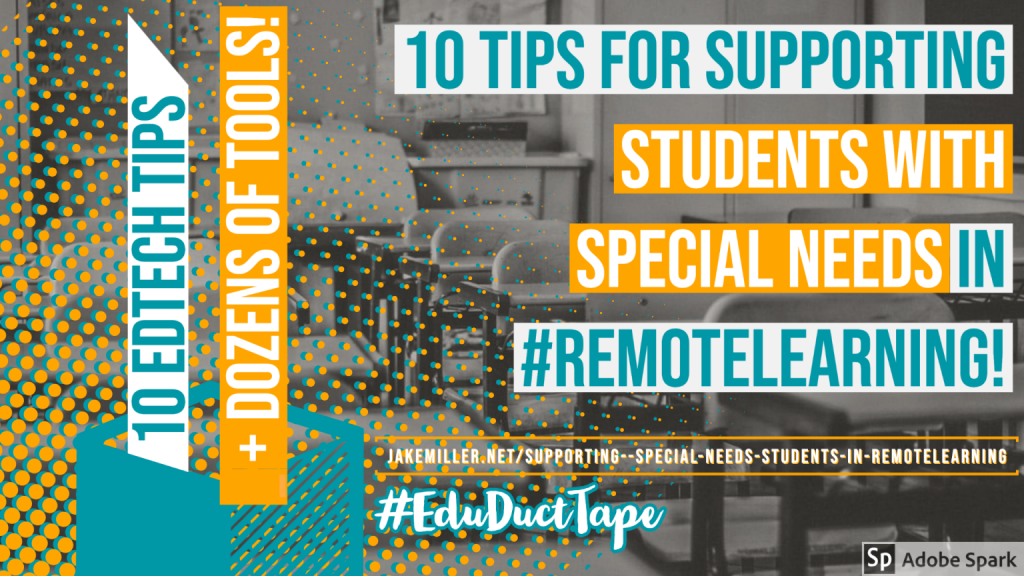
10 Tips for Supporting Students with Special Needs in #RemoteLearning — from jakemiller.net by Jake Miller

Excerpt:

How can we support learners with special needs in remote learning?

While, certainly, some educators are doing great things to support these students, from my observations, this has taken a backseat to other elements of remote learning.  And these students NEED OUR HELP.

Unfortunately, I am not an expert in special education, accessibility features or assistive technology. I am, however, skilled at asking other people to share their expertise. ? So, in episode 40 of the Educational Duct Tape podcast and in the 4.8.20 #EduDuctTape Twitter Chat I asked educators one simple question:

How can we support learners with special needs in remote learning?

And they DELIVERED. I mean, the awesome suggestions and resources, all from a perspective of support rather than judgment, POURED in. And so, here they are.

10 Tips for Supporting Students with Special Needs in Remote Learning


© 2025 | Daniel Christian