This magical interface will let you copy and paste the real world into your computer — from fastcompany.com by Mark Wilson
Wowza.

Excerpt:

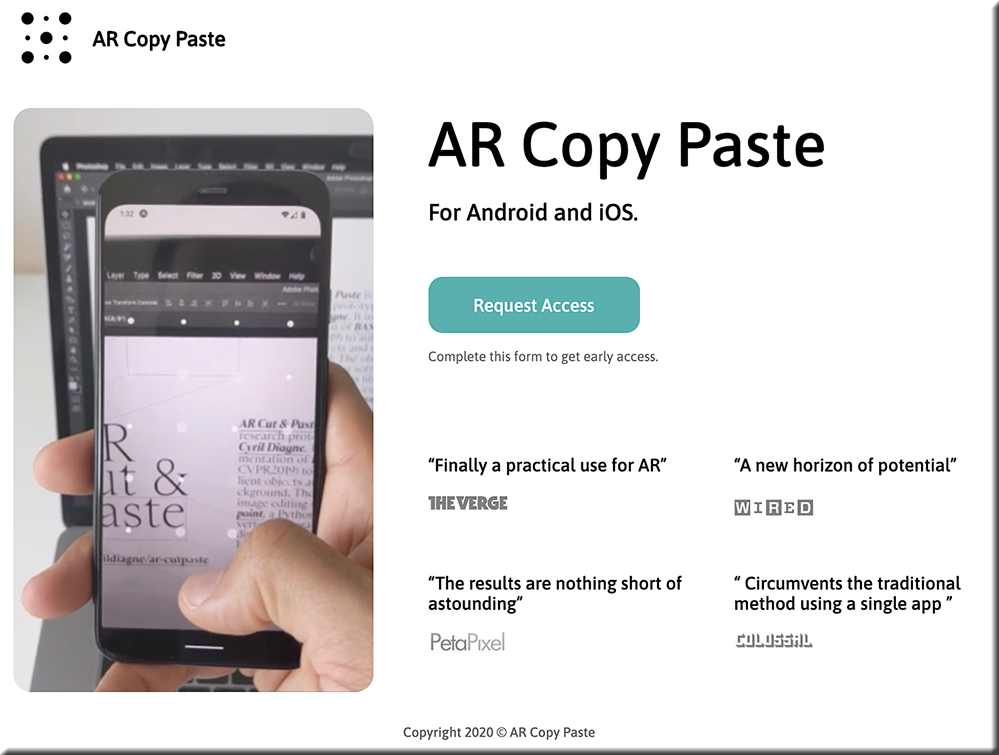
But a new smartphone and desktop app coming from Cyril Diagne, an artist-in-residence at Google, greatly simplifies the process. Called AR Copy Paste, it can literally take a photo of a plant, mug, person, newspaper—whatever—on your phone, then, through a magical bit of UX, drop that object right onto your canvas in Photoshop on your main computer.
…

“It’s not so hard to open the scope of its potential applications. First of all, it’s not limited to objects, and it works equally well with printed materials like books, old photo albums, and brochures,” says Diagne. “Likewise, the principle is not limited to Photoshop but can be applied to any image, document, or video-editing software.”


https://arcopypaste.app/


DC: Ouch! Likely a *major game-changer* — esp given the current landscape of #HigherEducation. [Christian]

From DSC:
Readers of this blog will know that I’m a big fan of online learning. That said, I realize it’s not for everyone. Our son, who is studying to become an actor, hates it.

Given:

  • our current technological tools, setups, and  infrastructures
  • the ways that we are used to doing things
  • our past and current educational systems 
  • and folks’ learning preferences

…it’s hard to do some things online. I get it.

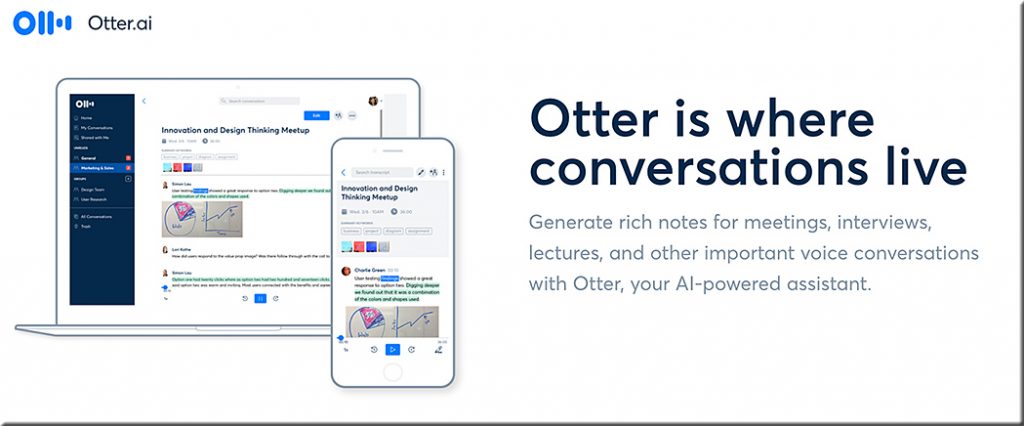
That said, I wouldn’t rule out the further significant growth and development of online-based learning experiences by any stretch of the imagination. The Coronavirus will force traditional institutions of higher education (plus many K-12 school systems as well as corporate training programs) to invest much more aggressively in the research and development of online-based learning experiences. And with AI-based tools like Otter.AI, our future virtually/digitally-based learning ecosystems could be very powerful indeed.

As but one example, consider that AI technologies — as unseen but present participants in future videoconferencing calls — will “listen” to the conversation and likely provide us with a constantly updating sidebar that will consist of beneficial resources such as:

  • relevant research
  • websites
  • journal articles
  • blog postings
  • former team conversations
  • etc.

The output from that sidebar will likely be able to be saved /downloaded just like we do with transcripts of chat sessions. The available options for such a service will be customizable, and filtering mechanisms can be turned on, or off, or be adjusted.

Otter dot AI


All of that said, it IS time to reduce the investments that are being used to create new athletic facilities and/or other new physical buildings. And it’s time to start reallocating those millions of dollars of investments into creating/developing highly-effective online-based learning experiences. 

Don’t get me wrong. Going to campus is an ideal learning experience, and I hope that for everyone out there. But if the current trends continue — especially the increasing costs of obtaining a degree — that won’t be an option for a growing number of people (especially with the aftermath/ripple effects of the Coronavirus on our society).

#CostOfObtainingADegree #StudentRelated #AI #InstructionalDesign #IntelligentSystems #IntelligentTutoring #FutureOfHigherEducation #Innovation #LearningEcosystems #HigherEducation #Change #NewBusinessModels #Reinvent #StayingRelevant #Surviving


From DSC:
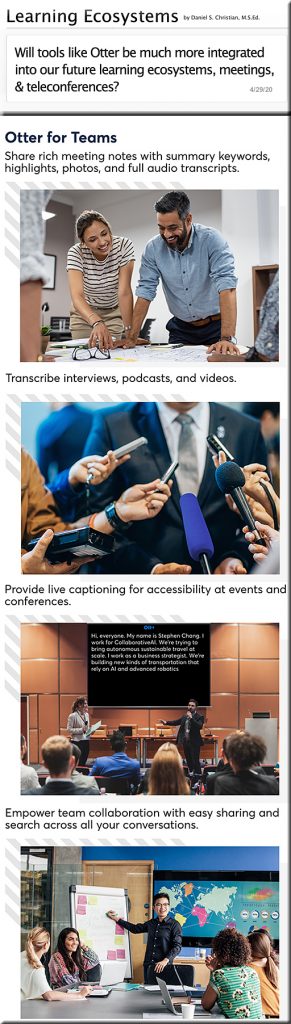
Some of the areas likely to see such tools integrated into their arenas, operations, and ecosystems:


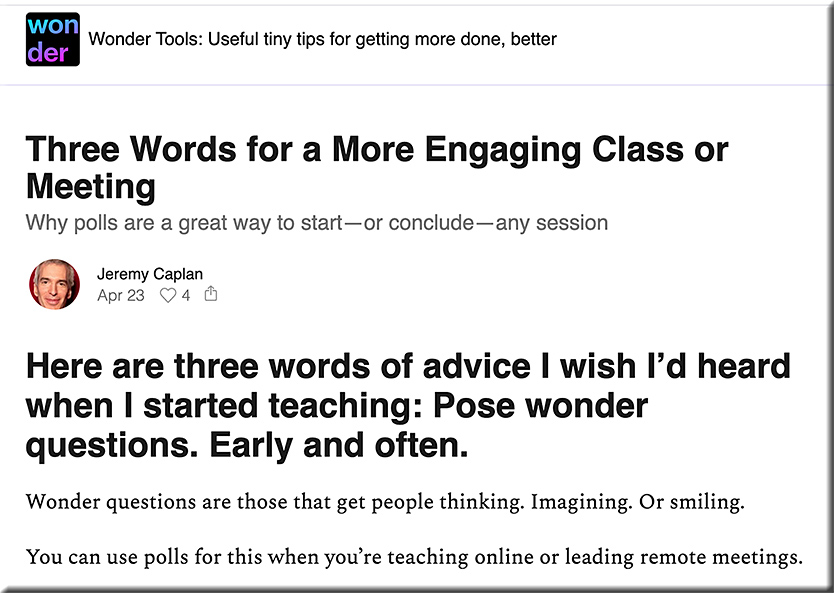
With thanks to my sister, Sue Ellen Christian, for forwarding me Jeremy Caplan’s site/newsletter.

Also see:

…and this one as well:

Three words of advice that I wish I had heard when I first started teaching


From DSC:

Will tools like Otter be much more integrated into our future learning ecosystems, meetings, & teleconferences?


From DSC:
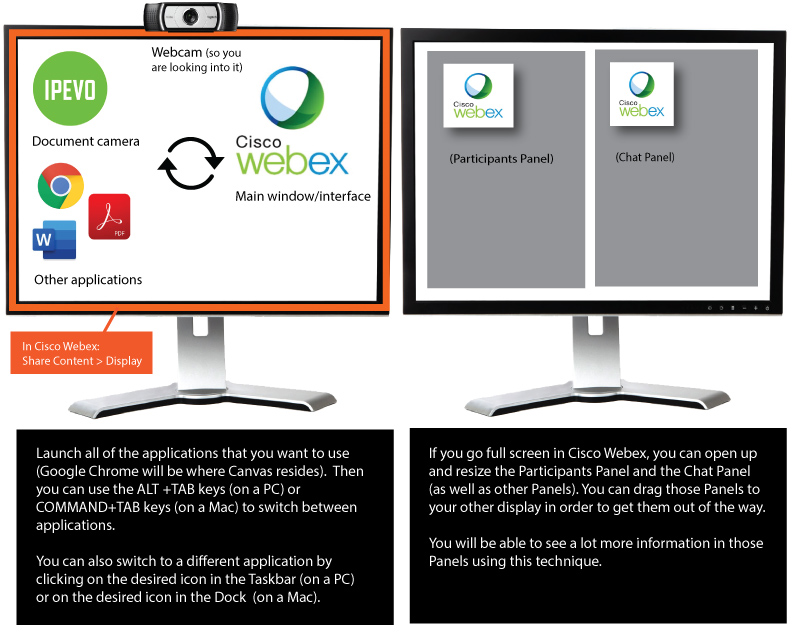
If you are teaching from home and you have two displays (which is highly recommended)… 

The link to the PDF file (below) presents a printable graphic that relays a great way to organize your applications as well as the panels within Cisco Webex. The printable graphic also relays two quick, easy, and effective methods of switching between applications. 


Setting up your apps with two displays (printable graphic in this PDF file).


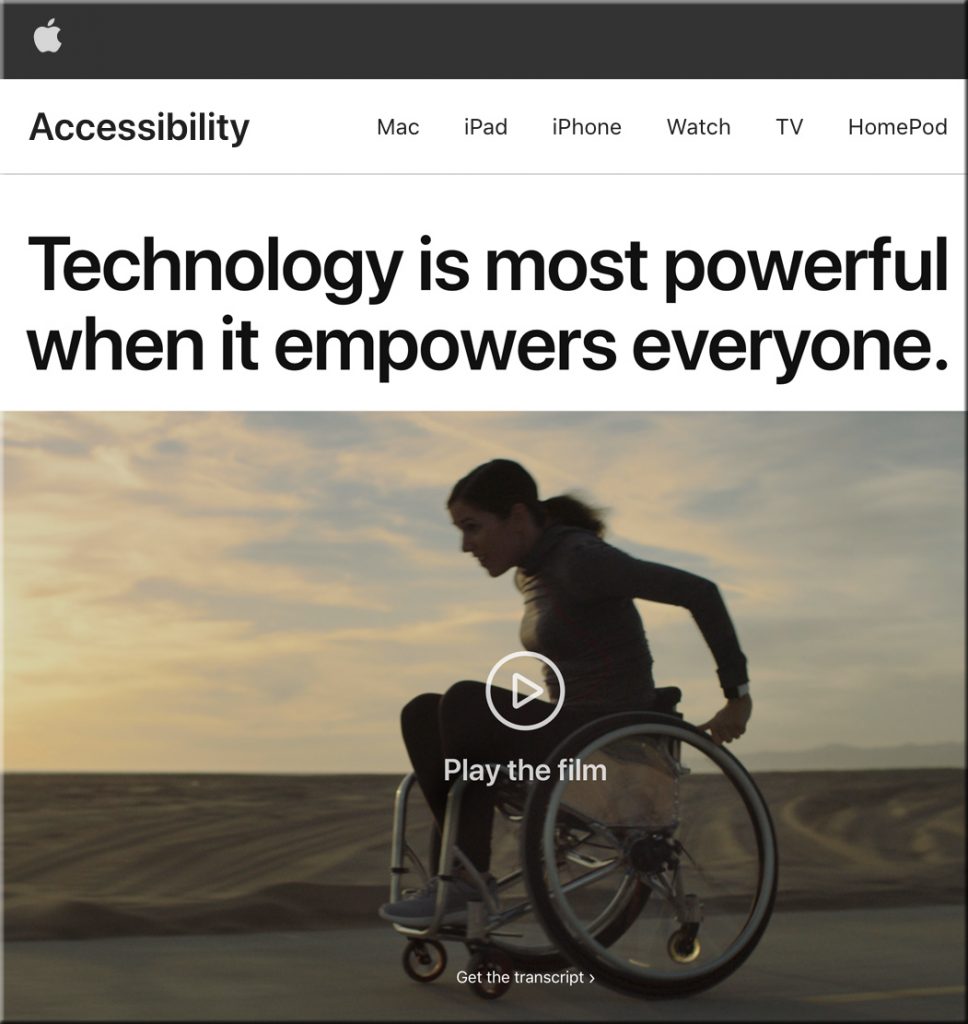
Special education and accessibility resources for remote learning — from education.microsoft.com

Excerpt:

For special educators, diversity demands they provide inclusive, accessible learning environments that inspire confidence and encourage independence differently for each student. Learn about how to create a personalized and engaging remote learning experience for all of your students through the resources provided in these pages.

These resources are intended for all educators, but will be especially helpful for educators and support staff who work in the following areas: special education, assistive technology, blind and visually impaired, deaf and hard of hearing, occupational therapy, physical therapy, speech language pathology, early childhood special education, behavior, counseling, school psychology, language interpretation, literacy, autism, and many other areas that assist students who need specially designed instruction.


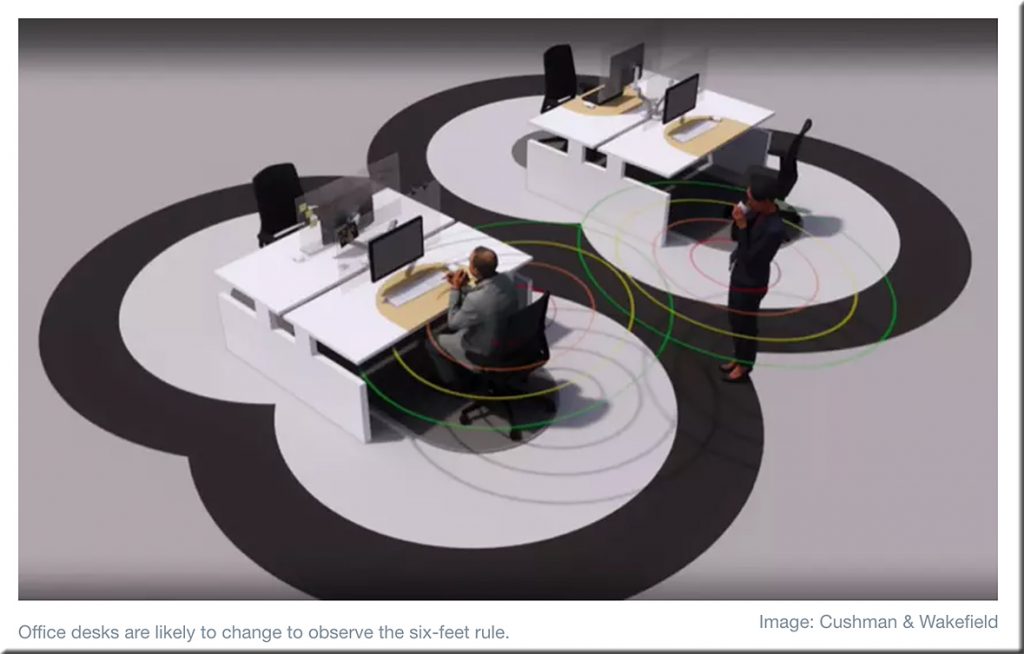
10 ways COVID-19 could change office design — from weforum.org by Harry Kretchmer

“Think road markings, but for offices. From squash-court-style lines in lobbies to standing spots in lifts, and from circles around desks to lanes in corridors, the floors and walls of our offices are likely to be covered in visual instructions.”


From DSC:
After reading the above article and quote, I wondered..rather than marking up the floors and walls of spaces, perhaps Augmented Reality (AR) will provide such visual instructions for navigating office spaces in the future.  Then I wondered about other such spaces as:

  • Learning spaces
  • Gyms
  • Retail outlets 
  • Grocery stores
  • Restaurants
  • Small businesses
  • Other common/public spaces
 

Q: For those who prefer or need to handwrite their essays, what are some ways/methods that students can use to scan in — and then submit — their essays into Canvas?

A:  Below are a few different options, potential solutions, and resources:


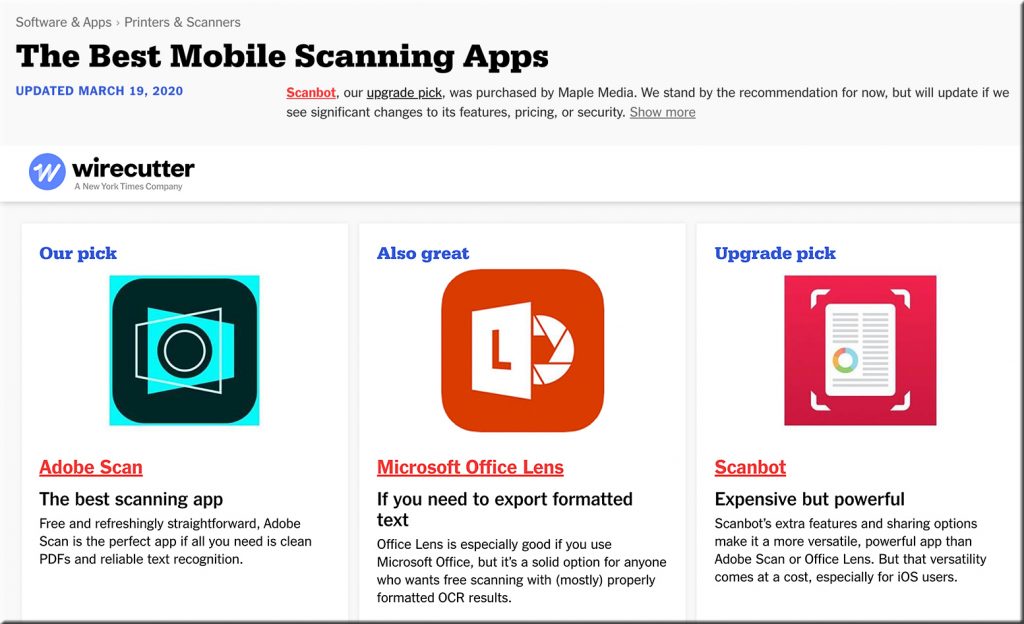
The Best Mobile Scanning Apps -- 2020


  • Students can also scan in their essays via most combination printers/scanners these days. Then they can insert those scans into a Word doc and submit it.
  • A Google search presents many different ways to scan in items into a Word document. That Word doc can then be submitted or saved as a PDF file (and then be submitted as as PDF file).
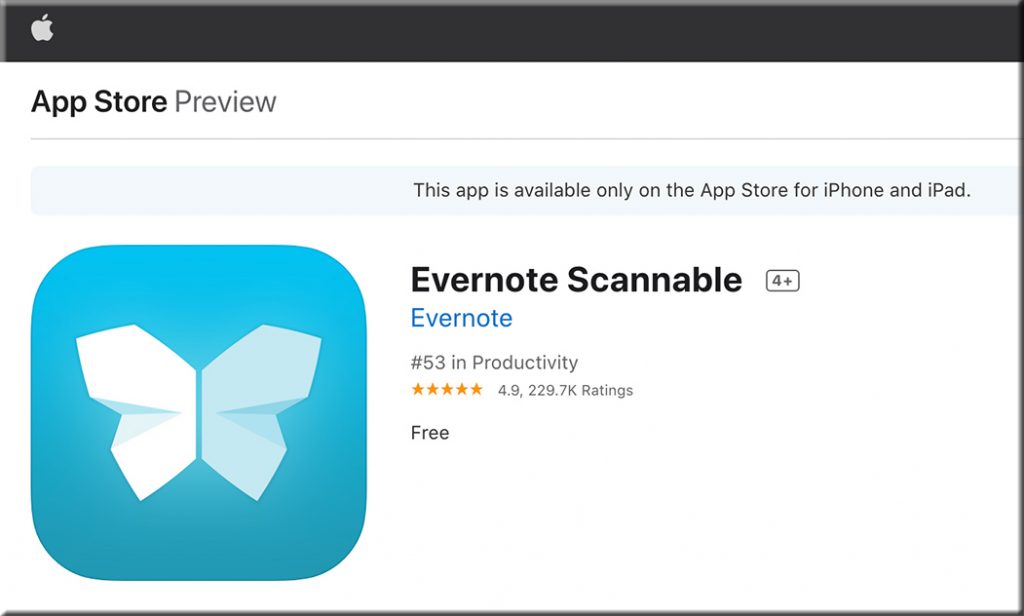
  • Also see How to create a PDF of handwritten assignments — from Canvas @ Yale. Yale recommended the following apps:

Yale recommends Scannable


Yale recommends Genius Scan for Android devices -- i.e., for scanning documents


Also see:

  • The new Office app now generally available for Android and iOS — from microsoft.com by the Microsoft 365 team
    Excerpt:
    Integrating our Lens technology to unlock the power of the camera with capabilities like converting images into editable Word and Excel documents, scanning PDFs, and capturing whiteboards with automatic digital enhancements to make the content easier to read.
 

Why education is a ‘wicked problem’ for learning engineers to solve — from edsurge.com by Rebecca Koenig

Excerpts (emphasis DSC):

So, back to the wicked problem: How do we make education that’s both quality education and at the same time accessible and affordable?

“Now, we are building a new technology that we call Agent Smith. It’s another AI technology— and we’re very excited about it—that builds [a] Jill Watson for you. And Agent Smith can build a Jill Watson for you in less than 10 percent of the hours.”
…
So one question for online education is, can we build a new set of tools—and I think that’s where AI is going to go, that learning engineering is going to go—where AI is not helping individual humans as much as AI is helping human-human interaction.

Huge ethical issues and something that learning engineering has not yet started focusing on in a serious manner. We are still in a phase of, “Look ma, no hands, I can ride a bike without hands.”
…
Technology should not be left to technologists.

Learning from the living class room


From DSC:
I’d like to thank Mr. Eric Osterberg — a fraternity brother and friend of mine — for sending me the following article. I wrote back to him. After thanking Eric for the article, I said:

Such an article makes me reflect on things — which is always a good thing for me to try to see my blindspots and/or to think about the good and bad of things. Technologies are becoming more powerful and integrated into our lives — for better at times and for worse at other times.

I’m wondering how the legal realm can assist and/or help create a positive future for societies throughout the globe…any thoughts?


Can computers ever replace the classroom? — from theguardian.com by Alex Beard
With 850 million children worldwide shut out of schools, tech evangelists claim now is the time for AI education. But as the technology’s power grows, so too do the dangers that come with it. 

Excerpts:

But it’s in China, where President Xi Jinping has called for the nation to lead the world in AI innovation by 2030, that the fastest progress is being made. In 2018 alone, Li told me, 60 new AI companies entered China’s private education market. Squirrel AI is part of this new generation of education start-ups. The company has already enrolled 2 million student users, opened 2,600 learning centres in 700 cities across China, and raised $150m from investors.
…
The supposed AI education revolution is not here yet, and it is likely that the majority of projects will collapse under the weight of their own hype.

The point, in short, is that AI doesn’t have to match the general intelligence of humans to be useful – or indeed powerful. This is both the promise of AI, and the danger it poses.

It was a reminder that Squirrel AI’s platform, like those of its competitors worldwide, doesn’t have to be better than the best human teachers – to improve people’s lives, it just needs to be good enough, at the right price, to supplement what we’ve got. The problem is that it is hard to see technology companies stopping there. For better and worse, their ambitions are bigger. “We could make a lot of geniuses,” Li told me.


Amazon rolls out Alexa-powered voice shopping experience in India — from techcrunch.com by Manish Singh

Excerpt:

Amazon [on 3/12/20] rolled out an Alexa-enabled voice-powered shopping feature in India as the e-commerce giant looks for new ways to engage with customers in one of its key overseas markets.

Customers will be able to use Alexa to search for items on the e-commerce platform, add them to the cart and proceed to checkout — by tapping the in-app mic icon and saying commands such as “Alexa, show me sarees,” “Alexa, add saree to my cart” and “Alexa, go to checkout.”


How innovations in voice technology are reshaping education — from edsurge.com by Diana Lee
Voice is the most accessible form you can think of when you think about any interface. In education, it’s already started to take off.

It could be basic questions about, “Am I taking a class to become X?” or “How strong are my skills relative to other people?” An assistant can help with that. It could potentially be a coach, something that follows you the rest of your life for education. I’m excited about that. People that can’t normally get access to this kind of information will get access to it. That’s the future.

From DSC:
The use of voice will likely be a piece of a next-generation learning platform.

Voice will likely be a piece of the next generation learning platform

 
© 2025 | Daniel Christian