DC: Other potential curricula would involve instructional design and instructional technology (which now includes using AI).


How AI will revolutionize the practice of law — from brookings.edu by John Villasenor

Artificial intelligence (AI) is poised to fundamentally reshape the practice of law. 

Excerpt:

BROADENING ACCESS TO LEGAL SERVICES
AI also has the potential to dramatically broaden access to legal services, which are prohibitively expensive for many individuals and small businesses. As the Center for American Progress has written, “[p]romoting equal, meaningful access to legal representation in the U.S. justice system is critical to ending poverty, combating discrimination, and creating opportunity.”

AI will make it much less costly to initiate and pursue litigation. For instance, it is now possible with one click to automatically generate a 1000-word lawsuit against robocallers. More generally, drafting a well-written complaint will require more than a single click, but in some scenarios, not much more. These changes will make it much easier for law firms to expand services to lower-income clients.


Houses of worship to move streaming from social media to dedicated platforms — from inavateonthenet.net

Houses of worship to move streaming from social media to dedicated platforms

Excerpt:

A report by Pushpay, with data from over 1,700 organisations has found that while 91% of churches currently livestream worship services on social media, only 47% plan to do the same in the upcoming year.

The report, entitled ‘State of Church Tech 2023 is available to download here.

The reason cited for this shift is organisations’ lack of control on social media platforms to maintain engagement, as users are bombarded with pop-up windows, notifications, status updates, and more.

This is driving a rise in custom video players, website embeds, mobile app streaming, and other platforms that are better suited to maintain engagement.


Begun, the AI lawsuits have — from bloomberg.com by Brad Stone

Excerpt:

A few intellectual property lawsuits have already been lobbed at the makers of these AI services. Getty sued Stability AI for building its image database by scraping millions of online images, many protected by copyright. In a similar suit, a San Francisco-based class action firm representing three artists sued Stability AI, DeviantArt and Midjourney for training their model with billions of copyrighted images. News publishers have also criticized OpenAI for using their articles to train its AI tools.

But the complaints focus on the creation and training of databases that feed these new AI engines — the inputs. It remains to be seen how rights holders will interpret the output — Yoda’s ramblings, for example — which have been coopted by Character.AI and its ilk without permission from Walt Disney Co.-owned Lucasfilm and other rights holders.


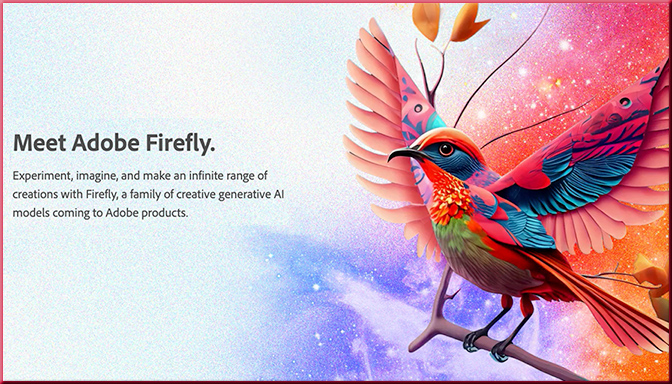
Meet Adobe Firefly. Experiment, imagine, and make an infinite range of creations with Firefly, a family of creative generative AI models coming to Adobe products.

Meet Adobe Firefly. — from adobe.com
Experiment, imagine, and make an infinite range of creations with Firefly, a family of creative generative AI models coming to Adobe products.

Generative AI made for creators.
With the beta version of the first Firefly model, you can use everyday language to generate extraordinary new content. Looking forward, Firefly has the potential to do much, much more.


Also relevant/see:

Gen-2 from runway Research -- the next step forward for generative AI

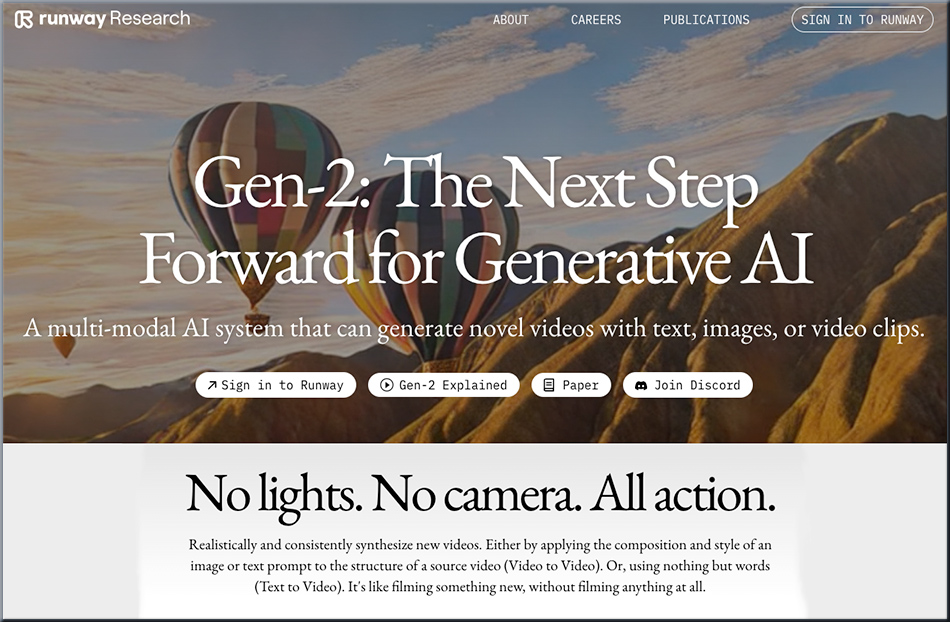
Gen-2: The Next Step Forward for Generative AI — from research.runwayml.com
A multi-modal AI system that can generate novel videos with text, images, or video clips.

Realistically and consistently synthesize new videos. Either by applying the composition and style of an image or text prompt to the structure of a source video (Video to Video). Or, using nothing but words (Text to Video). It’s like filming something new, without filming anything at all.


Explore Breakthroughs in AI, Accelerated Computing, and Beyond at NVIDIA's GTC -- keynote was held on March 21 2023

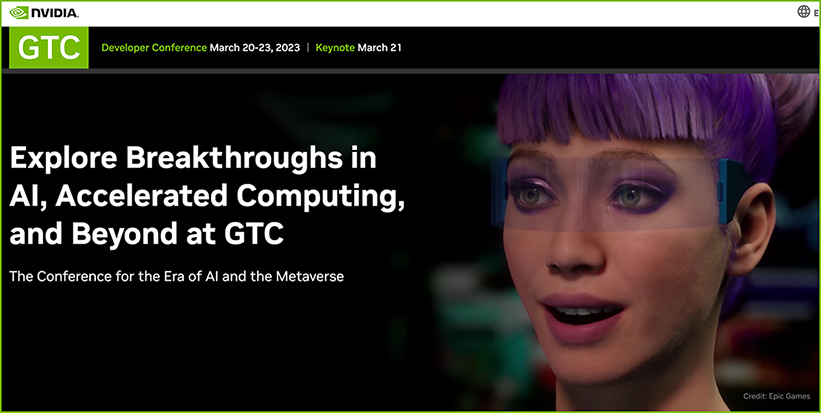
Explore Breakthroughs in AI, Accelerated Computing, and Beyond at GTC — from nvidia.com
The Conference for the Era of AI and the Metaverse


Addendums on 3/22/23:

Generative AI for Enterprises — from nvidia.com
Custom-built for a new era of innovation and automation.

Excerpt:

Impacting virtually every industry, generative AI unlocks a new frontier of opportunities—for knowledge and creative workers—to solve today’s most important challenges. NVIDIA is powering generative AI through an impressive suite of cloud services, pre-trained foundation models, as well as cutting-edge frameworks, optimized inference engines, and APIs to bring intelligence to your enterprise applications.

NVIDIA AI Foundations is a set of cloud services that advance enterprise-level generative AI and enable customization across use cases in areas such as text (NVIDIA NeMo™), visual content (NVIDIA Picasso), and biology (NVIDIA BioNeMo™). Unleash the full potential with NeMo, Picasso, and BioNeMo cloud services, powered by NVIDIA DGX™ Cloud—the AI supercomputer.


Psalms 34:18 NIV — from bible.com

The LORD is close to the brokenhearted and saves those who are crushed in spirit.

.

Psalms 34:8 NIV — from bible.com

Taste and see that the LORD is good; blessed is the one who takes refuge in him.


This AR Art App Helps You Paint Giant Murals — from vrscout.com by Kyle Melnick

This AR Art App Helps You Paint Giant Murals

Here’s another interesting item along the lines of emerging technologies:

AR-Powered Flashcards Offer A Fresh Spin On Learning — from vrscout.com by Kyle Melnick

Undergraduates Justin Nappi and Sudiksha Mallick developed SmartCards -- a new type of AR-powered flashcard

Excerpt:

Each SmartCard features a special marker that, when scanned with a tablet, unlocks informative virtual content students can interact with using basic hand gestures and buttons. According to its developers, Justin Nappi and Sudiksha Mallick, SmartCards can be especially useful for neurodivergent students, including those with attention-deficit/hyperactivity disorder (ADHD), autism, or dyslexia.


On the K-12 side of things:

6 Ways to Use ChatGPT to Save Time — from edutopia.org by Todd Finley
Teachers can use the artificial intelligence tool to effectively automate some routine tasks.

Excerpt:

In the paragraphs that follow, I’ve divided these tasks into the following categories: planning instruction, handouts and materials, differentiation, correspondence, assessment, and writing instruction and feedback. Welcome to the revolution.

Lesson plans: Ask ChatGPT to write a lesson plan on, say, Westward Expansion. The tool composes assessments, activities, scaffolding, and objectives. Want that in the form of problem-based learning or revised for a flipped classroom? ChatGPT can adjust the lesson plan according to your instructions. 

I’m a high school math and science teacher who uses ChatGPT, and it’s made my job much easier — from businessinsider-com.cdn.ampproject.org by Aaron Mok; with thanks to Robert Gibson on LinkedIn for this resource

Shannon Ahern teaching her class with the help of a ChatGPT-generated slide. Photo courtesy of Shannon Ahern

Excerpt:

  • Shannon Ahern, a high school math and science teacher, was afraid that ChatGPT would take her job.
  • But her mind changed after she started using the AI for class prep, which saved her hours of time.
  • Here’s how Ahern is using ChatGPT to make her job easier, as told to Insider’s Aaron Mok.

On the higher education side of things:

Using AI to make teaching easier & more impactful — from oneusefulthing.substack.com by Ethan Mollick
Here are five strategies and prompts that work for GPT-3.5 & GPT-4

Excerpt:

But one thing that is not changing is the best way for people to learn. We have made large advances in recent years in understanding pedagogy – the science of learning. We know some of the most effective techniques for making sure material sticks and that it can be retrieved and used when needed most.

Unfortunately, many of these advanced pedagogical techniques are time-consuming to prepare, and many instructors are often overworked and do not have the resources and time to add them to their teaching repertoire. But AI can help. In the rush to deliver AI benefits directly to students, the role of teachers is often overlooked.

Teaching: What You Need to Know About ChatGPT — from chronicle.com by Beth McMurtrie

Excerpt:

Digital literacy is more important than ever. Artificial-intelligence tools, and generative AI in particular, raise a host of ethical, political, economic, and social questions. Plus, this tech is soon going to be everywhere, including students’ future professions. (The technology behind ChatGPT, in fact, just got an upgrade this week.) Colleges need to figure out how to graduate digitally savvy students in all disciplines.

“The integration of technology into our lives is so pervasive that the restriction of education about AI to the computer scientists and the computer engineers makes no more sense than the restriction of taking English classes by English majors,” said Weber.


Infographic: Gamify your eLearning with these 7 techniques — from thelearningrooms.com

Excerpt:

Gamification refers to the application of gaming elements into the instructional design of a course. Here are 7 ways to incorporate gamification into your eLearning.


ChatGPT could be an effective and affordable tutor — from theconversation-com.cdn.ampproject.org by Anne Trumbore

Excerpt:

Yet the history and research of intelligent tutors show that using the right design to harness the power of chatbots like ChatGPT can make deeper, individualized learning available to almost anyone. For example, if people use ChatGPT to ask students questions that prompt them to revise or explain their work, students will have better learning gains. Since ChatGPT has access to far more knowledge than Aristotle ever did, it has great potential for providing tutoring to students to help them learn more than they would otherwise.


Policy by Waivers Won’t Boost School Innovation — by Michael B. Horn
“Permissionless” beats having to ask for an okay

Excerpt:

In recent conversations, educators and state policymakers have expressed shock to me that district schools aren’t innovating more. With microschools growing and test scores floundering, why aren’t districts seeking permission to reinvent themselves?

As evidence of the opportunities to innovate, many bureaucrats and think tanks point to the vast number of waivers that states offer. The opportunities to move beyond traditional structures and processes do exist, the argument goes.

Yet waivers help far less than most policymakers believe. Until regulators create frameworks where innovation in pursuit of student outcomes is the default and doesn’t require permission, don’t expect a sea change.


From DSC:
TrimTab Groups. That’s what we need more of within K-12 and higher education. 

Research shows the only way an organization can truly reinvent itself is to launch a separate organization that has the autonomy to rethink its value proposition, resources, processes, and financial formula.

Below is a graphic I created a while back, but with traditional institutions of higher education in mind.

We need more Trim Tab Groups within K-12 and Higher Education.


Designing Virtual Edtech Faculty Development Workshops That Stick: 10 Guiding Principles — from er.educause.edu by Tolulope (Tolu) Noah
These ten principles offer guidance on ways to design and facilitate effective and engaging virtual workshops that leave faculty feeling better equipped to implement new edtech tools.

Excerpt:

I share here ten guiding principles that have shaped my design and facilitation of virtual synchronous edtech workshops. These guiding principles are based on lessons learned in both my previous role as a professional learning specialist at a major technology company and my current role as a faculty developer at a university. In the spirit of James M. Lang’s book Small Teaching, my hope is that the principles shared here may prompt reflection on the small yet impactful moves academic technology specialists, instructional designers, and educational developers can make to create virtual learning experiences whereby faculty leave feeling better equipped to implement the edtech tools they have learned.


Somewhat relevant/see:

Evidence-Based Learning Design 101 — by Dr. Philippa Hardman
A practical guide on how to bake the science of learning into the art of course design

Excerpt:

As I reflect on the experience and what I’ve learned so far, I thought I’d share a response to the question I probably get asked most: what process do you use to go from an idea to a designed learning experience?

So, let’s do a rapid review of the four step process I and my bootcamp alumni use – aka the DOMS™? process – to go from zero to a designed learning experience.


Introducing Microsoft 365 Copilot — your copilot for work

Copilot — A whole new way to work — from news.microsoft.com

  • Copilot in Word writes, edits, summarizes and creates right alongside people as they work.
  • Copilot in PowerPoint enables the creation process by turning ideas into a designed presentation through natural language commands.
  • Copilot in Excel helps unlock insights, identify trends or create professional-looking data visualizations in a fraction of the time.
  • Copilot in Outlook can help synthesize and manage the inbox to allow more time to be spent on actually communicating.
  • Copilot in Teams makes meetings more productive with real-time summaries and action items directly in the context of the conversation.
  • Copilot in Power Platform will help developers of all skill levels accelerate and streamline development with low-code tools with the introduction of two new capabilities within Power Apps and Power Virtual Agents.
  • Business Chat brings together data from across documents, presentations, email, calendar, notes and contacts to help summarize chats, write emails, find key dates or even write a plan based on other project files.

Introducing Microsoft 365 Copilot – your copilot for work — from blogs.microsoft.com by Jared Spataro

“Today marks the next major step in the evolution of how we interact with computing, which will fundamentally change the way we work and unlock a new wave of productivity growth,” said Satya Nadella, Chairman and CEO, Microsoft. “With our new copilot for work, we’re giving people more agency and making technology more accessible through the most universal interface — natural language.”

Introducing Microsoft 365 Copilot — A whole new way to work — from microsoft.com by Colette Stallbaumer

Excerpt:

Copilot is integrated into Microsoft 365 in two ways. It works alongside you, embedded in the Microsoft 365 apps you use every day—Word, Excel, PowerPoint, Outlook, Teams, and more—to unleash creativity, unlock productivity, and uplevel skills. Today, we’re also announcing an entirely new experience: Business Chat. Business Chat works across the LLM, the Microsoft 365 apps, and your data—your calendar, emails, chats, documents, meetings, and contacts—to do things you’ve never been able to do before. You can give it natural language prompts like “tell my team how we updated the product strategy” and it will generate a status update based on the morning’s meetings, emails, and chat threads.


A new era for AI and Google Workspace — from workspace.google.com by Johanna Voolich Wright

Excerpt:

As we embark on this next journey, we will be bringing these new generative-AI experiences to trusted testers on a rolling basis throughout the year, before making them available publicly.

With these features, you’ll be able to:

  • draft, reply, summarize, and prioritize your Gmail
  • brainstorm, proofread, write, and rewrite in Docs
  • bring your creative vision to life with auto-generated images, audio, and video in Slides
  • go from raw data to insights and analysis via auto-completion, formula generation, and
  • contextual categorization in Sheets
  • generate new backgrounds and capture notes in Meet
  • enable workflows for getting things done in Chat

Here’s a look at the first set of AI-powered features, which make writing even easier.

 
© 2025 | Daniel Christian