Per Elnaz Sarraf (She/Her), Chief Evangelist at ROYBI Robot:

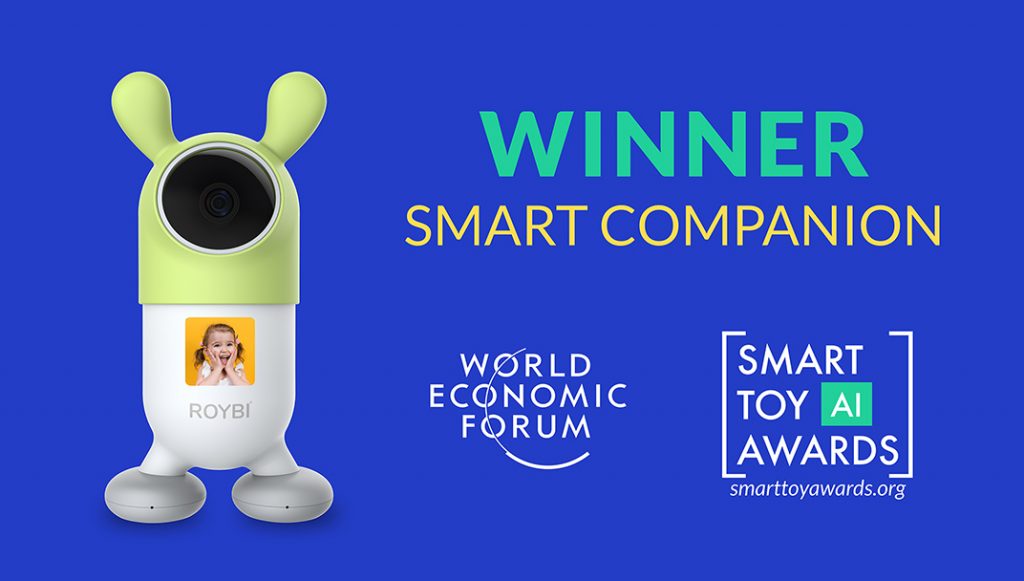
ROYBI INC, the creator of the award-winning ROYBI Robot, announced today that it was named the winner of the World Economic Forum Smart Toy Awards 2021 in the category of Smart Companion. This is a remarkable achievement!

ROYBI won one of the Smart Toy Awards as presented by the World Economic Forum

The category winner had to meet four important criteria:

  1. Data Privacy & Cybersecurity
  2. Accessibility
  3. Innovative Use of AI Transparency
  4. Healthy Play in Childhood Development.

According to the World Economic Forum representative, Seth Bergeson, our ROYBI Robot met and exceeded these important criteria. ROYBI’s award acceptance ceremony can be watched here.


Also see:

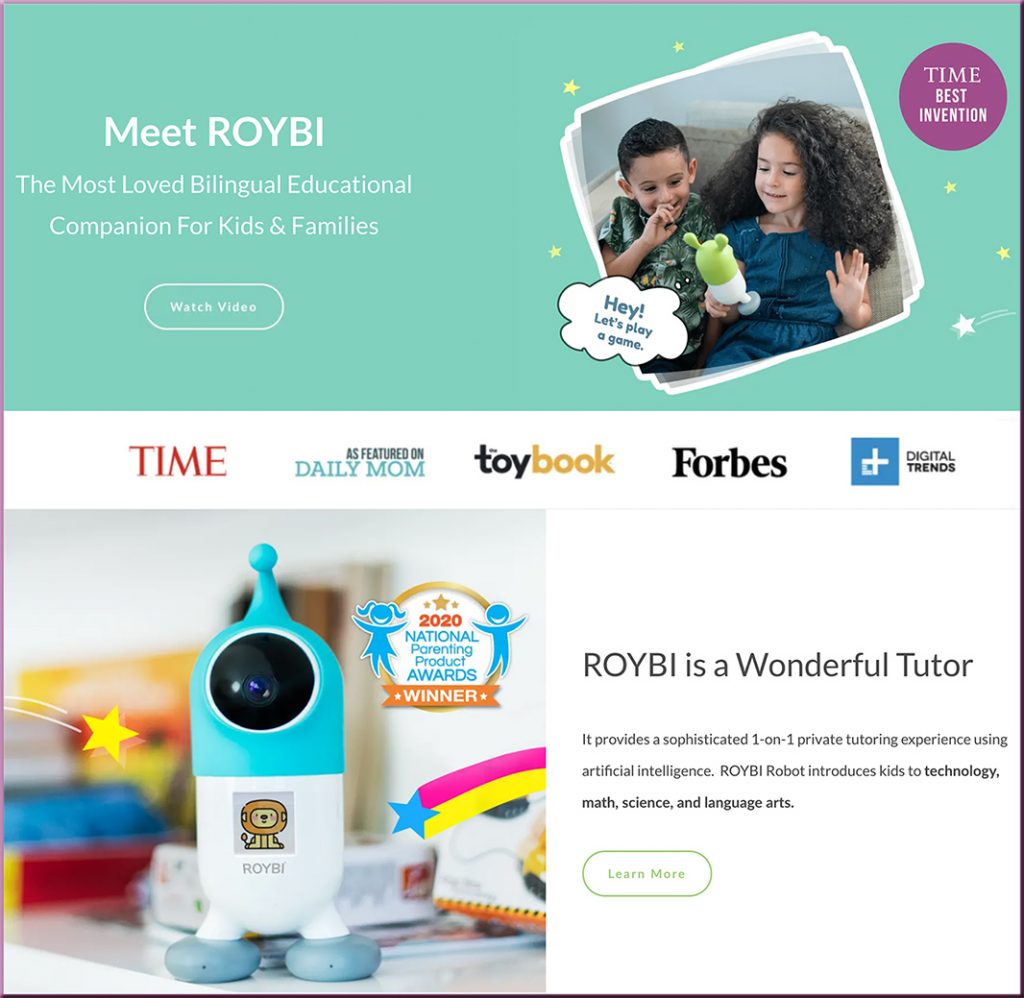
ROYBI provides a sophisticated 1-on-1 private tutoring experience using artificial intelligence. ROYBI Robot introduces kids to technology, math, science, and language arts.


20 Best Websites to Help Kids Learn From Home in 2021 — from wizcase.com by Julia Olech

Excerpt:

That’s why I rounded up a list of the 20 best free websites that provide engaging and fun learning experiences for you and your children. I made sure each website caters to a wide range of ages with games and interactive lessons that won’t bore even the most fidgety kids. The best part is that you can use them all at no cost!


One wonders what this type of tech will do for online-based learning, &/or hybrid/blended learning, &/or hyflex-based learning in the future [Christian]

From DSC:
It will be interesting to see — post Covid19 — how vendors and their platforms continue to develop to allow for even greater degrees of web-based collaboration. I recently saw this item re: what Google is doing with their Project Starline. Very interesting indeed. Google is trying to make it so that the other person feels like they are in the same space with you.

.
Time will tell what occurs in this space...but one does wonder what this type of technology will do for online-based learning, and/or hybrid/blended learning, and/or hyflex-based learning in the future…?


What is Book Creator and How Can Educators Use It? — from techlearning.com by Erik Ofgang

 Excerpt:

Book Creator is a free tool that allows educators and their students to create multimedia ebooks based off of class assignments and topics.

Available on Apple and Android tablets and phones, and on Google Chrome for desktop use, Book Creator is a digital resource that helps students explore their creative sides while learning.

The tool lends itself well to active learning and collaborative projects of all kinds, and is appropriate for various subjects and age groups.

Book Creator gives students the ability to upload images, vidoes, audio, and more within the ebooks they create. It also empowers them to draw, take notes, and collaborate in real-time with their classmates and instructor.

Read on to find out everything you need to know about Book Creator.

Also see the Book Creator’s website:
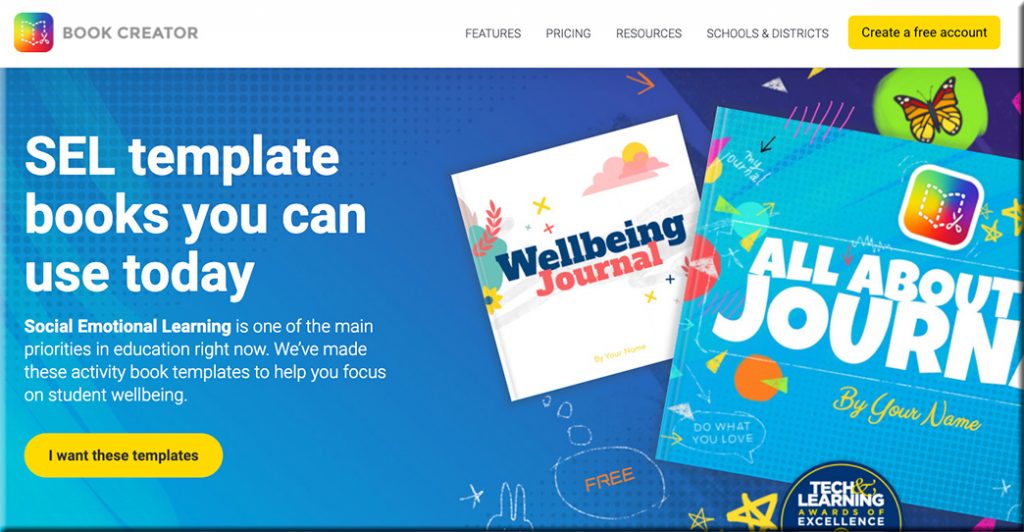
Clicking here will take you to the Book Creator website, where they are offering SEL template books that you can use today.

Addendum on 5/21/21:

  • Sketch, draw, and doodle — apps to unleash students’ creativity — from educatorstechnology.com
    How about using arts-based approaches to engage students in meaningful learning experiences? Drawing, sketching, doodling, and painting are three expressive forms of art with huge educational potential that students can use to unleash their creativity. They can be applied in writing, reading, speaking, and in storytelling activities. Finished products can also be included in students’ portfolios to document and showcase their learning. To this end, the selection below features some good apps students can use in this regard. Check them out and share with us your feedback.

Addendums on 5/24/21:

As with all of Book Creator we have made the image search fully accessible to screen readers and keyboard navigation. But we thought we could go a bit further with the image search and make it accessible to younger kids or ELL students who aren’t super confident with their spelling by introducing a voice search.

Addendum on 6/7/21:

  • A rubric for Book Creator — from bookcreator.com
    Sam Kary talks about helping his students elevate their work by introducing a rubric for their digital book projects, helping them focus on design and multimedia.
 

Thursday, 5/20/21, is Global Accessibility Awareness Day!!!

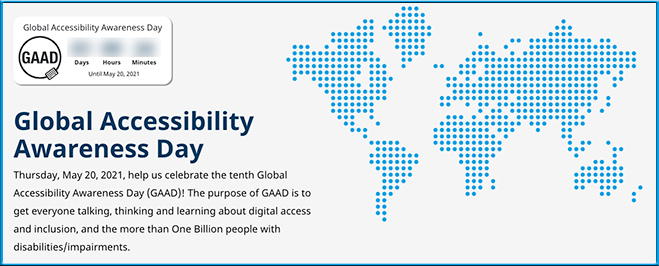
Global Accessibility Awareness Day is this Thursday, May 20, 2021
Help us celebrate the tenth Global Accessibility Awareness Day (GAAD)! The purpose of GAAD is to get everyone talking, thinking and learning about digital access and inclusion, and the more than One Billion people with disabilities/impairments.

Global Accessibility Awareness Day is is Thursday, May 20th 2021

Also see:

Global Accessibility Awareness Day is Thursday, May 20, 2021


When Learning How to Write Starts Virtually, Here’s What’s Helpful to Know — from kqed.org by Caroline Smith

Excerpt:

This school year, kindergarteners learned how to turn on and off their web cameras and mute buttons alongside spelling and reading fundamentals. Separated by distance and screens, kindergarten teachers soon faced the additional challenge of teaching their 5- and 6-year-old students to write on pieces of paper that instructors couldn’t directly see.

So kindergarten teacher Lynn Marie Glick began having her students tilt their computer screens, pointing cameras down to their work, so she could watch as they label drawings of stuffed animals, pets or family members with letters formed by colored pencils, markers and crayons. She pinned the screens of students on Zoom who wanted to share their work with their class.

When it was time to submit their assignments, her students uploaded photos of handwritten work to the online platform Seesaw.


Elevating Your Streaming Production Quality — from avnetwork.com by Cindy Davis

Excerpt:

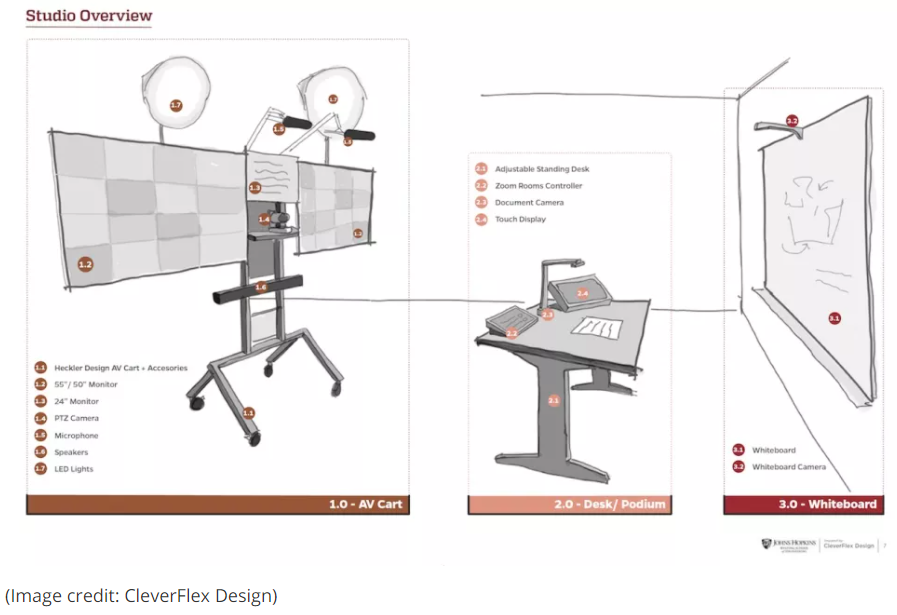
The instructional studios started with a mobile standing desk, which serves as the command center for instruction. The desk has a room controller, document camera, and an interactive display with an adapter for laptop content sharing. Behind the desk is a whiteboard with a whiteboard camera. In front of the desk, we designed an AV cart that includes a shotgun mic pair, LED light panels, two large displays, one off-lens teleprompter, and PTZ camera.

The studios put the instructor in control of the meeting using a Zoom Rooms controller— allowing them to easily switch between and share multiple types of content simultaneously: main camera, document camera, laptop content, digital annotations, and whiteboard writing.

Picture of a mobile streaming studio's setup


Learn How To Study Using… Dual Coding — from learningscientists.org by Megan Smith & Yana Weinstein

Excerpt:

This is the final post in a series of six posts designed to help students learn how to study effectively. You can find the other five here:

What is dual coding?

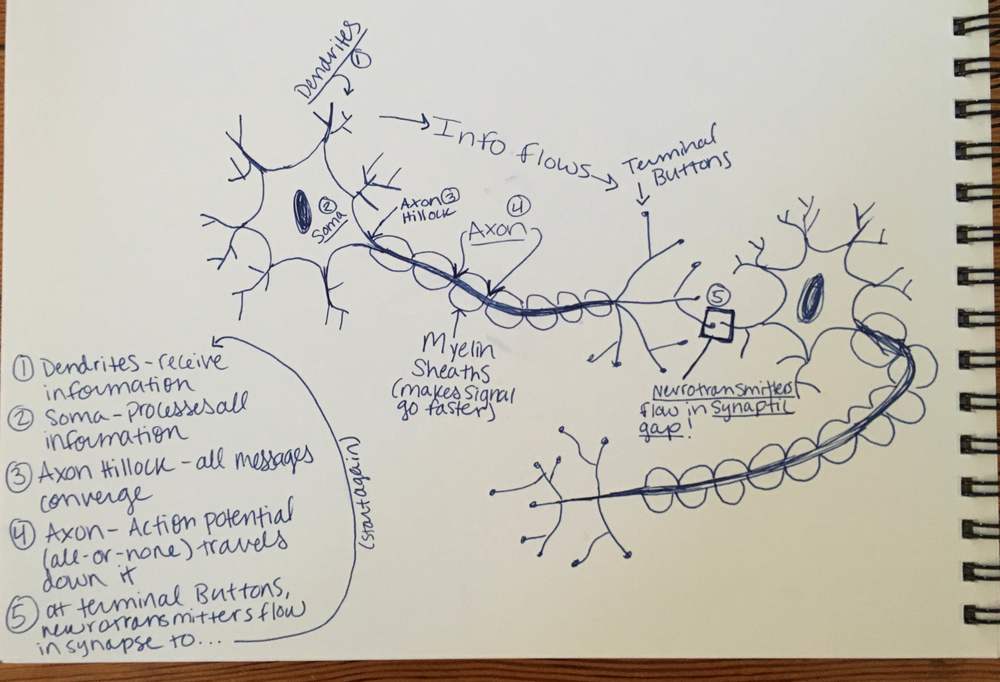
Dual coding is the process of combining verbal materials with visual materials. There are many ways to visually represent material, such as with infographics, timelines, cartoon strips, diagrams, and graphic organizers.

When you have the same information in two formats – words and visuals – it gives you two ways of remembering the information later on. Combining these visuals with words is an effective way to study.

Now, look at only the visuals and explain what they mean in your own words. Then, take the words from your class materials and draw your own visuals to go along with them! 

Now, look at only the visuals and explain what they mean in your own words. Then, take the words from your class materials and draw your own visuals to go along with them!

From DSC:
As the authors comment, this is NOT about learning styles (as research doesn’t back up the hypothesis of learning styles): 

When we discuss verbal and visual materials, it does sound like we could be referring to learning styles. However, it is important to remember that a great deal of research has shown that assessing your learning style and then matching your study to that “style” is not useful, and does not improve learning (2). (For more, read this piece.)


What if we could create these kinds of calendars and/or apps for faculty and staff as well as for students? — idea from Daniel Christian. The vehicles could be developed as analog/physical formats or in digital formats and apps. In the digital realm, one could receive a daily notification.

For faculty/staff:

  • Teaching and learning tips; pedagogies (flipped learning, active learning, etc.); ideas that have worked well for others
  • Creative experiments to try (such as digital storytelling or with an emerging technology such as AR, MR, or VR)
  • Tips & tricks re: tools within the learning ecosystem of one’s organization
  • How to make digital content that’s accessible
  • Items re: bias, diversity, equity & inclusion
  • Dates to be aware of (for processes on one’s LMS/CMS as an example)
  • Notes of encouragement and/or humor
  • Links to key resources
  • Other

[The Corporate Training / L&D world could do this as well.] 

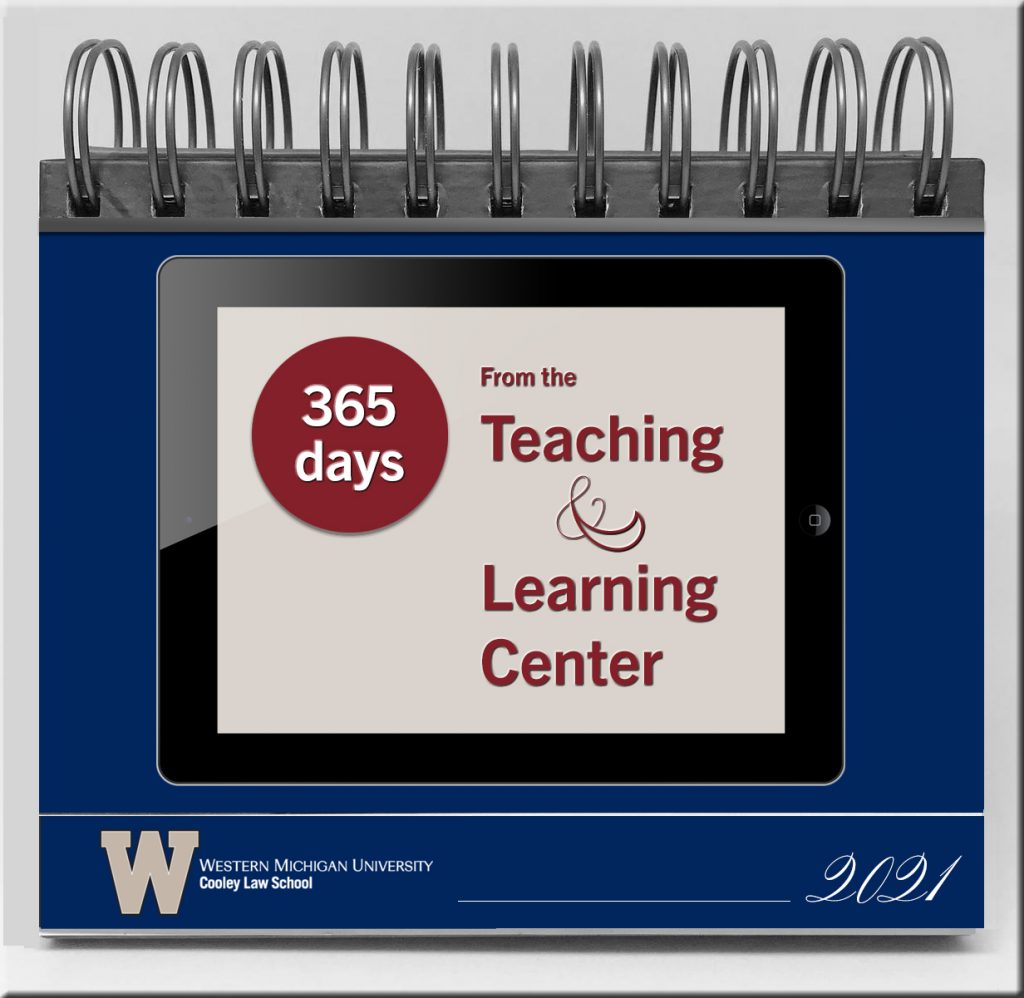
An example of what a front cover of a physical flip calendar could look like

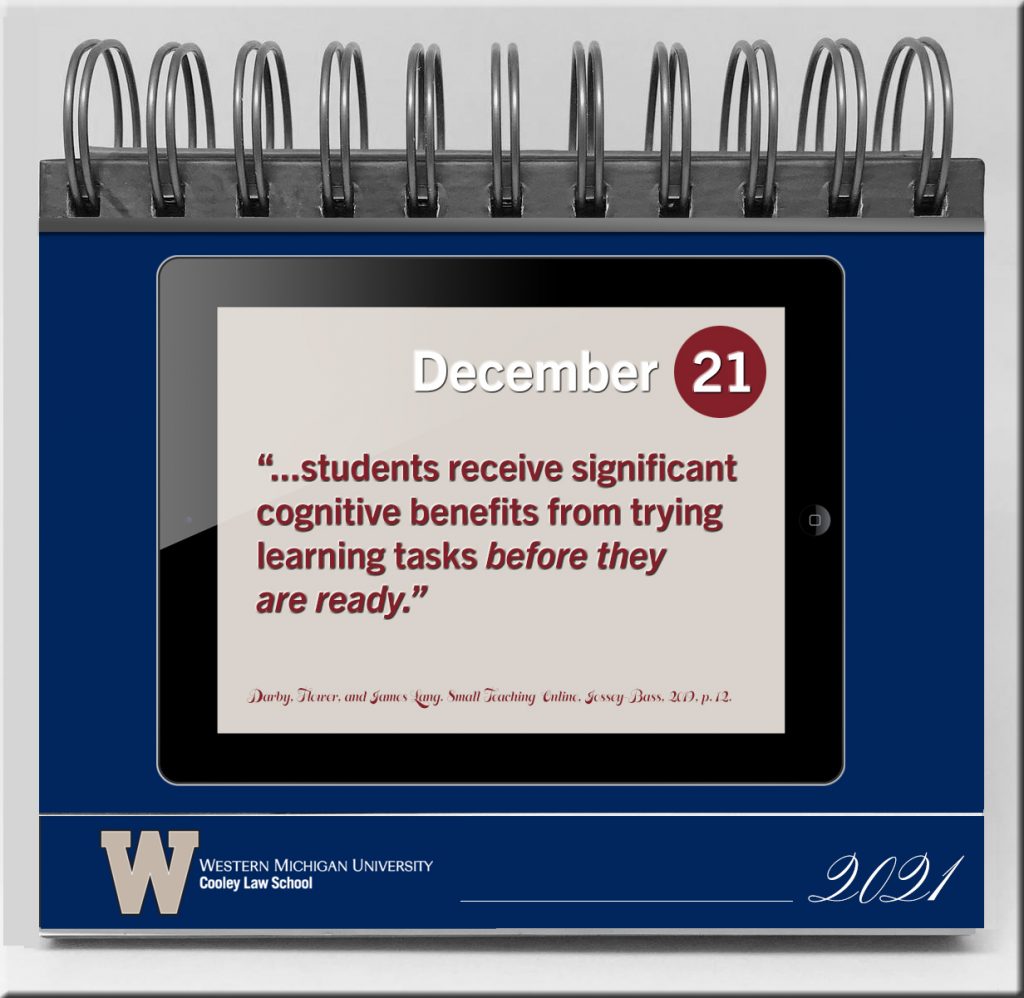
An example of what a page might contain within a physical flip calendar

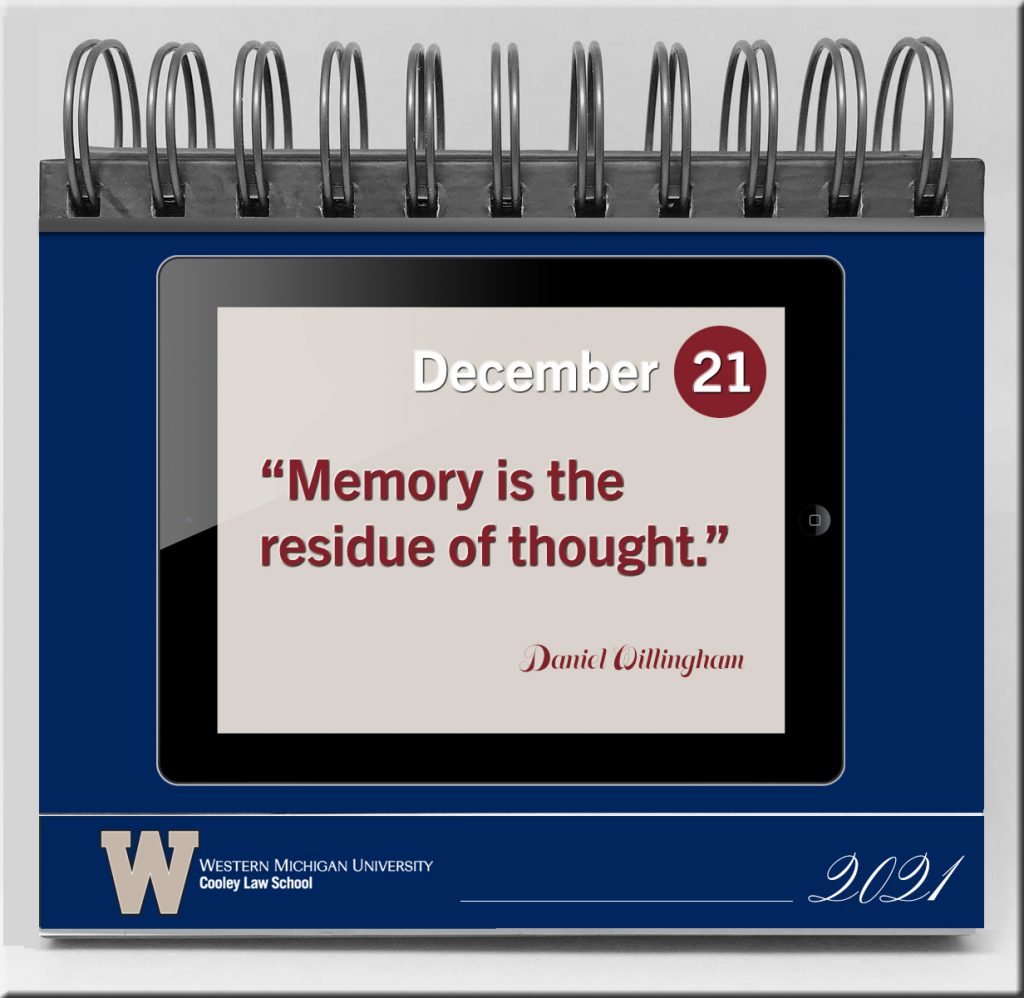
A calendar page that says Memory if the residue of thought.

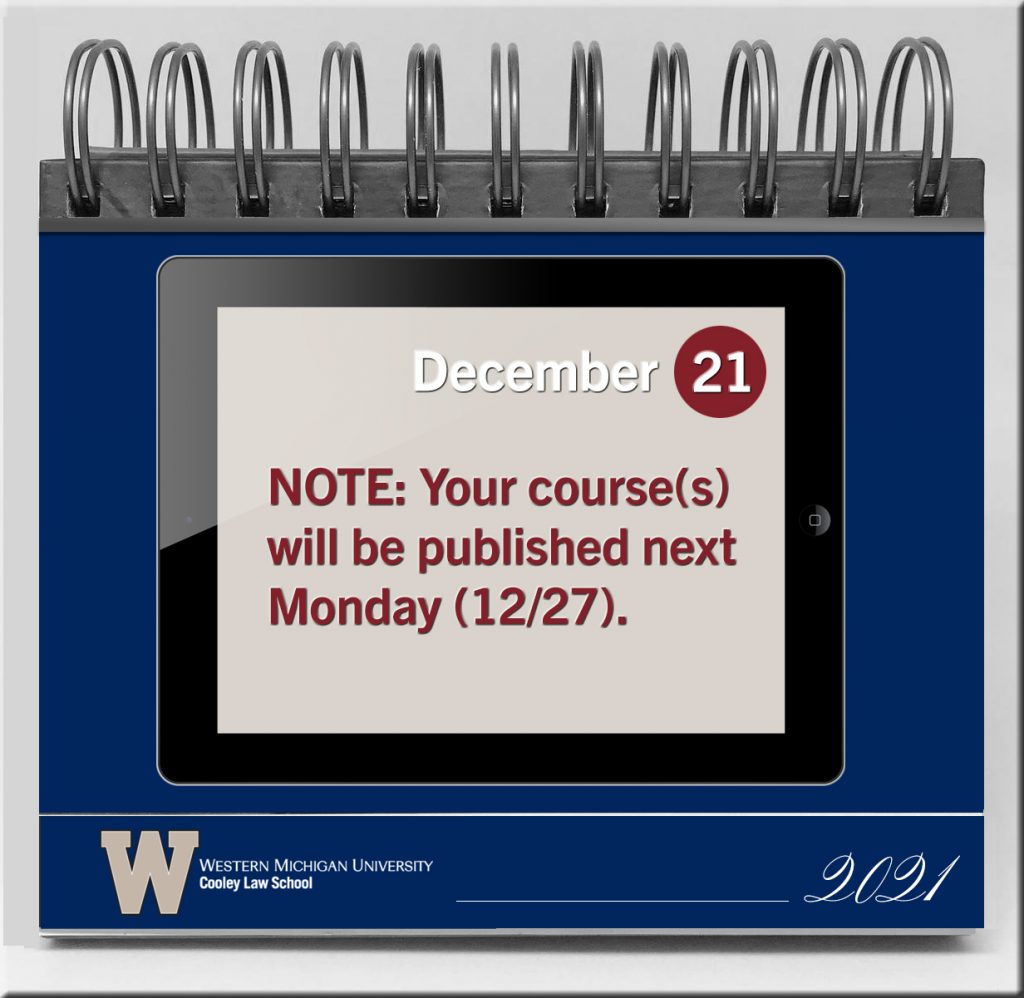
Example calendar page that states when courses will be published on an LMS

For students

  • Studying tips
  • How to take courses online
  • How people learn
  • Resources, books, people to follow on Twitter, blogs and RSS feeds, etc.
  • Pictures of judges, legislative bodies, law offices, corporate HQs, other
  • Notes of encouragement
  • Ethics
  • Professionalism
  • Other
 

Enrich your history and social studies classes with these resources — from educatorstechnology.com

Excerpt:

Below are three websites we are featuring in our blog for the first time. These are platforms where teachers (and students) can access resources and teaching materials to help them with their history teaching (learning).

Addendum on 5/4/21:


Shhhh, they’re listening: Inside the coming voice-profiling revolution — from fastcompany.com by Josephy Turow
Marketers are on the verge of using AI-powered technology to make decisions about who you are and what you want based purely on the sound of your voice.

Excerpt:

When conducting research for my forthcoming book, The Voice Catchers: How Marketers Listen In to Exploit Your Feelings, Your Privacy, and Your Wallet, I went through over 1,000 trade magazine and news articles on the companies connected to various forms of voice profiling. I examined hundreds of pages of U.S. and EU laws applying to biometric surveillance. I analyzed dozens of patents. And because so much about this industry is evolving, I spoke to 43 people who are working to shape it.

It soon became clear to me that we’re in the early stages of a voice-profiling revolution that companies see as integral to the future of marketing.

From DSC:
Hhhhmmm….


Digital Dollar Project to launch five U.S. central bank digital currency pilots — from datafloq.com by Michelle Price

Excerpt:

WASHINGTON (Reuters) – The U.S. nonprofit Digital Dollar Project said on Monday it will launch five pilot programs over the next 12 months to test the potential uses of a U.S. central bank digital currency, the first effort of its kind in the United States.
…
A partnership between Accenture and the Digital Dollar Foundation, the Digital Dollar Project was created last year to promote research into a U.S. central bank digital currency (CBDC).
…
CBDCs are the digital equivalent of banknotes and coins, giving holders a direct digital claim on the central bank and allowing them to make instant electronic payments.


Doubling down on accessibility: Microsoft’s next steps to expand accessibility in technology, the workforce and workplace — from Brad Smith, President of Microsoft

Excerpt:

Accessibility by design
Today, we are announcing a variety of new “accessible by design” features and advances in Microsoft 365, enabling more than 200 million people to build, edit and share documents. Using artificial intelligence (AI) and other advanced technologies, we aim to make more content accessible and as simple and automatic as spell check is today. For example:

  • A new background accessibility checker will provide a prompt to fix accessibility issues in content across the core Office apps and Outlook will nudge users to correct accessibility issues.
  • AI in Microsoft Word will detect and convert to heading styles crucial for blind and low-vision readers.
  • A new Excel navigation pane designed for screen readers will help people easily discover and navigate objects in a spreadsheet.
  • We’re expanding Immersive Reader, used by 35 million people every month, to help with the comprehension of PowerPoint slides and notes.
  • In Teams, high-contrast mode can be used to access shared content using PowerPoint Live  which will reduce eye strain and accommodate light sensitivity with Dark Mode in Word.
  • New LinkedIn features that include auto-captioning for LinkedIn Live broadcasts, captions for enterprise content and dark mode later this year.

More than 1 billion people around the world live with a disability, and at some point, most of us likely will face some type of temporary, situational or permanent disability. The practical impacts are huge. 

Addendum on 5/6/21:


Virtual IEPs should stay — from crpe.org by Katy Bateman and Lanya McKittrick

Excerpt:

When the pandemic hit last spring, schools across the country shifted out of sheer necessity to virtual meetings to discuss students’ Individual Education Plans (IEP). But the move has had some unanticipated benefits, with some educators and parents praising them for their convenience and for empowering family members to be more active participants in discussing their educational needs.

The virtual IEP meetings should stay—at least as an option—even after the pandemic abates.

Virtual IEP meetings can make scheduling and attendance easier for parents and teachers alike. One parent noted the benefits to her as a busy working mom:

“I think one thing [my family] is seeing is there’s a lot of things we could just do that didn’t require us to have to go in [the school building]. . . . I don’t mind coming in, but [virtual is] easier.”

 
© 2025 | Daniel Christian