Editorial: Spaces is only a small part of Apple’s enormous AR/VR puzzle — from uploadvr.com by Jeremy Horwitz

Excerpt:

A demonstration of Spaces’ latest tech shows a cartoony teacher offering whiteboard presentations with accompanying lip and body synchronization — a gentle evolution of existing VR avatar technology. You could easily imagine the 3D model replaced with one of Apple’s current Memoji avatars, enabling an iPad- or iPhone-toting teacher to offer a presentation to a virtual class over Zoom.


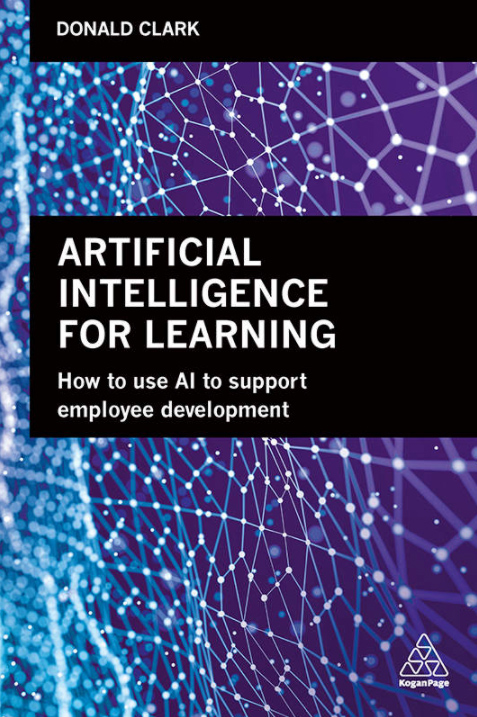
Artificial Intelligence for Learning: How to use AI to Support Employee Development [Donald Clark]

So what is the book about? — from donaldclarkplanb.blogspot.com by Donald Clark; which discusses his book entitled, Artificial Intelligence for Learning: How to use AI to Support Employee Development

Excerpt:

AI changes everything. It changes how we work, shop, travel, entertain ourselves, socialize, deal with finance and healthcare. When online, AI mediates almost everything – Google, Google Scholar, YouTube, Facebook, Twitter, Instagram, TikTok, Amazon, Netflix. It would be bizarre to imagine that AI will have no role to play in learning – it already has.

Both informally and formally, AI is now embedded in many of the tools real learners use for online learning – we search for knowledge using AI (Google, Google Scholar), we search for practical knowledge using AI (YouTube), Duolingo for languages, and CPD is becoming common on social media, almost all mediated by AI. It is everywhere, just largely invisible. This book is partly about the role of AI in informal learning but it is largely about its existing and potential role in formal learning – in schools, Universities and the workplace. AI changes the world, so it changes why we learn, what we learn and how we learn.

Also see:

  • Abandon lectures: increase attendance, attitudes and attainment — from donaldclarkplanb.blogspot.com by Donald Clark
    Excerpt:
    The groups were taught a module in a physics course, in three one hour sessions in one week. In short; attendance increased, measured attitudes were better (students enjoyed the experience (90%) and thought that the whole course would be better if taught this way (77%)). More importantly students in the experimental group outperformed the control group, doing more than twice as well in assessment than the control group.
 

From DSC:
I’ve heard many people mention that what we did throughout K-16 in the spring of 2020 was remote teaching — an emergency response to the Coronavirus. And I would agree with that assessment and verbiage — that was/is very true. It wasn’t online-based learning as many of us have come to know it over the last 20+ years. It didn’t offer a lot of the things that organizations like the Online Learning Consortium (OLC) and Quality Matters have been trying to promote and get us to achieve for years.

But then I hear the expectation that everything has been vastly improved over the summer and suddenly, almost overnight, all teachers, professors, trainers, adjunct faculty members, etc. have become highly proficient in matters involving online-based teaching and learning. In other words, the expectations say that:

  • Students should expect a top-notch experience now that summer is over.
  • Suddenly, Rome was built in a day!

But it wasn’t, and it isn’t.

It takes time and practice to become proficient in how to teach online. That’s the truth. It also takes a great deal of time and investments in hardware, software, tools, training/education/professional development, networking and telecommunications infrastructure, and more. It takes numerous skillsets to do it well. (By the way, that’s why I like to think in terms of team-based content creation and delivery.)

Also, often times, it takes MORE time to teach online than it does to teach in a face-to-face classroom. That is certainly the case for the first time that you will be teaching online. You need to know that going into it. You have to put your course together PLUS learn how to deliver it effectively in an online-based format. You need to learn a variety of tools and related ecosystems. Not a simple, overnight kind of task, I can assure you.

So students, don’t expect your faculty members to become professional online-based teachers overnight.  Again, it takes time and practice…just like anything we set out to do.

And for you student teachers and Education Departments/Programs out there, keep at it. Don’t dismiss this time as a brief period/phenomenon that will simply go away and we’ll get back to “normal.” Make the necessary adjustments to your curriculum, toolsets, “teacher placements,” and more. Let’s get prepared for the future, come what may.

For higher ed, if you want to continue to use adjunct faculty members to handle a significant amount of the teaching load out there, you will need to better address the training and the $$/reimbursements that you provide to them.

And for all of the teachers, trainers, faculty members — and now even parents and/or guardians — out there, cut yourself some slack, give yourself some grace, and keep trying. One step at a time. Don’t get discouraged.

Also relevant/see:

Build and accelerate beyond the pandemic: Consciously deliver a great online experience for lifelong learners — from evoLLLution.com by Philip Regier

Excerpt:

Today’s learners have high expectations as expert consumers in all aspects of their lives. Higher education needs to create an infrastructure that meets the needs of this tech-savvy demographic. Institutions need to recognize that the online environment is here to stay and is in need of a rebuild in order to deliver the best student experience possible, even post-pandemic. In this interview, Phil Regier discusses the today’s learners’ expectations, scaling a high-quality online environment, and how to build the right infrastructure to support learners in this new and digitized normal.


Moody’s: Coronavirus is accelerating shift to online education — from educationdive.com by Natalie Schwartz

Dive Brief:

  • The pandemic will hasten a transformation of higher education business models, according to a new Moody’s Investors Service report.
  • The crisis will accelerate many colleges’ plans to grow their online footprints, though not all schools have the resources to invest in digital infrastructure, the report notes. They will also likely expand non-degree and certificate programs.
  • Analysts predict that once the pandemic subsides, some colleges will struggle if they haven’t established a strong online presence.

“Some universities previously resistant to change will have to take more expansive steps to adapt to this transformation,” Pranav Sharma, assistant vice president at Moody’s, said in a statement. “Not all universities, however, have the resources or culture to move quickly and the coronavirus will expedite existential threats for some.”

Also see:

Active Learning while Physically Distant — from blogs.acu.edu

Excerpt:

  • Use a Google Form as an entrance or exit ticket. Upon entering class, a quick google form can engage students with a couple of quick questions. A google form as an exit ticket can provide good insight into student learning that day.
 

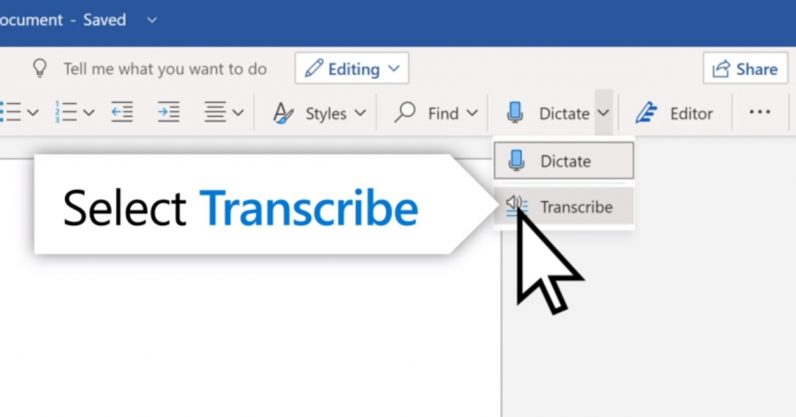
How to use Microsoft Word’s new ‘Transcribe’ tool — from thenextweb.com by Rachel Kaser; with thanks to Tim Holt for publishing this on his blog

Here is how to use Microsoft's new Transcribe feature in Word

Excerpt:

At the moment, the Transcribe tool is only available on the online version of Word, and only to Microsoft 365 subscribers. There are plans to bring it to Word mobile at some point in the future. It also only supports English, but that’s also likely to change.

So how do you actually use the Transcribe tool? Here’s how.


Back-to-School Help for Students Without Internet — from by James K. Willcox
For millions of families, broadband access is a challenge. These resources can help bridge that digital divide.

Excerpt:

“If it wasn’t glaringly clear before, the pandemic has confirmed the vital importance of a broadband internet connection—one that is reliable, affordable, and in some cases, simply available,” says Jonathan Schwantes, senior policy counsel in Consumers Reports’ Washington, D.C., office. “Unfortunately, far too many Americans lack access or are unable to afford broadband.”

A new state-by-state report on America’s K-12 students by Common Sense and Boston Consulting finds that almost 16 million students and 10 percent of teachers lack adequate internet or computing devices at home. Minority households are among the most affected. Though 18 percent of white homes lack broadband, the figure rises to 26 percent for Latinx homes and 30 percent for Black homes. The percentage is even higher among Native American households.

From DSC:
Though this solid article lists some very helpful resources, we have to do much better than this as a nation! It’s not right. 

My thanks to James McQueen for this resource.


With an eye towards the future…what questions should we be asking about learning experience design (#LXD)? [Christian]

From DSC:
Some of the following questions came to my mind recently:

  • In this age of the Coronavirus, how can we think differently about learning experience design (#LXD)?
  • How can *teams* of people come together to reimagine what learning could look like in the future? Who might be some new players at the table? More students? Artists? Actors? More animators? More technicians and people from A/V? Specialists in XR? Corporate trainers coming together with Instructional Designers from higher ed and from K-12? #learningecosystems #future
  • How can we better tighten up the alignment between K-12, higher ed / vocational programs, and the corporate world?
  • How can we make self-directed learning more prevalent (which would release an enormous amount of energy & creativity)? #heutagogy

Maybe those aren’t even the right questions…

If not, what do you think? What questions should we be asking about learning these days?

#LXD #learningecosystems #future #lifelonglearning #onlinelearning #highereducation #K12 #corporatelearning #heutagogy


The main thing we need to remember is that this space no longer serves as an accessory to face-to-face teaching. It is now our main contact point with learners, so it needs to play different roles: communication channel, learning path, interaction platform and community space. Teachers therefore need a certain degree of freedom to design this space in the best way that suits their teaching style and philosophy as well as their course content and learning objectives.
…
What became obvious in the past months is that when it comes to teaching and learning
 fully online, the learning experience design aspect, including look, feel and logic of the platform from the users’ perspective- be it teachers or students-, are at least as important as the content.

(source)


Save time and paper with the free Adobe Scan app. Take a photo and transform paper assignments into digital ones — in seconds.

[From DSC: This may be for people who pay for Adobe’s suite of tools…not sure.]


ECAR Study of Community College Faculty and Information Technology, 2020 — from by Joseph Galanek and Dana C. Gierdowski
Community colleges have historically positioned themselves as institutions that respond to local and regional educational needs. Understanding community college faculty technology preferences and experiences can aid institutional efforts to increase student success.

Excerpt:

ECAR Study of Community College Faculty and Information Technology, 2020 provides community college technology and higher education leaders with recommendations for addressing the most pressing technology support and solution needs for faculty, with the goal of enriching faculty teaching experiences on campus and helping advance student success.


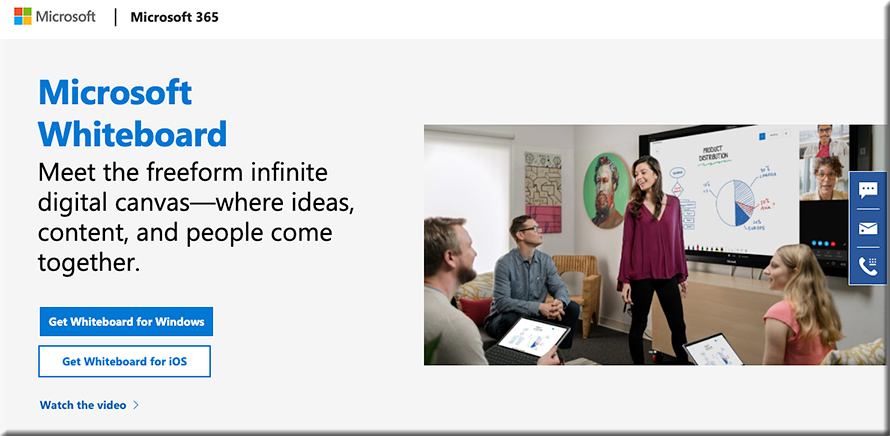
How might tools like Microsoft’s new Whiteboard be used in online-based learning? In “learning pods?” [Christian]

The new Microsoft Whiteboard -- how might this be used for online-based learning? Learning pods?

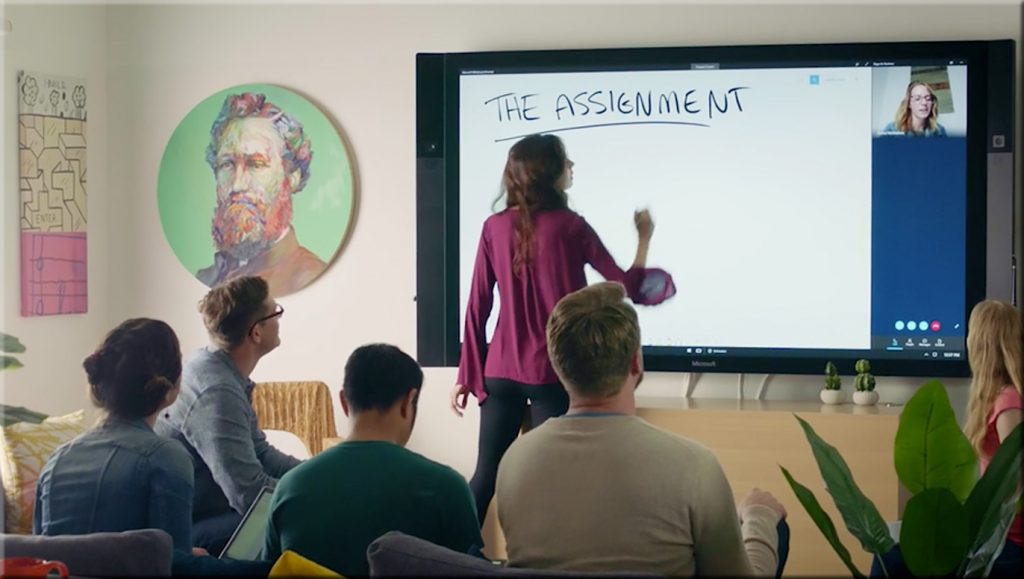
The new Microsoft Whiteboard -- how might this be used for online-based learning? Learning pods?

Questions/reflections from DSC:

  • How might this be used for online-based learning?
  • For “learning pods” and homeschoolers out there? 
  • Will assistants such as the Webex Assistant for Meetings (WAM) be integrated into such tools (i.e., would such tools provide translation, transcripts, closed captioning, and more)?
  • How might this type of tool be used in telehealth? Telelegal? In online-based courtrooms? In presentations?

#onlinelearning #collaboration #education #secondscreen #edtedh #presentations #AI #telehealth #telelegal #emergingtechnologies


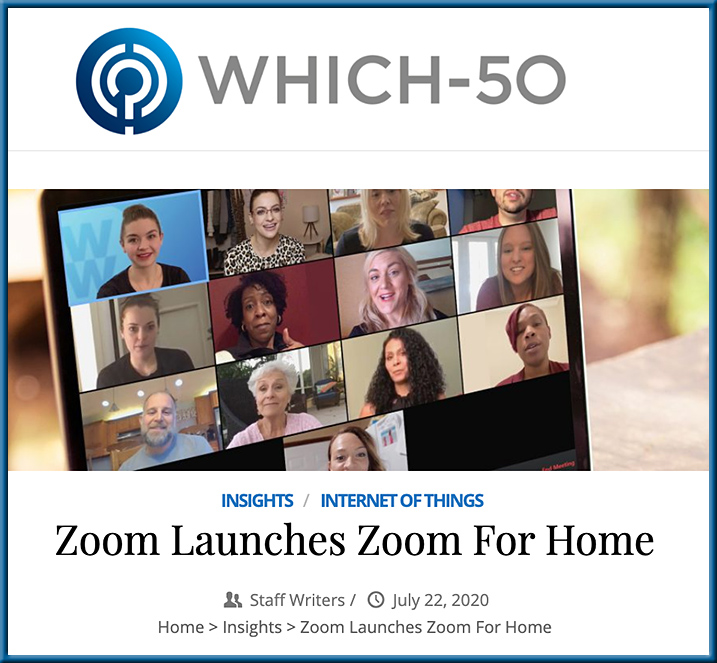
Zoom Launches Zoom for Home

Zoom Launches Zoom For Home — from which-50.com

Excerpts:

Zoom Video Communications has announced Zoom for Home, which it describes as a new category of software experiences and hardware devices to support remote work use cases. The focus is on improving employee experiences to connect remotely and be productive.

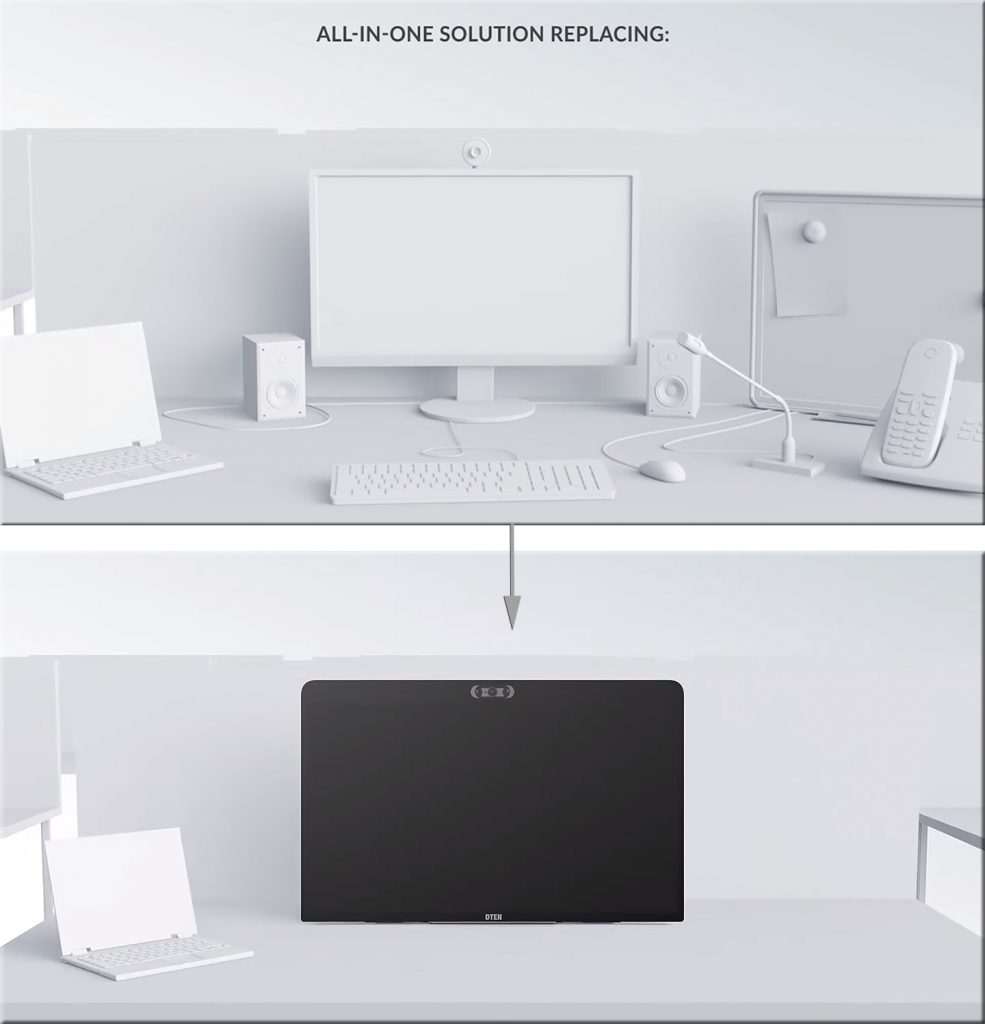
Features for the all-in-one 27-inch device include: three built-in wide-angle cameras for high-resolution video; an 8-microphone array for crystal-clear audio in meetings and phone calls; and, an ultra-responsive touch display for interactive screen sharing, whiteboarding, annotating, and ideation.

Also see:

From DSC:
Again, we see some further innovation in this space. The longer the Coronavirus impacts things, the further ahead the online-learning space will be catapulted. This type of device consolidates several devices into one, while making it intuitive and likely easy to annotate items on it.

Zoom Launches Zoom For Home


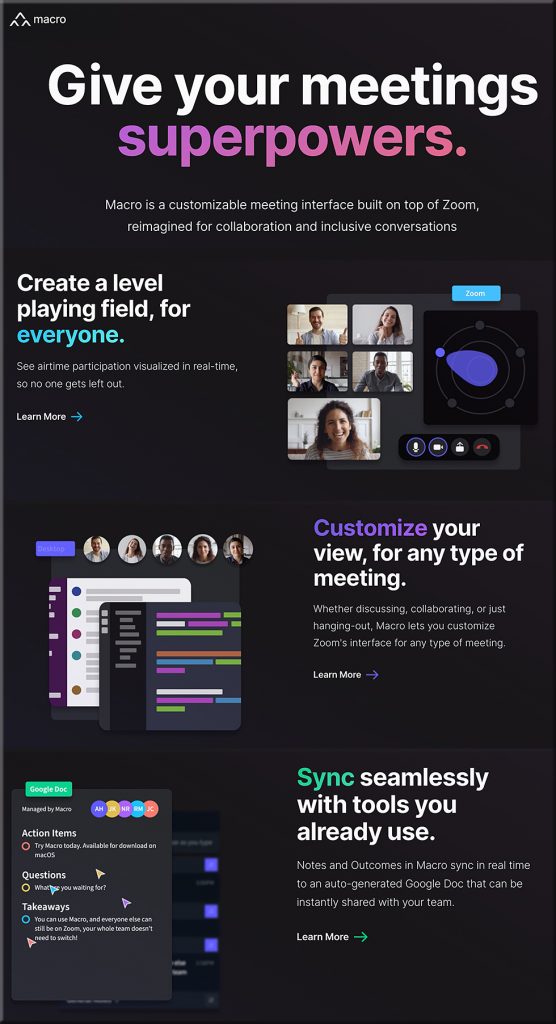
“Existing meeting interfaces had been designed with a singular goal, to simply enable virtual conversations. How could we build a meeting interface from the ground-up that intentionally facilitates engaging, productive, and inclusive conversations?”


What will tools like Macro.io bring to the online-based learning table?!


Online learning critical to the ‘reskilling’ of America — from thehill.com by Jeff Maggioncalda
[From DSC: As Jeff is the CEO of Coursera, a worldwide online learning platform, it causes this to be an opinion piece for sure; but his points are nevertheless, very valid in my opinion as well.]

Excerpts:

America is facing the worst unemployment crisis since the Great Depression. One in four American workers has filed for unemployment insurance since March. In less than four months, over 44 million American workers have watched their jobs be put on hold or disappear entirely — and that number is expected to grow in the coming months.
…
Policymakers should use this opportunity to launch a large-scale effort to help Americans develop the skills to do the jobs of the future.
…
Amidst this pandemic, Americans require a solution that meets them where they are, offering a safe learning environment during social distancing while preparing them for in-demand jobs now and post-COVID.
…
Online learning helps workers develop skills at an unparalleled speed and scale, as seen with the recent experience of training tens of thousands of contact tracers in a matter of weeks.

Learning from the living class room


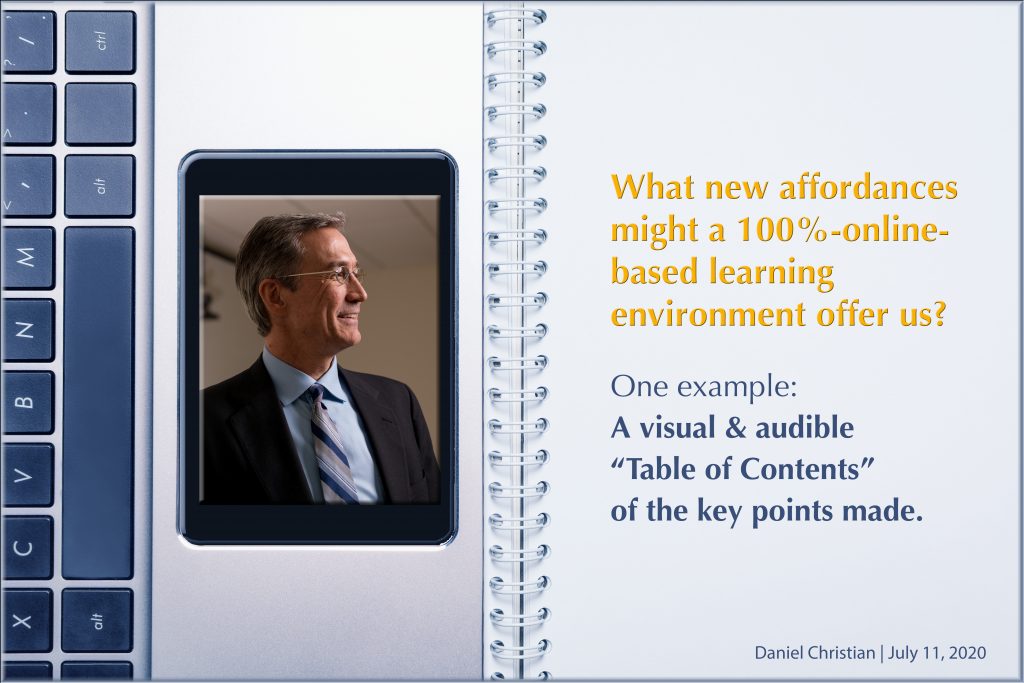
A new affordance of a 100%-online-based learning environment: A visual & audible “Table of Contents of the Key Points Made” [Christian]

What new affordances might a 100%-online-based learning environment offer us?


From DSC:
As I’ve been listening to some sermons on my iPhone, I end up taking visual snapshots of the times that they emphasize something. Here are some examples:

A snapshot of one of the key points made during a sermon


Another snapshot of one of the key points made during a sermon


Another snapshot of one of the key points made during a sermon


Which got me to thinking…while tools like Panopto* give us something along these lines, they don’t present to the student what the KEY POINTS were in any given class session.

So professors — in addition to teachers, trainers, pastors, presenters, etc. — should be able to quickly and easily instruct the software to create a visual table of contents of key points based upon which items the professor favorited or assigned a time signature to. I’m talking about a ONE keystroke or ONE click of the mouse type of thing to instruct the software to take a visual snapshot of that point in time (AI could even be used to grab the closest image without someone’s eyes shut). At the end of the class, there are then just a handful of key points that were made, with links to those time signatures.

At the end of a course, a student could easily review the KEY POINTS that were made throughout the last ___ weeks.

****

But this concept falls apart if there are too many things to remember. So when a professor presents the KEY POINTs to any given class, they must CURATE the content.  (And by the way, that’s exactly why pastors normally focus on only 3-4 key points…otherwise, it gets too hard to walk away with what the sermon was about.)

****

One could even build upon the table of contents. For example…for any given class within a law school’s offerings, the professor (or another team member at the instructions of the professor) could insert links to:

  • Relevant chapters or sections of a chapter in the textbook
  • Journal articles
  • Cases
  • Rules of law
  • Courts’ decisions
  • Other

****

And maybe even:

  • That’s the kind of “textbook” — or learning modules — that we’ll move towards creating in the first place.
    .
  • That’s the form of learning we’ll see more of when we present streams of up-to-date content to folks using a next-generation learning platform.
    .
  • Future webinars could piggyback off of this concept as well. Dive as deep as you want to into something…or just take away the main points (i.e., the Cliff notes/summaries) of a presentation.

At the end of the day, if your communication isn’t in a digital format, there is no playback available. What’s said is said…and gone.


* The functionality discussed here would take a day’s worth of work for a developer at Panopto (i.e., give a presenter a way to favorite existing TOC items and/or to assign a time signature to slots of time in a recording) — but it would save people and students sooooo much time. Such functionality would help us stay up-to-date — at least at a basic level of understanding — on a variety of topics.


© 2025 | Daniel Christian