EdSurge recently reached out to Mayer, who is a professor of psychology at the University of California at Santa Barbara, to get his thoughts on the lessons his research reveals that can guide teachers and professors.
…
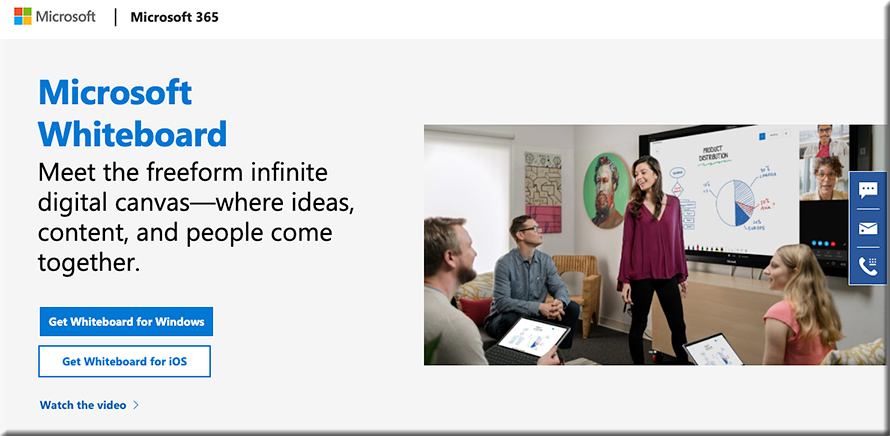
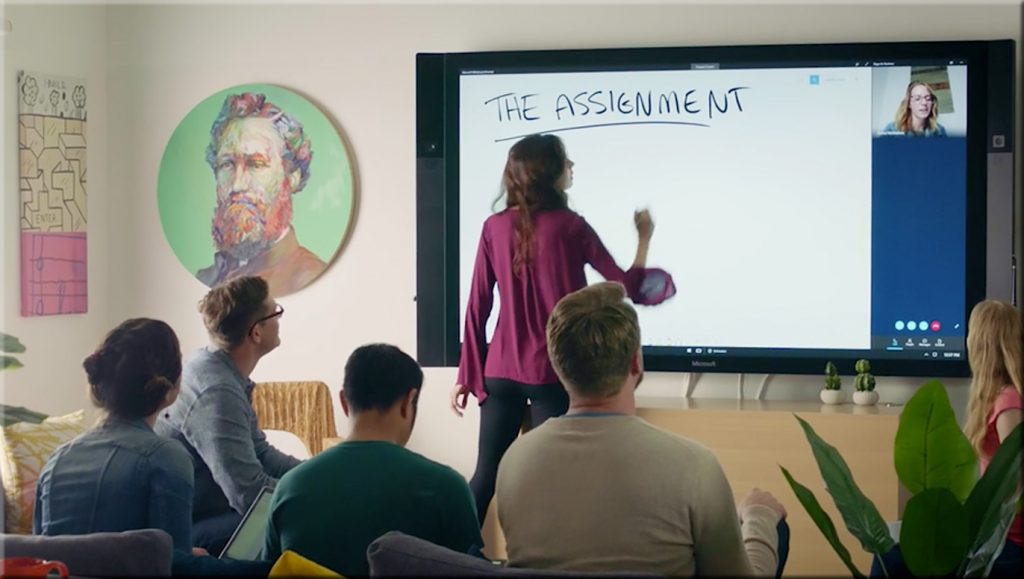
One finding is that students learn better if they see a video of the professor actually working out a math problem or concept on a whiteboard, than if they see a video of the same professor standing next to a whiteboard where the problem has already been worked out.
From DSC: What if each learner/person/student could have a lifelong, cloud-based “tribute” site?
What if you could hire a career coach to sift through the tributes to find common themes?
From DSC: I recently asked friends and family to help me celebrate a significant birthday for my wife by creating a tribute for her — using a service calledTribute.co.It was a fun, meaningful, relational experience — it opened the doors to some great communications.
Here’s a video that describes what aTributeis (from the company of that same name).
So I put out potential suggestions for what I hoped that we could relay to my wife, and people contributed their videos. Then a person at Tribute edited the videos to come up with a highlight reel. They also presented to my wife all of the videos, not just the highlight reel.
That got me to wonder,“What if each learner had a cloud-based, lifelong tribute site that parents, guardians, grandparents, teachers, coaches, musical directors, pastors, friends, and others could leave encouraging and instructive messages on? Or when they note something that might be of use later on in terms of career selection, they could “jot it down.” For example:
[First-grade teacher] “I noticed Anne that when we did the art projects, you were enthralled with any sort of creative endeavor or project. We almost lost you in another world!”
[Family member] “Tony, I’ve noticed ____. Here’s something to consider for your future pathways. Would you be interested in exploring _____ — such as if we signed you up for some lessons in that area?”
[Eight grade teacher] “Eloise, I saw that your engagement level skyrocket when we studied ____, especially when you did the project on ___.”
[Basketball coach] “Chan, I appreciated your hard work in practice today. Keep up the good work and you will be a super player! You are fast, strong, and seem to have a competitive spirit about you. Consider making a workout chart and charting out the workouts that you do each day. Monitor your progress over time. As of today, here are some apps to do just that: ___.
[Pastor] “So glad Amanda that you were able to join us on our youth group visit to ___. I appreciated your end-of-the-day reflections on the experiences of the day. I also appreciated your hard work helping others.”
[Friend] “It was great horsing around on Garageband with you today Zach. I look forward to diving into iMovie next with you. Let’s create a movie for each other. You seem to have a very creative side to you.”
[High school CS Teacher] “Keep up the good work programming Jeremy! I hope that you will consider going into some type of job that uses critical thinking, mathematics, problem-solving — perhaps it will be programming, perhaps it will be engineering, or something else.”
[College professor/advisor] “You mentioned that you hate college to me the last two times we met. You don’t seem happy studying ___. Have you considered ____?”
[Tennis coach] Remember to bend those knees…get low. Keep your eyes on the seams of the ball.”
The idea behind such a service would be to offer encouragement, feedback, (if carefully put) constructive criticism, a message that “I’m on your team”…and/or…”Here’s what I see in you.”
Additional functionality/options
Contributors:
Like Twitter imposes a limit on characters, there could be options to impose a time limit on the length of a video, ability to add more than one video, and/or set a limit on how many videos someone can upload
If submitting a written piece, the option would be there to limit the number of characters and/or the word count.
From learners themselves (to their own tribute)
No time limit, no word count or character limit
Would act like a multimedia-based diary/journal of learning
Option to select whether might be worth re-listening to for career selection purposes.
Trying to liven up the monotony of Zoom meetings, Phil Libin hung up a green towel behind his desk and started projecting images onto it, like Dr. Anthony Fauci hovering over his shoulder, just to make his team laugh. At first, it was a bit of a performance and a way to break up the monotony as Zoom fatigue set in a few months into the pandemic at the end of May. But then Libin, the former CEO of Evernote and founder of startup studio All Turtles, realized the “Weekend Update” style could be more than just a gimmick.
A bit of coding and a fantastic demo later, Libin closed a seed round of $4.5 million to launch his new company, Mmhmm. His big belief is that we’re moving to a hybrid world where things don’t fit neatly into boxes like in-person or online or live or recorded. Instead, it’s all going to be a mix.
8 innovative virtual learning design tips to engage your remote teams — from elearningindustry.com by Shannon Hart Virtual learning is an essential component in the Learning and Development toolkit, and it is widely used for training and educational purposes. It is not, however, always high quality or effective. Here are some design tips from the instructional and visual perspectives to give your virtual learning a real boost.
Excerpt:
With more employees working remotely than ever before, it is crucial that we create learning assets that really engage. Let’s talk about two aspects of design that are equally important if you want to provide virtual learning that really gets results—Instructional Design and visual design.
From DSC: Notice the variety of necessary skillsets involved in Shannon’s article! This is one of the reasons I’m for the use of team-basedcontent creation and delivery.
Will assistants such as the Webex Assistant for Meetings (WAM) be integrated into such tools (i.e., would such tools provide translation, transcripts, closed captioning, and more)?
How might this type of tool be used in telehealth? Telelegal? In online-based courtrooms? In presentations?
We’ve got a list of Adobe tutorials from the web we’ve been curating here and we’ve long advocated for using Lynda/Linkedin Learning for students and advisers to learn programs. Let’s add one more great resource into the mix and that’s Adobe’s “Adobe for Education” channel on Youtube.
Everything you need to know about animation-based learning — from elearningindustry.com by Huong Giang Bui When people talk about education, they often stress the formal side of learning like delivering knowledge, getting high scores on exams, etc. But animation-based education is here to up the game, with animation you can get fun, practical, and informative learning all at the same time!
Excerpt:
What Is Animation-Based Learning? While it sounds like it, animation-based learning is not all about visual materials. Rather, resources such as videos, infographics, and GIFs are used in tandem with existing resources when employing this method. This can be applied to many different fields, from scientific visualizations to corporate training schemes; from motion-graphic narratives used in primary courses to university-level demonstrations.
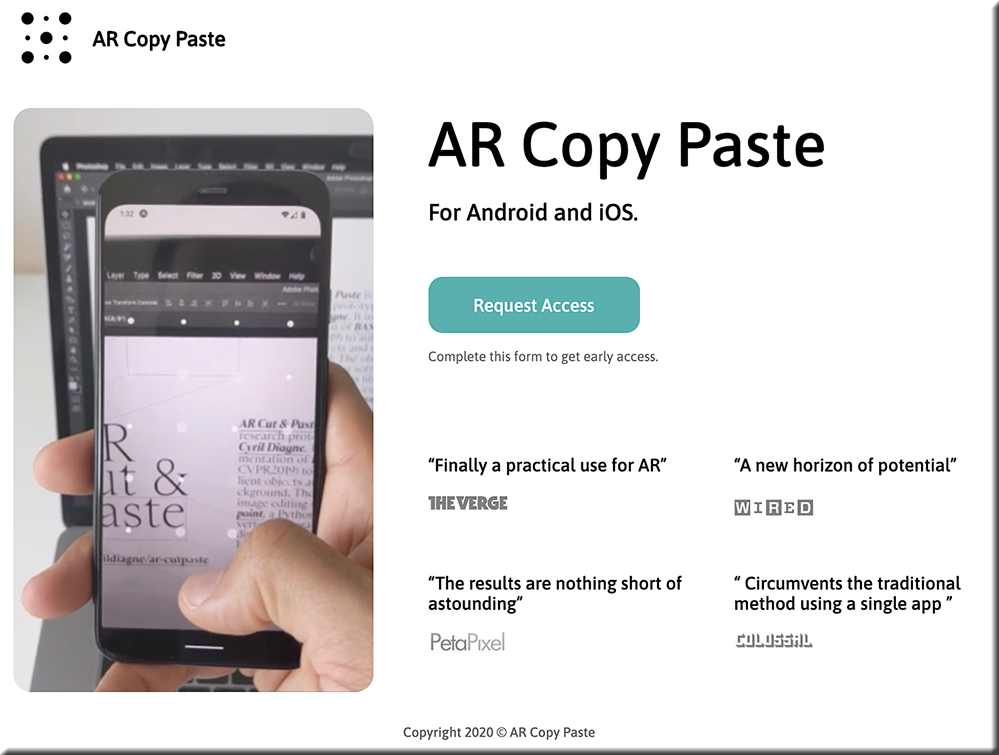
But a new smartphone and desktop app coming from Cyril Diagne, an artist-in-residence at Google, greatly simplifies the process. Called AR Copy Paste, it can literally take a photo of a plant, mug, person, newspaper—whatever—on your phone, then, through a magical bit of UX, drop that object right onto your canvas in Photoshop on your main computer.
…
“It’s not so hard to open the scope of its potential applications. First of all, it’s not limited to objects, and it works equally well with printed materials like books, old photo albums, and brochures,” says Diagne. “Likewise, the principle is not limited to Photoshop but can be applied to any image, document, or video-editing software.”
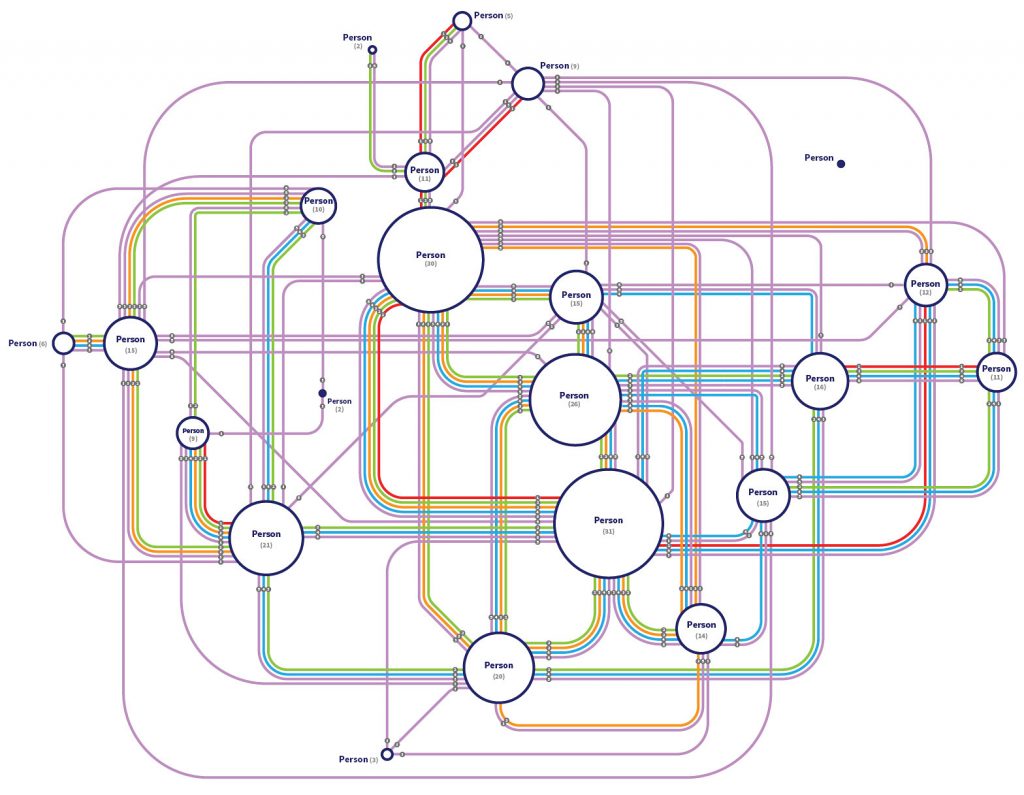
Michael Stamper, University Libraries at Virginia Tech’s data visualization designer, plays a unique role in the research process by transforming faculty and student clients’ complex research data into vibrant, interactive, and dynamic visualizations to better communicate their findings to a broad audience.
Microlearning is small, bite-sized information that is chunked from lengthy eLearning. It’s a training approach that caters to the short attention spans of both Gen Y and Gen Z.
…
Microlearning becomes a perfect fit as performance support, job-aids, or even when you want to make your corporate training a quick blend of classroom training with microlearning assets. There are various microlearning assets you can pick from—animations, infographics, GIFs, digital flashcards—and all these assets go well with mobile learning.
Now that you’ve learned the what, the what not, and the how of microlearning for corporate training, here’s a peek at how it can benefit your Gen Z learners. Have a look!
AI arms race— insidehighered.com by Lilah Burke More employers are using applicant tracking systems to hire employees. Some colleges are using new AI-based tools, like VMock, to help students keep up.
Excerpt:
When college students need help with their résumés, some now will be turning to algorithms rather than advisers.
In the last decade, a growing number of large companies have started hiring using applicant tracking systems, AI-based platforms that scan résumés for keywords and rank job candidates.
Similarly, video interviewing platforms that use algorithms to evaluate a candidate’s voice, gestures and emotions have become ubiquitous in some industries. HireVue, the most well-known of these platforms, has drawn accusations of being pseudoscientific and potentially exacerbating bias in hiring.
The frustration many job candidates voice when coming up against these platforms is that they have no way of knowing what they could have done better. The systems give no feedback to candidates.
So what if students, job seekers and career advisers could use the AI for themselves?
Boston University, in a documentof VMock tips for students, also advised graphic design or other creative industry students to have two versions of their résumé, one with a conventional layout.
From DSC: Per my nephew, who works in a recruiting type of position within HR for a Fortune 500 organization:
Without a doubt HR recruiting is using AI to help in the selection process.
Many companies use keyword scanners, but not everyone [and, in fact, his company did not].
HireVue is very important to use when it comes to understanding a person’s presentation skills since a lot of presenting is done via Skype/live video these days. So HireVue is not going away anytime soon. I think it’s a great system/product.
At the end of the day, a good recruiter will identify the best talent that has applied to a position. I think it’s important for students to really think about what position they’re applying for and be realistic with their applications. I think that’s where a lot of frustration happens with students that apply to positions and never get to the first round interview. They apply to 20-50 positions that don’t reflect their experience at all…so that’s where coaching and personal advisement is important
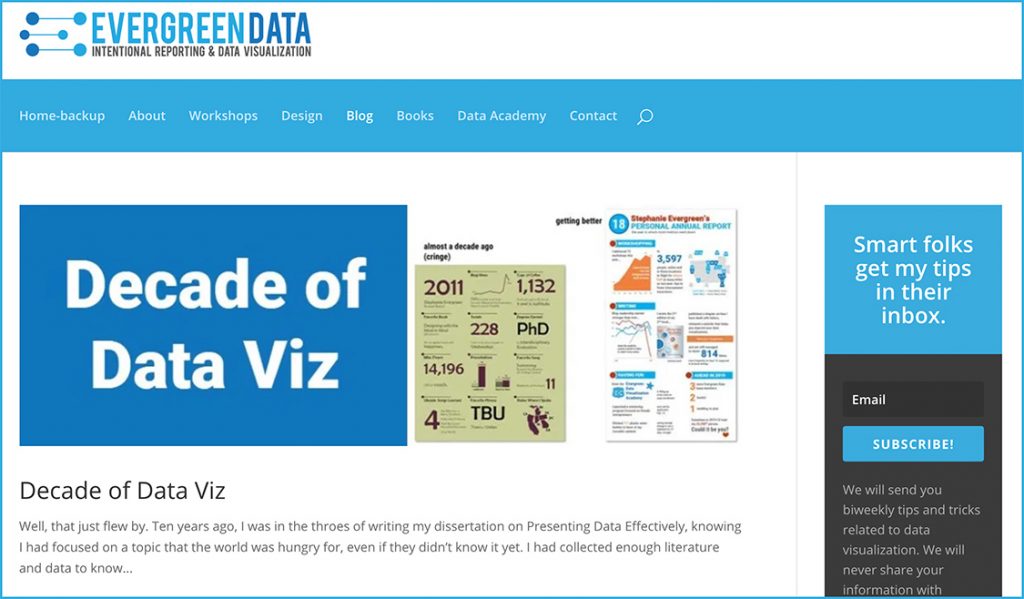
Evergreen Data Visualization — from stephanieevergreen.com; with thanks to Mr. Pat Bailey for his post on LinkedIn.com about this resource
From DSC: If you are using RSS feeds along with a product likeFeedly, it might be worth subscribing to the stream of content originating atstephanieevergreen.com/blog/. I appreciated her designs in crafting/relaying narratives via the data that she has worked with.
The Top Performing eLearning Gamification Companies 2019
As community leaders, here at eLearning Industry, we have evaluated hundreds of eLearning content development companies in the past. As we are constantly on the lookout for new advancements and trends in the eLearning field that are relevant to the industry, we decided to take a very close look at outstanding providers of gamification. We have focused on prestige, influence, application of gamification tools, activity in the eLearning field, gamification innovations, and many more subcategories.
For the list of the Top eLearning Gamification Companies 2019, we chose and ranked the best gamification companies based on the following 7 criteria:
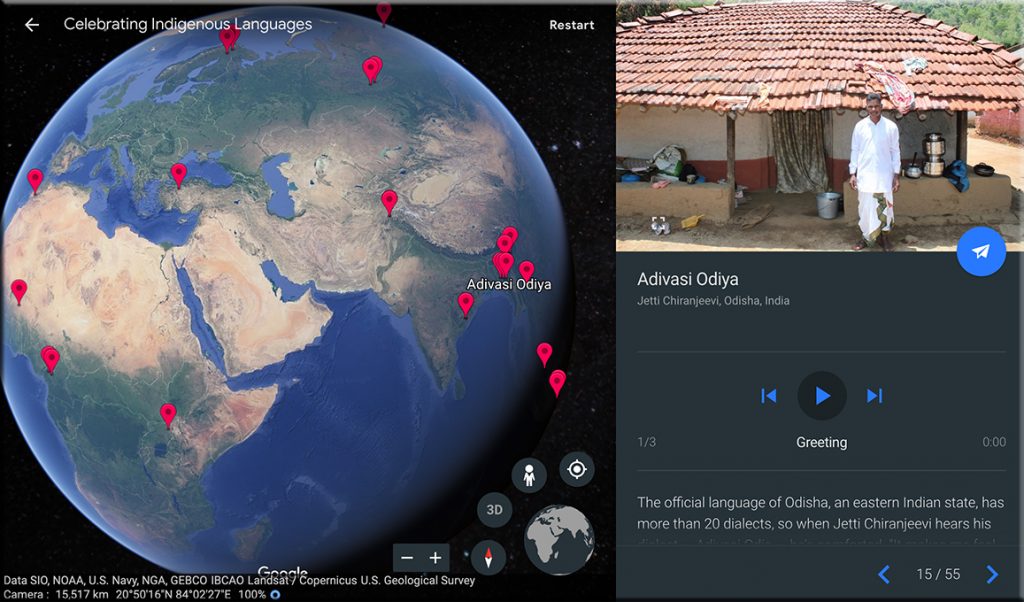
After the United Nations declared 2019 the International Year of Indigenous Languages, Google decided to help draw attention to the indigenous languages spoken around the globe and perhaps help preserve some of the endangered ones too. To that end, the company recently launched its first audio-driven collection, a new Google Earth tour complete with audio recordings from more than 50 indigenous language speakers from around the world.
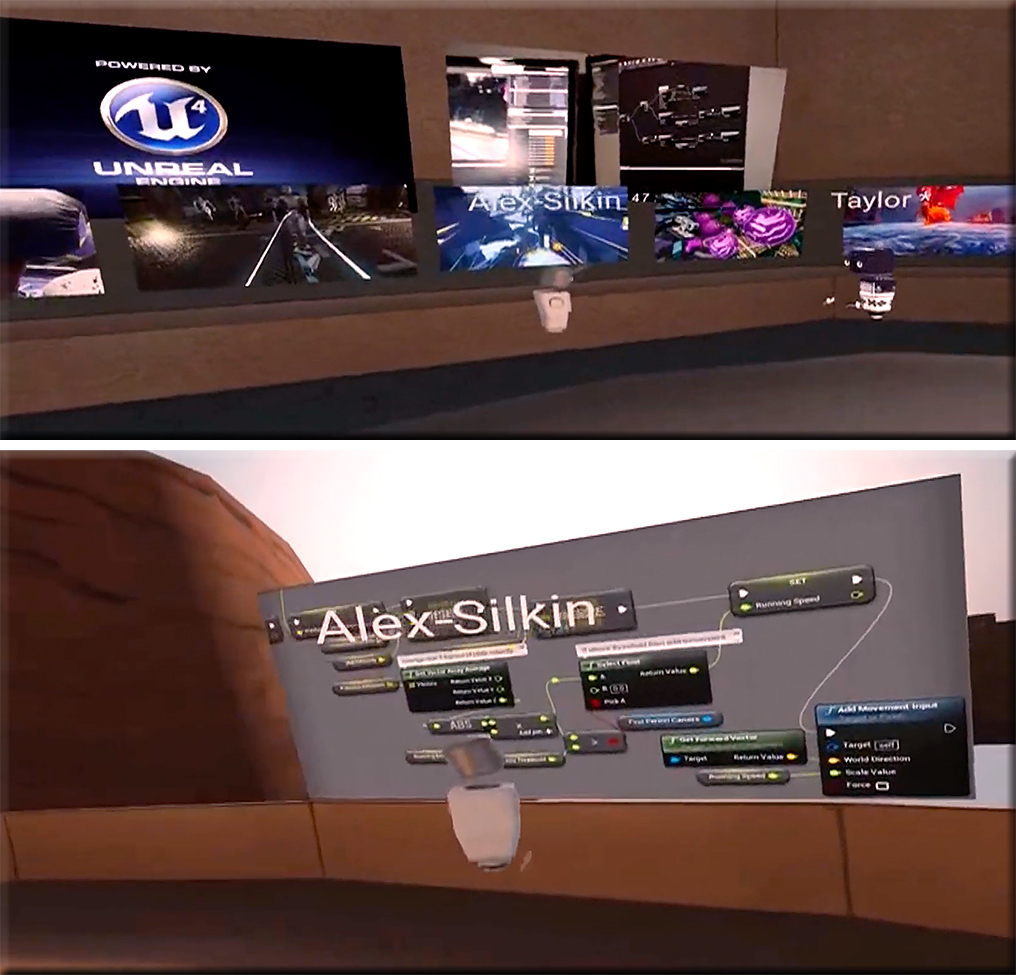
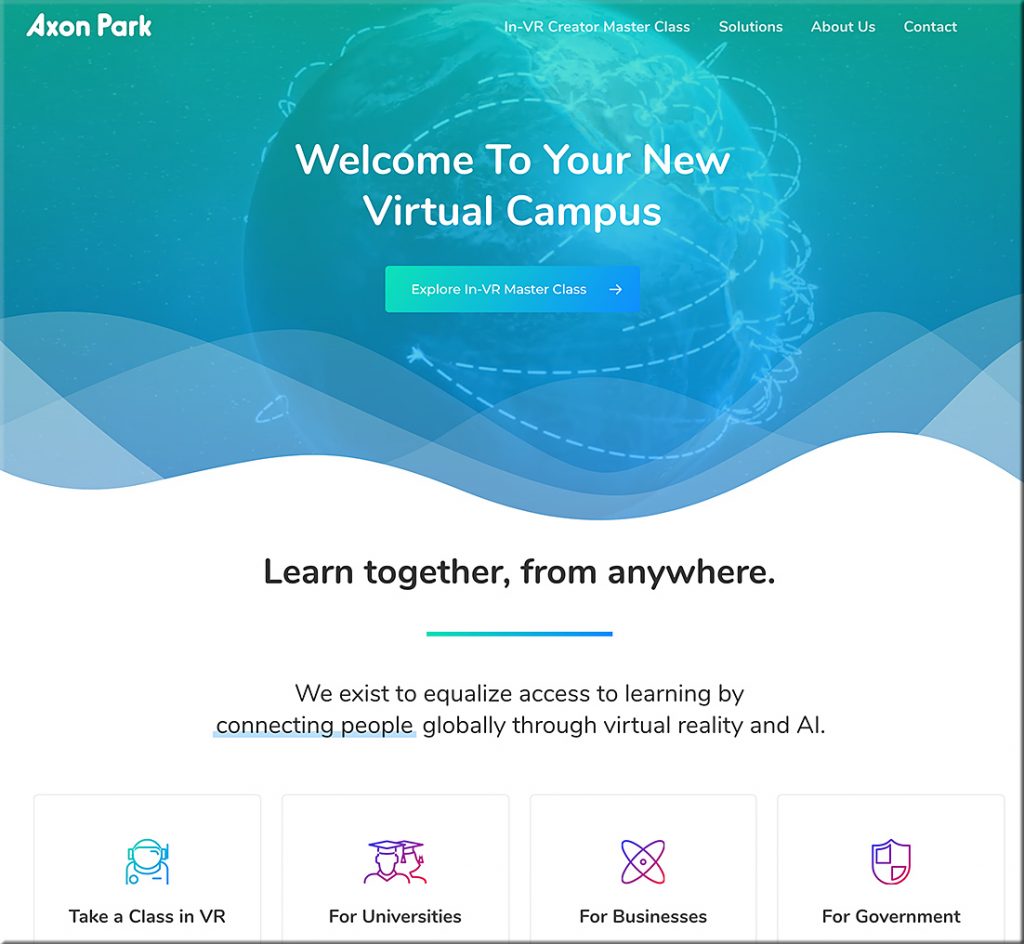
VR First is excited to announce its strategic partnership with Axon Park?—?the world’s first educational campus in VR. To kick things off, they are running a full semester course taught in VR. Launching this fall, the course will teach expert-level Unreal Engine VR development, taught remotely by Survios CTO and Co-Founder Alex Silkin with support from the Unreal Engine team.
To enable Axon Park’s commitment to diversity and inclusion through immersive education, VR First has signed a strategic partnership with Axon Park, an organization which maintains the largest network of VR lab enabled universities and science parks internationally. Together, Axon Park and VR First are announcing a needs-based scholarship program that will provide students with low cost or free access to VR hardware and resources through their partner network of 850 universities. With their expertise in VR/AR workforce education and regional tech cluster facilities, VR First is the international distribution partner for Axon Park training solutions to universities, businesses and governments.