Navigating website ADA compliance: ‘If you have videos that are not captioned, you’re a sitting duck’ — from abajournal.com by Matt Reynolds

Excerpts:

“If you have videos that are not captioned, you’re a sitting duck,” Goren said. “If you’re not encoding your pictures so that the blind person using a screen reader can understand what the picture is describing, that is a problem.”

Drop-down boxes on websites are “horrible for accessibility,” the attorney added, and it can be difficult for people with disabilities to navigate CAPTCHA (Completely Automated Public Turing test) technology to verify they are human.

“Trying to get people with voice dictation or even screen readers to figure out how to certify that they’re not a robot can be very complicated,” Goren said.

Also see:

Relevant Laws

Information re: Lawsuits


Asynchronous Video Conversations: 11 Tips and Best Practices — from er.educause.edu by Rob Gibson

Excerpt (first 4 of 11):

1. Closely align video conversations with the stated module, course, and/or program learning objectives. Clearly indicate those alignments in the course outline.

2. Use the syllabus, an introductory course video, or a sample student video recording to prepare students in advance for this type of activity. Since many students will use their smartphones to record, provide information about best practices for creating quality video using a phone.

3. Some students are uncomfortable recording themselves. Depending on the product, consider offering alternatives such as an audio/mic-only mode, a text-only mode, or using a proxy image or avatar in the video.

4. Consider using threaded video conversations for course introductions to build a sense of humanizing the course. Michelle Pacansky-Brock supports the use of video conversations as an alternative to text. In her book How to Humanize Your Online Class with VoiceThread, she indicates that video tools maximize presence, a dimension of online connectivity to fellow students, the faculty, and the content. Research in her own courses found an increase from 25 percent to 75 percent in voluntary voice-video comments.Footnote5 This also helps form common goals and dispositions among students—dispositions are affective learning dimensions, such as motivation, attitude, persistence, empathy, and problem solving.Footnote6


Podcasting for Educators — from techlearning.com by Erik Ofgang
Most educators have skills sets that translate well to the podcasting world. Here’s how to get started with your podcast.

Excerpt:

Tech & Learning talked with Young as well Dr. Kecia Ray and Dr. Frances Gipson, hosts of Tech & Learning’s Honor Role podcast, for some best practices and tips. We also collaborated with the six hosts of the AV SuperFriends podcast, asking questions for this story but recording the entire conversation for a future episode of their podcast. Watch for the release of that episode here.

From DSC:
I’d love to see even more teachers, trainers, and professors share their expertise out there. Podcasting is a great way to do that. And so is blogging. It would be nice to see the expertise of those folks reach a far greater audience — society — than just the (behind-the-paywall) journals.


What Is WeVideo And How Does It Work For Education? — from techlearning.com by Luke Edwards
WeVideo is the online video editing platform aimed at K-12 for students and teachers

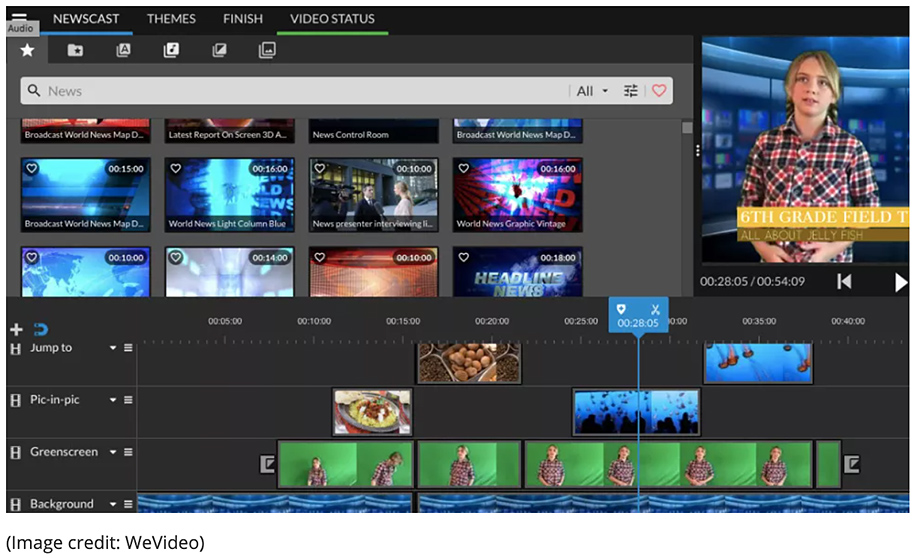
Editing digital video -- image from WeVideo

Excerpt:

WeVideo is web- and app-based with all the data crunching done in the cloud, making it ideal for use in schools and on less powerful devices. It’s built with a Chromebook focus, for example. The cloud-based nature of the platform also means it can be used collaboratively by students, both in class and remotely.

This platform is built for beginners and younger students, so it’s easy to learn and use. Essentially, there are two modes: Storyboard and Timeline. The first is easier, ideal for getting new students into video editing, while the latter is more complex, allowing students add in more detail and learn to video edit as they might on a more professional system.


Specialties In Instructional Design and What They Do — from teamedforlearning.com
Specialties in instructional design can help both job seekers and hiring managers find the right fit for digital learning courses and programs.

Excerpt:

An instructional designer is anyone who designs and develops digital learning experiences. That may sound straightforward, but within that vague job title nest dozens of specialties. Even more confusingly, instructional designers may also be called learning designers or learning architects. Their work often overlaps with that of instructional technologists and content creators. Specialties in instructional design help both teammates and hiring managers to navigate this evolving position.

Untangling the complexities of the instructional design role can help both job seekers and hiring managers find the right fit. Identifying a specialty can help professionals carve out their own niche in the instructional design ecosystem. Greater clarity around what instructional designers actually do can help team leaders find the right instructional designer for their project.


Teacher, Are You There? Being “Present” in Online Learning — from er.educause.edu by Richard West

Excerpt:

Video technologies are part of that shift in helping online learners feel connected to teachers and peers. This connection comes from people developing the sense that they are “present” in the class, even if they are not physically in the same room. How is it possible to be present when you are physically separated?


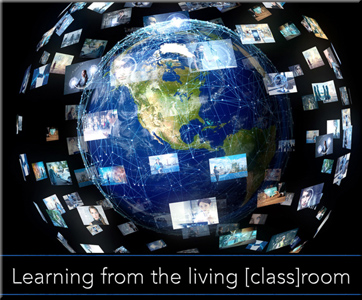
Learning from the Living [Class] Room: Adobe — via Behance — is already doing several pieces of this vision.

From DSC:
Talk about streams of content! Whew!

Streams of content

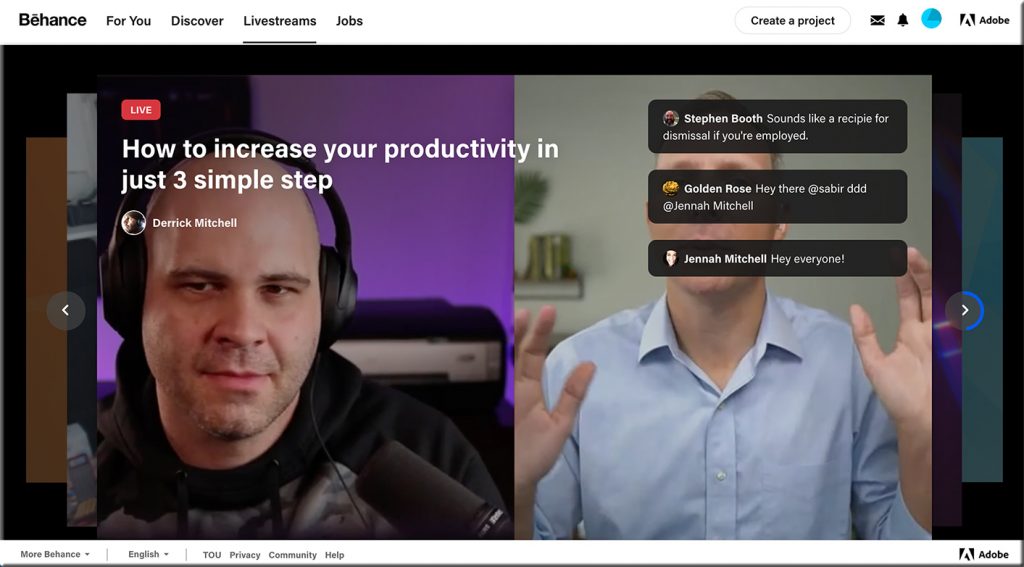
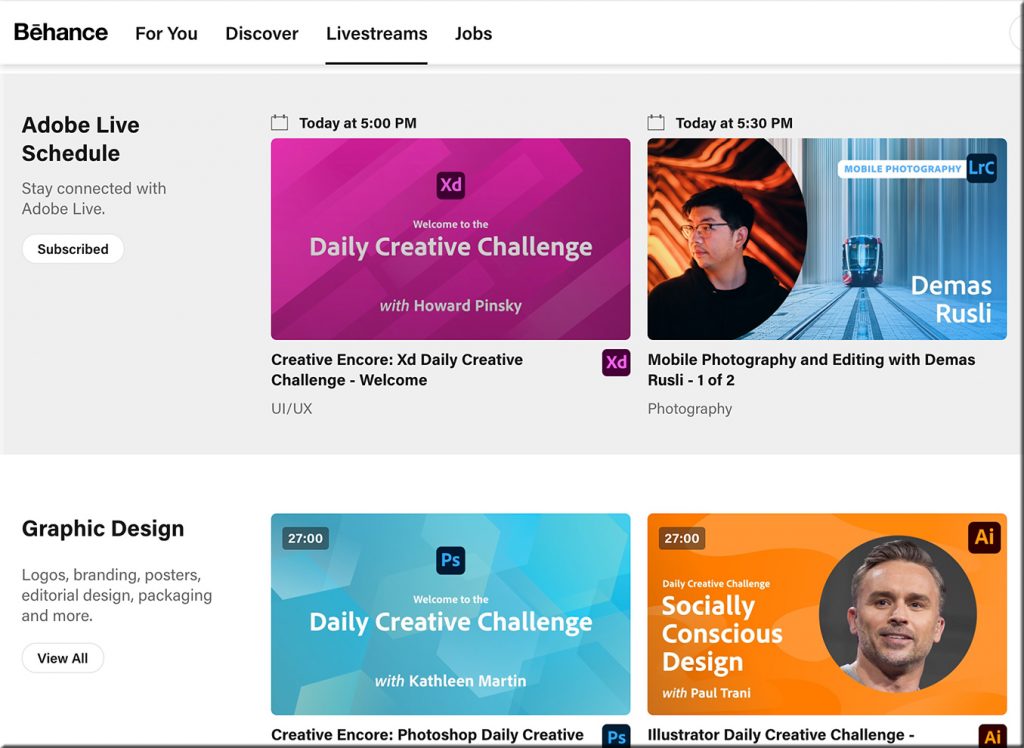
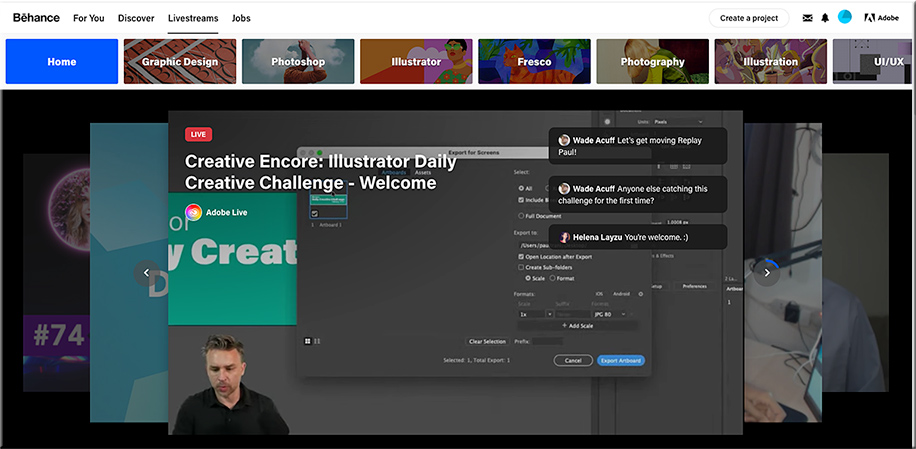
I received an email from Adobe that was entitled, “This week on Adobe Live: Graphic Design.”  (I subscribe to their Adobe Creative Cloud.) Inside the email, I saw and clicked on the following:

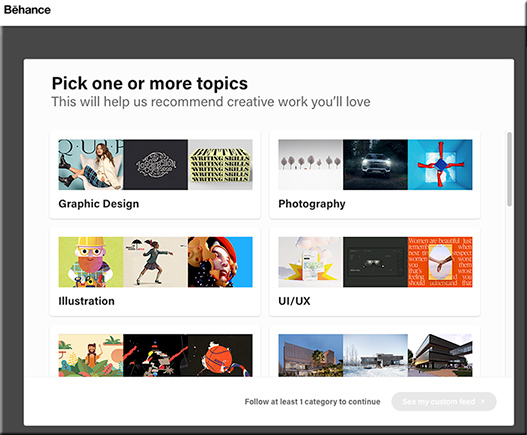
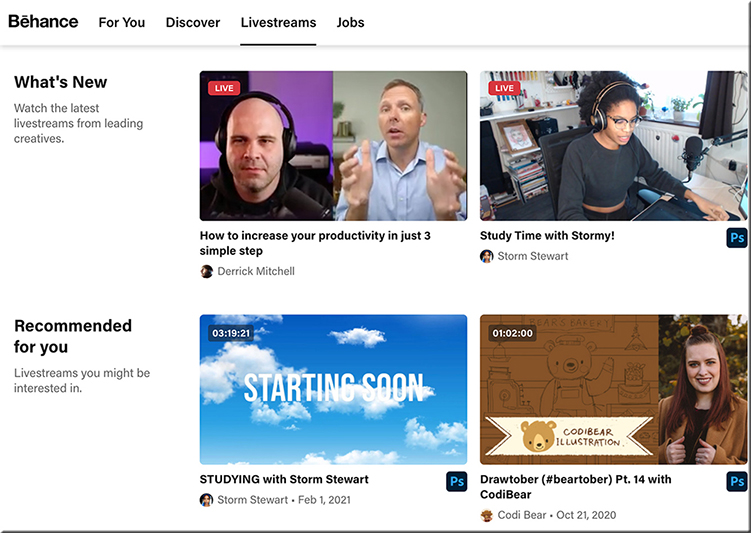
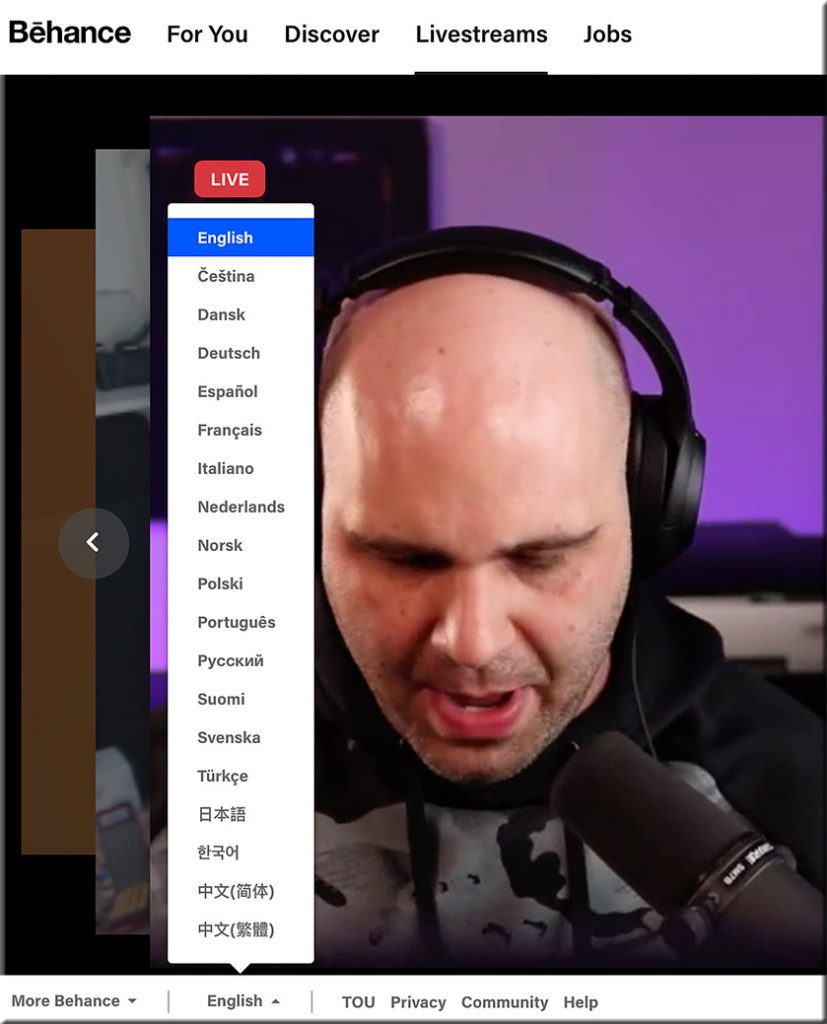
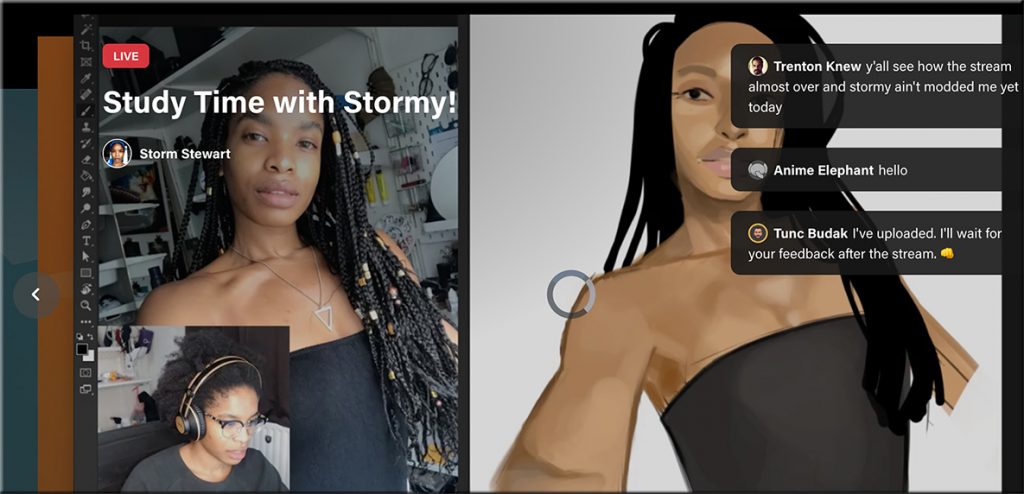
Below are some of the screenshots I took of this incredible service! Wow!


Adobe -- via Behance -- offers some serious streams of content


Adobe -- via Behance -- offers some serious streams of content


Adobe -- via Behance -- offers some serious streams of content


Adobe -- via Behance -- offers some serious streams of content


Adobe -- via Behance -- offers some serious streams of content

Adobe -- via Behance -- offers some serious streams of content

Adobe -- via Behance -- offers some serious streams of content


From DSC:
So Abobe — via Behance — is already doing several pieces of the “Learning from the Living [Class] Room” vision. I knew of Behance…but I didn’t realize the magnitude of what they’ve been working on and what they’re currently delivering. Very sharp indeed!

Churches are doing this as well — one device has the presenter/preacher on it (such as a larger “TV”), while a second device is used to communicate with each other in real-time.


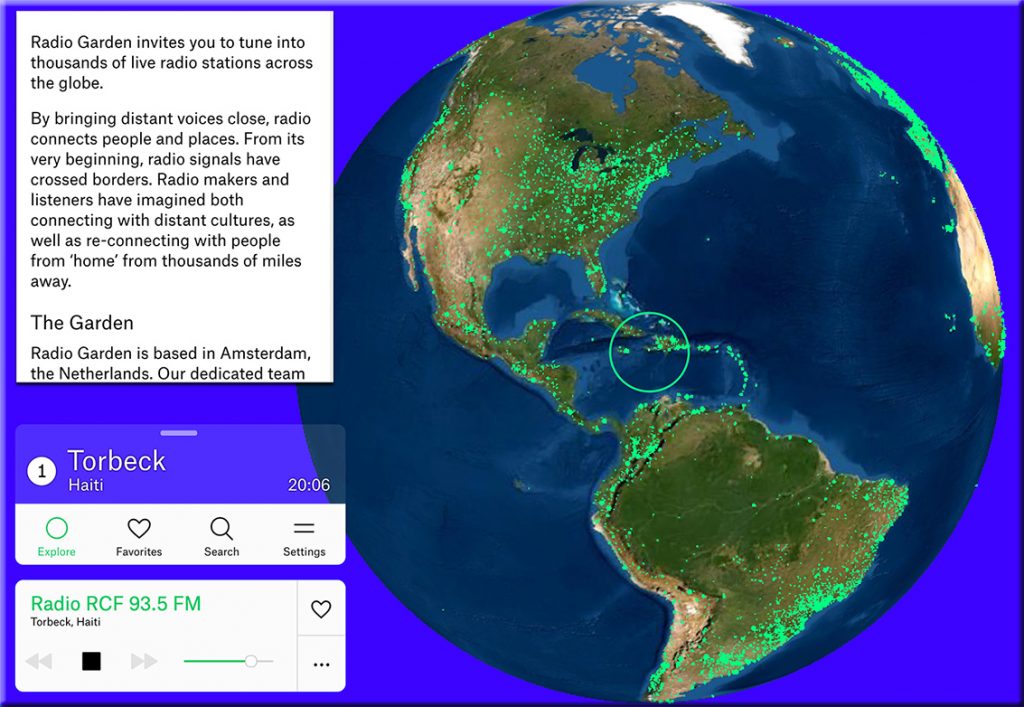
Radio.Garden — with thanks to David Pogue for this resource

From DSC:
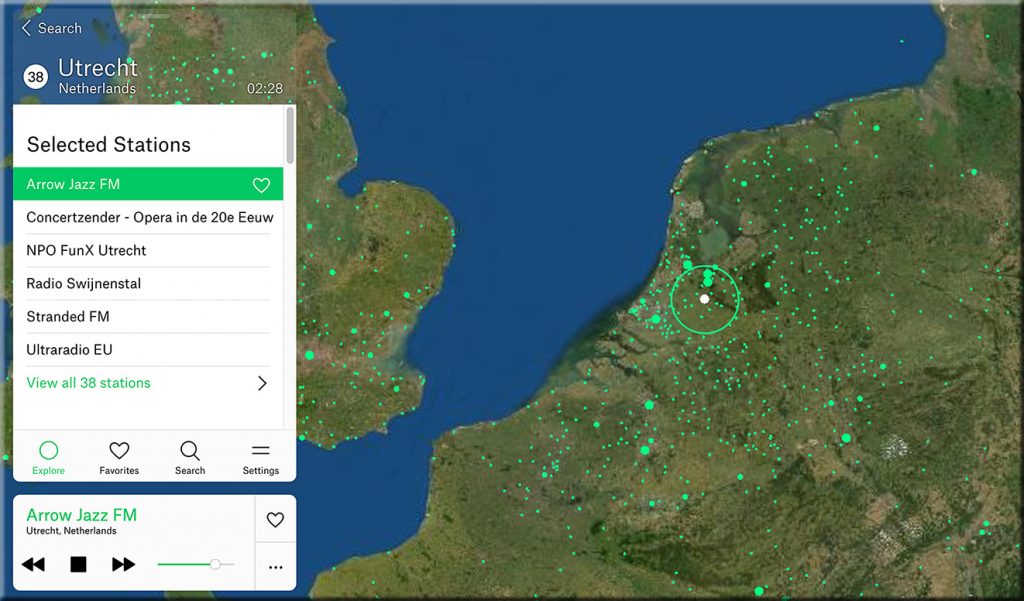
This is amazing! Some screenshots:

Radio.garden -- tune into thousands of live radio stations across the globe!

Radio.garden -- tune into thousands of live radio stations across the globe!

Several questions/reflections come to my mind:

  • What could those teachers and professors who are trying to teach someone a language do with this?!
  • If this can be done with radio stations, what can be done with learning-related streams of content?!
  • Talk about “More Choice. More Control.”  Man o’ man!

Streams of content


Addendum on 2/28/21:
Could this type of interface be used to navigate the world of work? Where instead of nations, you would have arenas of work?


10 powerful online feedback (should be called feedforward) techniques — from donaldclarkplanb.blogspot.com by Donald Clark

Excerpt:

The solution is good feedback. Feedback is the lubricating oil of teaching and learning. Feedback accelerates learning. It can therefore reduce the amount of time spent teaching. It motivates and propels learners forward. You need to work hard to keep learners on task, feedback is the spark and stimulus that gets them to the next stage.

Technology can use feedback to propel online learning. We spend so much of our technology time to present linear, media ‘experiences’ that we forget about the locomotive power of feedback. Creating videos, graphics and screeds of text is easy, feedback is personal and hard. Yet there are methods that have emerged from recent technology that make it much easier. We need more focus on technology to deliver feedback as well as media.

There are many forms of feedback; confirmatory, explanatory, consequential, real-time, semantic, media specific, peer-to-peer, reflective, calls to action. It is a powerful aid to learning and should be used to power learners forward.


Flipping Virtual Classrooms for More Impact — from techlearning.com by Ray Bendici
Flipping virtual classrooms can help maximize teaching time and resources

Flipping Virtual Classrooms for More Impact

Excerpt:

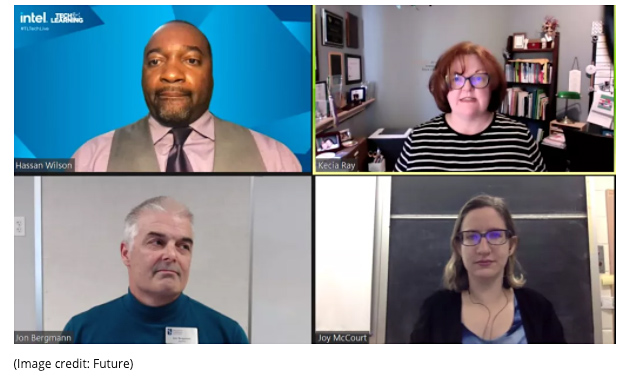
The mantra of flipped learning is that you can reach every student in every class every day, said Bergman. So if you have less synchronous time, you need to provide more time with your students one-on-one to work on the hard stuff, and flipped mastery learning, in particular, accommodates that.

“Flipped learning teachers have been preparing for the pandemic for the past 10 years,” Bergman said. “It’s really a great way to amplify your reach to teach.”

When the pandemic hit, Bergman and his flipped learning team realized that the most important thing is connections with students and the physical time spent with them. “So what’s the best use of your face-to-face class time?” Bergman said. “I’m going to argue it’s not you standing up and then introducing new content, it’s giving students the new content first and allowing them to apply, analyze, and evaluate it.”


How to become a livestreaming teacher — from innovatemyschool.com by Bobbie Grennier

Excerpts:

What is an encoder?
The format that a video camera records content in has to be transcoded so that it can be livestreamed to a destination like Facebook Live, YouTube, Twitch and Periscope. This is accomplished using an encoder software. An encoder optimizes the video feed for the streaming platform. The key to using an encoder is to learn to set-up scenes.

From DSC:
It will be interesting to see how learning-related platforms develop in the future. I’m continually on the lookout for innovative ideas across the learning landscapes, especially due to the Learning from the Living [Class] Room vision that I’ve been tracking this last decade. The pieces continue to come together. This might be another piece to that puzzle.

An online-based teaching and learning marketplace — backed up by AI, cloud-based learning profiles, voice-driven interfaces, learning agents, and more. Feeds/streams of content into how to learn about any topic…supporting communities of practice as well as individuals. And people will be key in this platform — technology will serve the people, not the other way around.

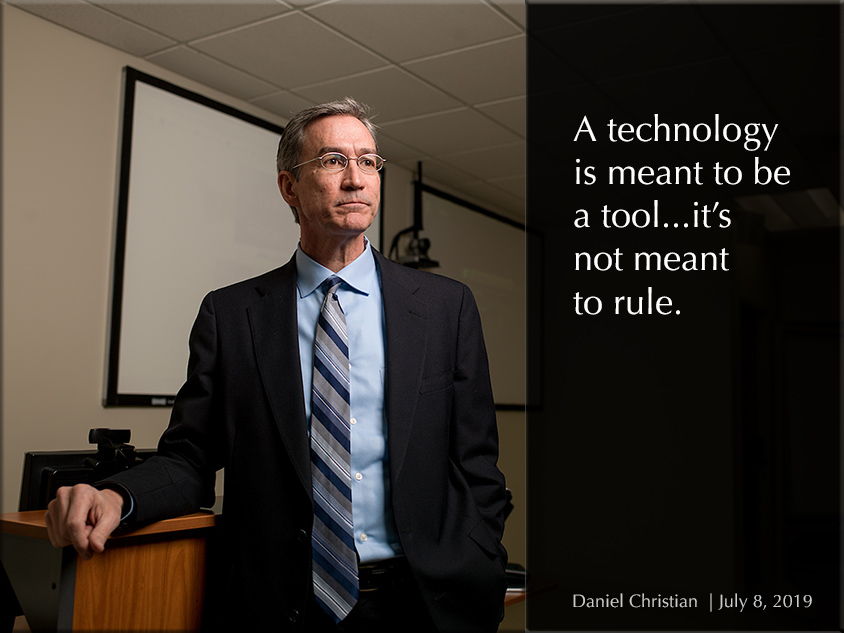
Daniel Christian -- A technology is meant to be a tool, it is not meant to rule.


4 of the Best Android Audio Recording Apps for Teachers — from educatorstechnology.com

Excerpt:

Following our list of  the best web tools for recording audio, we received a couple of requests for recommendations for Android apps. For those of you using Android-enabled devices, below are some of the best recording apps to consider. These are apps students can use to record lectures and meetings, capture audio notes, save voice memos, share audio feedback and many more.

Addendum on 1/18/21:


From DSC:
Videoconferencing vendors out there:

  • Have you done any focus group tests — especially within education — with audio-based or digital video-based versions of emoticons?
    .
  • So instead of clicking on an emoticon as feedback, one could also have some sound effects or movie clips to choose from as well!
    .

To the videoconferencing vendors out there -- could you give us what DJ's have access to?

I’m thinking here of things like DJ’s might have at their disposal. For example, someone tells a bad joke and you hear the drummer in the background:

Or a team loses the spelling-bee word, and hears:

Or a professor wants to get the classes attention as they start their 6pm class:

I realize this could backfire big time…so it would have to be an optional feature that a teacher, professor, trainer, pastor, or a presenter could turn on and off. (Could be fun for podcasters too!)

It seems to me that this could take
engagement to a whole new level!


Best Headphones for Students in Remote Learning — from techlearning.com by Luke Edwards
Get the best headphones for students to hear and be heard in remote learning

Excerpts:

  • Sony WH-1000XM4: Best headphones overall for students
  • Plantronics BackBeat Go 810: Best affordable wireless headphones for students
 
© 2025 | Daniel Christian