Top web design trends for 2016 — from creativebloq.com by Sam Hampton-Smith

Excerpt:

Just like any other field of design, web design trends come and go with the passing of time. Unlike many other fields, however, web design has a relentless driver to change: technology. Because the basis of the platform is ever changing, some of the trends in design for the web are as a result of improvements to what’s possible as much as a reflection on changing taste.

2015 has been an interesting year in terms of web design. The visual landscape for web designers has remained largely as it was in 2014, with only a refinement of the minimalist approach that has become popular over the past few years. Underneath the aesthetic treatment of pages, however, the web has been quietly progressing.


The multi-device world is evolving! — from upsidelearning.com by Amit Garg

Excerpt:

The multi-device world is certainly evolving. Existing devices are evolving in size while new devices are being added to the mix. All of this is resulting in evolving behavior patterns.

The smart thing to do is to get started with multi-device learning without waiting for the world to settle down. You might make a few mistakes, but will learn along the way and would still be better off as compared to those who never got started.


.

Smartphone Screen Size


“…the boundaries between tablets and smartphones are blurring…”


The 3 instructional shifts that will redefine the college professor — from edsurge.com by Ryan Craig

Excerpts:

As faculty at colleges and universities are all too aware, it’s hard to do two jobs at the same time. Since the advent of the modern research university over a century ago, faculty have effectively held down two jobs: conducting (and publishing) research and teaching students.

Arguments for the dual-role professor seem logical. Knowledge production should make one a better instructor. Students should benefit from teachers producing the latest knowledge. But there’s precious little data to support that adding the research job to the instruction job improves student outcomes.

The downside is that both jobs require significant expertise and commitment to do well.
…
There is an emerging consensus as to what works best for onground instruction. It’s called the Dynamic Classroom, and it looks like this:

  • Flip classroom so “transfer of information” occurs ahead of class
  • Incorporate technology in the classroom (handheld clickers or smartphone apps) to quickly ascertain whether students have understood key concepts
  • Integrate active learning techniques to improve understanding of key concepts, including peer learning, group problem solving, project-based learning and experiential learning via studios and workshops
  • Include “perspective transformation” exercises wherein students change their frames of reference by critically reflecting on their assumptions


From DSC:
First of all, I second the idea of splitting up the responsibilities of researching and teaching. Both roles are full-time jobs and require different skillsets. With students paying ever higher tuition bills, students deserve to take their courses from professors who know how to teach (not an easy job by the way!). 

But the unbundling doesn’t — and shouldn’t — stop with the splitting up of the teaching and research roles.

Let’s look at another of the instructional shifts that Ryan considers — and that is the move towards the use of smartphones and apps:

In this environment, we can imagine one app for Economics 101 and another for Psychology 110. They are also the ideal platform for simulations and gamified learning and can tailor the user experience further by incorporating real-world inputs (e.g., location of the student) into the material. But, like the dynamic classroom, apps require an unparalleled level of development and instructional expertise—a full-time job for faculty who will be teaching online.

I think there’s some serious potential with this approach, especially given the trend towards more mobile computing and the affordances that come with using mobile technologies.

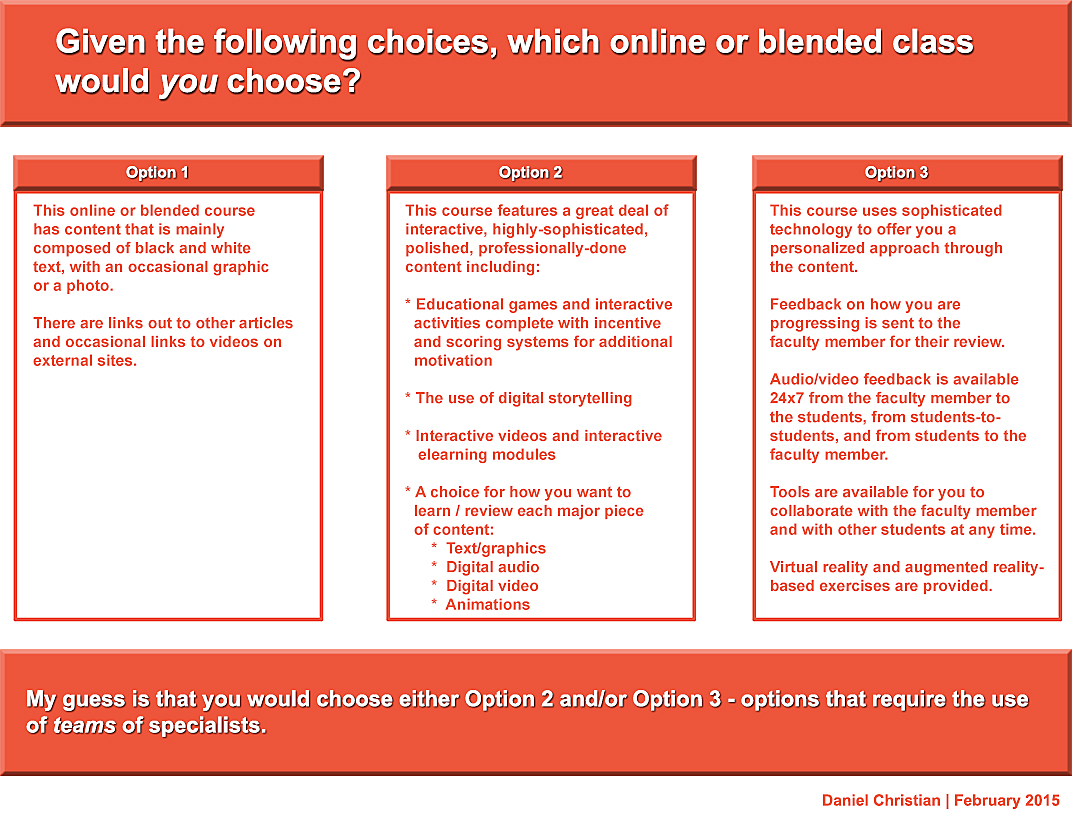
However, when we start delivering teaching and learning experiences that involve the digital/virtual realm like this, we’re instantly catapulted into a world that requires additional skills. As such, I highly doubt that the majority of faculty members have the time, interests, passions, or the abilities/gifts to code such apps.  They would have to simultaneously be (or become) a programmer/developer, an instructional designer, a graphic designer, a copyright expert, an expert in accessibility, instantly knowledgeable in user interface and user experience design, as well as continue to serve as the Subject Matter Expert (SME) — and I could list other roles as well. That is why we need TEAMS of specialists. If the trends towards moving more of our teaching and learning experiences online and/or into such digital realms continue, then our current models simply won’t cut it anymore, at least in the majority of cases.

I appreciate Ryan’s article and second the main idea of splitting up the teaching and researching responsibilities. But again, when we’re talking developing apps, we had better be talking employing the use of teams — or the students will likely not be better off.

—–

A related quote from “In Sign of the Times for Teaching, More Colleges Set Up Video-Recording Studios” — from The Chronicle

At some colleges, media teams sit down with professors ahead of time and lay out long-term strategies to determine how video may enhance the learning experience of students in their courses.
…

The media team offers instructors a number of planning worksheets to encourage them to think more about the purpose of videos in their courses.


 —–


Choose Your Reality: Virtual, Augmented or Mixed — from recode.net by Eric Johnson; with thanks to Woontack Woo for his posting on this

Excerpts:

[For VR] The key buzzword here is presence, shorthand for technology and content that can trick the brain into believing it is somewhere it’s not.

The key term for AR is utility…AR takes your view of the real world and adds digital information and/or data on top of it.

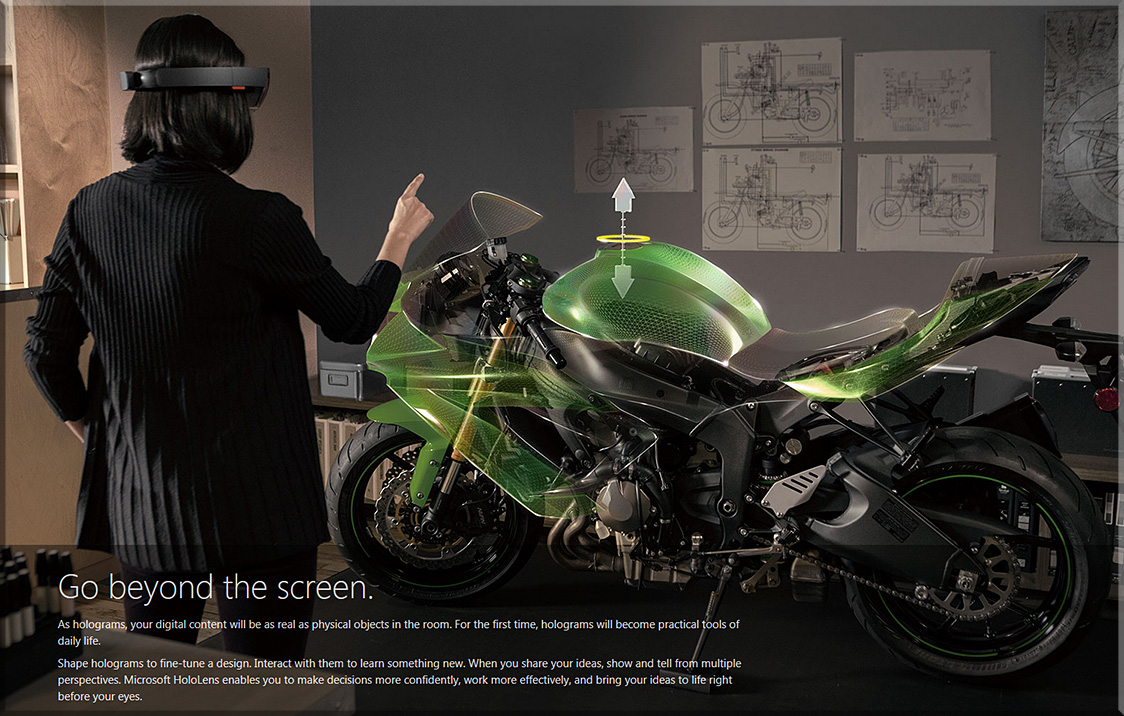
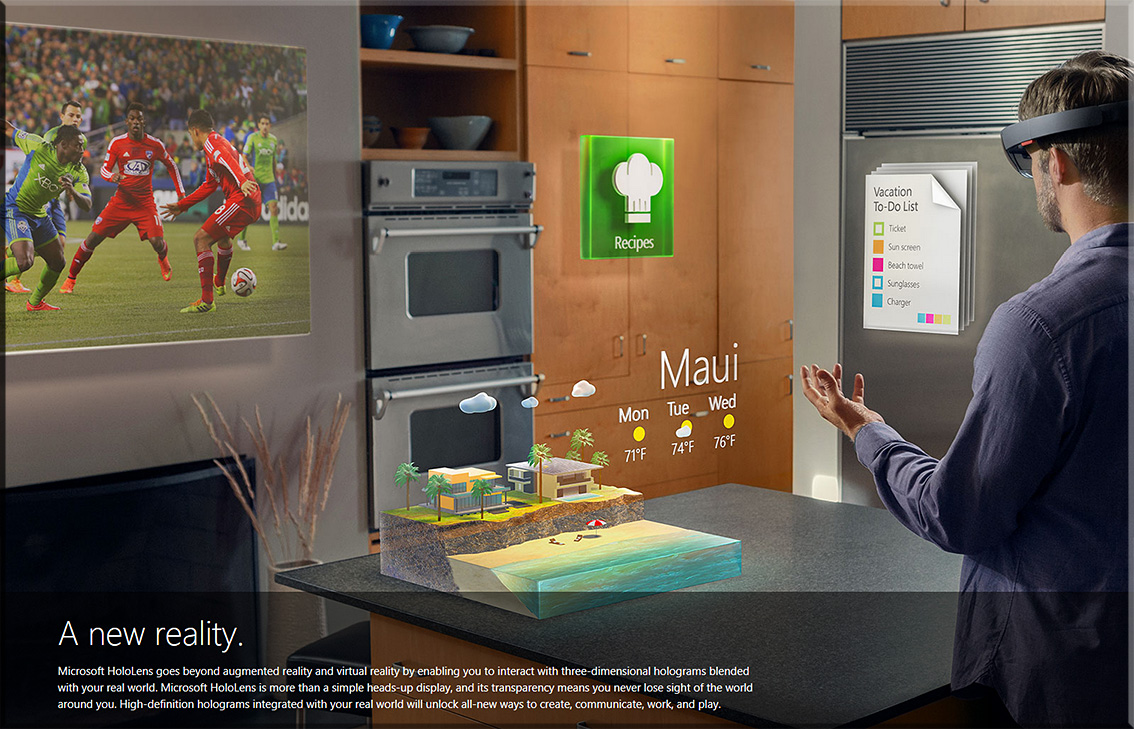
The key term for mixed reality, or MR, is flexibility…It tries to combine the best aspects of both VR and AR…In theory, mixed reality lets the user see the real world (like AR) while also seeing believable, virtual objects (like VR). And then it anchors those virtual objects to a point in real space, making it possible to treat them as “real,” at least from the perspective of the person who can see the MR experience.

So, to borrow an example from Microsoft’s presentation at the gaming trade show E3, you might be looking at an ordinary table, but see an interactive virtual world from the video game Minecraft sitting on top of it. As you walk around, the virtual landscape holds its position, and when you lean in close, it gets closer in the way a real object would.


See this example.


From DSC:
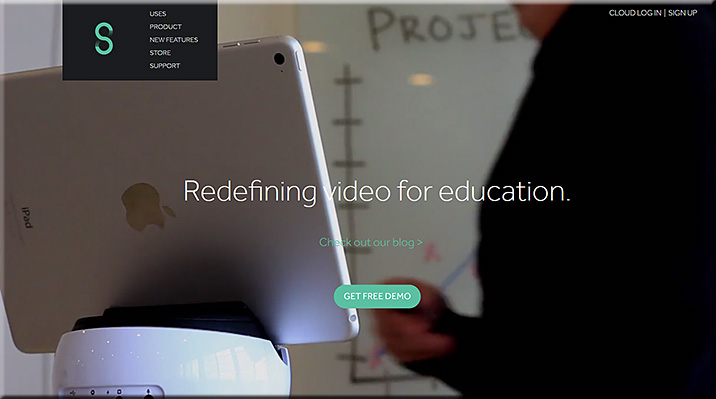
Swivl allows faculty members, teachers, trainers, and other Subject Matter Experts (SMEs) to make recordings where the recording device swivels to follow the SME (who is holding/wearing a remote). Recordings can be automatically sent to the cloud for further processing/distribution.

My request to you is:
Can you extend the Swivl app to not only provide recordings, but to provide rough draft transcripts of those recordings as well?

This could be very helpful for accessibility reasons, but also to provide students/learners with a type of media that they prefer (video, audio, and/or text).


Swivl-2015


Augmented Reality Chemistry Experiments with Elements 4D — from whiteboardblog.co.uk

Excerpt:

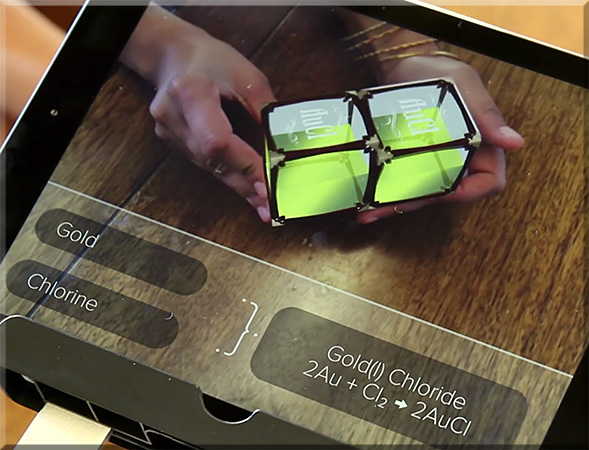
Elements 4D is a neat Augmented Reality chemistry app for iOS and Android devices which provides a fun way to look at various different chemical reactions.

The app uses blocks that are inscribed with the symbols of 36 elements from the periodic table. The site will eventually sell ready-made cubes, but you can download paper templates for free here.

When viewed through the app, these blocks instantly transform a simple, inanimate object into dynamic, dimensional, 4D representations of each element.

Also see:
Elements4D-July2015


Toss your manual overboard—augmented reality aims at big industry — from arstechnica.com by Lee Hutchinson
Papers, diagrams, and checklists would be replaced with intuitive visual tools.

Excerpt:

GE is focusing efforts on constructing an extensible “field maintenance manual” intended to be used for industrial equipment. The use case being tested in the labs is with oil and gas; researchers in GE’s Research Center in Brazil are building software that they hope will replace the need to deal with bulky printed maintenance manuals—manuals which have to be kept up to date and which lack any kind of interactivity.


New Microsoft Tool Takes the Pulse of Higher Education
Bing Pulse in the Classroom, a new student response system designed for higher education, launched this week.

Excerpt:

A new student response tool designed by a team at Microsoft will soon be giving teachers instant feedback on how their lessons are going.

Bing Pulse in the Classroom, a free online tool designed to make higher education lectures more dynamic, was released Thursday. The technology lets teachers ask students questions to get a real-time “pulse” of the lesson to ensure a teacher isn’t getting too far ahead of the class.
…
A feature not included in Pulse in the Classroom’s first iteration was live video streaming. Nesho says this capability will soon be added, and it could be a game changer for higher education classes that incorporate distance learning. Using a live video stream along with the Pulse feature set, the platform comes closer to an all-inclusive classroom experience.


Microsoft pioneers new ‘machine teaching’ technology to bring machine learning to the masses — from winbeta.org by Joseph Finney

Excerpt:

Tech companies are constantly building and testing technology which could cause the next paradigm shift in how the world communicates, creates, and consumes. Many big names including Google, IBM and Microsoft are investing in machine intelligence and machine learning. Now Microsoft believes they have created the next generation of machine learning which they call machine teaching. While the name ‘machine teaching’ does not instantly communicate the purpose or intent of the new tech the underlying concept is simple.

Essentially, like Henry Ford brought the automobile to the masses, Microsoft wants to bring machine learning to everyone. Many companies are focused on making their machine learning algorithms more accurate, but Patrice Simard believes more advances can be driven by bringing machine learning to the masses.


 Also relevant here/see:
What Every Manager Should Know About Machine Learning — from hbr.org by Mike Yeomans
A primer on machine learning — from loop.ai
A tour of Machine Learning Algorithms #BigData #MachineLearning — from mo-data.com
In this post we take a tour of the most popular machine learning algorithms.


Microsoft launches site for teachers taking Minecraft into the classroom — from theguardian.com
Minecraft in Education portal aims to get educators sharing tips on how Mojang’s popular game can be used to teach children


The Scoop on Periscope: Broadcast Live Video to the World — from learninginhand.com by Tony Vincent
[Tony includes a nice infographic in this posting.]
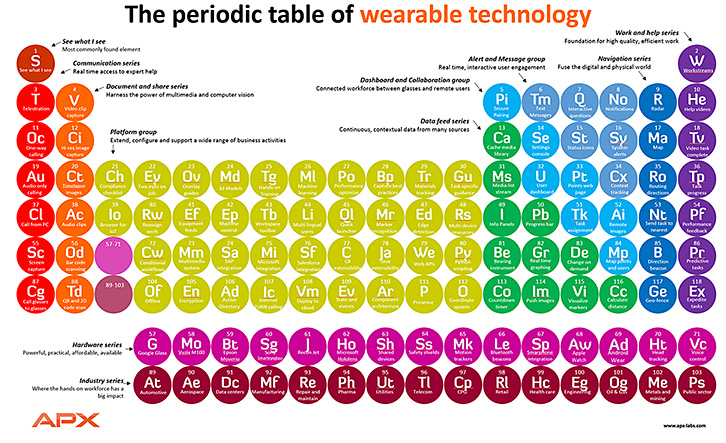


PeriodicTable-WearableTech-July2015


First Look: Jaunt’s VR Camera Codenamed NEO — from by Jonathan Nafarrete

Excerpt:

Jaunt has announced the launch of a new professional grade VR camera series codenamed “NEO” that will enable the next generation of filmmakers to produce the highest quality VR experiences.
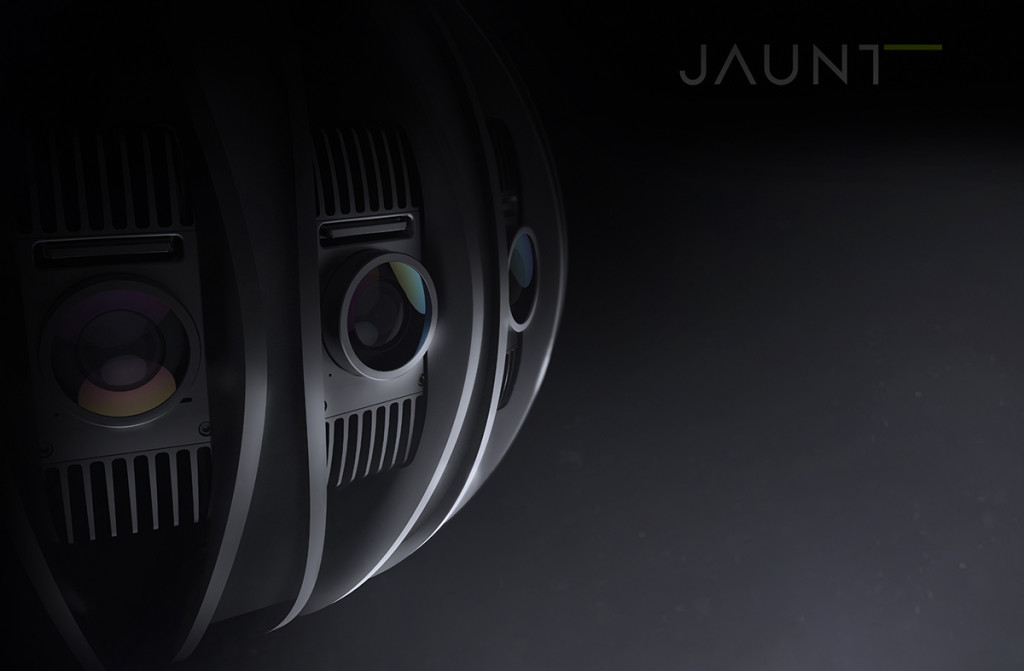
Industrial Design by LUNAR.


Leap Motion’s Augmented-Reality Computing Looks Stupid Cool — from wired.com

Excerpt:

This demo, in which a standard desktop computer is reimagined as a three-dimensional workstation of the future, offers a glimpse of what that might look like.

The project came out of a hackathon at Leap Motion, whose nifty gesture-recognizing sensor acts as a sort of finger-scale Kinect for desktop software. Using a prototype Leap sensor, a developer-kit Oculus Rift, a team of engineers built an augmented-reality work environment in which regular desktop applications jump out of the computer and into 3-D space. It’s a new computing interface hovering in front of a traditional personal computer sitting on a wood table—three generations of the “desktop,” one on top of another.


Apps That Rise to the Top: Tested and Approved By Teachers — from kqed.org b


Michelle Luhtala/Edshelf


EdTech 2015: What’s Coming Down the Innovation Pipeline — from medium.com by Daniel Rezac
Brace Yourselves for a New Wave of Classroom Integration


Office 365 Open Source plugins for Moodle: getting better all the time — from msopentech.com

Excerpt:

[On June 26th, 2015] we shared the news that the upcoming Cypress release of Open edX, the most popular open source MOOC (massive open online course), will include new features for tighter integration with Office 365. Those features are the result of our open source collaboration with members of the Open edX community.

In addition to the new work we’re doing with Open edX, we continue to work with Remote-Learner (a leading Moodle partner) to make improvements and additions to the open source Office 365 plugins for Moodle. Moodle is the most popular open source learning management system (LMS), and the Office 365 plugins were released in January of this year. In this post, we’d like to share a few details about the great work Remote-Learner is doing to evolve the plugins.


New math app turns 2-D problems into 3-D solutions for Nova Scotia students — from trurodaily.com by Zane Woodford, Metro Halifax

Excerpt:

HALIFAX – A new augmented reality application for iPhones, iPads and Android devices brings math problems off the page for Nova Scotia students – illustrating angles, curves and the dreaded Pythagorean theorem in three dimensions.


© Metro Halifax/Jeff Harper
Grade 9 student Nathaniel Jarmash uses an augmented reality app
to work on his math problems at Sir Robert Borden Junior High School.


Everything you need to know from today’s Apple WWDC Keynote — from techcrunch.com by Greg Kumparak

Excerpts:

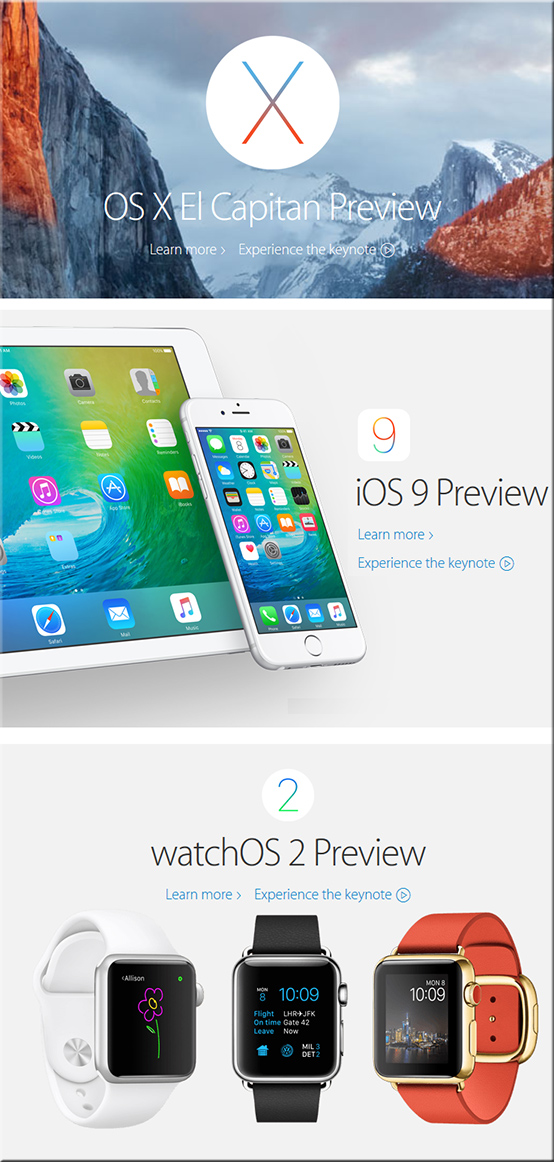
  • The Next Version Of OS X — Apple announced OS X 10.11, or “OS X El Capitan”.
  • iOS 9
  • Siri is getting smarter
  • Split Screen iPad Apps: Perhaps the biggest feature of all, and something that has been rumored for ages: the iPad is getting split screen apps. You’ll now be able to run two apps at once, side by side. (Split screen iPad apps are limited to the latest/most powerful iPad hardware: the iPad Air 2)
  • Picture in picture video
  • CarPlay goes wireless
  • Swift 2: Apple also announce Swift 2, the second iteration of their new programming language.
  • watchOS 2
  • Apple Music: As long rumored, Apple is launching a Spotify/Rdio competitor. It’s $9.99 per month, or $14.99 on a family plan (with support for up to 6 accounts)


The Apple Watch just got a lot more useful — from fastcompany.com by John Paul Titlow
Apple’s WatchOS 2 is here and it will let developers build native, much more capable apps.

If you had your doubts about the Apple Watch, Cupertino just made it much more interesting. At the Worldwide Developers Conference this morning, Apple announced WatchOS 2, a new version of the watch’s operating system that lets developers build native apps for the device.

Watch OS 2 will also ship with a number of new features, like the ability to set photo watch faces, reply to email, take FaceTime audio calls, use Apple Pay’s new virtual loyalty cards, and get mass transit directions.


Apple introduces “News”: An old idea with big potential — from fastcompany.com by John Paul Titlow
WWDC 2015 Update: Apple just unveiled News, a Flipboard-Style news aggregation app that will ship with iOS 9.

Excerpt:

Apple is now a Flipboard competitor. When iOS 9 ships in the fall, it will include a new app called News, a newspaper, magazine, and blog aggregator that will feel very familiar to anyone who’s ever used Flipboard, Pulse, or one of the many other apps of this nature. The new app was unveiled by Apple’s vice president of Product Marketing, Susan Prescott, this afternoon at the company’s Worldwide Developers Conference.


Apple Maps in iOS 9 adds public transit, local business search — from cio.com by Marco Tabini


Apple-6-8-15


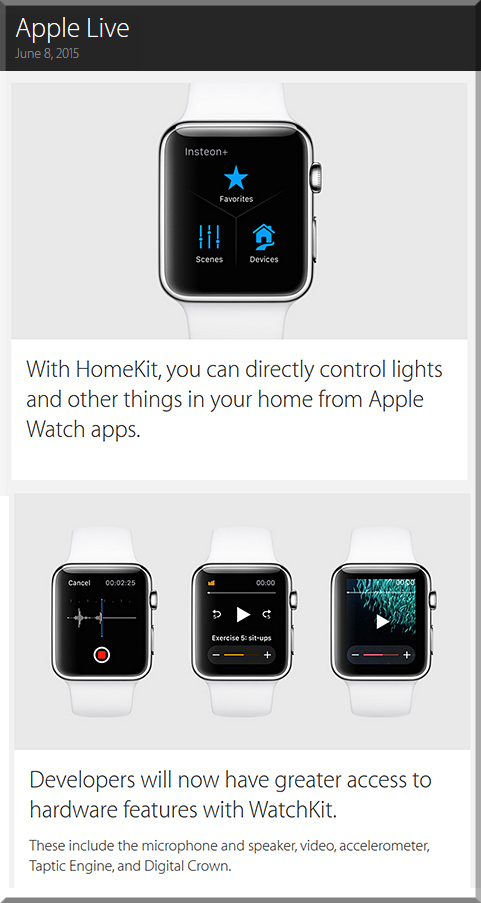
AppleHomekit-Watch-6-8-15


Kevin shows some of the great things developers can do with the new version of WatchKit.


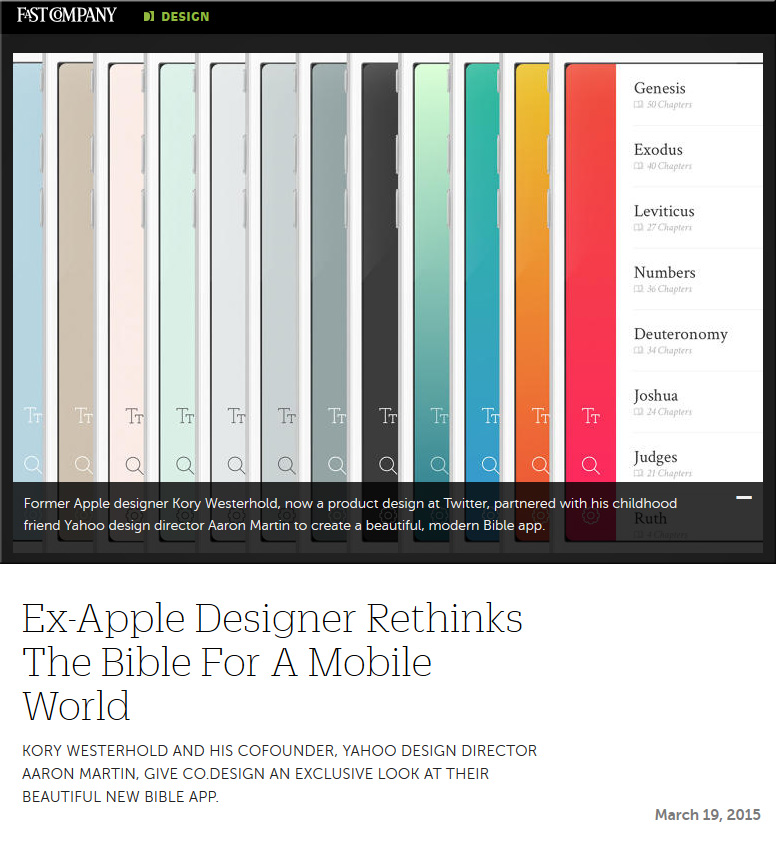
NeuBible-March2015
Ex-Apple designer rethinks the Bible for a mobile world — from fastcodesign.com by Ainsley O’Connell
Kory Westerhold and his cofounder, Yahoo design director Aaron Martin, give Co.Design an exclusive look at their beautiful new Bible app.

Excerpt:

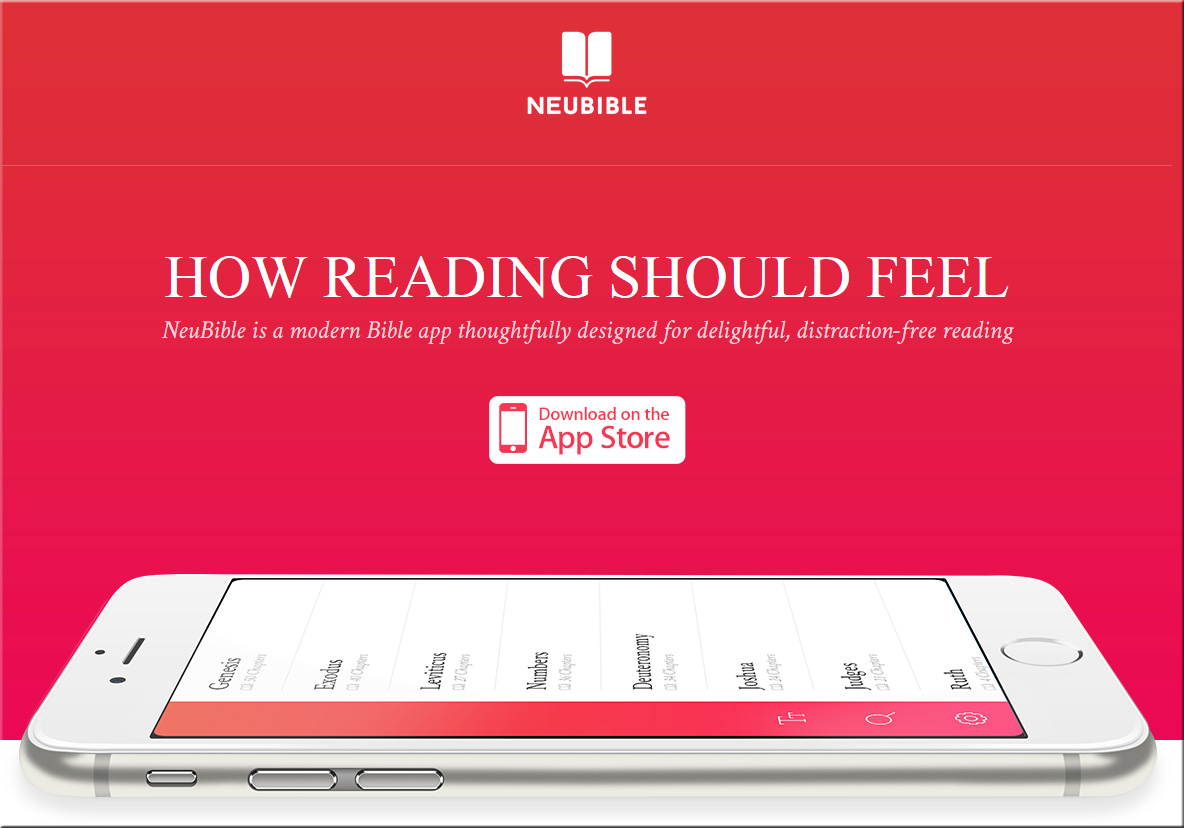
Fast-forward to 2015, and Westerhold, now a product designer at Twitter, has teamed up with Aaron Martin, a design director at Yahoo and childhood friend. Today, after months of sketching and development, they released NeuBible, an elegant and radically simplified mobile app for the Bible.

Their goal, Westerhold says, was to “get rid of everything between you and scripture.”


Also see:

NeuBible-March2015-2


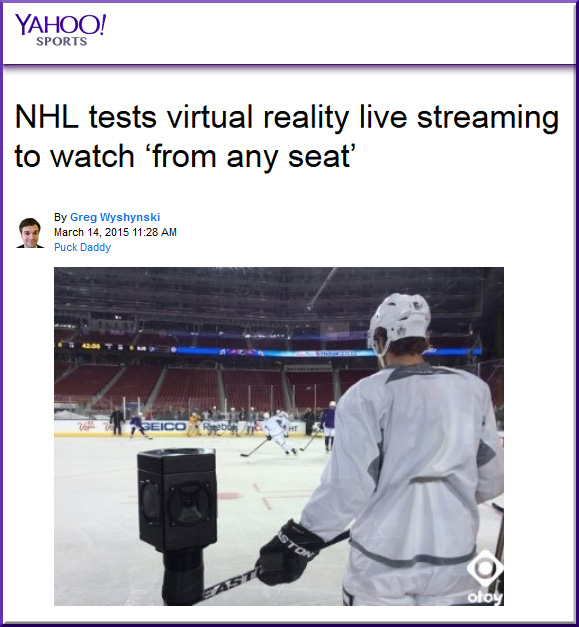
NHL-VirtualReality-WatchFromAnySeat-3-14-15

Excerpt:

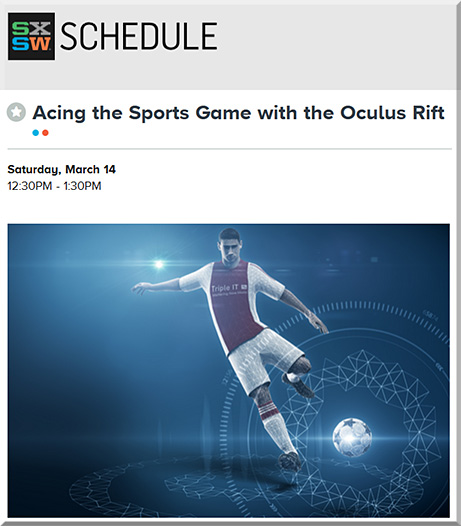
AUSTIN, TX – Virtual reality is featured prominently at South By Southwest Sports this year, from using it to better train athletes with Oculus Rift to how it could transform the fan experience watching basketball, football and hockey at home.
…
The NHL had its first successful test of a 360-degree virtual reality experience at its Stadium Series game between the San Jose Sharks and Los Angeles Kings last month, mounting cameras around the glass that filmed HD images in the round.


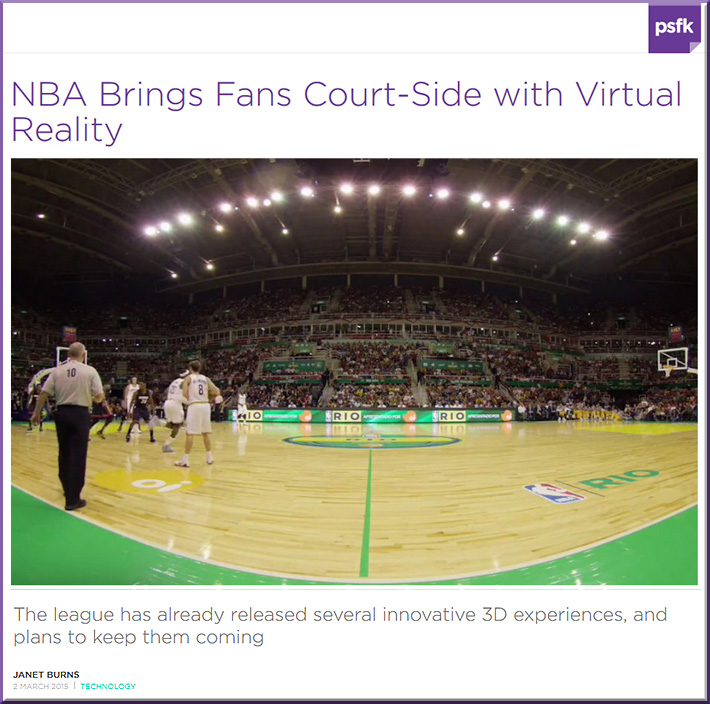
NBA-VirtualReality-WatchFromAnySeat-3-14-15

Excerpt:

When basketball lovers aren’t able to trek to stadiums near and far to follow their favorite teams, it’s possible that watching games on a bar’s widescreen TV from behind bowls of wings is the next best thing. This may no longer be true, however, as a wave of court-side, 3D virtual game experiences is becoming available to superfans with Oculus gear.

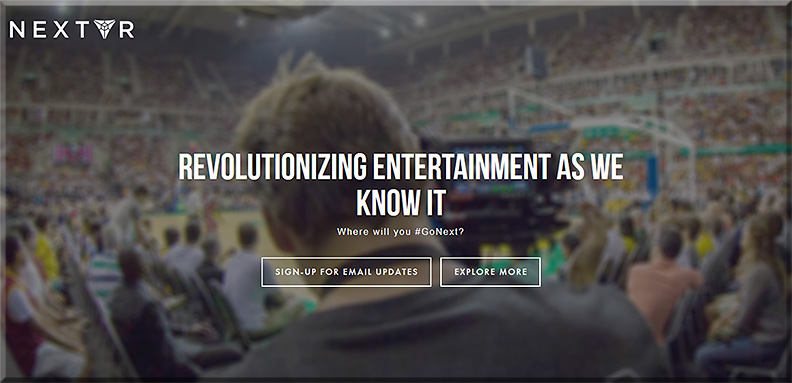
Earlier this month, NextVR showed off its new enhanced spectator experiences at the 2015 NBA All-Star Technology Summit with virtual reality (VR) footage of an October 2014 Miami Heat and Cleveland Cavaliers match-up in Rio de Janeiro. The NBA also already announced plans to record VR sessions of the NBA All-Star Game, the Foot Locker Three-Point Contest, and the Sprite Slam Dunk event and practice.


NEXTVR-March2015


OculusRift-InSportsSXSW-2015


From DSC:
In the future, will you be able to “pull up a seat” at any lecture — throughout the globe — that you want to?


Alternatively, another experiment might relate to second screening lectures — i.e., listening to the lecture on the main/large screen — in your home or office — and employing social-based learning/networking going on via a mobile device.

Consider this article:

TV-friendly social network Twitter is testing a new Social TV service on iPhones which provides users with content and interaction about only one TV show at a time.

The aim is to give users significantly better engagement with their favourite shows than they presently experience when they follow a live broadcast via a Twitter hashtag.

This radical innovation in Social TV design effectively curates just relevant content (screening out irrelevant tweets that use a show’s hashtag) and presents it in an easy-to-use interface.

If successful, the TV Timeline feature will better position Twitter as it competes with Facebook to partner with the television industry and tap advertising revenue related to TV programming.


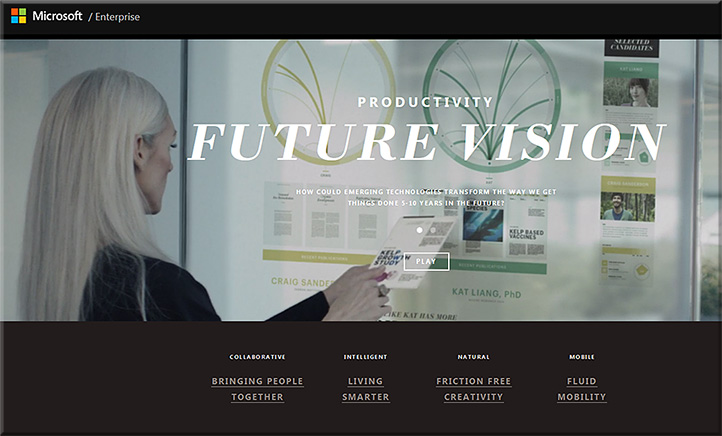
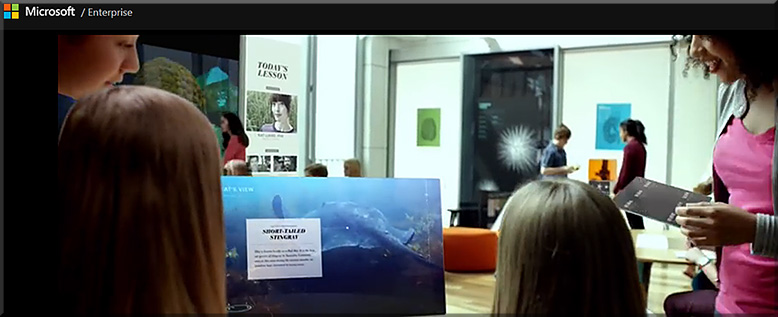
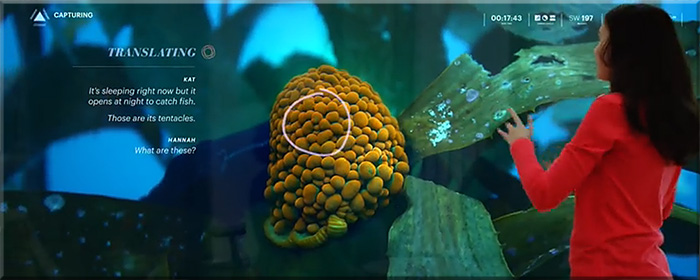
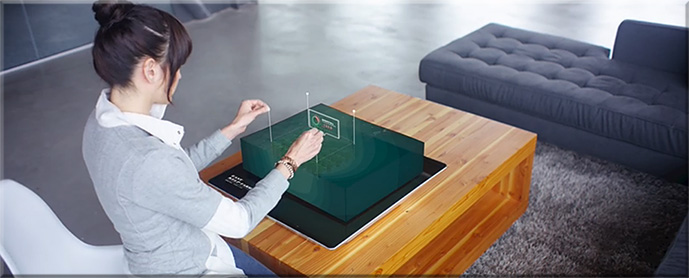
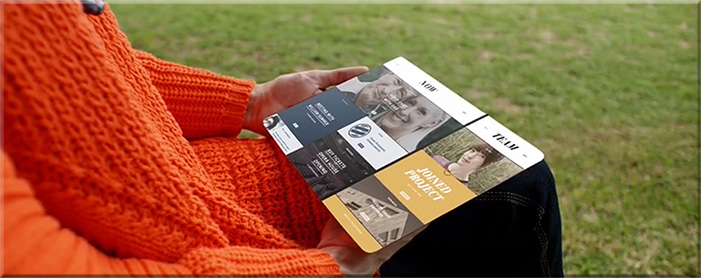
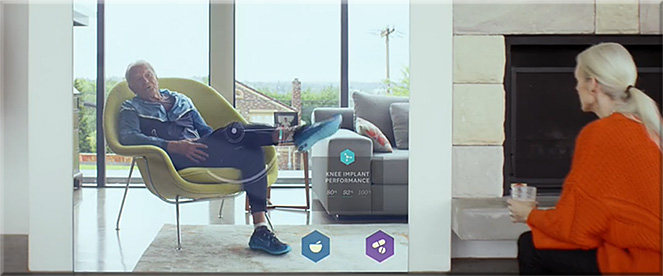
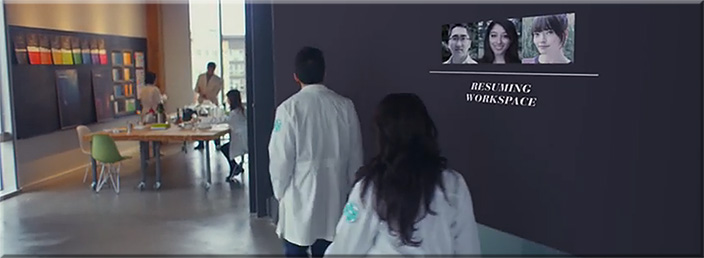
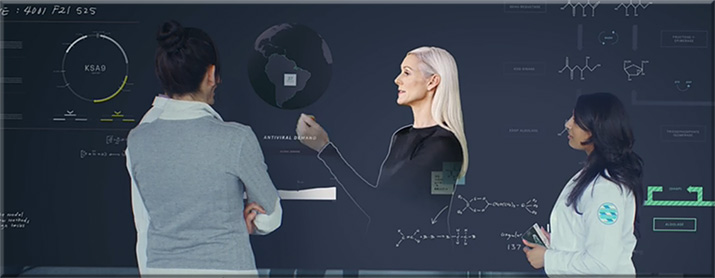
MicrosoftProductivityVision2015


Example snapshots from
Microsoft’s Productivity Future Vision


MicrosoftProductivityVision2-2015


MicrosoftProductivityVision3-2015


MicrosoftProductivityVision5-2015


MicrosoftProductivityVision6-2015


MicrosoftProductivityVision7-2015


MicrosoftProductivityVision8-2015


MicrosoftProductivityVision4-2015


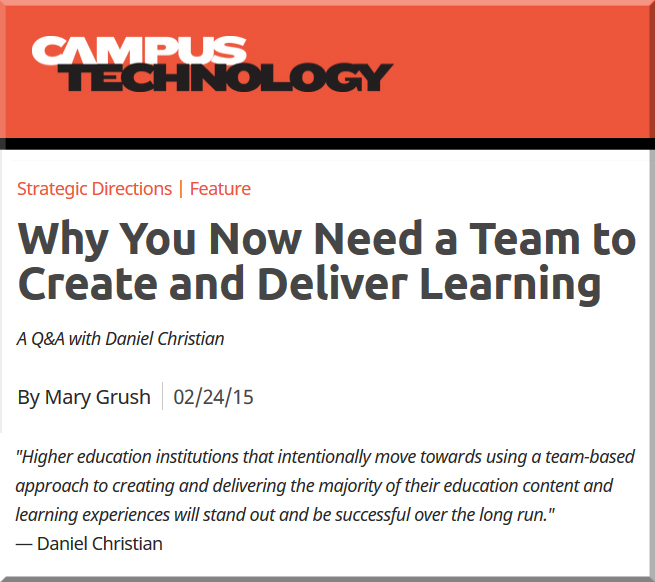
My thanks to Mary Grush at Campus Technology for her continued work in bringing relevant topics and discussions to light — so that our institutions of higher education will continue delivering on their missions well into the future. By doing so, learners will be able to continue to partake of the benefits of attending such institutions. But in order to do so, we must adapt, be responsive, and be willing to experiment. Towards that end, this Q&A with Mary relays some of my thoughts on the need to move more towards a team-based approach.

When you think about it, we need teams whether we’re talking about online learning, hybrid learning or face-to-face learning. In fact, I just came back from an excellent Next Generation Learning Space Conference and it was never so evident to me that you need a team of specialists to design the Next Generation Learning Space and to design/implement pedagogies that take advantage of the new affordances being offered by active learning environments.


DanielSChristian-CampusTechologyMagazine-2-24-15


DanielSChristian-CampusTechologyMagazine2-2-24-15


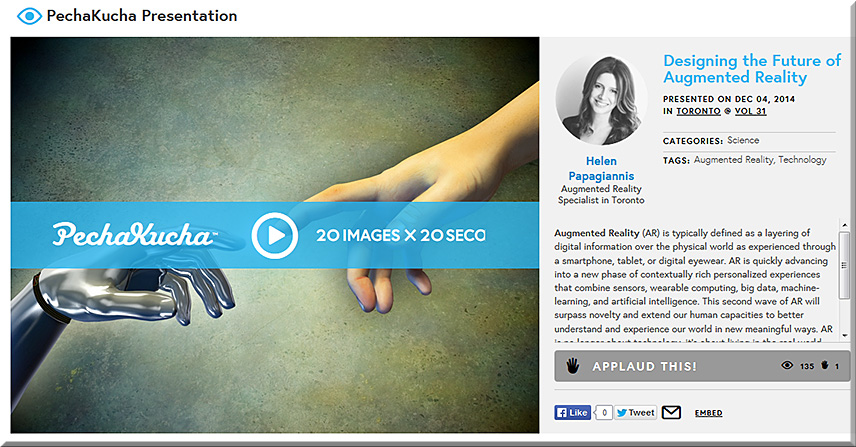
Designing the Future of Augmented Reality: slides from PechaKucha


HelenPapagiannis-3-Feb2015


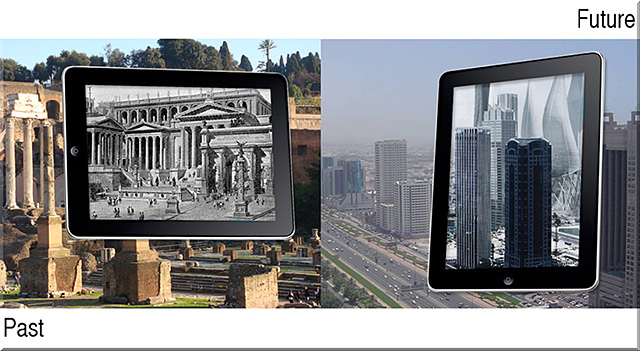
Excerpted slides:


HelenPapagiannis-2-Feb2015


HelenPapagiannis-1-Feb2015


Also see:


40Ideas-Book-Feb2015

Excerpt from 40ideas.com

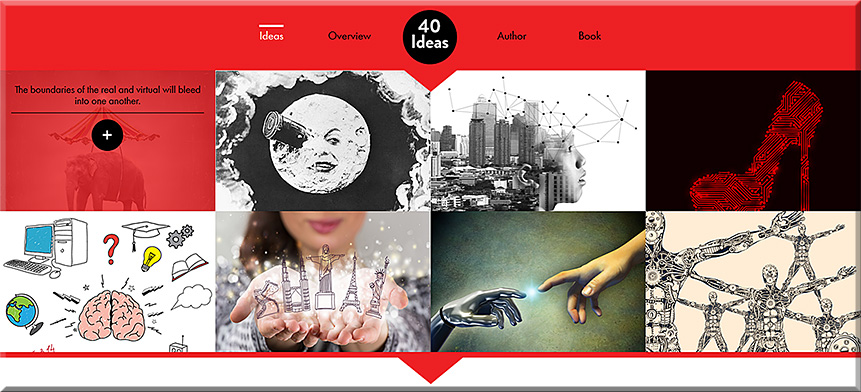
How will Augmented Reality extend human capacity and human imagination? The 40 Ideas That Will Change Reality documents the inventions, concepts, and opportunities that will forever change the way we experience reality. Eight of the 40 Ideas from the upcoming book are highlighted above.


Augmented Reality and Virtual Reality: what’s the difference? — from augmentedstories.com by Helen Papagiannis

Excerpt:

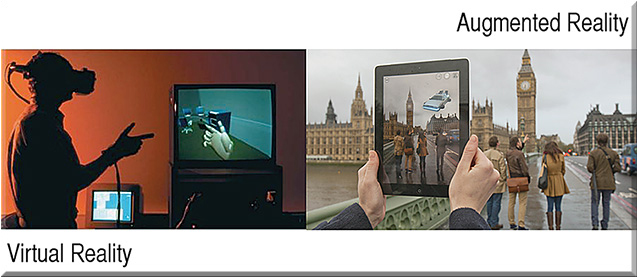
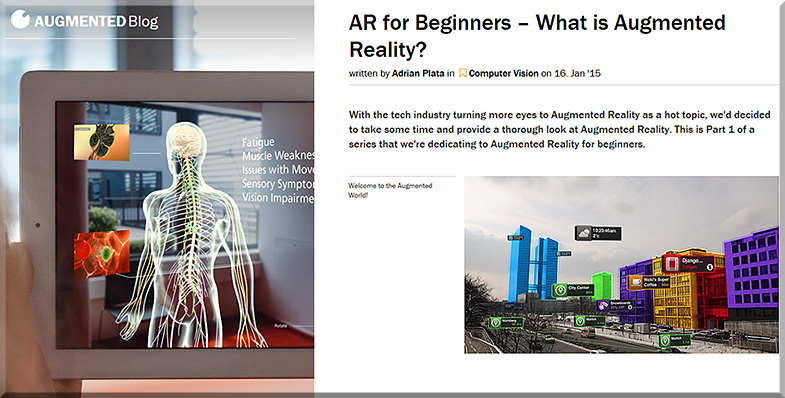
AR and VR are often confused with each other, and used interchangeably in the media, but they are significantly different. Let’s break it down:

Augmented Reality (AR): real, physical world
Virtual Reality (VR): computer generated environment, artificial world


Reality Has Changed. Microsoft’s HoloLens and what you need to know about the next wave of Augmented Reality — from augmentedstories.com by Helen Papagiannis

Excerpt:


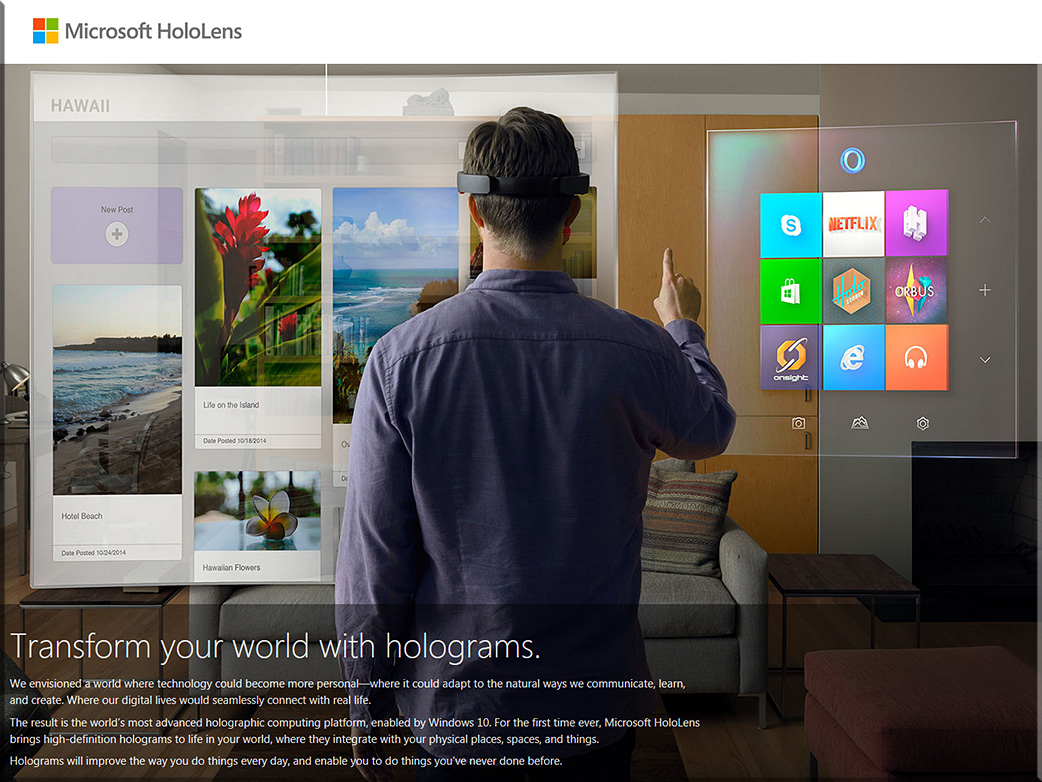
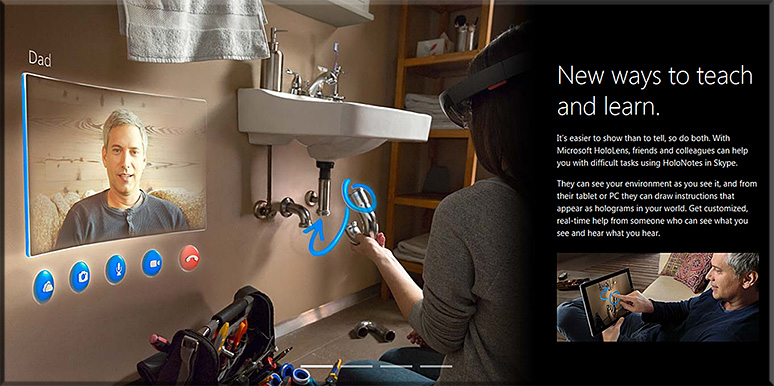
HoloLens appears to use a Virtual Retinal Display (VRD).

So, what’s VRD, you ask?

VRD mirrors how the human eye works. The back of the eye receives light and converts it into signals for your brain. Images are projected directly onto the retina with the back of the eye used as a screen effectively.

The result is a more true-to-life image than the ‘ghostly transparent superimposed representation’ (as Gizmodo reporter Sean Hollister describes) we’ve seen with AR eyewear before. Hollister details his experience of Microsoft’s prototype as “standing in a room filled with objects. Posters covering the walls. And yet somehow—without blocking my vision—the HoloLens was making those objects almost totally invisible.” He states, “Some of the very shiniest things in the room—the silver handle of a pitcher, if I recall correctly—managed to reflect enough light into my eyes to penetrate the illusion.”


Microsoft’s HoloLens


MicrosoftHoloLens-Feb2015
MicrosoftHoloLens2-Feb2015

MicrosoftHoloLens3-Feb2015

MicrosoftHoloLens4-Feb2015


Also see:


what-is-ar--augmented-blog--feb2015


An addendum on 2/17/15 — with thanks to Mr. Steven Chevalia for this resource which deals with immersive experiences:


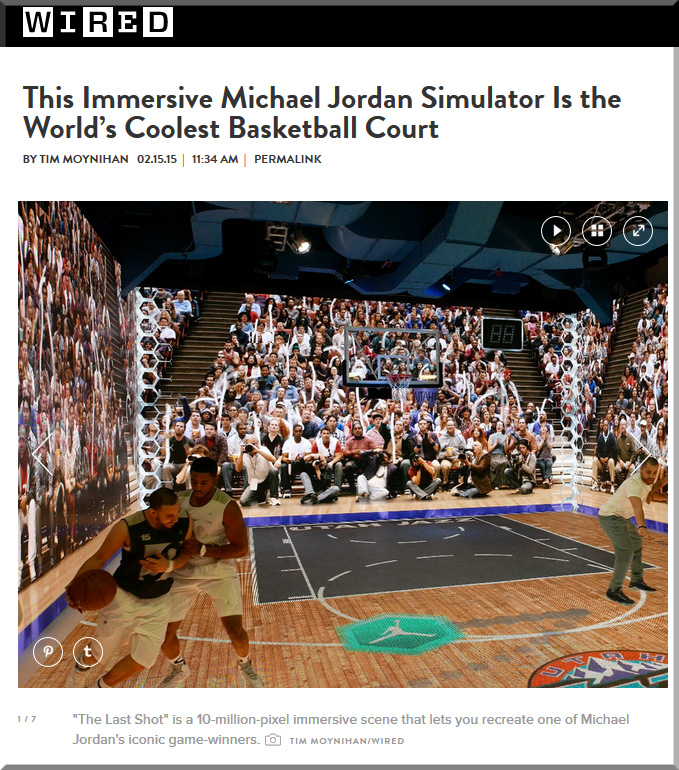
mj-simulator-wired-feb-2015


The Big Web Design Trends for 2015 — from sitepoint.com by Joanna Krenz Kurowska; with thanks to Mr. Tim Pixley for this resource

Excerpt:

When thinking about web design, you must consider the full spectrum of possibilities that the internet presents. Done boldly, designers can push the current limits of human interaction and imagination on a global scale – as is often seen with edgier industries, such as creative agency websites.

In this article, we’ll boil down some of the most prominent web design trends emerging in 2015. It is here that we can find true innovation and new opportunities – a few of which may completely change our understanding of a “modern website”.


8 design trends for 2015 — from istockphoto.com by Rebecca Swift


design-forward-feb-2015


Web design trends that will rule 2015 — from designmodo.com by Tomas Laurinavicius

Excerpt:

Web design is a vibrant and diverse industry that is changing and evolving quickly. Website design is, however, not an end product; it’s an asset in the presentation of a product, connecting people with other people, providing a tool or service.

After reviewing over 500 websites in weekly series of “Inspiring Sites of the Week” on Despreneur I’ve got a sense of where web design is and where it is going for the next year. In this post I will try to review the current status of web design and predict some trends for 2015.

These are my assumptions and guesses based on my research and experience designing in 2014. Some of these may be right some may be not. If you think there should be something more in this article I’d love to have a discussion with you.


The trends in web design for 2015 [infographic] — from techinfographics.com by by Josipa Štrok

Excerpt:

The way we use the web is changing in line with the growth of technology. Smartphones and tablets have become a major factor which influencing the design of the web. What are the trends in web design for 2015?

If content is king, then the design is the crown. Home page should be more comprehensive. Visitors must get a sense of intuitive and dynamic interaction. Responsive design of website remains still imperative. Every owner who cares for his visitors should have designed a website that includes technology to automatically adjust the content to the devices where they are read. In the future responsive design will adapt to smart TVs and smart watches, not only monitors, smart phones or tablets. Moving page should be vertical because it contributes to an interactive style stories. After all this way scrolling through content is much easier to use on smartphones / tablets than clicking on the navigation from page to page. Forget the shadows, patterns and textures. Style with simple lines and white space is recommended for the coming year.


Web design trends to look out for in 2015 — from by Nathan B. Weller


From DSC:
We continue to see more articles and innovations that involve the Internet of Things (IoT) or the Internet of Everything (IoE). This trend has made me reflect upon what I think will be a future, required subset of needed expertise within the fields of Instructional Design, User Experience Design, User Interface Design, Product Development, Programming, Human Computer Interaction (HCI), and likely other fields such as Artificial Intelligence (AI), Augmented Reality (AR), and Virtual Reality(VR) as well.
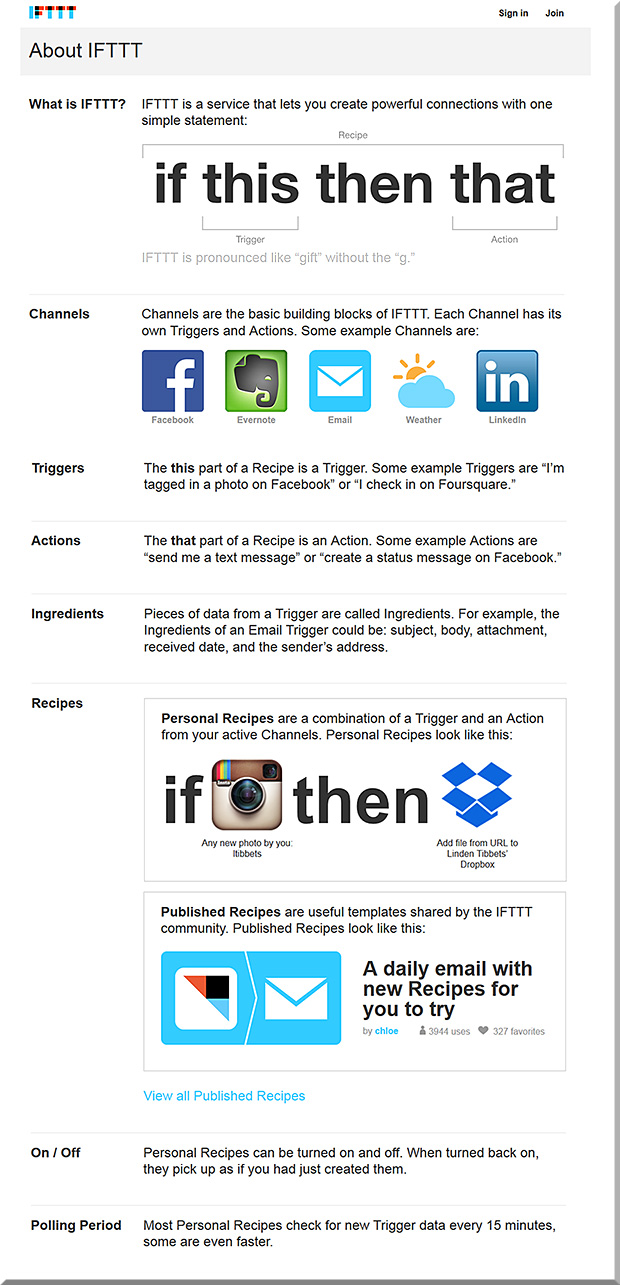
And that is, we will need people who can craft learning experiences from the presence of beacons/sensors and that integrate such concepts as found in “If This Then That” (ifttt.com) whereby one is putting the Internet and cloud/mobile-based applications to work for you. Certainly, those involved in retail are already busy working on these types of projects. But those of us involved with learning, human computer interaction (HCI), and interface design need to get involved as well.


IfThisThenThat-Combined-With-iBeacons


For example, this potential scenario of a K-12 field trip might be fodder for such a learning experience.

So for those individuals who are involved with the aforementioned disciplines…we need to pulse check what new affordances are coming from the rollout and further development of the IoT/IoE.


How do we create an advanced experience ecosystem? — from uxmag.com by Dallas Sargent

Excerpt:

“The Internet of Things is interesting because it forces us to rethink the interaction paradigms we have with objects—that is, something is different about our engagement with a smart object versus a ‘dumb’ one,” writes Thomas Wendt in his recent UX Magazine article, “Internet of Things and the Work of the Hands.”

Whatever you choose to call the grayish area sitting at the intersection of wearable technology, customizable sensors, and enhanced connectivity, it seems likely that this is where the next major breakthroughs in experience design will take place. Cisco estimates that by 2020, there will be 50 billion things connected to the Internet, so whether we settle on the “Internet of Things,” “The Internet of Everything,” or an “Experience Ecosystem,” the space is primed for explosive growth.

As Wendt notes, there is something different about interacting with smart objects and, “It’s our job to understand what that something is.” That something has been illusive in recent years, with users adopting to wearable tech slowly and a noticeable lack of sophisticated communication between objects. After all, an object sharing information with your smartphone or tablet only constitutes a relationship, it takes many more overlapping relationships to create an ecosystem.


Also see:

Apple pioneer Bill Fernandez on Google Glass, Oculus Rift and the look of the future — from cnet.com by Jason Hiner
In his time at Apple, Bill Fernandez helped develop technologies that have shaped modern computing. He also has a keen perspective on what’s next.

Excerpt:

“The true user interface is the gestalt of many things: industrial design, ergonomics, internal hardware, performance, error handling, visual design, interaction, latency, reliability, predictability, and more. For this reason I’m glad to see my profession moving from the concept of user “interface” (where the user interacts with the screen) to user ‘experience’ (where more the above factors are considered),” said Fernandez.

“I can design the best user interface in the world on paper, but if it’s not implemented well by the hardware and software engineers (e.g. the product is slow or buggy) then the product will fail. If you do a really good job of designing a product then everyone who sees it thinks it’s so obvious that they could have done it themselves.”

…

“So there will be a seamless, multimodal UI experience using sight, sound, voice, head motion, arm movement, gestures, typing on virtual keyboards, etc. There have been pieces of this in research for decades. Only now are we beginning to see some of these things emerge into the consumer market: with Google Glass, Siri, etc. We have further to go, but we’re on the road.”


From DSC:
I’m intrigued with the overlay (or should I say integration?) of services/concepts similar to IFTTT over the infrastructure of machine-to-machine communications and sensors such as iBeacons. I think we’re moving into entirely new end user experiences and affordances enabled by these technologies. I’m looking for opportunities that might benefit students, teachers, faculty members, and trainers.

 
© 2025 | Daniel Christian