Google Earth

Google Earth Lesson Plan — from techlearning.com by Stephanie Smith Budhai

Excerpt:

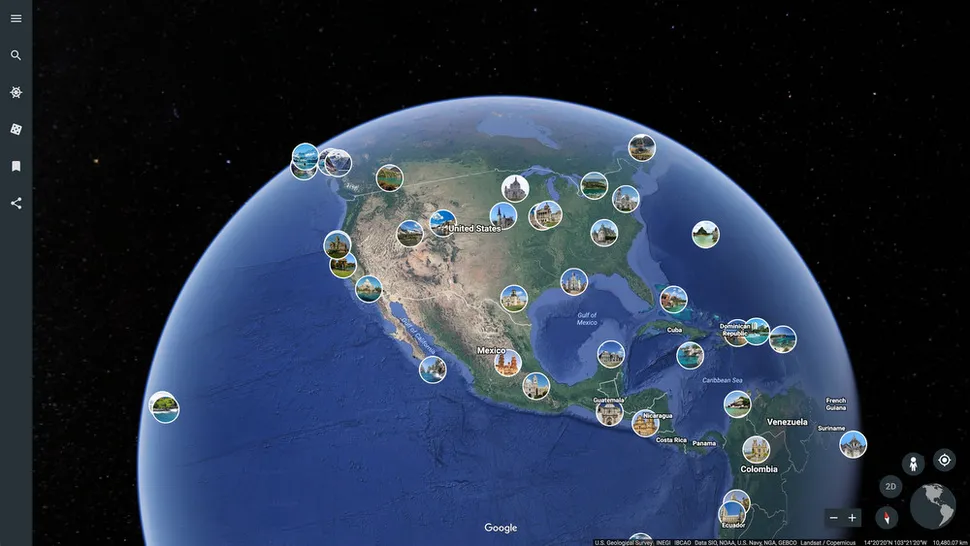
The 3D interactive online exploration platform Google Earth provides a pathway to endless learning adventures around the globe. For an overview of Google Earth and a breakdown of its unique features, check out How to Use Google Earth for Teaching.


Top 300 Tools for Learning 2021 [Hart]

Top 300 Tools for Learning 2021 — from toptools4learning.com by Jane Hart

Excerpt:

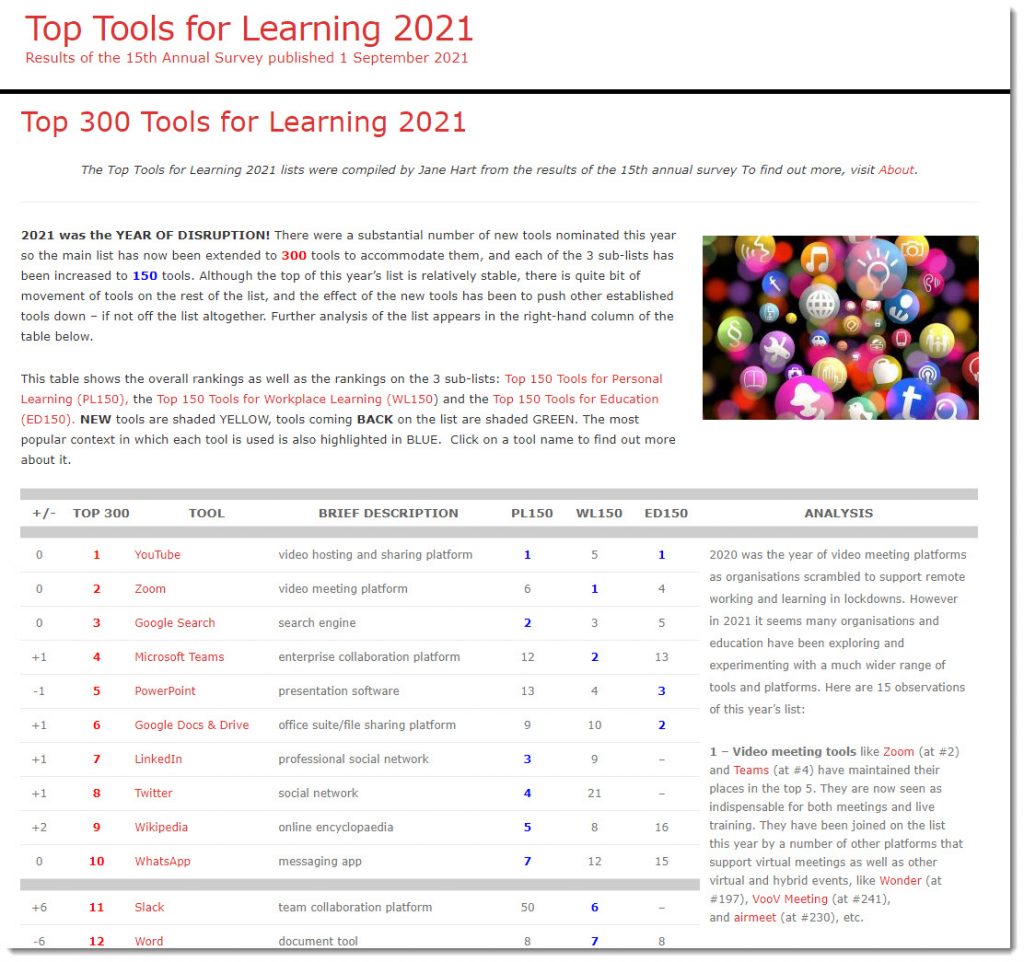
2021 was the YEAR OF DISRUPTION! There were a substantial number of new tools nominated this year so the main list has now been extended to 300 tools to accommodate them, and each of the 3 sub-lists has been increased to 150 tools. Although the top of this year’s list is relatively stable, there is quite bit of movement of tools on the rest of the list, and the effect of the new tools has been to push other established tools down – if not off the list altogether. Further analysis of the list appears in the right-hand column of the table below.

This table shows the overall rankings as well as the rankings on the 3 sub-lists: Top 150 Tools for Personal Learning (PL150), the Top 150 Tools for Workplace Learning (WL150) and the Top 150 Tools for Education (ED150). NEW tools are shaded YELLOW, tools coming BACK on the list are shaded GREEN. The most popular context in which each tool is used is also highlighted in BLUE.  Click on a tool name to find out more about it.


Top 300 Tools for Learning 2021 -- from Jane Hart


Scaling HyFlex for the Post-Pandemic Campus — from er.educause.edu by Jennifer Rider and Ayla Moore

Excerpt:

Setting up HyFlex courses on any campus requires thoughtful planning, careful analysis, continual assessment, and faculty support. But is HyFlex something that higher education institutions can and should permanently adopt in a post-pandemic world?


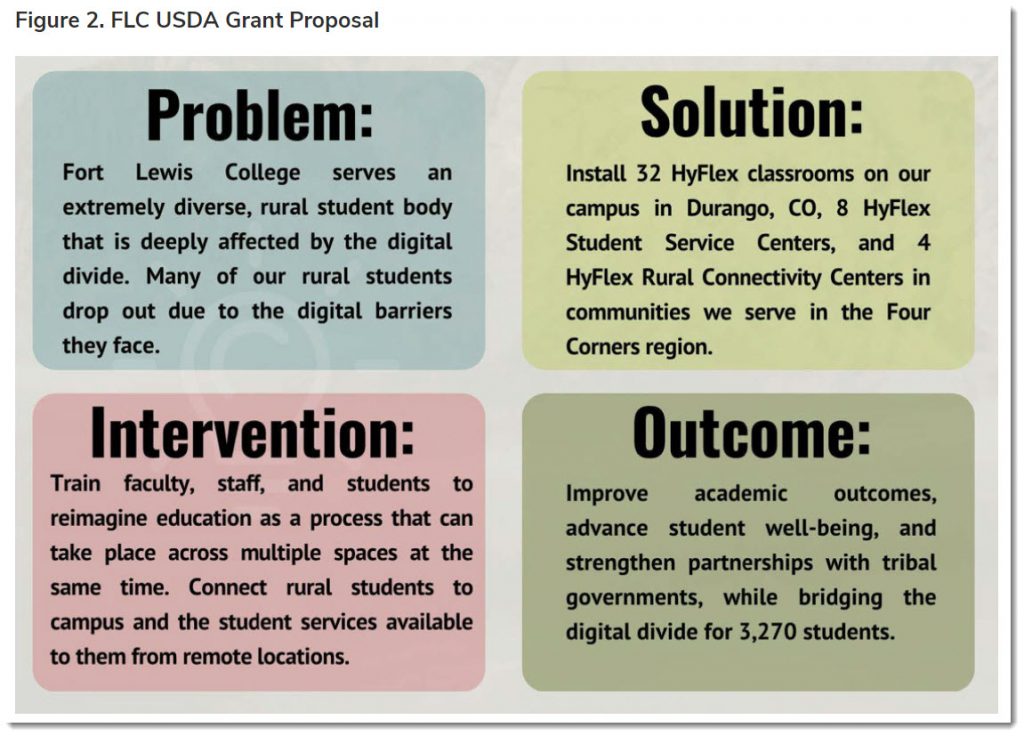
Fort Lewis College's USDA Grant Proposal


The Tomorrow Room on campus is a space where new technology will be showcased so that faculty can become familiar with the room design and technology before teaching in a HyFlex classroom.


10 Ways to Reuse Your Pre-Recorded Videos — from barbihoneycutt.com by Barbi Honeycutt

Excerpts:

2. CLONE YOURSELF

My friend is a 2nd grade teacher, and this year, she is back in the in-person classroom with her students. After teaching online last year, she started wondering how she could reuse all of the videos she recorded.

She came up with the idea to play clips of the videos during her in-person class time. As the video is playing, she walks around the room and helps students in real-time as they are working through the lesson.

If they are struggling, she is right there to guide them through that part of the video or lesson. She can pause the video if many students are struggling, or she can let the video play as she works individually with students who need additional help.

She said this approach gives her instant feedback (and makes it easy for a substitute teacher to use if needed). She said, “I’m not tied to the front of the room at the board. It’s literally like having two teachers!” 

…
4. VIDEO EXCHANGE
Do you have a video that would be helpful for a colleague to share with his/her/their students? Maybe they have a video you need to integrate into your course? Here’s the perfect time to exchange videos! It’s like a giving a virtual guest lecture!


10 Ways You Can Use Podcasts in Your Course to Engage Students — from barbihoneycutt.com by Barbi Honeycutt, Ph.D.

Excerpt:

Have you used podcasts in your courses yet? If not, you might want to consider it! Podcasts can be an excellent tool to add to your lesson to enhance a message, present more in-depth perspectives, and offer a different medium for students to engage with the course content.

And, podcasts are popular! There are more than 630,000 podcasts representing a variety of topics: current issues, education, writing, research, science, leadership, politics, management, business, skill development, hobbies, etc. The list just goes on and on.

I’m almost positive there is at least one episode in one podcast somewhere you could integrate into your course. And if there isn’t, then you and your students could create one!


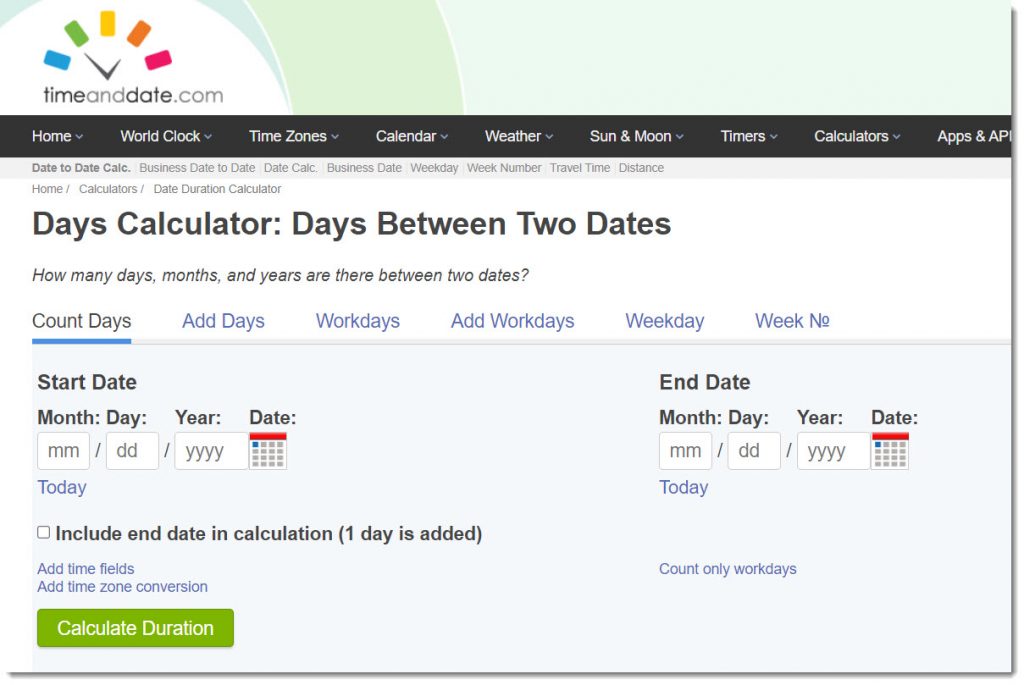
For recalculating those due dates out there: timeanddate.com — with thanks to Lisa Smith at the WMU-Cooley Law School for this resource; Lisa showed how this was used with Cidi Labs Multi-Tool to batch change dates and times within Canvas

Days Calculator -- calculating days between two dates

From DSC:
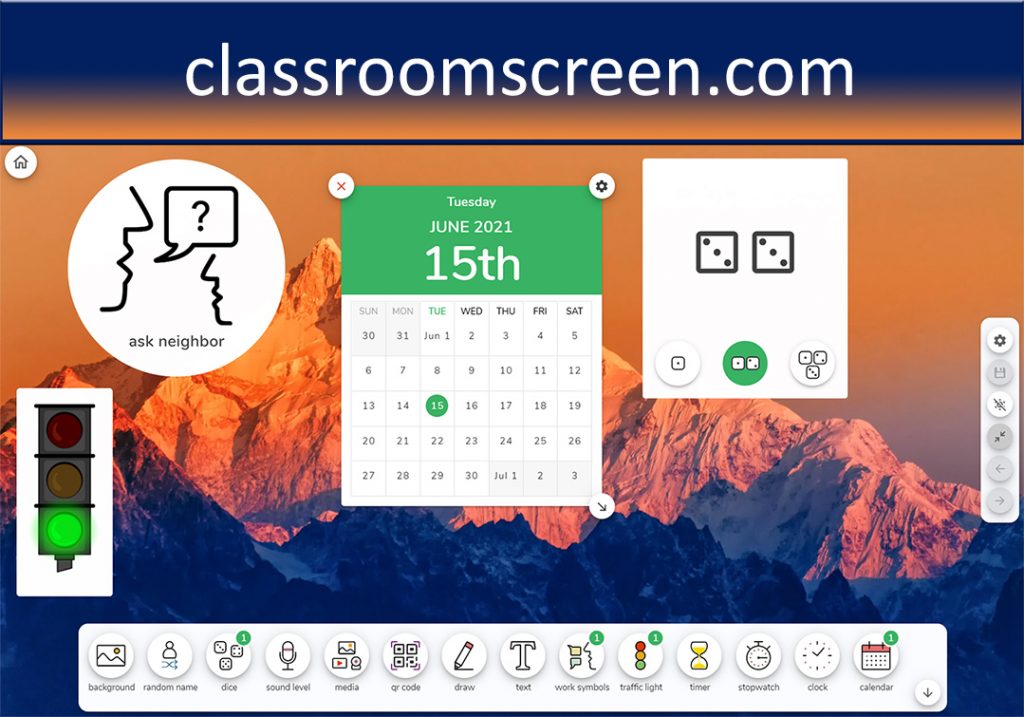
Along the lines of time and tools for the classroom…I also find classroomscreen.com helpful in providing some solid timers.

classroomscreen.com


First Day of Class: 5 Edtech Tools That Can Make it More Engaging — from techlearning.com by Erik Ofgang

Excerpt:

For younger students, a great way to have students learn more about one another and let their creativity shine is to have them create an “About me” page using Book Creator. This can include a short bio and photo. Students can also add audio and video components to their page, providing an opportunity for more of their personality to shine. Ultimately, the various student’s pages can be combined into one ebook about the class.

…I find PronounceNames.com to be a life saver. The site has recordings of proper pronunciations for more than 100,000 names. 


Thinking Full-Speed Ahead at Instructure’s Future of Education Collaborative — from campustechnology.com by Mary Grush
A Q&A with FIU Online’s Maikel Alendy

Excerpt:

Maikel Alendy: Our director of learning design and innovation at FIU Online, Gaby Alvarez, likes to use a word that I think was foundational to our strategy to navigate learning through the pandemic — that word is ecosystem.

Our approach, like many, was to leverage Canvas and Zoom, but we had a few processes in place that gave us really a big head start. First, we had piloted Zoom years before and had already rolled out Zoom Pro accounts for all FIU faculty and students. Of course, the initial adoption was nominal. Usage was fine for “BC” (Before COVID) instruction. Still, it was helpful, once in the pandemic, that we already had support materials and some awareness of the tools.


How Next Gen TV Can Help Close The Digital Divide — from by Erik Ofgang
A new prototype utilizes Next Gen TV and QR codes to allow two-way communication between teachers and students via broadcast.

Excerpts:

Efforts to close the digital divide have ramped up during the pandemic, yet despite creative solutions from district, town, and state officials across the country, between 9 and 12 million students still lack adequate internet access.

However, a new application developed by The National Association of Broadcasters (NAB) could help close this gap by utilizing cutting-edge broadcast TV technology to allow students to receive and respond to work assigned by their teachers.
…
What Is Next Gen TV and This Application?

Next Gen TV, also known as ATSC 3.0, is a new standard for broadcasting that is currently being launched at broadcast stations throughout the U.S. It is based on internet protocols and allows for targeted broadcasts to be sent as well as more robust datacasting (sending data via broadcasting). Schools can use datacasting to send tests, reading materials, or other assignments that take the form of word documents, excel sheets, and much more. Students can also complete tests and save the work on their own devices.

Also see:

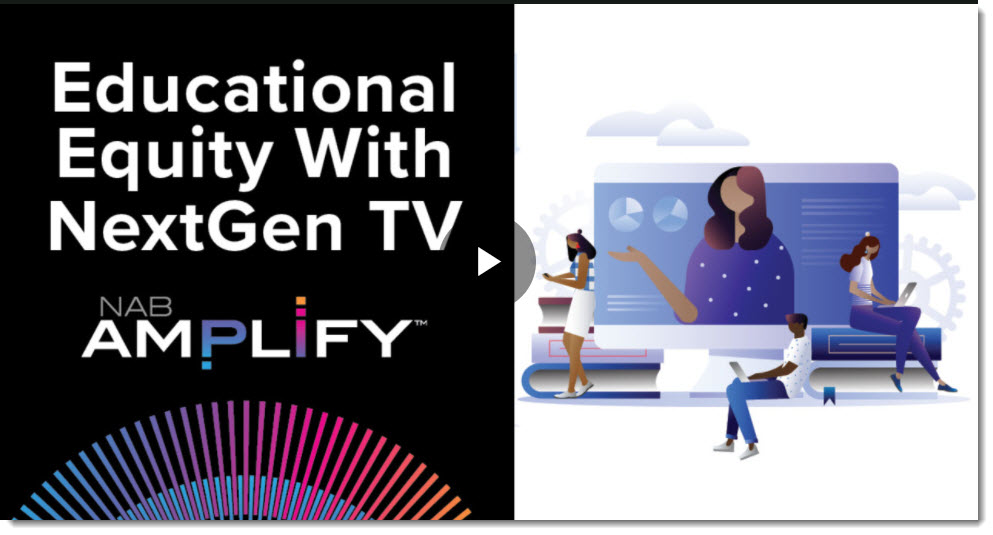
Educational Equity With NextGen TV

Educational Equity With NextGen TV


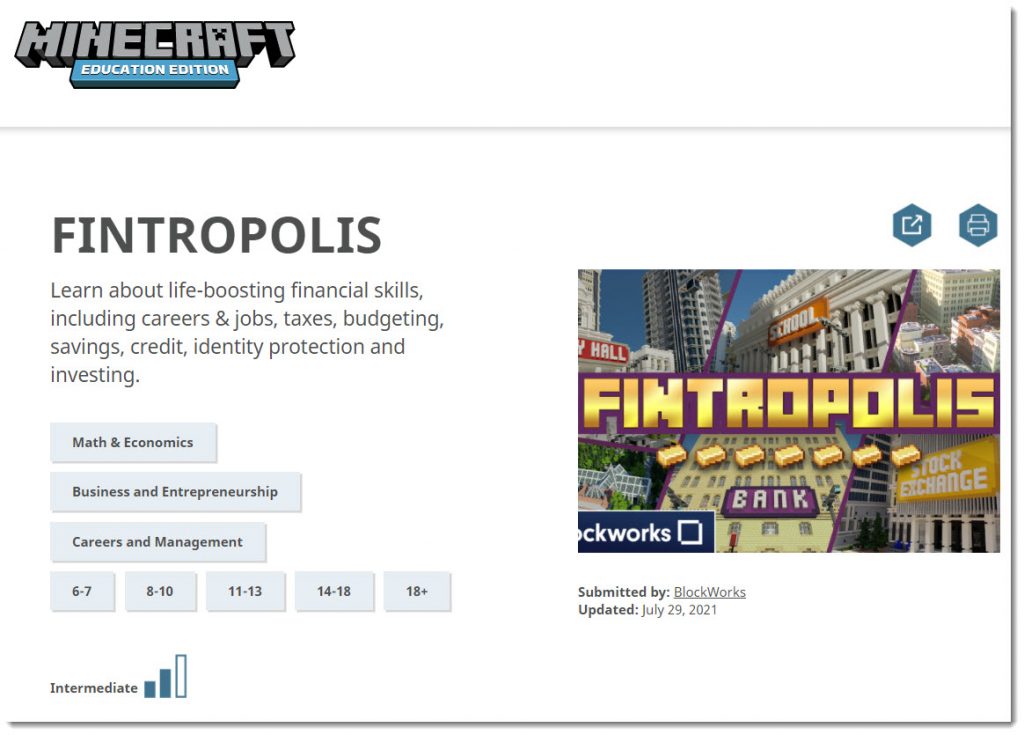
Fintropolis is an educational Minecraft world that teaching middle schoolers finance — from pixelkin.org

Excerpt:

Two years ago, Ally Financial, a financial services company, hired four interns from Historically Black Colleges and Universities through their Moguls in the Making program to promote financial literacy in younger students. The four college students, Erin Martin (Alabama A&M), Earl Perry and Keishon Smith (Florida A&M), and DeMari Tyner (North Carolina A&T) designed Fintropolis, a world in Minecraft, available now for free in Minecraft and Minecraft: Education Edition.

Also see:

Learn about life-boosting financial skills, including careers & jobs, taxes, budgeting, savings, credit, identity protection and investing.


Tools for Building Branching Scenarios — from christytuckerlearning.com by Christy Tucker
When would you use Twine, Storyline, Rise, or other tools for building branching scenarios? It depends on the project and goals.

Excerpt:

When would you use Twine instead of Storyline or other tools for building branching scenarios? An attendee at one of my recent presentations asked me why I’d bother creating something in Twine rather than just storyboarding directly in Storyline, especially if I was using character images. Whether I would use Twine, Storyline, Rise, or something else depends on the project and the goals.


IU researchers introduce ambitious new model for large-scale research on student learning — from news.iu.edu

Excerpt:

“The main conclusion of the study — to the great surprise of many teachers — is that there is no overall effect of feedback timing that spans all learning environments,” said Fyfe, an assistant professor in the Department of Psychological and Brain Sciences. “The findings should provide some comfort to teachers. If they take a few days to return feedback, there is no evidence that the delay will hamper their students’ progress, and in some cases, the delay might even be helpful.”

From DSC:
I must admit that I publish this with some hesitation, as I’m a big fan of personalized, customized feedback. I just hope that study doesn’t stop or reduce faculty members from providing such valuable feedback.

Also see:

The Science of Studying Student Learning at Scale — podcast and transcript — from campustechnology.com by Rhea Kelly; with Emily Fyfe and Ben Motz at Indiana University

Excerpt:

MOTZ: So ManyClasses is really an attempt to try and expand the scope of research so that what we’re doing in asking a question of how people learn, is expanding beyond the boundaries of any single classroom, really aiming at developing inferences that could generalize beyond that narrow scope, but also that might be able to identify where a practice might have benefits.
…
FYFE: …I think when we are thinking of ManyClasses as a research team, we’re thinking of it as a new gold standard for how to conduct scientific research in classrooms
…
And so ManyClasses is a model for sort of combining the rigor of these randomized experiments within these authentic settings. And the goal is to sort of, as Ben said, to do this across many classes, so that we’re not just running one experiment, but we’re replicating it across all of these different authentic educational settings. And so really, at the heart of it, ManyClasses is a new model for conducting research in educational settings.


What doors does this type of real-time translation feature open up for learning? [Christian]

From DSC:
For that matter, what does it open up for #JusticeTech? #Legaltech? #A2J? #Telehealth?


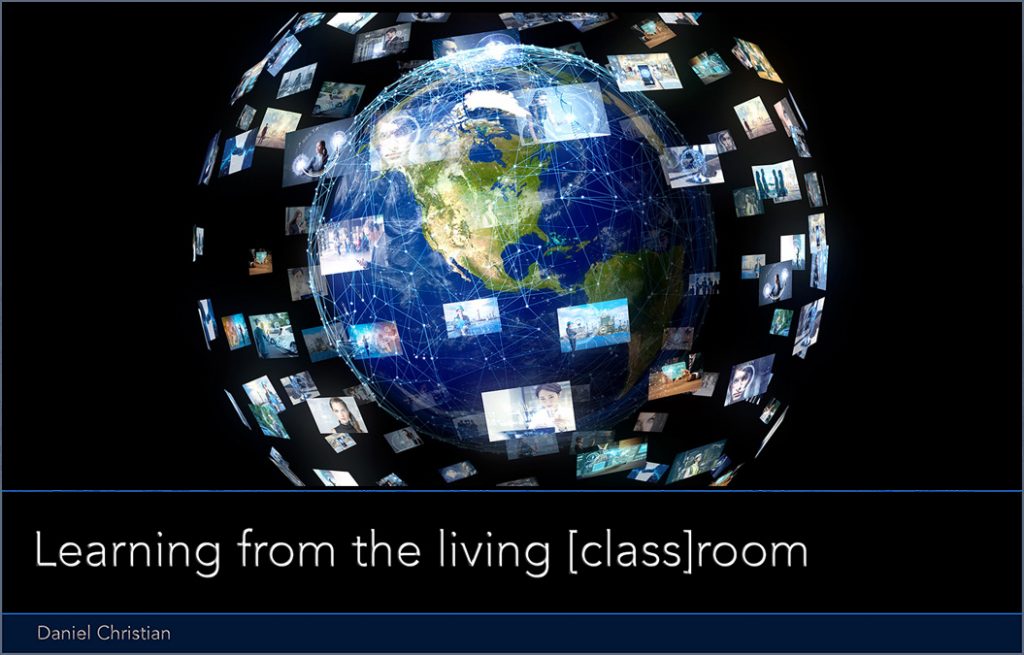
Learning from the living class room

 
© 2025 | Daniel Christian