When Should You Use Branching Video Scenarios for eLearning? — from learningsolutionsmag.com by Bill Brandon

Excerpt:

Among the many changes today in the way we think about learning and training is the shift from knowledge transfer to skill development. Scenario-based learning (SBL) and the inclusion of practice with feedback are often overlooked but in many cases more effective approaches to the development of skill and competence.

What’s a scenario?
A scenario is a type of story; it presents learners with a situation in a way that engages them and places them in the situation. Scenarios are a methodology for quickly creating and delivering content to an audience based on needs and feedback. Scenarios are closely related to microlearning, and in fact some microlearning employs short scenarios as the main method of delivery. Learners are able to make decisions, solve problems, apply knowledge, and practice skills. The scenario presents challenges like the ones the learners will face in real-life situations.

The story is important! In his book Scenario-based Learning: Using Stories to Engage Learners, Ray Jimenez says, “The design of scenario-based training requires the craftsmanship of a storyteller, an instructional designer, and a subject matter expert.” 


Nalukai Academy: Harvesting Hawai’i’s Next Generation of Leaders — from gettingsmart.com by Ashley Ranan

Excerpt:

Nalukai’s program curriculum includes 5 areas of interest:

  • Digital storytelling – branding & marketing, content creation, web design
  • Leadership – project management, collaboration, team dynamics
  • Entrepreneurship – networking, investor pitches, business plan development
  • Design thinking –  prototyping, mind-mapping, iteration
  • Technology – coding, web development, digital business tools

Also see:

The Nalukai Academy offers intensive tech, entrepreneurship, leadership, and design programs for Hawai?i high school students. This image portrays some of those students.


Leveraging EdTech: brilliant tools for student voice — from global-edtech.com by Cecilia Astolfi
Cecilia Astolfi provides three very useful tips for any teachers wishing to promote student voice in the classroom

There are three tools I recommend in order to enhance the ability of students to express their views in a constructive and valuable manner.

Best Microsoft PowerPoint Tips and Tricks for Teachers — from by Luke Edwards
You may be amazed to see how much you can get out of Microsoft PowerPoint as a teacher

Excerpt:

5. Create Instagram Stories in PowerPoint
Another social media app that has great traction with students is Instagram, specifically the Stories feature that allows you to share images or videos from the day, which are wiped for a fresh set each day.

Imagine doing this in class? Perhaps the students could carry on a story you were studying in class. Maybe they could tell the tale of a comet as it travels through space. The options are huge and it’s easy to do using this PowerPoint template as a starting point.

6 kids games that make math learning engaging and entertaining — from educatorstechnology.com

Excerpt:

BBC School Radio Maths is an excellent educational resource we learned from MakeUseOf‘ s list of 10 Cool Math Games for Kids. School Radio Maths offers a wide variety of educational games to help kids develop their math skills. Kids will get to grapple with various numeracy challenges that involves a higher degree of mental skills. The games are entertaining enough to keep pupils motivated and focused on the learning task at hand.

6 strategies to help you improve your math skills — from educatorstechnology.com

Excerpt:
As a child, did you love math back in the elementary? Now that you are an adult, do you feel awkward with your Mathematic’s skills? Let’s admit it – not everyone is great at Math. Some find it fun, brilliant, stimulating others find it too difficult to comprehend.

However, the stigma associated with math learning is not always true especially knowing that Math is omnipresent and is being used in almost every facet of our life. The purpose of this post is to share with you  some of the ways to help you  strengthen your Math skills.

This map lets you fly along the path of a drop of water from any place in the U.S. — from fastcompany.com by Adele Peters
Click on any spot or enter an address, and it will show where the water is likely to flow. Good for both learning how pollution and plastic spreads, but also for an aerial visual ride of the country’s waterways.
Also see: river-runner.samlearner.com/
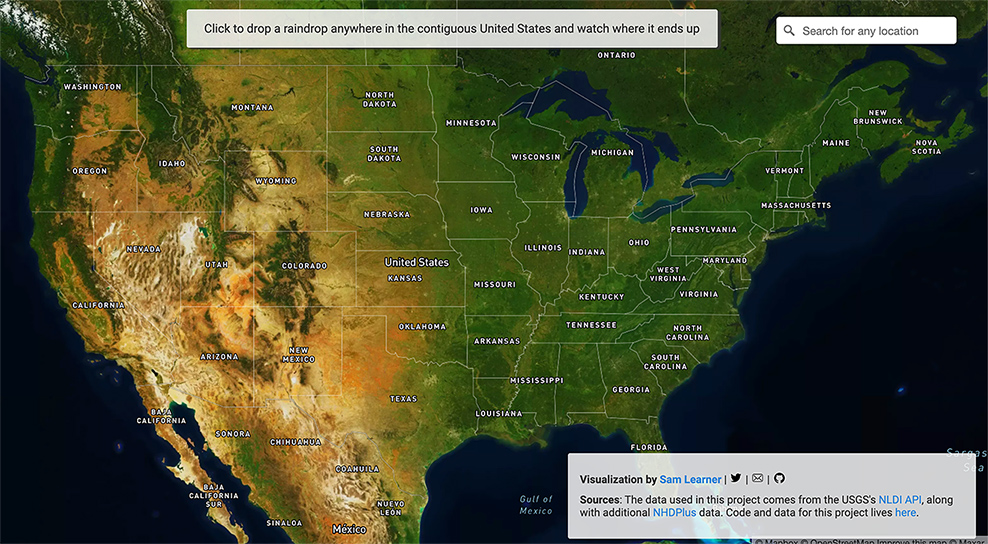
This image portrays a map of the United States.

Hands-On with the Lego Snapchat Augmented Reality Experience That Lets You Build With Friends Remotely — from next.reality.news by Adario Strange

Excerpt:

The world of Lego is timeless primarily because everyone, regardless of age or background, can build a wide variety of amazing things with the simple component blocks from the classic toymaker.

But now that Snapchat has brought that dynamic to augmented reality via the Rebuild the World Snapchat Lens the possibilities are truly endless.

Snap Spectacles Early Prototype, Volkswagen Drives into AR, Inside Lego Snapchat, & Instagram Updates AR — from next.reality.news by Tommy Palladino

Best Apps To Learn The Korean Language — from edtechreview.in by Saniya Khan

Excerpt:

Korean, one of the popular Asian languages for non-native speakers, is the official language of the Republic of Korea (South Korea) and the Democratic People’s Republic of Korea (North Korea).

This is an increasingly important language globally considering South Korea’s powerful economy, geopolitical importance, and growing presence in Asian pop culture; perhaps one reason for garnering a surprising amount of interest in people worldwide to learn the Korean language.

5 Places to Sell Your Artwork Online — from hongkiat.com

Excerpt:

Selling art online is making a comeback. Artists have been selling their work on the Internet but as of late, there’s an increase in online art sales. You can of course build your own website to share your art, run your own marketing and promotional exercise via social media and other channels but you will probably gain more exposure with the following websites . Time to get your beautiful art out there.

12 good edtech tools to use in your distance education — from educatorstechnology.com

Excerpt:

Looking for some educational websites to help you with the management of your online (and also face-to-face) classroom teaching? The list below has you covered. It features a collection of  some popular web tools you can use to perform a wide variety of educational tasks. These include: creating interactive video lessons, collect formative assessments and provide real-time feedback to students, enhance students learning through the use of digital games and flashcards, create online classes and share assignments and learning resources with students, organize students into appropriate learning groups and many more. Links to these websites are under the visual.


20 Best Websites to Help Kids Learn From Home in 2021 — from wizcase.com by Julia Olech

Excerpt:

That’s why I rounded up a list of the 20 best free websites that provide engaging and fun learning experiences for you and your children. I made sure each website caters to a wide range of ages with games and interactive lessons that won’t bore even the most fidgety kids. The best part is that you can use them all at no cost!


One wonders what this type of tech will do for online-based learning, &/or hybrid/blended learning, &/or hyflex-based learning in the future [Christian]

From DSC:
It will be interesting to see — post Covid19 — how vendors and their platforms continue to develop to allow for even greater degrees of web-based collaboration. I recently saw this item re: what Google is doing with their Project Starline. Very interesting indeed. Google is trying to make it so that the other person feels like they are in the same space with you.

.
Time will tell what occurs in this space...but one does wonder what this type of technology will do for online-based learning, and/or hybrid/blended learning, and/or hyflex-based learning in the future…?


Video Lectures: 4 Tips for Teachers — from techlearning.com by Erik Ofgang
Creating short and engaging video lectures for students is a growing trend at education institutions

Excerpt:

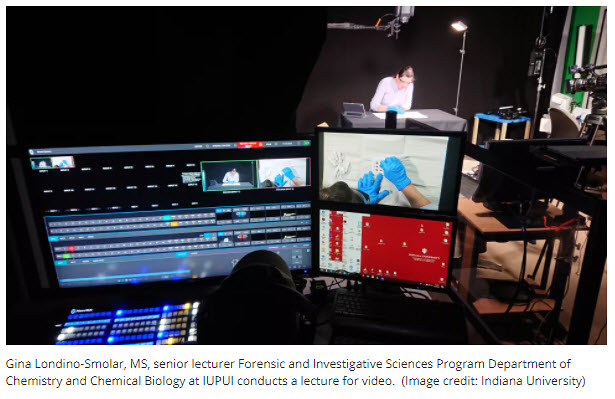
To encourage a more professional type of evergreen video resource, the institution has invested in lecture capture studios, adding five new ones over the past year so each campus has at least one. Some of these studios are DIY, others require a crew, but all enable professors to record lectures in a professional recording environment, complete with green screens and high-quality lighting and audio. The recordings are then edited by the studio team who can help the professor follow the best pedagogical practices for video recordings, including keeping videos short and engaging.

Picture of a recording studio setup to record a professor at IUPUI

From DSC:
A great example of using of teams to create higher-quality, engaging, interactive learning content. 


Also see:

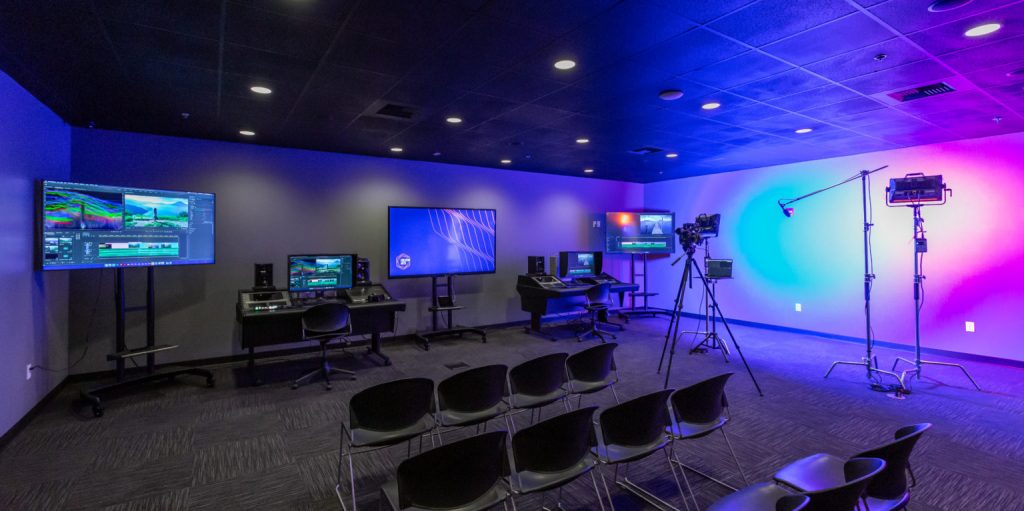
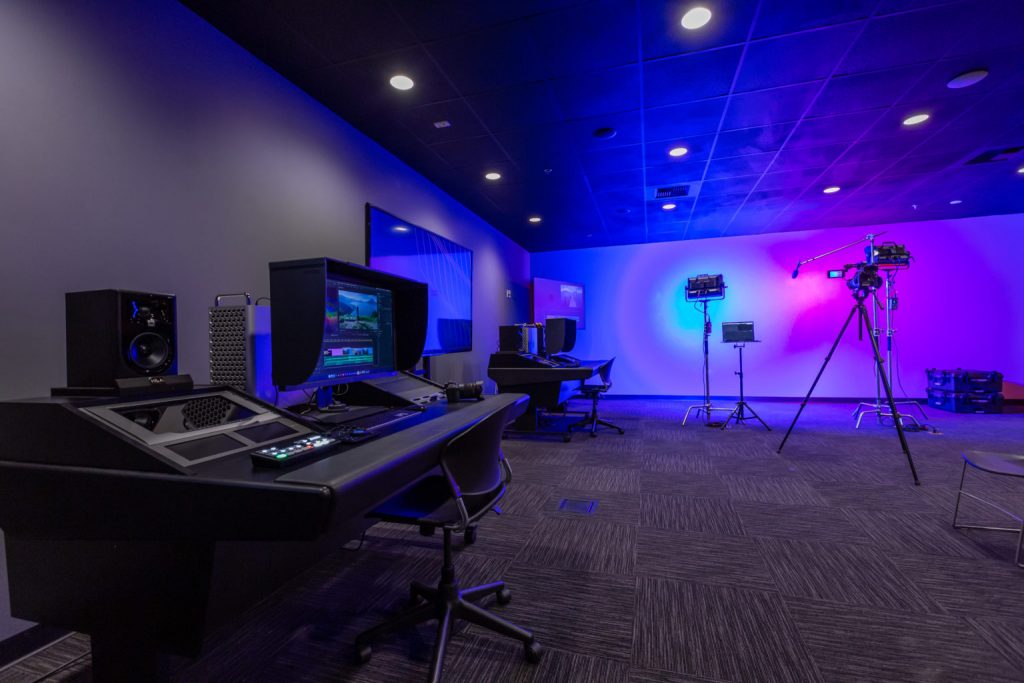
Adorama Business Solutions Equips New Classroom Studio for West Coast Baptist College Creative Arts Department — from svconline.com
Workspace Allows Department to Expand Video Production and Editing Course Offerings

Picture of a new classroom studio within a learning space

Picture of a new classroom studio within a learning space


What is Book Creator and How Can Educators Use It? — from techlearning.com by Erik Ofgang

 Excerpt:

Book Creator is a free tool that allows educators and their students to create multimedia ebooks based off of class assignments and topics.

Available on Apple and Android tablets and phones, and on Google Chrome for desktop use, Book Creator is a digital resource that helps students explore their creative sides while learning.

The tool lends itself well to active learning and collaborative projects of all kinds, and is appropriate for various subjects and age groups.

Book Creator gives students the ability to upload images, vidoes, audio, and more within the ebooks they create. It also empowers them to draw, take notes, and collaborate in real-time with their classmates and instructor.

Read on to find out everything you need to know about Book Creator.

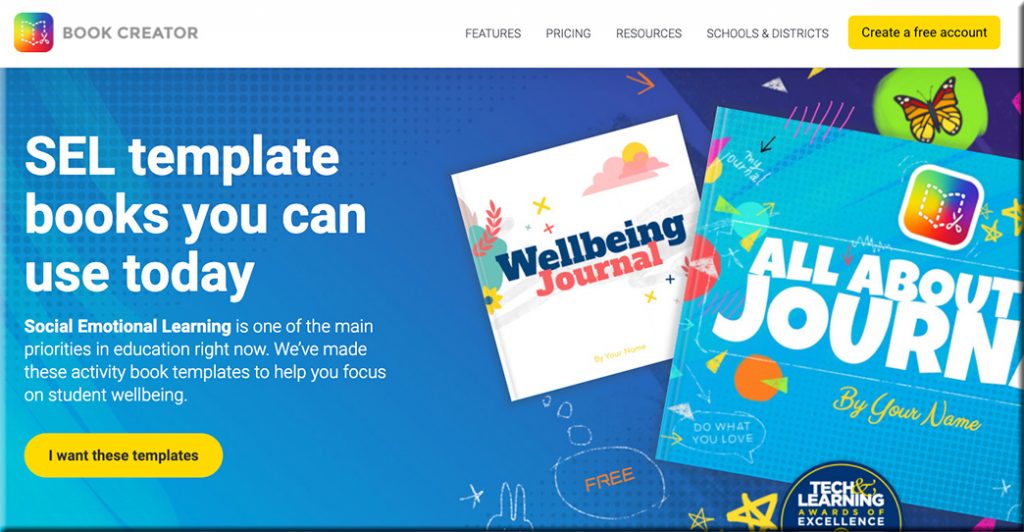
Also see the Book Creator’s website:

Clicking here will take you to the Book Creator website, where they are offering SEL template books that you can use today.

Addendum on 5/21/21:

  • Sketch, draw, and doodle — apps to unleash students’ creativity — from educatorstechnology.com
    How about using arts-based approaches to engage students in meaningful learning experiences? Drawing, sketching, doodling, and painting are three expressive forms of art with huge educational potential that students can use to unleash their creativity. They can be applied in writing, reading, speaking, and in storytelling activities. Finished products can also be included in students’ portfolios to document and showcase their learning. To this end, the selection below features some good apps students can use in this regard. Check them out and share with us your feedback.

Addendums on 5/24/21:

As with all of Book Creator we have made the image search fully accessible to screen readers and keyboard navigation. But we thought we could go a bit further with the image search and make it accessible to younger kids or ELL students who aren’t super confident with their spelling by introducing a voice search.

Addendum on 6/7/21:

  • A rubric for Book Creator — from bookcreator.com
    Sam Kary talks about helping his students elevate their work by introducing a rubric for their digital book projects, helping them focus on design and multimedia.
 

What I Learned: Great Stories Unlock the WHY — from learningsolutionsmag.com by JD Dillon

Excerpt:

This approach worked because a great story elevates. It helps people find commonalities and amplifies an organization’s culture. A great story unlocks the WHYs that are so often hidden behind a company’s mission and performance objectives. But impactful storytelling doesn’t just happen. It requires intention and effort, especially in large, complex, and distributed workplaces.

Here are four intentional storytelling practices I learned from Disney.


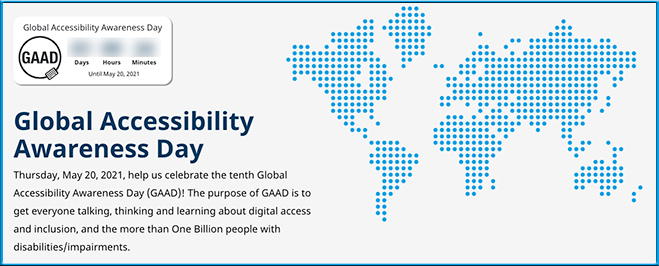
Thursday, 5/20/21, is Global Accessibility Awareness Day!!!

Global Accessibility Awareness Day is this Thursday, May 20, 2021
Help us celebrate the tenth Global Accessibility Awareness Day (GAAD)! The purpose of GAAD is to get everyone talking, thinking and learning about digital access and inclusion, and the more than One Billion people with disabilities/impairments.

Global Accessibility Awareness Day is is Thursday, May 20th 2021

Also see:

Global Accessibility Awareness Day is Thursday, May 20, 2021


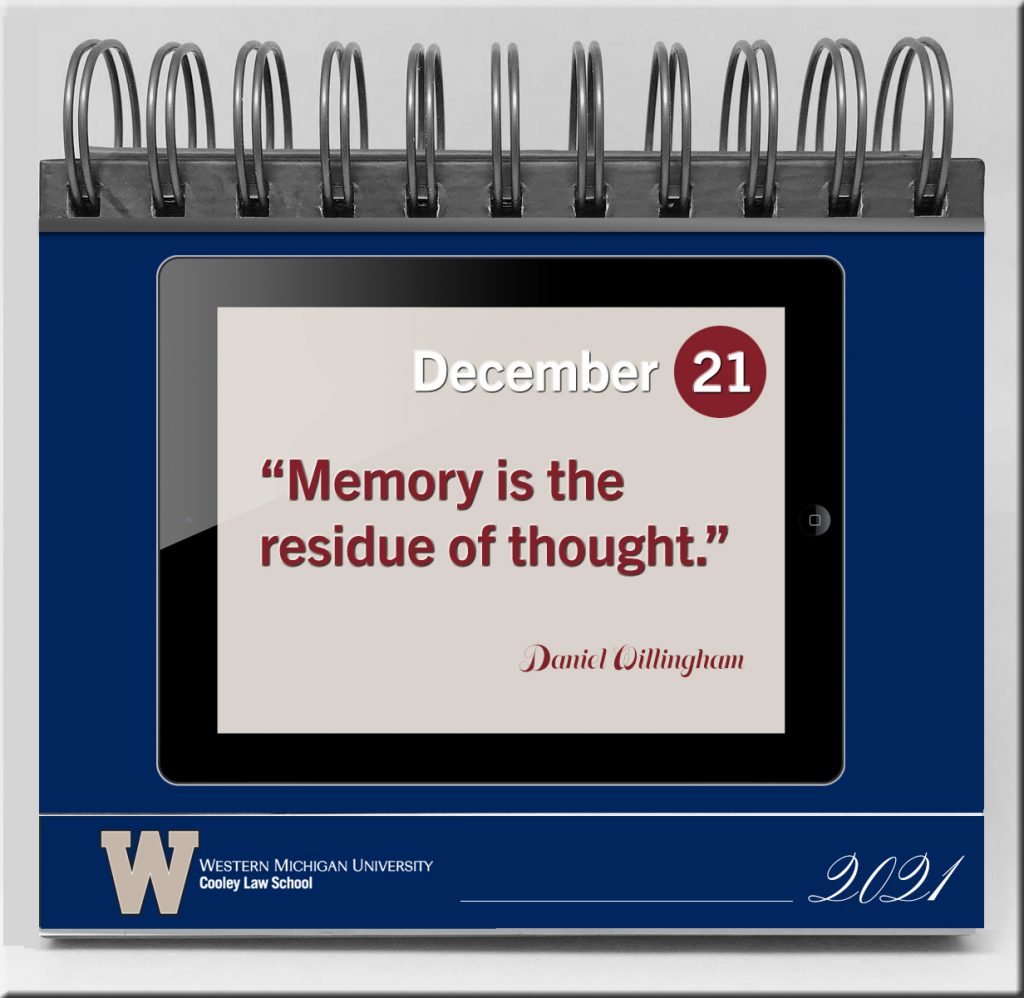
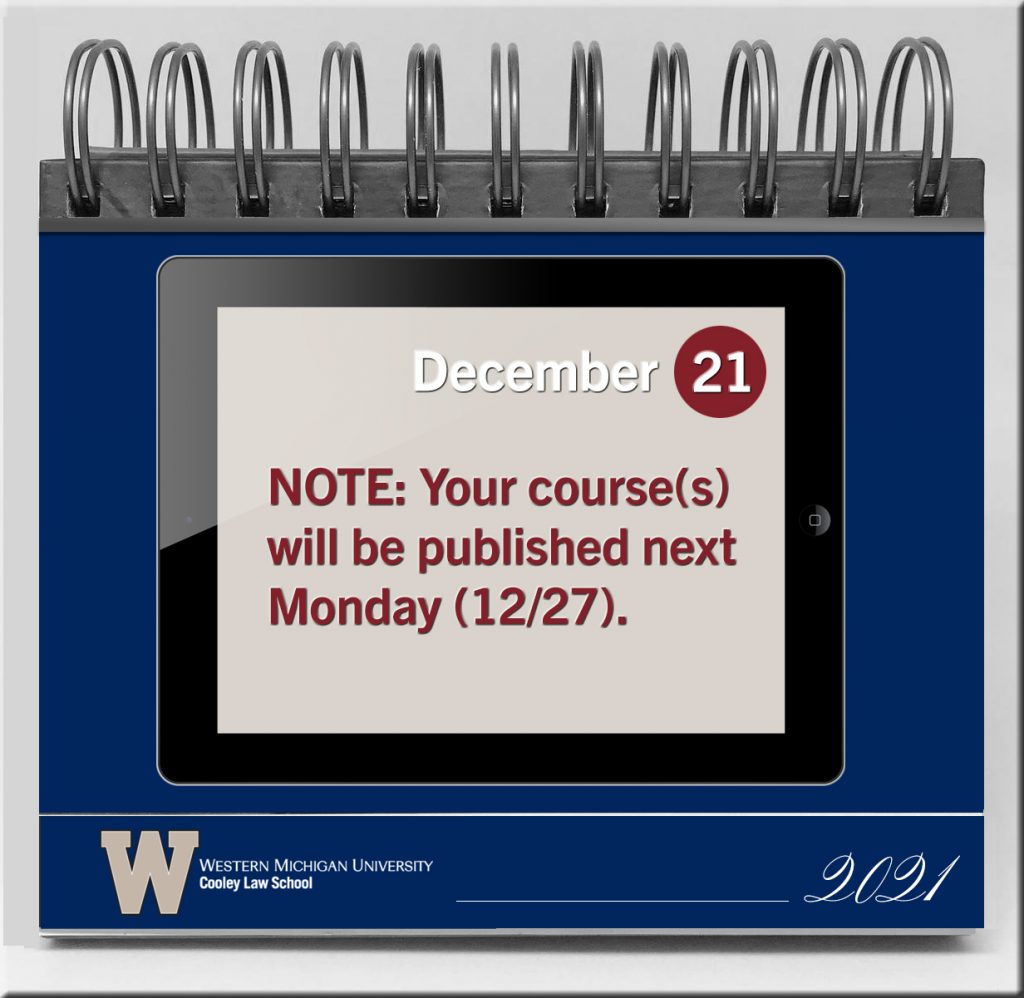
What if we could create these kinds of calendars and/or apps for faculty and staff as well as for students? — idea from Daniel Christian. The vehicles could be developed as analog/physical formats or in digital formats and apps. In the digital realm, one could receive a daily notification.

For faculty/staff:

  • Teaching and learning tips; pedagogies (flipped learning, active learning, etc.); ideas that have worked well for others
  • Creative experiments to try (such as digital storytelling or with an emerging technology such as AR, MR, or VR)
  • Tips & tricks re: tools within the learning ecosystem of one’s organization
  • How to make digital content that’s accessible
  • Items re: bias, diversity, equity & inclusion
  • Dates to be aware of (for processes on one’s LMS/CMS as an example)
  • Notes of encouragement and/or humor
  • Links to key resources
  • Other

[The Corporate Training / L&D world could do this as well.] 

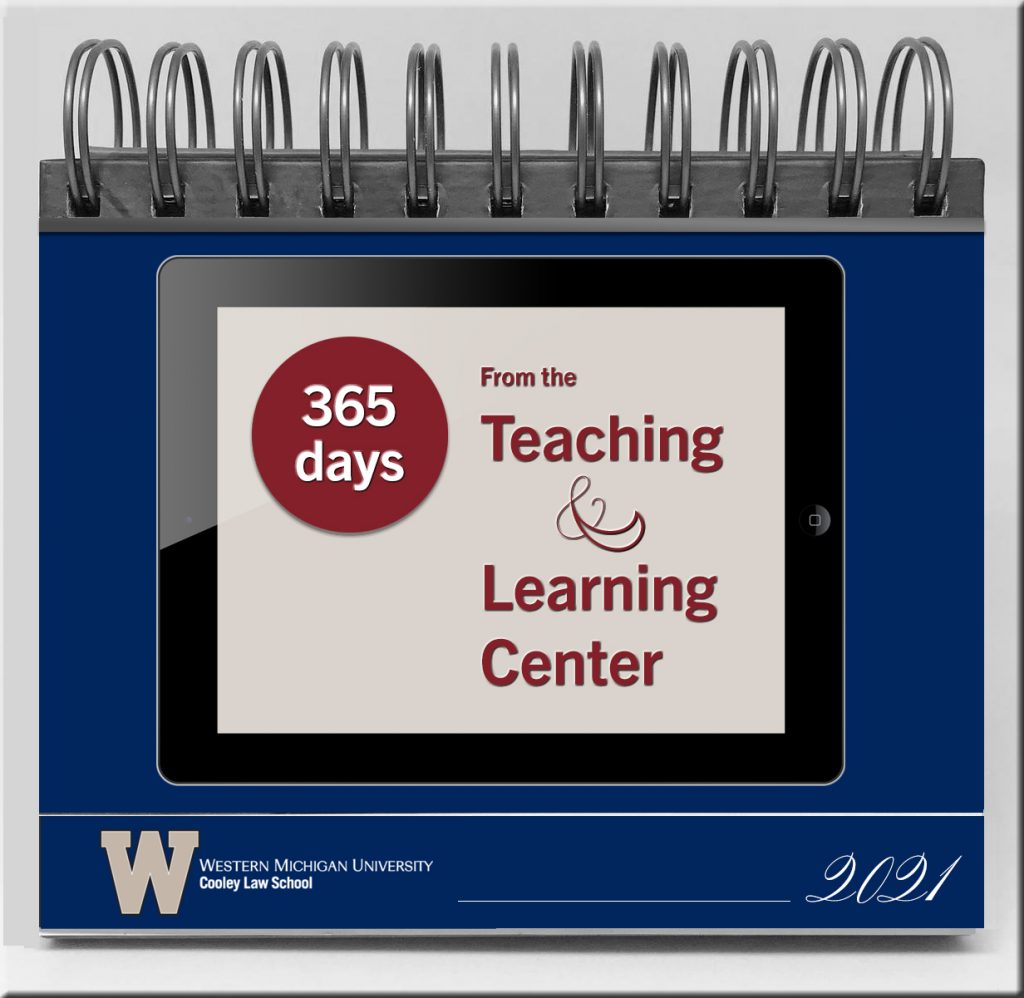
An example of what a front cover of a physical flip calendar could look like

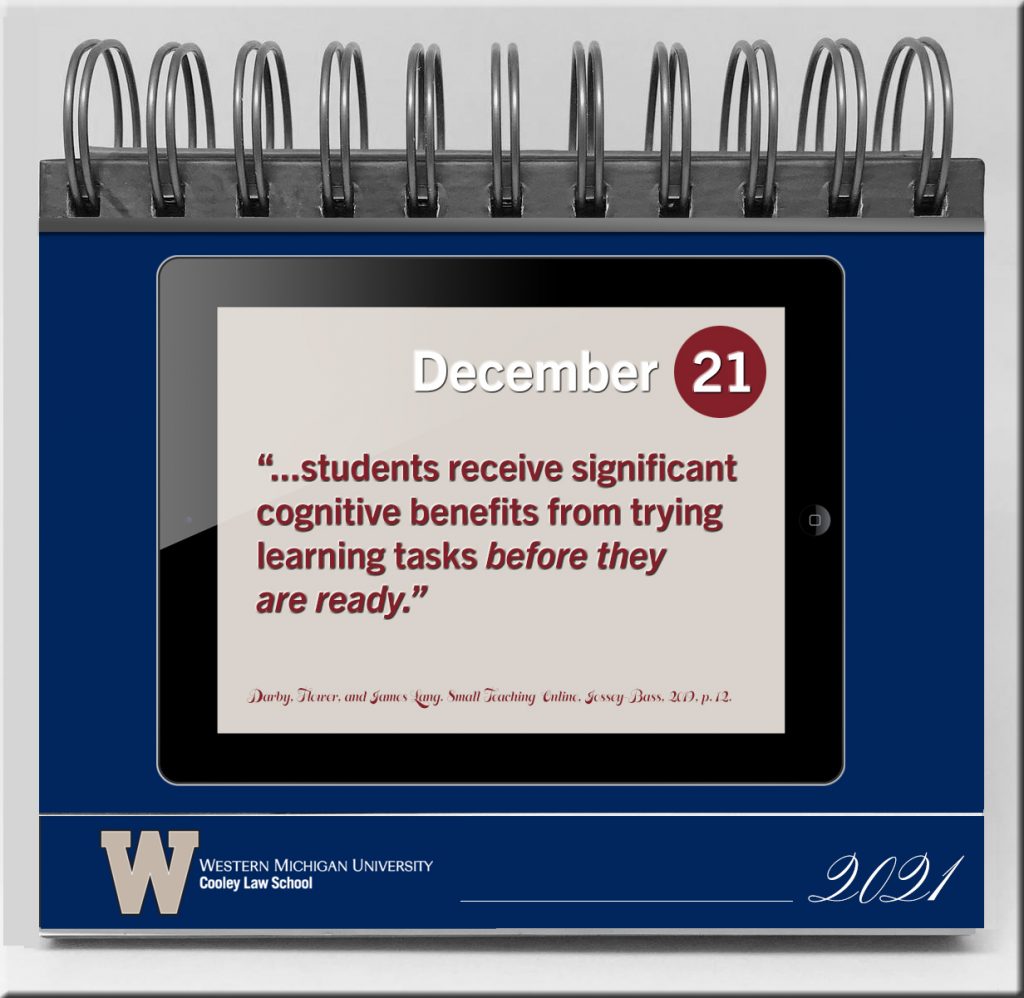
An example of what a page might contain within a physical flip calendar

A calendar page that says Memory if the residue of thought.

Example calendar page that states when courses will be published on an LMS

For students

  • Studying tips
  • How to take courses online
  • How people learn
  • Resources, books, people to follow on Twitter, blogs and RSS feeds, etc.
  • Pictures of judges, legislative bodies, law offices, corporate HQs, other
  • Notes of encouragement
  • Ethics
  • Professionalism
  • Other
 

Enrich your history and social studies classes with these resources — from educatorstechnology.com

Excerpt:

Below are three websites we are featuring in our blog for the first time. These are platforms where teachers (and students) can access resources and teaching materials to help them with their history teaching (learning).

Addendum on 5/4/21:


ARHT Media Inc.
Access The Power Of HoloPresence | Hologram Technology | Holographic Displays | Hologram Events

Excerpt:

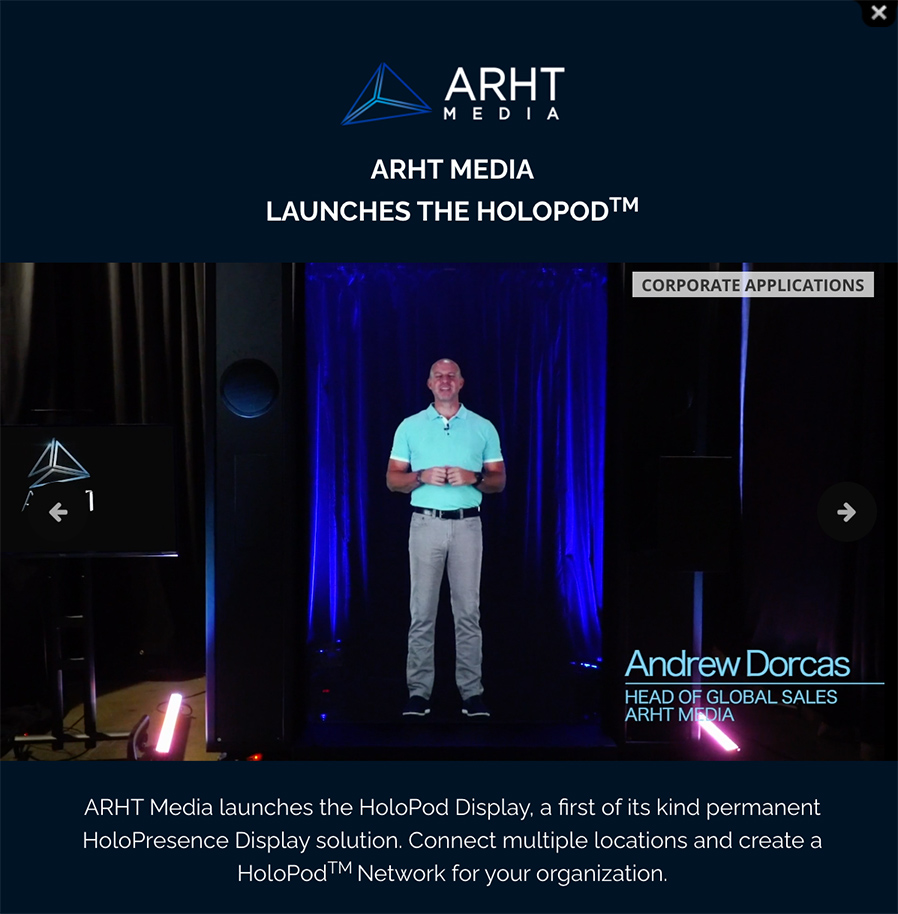
ARHT Media mounted a holographic display at the event in Vancouver and had Sunlife’s executive captured and transmitted live as a hologram to the event from our Toronto studio. He was able to see the audience and interact with them in realtime as if he was attending the event and present in the room.

ARHT Media Inc. launches the Holopod | A holograph of the head of global sales appears on stage. Access The Power Of HoloPresence | Hologram Technology | Holographic Displays | Hologram Events

From DSC:

  • Will holographic displays change what we mean by web-based collaboration?
  • Will this be a part of the future learning ecosystems inside of higher education? Inside of the corporate training world? Inside the world of events and webinars?
  • How will this type of emerging technology impact our communications? Levels of engagement?
  • Will this type of thing impact telehealth? Telelegal?
  • How will this impact storytelling? Media? Drama/acting? Games?
  • Will the price come down to where online and blended learning will use this type of thing?
  • Will streams of content be offered by holographic displays?


The excerpt below is from The 7 best online whiteboards in 2021 — from zapier.com by Maria Myre

  • Miro for turning ideas into tasks
  • Stormboard for creating multiple whiteboards in a single brainstorming session
  • MURAL for remote, multi-member team meetings
  • Limnu for teaching students remotely
  • InVision Freehand for annotating design files with a team
  • Conceptboard for turning a brainstorming session into a formal presentation
  • Explain Everything for creating whiteboard videos

From DSC:
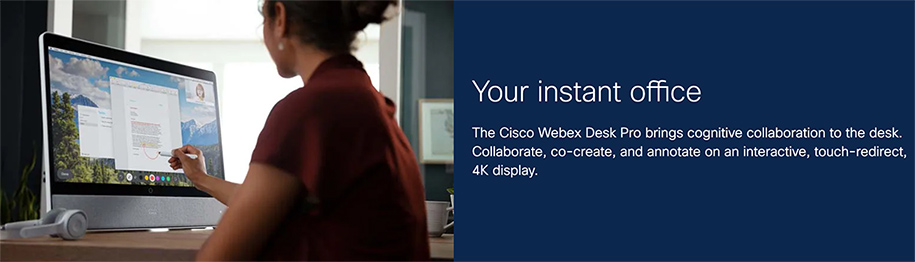
Other potentially-relevant tools/vendors here include:

Woman using the Cisco Webex Desk Pro


Hiperwall Introduces Cost-Effective ‘Essentials’ Video Wall Hardware and Software Packages — from hiperwall.com with thanks to Michael Farino for this resource
Hiperwall Essentials video wall bundles eliminate barriers to entry for organizations wanting enhanced collaboration, clearer communication, and the ability to make informed real-time decisions

Excerpt:

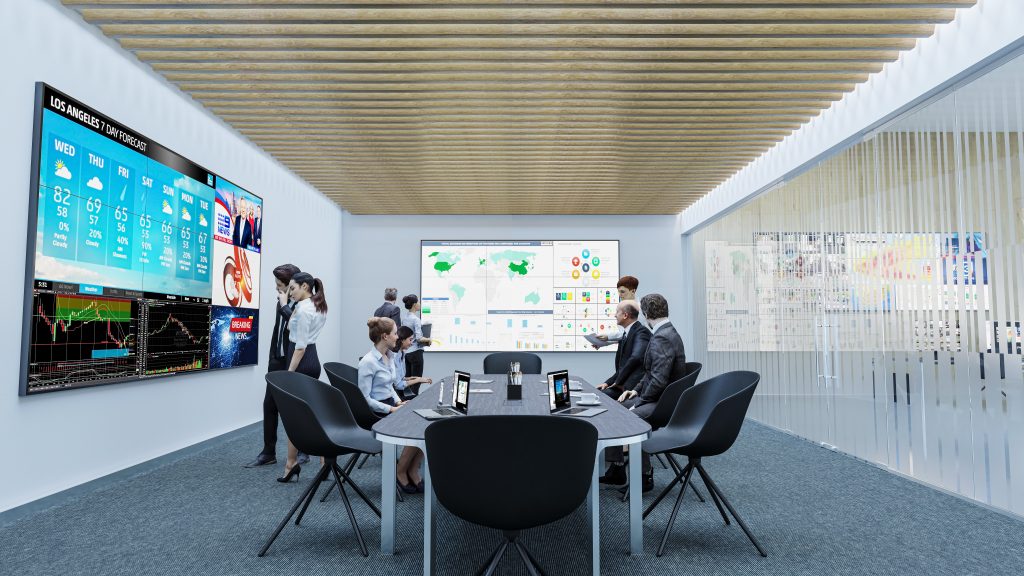
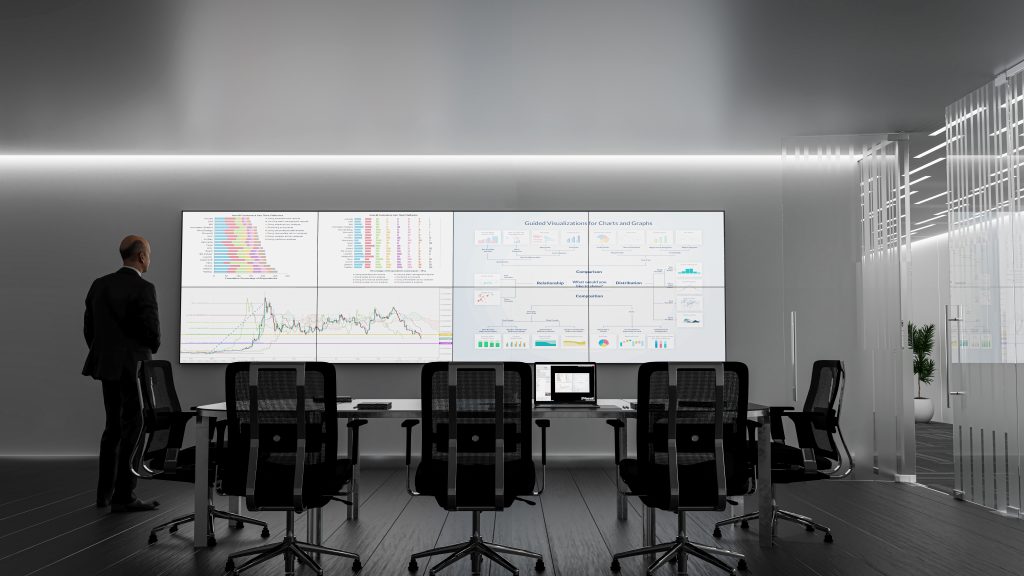
February 24, 2021 – IRVINE, Calif., – Hiperwall Inc., an industry-leader in commercialized, IP-based visualization technology, today introduces ‘Hiperwall Essentials,’ two all-inclusive video wall hardware and software bundles that get users started with a full-featured, control-room grade video wall powered by Hiperwall for just $9,995.

Most major decisions made in the public and private sectors are driven by vast amounts of data. Due to the volume of data sources, data complexity, and different analytics tools, video walls have become the perfect canvas for decision-makers to put all of this data together clearly to arrive at an informed decision faster and more confidently.

At a price point that effectively removes barriers to implementation for small to medium businesses, small government agencies, and local law enforcement, Hiperwall Essentials serves as a great baseline for integrating video wall technology into any organization. As dependence on the video wall grows, Hiperwall’s modular platform makes scaling the video wall footprint and capabilities seamless and cost-effective.


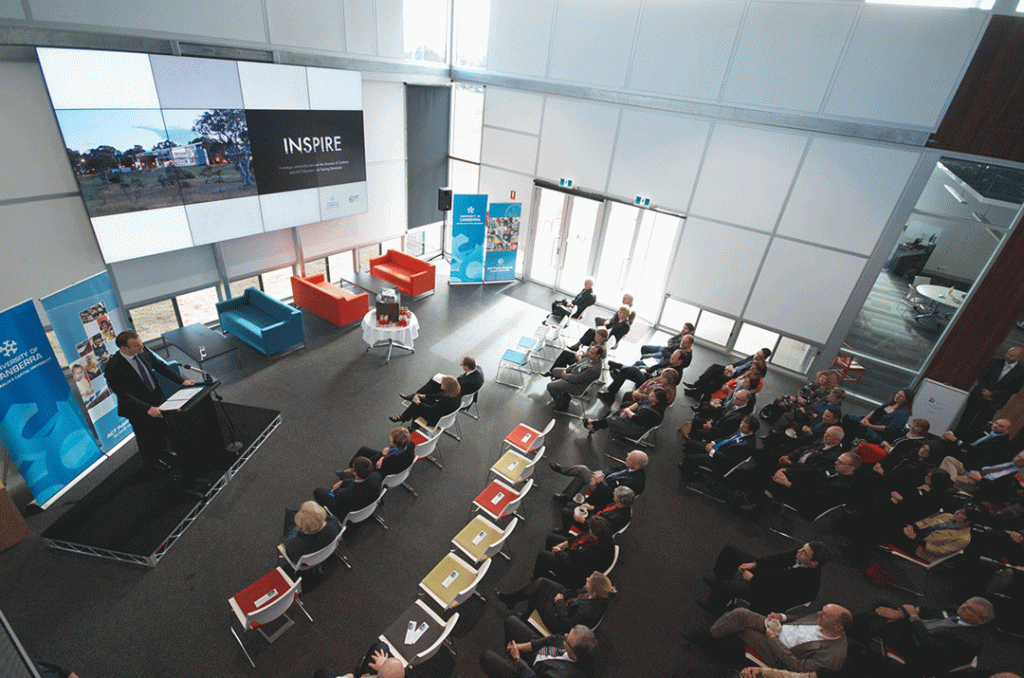
Below are some example settings:

For those interested in video walls, this is worth checking out. These pictures are example settings.


For those interested in video walls, this is worth checking out. These pictures are example settings.


For those interested in video walls, this is worth checking out. These pictures are example settings.


For those interested in video walls, this is worth checking out. These pictures are example settings.


For those interested in video walls, this is worth checking out. These pictures are example settings.

 
© 2025 | Daniel Christian