Autumn morning — from 500px.com by David Dai


Desert Camel by Xiao Yang — from 500px.com

Discover by Reacto Carbon — from 500px.com

Discover by Reacto Carbon


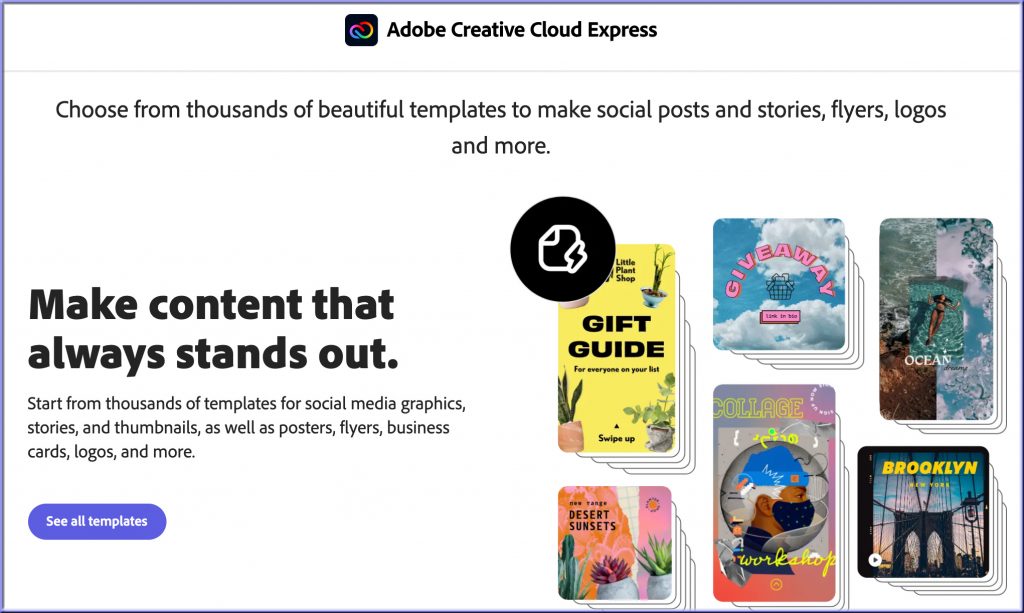
Adobe’s Creative Cloud Express brings content editing to the masses — from protocol.com by Lizzy Lawrence
It’s competing directly with Canva, a template-builder for non-professionals.

Excerpt:

Historically, Adobe’s software was made for the pros. Applications like Photoshop, Illustrator and Premiere Pro all require a paid Creative Cloud subscription and a certain level of expertise. But with Monday’s launch of Creative Cloud Express, Adobe is targeting anyone who might find graphic design useful: small businesses, students and social media influencers.

Also see:

Also see:

Adobe Creative Cloud Express


What an incredible picture!


Bavarian Church — from 500px by Stefan Thaler

A beautiful picture of a church in Bavaria -- with wheat in the foreground and the sun and a rainbow in the background


EduMAX 2021 recap: Together for student success around the globe — from blog.adobe.com by Sebastian Distefano

Excerpt:

University CIOs, deans, provosts, faculty and staff from more than 100 institutions convened online for the Adobe EduMAX 2021 conference, where academic leaders shared how they are transforming teaching and learning practices across their campuses. Key discussion points included:

  • How digital literacy increases engagement to bring faculty and students together, whether they are in-person, online or in a hybrid environment.
  • How digital literacy closes the skills gap in higher education and industry by fostering critical essential skills that employers value.
  • How faculty can integrate digital literacy across the curriculum for all students.


Under the Tree — from 500px.com by Birdies Lanscapes

Photo by Mrwei — from 500px.com


90 degrees — from 500ox,com by Aytug Bayer

A bonus item: This video captures an incredibly talented and clever artist!


Autumn Pumpkin Spice Latte –from Tatiana Goskova out at 500px.com

Autumn Pumpkin Spice Latte --from Tatiana Goskova out at 500px.com

The Old Barn in Frost and Fire — by Jørn Allan Pedersen out at 500px.com

The Old Barn in Frost and Fire -- by Jørn Allan Pedersen out at 500px.com


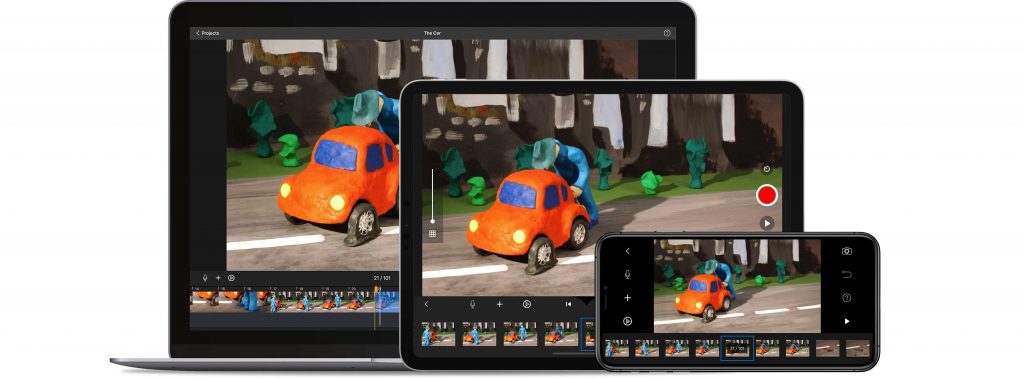
What is Stop Motion Studio and How Does It Work? Best Tips and Tricks — from techlearning.com by Luke Edwards
Stop Motion Studio is a movie maker that’s easy to use and ideal for students and teachers

Excerpt:

Stop Motion Studio is an app that makes turning images into video a fun and educational process for students.

Designed to be easy to use, and with the basics coming free, this is a useful tool to allow students to express ideas in video format. Since it is app-based it can be accessed on personal devices, both in class and elsewhere.

Also see the Stop Motion Studio website:

Stop Motion Studio


travel through time -- a creative photograph out at 500px.com

Also see:

The Ocean Photographer of The Year — from fubiz.net


3 Tips for Making Passion-Based Learning Work Successfully — from thejournal.com by Dennis Pierce

Excerpt:

Passion-based learning, a form of self-directed learning in which students pursue projects of interest to them, is becoming more popular in schools — and for good reason: Educators who have set aside time for passion-based learning have discovered that students become highly engaged and motivated when learning about topics that intrigue them, while taking their learning much deeper than they would in a traditional lesson.

Passion-based learning initiatives include Genius Hour and 20time, both inspired by Google’s program that lets employees spend 20% of their time on projects of their choosing to spark innovation.

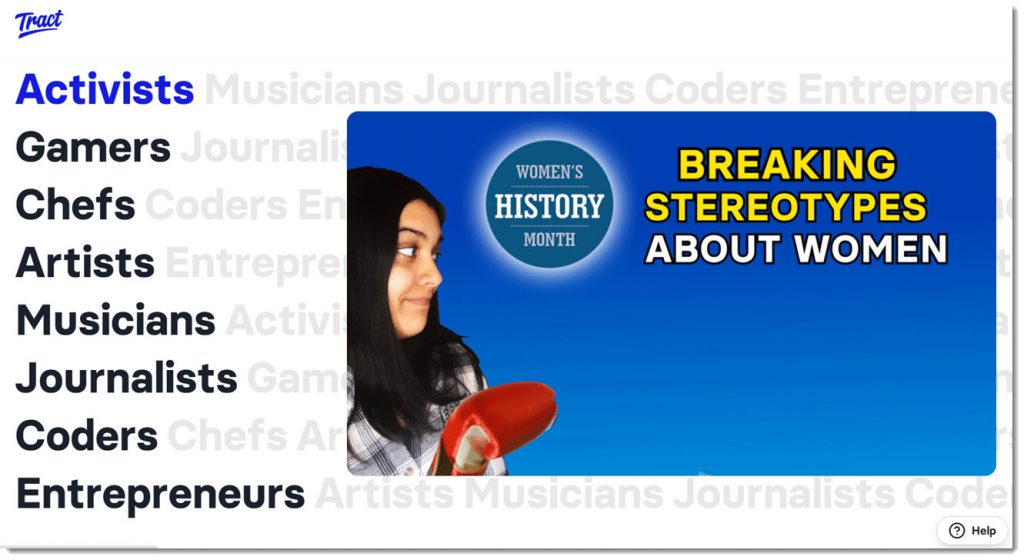
Giving all students the option to explore their interests can be challenging on a large scale. To overcome this hurdle and make the process easier for teachers, Sonora Elementary uses a new peer-to-peer learning platform called Tract, which is a collection of video content organized into self-directed learning paths.

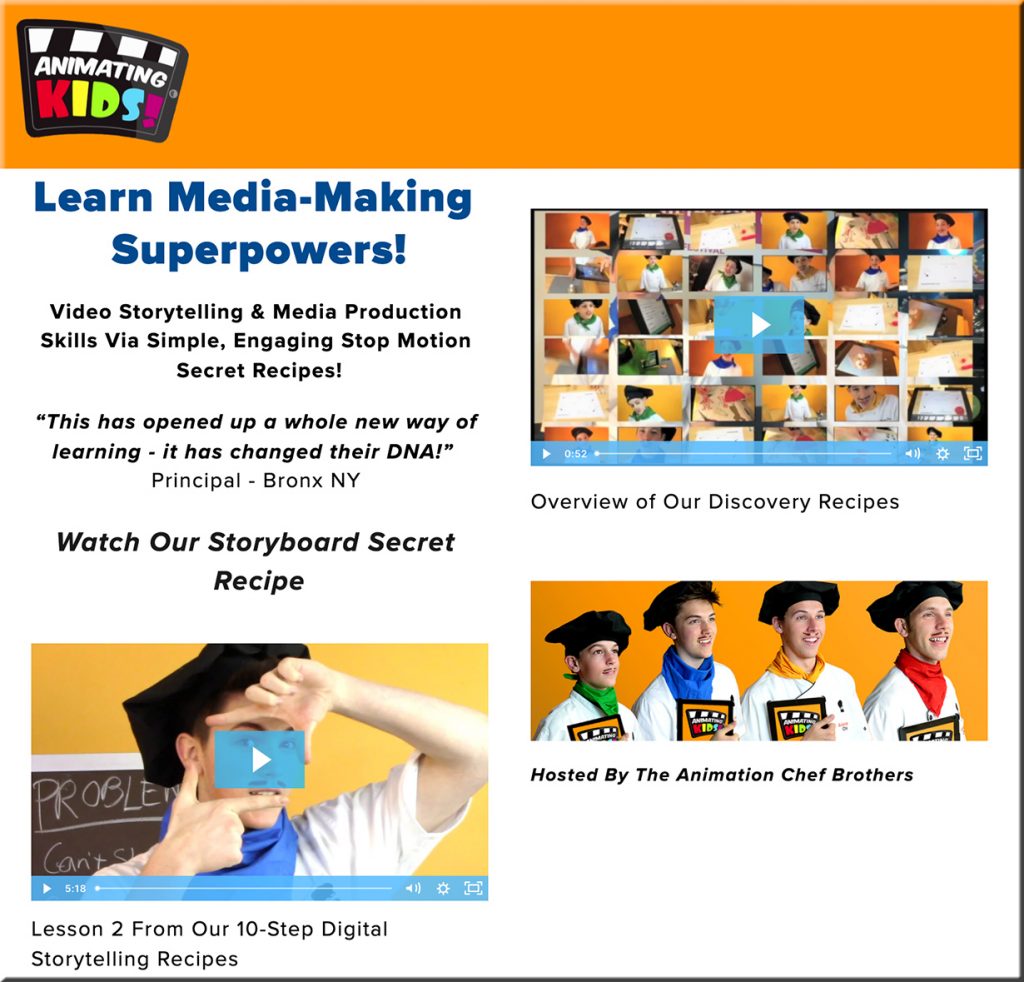
tract.app allows students to be creative and practice their storytelling and multimedia skills

From DSC:
I love the type of tool/app like Tract — as students can work on a variety of skills:

  • multimedia development
  • music
  • acting
  • writing/composing
  • digital storytelling
  • …and more

Such projects/tools can unleash a great deal of creativity, engagement, and positive energy. Learning becomes more relevant, enjoyable, and interesting when we can provide more choice and control to our students.


Could AR and/or VR enable a massive 3D-based type of “Voicethread?” [Christian]

From DSC:
What if we could quickly submit items for a group to discuss, annotate, and respond to — using whichever media format is available/preferable for a person — like a massive 3D-based Voicethread? What if this type of discussion could be contributed to and accessed via Augmented Reality (AR) and/or via Virtual Reality (VR) types of devices?

It could be a new 3D format that a person could essentially blow all the way up into the size of a billboard. Think, “Honey, I shrunk the kids” type of stuff.  

Input devices might include:

  • Augmented Reality (AR) glasses
  • Virtual Reality (VR) headsets/glasses
  • Scanners
  • Smartphones
  • Tablets
  • Desktops and laptops
  • SmartTVs
  • Other types of input devices

For example, a person could take a picture of a document or something else and then save that image into a new file format that would be vector-based. I say a vector-based file format so that the image could be enlarged to the size of a billboard without losing any resolution (i.e., wouldn’t become grainy; the image would remain crystal clear regardless of how big the image is). I’m thinking here along the lines of “Honey, I shrunk the kids!”

Other thoughts here:

  • The files could be accessible online for attendees of classes or for audiences of presentations/webinars
  • The files could be displayed on the walls of learning/presentation spaces for marking them up
  • One could manipulate the 3D image if that person was using a virtual/immersive environment
  • Users should be able to annotate on those images and/or be able to save such annotations and notes

A question for phase II:
Could this concept also be used if virtual courts take off?

Hmmmm…just thinking out loud.


From DSC:
Also check one of the things that Scott mentioned in his talk — Behance, a network of creatives. They consistently offer livestreams — where the learner has more choice, more control over what they learn about.

Livestreams are one of the services offered out at Behance.net

The search function out at Behance.net


Also see:


© 2025 | Daniel Christian