


Ann Toebbe’s Skewed Paintings Transform Architectural Spaces into Cherished Places — from thisiscolossal.com by Ann Toebbe and Grace Ebert
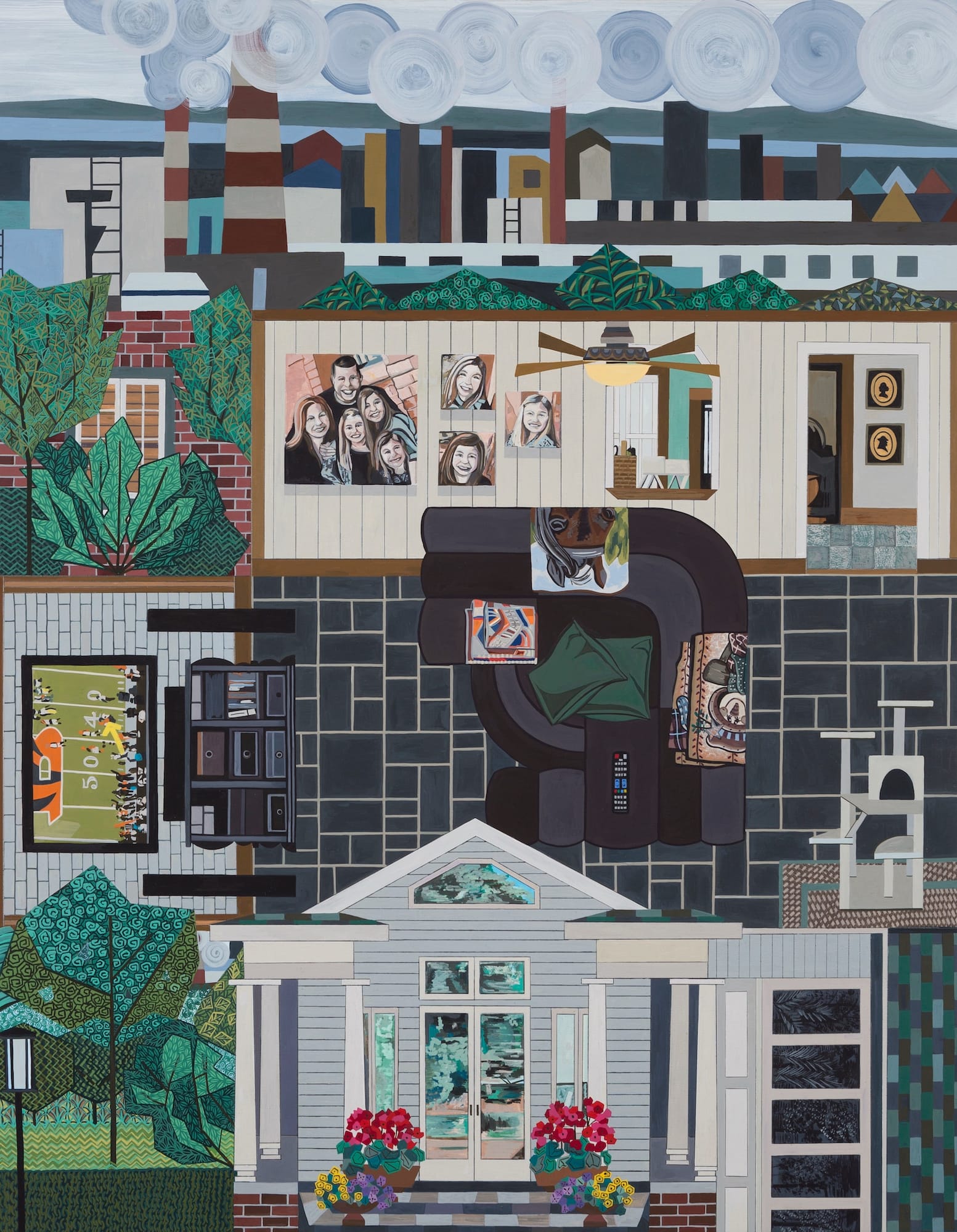
Ann Toebbe’s Skewed Paintings Transform Architectural Spaces into Cherished Places — from thisiscolossal.com by Ann Toebbe and Grace Ebert
How Book Cover Keychains Boosted Our School’s Culture of Reading — from edutopia.org by Carsyn Smothers
This clever idea, which came from a librarian’s TikTok, is easy to carry out and encourages lively conversations about books.
Last year, I came across a TikTok that instantly caught my attention. School librarian Lauren Mobley explained how she managed to insert specially designed book covers into keychains, which students could attach to their backpacks and show off to their friends. Mobley created the book cover designs in Canva, she said, and then purchased a batch of keychains.
I loved the idea. I also wondered whether the keychains could be more than a fun craft or a decoration. Could they additionally serve as a reader advisory tool?
How Good Teachers Get Even Better — from edutopia.org by Youki Terada
Like elite athletes and musicians, even outstanding teachers have room to grow. Here are 6 research-based ways to keep sharpening your skills.
Effective teaching, then, is less about executing a set of prescribed strategies and more about developing the “informed judgment” necessary to “engage in complex decision-making and practice,” the researchers note. For example, watching how a master teacher delivers a lesson or handles difficult moments in the classroom, and then rehearsing those moves while getting feedback from coaches, allows for authentic “feedback in the moment” along with quick hints on “how to elevate instruction.”
That kind of expertise doesn’t happen automatically; it develops when teachers take the long view and engage, over many years, in a disciplined course of deliberate practice, identifying a set of skills they want to improve and then making the time to reflect on and practice them.
Arts-Integrated Outdoor Lessons for Elementary Students — from edutopia.org by Charlene Lutz
A pumpkin can become an entire unit if you let it: These engaging fall activities encourage students to slow down and learn from what’s around them.
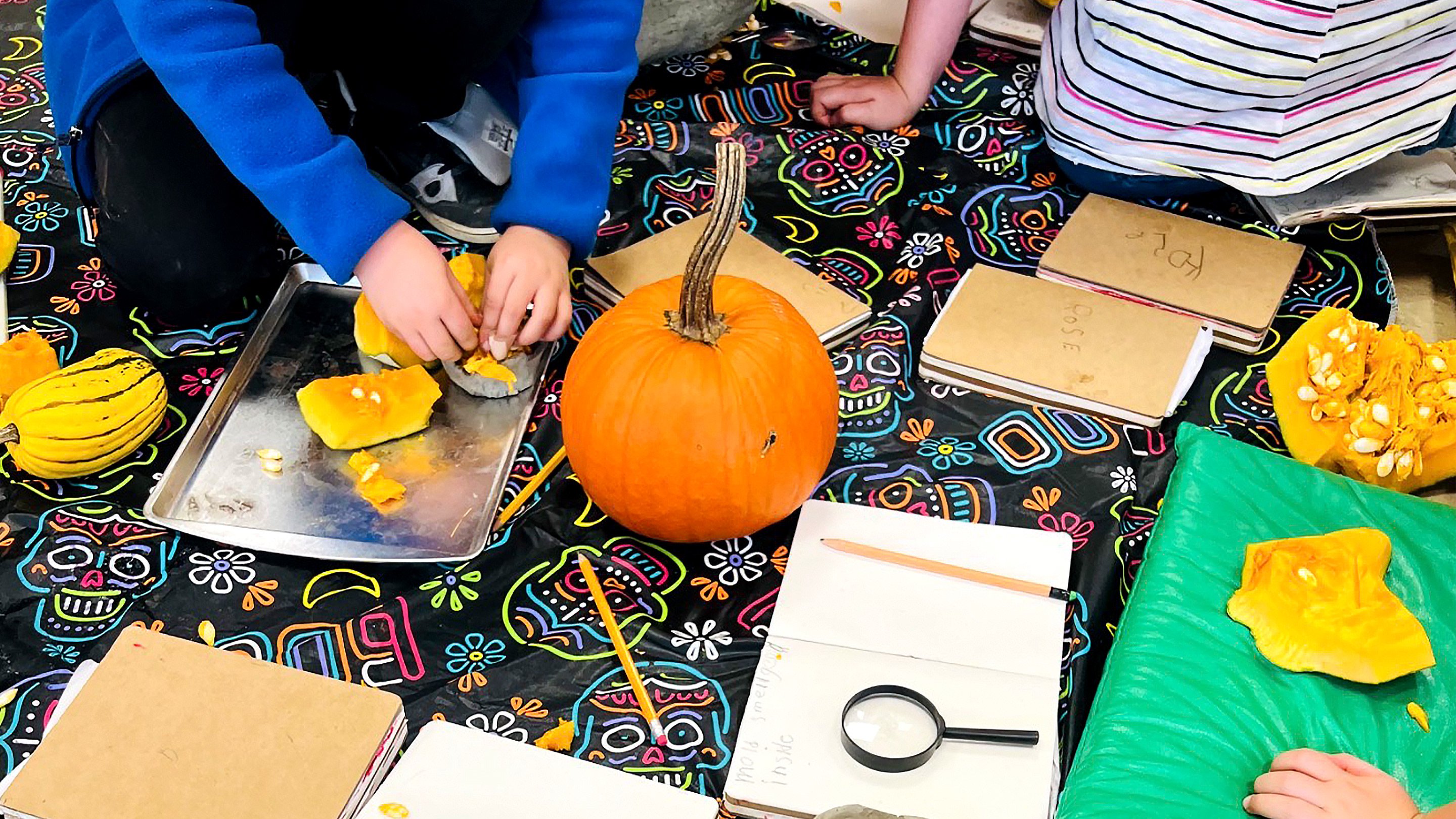
October is one of my favorite times to take learning outside.
There is so much already happening in the environment that we really do not need to create an elaborate setup. Leaves are changing, seed pods are drying out, sticks and pine cones are everywhere, and pumpkins are suddenly easy to find. I have found that these ordinary seasonal materials can lead to some of the richest learning experiences because students are able to observe, move, touch, collect, build, draw, measure, and ask questions all within the same lesson.
Here are three October investigations I have found especially easy to adapt across K–5.
A 4-Step Plan for Promoting Metacognition in Middle School — from edutopia.org by Kasey Short
Thinking about how they think helps students develop an essential skill that supports their academic success and independence.
In middle school, as students gain independence and are given increased responsibility, it’s an essential time to explicitly teach metacognitive skills. Middle school is often the first opportunity for students to move from one class to another and interact each period with a new teacher who has their own style and set of expectations. Students also move from concrete to abstract thinking while managing long-term assignments, preparing for assessments, revising writing, and solving increasingly complex problems. When students are instructed to study, revise, prepare, and more, they need tools to make effective decisions about those tasks and useful strategies to manage their additional responsibilities.
Metacognition is an essential part of providing students with the tools and strategies they need to be successful in middle school. Work with metacognition is best used as a regular classroom practice that can be implemented by naming it, modeling, providing students with language to discuss their thinking, and creating consistent opportunities for students to engage with this skill and see its impact on their learning.
Illustrator Spotlight: Musubu Hagi — from booooooom.com
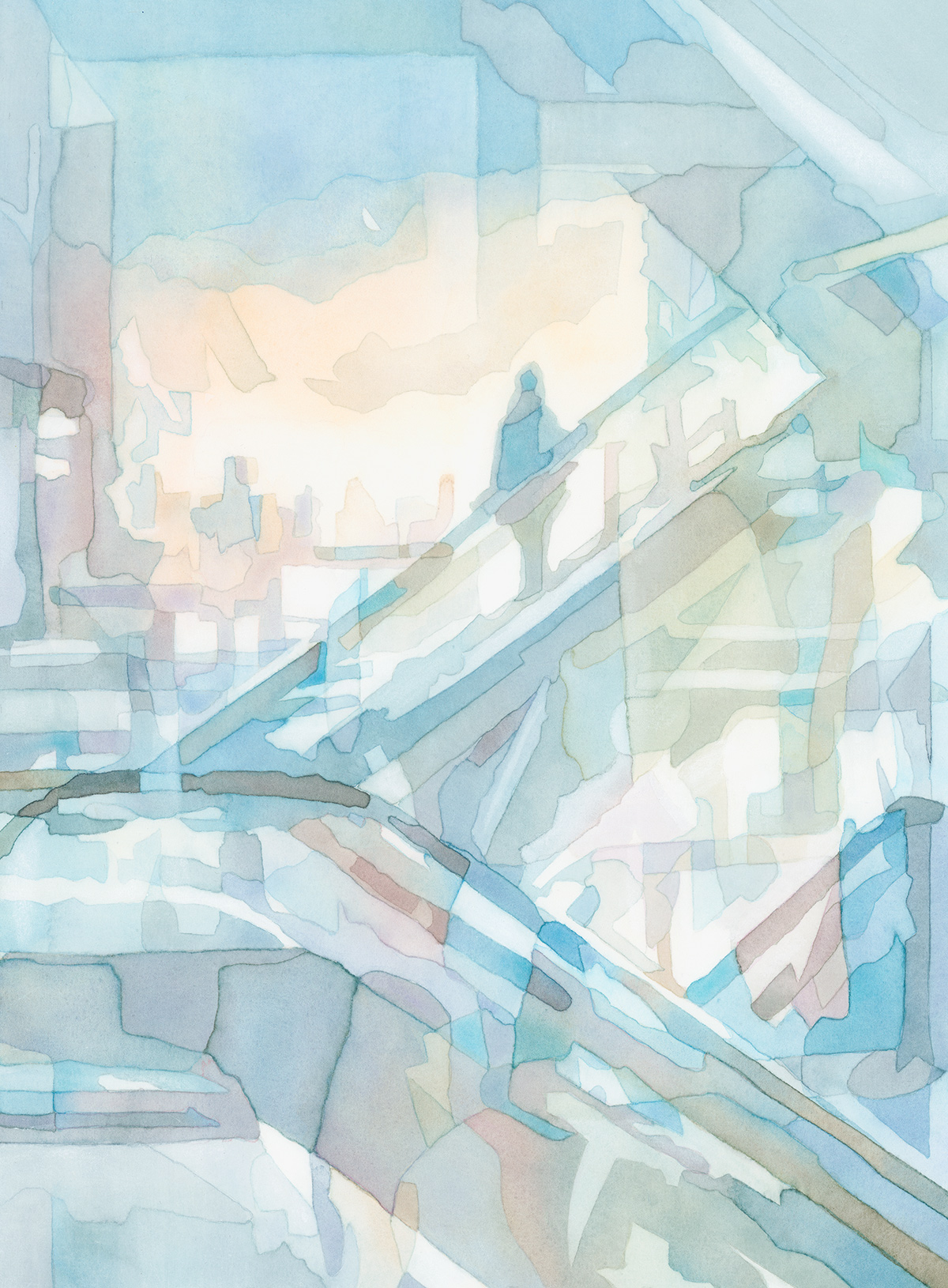
Leslie Wayne’s ‘The Unintended Blues’ Contemplates Rising Seas and Vulnerable Shorelines — from thisiscolossal.com by Kate Mothes and Leslie Wayne

Lifelike Birds Emerge from Foliage in Painted Paper Reliefs by The Paper Ark — from thisiscolossal.com by Nayan Shrimali and Venus Bird and Kate Mothes

Los Angeles Public Library Unveils the World’s Largest Pop-Up Book — from thisiscolossal.com by Kate Mothes and Daniel González

The image model race just split into four lanes –> find which model fits your work — from heatherbcooper.substack.com by Heather B. Cooper
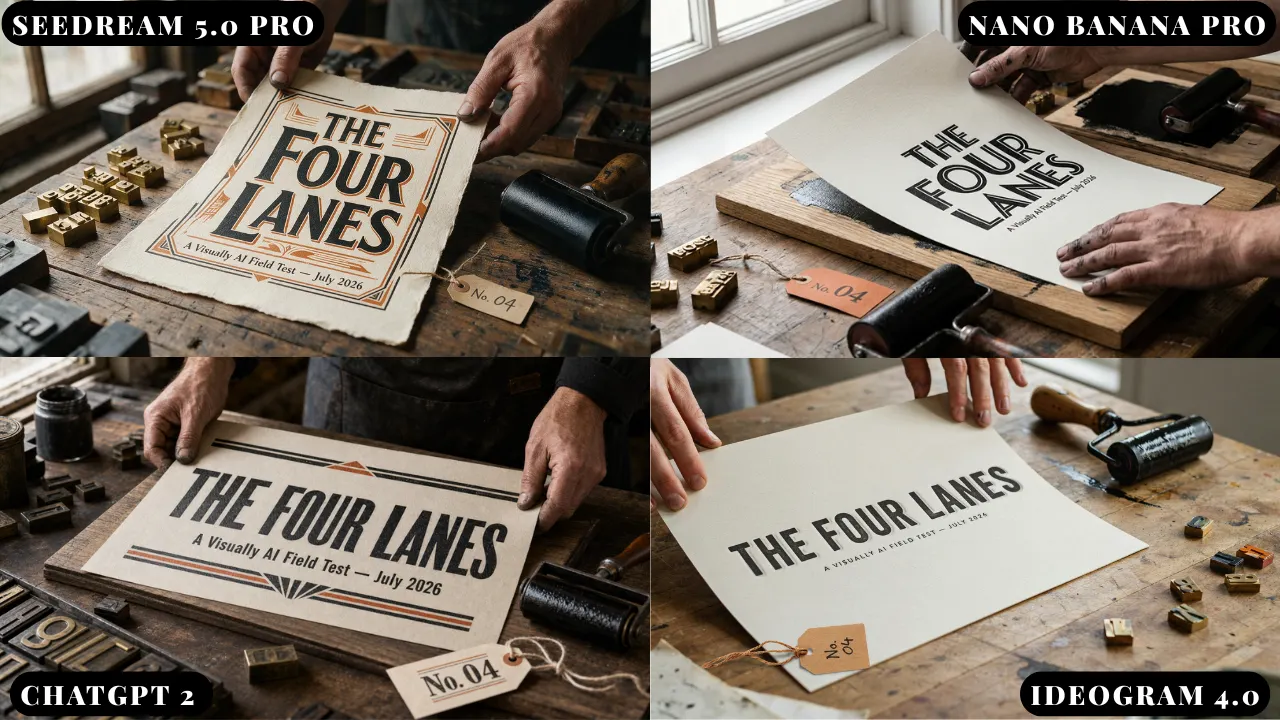
In today’s edition:
Artist Spotlight: Sara Suppan — from booooooom.com
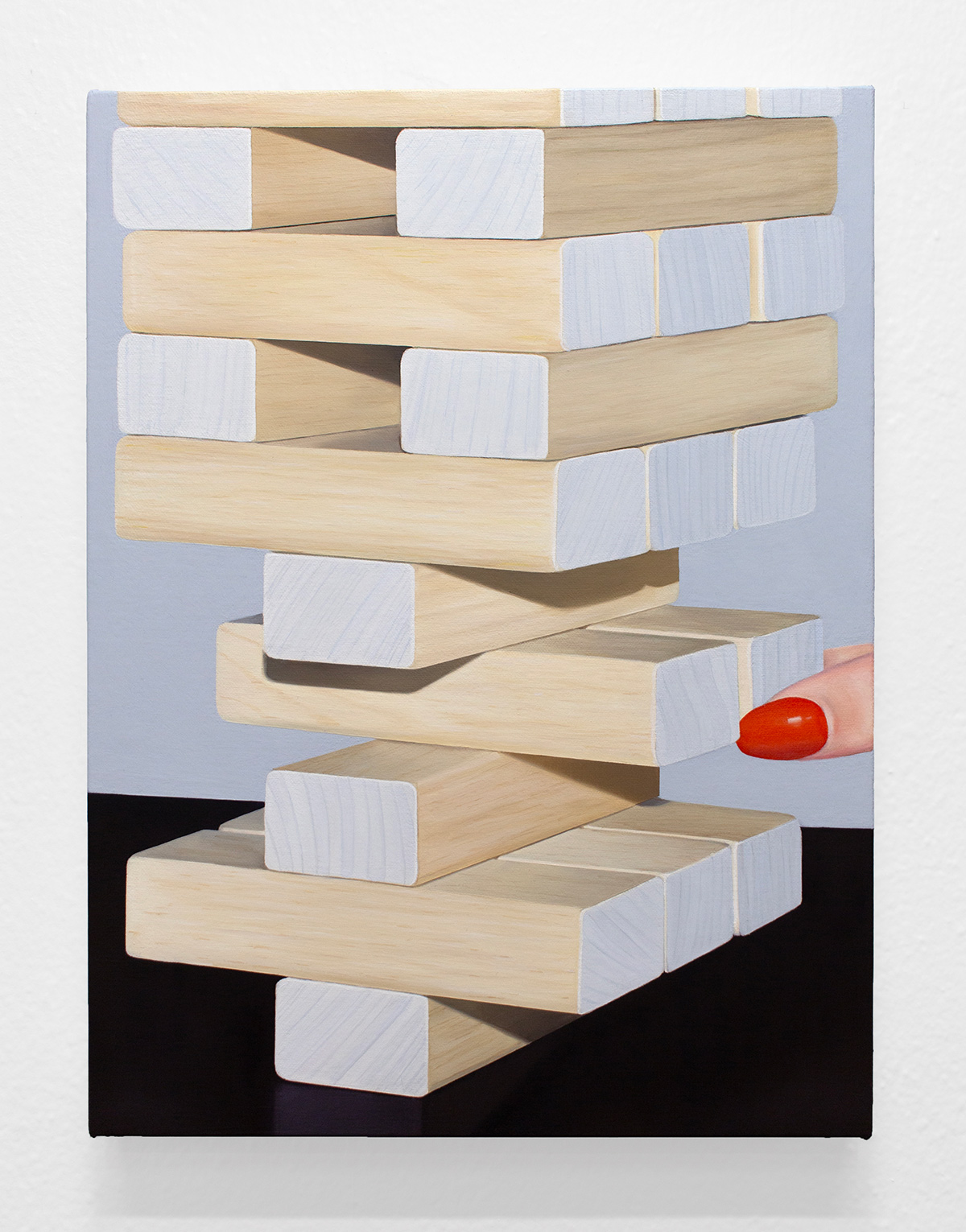
Veks Van Hillik Suspends Fish, Insects, and Other Objects in Surreal Murals — from thisiscolossal.com by Veks Van Hillik and Kate Mothes

23,000-Square-Foot Clasping Arms Celebrate Community Resilience in Minneapolis — from thisiscolossal.com by Saype and Kate Mothes

“The Shape of Memories” by Photographer Riccardo Magherini — from booooooom.com
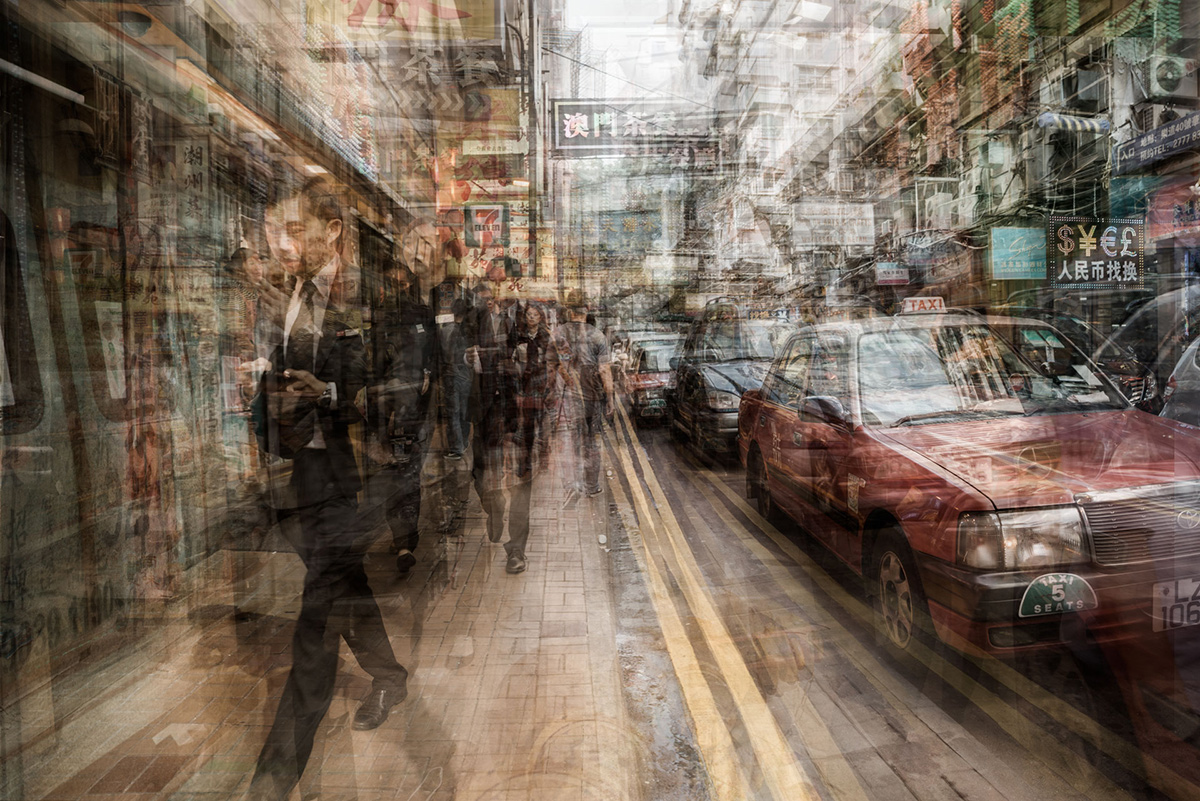
Cleveland Institute of Art’s Interactive Media Lab Redefines What an Art School Can Be — from edtechmagazine.com
The landscape for specialized colleges and universities such as art schools is shifting as higher education continues to evolve to fit emerging job markets and student interest.
Founded in 1882, Cleveland Institute of Art continuously challenges itself to stay modern and relevant. Years ago, the school’s leadership had the vision to partner with the city to revitalize an area due for reinvigoration.
The result was the Interactive Media Lab, which brings together the university, the city and private industry into a satellite campus that gives students and the community a space to create media, art and experiences with the most up-to-date tools available.
Also see:
Hilary Pecis Paints Saturated Snapshots of West Coast Life — from thisiscolossal.com by Hilary Pecis and Grace Ebert

.
Ornamental Carpets Release Wild Animals in Debbie Lawson’s Provocative Sculptures — from thisiscolossal.com by Debbie Lawson and Kate Mothes

Want Students to Build a Healthier Relationship With Technology? Start With The Arts — from techlearning.com by Adrianna Marshall
Arts classrooms demonstrate what technology integration at its best can look like
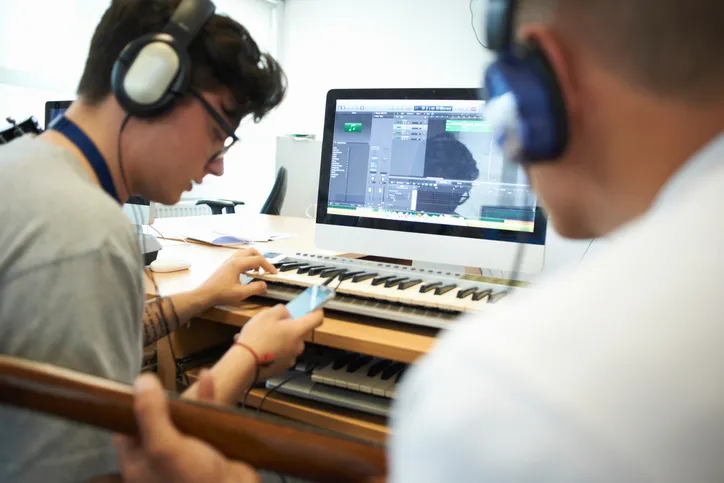
But at a moment defined by rapid AI adoption and ongoing debates about screen time, the argument for protecting and investing in arts education needs to take on a new tone. The arts continue to be one of the most effective places in school for students to build healthier, more intentional relationships with technology.
In short, in the age of AI, we need the arts more than ever.
…
Digital composition software, notation tools, and recording platforms allow students to experiment, revise, and refine their ideas in ways that would have been far more time-consuming a decade ago. Students can layer tracks, hear immediate playback, annotate their own scores, and collaborate across devices. The same is true in other contexts besides music; in visual arts, for instance, a variety of digital drawing and painting platforms enable students to practice with new mediums, styles, and techniques without having to worry about supplies or messes. But in either case, the core intellectual work of looking and listening critically, understanding structure, and making aesthetic choices remains entirely human and part of the learning.
From DSC:
I agree. At one of my previous positions, I spent 10 years supervising a digital studio — helping professors and students use a variety of applications to create things. The applications were from Adobe, Apple, and a variety of smaller vendors. The deliverables could be graphics, edited soundtracks, music, videos, flyers, posters, collages, edited photographs, presentations, websites, and more. I longed for people to discover the power of multimedia to communicate their messages, tell stories, stir emotion, powerfully engage themselves (and others), and unleash their creativity.
There were several obstacles to our digital studio being more impactful at that institution. It was under the IT department, not the academic side of the house. It was in the basement of the library, where few students and faculty traveled. During those years, it was highly uncommon for faculty members to require multimedia-based assignments — so many students had to WANT to develop these skills on their own time. The majority of students didn’t see the value in developing the types of digital skills that we were trying to build…or they didn’t have the time.
Also relevant/see:
6 Reasons Universities Are Building Media Labs Now — from edtechmagazine.com by Brad Grimes
Digital production centers help institutions close the gap between academic training and professional practice.
Higher education is undergoing a significant transformation in how it prepares the next generation of media professionals. Across the country, universities are investing in state-of-the-art media labs — facilities built not around traditional classroom instruction, but around the tools, workflows and collaborative environments that define today’s professional production landscape. These spaces represent a fundamental rethinking of what it means to train students for careers in film, animation, gaming and digital storytelling.