


From DSC: I originally saw this at
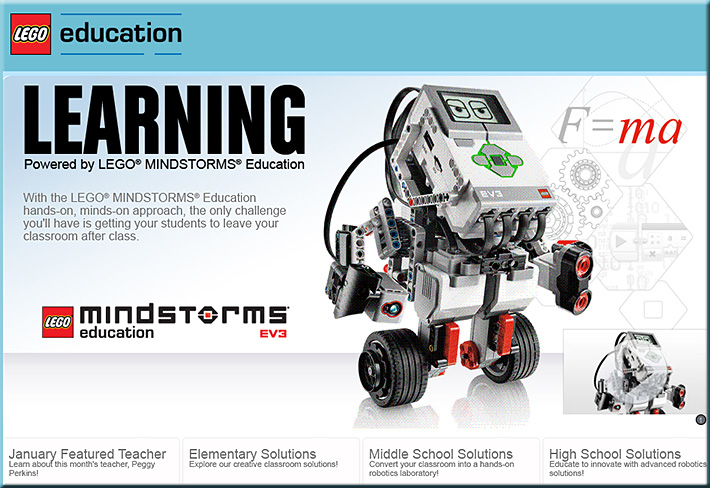
Mindstorms EV3: LEGO Education unveils its next generation robotics platform
from HackEducation.com by Audrey Watters
From DSC: I originally saw this at
Mindstorms EV3: LEGO Education unveils its next generation robotics platform
from HackEducation.com by Audrey Watters
“Mom! Check out what I did at school today!”
If you’re a parent, don’t you love to hear the excitement in your son’s or daughter’s voice when they bring home something from school that really peaked their interest? Their passions?
I woke up last night with several ideas and thoughts on how technology could help students become — and stay — engaged, while passing over more control and choice to the students in order for them to pursue their own interests and passions. The idea would enable students to efficiently gain some exposure to a variety of things to see if those things were interesting to them — perhaps opening a way for a future internship or, eventually, a career.
The device I pictured in my mind was the sort of device that I saw a while back out at Double Robotics and/or at Suitable Technologies:
.
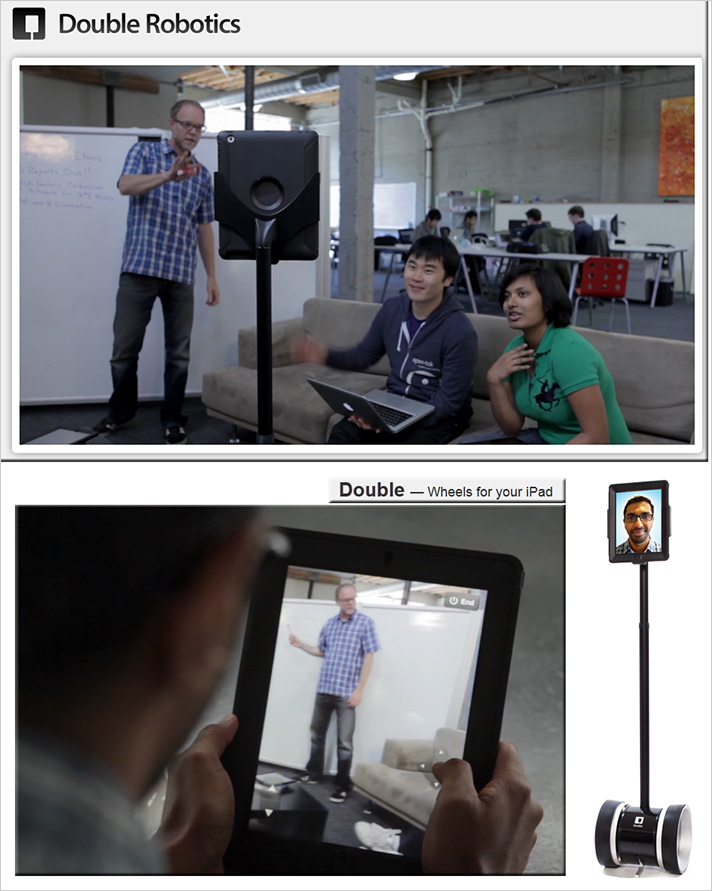
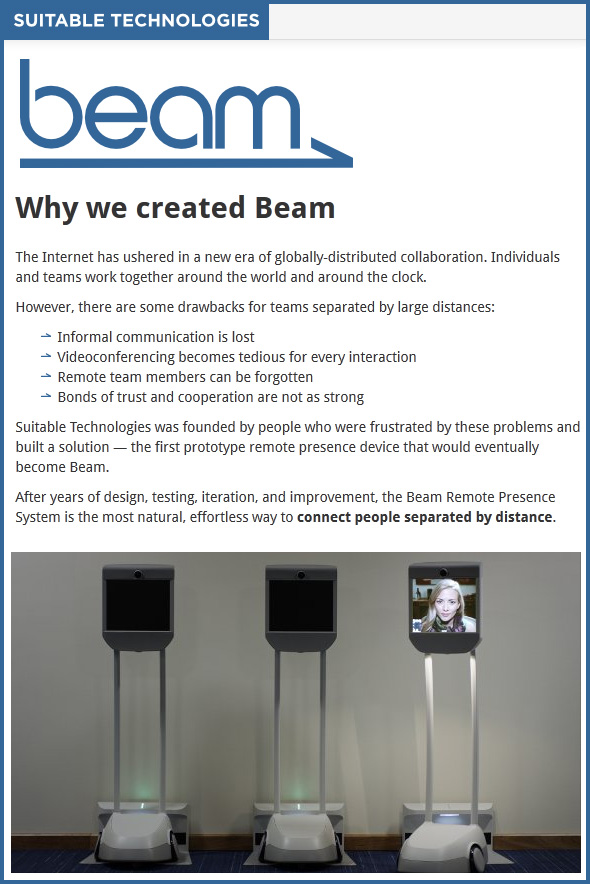
The thoughts centered on implementing a growing network of such remote-controlled, mobile, videoconferencing-based sorts of devices, that were hooked up to voice translation engines. Students could control such devices to pursue things that they wanted to know more about, such as:
For accountability — as well as for setting aside intentional time to process the information — students would update their own blogs about what they experienced, heard, and saw. They would need to include at least one image, along with the text they write about their experience. Or perhaps a brief/edited piece of digital video or audio of some of the statements that they heard that really resonated with them, or that they had further questions on. The default setting on such postings would be to be kept private, but if the teacher and the student felt that a posting could/should be made public, a quick setting could be checked to publish it out there for others to see/experience.
Real world. Engaging. Passing over more choice and control to the students so that they can pursue what they are passionate about.
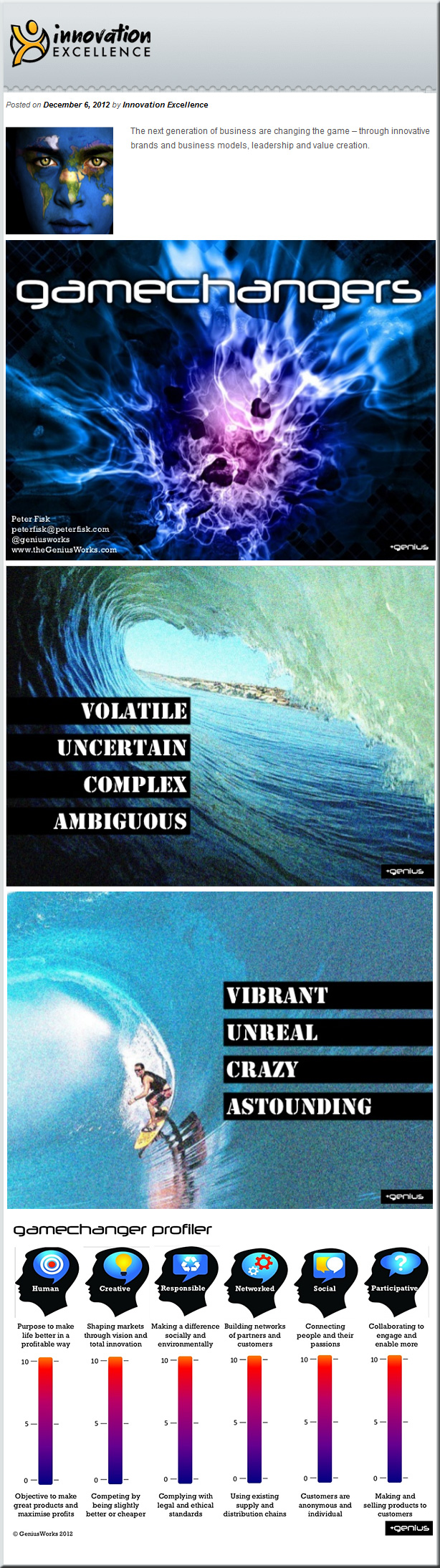
Also see the following items from Genius:
Additional notes from DSC:
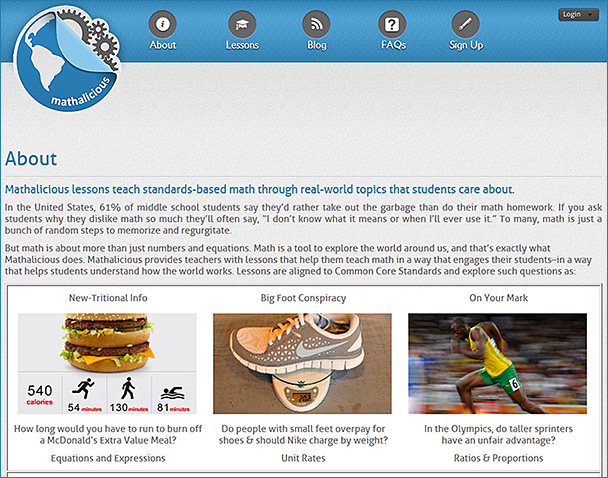
1) Learning Ideas: Making Classroom Equipment — from makerspace.com by Joel Rosenberg (8/6/12)
This is the first post in a series about ideas for learning in a Makerspace.
2) Learning Ideas: Math in action — from makerspace.com by Joel Rosenberg (8/28/12)
This is the second post in a series about ideas for learning in a Makerspace.
3) Learning Ideas: Cheap circuits and subsystems Learning Ideas: Math in action
This is the third post in a series about ideas for learning in a Makerspace.
4) Learning Ideas: Design options, cross-referencing, cohesion — from makerspace.com by Joel Rosenberg (11/7/12)
This is the fourth and final post in a series about ideas for learning in a Makerspace.
.
Also see:
From DSC:
I wonder how MOOCs focused on language will go…? It could be great to practice a language from folks all around the world — or will it be chaotic? Different accents. Real-world speaking and listening. Real world conflict, perhaps, as well. But it seems like there could be some effective learning going on — at least “on paper”. I wonder, too, if 1/2 of the time folks could speak one language — and would be the students during that part of the class — while the other 1/2 of the time they speak another language — and would be the “teachers.”
.
And for yet another item on innovation within higher ed! Whew!
To students studying Business, Economics, Religion, Political Science, and Philosophy:
Please consider — and research/define where necessary — the following items occurring in the United States today.
The fiscal cliff.
The U.S. debt limit.
Federal spending vs. revenue.
Printing money and it’s potential impact on inflation.
Recent election results.
A global economy; global competition.
The place/role of money.
Race against the machine; also see this posting.
Matthew 6:19-34.
.
Then, please discuss/answer the following questions:
Some other resources to consider:
.

From DSC:
I understand that Mr. George Lucas is going to express his generosity in donating the $4.05 billion from the sale of Lucasfilm to education.
Here’s a question/idea that I’d like to put forth to Mr. Lucas (or to the United States Department of Education, or to another interested/committed party):
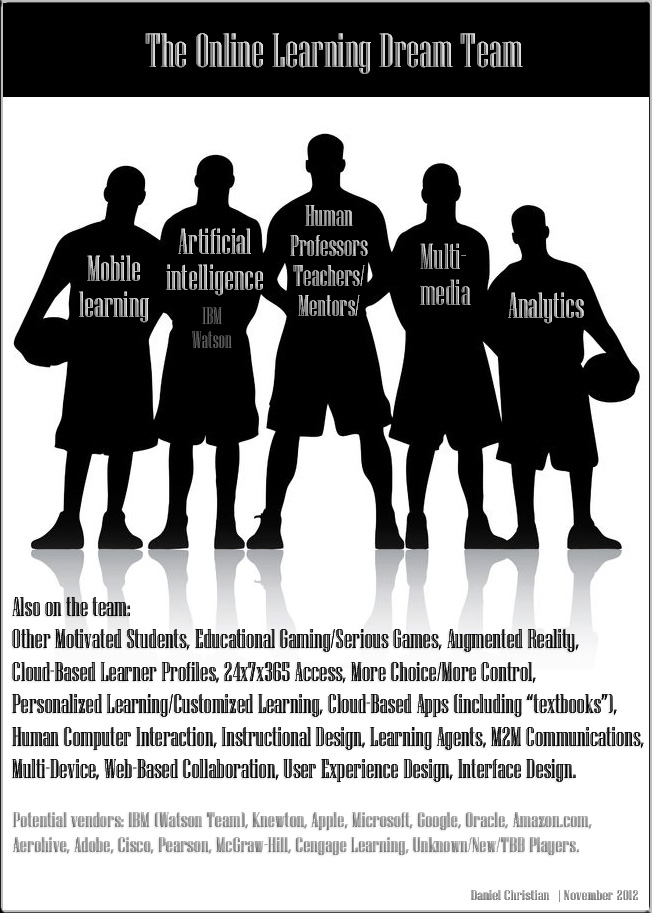
Would you consider using the $4+ billion gift to build an “Online Learning Dream Team?”
.
.
Original image credit (before purchased/edited by DSC)
yobro10 / 123RF Stock Photo
From DSC:
What do you think? What other “players” — technologies, vendors, skillsets, etc. — should be on this team?
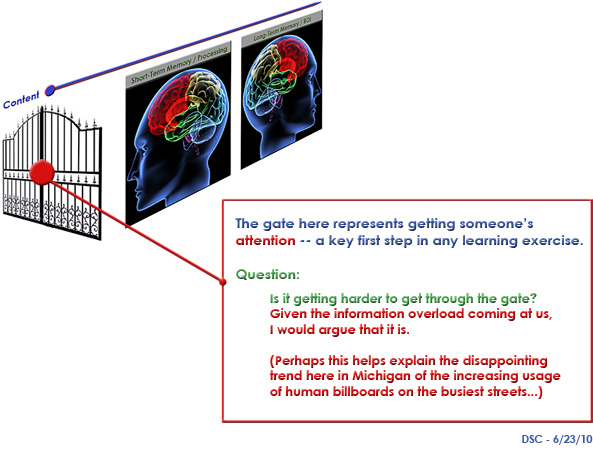
The article, “Technology changing how students learn, teachers say,” reminds me of the graphic below. It appears that teachers now have a definite answer to the question I was asking back in June 2010:
.
Excerpt (emphasis DSC):
Teachers who were not involved in the surveys echoed their findings in interviews, saying they felt they had to work harder to capture and hold students’ attention.
“I’m an entertainer. I have to do a song and dance to capture their attention,” said Hope Molina-Porter, 37, an English teacher at Troy High School in Fullerton, Calif., who has taught for 14 years. She teaches accelerated students, but has noted a marked decline in the depth and analysis of their written work.
Bottom line:
Like so much in life, we have very little control of most things. Students are changing and we cannot control that situation — nor should we seek to. Why? Because most people I know — including myself — do not like to be controlled. We can and should attempt to pulse check these sorts of changes, plan some experiments around them, and then see and report on what works and what doesn’t work. This all relates to something I saw on earlier today on Twitter from Anya Kamenetz (@anya1anya):
If you declare a no-media classroom, you better be damn fascinating.
Also, a relevant quote:
The biggest problem area for teachers is students’ attention span, with 71% saying saying entertainment media use has hurt students either “a lot” (34%) or “somewhat” (37%) in that area.
— from Children, Teens, and Entertainment Media: The View From The Classroom
A Common Sense Media Research Study – NEW REPORT
November 1, 2012
Download the full report
Excerpt:
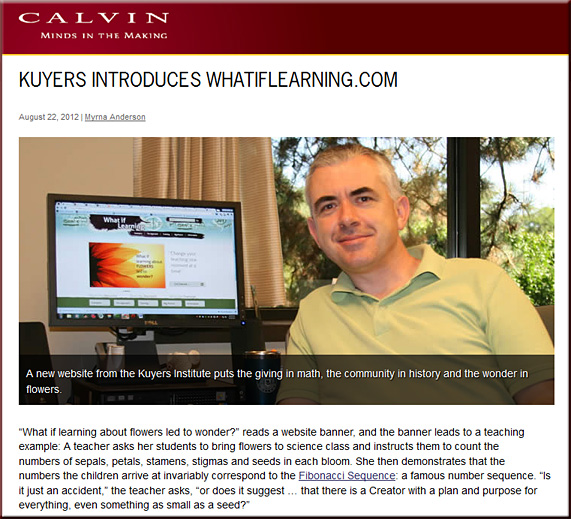
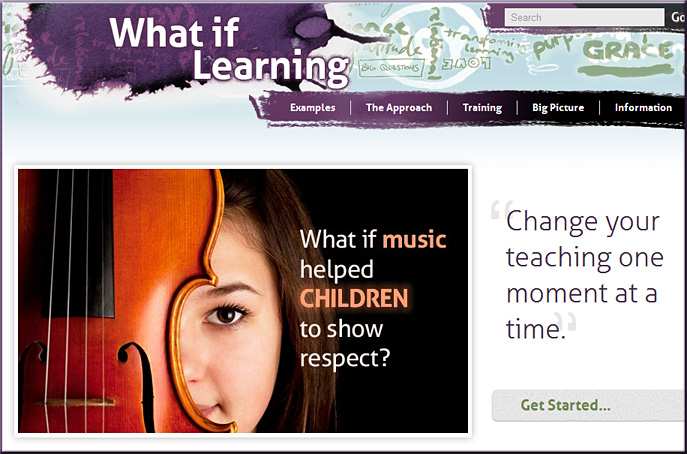
The site presents teaching examples—for both elementary and secondary classrooms—from a range of subjects: art, cooking, dance, technology, drama, English, environment, geography, history, technology, math, foreign/second language, music, physical education, health, Bible class and science. (There are also categories titled “teacher,” “tests” and “topics.”)
Each example leads off with a question: “What if a grammar lesson challenged selfishness?” “What if success in math depended upon forgiveness?” “What if history could inspire students to love their city?” The site also provides tabs labeled “The Approach,” “Training,” “Big Picture,” and “Information,” where teachers can learn how to apply what they’ve learned in their classrooms.
“The website helps teachers ask key questions and make strategic decisions, not only about what to teach but about how to teach,” said Matt Walhout, Calvin’s dean for research and scholarship. “It relates specific topics like language, history, and math to the overarching Christian principles of faith, hope, and love.”
Also see:

Description:
By connecting education with smarter technology, Intel offers a look into the future of K-12 education. Watch as students use technology to collaborate with peers and industry experts to build a bridge model, from the initial design phase through the final structure testing. Intel’s education solutions help teachers provide innovative, personalized and secure learning environments to prepare students for successful futures in the 21st century.
I originally saw this at
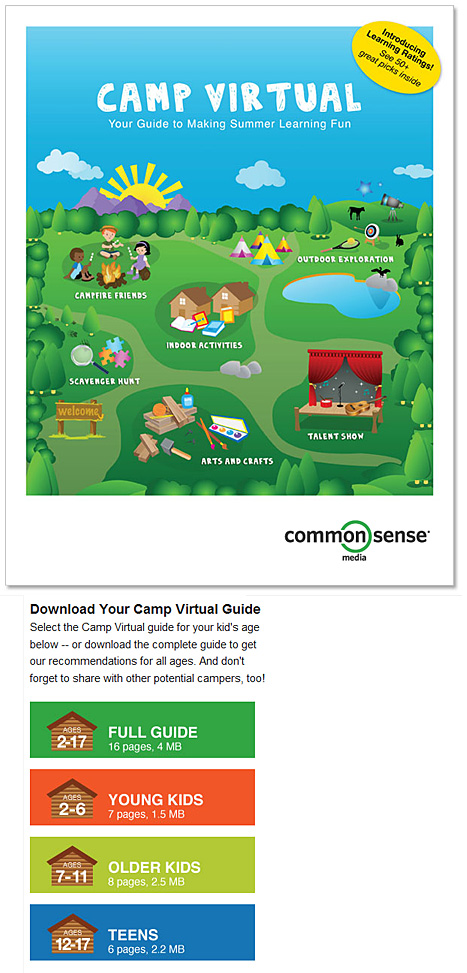
Camp Virtual: Your Guide to Making Summer Learning Fun
Excerpt:
Send your kids to summer camp … virtually. With our summer learning guide, it’s easy to pick apps, games, and websites for kids that let them have fun while keeping up their existing skills and building new ones so they’ll be ready for school again in the fall.
And what better way to orient skills than around camp themes? We’ve selected more than 50 recommendations with the highest Learning Ratings for kids aged 2-17, and categorized them by traditional camp themes. We’ve also included additional tips and activities that you can use to support your kids as they sharpen their skills.