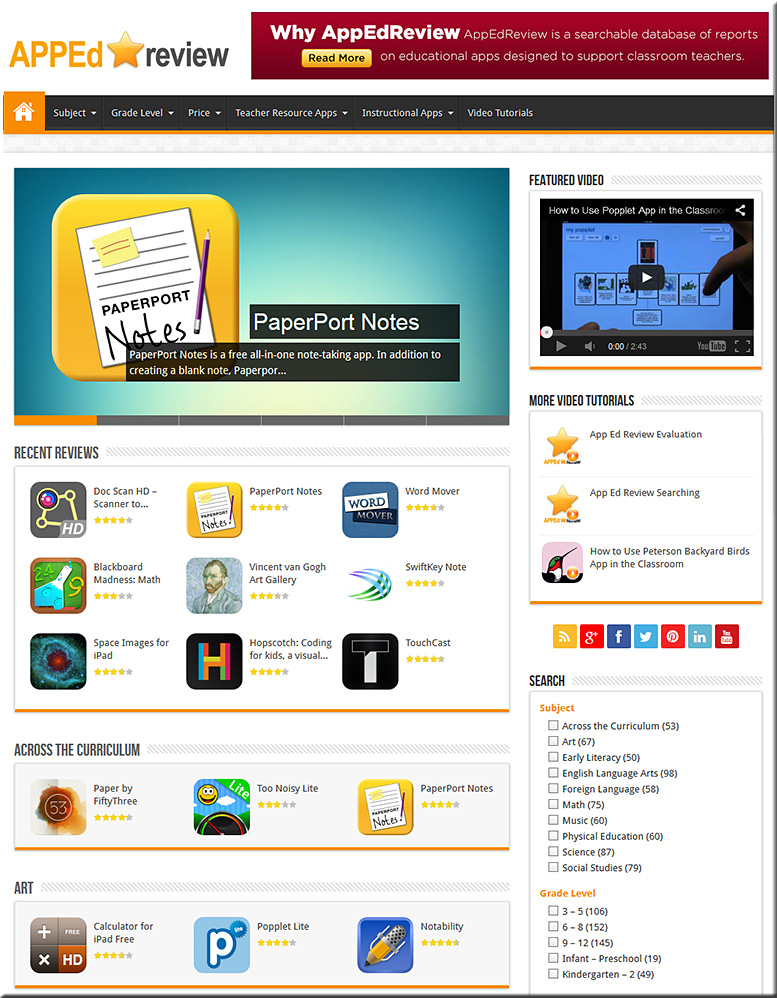
App Ed Review


APPEdReview-April2014


From the About Us page (emphasis DSC):

App Ed Review is a free searchable database of educational app reviews designed to support classroom teachers finding and using apps effectively in their teaching practice. In its database, each app review includes:

  • A brief, original description of the app;
  • A classification of the app based on its purpose;
  • Three or more ideas for how the app could be used in the classroom;
  • A comprehensive app evaluation;
  • The app’s target audience;
  • Subject areas where the app can be used; and,
  • The cost of the app.


Also see the Global Education Database:
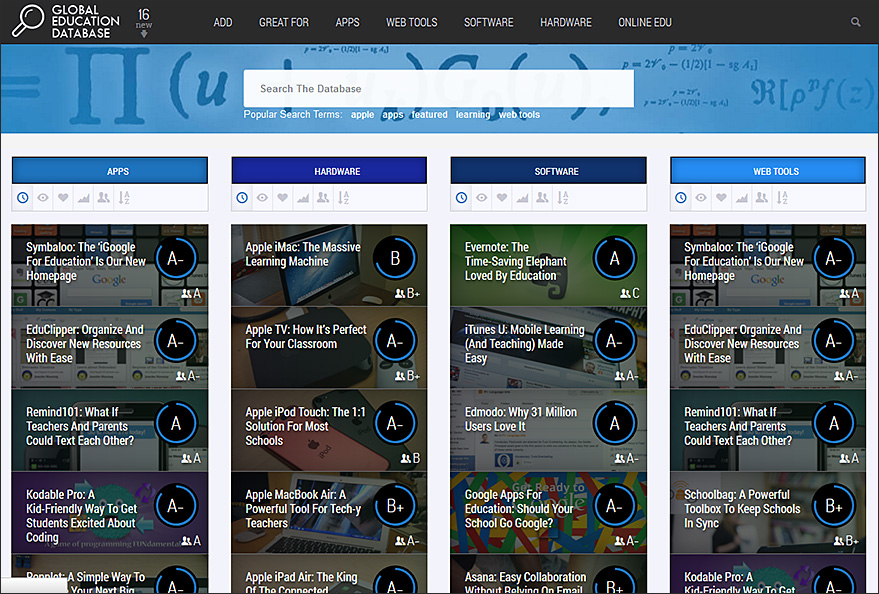
 

GlobalEducationDatabase-Feb2014


From the About Us page:

It’s our belief that digital technologies will utterly change the way education is delivered and consumed over the next decade. We also reckon that this large-scale disruption doesn’t come with an instruction manual. And we’d like GEDB to be part of the answer to that.

It’s the pulling together of a number of different ways in which all those involved in education (teachers, parents, administrators, students) can make some sense of the huge changes going on around them. So there’s consumer reviews of technologies, a forum for advice, an aggregation of the most important EdTech news and online courses for users to equip themselves with digital skills. Backed by a growing community on social media (here, here and here for starters).

It’s a fast-track to digital literacy in the education industry.

GEDB has been pulled together by California residents Jeff Dunn, co-founder of Edudemic, and Katie Dunn, the other Edudemic co-founder, and, across the Atlantic in London, Jimmy Leach, a former habitue of digital government and media circles.


Addendum:

Favorite educational iPad apps that are also on Android — from the Learning in Hand blog by Tony Vincent


Turning Technologies acquires eInstruction— from turningtechnologies.com

Excerpt:

YOUNGSTOWN, OH – August 7, 2013 – Turning Technologies and eInstruction announced today that the companies have completed a process where Turning Technologies has acquired eInstruction.  eInstruction develops educational technology, including classroom instruction systems, student response systems, interactive whiteboards and assessment software that complement Turning’s existing product portfolio which enhances learning and presentation environments.  The acquisition will further Turning Technologies’ leading market position in the response system industry, providing a greater depth of products and technologies to more market segments.


From DSC:
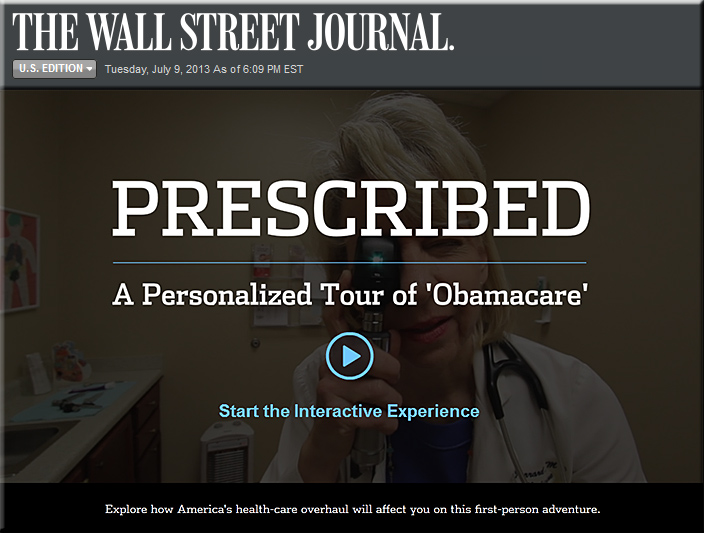
First, take a look at this interactive video from the Wall Street Journal:

.

WSJ-interactive-video-Obamacare-7-9-13


For further information on that video, you can also see:

  • ‘Obamacare’ Made Easy to Understand — from /live.wsj.com
    David Wessel discusses a new WSJ.com interactive video that helps viewers better understand the Affordable Health Care Act as well as its slate of rules and penalties.


WSJ-interactive-video-Obamacare2-7-9-13

.

From DSC:

Excellent, creative use of technology!   Lifelong learners of the world, let me hear some noise!  Your learning futures just got much more interesting, dynamic, and interactive! 

You will be given more choice and more control than you’ve ever had before. You will be able to interact with digital videos, drill down, take some rights turns and come back again, and more.

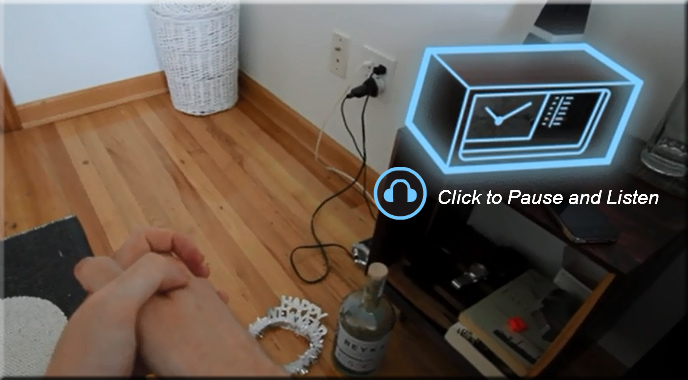
For example, during the WSJ video, you can click on the radio within the digital video in order to “drill down” and listen to more about a certain topic — while the main presentation “holds on”…


WSJ-interactive-video-Obamacare3-7-9-13


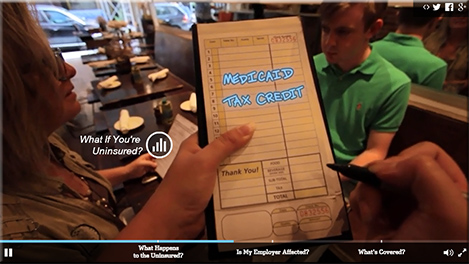
…you can jump ahead to the next marker…pause…rewind…click to get some further text-based information/details on a topic of interest:


WSJ-interactive-video-Obamacare4-7-9-13


…and more. In other words, you have more choice, more control in your learning experience. This, at minimum, is a piece of online learning’s — and digital video’s — future.

But I hear you saying, so what? Flash has been doing this for a while now.  And that, my friends, is the only downside I see in this implementation from the WSJ — it was done using Flash. 

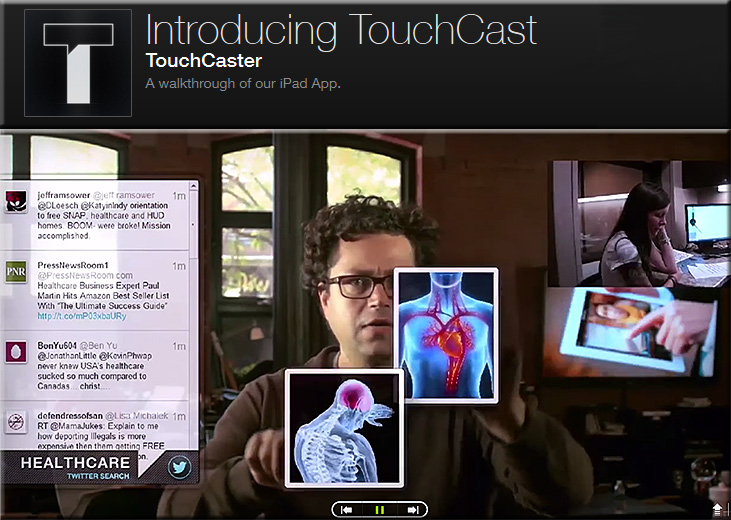
As Flash won’t fly on iOS-based devices, an HTML5-based solution needs to come into the picture…and this is where Touchcast shines!

.


Touchcast-July2013


As Paul Sawers explains, you can add interactive, browsable layers onto your video and deliver it in an HTML5-based format.


d11 730x547 TouchCast for iPad brings the future of the Web to video authoring with interactive browsable layers

.

An excerpt from Paul’s article:

Things start to get really interesting with video apps (vApps). TouchCast lets you create videos that are layered with live Web pages, video clips, maps, Twitter streams and other facets of the digital world. “We’re actually claiming that this is the future of the Web,” says Segal, TouchCasts’s CEO.

Indeed, TouchCast’s vApp library is ‘open’, so developers can create and customize their own vApps.


Bottom line:
“Digital textbooks” will never be the same again (not to mention learning modules, transmedia, ads, presentations, digital storytelling, and more)!


Also see:


Amazing career advice for college grads from LinkedIn’s billionaire founder — from businessinsider.com by Nicholas Carlson

Excerpt:

To answer those questions Hoffman and Ben Casnocha first co-authored a book called “The Start-up of You.”

Then, expanding on ideas from that book, they created a slideshow presentation for college grads called “The 3 Secrets of Highly Successful Graduates” and allowed us to republish it here.


Also see:

  • 3 steps for plotting your personal future in an uncertain world — from fastcoexist.com by Venessa Miemis
    What’s the best way to feel productive and valued at work and in life? Having a sense of where you’re going. To do that, you need to forecast your own future, and then put yourself on the path to get there.

Netflix CEO: ‘TV in the future will be like a giant iPad’ [Ligaya ]

Netflix CEO: ‘TV in the future will be like a giant iPad — from business.financialpost.com by Armina Ligaya

Excerpt (emphasis DSC):

Q: What do you think is going to happen over the next five or 10 years in internet video?

A: Well, you know, the fundamental thing is the internet has been getting faster. And now it’s video capable, which is really a last-five-years phenomenon. And, internet video will be very transformative across all societies for telemedicine, for online learning, for education. For communication of various sorts. And it brings, whether it’s person to person, or a recorded video like a movie or a TV show, to a person it will be very transformative.

And, TV in the future will be like a giant iPad. It will have a bunch of apps on it, each app will have a unique experience.

So we’re getting beyond just a stream of video, which is all broadcast technology can do, to really try to be innovative about the interaction.

.

The Living [Class] Room -- by Daniel Christian -- July 2012 -- a second device used in conjunction with a Smart/Connected TV


ClearSlide acquires SlideRocket to expand its rich presentation capabilities for sales teams — from ClearSlide.com — with special thanks going out to Mr. Cal Keen, Tech. Integration Specialist at Calvin College,  for the heads-up on these tools

Excerpt (emphasis DSC):

Founded in 2006 and with more than one million users, SlideRocket reinvented presentations by adding interactive capabilities like video, audio, rich media, and analytics in a hosted platform to elevate storytelling and deliver tangible results.

“SlideRocket has always been focused on helping teams communicate ideas more effectively,” said Chuck Dietrich, vice president and general manager, VMware. “Bringing SlideRocket’s creative presentation production capabilities to the ClearSlide platform gives our collective customers much more power through the full sales process, from content creation to closing the deal.


From DSC:
These tools might also benefit those in higher ed as well, as it’s all about the ability to craft a message using multiple kinds of media and to engage an audience with that message.  So we see here another example of tools that are helping develop/leverage digital literacy.  They also involved interactivity, analytics, and storytelling — things that those of us working within higher education (especially with hybrid and online-based learning) should be interested in.  (For those involved with K-12 and higher ed, note the need for creativity here.)


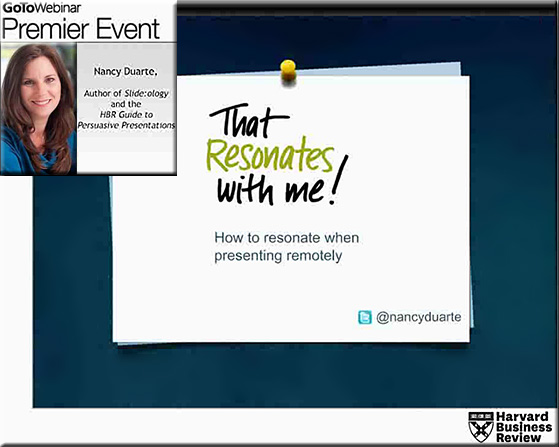
NancyDuarte-HowToPresentRemotelyFeb2013

Tagged with:  

From DSC:
As a team of us have been charged with putting together a new collaborative workspace/conference room, I’ve been thinking about some ideas for a new type of interface as well as some new types of Human Computer Interaction (HCI) to be used in group collaboration/web-based collaboration.  I was thinking it would be good to not only display files from various devices but also to be able to share files/URLs/other resources with each other.  (Some type of storage device that processes files — and scans them for viruses would be needed in addition to a large display or an interactive multitouch surface/wall.)

People within the same room could contribute files/items to a variety of “areas” — and so could others who joined in via the Internet.  Here’s what I had wanted to be able to do and I had pictured in my mind:


New-types-of-collaboration--DChristian-2-1-13


ADDITIONAL NOTES:
.

  • People could select which files/URLs/resources that they wanted to contribute
    .
  • People could select which files/URLs/resources that they wanted to download to their own devices (during and after the meeting)
    .
  • Could be powerful in the next generation of our Smart Classrooms as well as in corporate training/learning spaces
    .
  • Could be powerful in the what I’m envisioning in “Learning from the Living [Class] Room”
    .
  • Could be powerful in conference room situations
    .


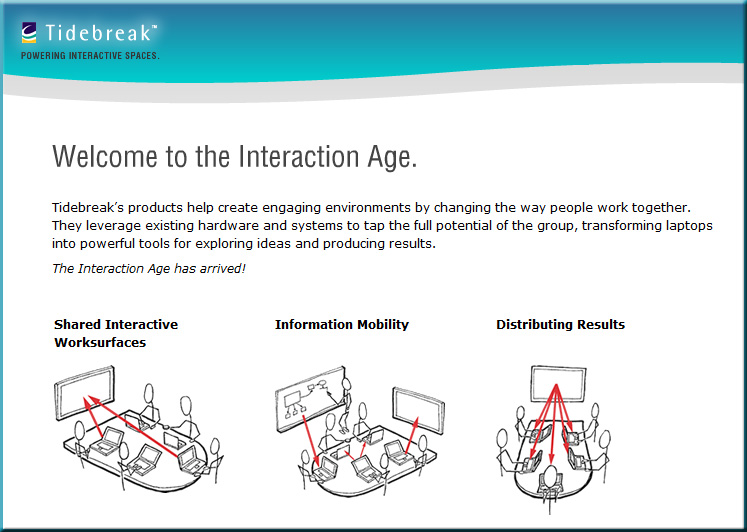
 It’s very similar to what Tidebreak has created/envisioned in their product lines.
Check out their innovative work/products/concepts!


Transforming learning spaces: 3 big ideas — from Tidebreak


Also see:


Tidebreak-Jan2013


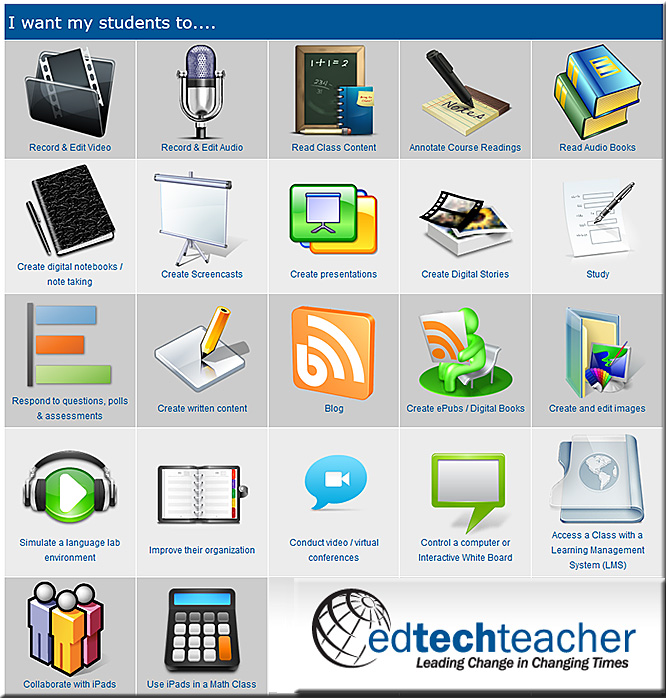
A list of all the best iPad apps teachers need ~ Educational Technology and Mobile Learning / educatorstechnology.com

Excerpt:

We have been doing a lot of  reviews of educational  mobile apps. We particularly focused on the ones that work on iPad and we tried to cover almost all the fields from digital story telling to apps to teach creativity. Our purpose is to provide teachers with a repository of apps to choose from  when trying them with their students in the classroom. Check out the categories below and click on any title to access the correspondent apps it contains. Enjoy!

10 great apps for a teacher’s new iPad — from ipadapps4school.com by Richard Byrne

iPad resources, sources & tools — from GettingSmart.com by Tom Vander Ark

edapps.ca

The iPad: A useful resource to help students with learning disabilities — from utorbright.com

Excerpt:

Story Builder
Math Bingo
Proloquo2Go
Super Duper: What Are They Thinking
Conversation Builder

To better understand how the iPad can positively impact a child’s learning experience, here is a video of a nine year-old boy named Leo who is using an iPad app called First Words. Leo has autism but he is doing exceptionally well with spelling and pairing pictures with words.

Further references mentioned:
http://www.squidoo.com/ipad-for-autism

http://www.cnn.com/2012/05/14/tech/gaming-gadgets/ipad-autism/index.html


Also see:


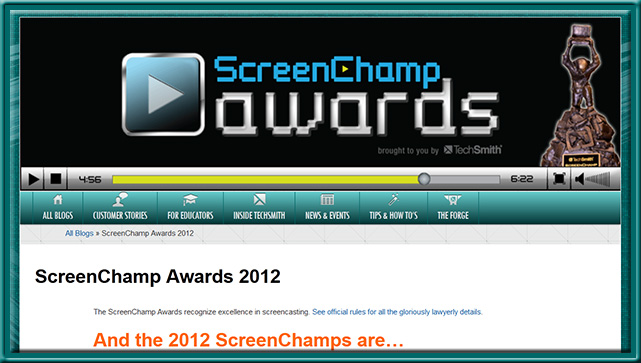
ScreenChampsAwards-Techsmith2012


Excerpt:

Description:

Enter up to three (3) screencast videos. Videos will be assigned a category based on the information you provide (so please be as detailed as possible!). Categories are: Education (videos with a focus on teaching and/or schools, at any level); Tutorial/Training (videos with a focus on training or tutorial content); Sales and Marketing (videos made to sell or persuade); and Wildcard (videos that don’t fit in the previous categories).

Transmedia Foresighting [O’Flynn]

Transmedia Foresighting - O'Flynn - July 2012


Tagged with:  

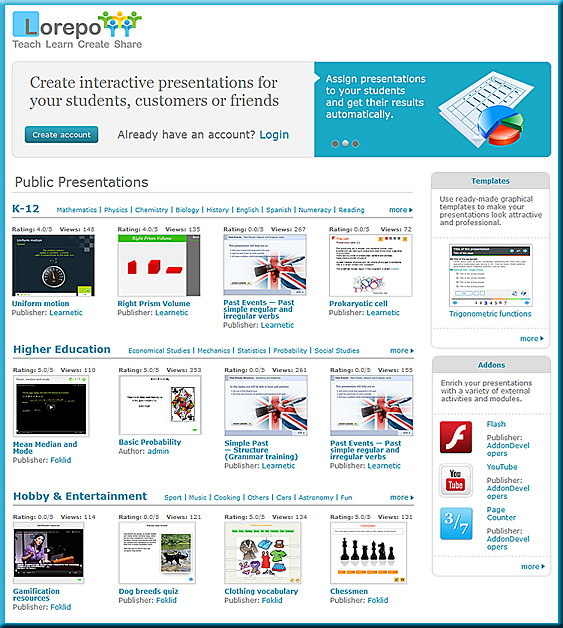
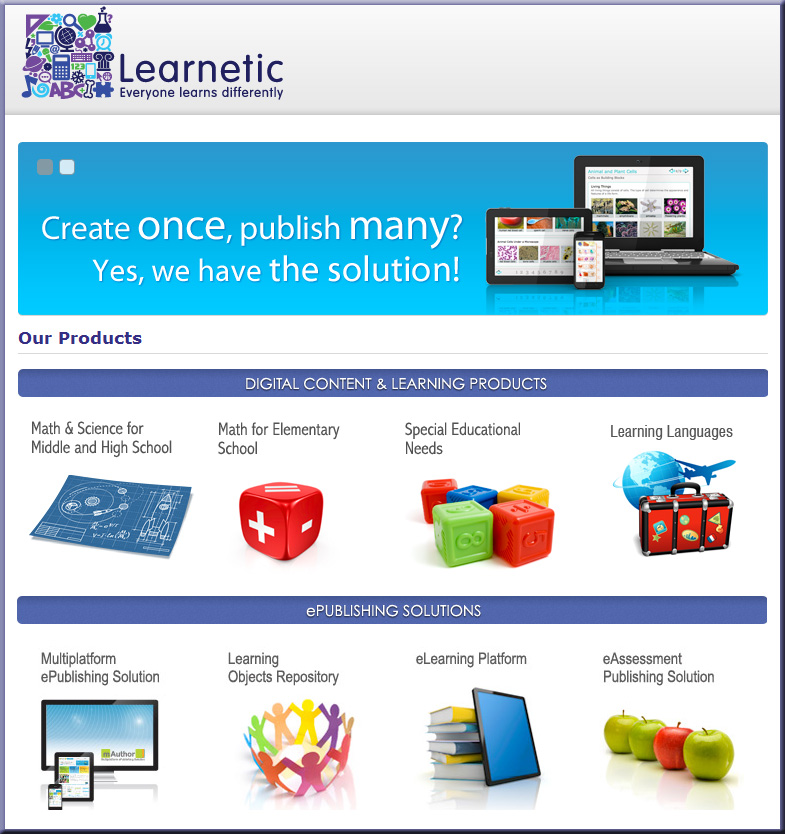
Learnetic, a Polish-based eLearning publisher and developer, has just released Lorepo — an online authoring tool dedicated to the creation of interactive digital content compatible with desktop computers, tablet devices and smart phones. Thanks to HTML5 technology and the development of specific design guidelines, the new tool enables authors to create interactive learning objects that are compatible with the wide variety of operating systems, screen resolutions and mouse/touch interfaces in today’s marketplace. Read the rest of the press release here >>


lorepo.com -- Lorepo is our key solution for everyone interested in learning, creating and sharing interactive content.

.

Lorepo is provided to you by Learnetic, an eLearning industry leader offering a wide range of products and services for modern education. Lorepo is our key solution for everyone interested in learning, creating and sharing interactive content.

Either you are an individual person willing to share some knowledge with your friends or the whole world, a teacher eager to provide your students with personalized learning resources or a publishing company aiming at preparing professional, multiplatform interactive content, Lorepo is the best choice for you.

.

Also see:


learnetic.com-  Learnetic S.A. is a world-leading educational software publisher and e-learning technology provider,


.Learnetic S.A. is a world-leading educational software publisher and e-learning technology provider, based in Poland. Its content, publishing tools and eLearning platforms are widely used by publishers, teachers and students in over 30 countries, including Poland, United States, United Kingdom, Holland, Spain, Portugal, Malaysia, Singapore, Chile, and Australia. The company’s talented team of software engineers specializes in designing applications for education markets and is dedicated to satisfying the diverse needs of contemporary educators and learners.

© 2025 | Daniel Christian