8ninths Develops “Holographic Workstation”™ for Citi Traders using Microsoft HoloLens — from 8ninths.com

Excerpt:

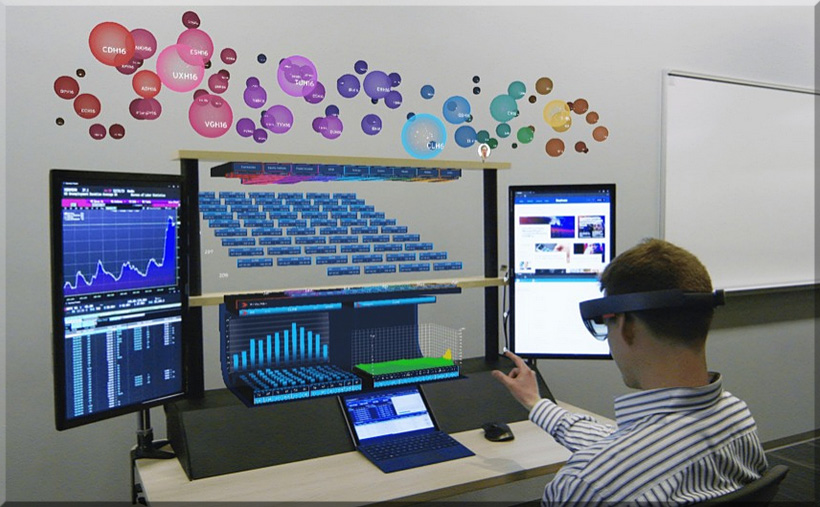
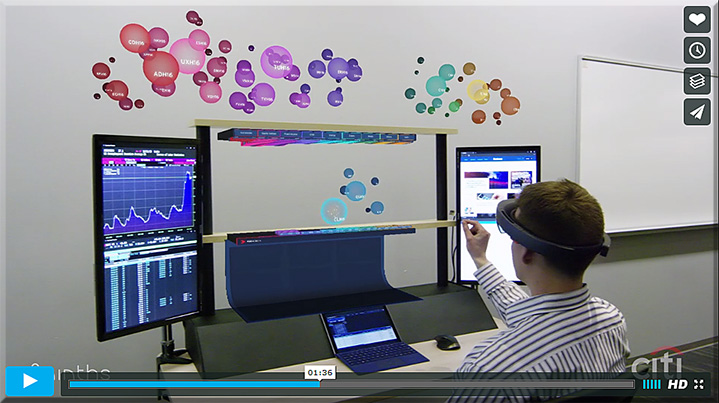
San Francisco – March 30, 2016 – 8ninths was named today by Microsoft Corporation as one of seven companies chosen for the Microsoft HoloLens Agency Readiness Program, and will showcase their “Holographic Workstation”™ prototype, designed and engineered for Citi, this week at Microsoft Build 2016. The Holographic Workstation™ increases efficiency by using the Microsoft HoloLens platform to create 3D holograms of real-time financial data. A three-tiered system of dynamically updated and interactive information enables traders to view, process, and interact with large amounts of abstract data in a combined 3D and 2D environment. The physical workstation integrates tablet screen space, 3D holographic docking space, keyboard, mouse, gaze, gesture, voice input, and existing Citi devices and workflows.


Hololens-VR-Workstation-March2016


8ninths-march2016-main


8ninths-march2016


HoloLens could get into finance with this VR workstation — from mashable.com by Lance Ulanoff

Excerpt:

8Ninths Cofounder and CEO Adam Sheppard told me they looked at the pain points of existing workstations and then drew inspiration from how, for example, they’d seen Microsoft and NASA solve 3D problems by embedding information in 2D and real environments.

The result is 8ninths’ Holographic Workstation, which was announced Wednesday at Microsoft’s Build 2016 developers conference. It’s a true blend of the real world (a physical day trader desk with a pair of real screens and a Surface Pro 4 in the middle) and a host of live, financial visualizations spread above the physical desk, including a cloud-like work area floating above the top shelf.


Also see the Vimeo video on this:


8ninths-march2016-vimeo


Microsoft HoloLens used as the basis for a cool holographic stock trading workstation — from windowscentral.com by John Callaham


\


The promise of virtual reality in higher education — from er.educause.edu by Bryan Sinclair and Glenn Gunhouse

Excerpt:

Just as hypertext, digital publishing, and other digital media have transformed the ways in which we engage with documents and collections, the technologies surrounding virtual reality (VR) may ultimately transform the ways in which we teach, learn, engage with each other, and experience the world writ large. In a not-too-distant future, as VR technologies advance at a steady pace and become embedded in our lives, we may one day look back with a sense of amazement at students once bound to a physical classroom, campus setting, locale, or even place in time.

VR may be seen as the next logical extension of cyberspace.


Five ways virtual reality is reshaping industries — from by Daniel Terdiman
Gaming is only the beginning.

Excerpt:

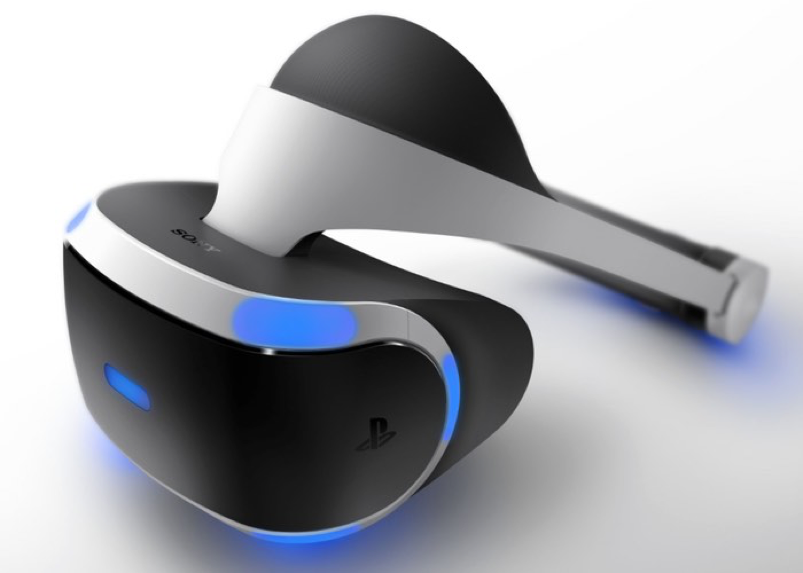
It’s rare that a consumer technology is a giant leap forward rather than the next iterative step. Virtual reality represents just that kind of leap. With the spring launch of the Oculus Rift and HTC Vive, as well as the imminent release of Sony’s PlayStation VR, high-end virtual reality has arrived. Add to that lower-end headsets like Samsung’s Gear VR, Google’s Cardboard, and many other players and it’s clear that 2016 is the year the technology goes mainstream. While none of the hardware makers are promising to sell millions of units this year, estimates peg the VR market—hardware and content—at $30 billion by 2020. It’s not just gaming and entertainment that are poised for transformation. Here are some of the most interesting—and potentially lucrative—ways VR is being deployed.


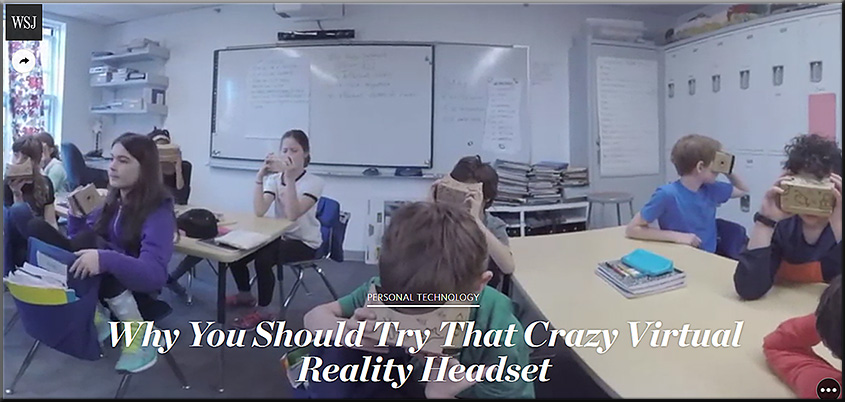
Why you should try that crazy virtual reality headset — from wsj.com by Joanna Stern
VR isn’t just for gamers—take a journey through the virtual experiences that will make the real world better

Excerpt:

You’re going to own a virtual reality headset one day.

Yes, you’re going to put those funny-looking goggles on your face and your eyes won’t be rolling at me like they are right now.

I’ve been there. My interest in gaming stops at Monopoly. The promise of virtual reality meant little more to me than a funny photo opp.

But the buzz! It’s the future, they say! So I went on a journey to find virtual reality’s practical uses.

You can take a class of fifth-graders across the world without needing permission slips. You can inspect the countertops in that dream house you’ve been eyeing. You can feel your heart pound as you practice your big speech in front of a room of people who aren’t actually there.


WhyTryCrazyVRHeadset-WSJ-March2016


John Carmack calls ‘Minecraft’ for Gear VR ‘the best thing’ on Oculus — from uploadvr.com by Ian Tingen

Excerpt:

After a hands-on with Minecraft VR – an in-development title for the Samsung Gear VR – Oculus CTO John Carmack gave a speech where he proclaimed Minecraft VR to be, “the best thing to come out on Oculus…Not just for the Gear VR but everything”.


Virtual reality headsets are roaring in 2016 : What’s your pick? — from unimersiv.com by Sanjay Bojan

Excerpt:

In 2016, although still in their infant stages, VR headsets are advancing thick and fast. On that note, here is a selection of the best VR headsets you could buy at the moment.


How virtual reality will democratize learning — from readwrite.com by Jacob Tempchin

Excerpt:

Still, I am confident that virtual reality will revolutionize how we learn, and the reason is simple. Virtual reality is not just a technology, it’s a medium. And I’ve seen how powerful that medium can be.


Jaunt’s ‘cinematic VR’ tech will take you around the world — from engadget.com by Mariella Moon
First stop: Machu Picchu.


Addendum on 3/25/16:


App to the Future | Entering the Age of TV Apps — from blog.kaltura.com

Excerpt:

We’re just starting to see the potential for TV apps. Now that half of US internet homes own a connected TV device (an overall trend you can see worldwide), the potential is enormous.

TV Apps today are much like mobile apps 8 years ago. It shows promise, but the best is yet to come. At their core, TV apps are about a better user experience. The big screen offers a better way to browse through massive video libraries and to watch HD video.


From DSC:

TV Apps today are much like mobile apps 8 years ago.
It shows promise, but the best is yet to come.


I couldn’t agree more.

 
The Living [Class] Room -- by Daniel Christian -- July 2012 -- a second device used in conjunction with a Smart/Connected TV


Key point from DSC:
Digitally-based means of learning are going to skyrocket!!! Far more than what we’ve seen so far!  There are several trends that are occurring to make this so.


As background here, some of the keywords and phrases that are relevant to this posting include:

  • Wireless content sharing
  • Wireless collaboration solutions
  • Active learning based classrooms
  • Conference rooms
  • Bring Your Own Device (BYOD)
  • Enterprise wireless display solutions
  • Enterprise collaboration solutions
  • Cross platform support: iOS, Android, Windows
  • Personalized learning
  • Learning analytics

Some of the relevant products in this area include:

  • Bluescape
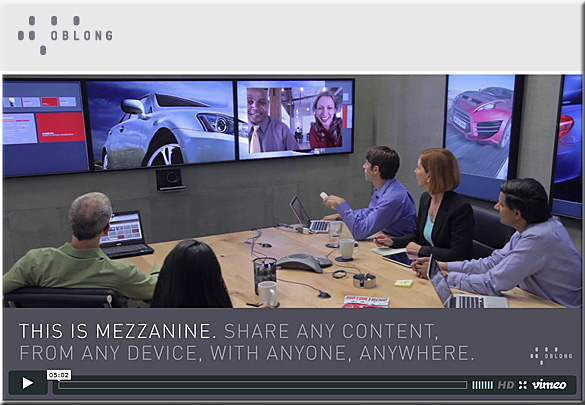
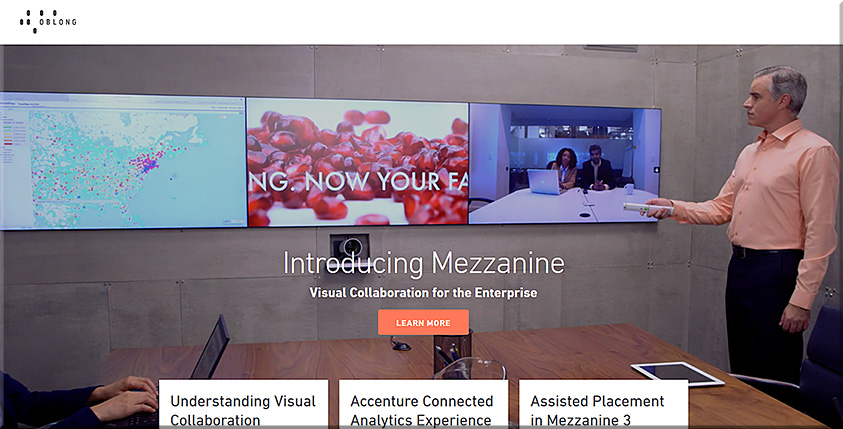
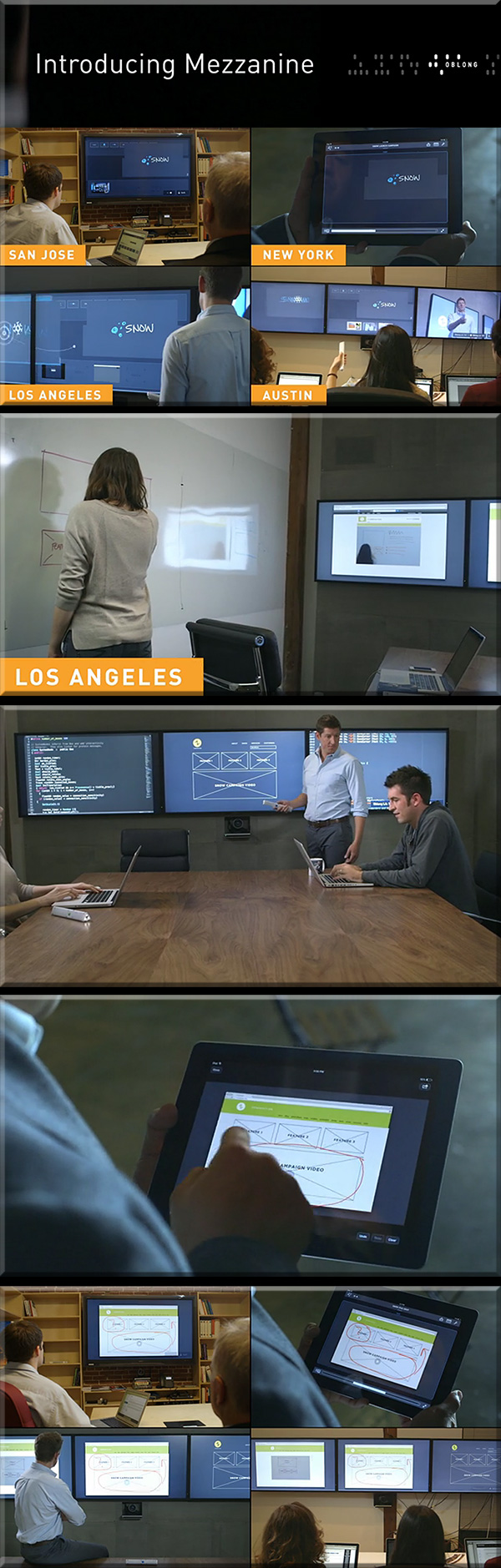
  • Mezzanine from Oblong Industries
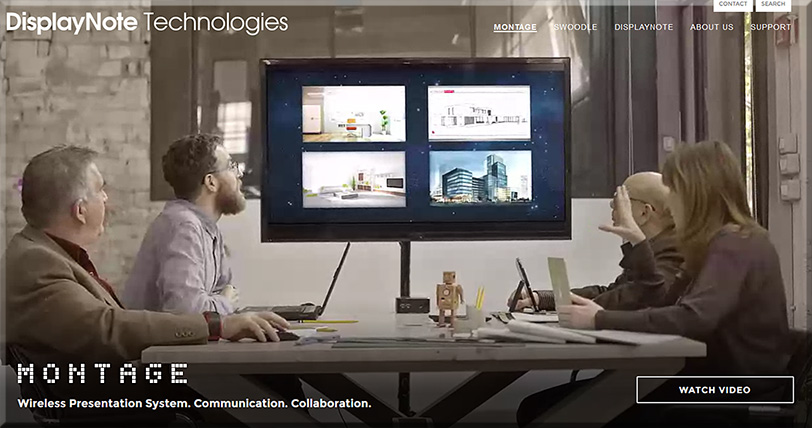
  • Montage from DisplayNote Technologies
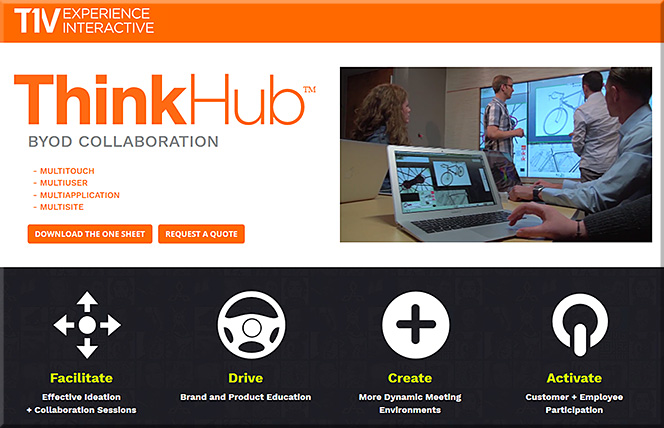
  • ThinkHub and ViewHub from T1V
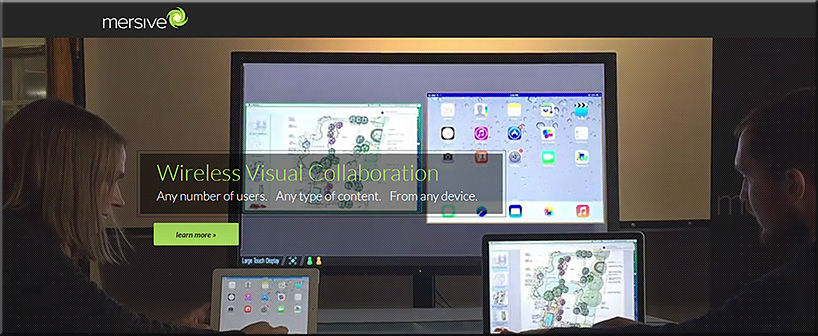
  • Mersive Solstice
  • Crestron AirMedia
  • Barco Clickshare
  • Haworth Workware Wireless
  • Christi Brio
  • AMX enzo
  • NovoConnect from Vivitek
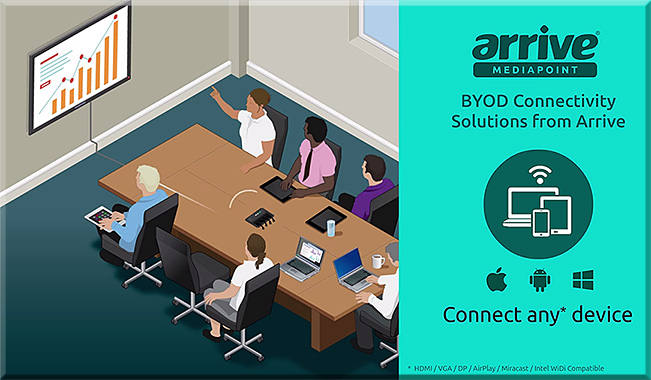
  • Arrive MediaPoint
  • Apple TV
  • Chromecast

From DSC:

First of all, consider the following products and the functionalities they offer.

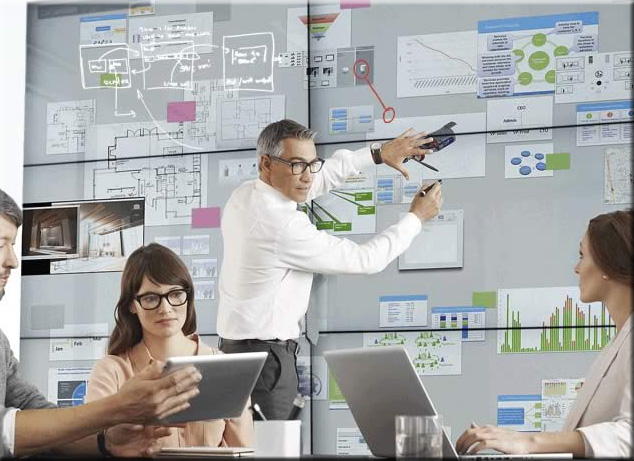
People who are in the same physical space can collaborate with people from all over the world — no matter if they are at home, in another office, on the road, etc.

For several of these products, remote employees/consultants/trainers/learners can contribute content to the discussions, just like someone in the same physical location can.
 

Bluescape-March2016


BlueScape-2015


Mezzanine-from-Oblong-May2013

Mezzanine-By-Oblong-Jan2016


mezzanine-feb-2015


ThinkHub-March2016


mersive-March2016

Montage-March2016

ArriveMediaPoint-March2016


From DSC:

Many of these sorts of systems & software are aimed at helping people collaborate — again, regardless of where they are located. Remote learners/content contributors are working in tandem with a group of people in the same physical location. If this is true in business, why can’t it be true in the world of education?

So keep that in mind, as I’m now going to add on a few other thoughts and trends that build upon these sorts of digitally-based means of collaborating.

Q: Towards that end…ask yourself, what do the following trends and items have in common?

  • The desire to capture and analyze learner data to maximize learning
  • Colleges’ and universities’ need to increase productivity (which is also true in the corporate & K-12 worlds)
  • The trend towards implementing more active learning-based environments
  • The increasing use of leveraging students’ devices for their learning (i.e., the BYOD phenomenon)
  • The continued growth and increasing sophistication of algorithms

A: All of these things may cause digitally-based means of learning to skyrocket!!!

To wrap up this line of thought, below are some excerpts from recent articles that illustrate what I’m trying to get at here.


Embrace the Power of Data
A continuous improvement mindset is important. Back-end learning analytics, for example, can reveal where large numbers of students are struggling, and may provide insights into questions that require new feedback or content areas that need more development. Data can also highlight how students are interacting with the content and illuminate things that are working well—students’ lightbulb moments.

Five Principles for Your Learning Design Toolkit
from edsurge.com by Amanda Newlin


Mitchell gave the example of flight simulators, which not only provide students with a way to engage in the activity that they want to learn, but also have data systems that monitor students’ learning over time, providing them with structured feedback at just the right moment. This sort of data-centric assessment of learning is happening in more and more disciplines — and that opens the door to more innovation, he argued.

A promising example, said Thille, is the use of educational technology to create personalized and adaptive instruction. As students interact with adaptive technology, the system collects large amounts of data, models those data, and then makes predictions about each student based on their interactions, she explained. Those predictions are then used for pedagogical decision-making — either feeding information back into the system to give the student a personalized learning path, or providing insights to faculty to help them give students individualized support.

“We need the models and the data to be open, transparent, peer-reviewable and subject to academic scrutiny.”

“We began to actually examine what we could do differently — based not upon hunches and traditions, but upon what the data told us the problems were for the students we enroll,” said Renick. “We made a commitment not to raise our graduation rate through getting better students, but through getting better — and that gain meant looking in the mirror and making some significant changes.”

A 21st-century learning culture starts with digital content. In 2010, Jackson State University was looking for ways that technology could better address the needs of today’s learner. “We put together what we call our cyberlearning ecosystem,” said Robert Blaine, dean of undergraduate studies and cyberlearning. “What that means is that we’re building a 21st-century learning culture for all of our students, writ large across campus.” At the core of that ecosystem is digital content, delivered via university-supplied iPads.

7 Things Higher Education Innovators Want You to Know
from campustechnology.com by Rhea Kelly


On Bennett’s wish list right now is an application that allows students to give feedback at specific points of the videos that they’re watching at home. This would help him pinpoint and fix any “problem” areas (e.g. insufficient instructions for difficult topics/tasks) and easily see where students are experiencing the most difficulties.

TechSmith’s now-retired “Ask3” video platform, for example, would have done the trick. It allowed users to watch a video and ask text-based questions at the point where playback was stopped. “I’d like to be able to look at my content and say, ‘Here’s a spot where there are a lot of questions and confusion,'” said Bennett, who also sees potential in an “I get it” button that would allow students to hit the button when everything clicks. “That would indicate the minimum viable video that I’d need to produce.” Learning Catalytics offers a similar product at a fee, Bennett said, “but I can’t charge my students $20 a year to use it.”

6 Flipped Learning Technologies To Watch in 2016
from thejournal.com by Bridget McCrea


All of these trends lend themselves to causing a major increase in the amount of learning that occurs via digitally-based means and methods.


What are the learning-related ramifications of technologies that provide virtual personal assistants? [Christian]

Everything Siri can do for you and your Apple TV — from imore.com by Lory Gill

Excerpt:

When you ask Siri what it can search for, it will respond, “I can search by title, people (actor, director, character name, guest star, producer, or writer), ratings (like PG or TV-G), reviews (such as best or worst), dates (like 2012 or the 80s), age (like kid-friendly or teen), seasons, episodes, and studio. And of course, I can search by genre.”

But, what else can Siri do?

Siri has a fairly robust search feature with multi-layer filtering.

While you are watching a movie or TV show, or listening to music, you can get a little extra help from Siri. It’s like having a buddy sitting next to you — but they don’t shush you when you ask a question.

You can search for content in the Music app on Apple TV by artist, album, or song title. With a little know-how, you can also turn Siri into your personal deejay.

While you may normally look to your smartphone for your weather predictions, Siri can be just as helpful about the conditions around the world as your local weatherman or app. All you have to do is ask.


From DSC:
Following this trajectory out a bit into the future — and in light of significant developments that continue to occur with artificial intelligence, the development and use of algorithms, the potential use of web-based learner profiles (think LinkedIn.com/Lynda.com, MOOCs, the use of nanodegrees), second screen-based apps, and the like — one has to wonder:

“What are the ramifications of this for learning-related applications?!”


The Living [Class] Room -- by Daniel Christian -- July 2012 -- a second device used in conjunction with a Smart/Connected TV


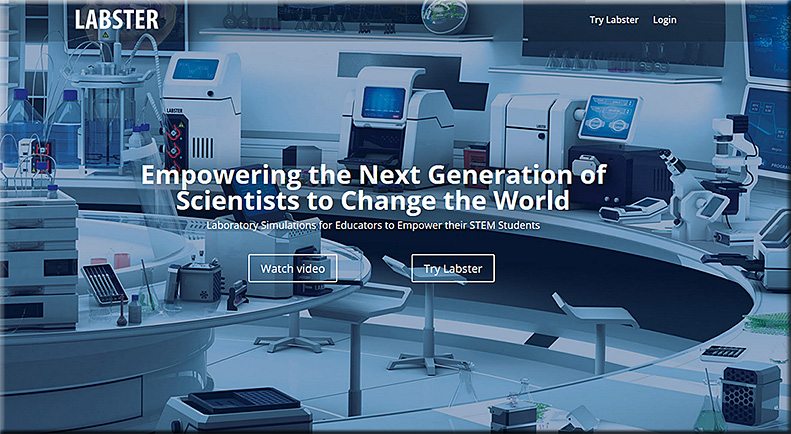
Labster: Empowering the Next Generation of Scientists to Change the World
Laboratory Simulations for Educators to Empower their STEM Students

From DSC:
I recently met Maaroof Fakhri at the Next Generation Learning Spaces Conference. It was a pleasure to meet him and hear him speak of the work they are doing at Labster (which is located in Denmark). He is very innovative, and he shines forth with a high degree of energy, creativity, and innovation.

Keep an eye on the work they are doing. Very sharp.


labster-march2016


Also see:


activelearning-labster-dec2015


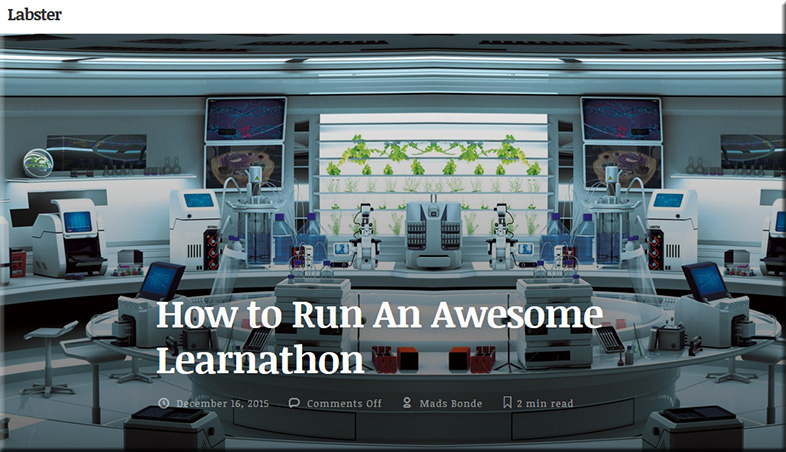
learnathon


Learnathons, on the other hand are optimized sessions that teach participants how to apply what they learn as soon as possible. They are on the opposite end of how classroom teaching is organized, with lessons spread out over the course of a semester focusing on theory and weekly practice. They are a fairly new concept, but have created an environment for learning that is speeding up comprehension and application to levels that aren’t seen elsewhere.


Addendum on 3/16/16:

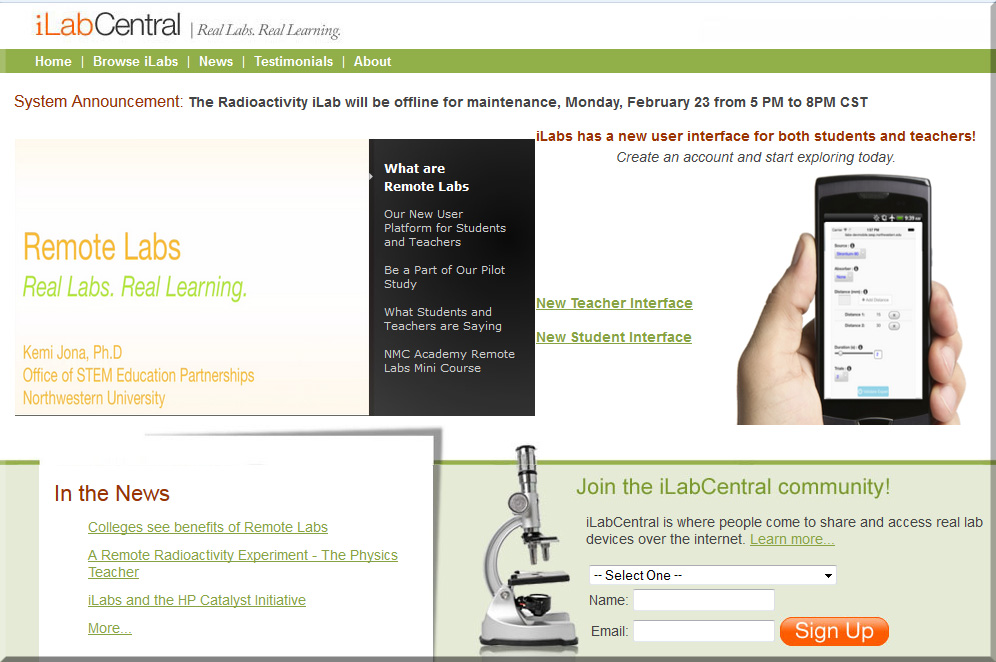
What are Remote Labs? <– from ilabcentral.org

Making high school science labs more real, more engaging, and more accessible
Remote Online laboratories (iLabs) are experimental facilities that can be accessed through the Internet, allowing students and educators to carry out experiments from anywhere at any time.


iLabCentral-march2016


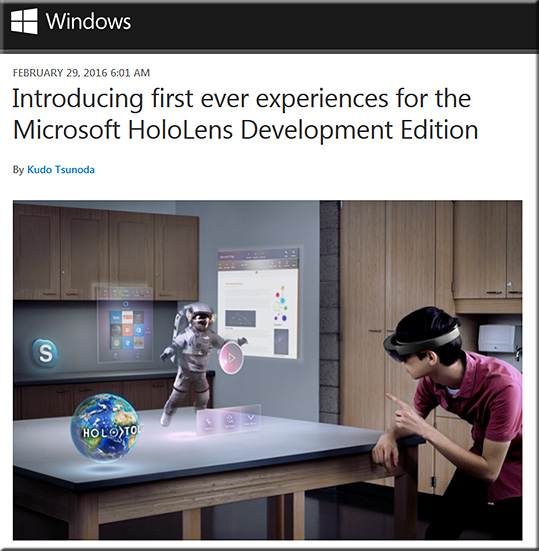
MicrosoftHololensDevelopmentKit-March2016


Introducing first ever experiences for the Microsoft HoloLens Development Edition — from blogs.windows.com by Kudo Tsunoda

Excerpt:

I am super excited about today’s announcement that the Microsoft HoloLens Development Edition is available for pre-order. We set out on a mission to deliver the world’s first untethered holographic computer and it is amazing to finally be at this point in time where developers will be receiving the very first versions so they can start building their own holographic experiences.

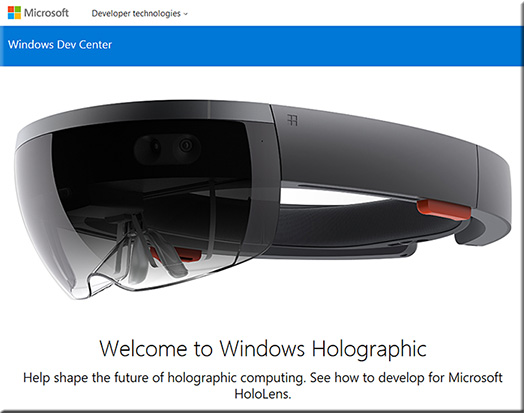
With HoloLens, we are committed to providing the development community with the best experience possible. In order to help get developers started creating experiences for HoloLens, we’ve provided a number of great resources. First of all, there is a complete set of documentation provided to developers both by the people who have created the platform and by the people who have been building holographic experiences. We want to share all of our holographic knowledge with developers so they can start bringing their holographic dreams to reality as easily as possible. We have also provided a host of tutorial videos to help people along. All of the documentation and videos can be found at dev.windows.com/holographic.


MicrosoftHololensDevelopmentKit2-March2016


From DSC:
Don’t rule out tvOS for some powerful learning experiences / new affordances.  The convergence of the television, the telephone, and the computer continues…and is now coming into your home. Trainers, faculty members, teachers, developers, and others will want to keep an eye on this space. The opportunities are enormous, especially as second screen-based apps and new forms of human computer interfaces (HCI) unfold.

The following items come to my mind:

Online-based communities of practice. Virtual reality, virtual tutoring. Intelligent systems. Artificial intelligence. Global learning. 24×7, lifelong learning. Career development. Flipping the classroom. Homeschooling.  Learning hubs. Online learning. Virtual schools. Webinars on steroids.

With the reach of these powerful technologies (that continue to develop), I would recommend trying to stay informed on what’s happening in the world of tvOS-based apps in the future. Towards that end, below are some items that might help.


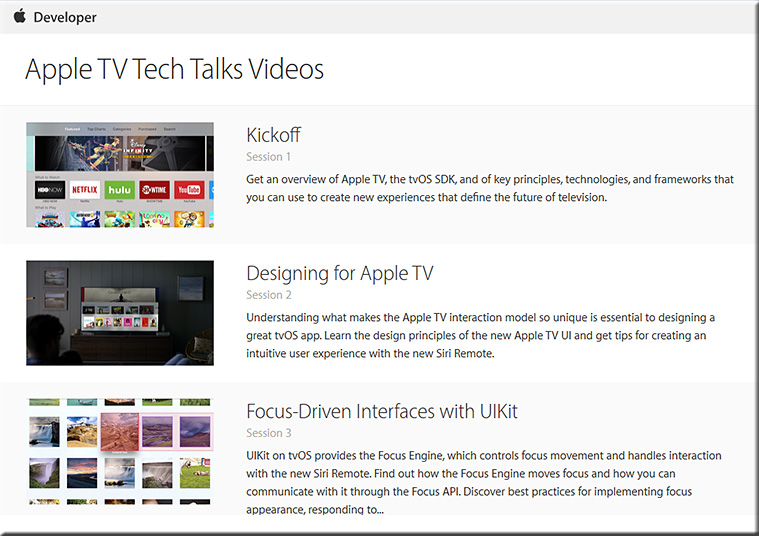
techtalk-apple-feb2016


Apple releases Apple TV Tech Talks video series for building better tvOS apps — by AppleInsider Staff

Excerpt:

Apple on Wednesday released to developers a series of videos focusing on Apple TV and its tvOS operating system, offering a detailed look at the underlying SDK, resources and best practices associated with coding for the platform.


Also see:


TVTechTalk-fe3b2016


Addendum on 2/26/16:

  • Apple Adds Multiple New App Categories to tvOS App Store — from macrumors.com by Juli Clover
    Excerpt:
    [On 2/25/16] Apple updated the tvOS App Store to add several new app categories to make it easier for Apple TV 4 owners to find content on their devices. As outlined by AfterPad, a site that showcases Apple TV apps, the new categories are rolling out to Apple TV users and may not be available to everyone just yet. Some users may only see the new categories under Purchased Apps until the rollout is complete.


How Google is reimagining books — from fastcodesign.com by Meg Miller
Editions at Play” sees designers and authors working simultaneously to build a new type of e-book from the ground up.

Excerpt:

The first sign that Reif Larsen’s Entrances & Exits is not a typical e-book comes at the table of contents, which is just a list of chapters titled “Location Unknown.” Click on one of them, and you’ll be transported to a location (unknown) inside Google Street View, facing a door. Choose to enter the house and that’s where the narrative, a sort of choose-your-own-adventure string of vignettes, begins. As the book’s description reads, it’s a “Borgeian love story” that “seamlessly spans the globe” and it represents a fresh approach to the book publishing industry.

Larsen’s book is one of the inaugural titles from Editions at Play, a joint e-books publishing venture between Google Creative Lab Sydney and the design-driven publishing house Visual Editions, which launched this week. With the mission of reimagining what an e-book can be, Editions at Play brings together the author, developers, and designers to work simultaneously on building a story from the ground up. They are the opposite of the usual physical-turned-digital-books; rather, they’re books that “cannot be printed.”


From DSC:
Interesting to note the use of teams of specialists here…


Winner revealed for Microsoft’s HoloLens App Competition — from vrfocus.com by Peter Graham

Excerpt:

Out of the thousands of ideas entered, Airquarium, Grab the Idol and Galaxy Explorer were the three that made it through. Out of those the eventual winner was Galaxy Explorer with a total of 58 per cent of the votes. The app aims to give users the ability to wander the Milky Way and learn about our galaxy. Navigating through the stars and landing on the myriad of planets that are out there.


Also see:

Virtual Reality in 2016: What to expect from Google, Facebook, HTC and others in 2016 — from tech.firstpost.com by Naina Khedekar

Excerpt:

Many companies have made their intentions for virtual reality clear. Let’s see what they are up to in 2016.


Also see:


Somewhat related, but in the AR space:

Except:
Augmented reality(AR) has continued to gain momentum in the educational landscape over the past couple of years. These educators featured below have dove in head first using AR in their classrooms and schools. They continue to share excellent resources to help educators see how augmented reality can engage students and deepen understanding.


Intel launches x-ray-like glasses that allow wearers to ‘see inside’ objects — from theguardian.com by
Smart augmented reality helmet allows wearers to overlay maps, schematics and thermal images to effectively see through walls, pipes and other solid objects

Excerpt:

Unlike devices such as HoloLens or Google Glass, which have been marketed as consumer devices, the Daqri Smart Helmet is designed with industrial use in mind. It will allow the wearer to effectively peer into the workings of objects using real-time overlay of information, such as wiring diagrams, schematics and problem areas that need fixing.


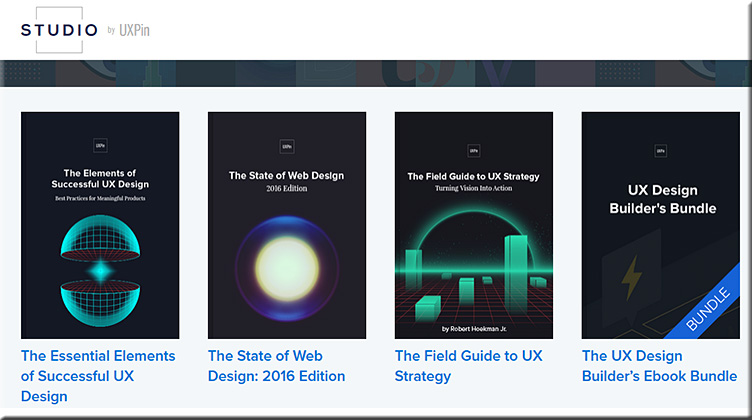
Top 20 User Experience Blogs and Resources of 2015 — from usabilitygeek.com by Matt Ellis

Example resources from that posting:


ux-design-feb2016


ux-design2-feb2016


ux-design3-feb2016

BONUS: 15 Honorable Mentions

The following is a list of other excellent user experience blogs that did not make it in this list but are so good that they are still worth a mention. So please be sure to check them out as well!


From DSC:
Though I’m sure this list is missing many talented folks and firms, it’s a great place to start learning about user experience design, interface design, interaction design, prototyping, and usability testing.


From DSC:
Currently, you can add interactivity to your digital videos. For example, several tools allow you to do this, such as:

So I wonder…what might interactivity look like in the near future when we’re talking about viewing things in immersive virtual reality (VR)-based situations?  When we’re talking about videos made using cameras that can provide 360 degrees worth of coverage, how are we going to interact with/drive/maneuver around such videos? What types of gestures and/or input devices, hardware, and software are we going to be using to do so? 

What new forms of elearning/training/education will we have at our disposal? How will such developments impact instructional design/designers? Interaction designers? User experience designers? User interface designers? Digital storytellers?

Hmmm…

The forecast?  High engagement, interesting times ahead.

Also see:

  • Interactive video is about to get disruptive — from kineo.com by James Cory-Wright
    Excerpt:
    Seamless and immersive because it all happens within the video
    We can now have embedded hotspots (motion tags) that move within the video; we can use branching within the video to change the storyline depending on the decisions you make; we can show consequences of making that decision; we can add video within video to share expert views, link directly to other rich media or gather real-time data via social media tools – all without leaving the actual video. A seamless experience.
    .
  • Endless learning: Virtual reality in the classroom — from pixelkin.org by David Jagneaux
    Excerpt:
    What if you could be part of the audience for Martin Luther King Jr.’s riveting “I Have a Dream” speech? What if you could stand in a chemistry lab and experiment without any risk of harm or danger? What if you could walk the earth millions of years ago and watch dinosaurs? With virtual reality technology, these situations could become real. Virtual reality (VR) is a hot topic in today’s game industry, but games are only one aspect of the technology. I’ve had fun putting  on a headset and shooting  down ships in outer space. But VR also has the potential to enhance education in classrooms.
    .
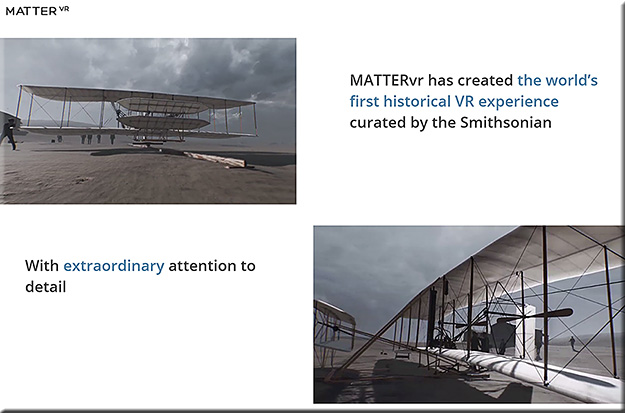
  • Matter VR


MatterVR-Jan2016


Holograms are coming to a high street near you — from telegraph.co.uk by Rebecca Burn-Callander
Can you tell what’s real and what’s not?

Excerpt:

Completely realistic holograms, that will be generated when you pass a sensor, are coming to the high street.

Some will be used to advertise, others will have the ability to interact with you, and show you information. In shops, when you find a shirt you like, the technology is now here to bring up a virtual clothes rail showing you that same shirt in a variety of colours, and even tell you which ones are in stock, all using the same jaw-dropping imaging we have previously only experienced wearing 3D glasses at the cinema.

Holograms, augmented reality – which superimposes technology over the real world – and virtual reality (VR), its totally immersive counterpart, are tipped to be the hot trends in retail next year. Pioneers of the technology are set to find increasingly entertaining, useful and commercially viable ways of using it to tempt people into bricks-and-mortar stores, and fight back against the rise of online shopping.


WaveOptics’ technology could bring physical objects, such as books, to life in new ways


Completely realistic holograms, that will be generated when you pass a sensor, are coming to the high street.


From DSC:
What might our learning spaces offer us in the not-too-distant future when:

  • Sensors are built into most of our wearable devices?
  • Our BYOD-based devices serve as beacons that use machine-to-machine communications?
  • When artificial intelligence (AI) gets integrated into our learning spaces?
  • When the Internet of Things (IoT) trend continues to pick up steam?

Below are a few thoughts/ideas on what might be possible.

A faculty member walks into a learning space, the sensors/beacons communicate with each other, and the sections of lights are turned down to certain levels while the main display is turned on and goes to a certain site (the latter part occurred because the beacons had already authenticated the professor and had logged him or her into the appropriate systems in the background). Personalized settings per faculty member.

A student walks over to Makerspace #1 and receives a hologram that relays some 30,000-foot level instructions on what the initial problem to be solved is about. This has been done using the student’s web-based learner profile — whereby the sensors/beacons communicate who the student is as well as some basic information about what that particular student is interested in. The problem presented takes these things into consideration. (Think IBM Watson, with the focus being able to be directed towards each student.) The student’s interest is piqued, the problem gets their attention, and the stage is set for longer lasting learning. Personalized experiences per student that tap into their passions and their curiosities.

The ramifications of the Internet of Things (IoT) will likely involve the classroom at some point.  At least I hope they do. Granted, the security concerns are there, but the IoT wave likely won’t be stopped by security-related concerns. Vendors will find ways to address them, hackers will counter-punch, and the security-related wars will simply move/expand to new ground. But the wave won’t be stopped.

So when we talk about “classrooms of the future,” let’s think bigger than we have been thinking.


ThinkBiggerYet-DanielChristian-August282013


Also see:

What does the Internet of Things mean for meetings? — from meetingsnet.stfi.re by Betsy Bair

Excerpt:

The IoT has major implications for our everyday lives at home, as well as in medicine, retail, offices, factories, worksites, cities, or any structure or facility where people meet and interact.

The first application for meetings is the facility where you meet: doors, carpet, lighting, can all be connected to the Internet through sensors. You can begin to track where people are going, but it’s much more granular.

Potentially you can walk into a meeting space, it knows it’s you, it knows what you like, so your experience can be customized and personalized.

Right now beacons are fairly dumb, but Google and Apple are working on frameworks, building operating systems, that allow beacons to talk to each other.


Addendum on 1/14/16:

  • Huddle Space Products & Trends for 2016 — from avnetwork.com by Cindy Davis
    Excerpt:
    “The concept is that you should be able to walk into these rooms, and instead of being left with a black display, maybe a cable on the table, or maybe nothing, and not know what’s going on; what if when you walked into the room, the display was on, and it showed you what meeting room it was, who had the meeting room scheduled, and is it free, can just walk in and I use it, or maybe I am in the wrong room? Let’s put the relevant information up there, and let’s also put up the information on how to connect. Although there’s an HDMI cable at the table, here’s the wireless information to connect.
 

From DSC:
Listed below are some potential tools/solutions regarding bringing in remote students and/or employees into face-to-face settings.

First of all, why pursue this idea/approach at all?

Because schools, colleges, universities, and businesses are already going through the efforts — and devoting the resources — to putting courses together and offering the courses in face-to-face settings.  So why not create new and additional revenue streams to the organization while also spreading the sphere of influence of the teachers, faculty members, trainers, and/or the experts?

The following tools offer some examples of the growing capabilities of doing so. These types of tools take some of the things that are already happening in active learning-based classrooms and opening up the learning to remote learners as well.

Eventually this will all be possible from your living room, using morphed
versions of today’s Smart/Connected “TVs”, VR-based devices, and the like.

————————

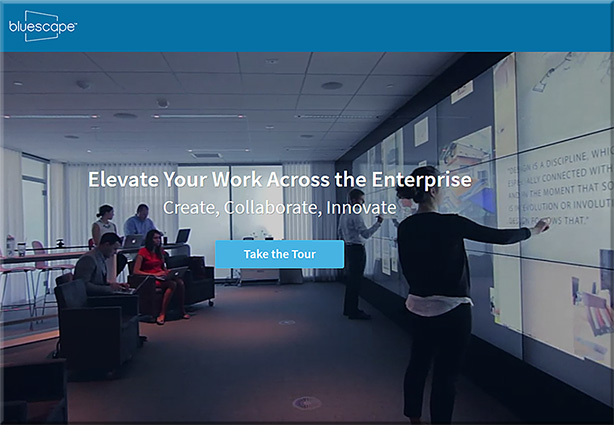
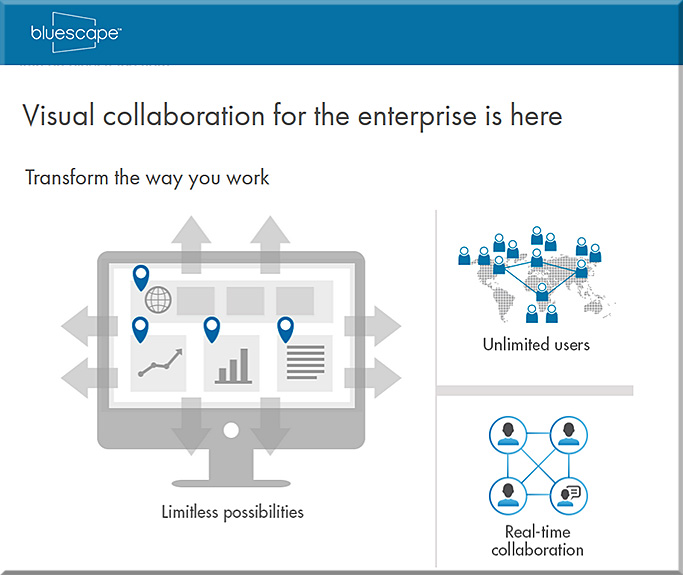
Bluescape

Excerpts from their website:

  • Each Bluescape workspace is larger than 145 football fields, a scale that allows teams to capture and build upon every aspect of a project.
  • A single Bluescape workspace enables unlimited users to work and collaborate in real time.
  • Edits to your Bluescape session happen instantly, so geographically distributed teams can collaborate in real time.
  • Write or type on multi-colored notecards that you can easily move and resize. Perfect for organizing and planning projects.
  • Ideate and quickly iterate by writing and drawing in a full range of colors and line thicknesses. Works with iOS devices and Bluescape multi-touch displays.
  • Add pictures and write on the workspace via the iOS App for iPads.
  • Securely access your Bluescape workspaces with a web browser, our iOS app, or our multi-touch displays.
  • Easily share what’s on your computer screen with other people.
  • Bluescape creates persistent online workspaces that you can access at any time that works for you.
  • Work with any popular website like Google, YouTube or CNN in your workspace.
  • Drag and drop files like JPEGs and PNGs into your Bluescape workspace for inspiration, analysis, and valuation.
  • Share your screen instantly during online or in-person meetings.
  • Use the same touch gestures as you do on smart phones, even handwriting on your iPad.


BlueScape-2016

BlueScape-2016-screens


Mezzanine, from Oblong


Mezzanine-By-Oblong-Jan2016


ThinkHub Demo: MultiSite Collaboration


Then there are tools that are not quite as robust as the above tools, but can also bring in remote learners into classroom settings:


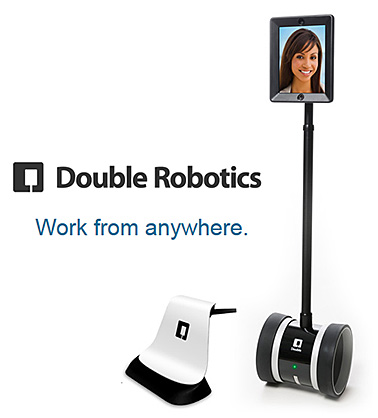
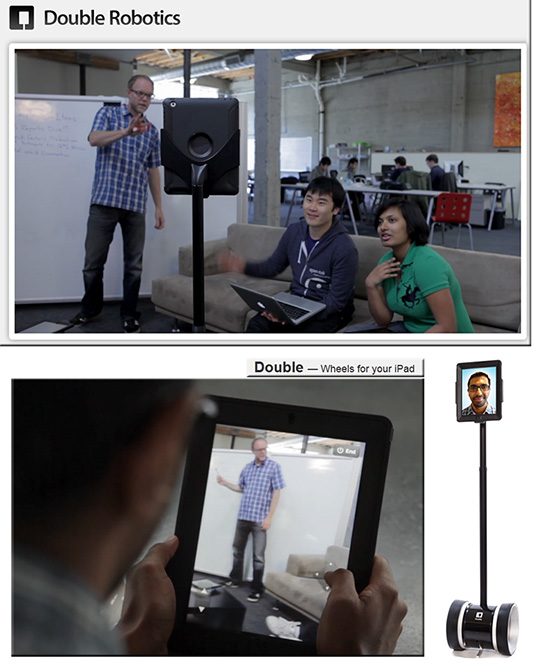
Double Robotics Telepresence Robot

DoubleRobotics-Feb2014


doublerobotics dot com -- wheels for your iPad


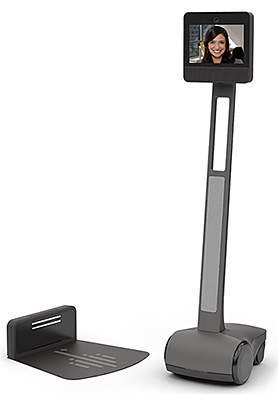
Beam+

Beam-Plus=-2016


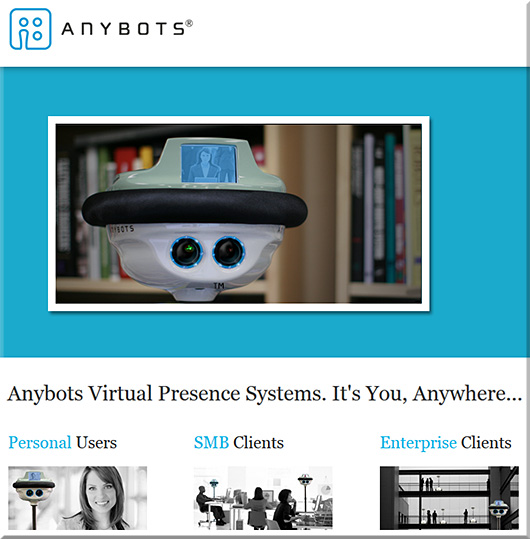
Anybots

Anybots-2016


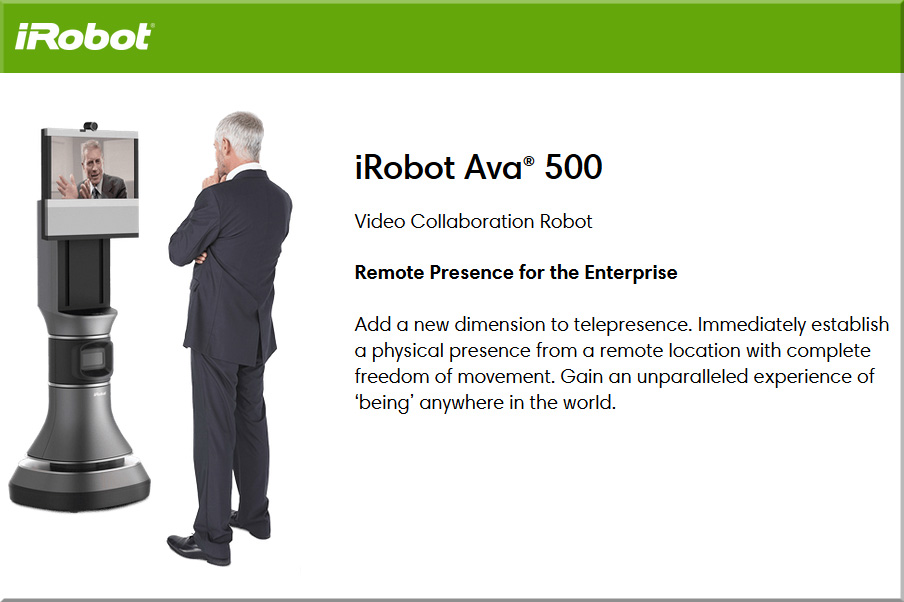
iRobot


irobot-jan2016


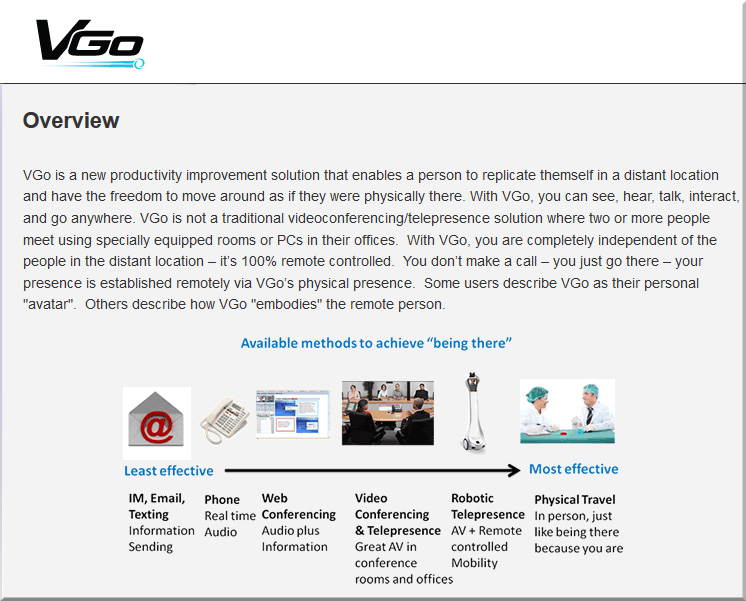
Vgo

vgo-jan2016


…and there are other telepresence robots out there as well.


Some other somewhat related tools/solutions include:

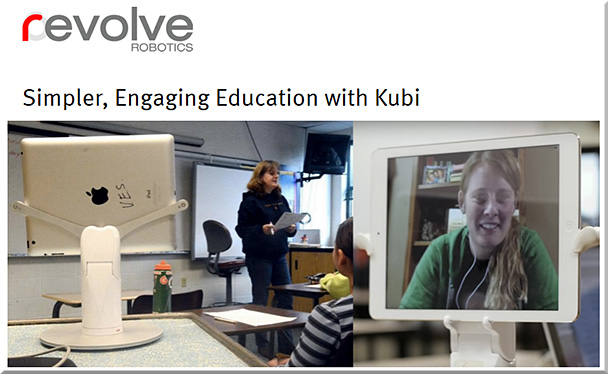
Kubi


kubi-Jan2016


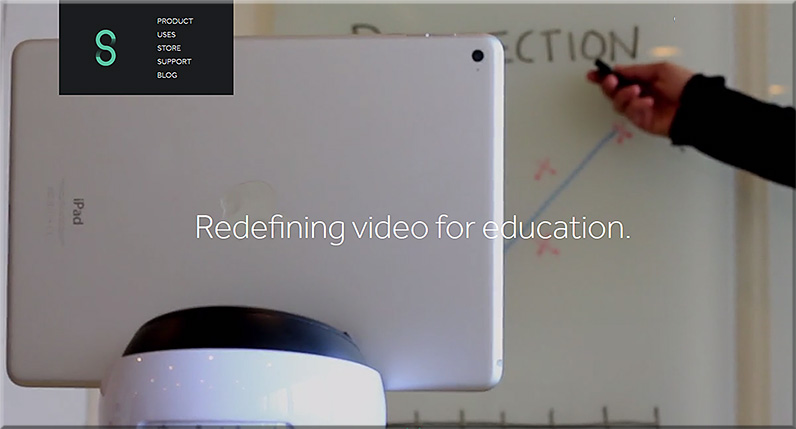
Swivl

Swivl-2016


Vaddio RoboSHOT PTZ cameras

The RoboSHOT 12 is for small to medium sized conference rooms. This model features a 12X optical zoom and a 73° wide angle horizontal field of view, which provides support for applications including UCC applications, videoconferencing, distance learning, lecture capture, telepresence and more.

The RoboSHOT 30 camera performs well in medium to large rooms. It features a 30X optical zoom with a 2.3° tele end to 65° wide end horizontal field of view and provides support for applications including House of Worship productions, large auditorium A/V systems, large distance learning classrooms, live event theatres with IMAG systems, large lecture theatres with lecture capture and more.


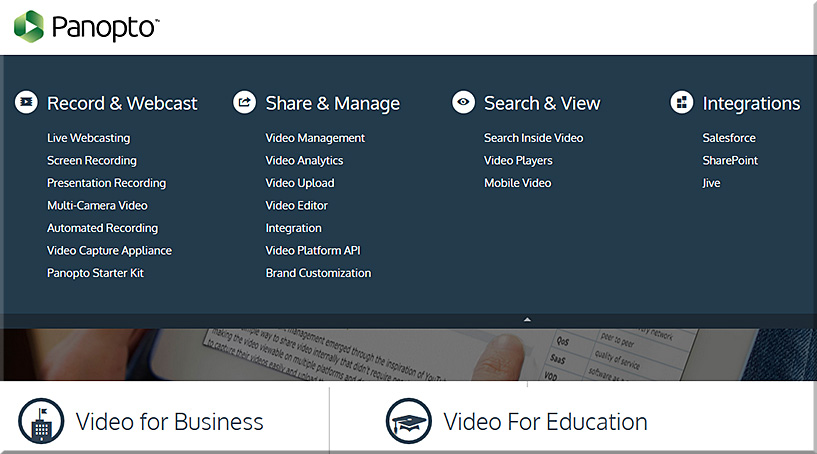
Panopto


Panopto-Jan2016


6 top iPad collaboration apps to bring remote teams closer together — from ipad.appstorm.net by Nick Mead


© 2025 | Daniel Christian