FutureDigitalLearningDede-Adobe-April2015


From DSC:
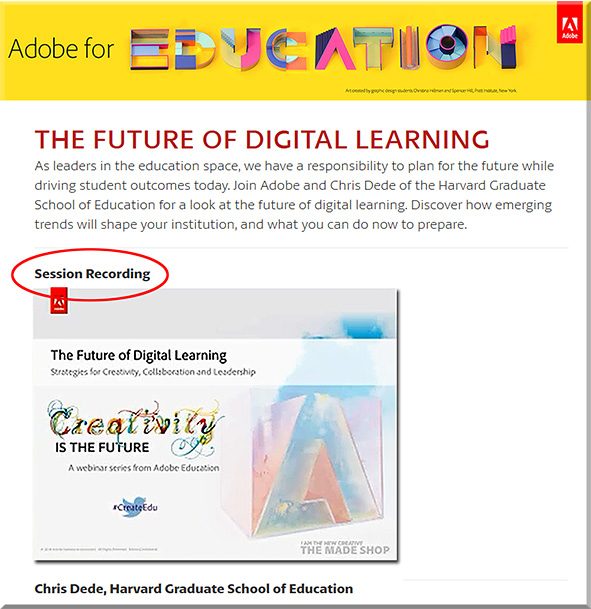
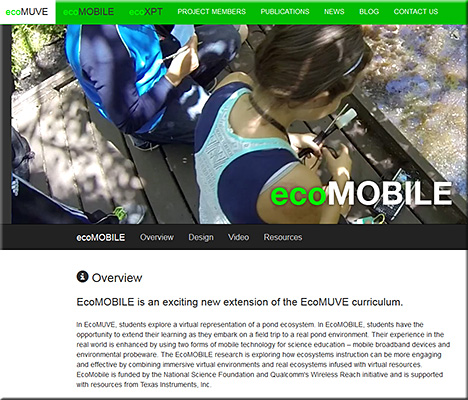
Chris uses ecoMOBILE and ecoMUVE to highlight the powerful partnerships that can exist between tools and teachers — to the benefits of the students, who can enjoy personalized learning that they can interact with.  Pedagogical approaches such as active learning are discussed and methods of implementing active learning are touched upon.

Chris pointed out the National Research Council’s book from 2012 entitled, “Education for Life and Work: Developing Transferable Knowledge & Skills in the 21st Century” as he spoke about the need for all of us to be engaged in lifelong learning (Chris uses the term “life-wide” learning).

Also, as Chris mentioned, we often teach as we were taught…so we need communities that are able to UNlearn as well as to learn.


ecomobile-april2015


Also see:


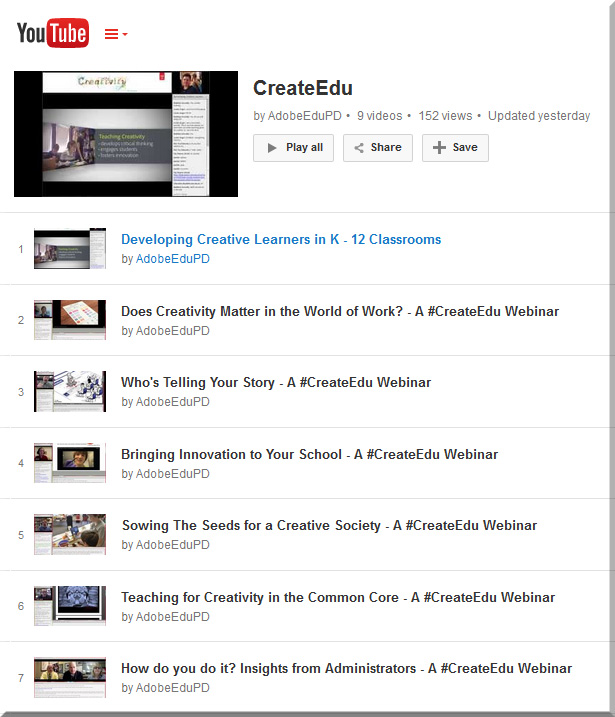
AdobeCreate-YouTubeChannel


Augmented Reality can be a reality in your art classroom — from theartofed.com

Excerpt:

Last fall, I attended a technology conference where I went to a session on augmented reality technology (AR) and how it can be used in the classroom. I was blown away by the possibilities of this tech concept and its ability to modify our students’ current reality into a compelling, virtual experience of interactive information.

AR in your Art Classroom
There are dozens of AR apps, programs and resources out there that can help encourage curiosity and inspire critical thinking and intense creativity in your students. Here are a few augmented reality options that you can start infusing into your art curriculum.
Aurasma

ARPhoto#2


Jaunt VR wants to (virtually) change the way we travel — from cntraveler.com
Gaming is just the beginning. The real future of virtual reality lies in hacking the global travel experience.


52 of the best apps for your classroom in 2015 — from list.ly by Terry Heick


Adobe’s Slate is  a [new] visual storytelling app for the iPad — from techcrunch.com; also an article at CampusTechnology.com on this app


The top 50 apps for creative minds — from theguardian.com
Our pick of the best tablet and smartphone tools to enable you to make video, music, art and more


[Microsoft’s] Sway is now collaborative—create and edit together with others!

Excerpt:

When we announced Sway, we knew that people would want to work on standout class projects, eye-catching business reports, engaging vacation recaps, or more, together—it’s the way things are done now, right? But Sway up until now has been a tool for individual authors to create polished content in a new and interactive way to share with their audiences. However, we know you’ve asked for shared editing in Sway in our feedback channels (such as UserVoice), and that Office has delivered real-time editing and collaboration features for years, allowing people to work together to share their collective ideas. On top of that, we can’t tell you how many times that we on the Sway team have said to each other, “I wish I could work on this Sway with you!” So now we’re rolling out co-authoring in Sway!


Microsoft debuts Office Lens, a document-scanning app for iOS and Android — from techcrunch.com by Sarah Perez

Excerpt:

Microsoft [on 4/2/15] launched Office Lens, a mobile document scanner app that works with OneNote, for iOS and Android smartphones. The app, which allows users to snap photos of paper documents, receipts, business cards, menus, whiteboards, sticky notes and more, was first launched a year ago as an application designed only for Windows Phone devices.


5 free (or low cost) tools for Flipped Learning— from Campus Technology’s April/May 2015 edition

  • Doceri
  • Explain Everything
  • Office Mix
  • Screencast-O-Matic
  • Verso


AppStudio for ArcGIS — with thanks to Dr. Jason Van Horn (Associate Professor Geology, Geography & Env Studies at Calvin College) for this resource
Your mobile mapping apps, built in a snap

Excerpt:

AppStudio for ArcGIS is a groundbreaking tool in the GIS app revolution. It lets you convert your maps into beautiful, consumer-friendly mobile apps ready for Android, iOS, Windows, Mac OS X, and Linux, and publish them using your own brand to all popular app stores – no developer skills required.


Moodle Mobile 2 is coming: updated look and feel of the application, transition to Ionic Framework — from moodlenews.com

Excerpt:

A few weeks ago Juan Leyva introduced a demo site for Moodlers to check out the 2nd version of Moodle Mobile the ever improving official mobile application for the learning management system. The major changes include a shift to Ionic framework which will greatly enhance the developers’ ability to focus on new features development.


Some of the best storytelling apps for elementary students — from educatorstechnology.com

Excerpt:

The apps below are particularly useful for elementary students but they can also be used with other age groups. Elementary teachers often complain about the paucity of apps that are kids appropriate compared with apps for other age groups. So we thought it would be useful to create a section in this blog devoted entirely to apps specifically curated for elementary teachers. After we have covered math and writing apps, today’s post features some very good iPad storytelling apps to use with young kids. You can use these apps to help kids develop a wide range of basic literacy skills that include: writing, reading and speaking.


5 great writing apps for elementary students — from educatorstechnology.com

Excerpt:

The selection we curated for you today contains some  useful iPad apps to use with elementary students to help them with their writing. Some the things your kids will get to learn from these apps include: learning how to write letters, learning phonics and spelling, composing syllables by combining vowels and consonants, and several other basic literacy skills. Some of these apps also include tracking features which allow teachers and parents to keep updated about the progress of their kids.


Addendum on 4/8/15:

Addendum on 4/9/15:

Addendums on 4/13:15:

  • Six ways to make movies on a smartphone — from quib.ly by Laura Celada
    Excerpt:

    Have you tried using mobile devices to make movies? Film-making is such a great way for your children to express themselves and nurture their creativity and imagination. We’ve selected the most powerful apps and programs that can even the least techy kids become creative moviemakers.
    None of these require any special equipment, just a tablet or a smartphone. Children can take videos, edit their work and make professional quality movies on the go. Check out the list below and bring out the Spielberg in them. Maybe next year you and your little thinker might be walking down the red carpet…
    .
  • Nice for Every Device: 15 Tech-Agnostic Tools — from edsurge.com
    Posting included tools for:
    Student Response Systems
    Student Collaboration Activities
    English Language Arts/Social Studies
    Math/Science
  • 80 Twitter Tools for Almost Everything — from hongkiat.com


How to choose an authoring tool for your HTML eLearning development — from upsidelearning.com by Sonal Sheth


How To Choose An Authoring Tool For Your Html Elearning Development


Excerpt:

Lectora11, Captivate 7, and Articulate Storyline are the top tools that come to mind for HTML elearning development. Their key strength – they are able to provide an excellent library of ready templates and resources. But do you know which one is best for your project? Read on…


From DSC:
Thanks Sonal for the great comparison of the strengths/areas of improvement for these 3 tools.


Also see:


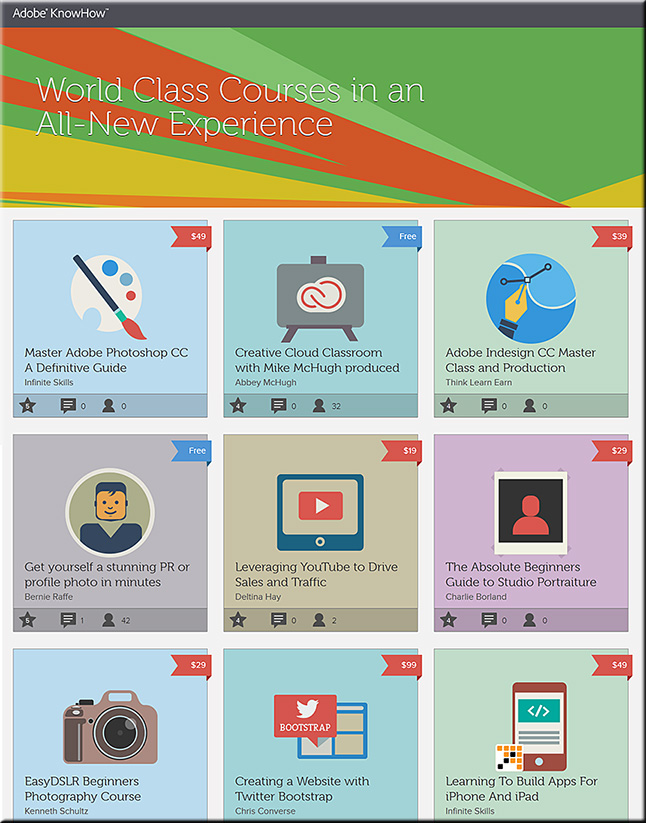
Adobe launches a new learning service – KnowHow — from blogs.adobe.com; with thanks to Dr. Tony Karrer (@elearningPosts) for posting this on Twitter

Excerpt:

If you have been learning through video playlists and always thought:

  • Wouldn’t it be great it I could scribble notes on top of the video? <– From DSC: Idea for future “textbooks”?
  • Why not add text in the context of the video I am learning from? <– For future “textbooks”…?
  • Why can’t I go back and forth between videos easily?                     <– For future “textbooks”…?

You are not alone.


Also see:


AdobeKnowHow-August302013


Below are some great resources re: creating your own e-books / streams of content — with thanks to Mr. Michael Haan, Technology Integration Specialist/Purchasing at Calvin College, for these resources
.

.
From DSC:

You might also want to check out Lynda.com for the relevant training materials.
.
.

Let’s create our own streams of content — always up-to-date — plus we could help our students save big $$!  And, as Michael pointed out, such tools could also be used internally for training-related and communications-related purposes.

Thanks Michael!!!

What's the best way to deal with ever-changing streams of content? When information has shrinking half-lives?


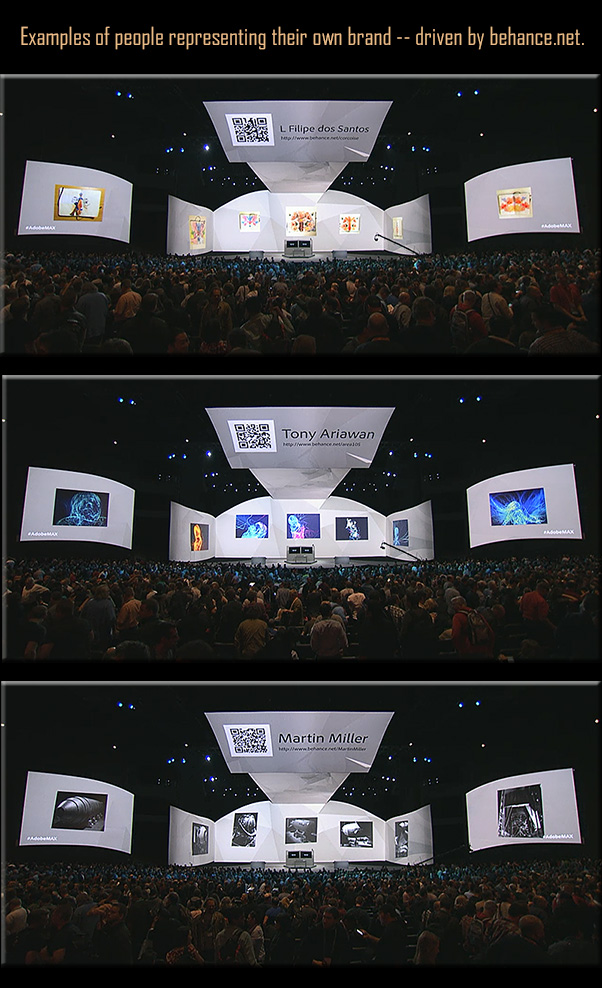
Building-own-brands---Adobe-Max-2013


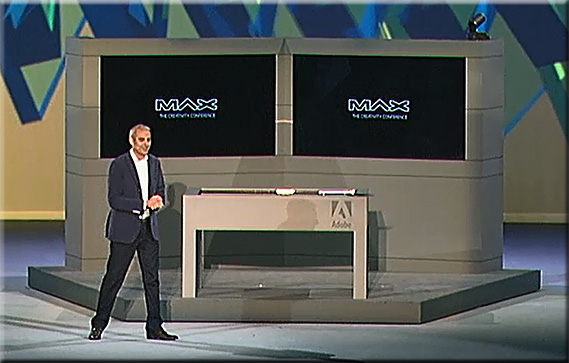
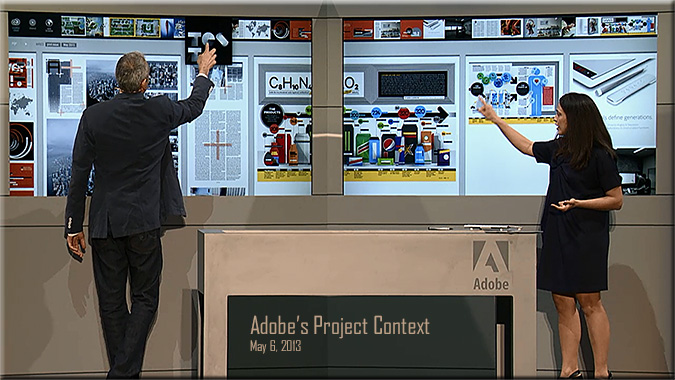
From DSC: re: Adobe’s Project Context:
This is the type of hardware/software combination that I’ve been hoping for and envisioning! Excellent!

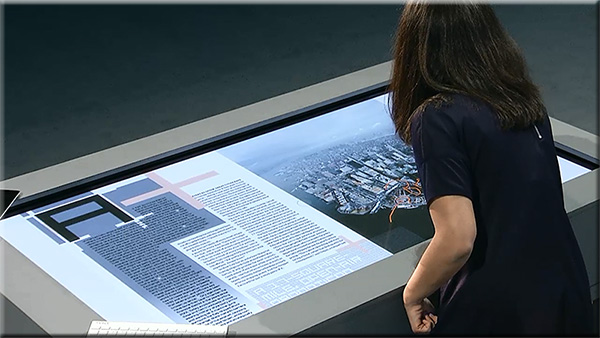
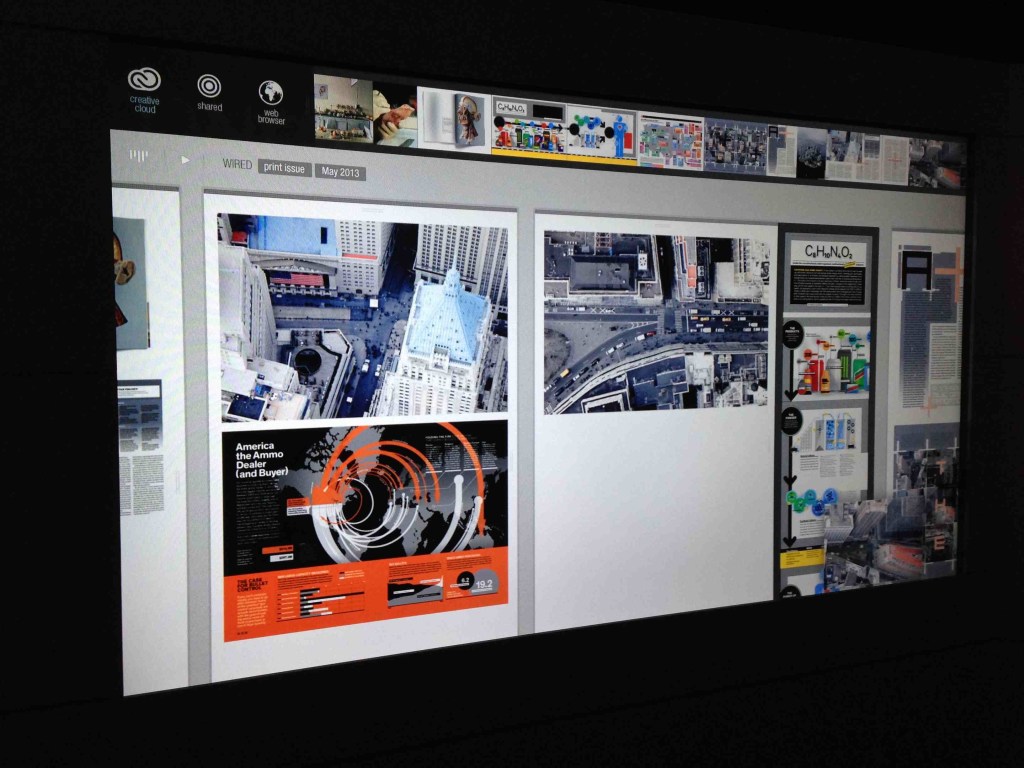
It appears to be the type of setup whereby students could quickly and easily collaborate with one another — in a face-to-face setting (and ideally in remote locations as well) — by not just displaying files but also being able to share files with one another.  Files can be sent up to the interactive, multi-touch displays as well as to an interactive table. So it’s not just displaying files, but actually sharing files and being able to collaboratively work on a project.

Eventually, I see this being able to be done in your living room.  What if MOOCs could integrate this type of web-based collaboration into their projects?

But for now, this is a HUGE step forward in this vision. Great work Adobe! This is innovative! Very helpful!

Example screenshots:


AdobeProjectContext-May2013


.


AdobeProjectContext-1


.

.

AdobeProjectContext-2


..


Also see:

  • Adobe’s hardware experiments are more than just hobbies: Hands-on with Project Context –– from techcrunch.com by Frederic Lardinois
    Excerpt (emphasis DSC):
    At its MAX conference in Los Angeles [on 5/6/13], Adobe showed  quite a few products that will soon be available to its customers, but it also highlighted a number of hardware experiments, including Project Context, a totally re-imagined way for creating magazine layouts, as well as an advanced stylus and a ruler for touchscreens.

.

project_context_screen_1

Watch a replay of today’s Adobe MAX 2013 keynote.
Even if you can’t join us in person, you can still connect with the Adobe community. Watch the Adobe MAX 2013 keynotes live from Nokia Theatre L.A. LIVE. We’ll explore the creative evolution – how to use the latest tools to give shape to ideas, and what are the trends that will shape how you’ll work in the future.

A Creative Evolution
Monday, May 6, 9:30-11:30 a.m. PDT

The process of where and how we create is dramatically changing thanks to major advancements in technology, and there has never been a more exciting time. Join Adobe CEO Shantanu Narayen, Adobe’s SVP and GM of Digital Media David Wadhwani, and a collection of Adobe visionaries across digital photography, web design, illustration, video and more as we unveil brand new creative workflows and capabilities. We’ll take a look at the present and set our sights on the endless possibilities in our creative future.
.

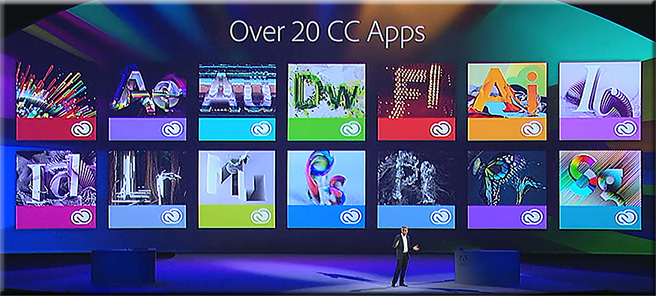
Over20CreativeCloudApps-AdobeMaxMay62013

.

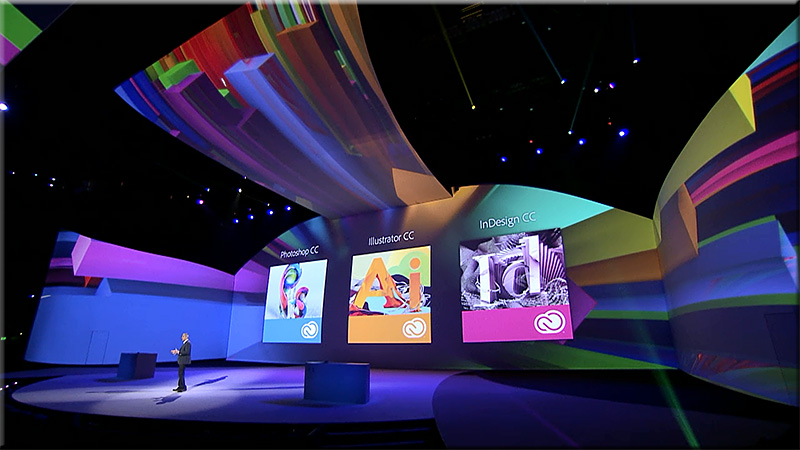
AdobeMax-May62013

.

Join us tomorrow at 10 a.m. PDT to watch the keynote – Community Inspires Creativity – live.

Tagged with: •  

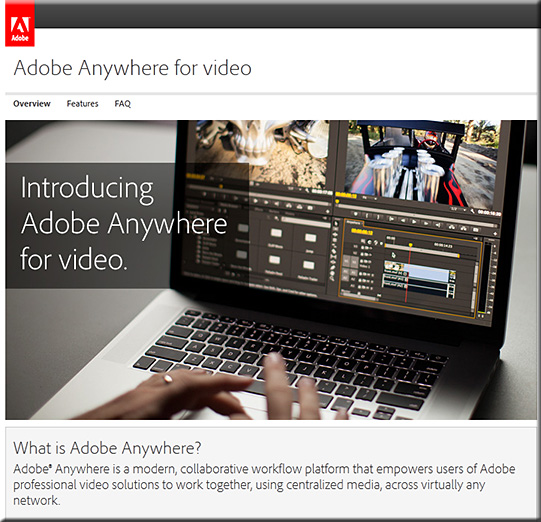
Adobe launches collaboration platform for video pros — from creativebloq.com
The software giant lends a hand to teams using its professional video tools with the launch of new service ‘Adobe Anywhere for Video’.


adobe advance
Adobe Anywhere for video aims to make your life easier

Excerpt:

Adobe have been keen to attract the attention of web designers this week, announcing updates to Flash Pro, Edge Reflow and Dreamweaver. But video professionals haven’t been forgotten, with the big news being the launch of Adobe Anywhere.

.

Also see (from Adobe’s site):

AdobeAnywhereForVideo-April2013

InDesign FX: How to create a puzzle with InDesign — from blog.lynda.com by Mike Rankin

.

How to create a puzzle effect using InDesign

.

Also see:

  • How to hook your reader from the very first page — from blog.lynda.com by Lisa Cron
    Excerpt:
    Think stories are just for entertainment? They’re not. Stories are simulations that allow us to vicariously experience problems we might someday face. Think of them as the world’s first virtual reality—minus the geeky visor. Story was more crucial to our evolution than opposable thumbs. All opposable thumbs did was let us hang on. Story told us what to hang on to.
    .
    The great feeling of enjoyment we get when a story grabs us is nature’s way of making sure we pay attention to the story.

A history of media streaming and the future of connected TV — from guardian.co.uk by Alex Zambelli
We’re close to broadly available HD streaming which could trigger mass adoption of connected TV. 

.

internet streaming real shockwave flash netflix


A precursor to…


The Living [Class] Room -- by Daniel Christian -- July 2012 -- a second device used in conjunction with a Smart/Connected TV

The question of why (not) eLearning on iPads or tablets? — from upsidelearning.com by Amit Garg

Excerpt:

2012 saw the re-emergence of ‘Mobile learning’ or ‘mLearning’ as “new” (ok, not really new) buzzwords in L&D and Training circles around the world. But largely in the wrong context! Mobile Learning is being loosely attributed to any learning activity that is not location bound, which is very surprising! And even more surprising is, more often than not, it is not even referring to mLearning at all! But to things like, making an LMS available on an USB drive so you can track courses while on a plane! Certainly not mobile learning in my opinion.

I believe ‘real’ mobile learning is much more than just learning on a mobile device. I also believe that ”tablet” learning is neither mobile nor eLearning, but actually occupies a position between mLearning and eLearning. So let me lay out my argument for why I believe this!


Also see Amit’s presentation at LT13uk — the full presentation is available here:
http://www.slideshare.net/UpsideLearning/designing-elearning-for-ipads

.

amit-garg-designingelearningforipads-2013


© 2025 | Daniel Christian