On 12/03/2013,
in Adobe, corporate / business world, corporate universities / corporate training, elearning, India, instructional design, tools, workplace,
by Daniel Christian
How to choose an authoring tool for your HTML eLearning development — from upsidelearning.com by Sonal Sheth

Excerpt:
Lectora11, Captivate 7, and Articulate Storyline are the top tools that come to mind for HTML elearning development. Their key strength – they are able to provide an excellent library of ready templates and resources. But do you know which one is best for your project? Read on…
From DSC:
Thanks Sonal for the great comparison of the strengths/areas of improvement for these 3 tools.
Also see:
- Free online #elearning research articles from JOLT — from Ignatia Webs
On 08/30/2013,
in Adobe, digital audio, digital learning, digital photography, digital storytelling, digital textbooks, digital video, education technology, elearning, more voice more choice more control, multimedia, online learning, professional development, programming, workplace,
by Daniel Christian
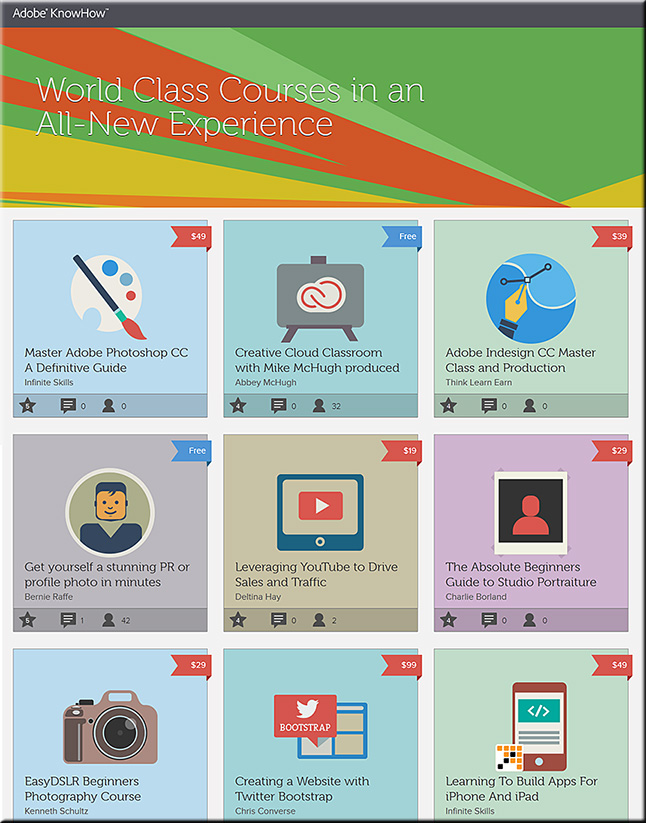
Adobe launches a new learning service – KnowHow — from blogs.adobe.com; with thanks to Dr. Tony Karrer (@elearningPosts) for posting this on Twitter
Excerpt:
If you have been learning through video playlists and always thought:
- Wouldn’t it be great it I could scribble notes on top of the video? <– From DSC: Idea for future “textbooks”?
- Why not add text in the context of the video I am learning from? <– For future “textbooks”…?
- Why can’t I go back and forth between videos easily? <– For future “textbooks”…?
You are not alone.
Also see:
On 08/21/2013,
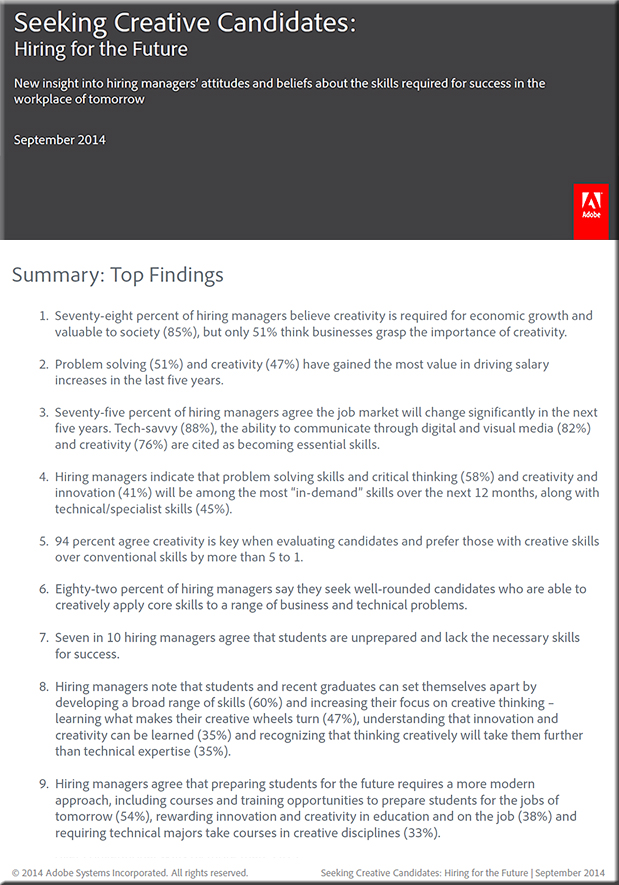
in 21st century, Adobe, assessment, business, career development, creativity, curriculum, dangers of the status quo, education, education reform, education technology, Europe, K-12 related, teachers, teaching & learning, technology (general), UK, United States, workplace,
by Daniel Christian
On 06/19/2013,
in Adobe, digital audio, digital photography, digital video, graphics, tools, web design and production,
by Daniel Christian
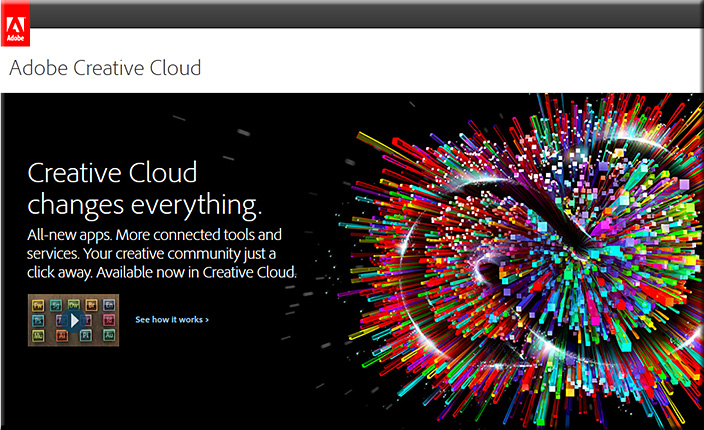
Major update to Adobe Creative Cloud now available — from Adobe
Also see:
- What’s new in Creative Cloud
- Adobe Creative Cloud: everything you need to know — from creativebloq.com
On 05/30/2013,
in Adobe, Apple, communications, content development, aggregation, repositories, cost of getting a degree, creativity, digital audio, digital learning, digital photography, digital storytelling, digital textbooks, digital video, e-publishing related items (EPUB and more), education technology, innovation, interactivity, mobile learning, streams of content,
by Daniel Christian
Below are some great resources re: creating your own e-books / streams of content — with thanks to Mr. Michael Haan, Technology Integration Specialist/Purchasing at Calvin College, for these resources
.
- Adobe DPS:
http://www.adobe.com/education/products/digital-publishing-suite.html
. - Apple iBooks Author:
http://www.apple.com/ibooks-author/
. - Creating ePub/eBook books in Pages:
http://support.apple.com/kb/HT4168
. - Creating ePub/eBook in InDesign:
http://blogs.adobe.com/vikrant/2012/02/create-epub-ebooks-with-adobe-indesign/
.
.
From DSC:
You might also want to check out Lynda.com for the relevant training materials.
.
.
Let’s create our own streams of content — always up-to-date — plus we could help our students save big $$! And, as Michael pointed out, such tools could also be used internally for training-related and communications-related purposes.
Thanks Michael!!!

On 05/07/2013,
in A/V -- audio/visual, Adobe, cloud-based computing / apps / other cloud-related, collaboration, creativity, Daniel S. Christian, emerging technologies, experimentation, future, future of higher education, innovation, interactivity, journalism, learning ecosystem, Learning from the Living [Class] Room, learning spaces, MOOCs -- Massive Open Online Courses, multi-touch, multimedia, publishing, smart classrooms, tools, web-based collaboration, workplace,
by Daniel Christian
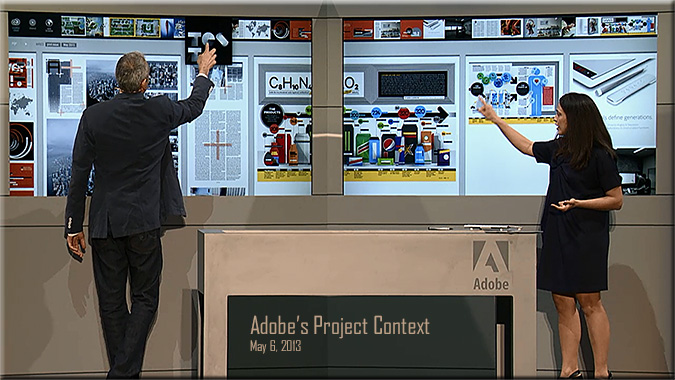
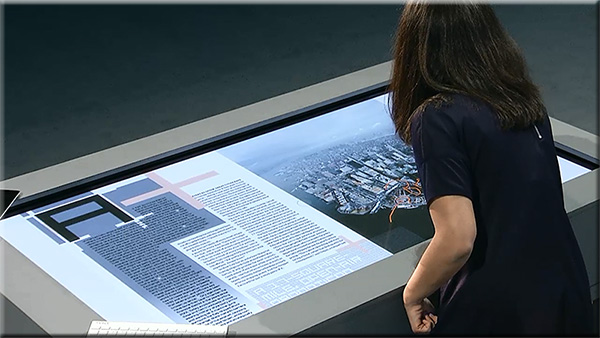
From DSC: re: Adobe’s Project Context:
This is the type of hardware/software combination that I’ve been hoping for and envisioning! Excellent!
It appears to be the type of setup whereby students could quickly and easily collaborate with one another — in a face-to-face setting (and ideally in remote locations as well) — by not just displaying files but also being able to share files with one another. Files can be sent up to the interactive, multi-touch displays as well as to an interactive table. So it’s not just displaying files, but actually sharing files and being able to collaboratively work on a project.
Eventually, I see this being able to be done in your living room. What if MOOCs could integrate this type of web-based collaboration into their projects?
But for now, this is a HUGE step forward in this vision. Great work Adobe! This is innovative! Very helpful!
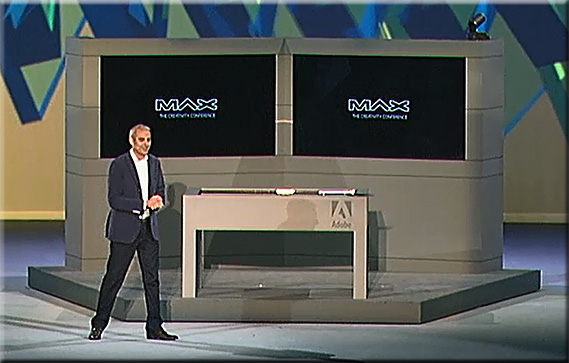
Example screenshots:
.
.
.
..
Also see:
- Adobe’s hardware experiments are more than just hobbies: Hands-on with Project Context –– from techcrunch.com by Frederic Lardinois
Excerpt (emphasis DSC):
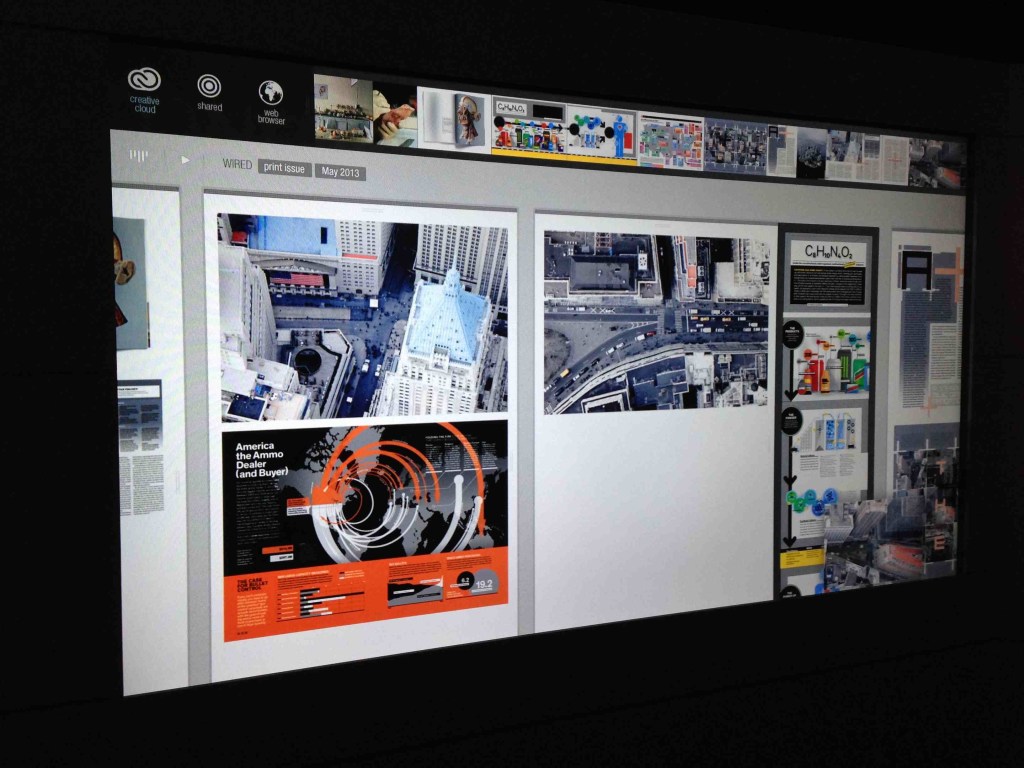
At its MAX conference in Los Angeles [on 5/6/13], Adobe showed quite a few products that will soon be available to its customers, but it also highlighted a number of hardware experiments, including Project Context, a totally re-imagined way for creating magazine layouts, as well as an advanced stylus and a ruler for touchscreens.
.
On 05/06/2013,
in Adobe, cloud-based computing / apps / other cloud-related, creativity, digital audio, digital photography, digital video, education technology, IT in HE, tools, user interface design, using teams, web design and production,
by Daniel Christian
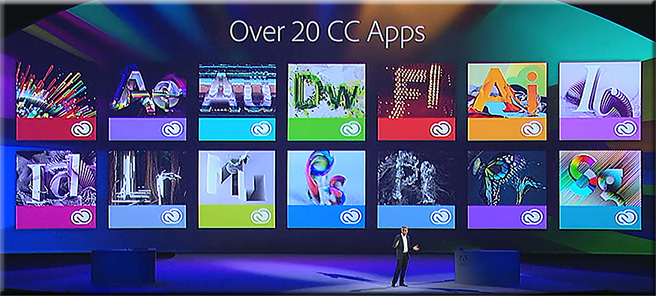
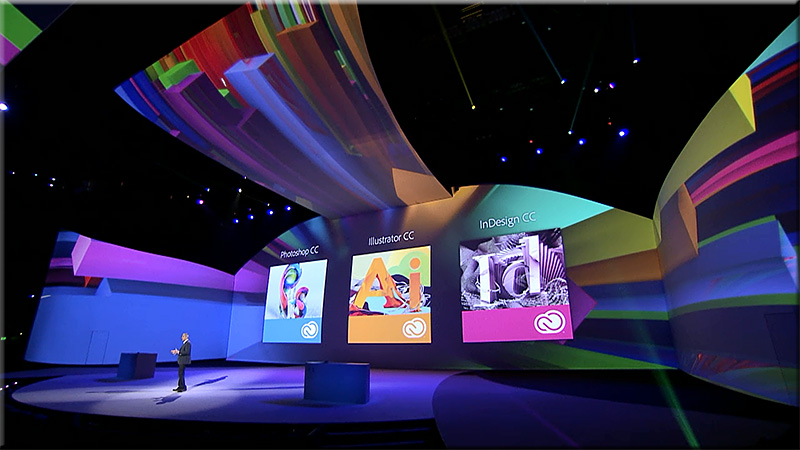
Watch a replay of today’s Adobe MAX 2013 keynote.
Even if you can’t join us in person, you can still connect with the Adobe community. Watch the Adobe MAX 2013 keynotes live from Nokia Theatre L.A. LIVE. We’ll explore the creative evolution – how to use the latest tools to give shape to ideas, and what are the trends that will shape how you’ll work in the future.
A Creative Evolution
Monday, May 6, 9:30-11:30 a.m. PDT
The process of where and how we create is dramatically changing thanks to major advancements in technology, and there has never been a more exciting time. Join Adobe CEO Shantanu Narayen, Adobe’s SVP and GM of Digital Media David Wadhwani, and a collection of Adobe visionaries across digital photography, web design, illustration, video and more as we unveil brand new creative workflows and capabilities. We’ll take a look at the present and set our sights on the endless possibilities in our creative future.
.
.
.
Join us tomorrow at 10 a.m. PDT to watch the keynote – Community Inspires Creativity – live.
On 04/04/2013,
in Adobe, digital learning, digital storytelling, digital video, using teams, web-based collaboration,
by Daniel Christian
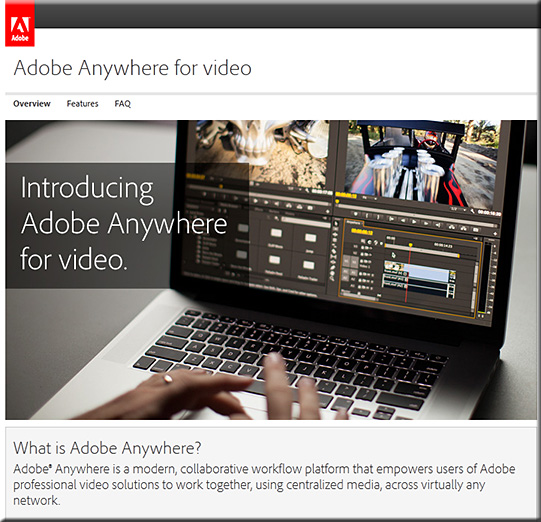
Adobe launches collaboration platform for video pros — from creativebloq.com
The software giant lends a hand to teams using its professional video tools with the launch of new service ‘Adobe Anywhere for Video’.

Adobe Anywhere for video aims to make your life easier
Excerpt:
Adobe have been keen to attract the attention of web designers this week, announcing updates to Flash Pro, Edge Reflow and Dreamweaver. But video professionals haven’t been forgotten, with the big news being the launch of Adobe Anywhere.
.
Also see (from Adobe’s site):
On 03/22/2013,
in Adobe, attention, creativity, design, love of learning, productivity / tips and tricks, professional development, web design and production,
by Daniel Christian
InDesign FX: How to create a puzzle with InDesign — from blog.lynda.com by Mike Rankin
.

.
Also see:
- How to hook your reader from the very first page — from blog.lynda.com by Lisa Cron
Excerpt:
Think stories are just for entertainment? They’re not. Stories are simulations that allow us to vicariously experience problems we might someday face. Think of them as the world’s first virtual reality—minus the geeky visor. Story was more crucial to our evolution than opposable thumbs. All opposable thumbs did was let us hang on. Story told us what to hang on to.
.
The great feeling of enjoyment we get when a story grabs us is nature’s way of making sure we pay attention to the story.
On 03/01/2013,
in Adobe, digital audio, digital learning, digital video, education technology, educational games / serious games, learning ecosystem, Learning from the Living [Class] Room, machine-to-machine communications, mirroring and/or multiple devices, MOOCs -- Massive Open Online Courses, trends, TVs, UK,
by Daniel Christian
A history of media streaming and the future of connected TV — from guardian.co.uk by Alex Zambelli
We’re close to broadly available HD streaming which could trigger mass adoption of connected TV.
.

A precursor to…
![The Living [Class] Room -- by Daniel Christian -- July 2012 -- a second device used in conjunction with a Smart/Connected TV](http://danielschristian.com/learning-ecosystems/wp-content/uploads/2012/07/The-Living-Class-Room-Daniel-S-Christian-July-2012.jpg)
On 02/21/2013,
in Adobe, Apple, corporate / business world, corporate universities / corporate training, digital learning, elearning, India, mobile learning, mobile technologies, training / L&D, ubiquitous learning, UK,
by Daniel Christian
The question of why (not) eLearning on iPads or tablets? — from upsidelearning.com by Amit Garg
Excerpt:
2012 saw the re-emergence of ‘Mobile learning’ or ‘mLearning’ as “new” (ok, not really new) buzzwords in L&D and Training circles around the world. But largely in the wrong context! Mobile Learning is being loosely attributed to any learning activity that is not location bound, which is very surprising! And even more surprising is, more often than not, it is not even referring to mLearning at all! But to things like, making an LMS available on an USB drive so you can track courses while on a plane! Certainly not mobile learning in my opinion.
I believe ‘real’ mobile learning is much more than just learning on a mobile device. I also believe that ”tablet” learning is neither mobile nor eLearning, but actually occupies a position between mLearning and eLearning. So let me lay out my argument for why I believe this!
Also see Amit’s presentation at LT13uk — the full presentation is available here:
http://www.slideshare.net/UpsideLearning/designing-elearning-for-ipads
.
6 Photoshop masters you should know — from inspiredm.com by Ann Smarty
.

Also see:
- How to calibrate your monitor for the best viewing experience possible — from digitaltrends.com by Brandon Widder
On 01/21/2013,
in A/V -- audio/visual, Adobe, emerging technologies, engagement / engaging students, immersion, innovation, K-12 related, learning spaces, multimedia, new media literacies, participation, smart classrooms,
by Daniel Christian
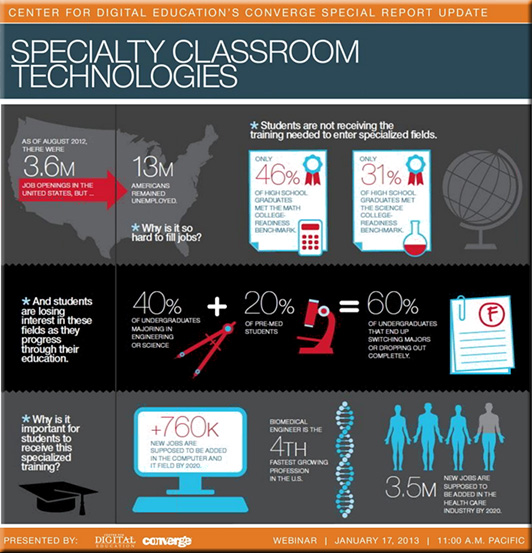
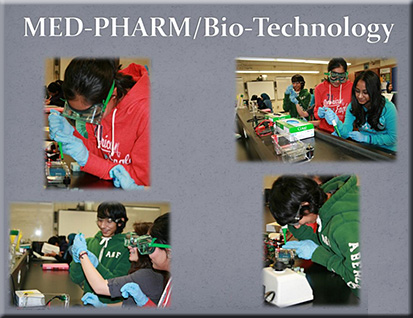
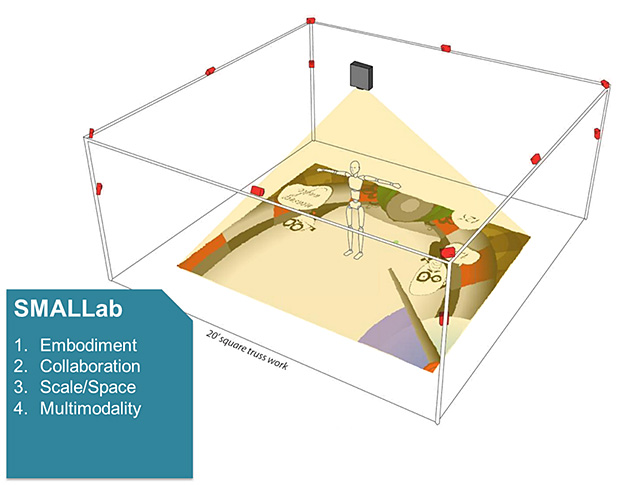
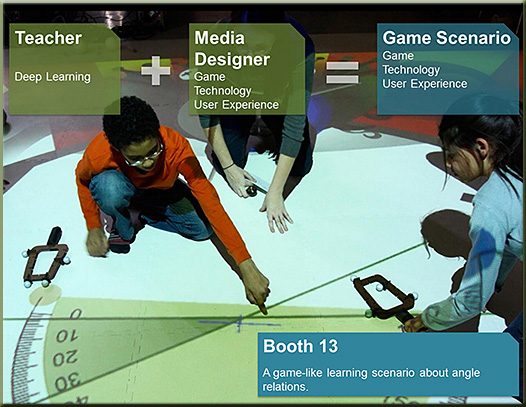
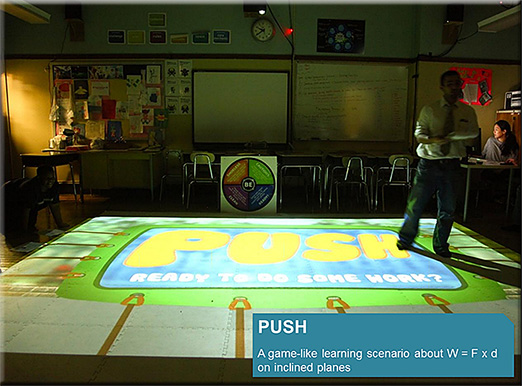
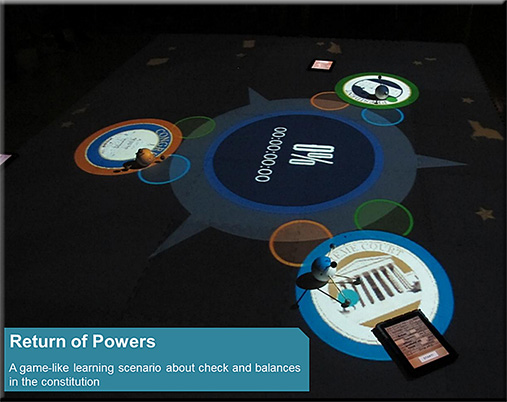
Specialty classroom technologies — from centerdigitaled.com
- Kristy Chapman | Special Education Director | Union County | Board of Education, GA
- Kyle Li | Full-time Game & Learning Instructor | School of Art, Media, and Technology | Parsons, The Newschool for Design, NY
- Moses A. Ojeda | Principal (I.A.) | Thomas A. Edison Career & Technical Education High School, NY
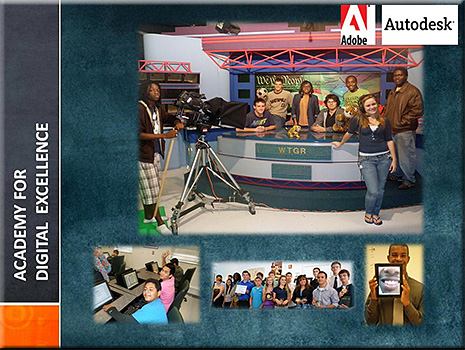
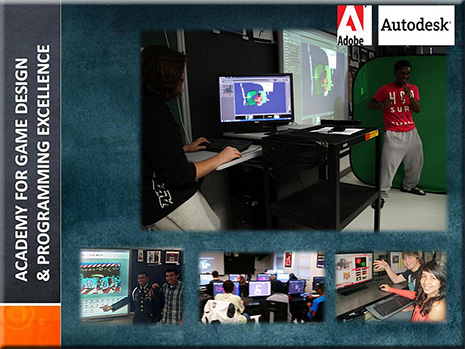
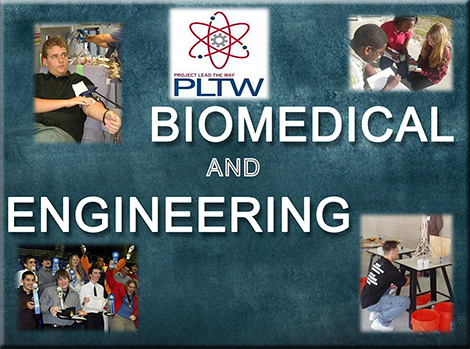
- Denise Spence | Magnet Lead Technology Teacher | Academy for Technology Excellence | Academy for Digital Excellence | Academy for Game Design and Programming Excellence | Dunbar High School, FL
Session was moderated by Tom Ryan, Ph.D. | Sr. Fellow, Center for Digital Education | Former CIO, Albuquerque Public Schools
Resources
- View the recorded session
- View the final presentation (no audio)
- Visit www.centerdigitaled.com/events for more event information.
Example slides: