A new category of devices from Cisco -- the Webex Desk Hub

From DSC:
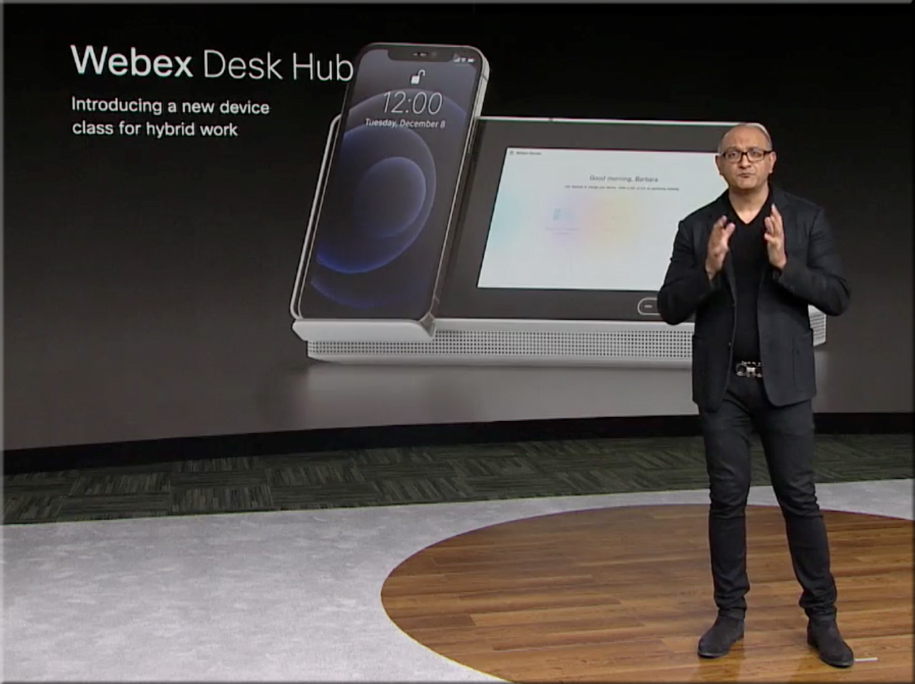
In yesterday’s webexone presentations, Cisco mentioned a new device category, calling it the Webex Desk Hub. It gets at the idea of walking into a facility and grabbing any desk, and making that desk you own — at least for that day and time. Cisco is banking on the idea that sometimes people will be working remotely, and sometimes they will be “going into the office.” But the facilities will likely be fewer and smaller — so one might not have their own office.

In that case, you can plug in your smart device, and things are set up the way they would be if you did have that space as a permanent office.

Applying this concept to the smart classrooms of the future, what might that concept look like for classrooms? A faculty member or a teacher could walk into any room that supports such a setup, put in their personal smart device, and the room conditions are instantly implemented:

  • The LMS comes on
  • The correct class — based on which day it is and then on the particular time of day it is — is launched
  • The lights are dimmed to 50%
  • The electric window treatments darken the room
  • The projector comes on and/or the displays turn on
  • Etc.
 

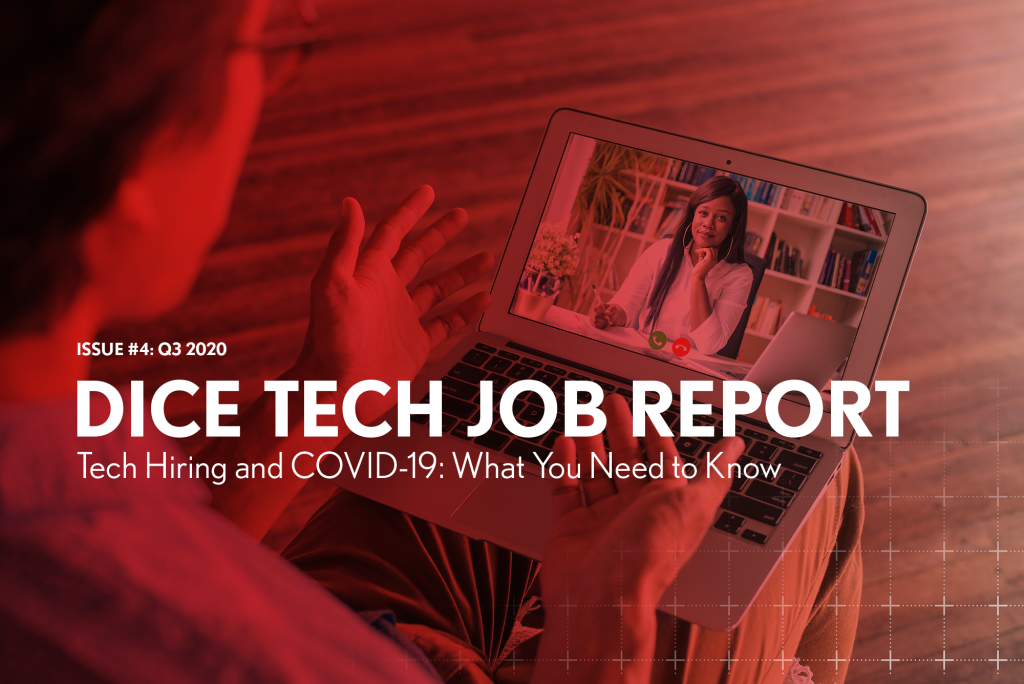
The Dice Q3 Tech Job Report Tech Hiring and COVID-19: What You Need to Know

The Dice Q3 Tech Job Report: Tech Hiring and COVID-19: What You Need to Know — from techhub.dice.com
The report, issued quarterly by Dice, provides exclusive statistics and analysis on the tech hiring landscape, including top cities and states, top employers and the most sought-after skills and occupations.

From DSC:
One can quickly see how valuable this information would be as a data feed into an AI-based, next-generation learning platform.

The platform would connect the marketable skills with the courses, websites, blogs, RSS feeds/streams of content, etc. that would help a learner quickly and affordably build such in-demand skills. Given the shortening half-lives of many kinds of information, such a service is needed desperately…especially now with the impact of the Coronavirus.

Also relevant: See how ISTE built its upcoming virtual event!


The State of AI in Higher Education — from campustechnology.com by Dian Schaffhauser
Both industry and higher ed experts see opportunities and risk, hype and reality with AI for teaching and learning.

Excerpts:

Kurt VanLehn, the chair for effective education in STEM in the School of Computing, Informatics and Decision Systems Engineering at Arizona State University, knows how challenging it can be people to come up with examples of effective AI in education. Why? “Because learning is complicated.”

Nuno Fernandes, president and CEO of Ilumno, an ed tech company in Latin America, isn’t ready to count adaptive learning out yet, if only because adaptivity has worked in other industries, such as social platforms like Netflix and Amazon, to identify what could work best for the user, based on previous activities and preferred formats of curriculum.

As Ilumno’s Fernandes asserted, AI won’t “substitute for faculty in any of our lifetimes. What it will do is give us tools to work better and to complement what is being done by humans.”

From DSC:
The article is a very balanced one. On one hand, it urges caution and points out that learning is messy and complex. On the other hand, it points out some beneficial applications of AI that already exist in language learning and in matching alumni with students for mentorship-related reasons.

From my perspective, I think AI-based systems will be used to help us scan job descriptions to see what the marketplace needs and is calling for. Such a system would be a major step forward in at least pointing out the existing hiring trends, needed skillsets, job openings, and more — and to do so in REAL-TIME!

Colleges, universities, and alternatives to traditional higher education could use this information to be far more responsive to the needs of the workplace. Then, such systems could match what the workplace needs with courses, microlearning-based feeds, apprenticeships, and other sources of learning that would help people learn those in-demand skills.

That in and of itself is HUGE. Again, HUGE. Given the need for people to reinvent themselves — and to do so quickly and affordably — that is incredibly beneficial.

Also, I do think there will be cloud-based learner profiles…data that each of us control and say who has access to it. Credentials will be stored there, for example. AI-based systems can scan such profiles and our desired career goals and suggest possible matches.

We can change our career goals. We don’t have to be locked into a particular track or tracks. We can reinvent ourselves. In fact, many of us will have to.


Fostering Student Creativity with Green-Screen Videos — from teachingprofessor.com by Jason Webb and Jeff Mangram

Excerpt:

Educators have come to realize that videos are highly effective and engaging ways to create online course content. One of the most engaging forms uses a green-screen backdrop to project images or videos behind or next to the speaker. Barbara Oakley used this technique in her famous course Learning How to Learn, where she brought in images to illustrate and amplify her message during course videos. Take a look at this example and consider the fact that Oakley shot the videos in her basement using only a couple hundred dollars’ worth of supplies. Today most colleges already have green-screen studios set up for marketing or other uses.


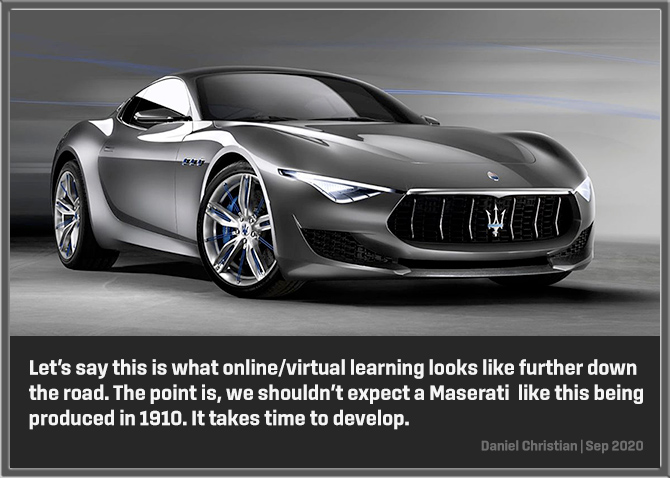
[Re: online-based learning] The Ford Model T from 1910 didn’t start out looking like a Maserati Gran Turismo from 2021! [Christian]

From DSC:
Per Wikipedia, this is a 1910 Model T that was photographed in Salt Lake City:

The Ford Model T didn't start out looking like a Maserati from 2021!


This is what online/virtual learning looks like further down the road. Our journey has just begun.

From DSC:
The Ford Model T didn’t start out looking like a Maserati Gran Turismo from 2021! Inventions take time to develop…to be improved…for new and further innovations and experiments to take place.

Thinking of this in terms of online-based learning, please don’t think we’ve reached the end of the road for online-based learning. 

The truth is, we’ve barely begun our journey.


Two last thoughts here


1 ) It took *teams* of people to get us to the point of producing a Maserati like this. It will take *teams* of people to produce the Maserati of online-based learning.

2) In terms of online-based learning, it’s hard to say how close to the Maserati that we have come because I/we don’t know how far things will go. But this I do know: We have come a looooonnnnnggggg ways from the late 1990s! If that’s what happened in the last 20 years — with many denying the value of online-based learning — what might the next 5, 10, or 20 years look like when further interest, needs, investments, etc. are added? Then add to all of that the momentum from emerging technologies like 5G, Augmented Reality, Mixed Reality, Virtual Reality, Artificial Intelligence, bots, algorithms, and more!


From DSC:
To drive the point home, here’s an addendum on late 9/29/20:

Mercedes-Benz Shares Video of Avatar Electric Car Prototype


From DSC: What if each learner/ person/ student could have a lifelong, cloud-based “tribute” site? [Christian]


From DSC: What if each learner/person/student could have a lifelong, cloud-based “tribute” site?

What if you could hire a career coach to sift through the tributes to find common themes?


From DSC:
I recently asked friends and family to help me celebrate a significant birthday for my wife by creating a tribute for her — using a service called Tribute.co. It was a fun, meaningful, relational experience — it opened the doors to some great communications.

Check out tribute.co -- what if each learner could have a lifelong, cloud-based tribute?

Here’s a video that describes what a Tribute is (from the company of that same name).

So I put out potential suggestions for what I hoped that we could relay to my wife, and people contributed their videos. Then a person at Tribute edited the videos to come up with a highlight reel. They also presented to my wife all of the videos, not just the highlight reel.

That got me to wonder, “What if each learner had a cloud-based, lifelong tribute site that parents, guardians, grandparents, teachers, coaches, musical directors, pastors, friends, and others could leave encouraging and instructive messages on? Or when they note something that might be of use later on in terms of career selection, they could “jot it down.” For example:

  • [First-grade teacher] “I noticed Anne that when we did the art projects, you were enthralled with any sort of creative endeavor or project. We almost lost you in another world!”
  • [Family member] “Tony, I’ve noticed ____. Here’s something to consider for your future pathways. Would you be interested in exploring _____ — such as if we signed you up for some lessons in that area?”
  • [Eight grade teacher] “Eloise, I saw that your engagement level skyrocket when we studied ____, especially when you did the project on ___.”
  • [Basketball coach] “Chan, I appreciated your hard work in practice today. Keep up the good work and you will be a super player! You are fast, strong, and seem to have a competitive spirit about you. Consider making a workout chart and charting out the workouts that you do each day. Monitor your progress over time. As of today, here are some apps to do just that: ___.
  • [Pastor] “So glad Amanda that you were able to join us on our youth group visit to ___. I appreciated your end-of-the-day reflections on the experiences of the day. I also appreciated your hard work helping others.”
  • [Friend] “It was great horsing around on Garageband with you today Zach. I look forward to diving into iMovie next with you. Let’s create a movie for each other. You seem to have a very creative side to you.”
  • [High school CS Teacher] “Keep up the good work programming Jeremy! I hope that you will consider going into some type of job that uses critical thinking, mathematics, problem-solving — perhaps it will be programming, perhaps it will be engineering, or something else.”
  • [College professor/advisor] “You mentioned that you hate college to me the last two times we met. You don’t seem happy studying ___. Have you considered ____?”
  • [Tennis coach] Remember to bend those knees…get low. Keep your eyes on the seams of the ball.”

The idea behind such a service would be to offer encouragement, feedback, (if carefully put) constructive criticism, a message that “I’m on your team”…and/or…”Here’s what I see in you.”


Additional functionality/options


  • Contributors:
    • Like Twitter imposes a limit on characters, there could be options to impose a time limit on the length of a video, ability to add more than one video, and/or set a limit on how many videos someone can upload
    • If submitting a written piece, the option would be there to limit the number of characters and/or the word count.
  • From learners themselves (to their own tribute)
    • No time limit, no word count or character limit
    • Would act like a multimedia-based diary/journal of learning
    • Option to select whether might be worth re-listening to for career selection purposes.
 

From DSC:
Yet another example of the changes occurring in the learning ecosystems out there.

COVID-19 Fuels Big Enrollment Increases in Virtual Schools — from edweek.org by Mark Lieberman

Excerpt:

Florida Virtual School’s enrollment is up 54 percent year over year for its individual online course offerings and 64 percent for full-time programs. Public schools’ online programs managed by the for-profit provider K12 Inc. have grown from 122,000 enrollments in fall 2019 to 170,000 a year later. Applications to Connections Academy, a virtual school provider owned by Pearson, are up 61 percent.

The Pennsylvania Cyber Charter School filled up months before it usually starts receiving the bulk of new applicants. An Oklahoma virtual charter school earlier this summer was enrolling 1,000 students a day. Enrollment in virtual schools is also up in ConnecticutOhio, and Wisconsin.


Per this week’s Lecture Breakers Weekly! from Dr. Barbi Honeycutt:

Break up your online lectures with the Watch Party! Here’s how you can do it: 

  • Pre-record your mini-lecture or find a video you want to use for your lesson. 
  • Instead of asking students to watch the video on their own, play it during your synchronous/live class time.
  • Explain to your students that they are watching the video all at the same time and that you will be facilitating the chat and answering their questions as they watch the video together. It’s a watch party!
  • Option: Take the conversation out of Zoom or your LMS. Create a hashtag for your course on Twitter and invite other experts, colleagues, or friends to join the conversation.

Instead of presenting during the synchronous class time, you can now focus completely on managing the chat, prompting discussion, and responding to students’ questions and ideas in real-time. And be sure to record and save the chat for students who couldn’t attend the live session or want to review it later.

From DSC:
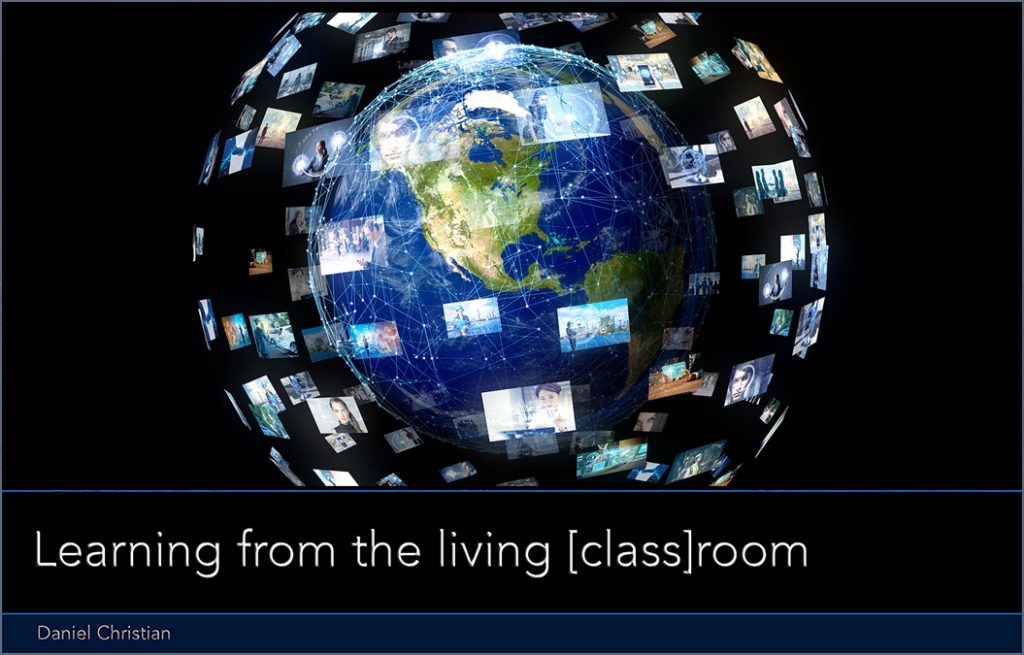
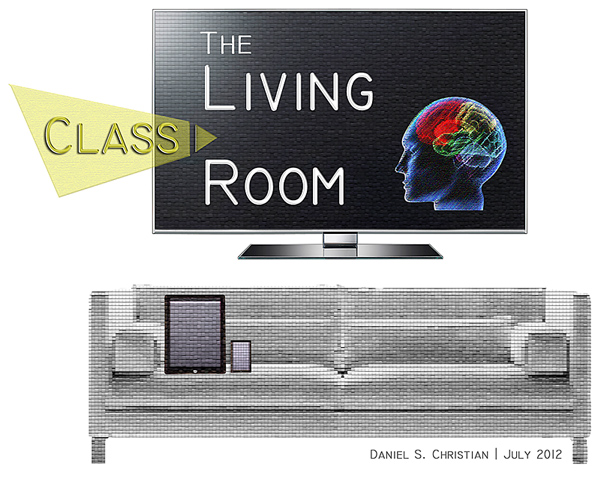
This is one of the kind of things that I envisioned with Learning from the living class[room] — a next-generation, global learning platform.

Learners could be watching a presentation/presenter, but communicating in real-time with other learners. Perhaps it will be a tvOS-based app or something similar. But TV as we know it is changing, right? It continues to become more interactive and on-demand all the time. Add videoconferencing apps like Zoom, Cisco Webex Meetings, Blackboard Collaborate, Microsoft Teams, Adobe Connect and others, and you have real-time, continuous, lifelong, relevant/timely, affordable, accessible, up-to-date learning.

Also, you have TEAM-BASED learning. 

Add videoconferencing apps like Zoom, Cisco Webex Meetings, Blackboard Collaborate, Microsoft Teams, Adobe Connect and others, and you have real-time, continuous, lifelong, up-to-date learning.


From A New Way Forward:

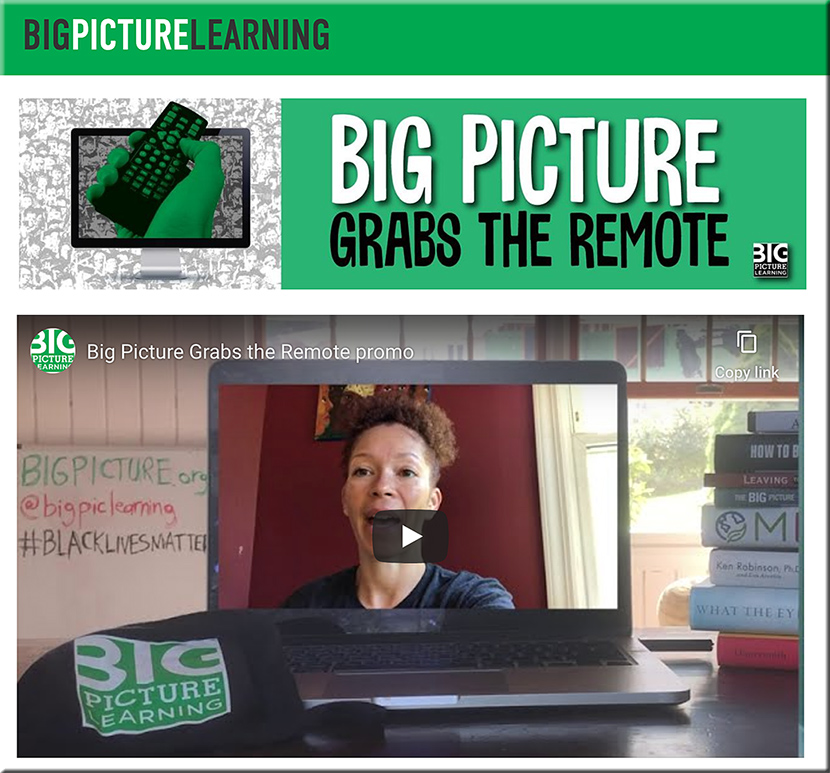
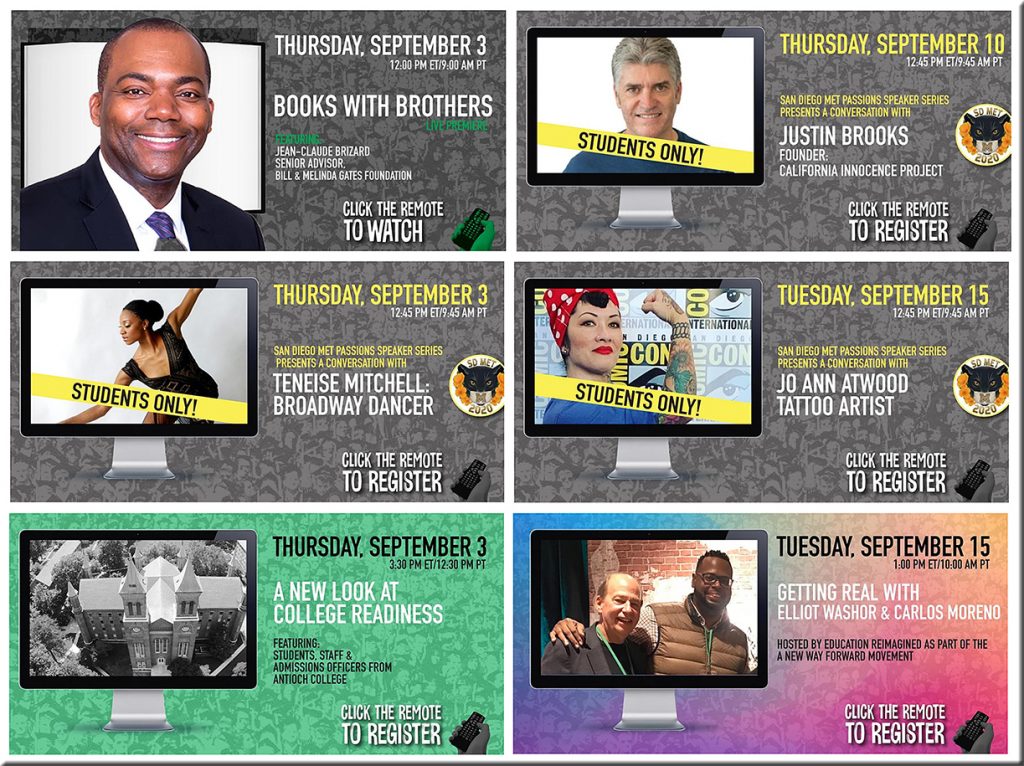
Grab the remote! A series from Big Picture Learning!

Grab the remote! A series from Big Picture Learning!

Also see the following “Must Reads” from A New Way Forward:


From DSC:
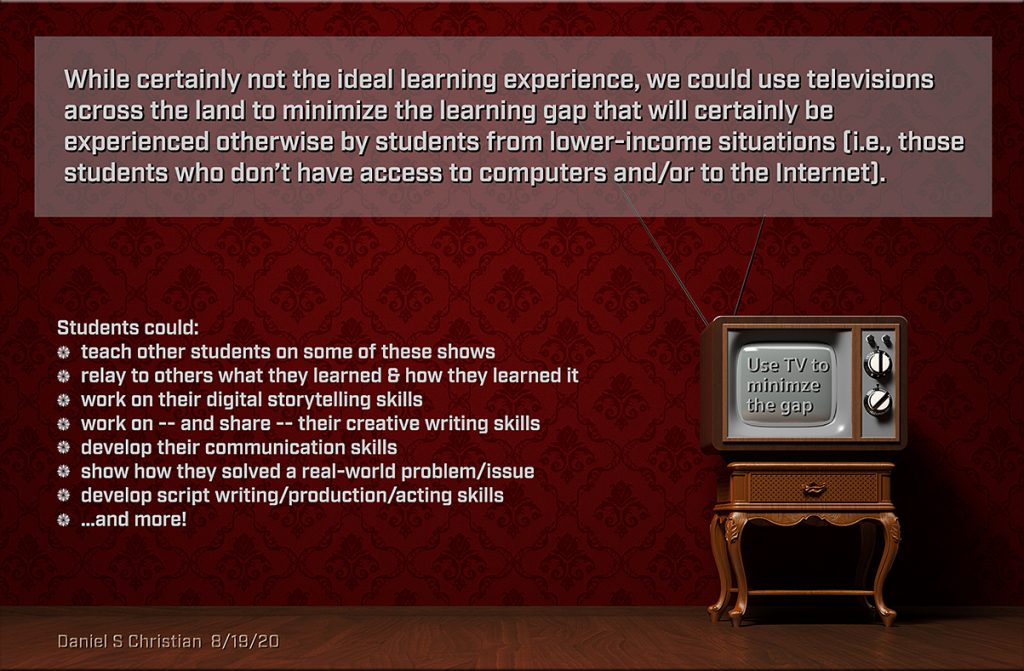
Along these lines…in regards to digital equity, I’m reminded of this recent graphic:

Let's use television for folks who don't have access to the Internet -- Daniel Christian


Using the TV as a key tool in our learning ecosystems

From DSC:

  • If one doesn’t have access to the Internet, a computer, or any such mobile technology as seen in the image above…could TV become the medium through which one could be educated during this next year of the Coronavirus situation? That is, until we can develop better and more equitable policies, plans, funding, systems, infrastructures, and connectivity for all students!
  • After that, could we see more televisions morph into smart/connected TVs?
  • Could PBS, ABC, CBS, NBC, Fox, and other major networks collaborate with the U.S. Department of Education to help us educate all students? 
  • Could the largest internet company of 2030 be an online school as Thomas Frey predicts?

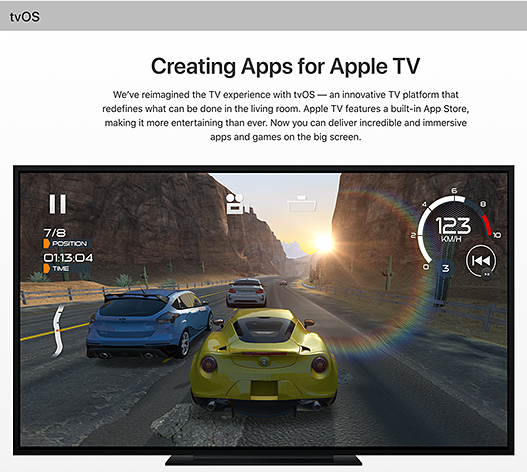
A few years ago, I had hoped that Apple was going to go all-in with their tvOS platform.

SAN FRANCISCO, CA – SEPTEMBER 9: Apple CEO Tim Cook introduces the New Apple TV during a Special Event; 9/9/15.


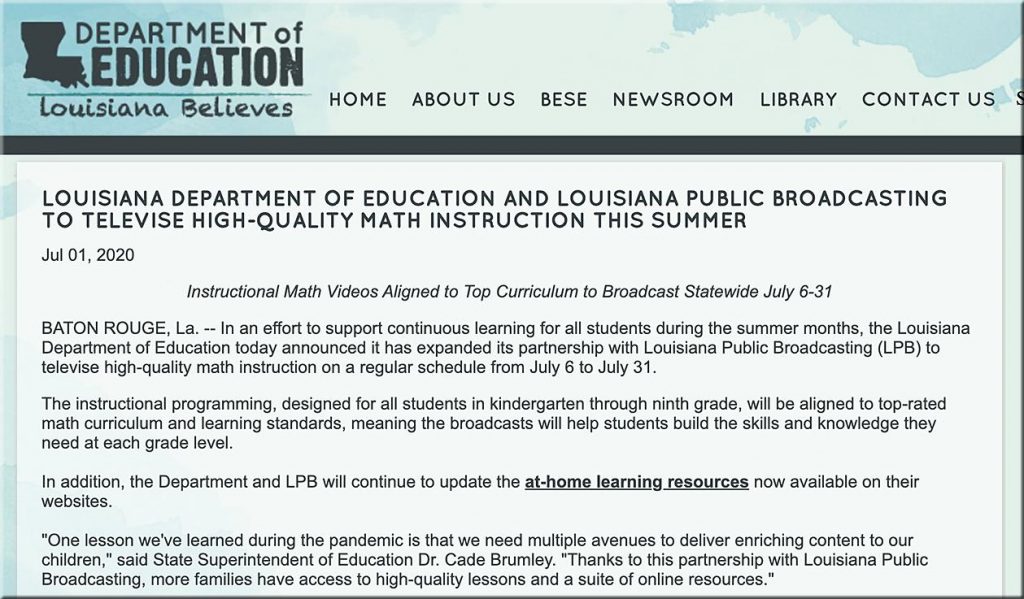
Though it’s still early in the game, that really hasn’t happened to the extent that I had hoped. That said, more recently, I was encouraged to see this article from back in July:

LOUISIANA DEPARTMENT OF EDUCATION AND LOUISIANA PUBLIC BROADCASTING TO TELEVISE HIGH-QUALITY MATH INSTRUCTION THIS SUMMER


Let’s ask the employees of PBS, ABC, CBS, NBC, Fox, and other networks if they would be willing to work with the U.S. Department of Education to help educate ALL students! Though educational TV is not new, I’m talking about taking things to a *whole* new level.

With that in mind, I created the following graphic:

Let's use television to minimize the learning gaps that will otherwise be experienced by many students this next year!

(One might ask why I used an old television in the above graphic. I was trying to get at the idea that one might not have a lot of resources to work with.)


Pandemic turns smartphones from luxury to must-have as India’s schools go online — from news.trust.org by Roli Srivastava
Smartphones help classes continue as schools remain closed, but the poorest families are struggling to keep up

Excerpts:

India is the world’s second-biggest smartphone market after China, and nearly half of the country’s almost one billion mobile users already have a phone with internet access.

With no clear sign of schools reopening soon, internet access has become a must for children to follow classes, prompting more low-income families to scrape together the money to buy a cheap or second-hand smartphone for the first time.

Customised lessons for first to 12th grade students will be aired on television and radio in a “one class-one channel” initiative planned by the federal human resource department.


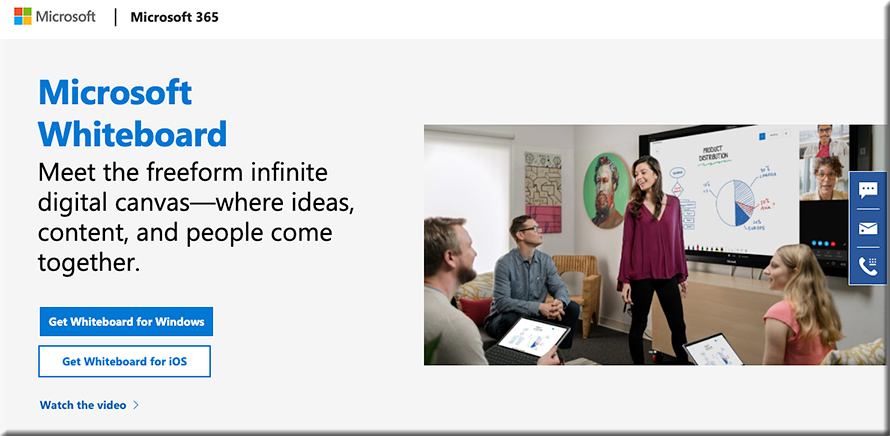
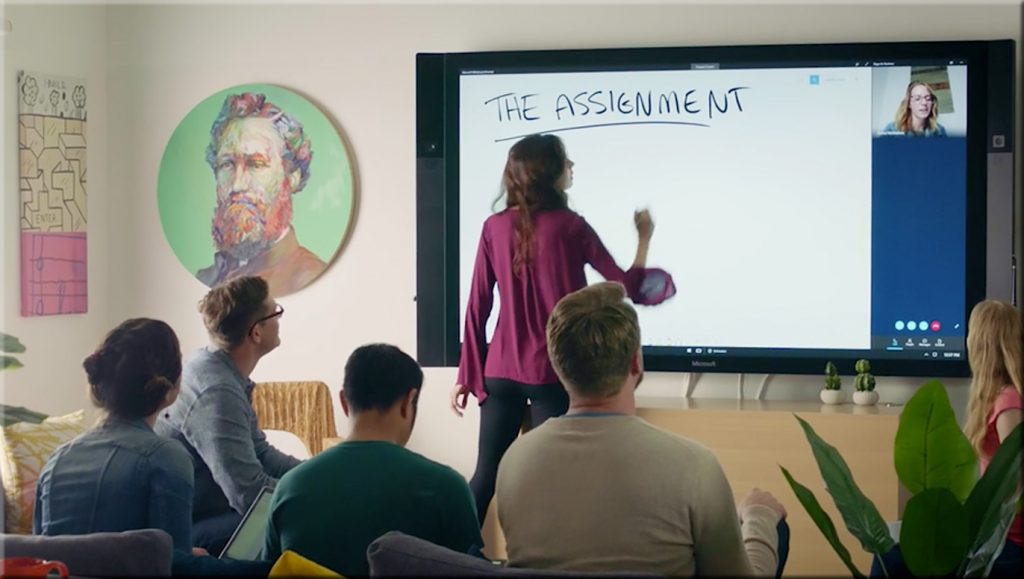
How might tools like Microsoft’s new Whiteboard be used in online-based learning? In “learning pods?” [Christian]

The new Microsoft Whiteboard -- how might this be used for online-based learning? Learning pods?

The new Microsoft Whiteboard -- how might this be used for online-based learning? Learning pods?

Questions/reflections from DSC:

  • How might this be used for online-based learning?
  • For “learning pods” and homeschoolers out there? 
  • Will assistants such as the Webex Assistant for Meetings (WAM) be integrated into such tools (i.e., would such tools provide translation, transcripts, closed captioning, and more)?
  • How might this type of tool be used in telehealth? Telelegal? In online-based courtrooms? In presentations?

#onlinelearning #collaboration #education #secondscreen #edtedh #presentations #AI #telehealth #telelegal #emergingtechnologies


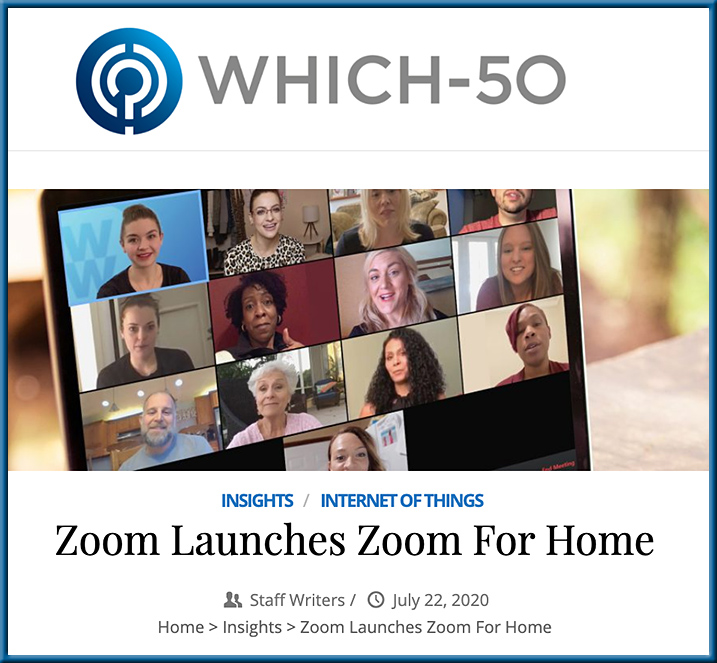
Zoom Launches Zoom for Home

Zoom Launches Zoom For Home — from which-50.com

Excerpts:

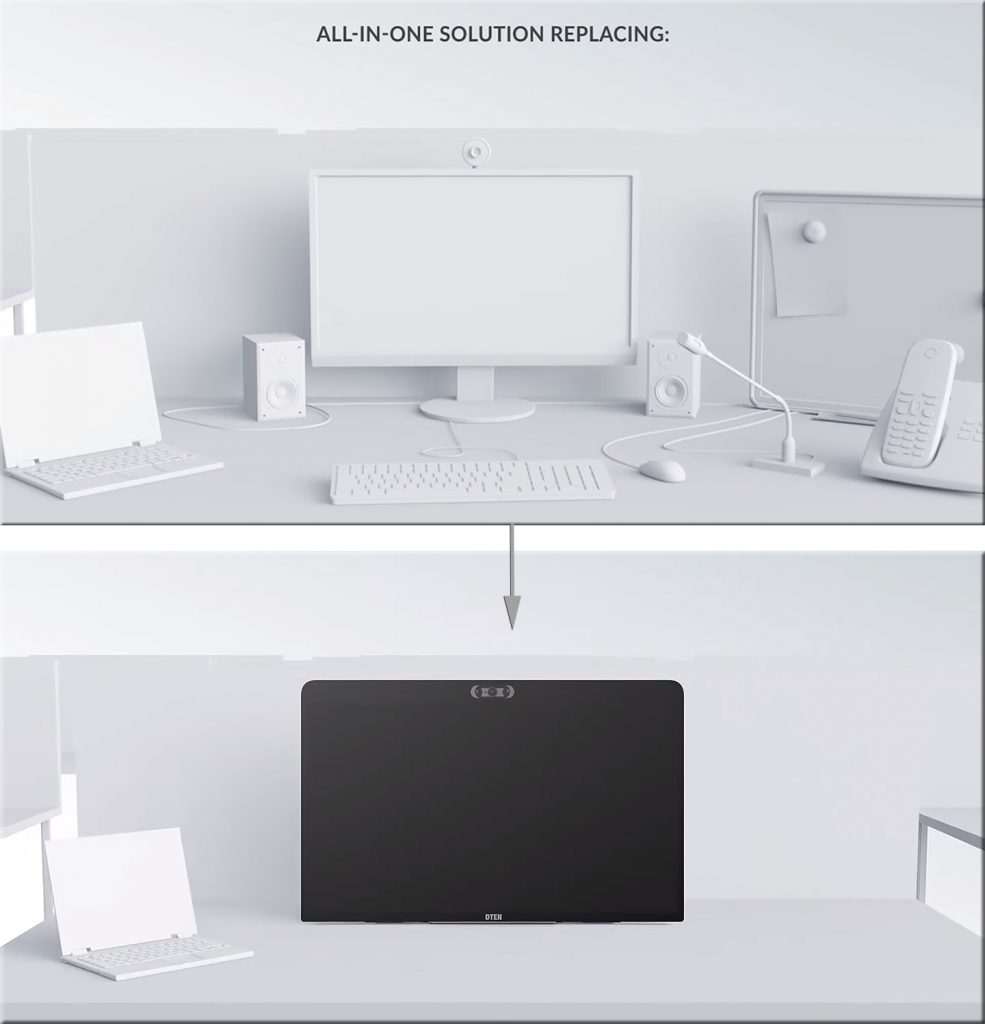
Zoom Video Communications has announced Zoom for Home, which it describes as a new category of software experiences and hardware devices to support remote work use cases. The focus is on improving employee experiences to connect remotely and be productive.

Features for the all-in-one 27-inch device include: three built-in wide-angle cameras for high-resolution video; an 8-microphone array for crystal-clear audio in meetings and phone calls; and, an ultra-responsive touch display for interactive screen sharing, whiteboarding, annotating, and ideation.

Also see:

From DSC:
Again, we see some further innovation in this space. The longer the Coronavirus impacts things, the further ahead the online-learning space will be catapulted. This type of device consolidates several devices into one, while making it intuitive and likely easy to annotate items on it.

Zoom Launches Zoom For Home


© 2025 | Daniel Christian