Zoom Launches Zoom for Home

Zoom Launches Zoom For Home — from which-50.com

Excerpts:

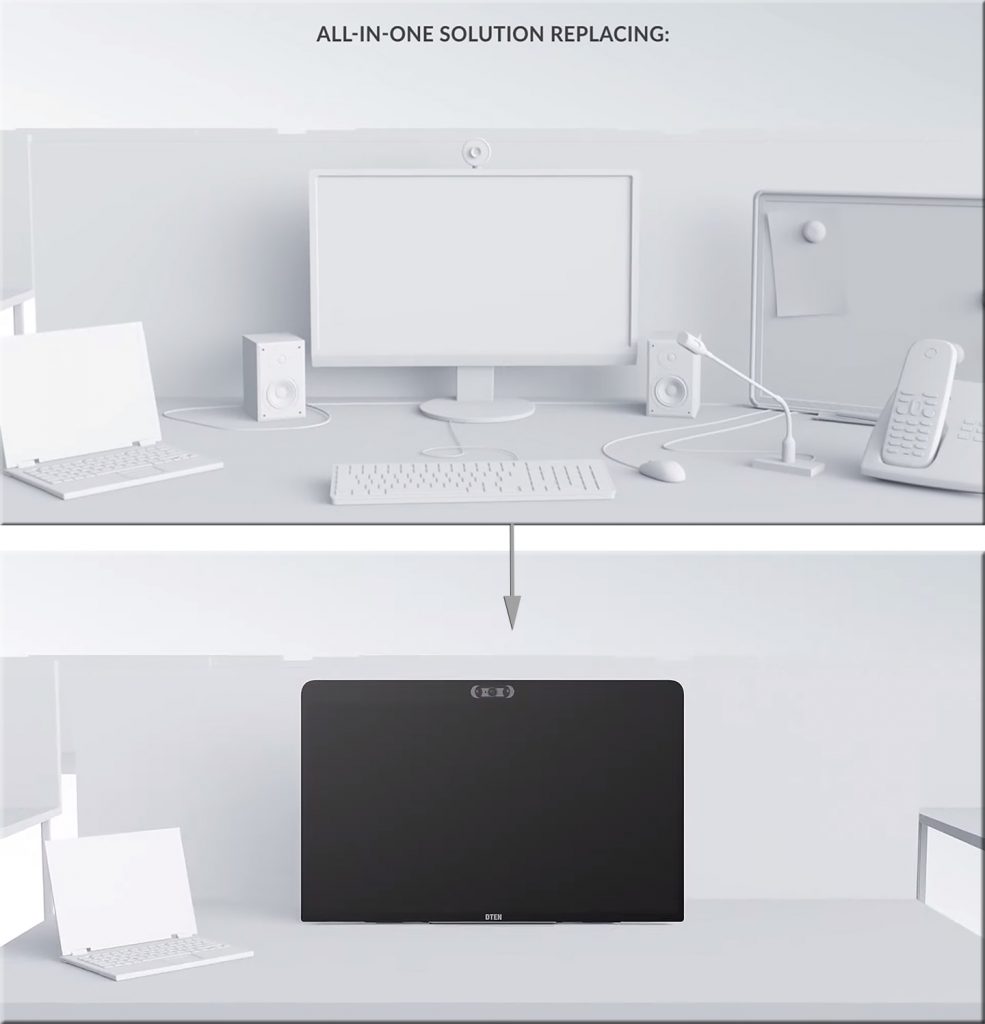
Zoom Video Communications has announced Zoom for Home, which it describes as a new category of software experiences and hardware devices to support remote work use cases. The focus is on improving employee experiences to connect remotely and be productive.

Features for the all-in-one 27-inch device include: three built-in wide-angle cameras for high-resolution video; an 8-microphone array for crystal-clear audio in meetings and phone calls; and, an ultra-responsive touch display for interactive screen sharing, whiteboarding, annotating, and ideation.

Also see:

From DSC:
Again, we see some further innovation in this space. The longer the Coronavirus impacts things, the further ahead the online-learning space will be catapulted. This type of device consolidates several devices into one, while making it intuitive and likely easy to annotate items on it.

Zoom Launches Zoom For Home


7 Things You Should Know About the HyFlex Course Model — from library.educause.edu

Excerpt:

What is it? The hybrid flexible, or HyFlex, course format is an instructional approach that combines face-to-face (F2F) and online learning. Each class session and learning activity is offered in-person, synchronously online, and asynchronously online. Students can decide—for each class or activity—how to participate. As Brian Beatty notes in Hybrid-Flexible Course Design, the result is “a student-directed, multi-modal learning experience.” The HyFlex approach provides students autonomy, flexibility, and seamless engagement, no matter where, how, or when they engage in the course. Central to this model is the principle that the learning is equivalent, regardless of the mode. The approach was developed with a focus on student flexibility, but the benefits also extend to faculty. For example, an instructor, along with some students, could “attend” class remotely, while other students join physically from a room on campus.


Pedagogical considerations for instructional videoconferencing sessions — from onlinelearningconsortium.org by Amanda Major

Excerpt:

Presented here are recommendations and strategies to support educators.

We hope you find these pedagogical considerations for faculty holding a synchronous class session via a video conferencing tool as timely, practical, and rewarding. The intent is to allay your anxieties about offering quality instruction to your students; thereby, helping you to adapt quickly to this new situation.

The ending points of your content delivery should make a lasting impression. Try these ideas:

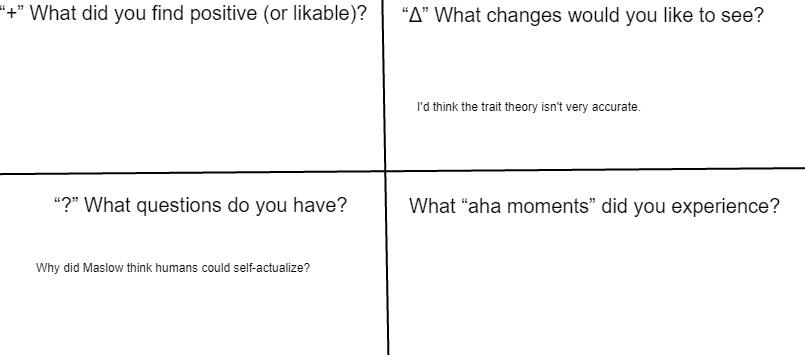
    • Wrap-up your session with a Parking Lot designed as a quadrant (see below), use a shared document and include the following quadrant headings/questions so students can respond in real time:


Also see the idea of a learning journal here.

Have the students keep a learning journal, while answering these questions each week


A few creative ways to use student blogs — from cultofpedagogy.com by Jennifer Gonzalez

Excerpt:

Since those early days the blog has really evolved as a genre: People have taken the basic framework of the blog and used it to build all kinds of useful, interesting things online. This evolution has given the blog limitless potential as a form of writing, and that’s just as true for student writers as it is for everyone else. So if you’re looking for a nice, meaty assignment, one that in previous decades might have been a research paper or an oral presentation, consider assigning a blog instead. It’s not only a highly relevant form of writing, but because it’s done entirely online and worked on over time, it would also lend itself beautifully to remote or hybrid learning.

A blog is part of a larger website, and what makes it unique is that it is dynamic. It changes. It’s regularly updated to provide new material. 


Check out Adobe for Education on Youtube for some great resources to learn everything from podcasting to making impactful social media videos — from jeadigitalmedia.org by Aaron Manfull

Excerpt:

We’ve got a list of Adobe tutorials from the web we’ve been curating here and we’ve long advocated for using Lynda/Linkedin Learning for students and advisers to learn programs. Let’s add one more great resource into the mix and that’s Adobe’s “Adobe for Education” channel on Youtube.

One example:


20 formative assessment examples to use in your online classroom — from tophat.com
Informal assessments are an easy way to stay connected with your students and understand their progress in your course

Excerpt:

As learning environments evolve to incorporate online and remote learning, so too has the need for different approaches that provide flexibility in assessing students in-class, online or in blended learning environments. The following examples of formative assessment techniques can not only help you share more regular, reliable and useful feedback on student progress, they can also help you get started in thinking of other formative assessment strategies to incorporate into your lesson plans.


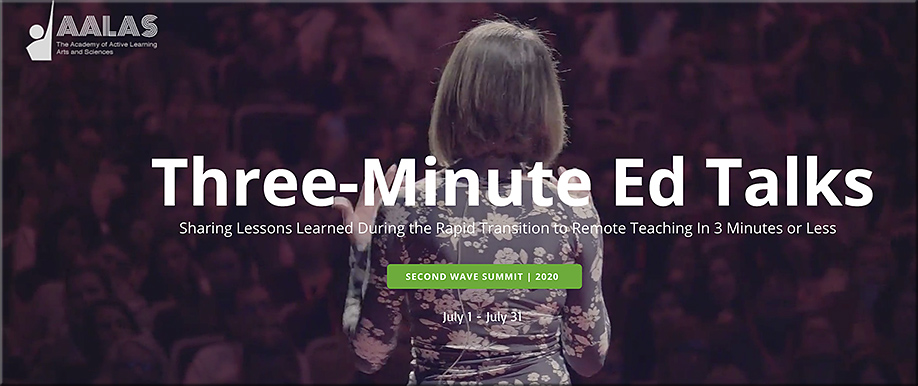
Welcome to Three-Minute Ed Talks, where educators from across the globe are invited to share an insight, a teaching strategy, or an invaluable lesson you learned during the rapid transition to online learning. Your challenge is to do it in just three minutes. Three-Minute Ed Talks are part of the month-long Second Wave Summit on reopening schools and universities and preparing for “the new normal.” Do you have a powerful idea for a Three-Minute Ed Talk? See how to make a submission here.

From DSC:
I remember being at a conference years ago when the Instructional Designer from a library spoke about doing “lightning rounds” with faculty members. The faculty member would record a 3-5 minute presentation about their idea/experiment and what problem they were trying to solve. They reported on whether the pedagogy worked or whether it didn’t work as planned. Great call me thinks!

Besides teachers and professors, trainers could do this with each other. So could those involved in homeschooling. 


From DSC:
Thanks Tony for this item. I was trying to think of how to do this just the other day…so I’m a bit late in posting this, but better late than never, heh?


2020 trends in online student demographics -- from bestcolleges.com

2020 trends in online student demographics — from bestcolleges.com, with thanks to Lisa Marquez for this resource

A Note from BestColleges on Coronavirus and the Transition to Online Education
The data reported here was collected shortly before the coronavirus outbreak. The students who participated in this study had already chosen or were planning to take online courses. Their insights into the challenges of becoming successful online students, including lessons learned along the way, help to inform the development of future online programs.


Here’s how colleges should help close the digital divide in the COVID-Era — from edsurge.com by Dr. Mordecai I. Brownlee

Excerpt:

One key problem prevalent in many low-socioeconomic communities around the nation—like San Antonio, which now has the highest poverty rate of the country’s 25 largest metro areas—is the digital divide. Digital divide is a term used to describe the gap present in society between those who have access to the internet and technology and those who don’t.

It speaks directly to a primary challenge facing our education system in this COVID-era: Some students and families have the means to succeed in a remote learning environment, and others do not.


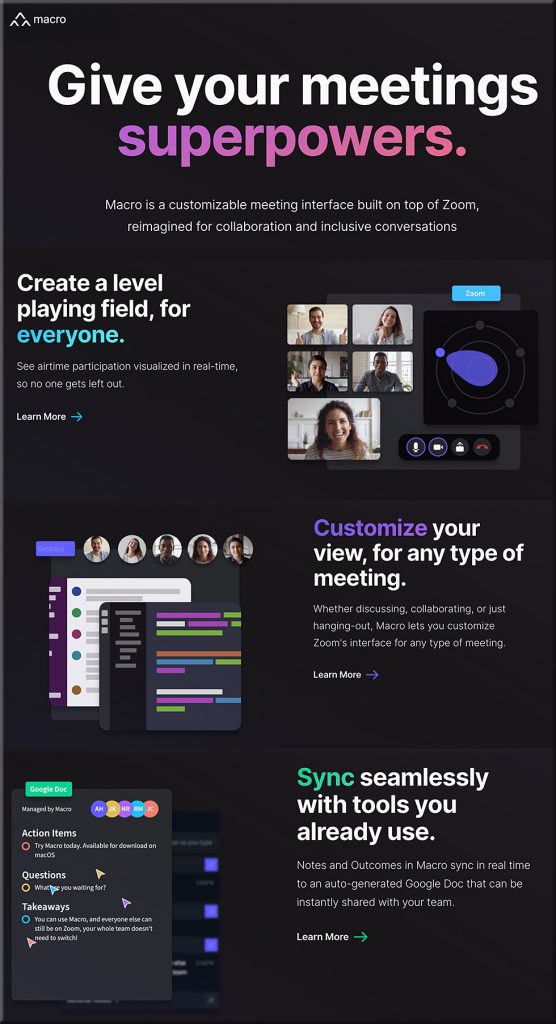
“Existing meeting interfaces had been designed with a singular goal, to simply enable virtual conversations. How could we build a meeting interface from the ground-up that intentionally facilitates engaging, productive, and inclusive conversations?”


What will tools like Macro.io bring to the online-based learning table?!


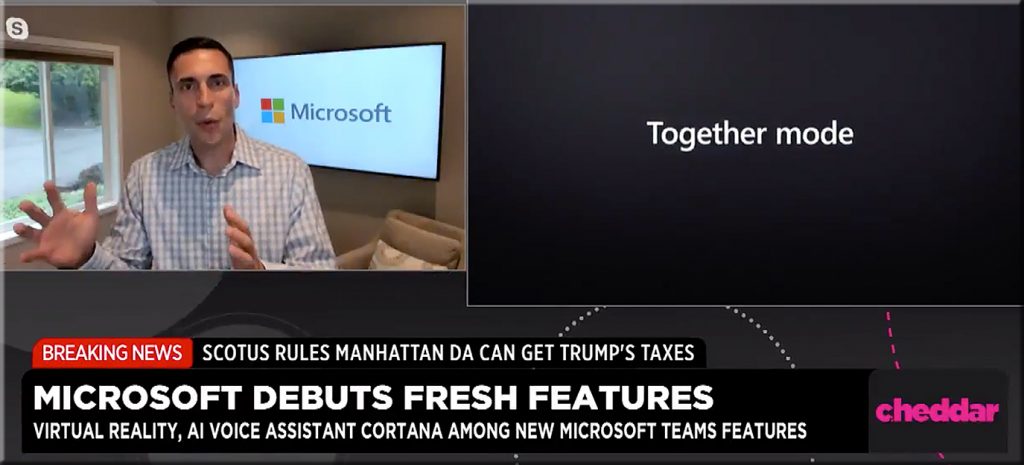
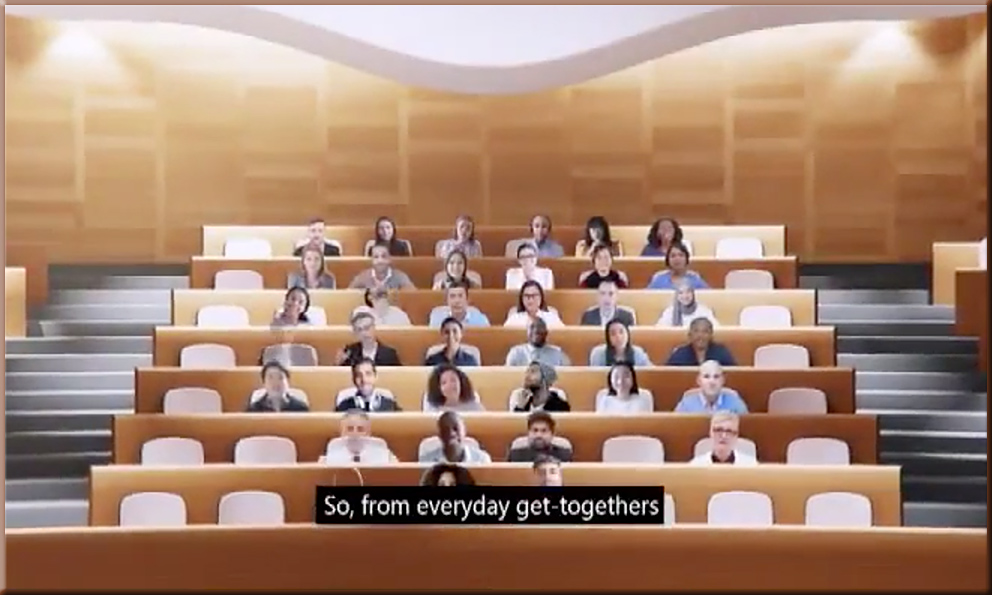
Microsoft Teams Rolls Out Virtual Rooms to Fight ‘Meeting Fatigue’ — from cheddar.com by Taylor Craig

Microsoft introduced Together Mode -- July 2020


A common background in meetings helps reduce extraneous cognitive load


A common background in meetings helps reduce extraneous cognitive load


From DSC:
Again, the longer the Coronavirus hangs around and we are learning and meeting like this, the more innovations like these will occur.


Addendums on 7/14/20:

Microsoft’s Together mode can help address executives’ concerns over remote work productivity — from businessinsider.com by Hirsh Chitkara

Excerpt:

Together mode offers an alternative to “grid view,” in which video call participants are displayed on-screen — instead, through AI segmentation, participants are placed in a single virtual environment such as an auditorium or coffee bar, creating the illusion that they are in the same space.

The future of work—the good, the challenging & the unknown — from microsofot.com by Jared Spataro

Excerpt:

Together mode is a new option in the Teams meeting experience that uses AI segmentation technology to digitally place participants in a shared background. The view makes it feel like you’re sitting in the same room, which reduces background distractions, makes it easier to pick up on non-verbal cues, and makes back and forth conversation feel more natural.


Best practices for engaging students online — from edtechmagazine.com by Amelia Pang
Norma I. Scagnoli, a higher education instructional design expert, shares her advice on how to humanize online learning.

Excerpt:

EDTECH: How do your instructors strengthen student engagement in entirely online courses?

Scagnoli: We built that engagement by following the Community of Inquiry Framework. This model was created by online learning experts such as Dr. Randy Garrison and Dr. Norm Vaughan, who research distance education and blended learning. This model focuses on cognitive presence, teaching presence and social presence to keep students engaged with online content.

You want to use every opportunity to promote critical thinking and trigger more class interactions and discussions. 

 
© 2025 | Daniel Christian