Pharrell Williams debuts 24-hour, interactive music video for ‘Happy’ — from theverge.com by Amar Toor; with thanks to Mr. Colton Credelle for this item
 

pharrell

Excerpt:

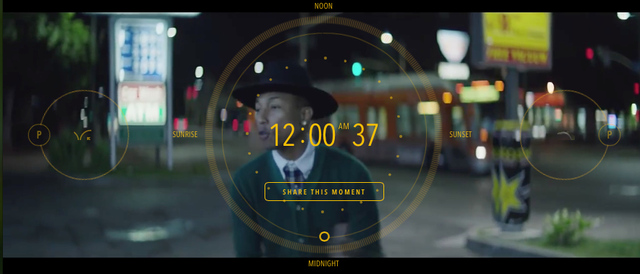
On Thursday, at the stroke of midnight, pop impresario Pharrell Williams debuted the video for his new single, “Happy.” It’s 24 hours long.

The video, available for streaming on 24hoursofhappy.com, features various dancers lip-synching to Williams’ single throughout the course of a day in Los Angeles. The four-minute, upbeat song is played on loop, with each cycle introducing a new dancer (or dancers) at a different location. Viewers can fast-forward or move backward using a clock interface that hovers over the display, and share specific moments on Twitter or Facebook. The dancers, meanwhile, include both anonymous extras and celebrities like Magic Johnson, Steve Carrell, and of course, Williams himself.


Also see:
MusicVideoGoesInteractive-Dec2013


From DSC:
How might this relate to educationally-related videos?

And for those of you in marketing and retail out there, could be some sharp/beneficial applications for you all here.


Learning from the Living (Class) Room [Grush & Christian]

CampusTechnology-12-5-13-DSCLivingClassRoom


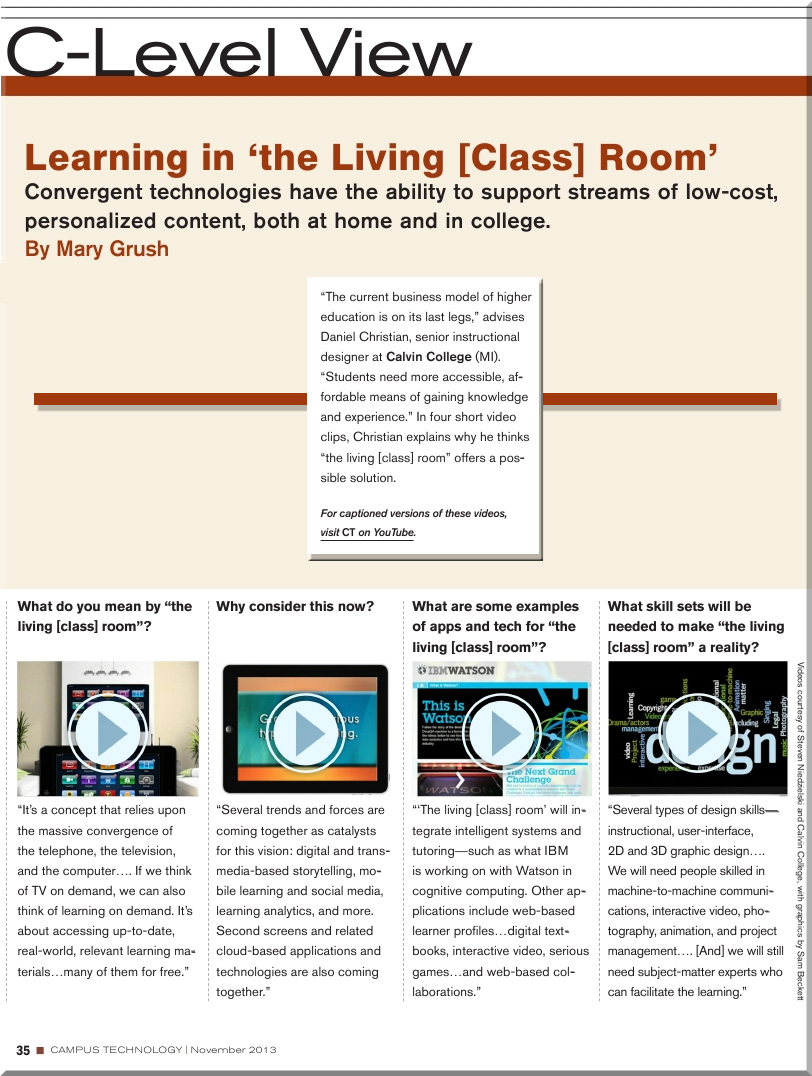
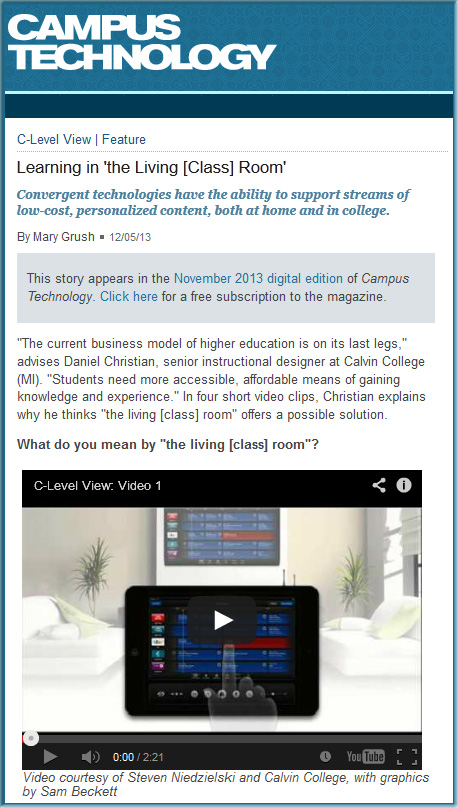
Learning in ‘the Living [Class] Room’
From campustechnology.com by Mary Grush and Daniel Christian
Convergent technologies have the ability to support streams of low-cost, personalized content, both at home and in college.


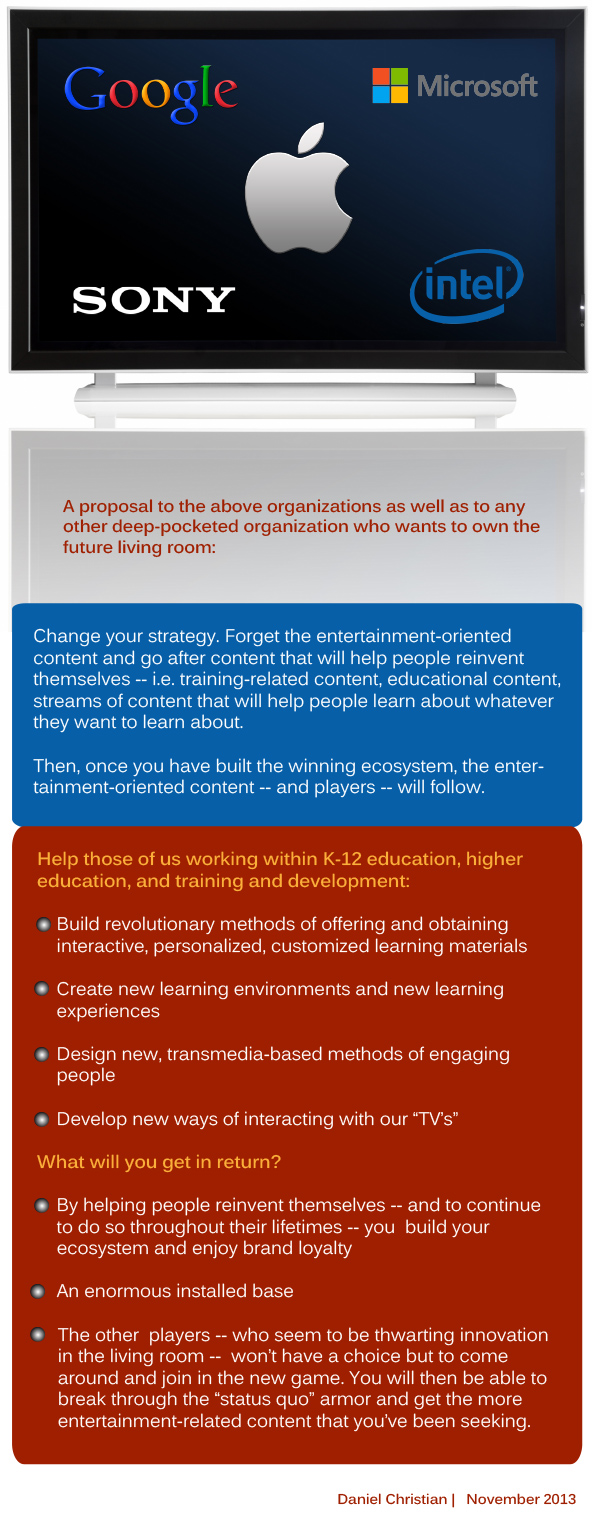
A proposal for Apple, Google, IBM, Microsoft, and any other company who wants to own the future living room [Christian]

DanielChristian-A-proposal-to-Apple-MS-Google-IBM-Nov182013


“The main obstacle to an Apple television set has been content. It has mostly failed to convince cable companies to make their programming available through an Apple device. And cable companies have sought to prevent individual networks from signing distribution deals with Apple.”

Apple, closer to its vision for a TV set, wants
ESPN, HBO, Viacom, and others to come along

qz.com by Seward, Chon, & Delaney, 8/22/13


From DSC:
I wonder if this is because of the type of content that Apple is asking for. Instead of entertainment-oriented content, what if the content were more focused on engaging, interactive, learning materials? More on educational streams of content (whether we — as individuals — create and contribute that content or whether businesses do)?

Also see:


internet of things


Excerpt (emphasis DSC):

The communications landscape has historically taken the form of a tumultuous ocean of opportunities. Like rolling waves on a shore, these opportunities are often strong and powerful – yet ebb and flow with time.

Get ready, because the next great wave is upon us. And, like a tropical storm, it is likely to change the landscape around us.

As detailed by analyst Chetan Sharma, this particular wave is the one created by the popularity of over-the-top (OTT) solutions – apps that allow access to entertainment, communication and collaboration over the Internet from smartphones, tablets and laptops, rather than traditional telecommunications methods. Sharma has coined this the mobile “fourth wave” – the first three being voice, messaging (SMS) and data access, respectively – and it is rapidly washing over us.


Addendum on 11/25:


SmartTVFeatures


IBM-Opening-up-Watson---11-15-13


Excerpts (emphasis DSC):

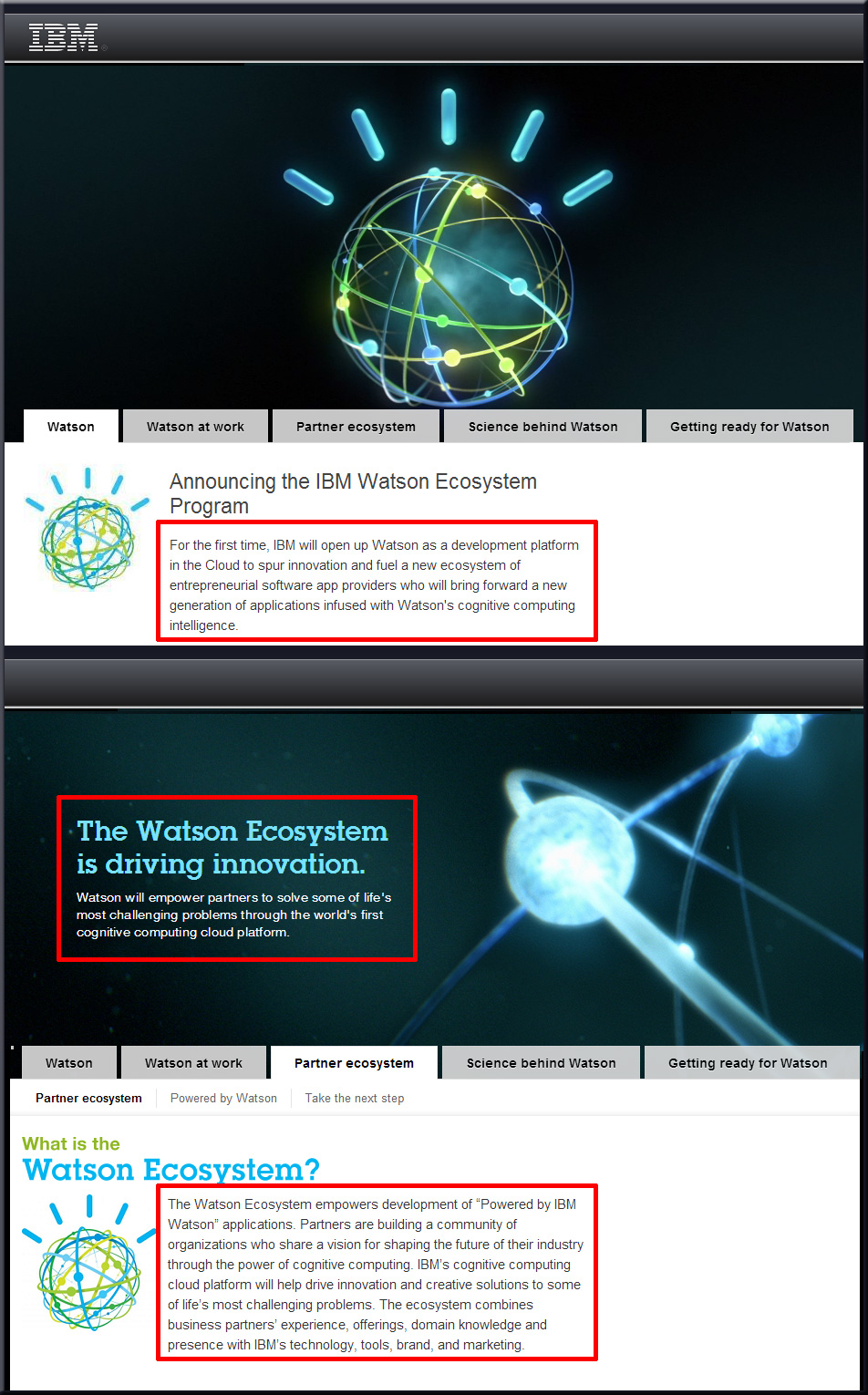
For the first time, IBM will open up Watson as a development platform in the Cloud to spur innovation and fuel a new ecosystem of entrepreneurial software app providers who will bring forward a new generation of applications infused with Watson’s cognitive computing intelligence.

The Watson Ecosystem empowers development of “Powered by IBM Watson” applications. Partners are building a community of organizations who share a vision for shaping the future of their industry through the power of cognitive computing. IBM’s cognitive computing cloud platform will help drive innovation and creative solutions to some of life’s most challenging problems. The ecosystem combines business partners’ experience, offerings, domain knowledge and presence with IBM’s technology, tools, brand, and marketing.


Xbox, watch TV: inside Microsoft’s audacious plan to take over the living room — from by Nilay Patel
Can the Xbox One finally kickstart the TV revolution?


msft lede


Excerpt (emphasis DSC):

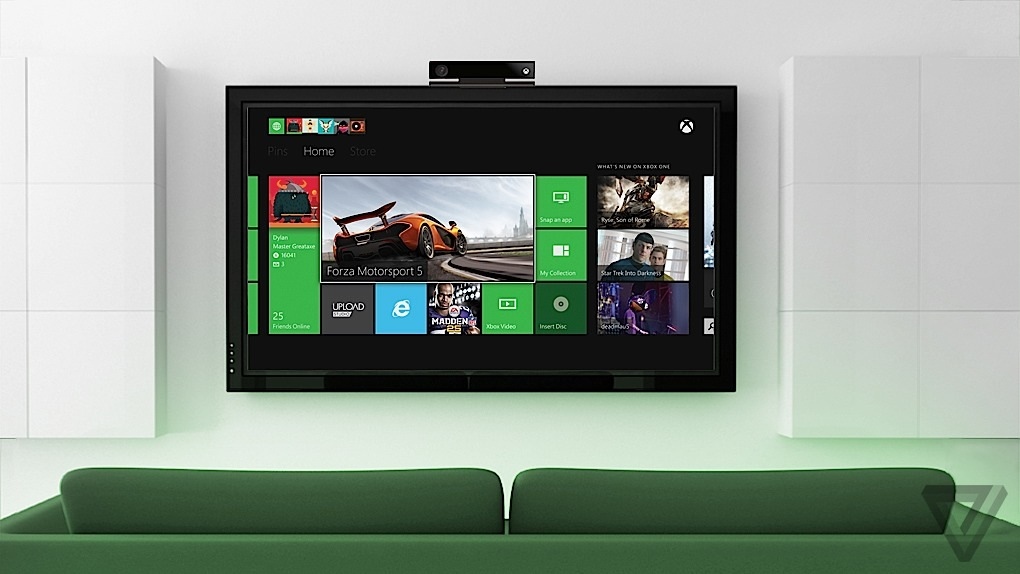
Taking over your cable box also means the Xbox can overlay your TV signal with interesting information: a voice-activated channel guide, pop-up notifications when you get a Skype call and Xbox Live invites, a new NFL app that shows you real-time fantasy stats. You can even snap the TV window to the side of the screen while you play games. Your nasty cable interface is still there, but it allows the Xbox One to replace the cable box as the primary living-room entertainment device and go from gaming console to major new computing platform.

So the entire Xbox One is designed around what you might call a bold compromise: instead of directly integrating TV, the system hijacks it. Rather than plugging your cable box and Xbox into the TV separately, you first plug the cable box into the Xbox, and then the Xbox into the TV. Your cable box is still there, and still doing all the heavy lifting of providing TV, but now it’s doing it in service of the overall Xbox One experience. Smith describes it as “augmenting” the cable box experience in an effort to eliminate the friction of switching between games, apps, and TV.


From DSC:
The battle for the living room continues.  I hope that we can eventually leverage these developments not just for entertainment, but for creating, contributing, sharing, absorbing, and discussing streams of content. The creative possibilities involving transmedia-based storytelling are exciting in this type of environment as well.


CenterForDigitalEducation-2013Yearbook


Description:

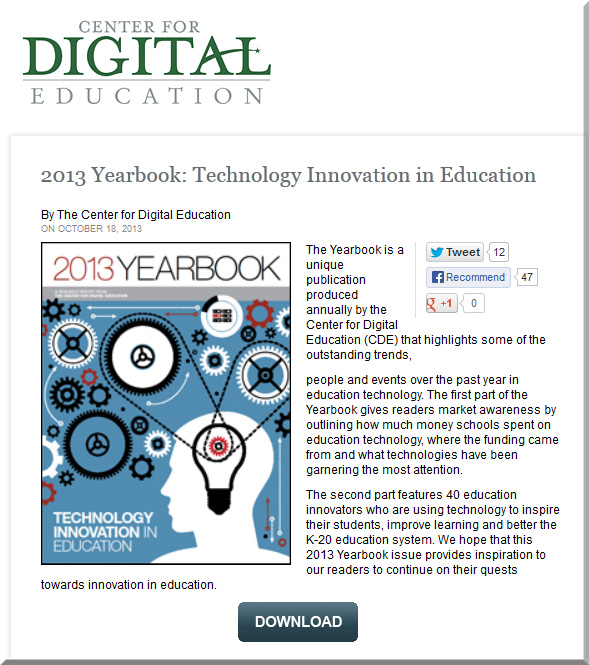
The Yearbook is a unique publication produced annually by the Center for Digital Education (CDE) that highlights some of the outstanding trends,

people and events over the past year in education technology. The first part of the Yearbook gives readers market awareness by outlining how much money schools spent on education technology, where the funding came from and what technologies have been garnering the most attention.

The second part features 40 education innovators who are using technology to inspire their students, improve learning and better the K-20 education system. We hope that this 2013 Yearbook issue provides inspiration to our readers to continue on their quests towards innovation in education.


From DSC:
My quote in the Center for Digital Education’s 2013 Yearbook reads:


“Educational technologists need to be bold, visionary and creative. They need to be in tune with the needs, missions and visions of their organizations. We have the opportunity — and responsibility — to make lasting and significant contributions within our fields and for the organizations that we work for.”


“Learning in the Living [Class] Room” — as explained by Daniel Christian [Campus Technology]

Learning from the Living [Class] Room  — from Campus Technology by Daniel Christian and Mary Grush; with a huge thanks also going out to Mr. Steven Niedzielski (@Marketing4pt0) and to Mr. Sam Beckett (@SamJohnBeck) for their assistance and some of the graphics used in making these videos.

From DSC:
These 4 short videos explain what I’m trying to relay with a vision I’m entitling, Learning from the Living [Class] Room.  I’ve been pulse checking a variety of areas for years now, and the pieces of this vision continue to come into fruition.  This is what I see Massive Open Online Courses (MOOCs) morphing into (though there may be other directions/offshoots that they go in as well).

After watching these videos, I think you will see why I think we must move to a teambased approach.

(It looks like the production folks for Campus Technology had to scale things way back in terms of video quality to insure an overall better performance for the digitally-based magazine.) 


To watch these videos in a higher resolution, please use these links:


  1. What do you mean by “the living [class] room”?
  2. Why consider this now?
  3. What are some examples of apps and tech for “the living [class] room”?
  4. What skill sets will be needed to make “the living [class] room” a reality?


Alternatively, these videos can be found at:


DanielSChristianLearningFromTheLivingClassRoom-CampusTechnologyNovember2013

.


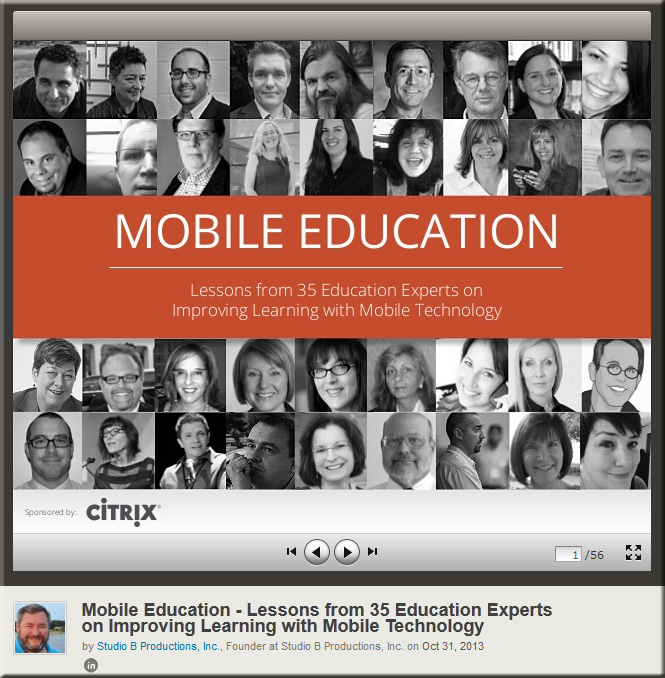
Citrix-Mobile-Education-10-31-13


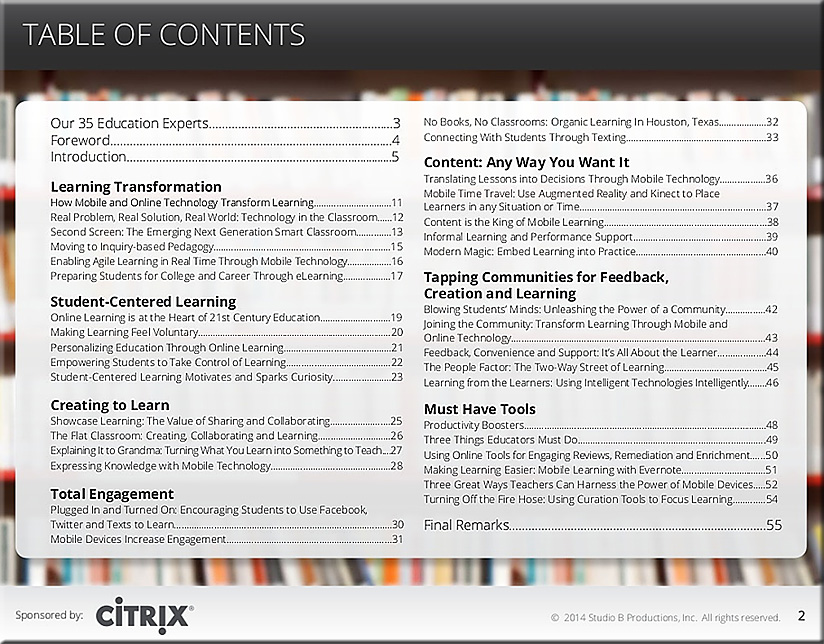
Citrix-Mobile-Education-TOC-10-31-13


Description:

Education is at a tipping point. From the rising cost of a college education and the financial pressures upon local districts and state agencies to fund K-12 schools and programs, to the questions of how to employ mobile technologies and leverage social platforms to support the growing trend toward mobile, collaborative learning models, educators face an almost overwhelming set of challenges. While there are no easy answers to these and other issues, Citrix believes strongly that online learning technologies can help enhance and extend the teaching and learning process and provide greater, more wide-spread access to education to students. We are committed to developing and delivering learning solutions that will meet the evolving needs of teachers and students in this changing landscape. We hope that our sponsorship of this ebook and other projects will help you, the reader, gain a better understanding of the opportunities that online learning technologies provide, increase your mastery of these solutions, and enable you to put them to productive use. We look forward to working with you as we explore new and effective ways to help teachers teach and learners learn.

CaIlin Pitcher
Product Line Director, Collaboration, Citrix


Comments/disclosure from DSC:
I do not work for Citrix — I have been at Calvin College since
March 2007.  I was not paid to develop/contribute this piece.

I’d like to thank David Rogelberg for his work on this project.


Information from Amy Ashline and the kids that she works with

“…the kids thought of the brilliant idea to email you in the first place, because they wanted to share a resource they found: http://www.pc-wholesale.com/pc-wholesale-com-s-guide-to-keyboarding.html . They thought it’d be a great fit for your page and that maybe other visitors would find it fantastic as well.”


PC Wholesale.com’s Guide to Keyboarding

Excerpt:

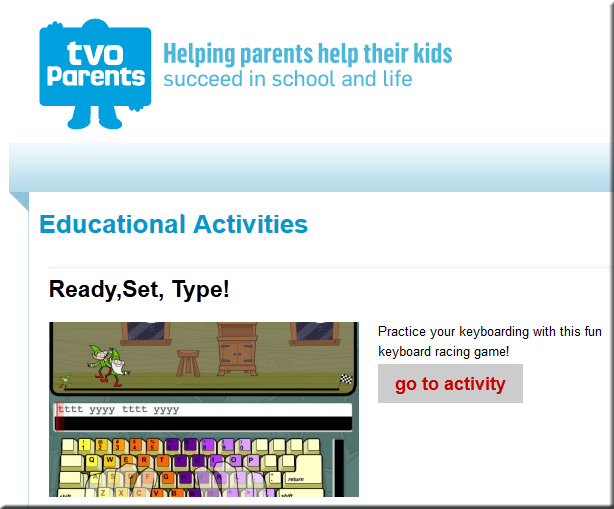
With the increasing usage of computers, keyboarding skills have become essential. Children must learn keyboarding skills early on as part of using computers and in order to type lessons and reports. Parents need to encourage kids to practice typing outside of school as it takes a lot of time to become efficient. It is also important to teach the proper hand and body positioning as well as correct typing techniques in order to prevent things like carpal tunnel syndrome. Learning to type need not be a boring chore; today, there are many fun games, lessons, and tests online to help kids learn keyboarding skills. With entertaining games like this, kids will love to type!

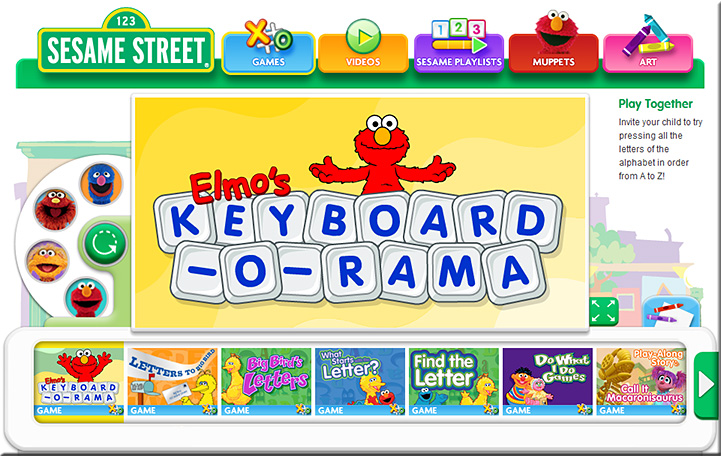
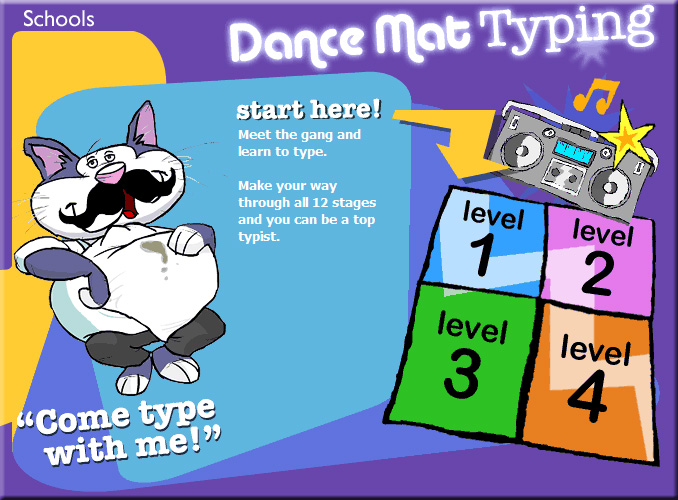
Examples:


readysettype-11-4-13


ElmosKeyboardORama-Nov2013


DanceMatTyping-Nov2013


From DSC:
Typing/keyboarding has been one of the most useful skills I’ve ever learned. 

Quick story:
I got a detention slip from my typing teacher in 7th grade for looking at my hands while typing. That seemed to help me quite a bit actually. After that, I practiced really hard at NOT looking at my hands.  Anyway, if you’re still out there, thanks Mrs. Worthy for teaching me how to type!!!


Readmill makes each and every book its own self-contained social network, allowing readers to discuss, share and review from inside of the e-book.


Readmill: Redefining the Ebook

Excerpt:

The books of the modern-day have progressed far beyond just containing stories, they are now social networks in their own right – generating vast reams of data offering insight into not only what we read, but how, when and where we are reading it. At the forefront of this movement is Readmill, an app staking its future on being the great reading app.

Readmill makes each and every book its own self-contained social network, allowing readers to discuss, share and review from inside of the e-book. If you find a passage you like, you can highlight it and comment on it right from within the book. Other users reading the book and even the author can see these comments and add their own thoughts, starting a discussion within the book, without ever having to leave it.

Readmill has positioned itself as a company which detaches itself from ‘the selling of the book” to focus on the “social experience.”


Connected! Readmill redefines ebooks as social networks — from futureofthebook.blogspot.com


From DSC:
Two things come to mind when I read this:

1)  What if we applied the same concept towards electronically-delivered streams of content? What if, instead of an e-book, we presented a particular topic of discussion or a particular lesson to kick things off and then have Communities of Practice take over from there?  (This could fit nicely into the “Learning from the Living Class [Room] vision, enabled by the Smart/Connected TV.)

2)  What if we could have “layers” on a digital “textbook”?


DanielSChristian-TextbookConcept-May2011-Layers


8PredictionsFutureOfStorytellingGaskinsOct2013


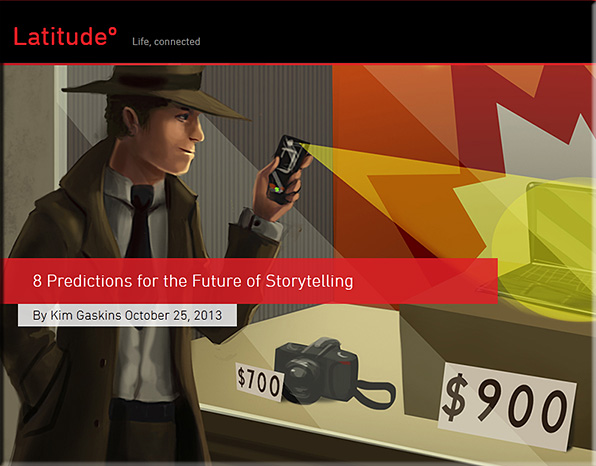
The 8 items that Kim discusses include:

  1. Stories will come out of the screen, into the physical world.
  2. Characters will become connections.
  3. Audiences will be able to experience stories unfolding from different vantage points.
  4. Stories will be told 24/7.
  5. The notion of authorship will evolve; in many cases, storytelling will be more of a “bottom-up” process.
  6. Stories will make the world a better place (even more than they already do).
  7. Videos will offer one-click storefronts.
  8. Passive or active narrative experience? It’ll be your choice.


From DSC:
Again, we see:

More choice. More control.


Some items re: Steam and OUYA — with a thanks going out to Mr. Steven Chevalia for the information here

For the past 20 years, the video game industry has been controlled by three primary companies:

  1. Nintendo (Nintendo, Gamecube, Wii)
  2. Sony (Playstation)
  3. Microsoft (Xbox)

However, the past two years have shown an increased interest in hardware solutions from 3rd parties, such as:

  • OUYA is a 3rd party console that was designed to be a gaming system with a lower cost and was meant for all open-source games.
    (Further details at wikipedia.org)
     
  • Steam is a 3rd party that sells and updates all their games digitally. They offer all the same games as most of the consoles (listed above) and will soon be offering their own console, which will connect to the internet and allow you to play any game that you own on their service.
    (Further details at wikipedia.org)


STEAM-Expanding2014


These smaller, lesser known devices are prime targets for educational and kid-friendly material. (NOTE: Not all of the games available via these sites are appropriate for kids, as many of the games therein are meant for older audiences.) It is likely that iTunes U, YouTube, etc. will all be viewable on these consoles and the games made for them will be able to be made by smaller companies that can’t compete on the market with Nintendo, Playstation, or Xbox-based games.


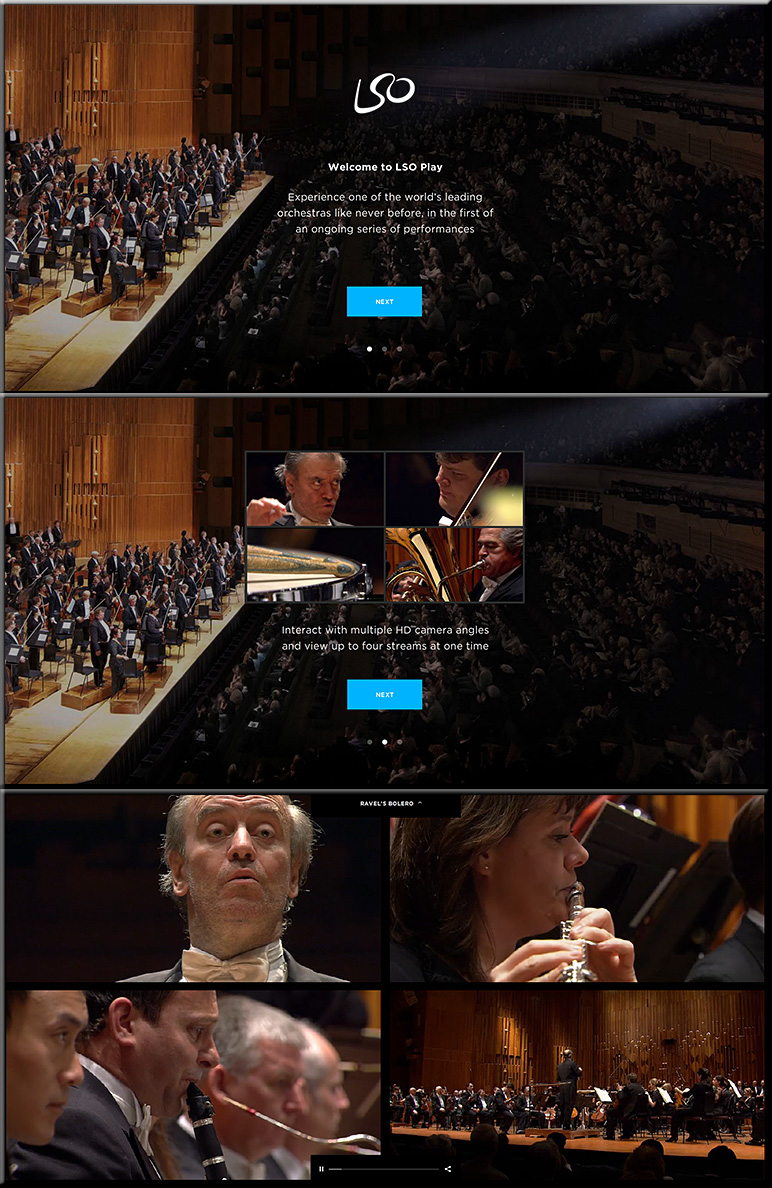
LondonSymphonyOrchestraPlay-Oct2013

From DSC:
With thanks to Nicola Ryan (@Nicola_Ryan) for this resource.


Tidebreak Next Generation Mobile App Powers Full-Participation Learning  — from digitaljournal.com

Excerpts (emphasis DSC):

Mountain View and Anaheim, CA (PRWEB) October 15, 2013

New web app increases collaboration between students and faculty in classroom in BYOD learning environments.

“Using technology in the classroom can help spur creativity, increase participation, and foster a collaborative environment,” said Andrew J. Milne, Ph.D., chief executive officer of Tidebreak. “The latest version of Tidebreak’s mobile web app allows students to use any tablet or handheld device to share information with the entire class in real-time. By incorporating mobile web apps into devices that students already own, faculty can improve the learning process by creating a more collaborative environment that encourages active participation.”

The mobile web app from Tidebreak has many new features that will help increase student participation in the classroom. New features that have been incorporated into ClassSpot, ClassSpot PBL and TeamSpot include:

  • Work “at the board” without getting up – Full keyboard and track pad control from a tablet or phone allows students to collaborate on the large classroom screen in real-time.
  • Bridge the physical and digital world – Capture and share photos of whiteboard content, physical objects, or images and then share it on-screen or archive it instantly.
  • Surf and share – Search the web for relevant content and then share it to the main screen, the session archive, or to everyone in the group simultaneously.
  • Navigate an enhanced design – A great deal of improvement has gone into the user interface which helps generate new ideas among students.
 

Mapping the Bible in Google Earth — from freetech4teachers.com by Richard Byrne

Excerpt (emphasis DSC):

A few years ago I shared a small collection of interactive maps based on Biblical stories. Recently, through the Google Earth Blog, I learned about a collection of Google Earth files that map Biblical stories. The blog Biblical Studies and Technological Tools put together a collection of seven Google Earth files. A couple of the files that I downloaded from the collection were a Complete list of Bible Place KMZ and Biblical Rivers and Bodies of Water (both links trigger KMZ/ KML file downloads).

 
© 2025 | Daniel Christian