From DSC:
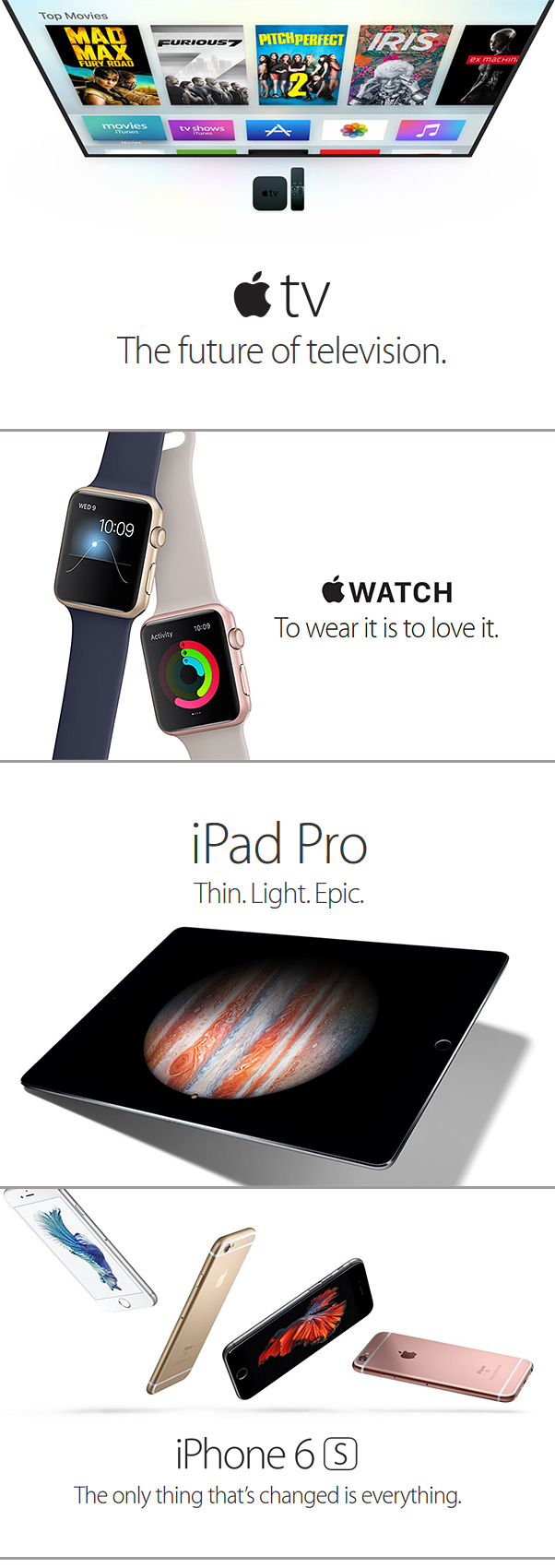
On 9/9/15, Apple held their September Event 2015. Below are some of the articles/items that capture some of the announcements from that event.


From Apple.com:


AppleAnnouncements-9-9-15


Apple Watch Finally Getting Native Apps, New Features Next Week — from wsj.com by Nathan Olivarez-Giles

Excerpt:

Native apps will arrive on the Apple Watch as a part of a major update known as WatchOS 2. The promise is that native apps will be able to run faster on the watch, though the watch isn’t free of the iPhone yet. The Apple Watch doesn’t have it’s own cellular connection, so any information an app wants to pull from the Internet (like live sports scores, transit times, or messages from friends) it’ll still rely on an iPhone to pull all that off.
Still, the promise of any added speed here is significant. Unlike smartphone apps which are built to consume your attention for minutes at a time, Apple Watch apps are built to get you in and out with the information you need in a matter of seconds.


Developers can register now to apply for a new Apple TV hardware ahead of general release, supplies limited — from 9to5mac.com


Apple unveils next generation iPhone 6s, 6s Plus — from by Jason Cipriani
The tech giant introduced a new touch-sensitive technology called 3D Touch to its next generation smartphones.

Excerpt:

Apple added pressure-sensitive technology to its new iPhones, which the company is calling 3D Touch. The technology can launch features and perform a variety of functions when varying levels of force are applied to the screen.


A side comment from DSC for those students involved with graphic design, digital media, and/or with communications:
Study the work that the folks did who were in charge of presenting the complex, technical information — but doing so in a way that was extremely polished, engaging, and professionally done. The videos, for example, were very well done. My hats off to these extremely creative folks — they are clearly at the top of their industry.


Addendum on 9/11/15:


Lance Weiler’s must-read story about the future of storytelling — from kidscreen.com by Wendy Smolen

Excerpt:

As the founder of the Columbia University Digital Storytelling Lab, and its Director of Experiential Learning and Applied Creativity, you’ve convinced some major powers that work and learning begin with a story. What does that mean to those in the industry who make products for kids? 

My work at Columbia University explores how story, play and design can be harnessed to create collaborative work and learning environments. A key takeaway from our experiments so far is the value of a diversity of perspectives. We often strive to embrace a designing “with” and “for” methodology. This is a fundamental shift for the entertainment industry but the reality is the audience has evolved into storytellers. They are now their own little media companies able to push-button publish for the world to see.

As creation and consumption blend, story and code continue to collide.  At Columbia we are exploring new forms and functions of storytelling. How can stories be used as a discovery method? How can they enable people to connect to the world around them? How can they become a utility that can solve everyday challenges?

Story and Code have different development cycles and require different set of skills. So at Columbia and within my own work I often benefit from assembling a kind of 21st Century Writer’s Room. My core team has expanded to include creative technologists, data researchers and systems designers. What connects the team is a series of stories that we use to ensure that everyone is on the same page and that the core vision and goals are communicated.

The Digital Storytelling Lab, therefore, is a place of speculation, of creativity, and of collaboration between students and faculty from across Columbia University. New stories are told here in new and unexpected ways.


Also see:


digitalstorytellinglab-may2015


What’s next? GM predicts jobs of the future — from media.gm.com; with thanks to Norma Owen for the resource
Top 10 jobs of the future that will drive exciting technologies

Excerpt:

  • Electrical engineers
  • Analytics expert
  • Interaction designers
  • Web programmer
  • Autonomous driving engineer
  • Customer care experts
  • Sustainability integration expert
  • Industrial engineer
  • 3D Printing engineer
  • Alternative propulsion engineer


What work will look like in 2025 — from fastcompany.com by Gwen Moran
The experts weigh in on the future of work a decade from now.

Excerpt (emphasis):

Seismic Shift In Jobs
The jobs picture either delivers on technology’s promise or plunges us into a dystopian future. The same interconnected technology that will change how goods and services are delivered will “hollow out” a number of skilled jobs, Brynjolfsson says. Clerical work, bookkeeping, basic paralegal work, and even some types of reporting will be increasingly automated, contracting the number of jobs available and causing a drop in wages. And while more technology might create new and different types of jobs, so far we’ve seen more job loss than creation in these areas, he says.

Who wins? Specialists, the creative class, and people who have jobs that require emotional intelligence like salespeople, coaches, customer-service specialists, and people who create everything from writing and art to new products, platforms and services, Brynjolfsson says. Jobs in health care, personal services, and other areas that are tough to automate will also remain in demand, as will trade skills and science, technology and mathematics (STEM) skills, says Mark J. Schmit, PhD, executive director of the Society of Human Resource Management (SHRM) Foundation in Alexandria, Virginia.

However, this winner/loser scenario predicts a widening wealth gap, Schmit says. Workers will need to engage in lifelong education to remain on top of how job and career trends are shifting to remain viable in an ever-changing workplace, he says.


Here’s how you build an augmented reality game for HoloLens — from theverge.com by Adi Robertson

Excerpt:

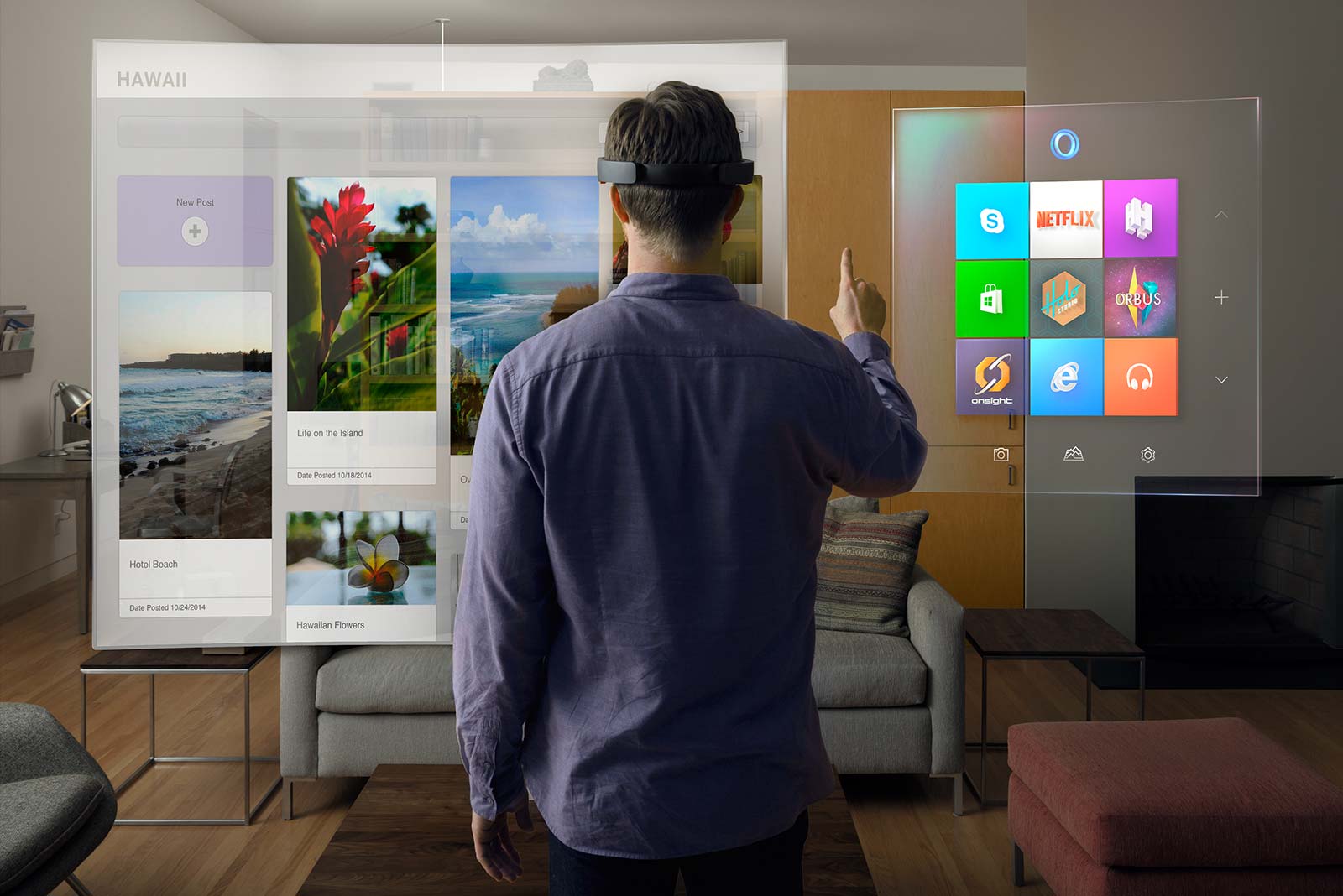
Programming a hologram sounds like something that should be done with some kind of special cybergloves on a computer the size of a ‘60s IBM mainframe. But at Build 2015, Microsoft has been quietly taking developers through the “Holographic Academy,” a 90-minute training session that teaches them the basics of building projects for its HoloLens augmented reality headset. I’m not a developer, but Microsoft let me and some other journalists go through it as well — and it turns out that basic hologram creation is, if not exactly straightforward, at least pretty understandable.


From DSC:
Will designing learning-related games for augmented reality and virtual reality become an area of specialty within Instructional Design? Within Programming/Computer Studies-related programs? Within Human Computer Interface design programs or User Experience Design programs?  Will we need a team-based approach to deliver such products and services?

I wonder how one would go about getting trained in this area in the future if you wanted to create games for education or for the corporate training/L&D world? Will institutions of higher education respond to this sort of emerging opportunity or will we leave it up to the bootcamps/etc. to offer?


Also see:


P90178908_highRes


Also see:

  • New Demo of Microsoft HoloLens Unveils the Future of Holographic Computing — from seriouswonder.com by B.J. Murphy
    Excerpt:
    What happens when you combine holographic technology with augmented reality and the Internet of Things (IoT)? Well, it would appear that you’ll soon be getting a hands-on experience of just that, all thanks to the Microsoft HoloLens. At the Build Developers Conference, Microsoft had unveiled the HoloLens and shocked the world on just how far we’ve come in developing legitimate, functional augmented reality and holographic computing.


future-hololens


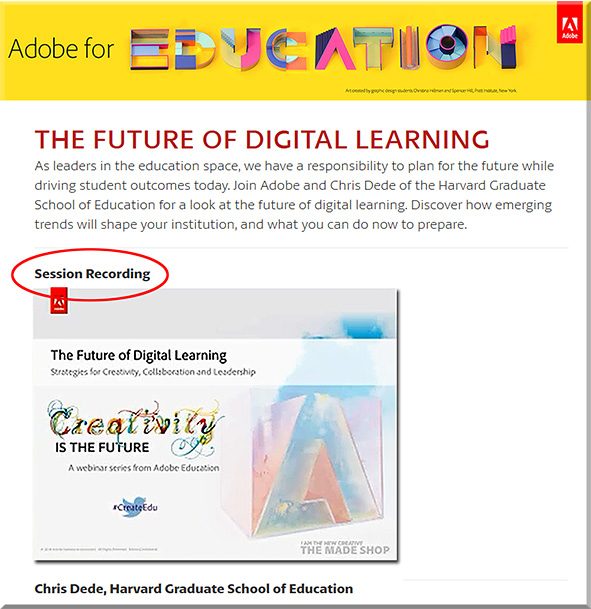
FutureDigitalLearningDede-Adobe-April2015


From DSC:
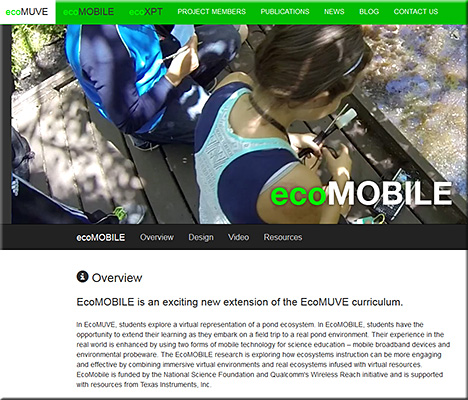
Chris uses ecoMOBILE and ecoMUVE to highlight the powerful partnerships that can exist between tools and teachers — to the benefits of the students, who can enjoy personalized learning that they can interact with.  Pedagogical approaches such as active learning are discussed and methods of implementing active learning are touched upon.

Chris pointed out the National Research Council’s book from 2012 entitled, “Education for Life and Work: Developing Transferable Knowledge & Skills in the 21st Century” as he spoke about the need for all of us to be engaged in lifelong learning (Chris uses the term “life-wide” learning).

Also, as Chris mentioned, we often teach as we were taught…so we need communities that are able to UNlearn as well as to learn.


ecomobile-april2015


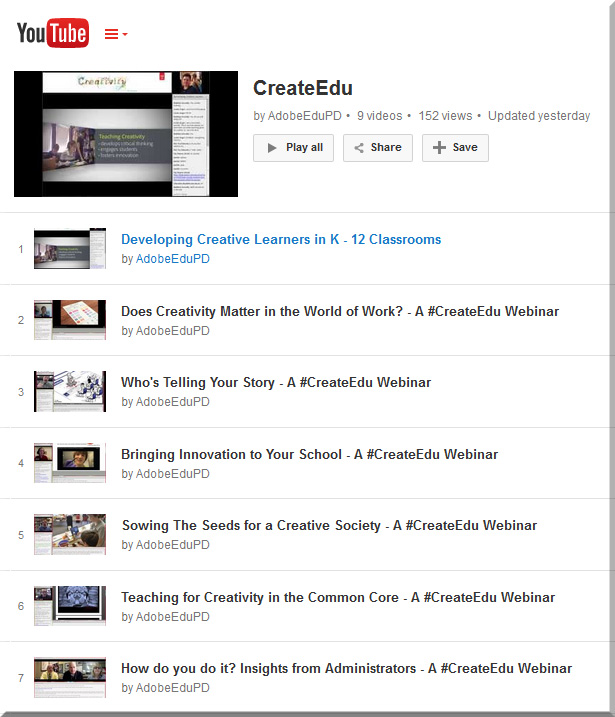
Also see:


AdobeCreate-YouTubeChannel


From DSC:
Consider using one or more of the following tools to take your flipped classroom — and your learners’ understanding — to the next level via the creation of interactive videos.


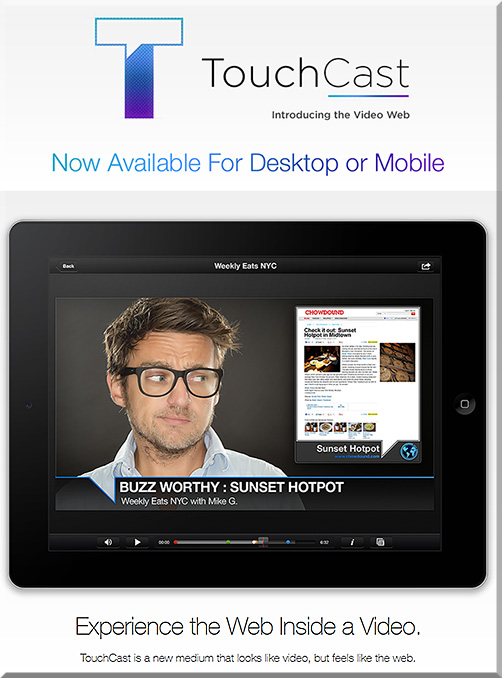
Touchcast
Video and the web are coming together. Experience both like never before with TouchCast- a new medium that looks like video, but feels more like the web.


Touchcast-April2015


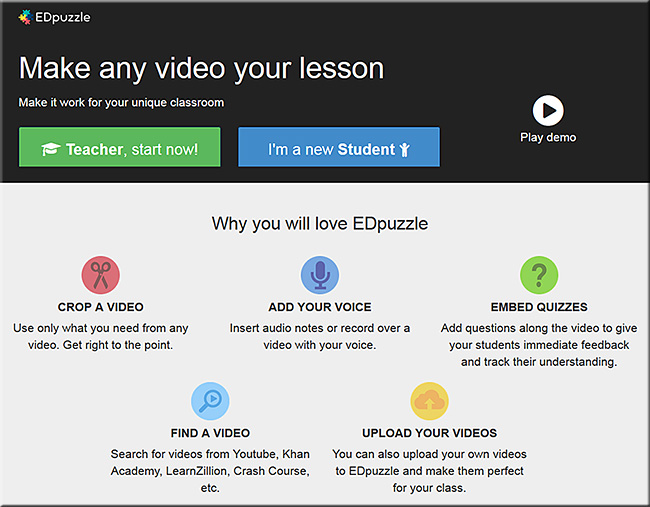
edpuzzle.com — a nice example of their product can be seen in their video entitled, The flipped classroom in 90 seconds


EDpuzzle-April2015


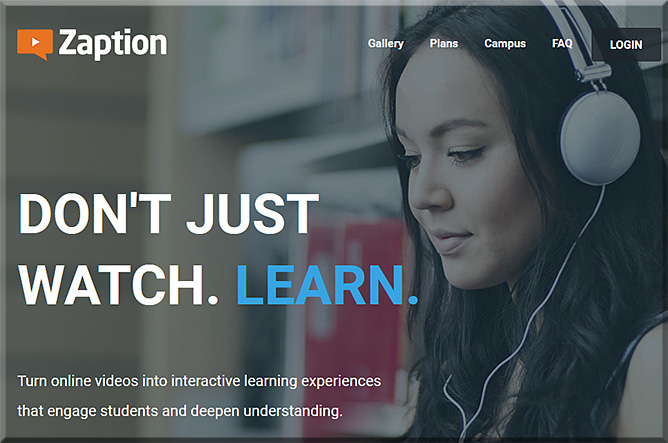
Zaption – Interact & Learn with Video Lessons
Don’t just watch. Learn! Zaption makes online video interactive and engaging for students and drives deeper learning.


Zaption-April2015


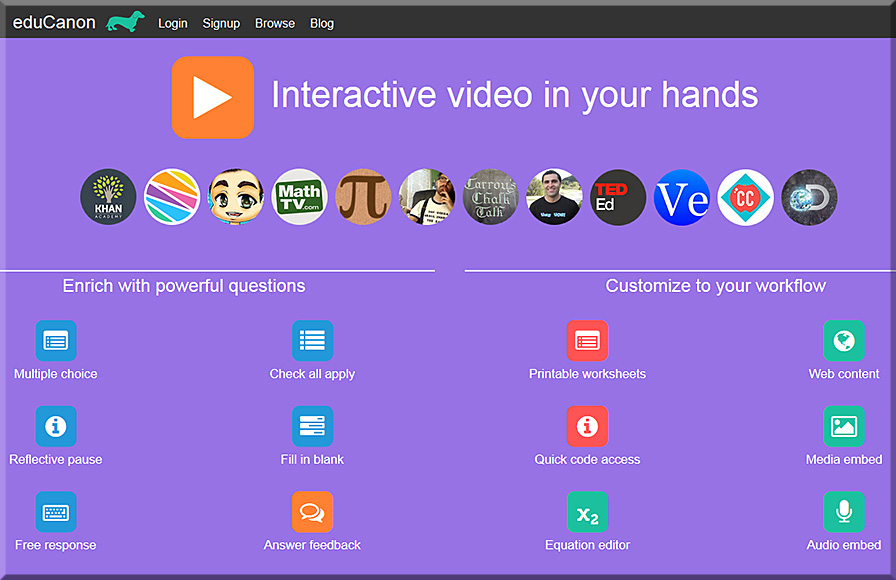
eduCanon
eduCanon is a free tool to embed rich, dynamic questions with explanations inside video. Use video to differentiate & engage. Promote self-paced learning with pause & rewind. Prevent skipping content not yet watched.


eduCanon-April2015


YouTube with new “Cards”:
Make your videos even more interactive with cards [3/16/15]

Excerpt:

As a creator, you’ve probably been using annotations to engage with your viewers for years. But one of the things you’ve told us is that you need more flexibility with the info you share through annotations, and—most importantly—you need it to work across screens and especially on mobile. That’s why today we’re introducing cards.

You can think of cards like an evolution of annotations. They can inform your viewers about other videos, merch, playlists, websites and more. They look as beautiful as your videos, are available anytime during the video and yes, they finally work on mobile.

Right now, you can choose from six types of cards: Merchandise, Fundraising, Video, Playlist, Associated Website and Fan Funding. You’ll find a new “Cards” tab in your Video Editor to create and edit them at any time.


 Addendum on 4/7/15:


Addendum on 4/23/15:

Also see:

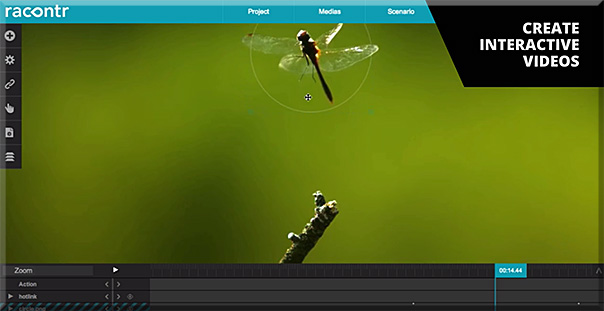
Racontor-April2015-interactivevids


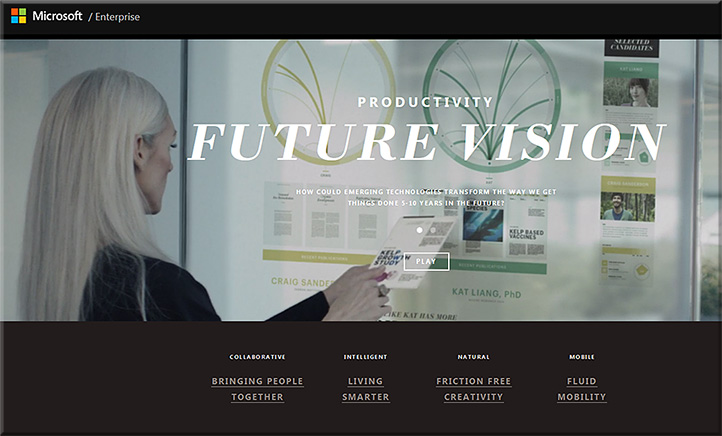
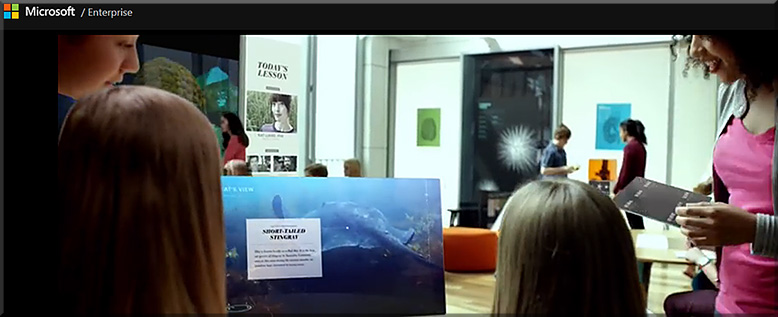
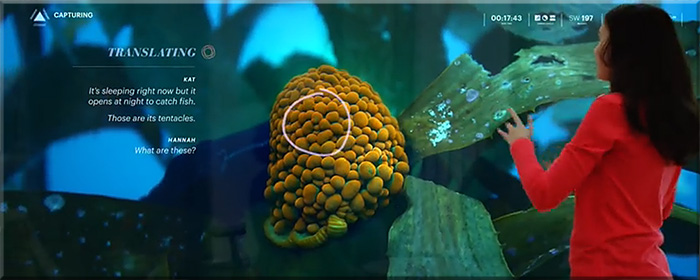
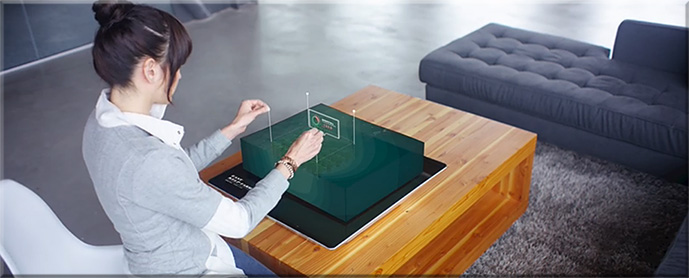
MicrosoftProductivityVision2015


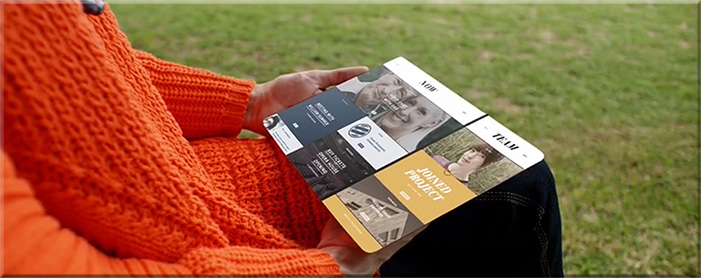
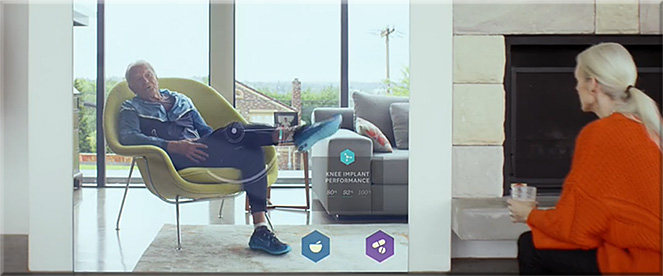
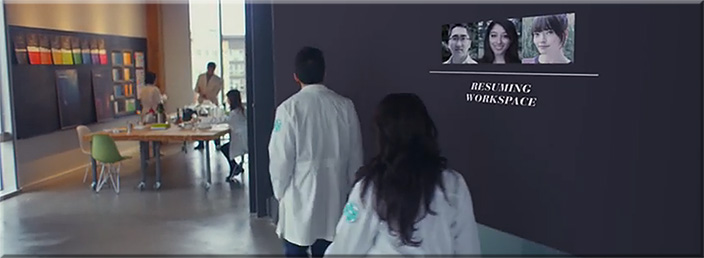
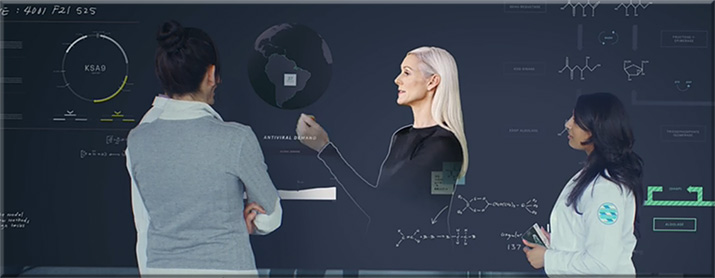
Example snapshots from
Microsoft’s Productivity Future Vision


MicrosoftProductivityVision2-2015


MicrosoftProductivityVision3-2015


MicrosoftProductivityVision5-2015


MicrosoftProductivityVision6-2015


MicrosoftProductivityVision7-2015


MicrosoftProductivityVision8-2015


MicrosoftProductivityVision4-2015


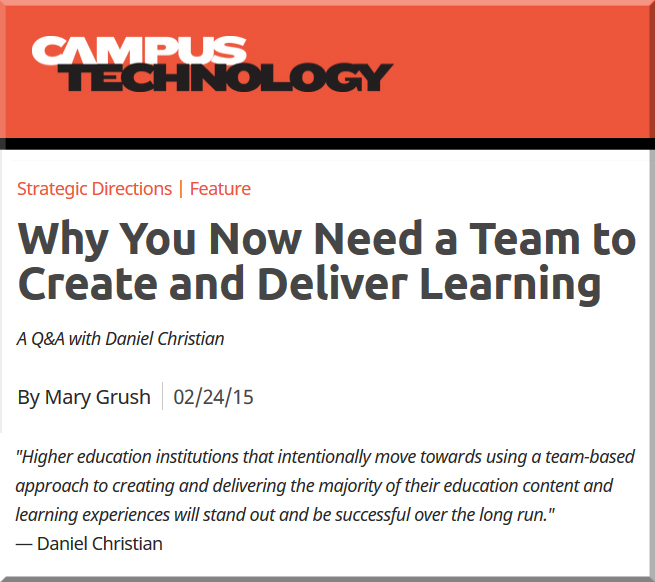
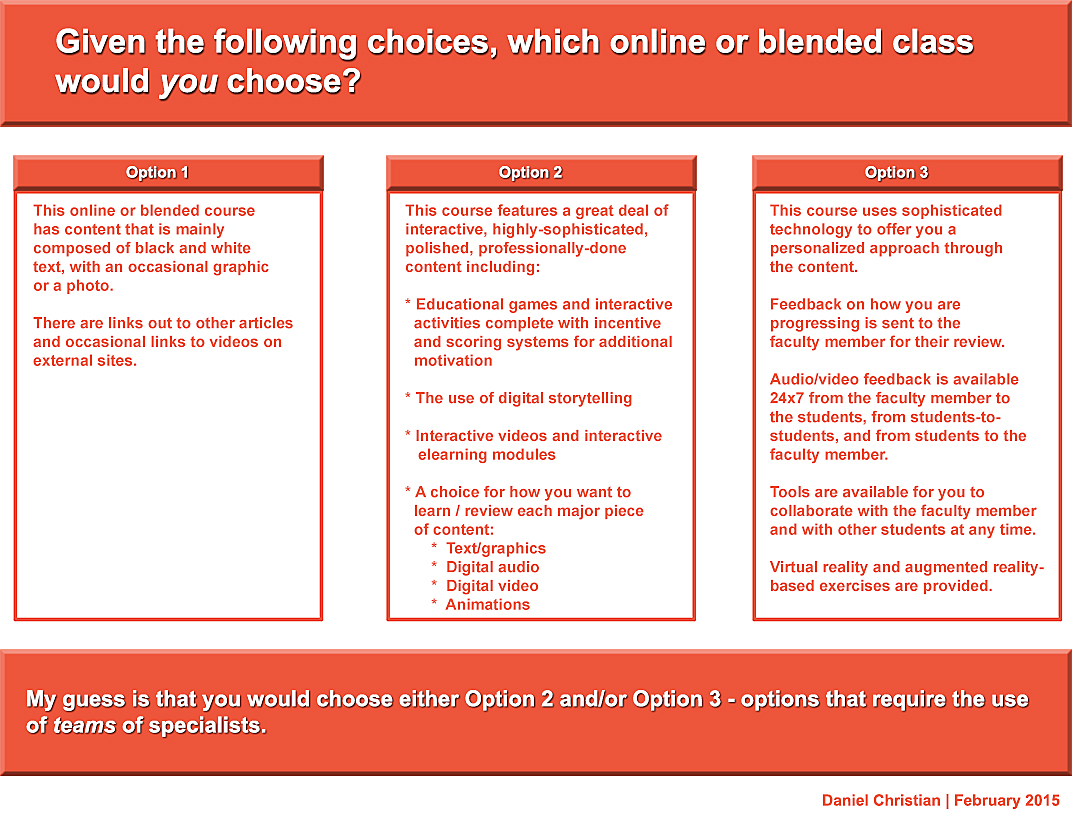
My thanks to Mary Grush at Campus Technology for her continued work in bringing relevant topics and discussions to light — so that our institutions of higher education will continue delivering on their missions well into the future. By doing so, learners will be able to continue to partake of the benefits of attending such institutions. But in order to do so, we must adapt, be responsive, and be willing to experiment. Towards that end, this Q&A with Mary relays some of my thoughts on the need to move more towards a team-based approach.

When you think about it, we need teams whether we’re talking about online learning, hybrid learning or face-to-face learning. In fact, I just came back from an excellent Next Generation Learning Space Conference and it was never so evident to me that you need a team of specialists to design the Next Generation Learning Space and to design/implement pedagogies that take advantage of the new affordances being offered by active learning environments.


DanielSChristian-CampusTechologyMagazine-2-24-15


DanielSChristian-CampusTechologyMagazine2-2-24-15


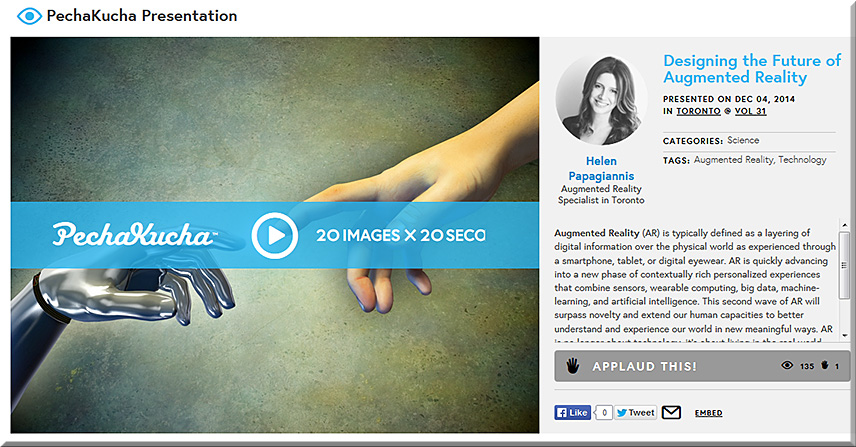
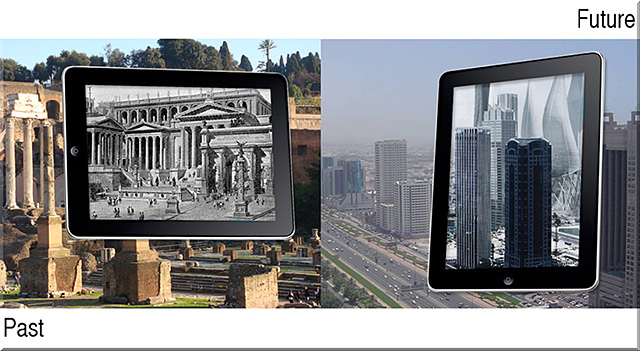
Designing the Future of Augmented Reality: slides from PechaKucha


HelenPapagiannis-3-Feb2015


Excerpted slides:


HelenPapagiannis-2-Feb2015


HelenPapagiannis-1-Feb2015


Also see:


40Ideas-Book-Feb2015

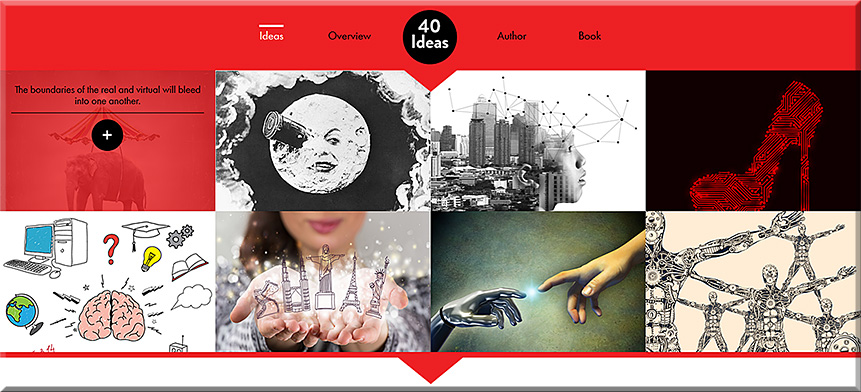
Excerpt from 40ideas.com

How will Augmented Reality extend human capacity and human imagination? The 40 Ideas That Will Change Reality documents the inventions, concepts, and opportunities that will forever change the way we experience reality. Eight of the 40 Ideas from the upcoming book are highlighted above.


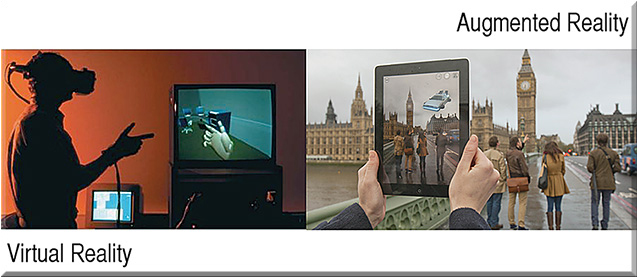
Augmented Reality and Virtual Reality: what’s the difference? — from augmentedstories.com by Helen Papagiannis

Excerpt:

AR and VR are often confused with each other, and used interchangeably in the media, but they are significantly different. Let’s break it down:

Augmented Reality (AR): real, physical world
Virtual Reality (VR): computer generated environment, artificial world


Reality Has Changed. Microsoft’s HoloLens and what you need to know about the next wave of Augmented Reality — from augmentedstories.com by Helen Papagiannis

Excerpt:


HoloLens appears to use a Virtual Retinal Display (VRD).

So, what’s VRD, you ask?

VRD mirrors how the human eye works. The back of the eye receives light and converts it into signals for your brain. Images are projected directly onto the retina with the back of the eye used as a screen effectively.

The result is a more true-to-life image than the ‘ghostly transparent superimposed representation’ (as Gizmodo reporter Sean Hollister describes) we’ve seen with AR eyewear before. Hollister details his experience of Microsoft’s prototype as “standing in a room filled with objects. Posters covering the walls. And yet somehow—without blocking my vision—the HoloLens was making those objects almost totally invisible.” He states, “Some of the very shiniest things in the room—the silver handle of a pitcher, if I recall correctly—managed to reflect enough light into my eyes to penetrate the illusion.”


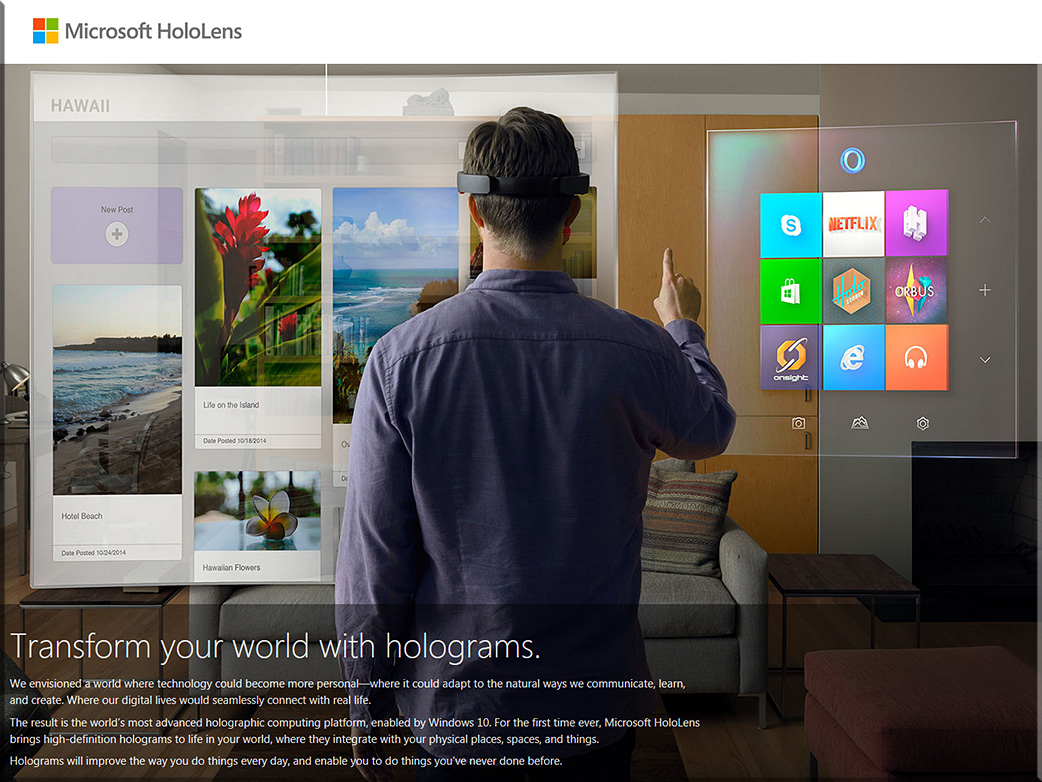
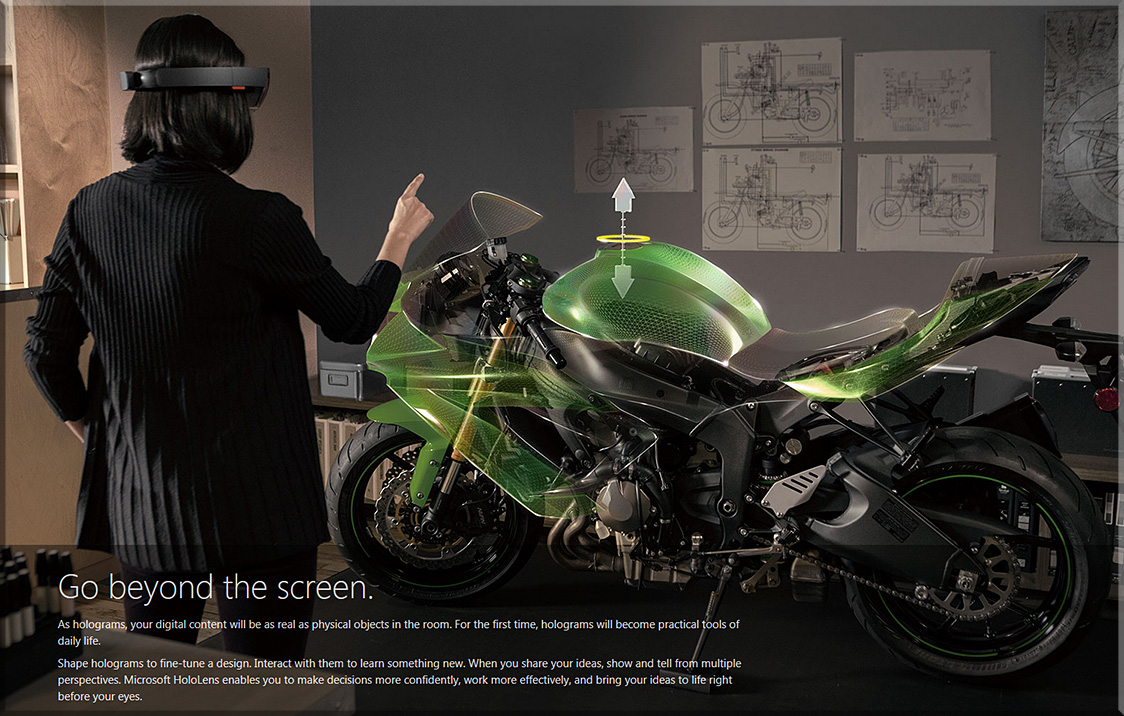
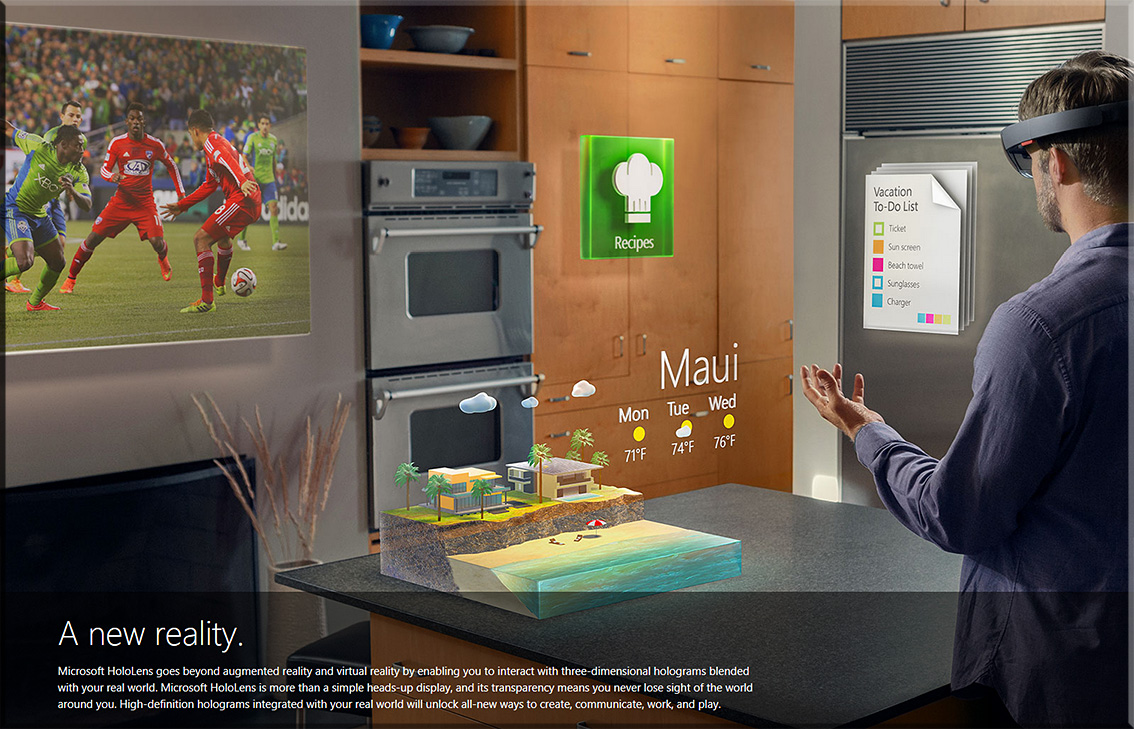
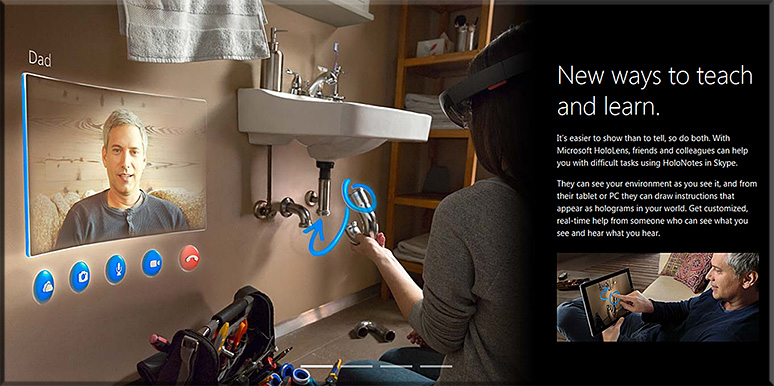
Microsoft’s HoloLens


MicrosoftHoloLens-Feb2015
MicrosoftHoloLens2-Feb2015

MicrosoftHoloLens3-Feb2015

MicrosoftHoloLens4-Feb2015


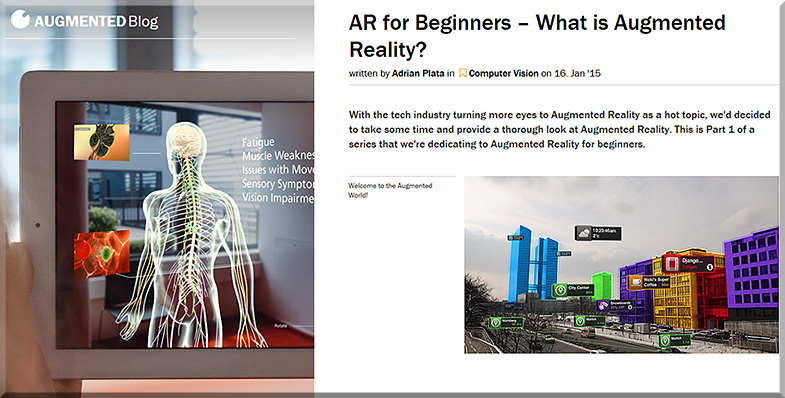
Also see:


what-is-ar--augmented-blog--feb2015


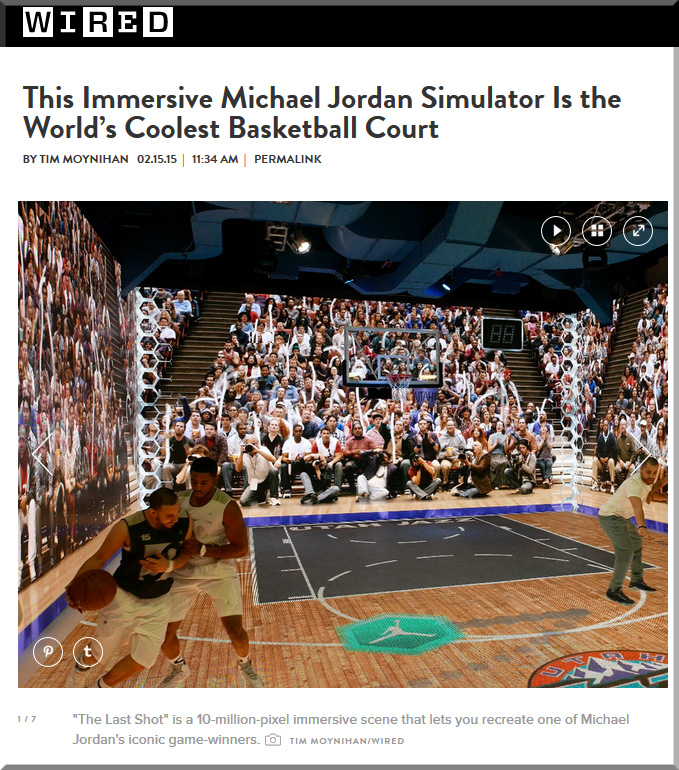
An addendum on 2/17/15 — with thanks to Mr. Steven Chevalia for this resource which deals with immersive experiences:


mj-simulator-wired-feb-2015


From DSC:
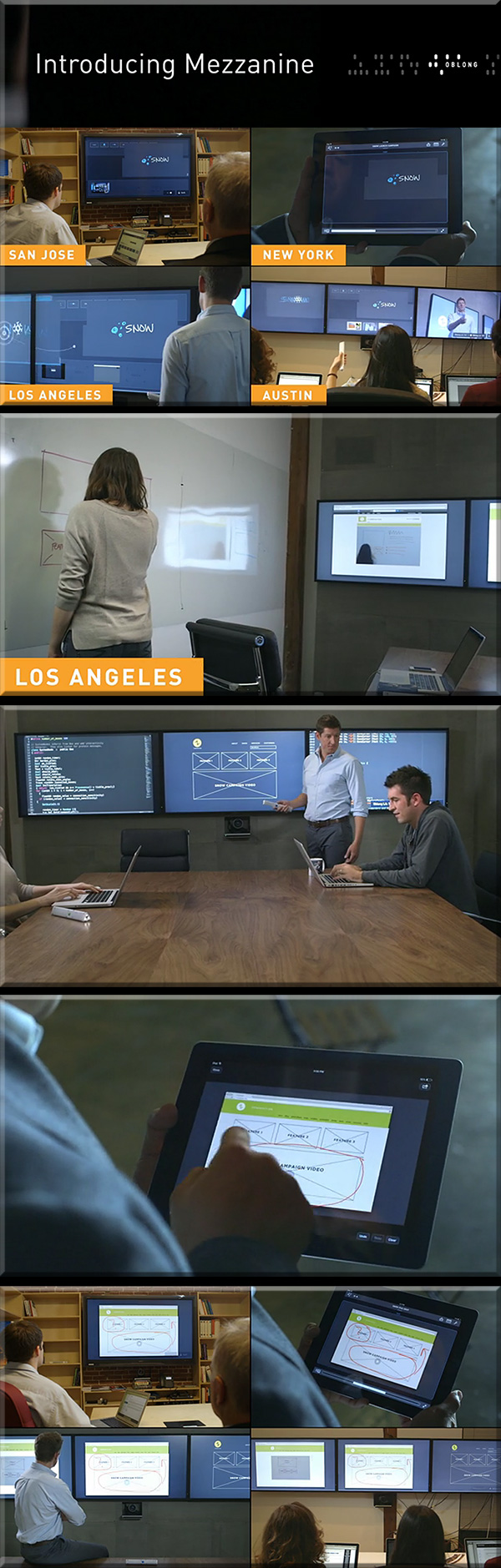
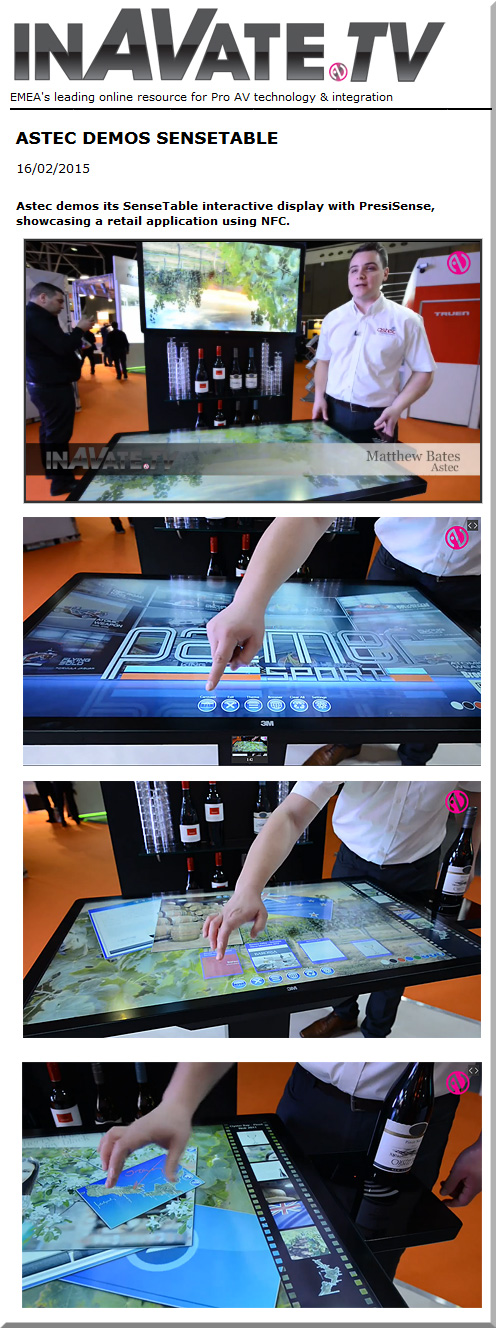
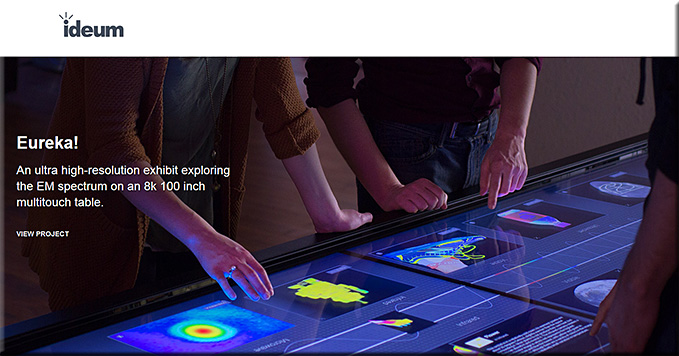
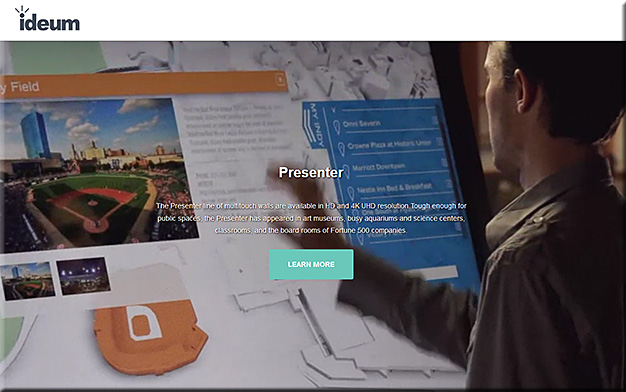
Check out some of the functionality in these solutions. Then imagine if these solutions were in the size of an entire wall in a classroom or in a corporate L&D facility. Whew!

  • Some serious opportunities for collaboration would arise for remote learners –as well as those located in the face-to-face setting
  • What new affordances would be present for those teaching in K-12, higher ed, or trainers working within the training/learning and development fields? Conversations/discussions would be recorded — to be picked up at the next session. In the meantime, learners could review the discussions at their own pace.
  • What if all of this were possible in your future Smart/Connected TV?
  • I’m also talking here about a vendor that could offer solutions that K-12 systems and institutions of higher ed could afford; some of the solutions below have much of what I’m envisioning here, but are out of the price range. Or the product is multitouch and fairly large, but it doesn’t offer the collaborative features of some of the other products here.


mezzanine-feb-2015


Feb2015-AstecSenseTable-InteractiveDisplay


ideum-feb2015


ideumPresenter-feb2015

Ideum’s touch walls come close to what I’m talking about in this posting. If they could add some functionality for seeing/bringing in/collaborating with remote learners — as found in Mezzanine — then that would be great!

Also see:


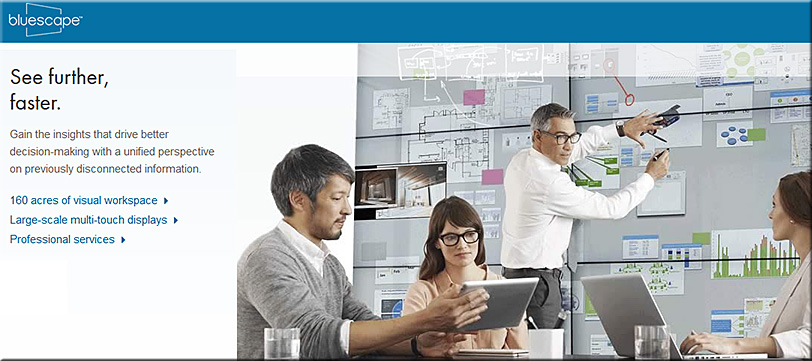
Also see bluescape — but these excellent, innovative solutions are out of the price range for most K-12 and higher ed institutions:


bluescape-1-feb-2015


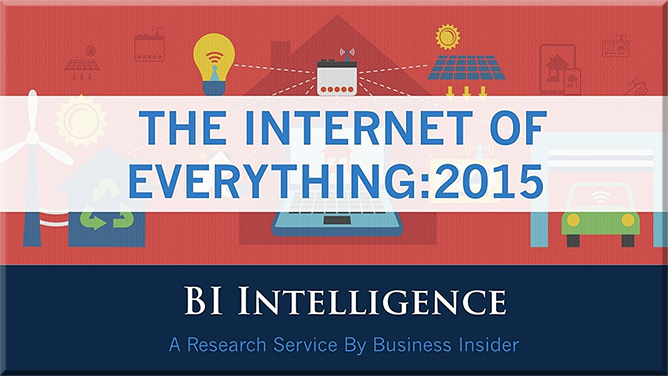
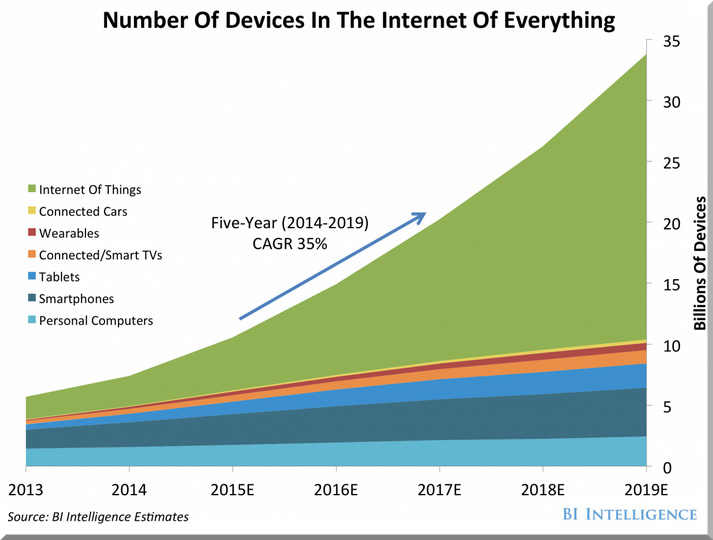
Internet of Everything: 2015 [slide deck] — from businessinsider.com

Excerpt:

BI Intelligence has created a slideshow highlighting the most important ways the Internet of Everything market will develop, the benefits newly connected devices will offer consumers and businesses, and the potential barriers that could inhibit growth.


BI-SlideDeck-IoE-Jan2015


NumberDevices-BI-SlideDeck-Jan2015


From DSC:
We continue to see more articles and innovations that involve the Internet of Things (IoT) or the Internet of Everything (IoE). This trend has made me reflect upon what I think will be a future, required subset of needed expertise within the fields of Instructional Design, User Experience Design, User Interface Design, Product Development, Programming, Human Computer Interaction (HCI), and likely other fields such as Artificial Intelligence (AI), Augmented Reality (AR), and Virtual Reality(VR) as well.

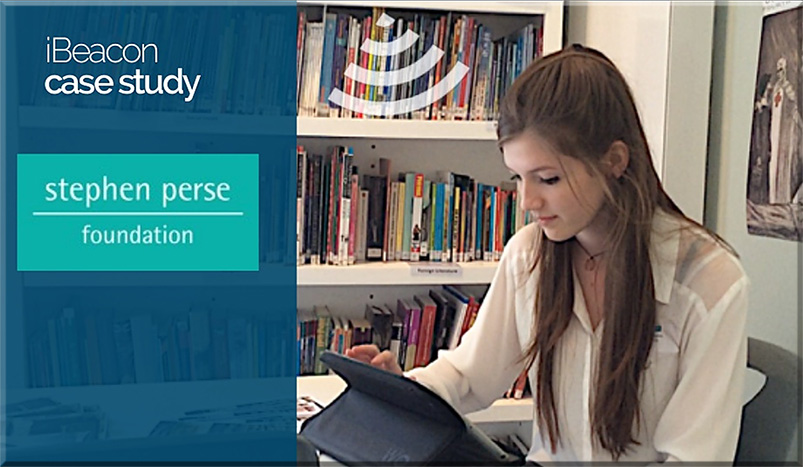
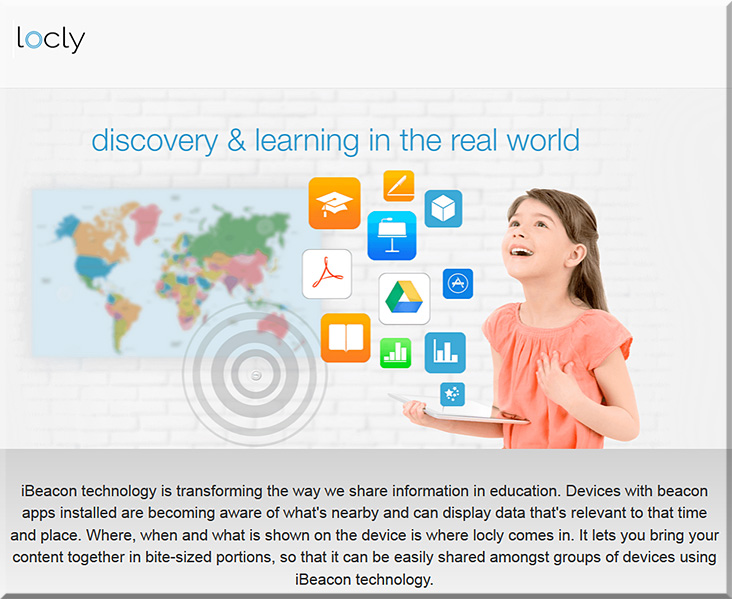
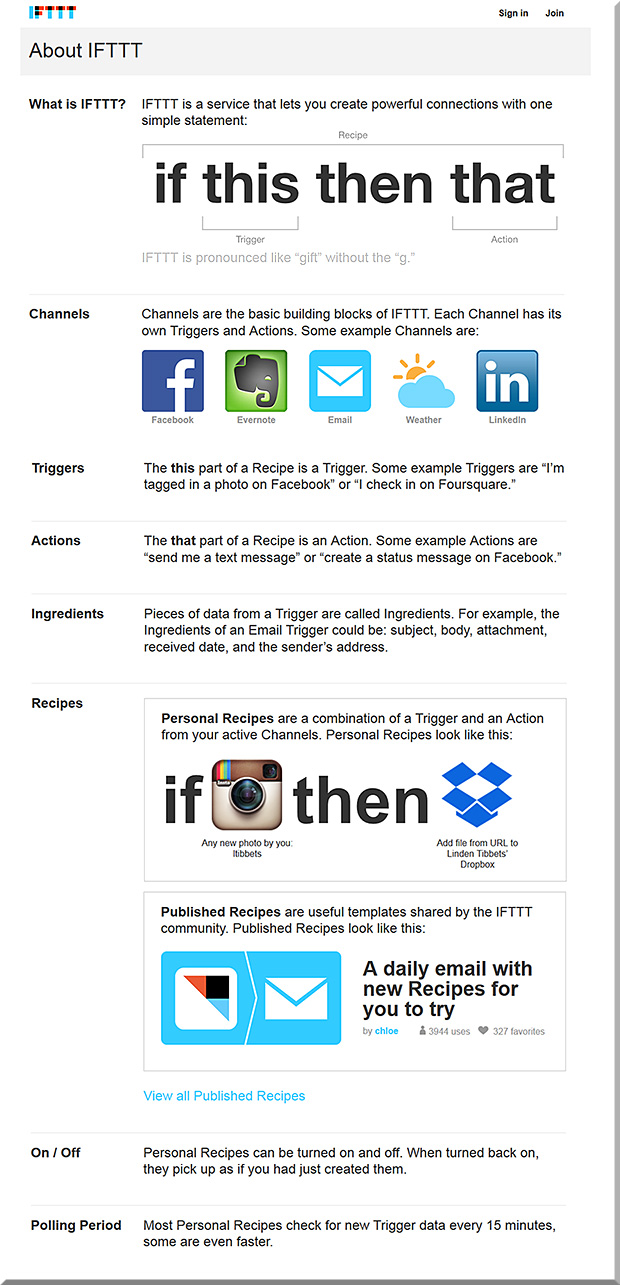
And that is, we will need people who can craft learning experiences from the presence of beacons/sensors and that integrate such concepts as found in “If This Then That” (ifttt.com) whereby one is putting the Internet and cloud/mobile-based applications to work for you. Certainly, those involved in retail are already busy working on these types of projects. But those of us involved with learning, human computer interaction (HCI), and interface design need to get involved as well.


IfThisThenThat-Combined-With-iBeacons


For example, this potential scenario of a K-12 field trip might be fodder for such a learning experience.

So for those individuals who are involved with the aforementioned disciplines…we need to pulse check what new affordances are coming from the rollout and further development of the IoT/IoE.


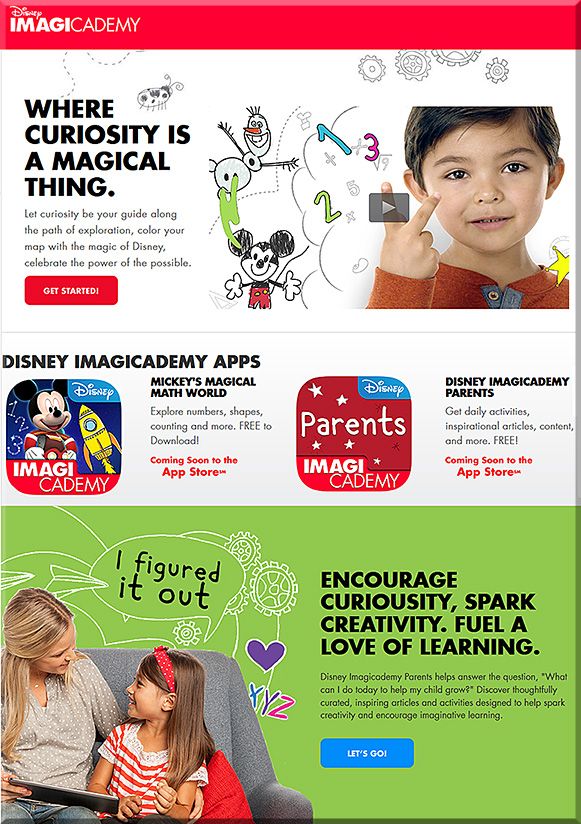
Disney will launch its first Imagicademy Learning Apps — from techcrunch.com by Anthony Ha
Disney just unveiled its digital learning initiative Imagicademy, which will launch on December 11

Excerpt:

As outlined at a press event today in New York, it’s a suite of mobile learning apps for kids, along with an app where parents can follow along, give their kids a virtual high five, and see recommended physical activities that complement that in-app lessons.

With Imagicademy, on the other hand, there are plans for a suite of 30 similarly branded apps covering math, creative arts, science, language arts, and social skills. The first app to launch will be Mickey’s Magical Math World on iPad, as well as the companion app for parents.


Also see:


DisneyLaunchesImagicademy-12-4-14


DisneyLaunchesImagicademy2-12-4-14


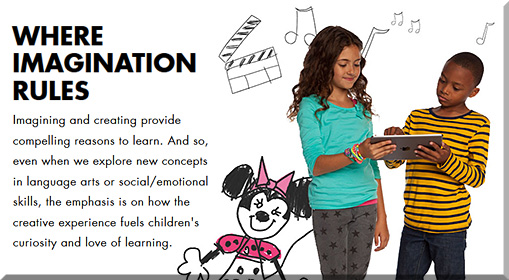
DisneyLaunchesImagicademy3-12-4-14


From DSC:
When you look at their About Imagicademy page, you’ll notice words like:

  • Imagination
  • Wonder
  • Love of learning
  • Curiosity
  • Magical
  • Discovery
  • Creativity
  • Dream
  • Passion
  • Build
  • Design
  • Create

Those seem like great words for any classroom.

Are their profit motive here? Sure there are. But these types of efforts could be important because they represent team-based approaches as well as some solid collaboration. Disney consulted with a number of education experts to create these games — while bringing their own strengths to the table as well.


© 2025 | Daniel Christian