DC: An interesting site, especially if you are trying to provide content in multiple formats/file types:https://t.co/SZ02AtyijZ pic.twitter.com/Za7XeXKmQc
— Daniel Christian (he/him/his) (@dchristian5) March 8, 2021
DC: An interesting site, especially if you are trying to provide content in multiple formats/file types:https://t.co/SZ02AtyijZ pic.twitter.com/Za7XeXKmQc
— Daniel Christian (he/him/his) (@dchristian5) March 8, 2021
Free Resources to Help with Remote Learning in 2021 — from thejournal.com by Dian Schaffhauser
Excerpt:
As the pandemic continues wreaking havoc in education through the current school year, districts, schools, teachers and parents are being more selective about the technology they choose for instructing and engaging students. While hundreds of education companies, nonprofits and other organizations made their software and services free during the immediate switch to remote learning, many have become more thoughtful about how they help educators master online and blended instruction. We’ve winnowed through our original collection and sprinkled additions throughout, to bring you this updated set of free resources to help with remote learning in 2021.
Asynchronous Video Conversations: 11 Tips and Best Practices — from er.educause.edu by Rob Gibson
Excerpt (first 4 of 11):
1. Closely align video conversations with the stated module, course, and/or program learning objectives. Clearly indicate those alignments in the course outline.
2. Use the syllabus, an introductory course video, or a sample student video recording to prepare students in advance for this type of activity. Since many students will use their smartphones to record, provide information about best practices for creating quality video using a phone.
3. Some students are uncomfortable recording themselves. Depending on the product, consider offering alternatives such as an audio/mic-only mode, a text-only mode, or using a proxy image or avatar in the video.
4. Consider using threaded video conversations for course introductions to build a sense of humanizing the course. Michelle Pacansky-Brock supports the use of video conversations as an alternative to text. In her book How to Humanize Your Online Class with VoiceThread, she indicates that video tools maximize presence, a dimension of online connectivity to fellow students, the faculty, and the content. Research in her own courses found an increase from 25 percent to 75 percent in voluntary voice-video comments.Footnote5 This also helps form common goals and dispositions among students—dispositions are affective learning dimensions, such as motivation, attitude, persistence, empathy, and problem solving.Footnote6
Putting Your Best Self Forward: 6 Keys For Filming Quality Videos — from er.educause.edu by Jered Borup
The difference between a video that students watch and one that is ignored often comes down to a few, easily addressed factors.
Excerpt:
This article is part of a series about incorporating asynchronous video into educational activities:
Teacher, Are You There? Being “Present” in Online Learning — from er.educause.edu by Richard West
Excerpt:
Video technologies are part of that shift in helping online learners feel connected to teachers and peers. This connection comes from people developing the sense that they are “present” in the class, even if they are not physically in the same room. How is it possible to be present when you are physically separated?
Managing In-Person and Distance Learning at the Same Time — from commonsense.org by Paul Barnwell
Excerpt:
As schools begin to reopen amid the changing pandemic, many classrooms will experience some form of hybrid instruction during the transition back to fully in-person learning. Along the way, schools and districts are embracing a variety of hybrid teaching and learning models. One particular model that can work for both students and teachers is known as hyflex instruction, but to be successful you’ll need to make room for some extra planning and consideration.
From DSC:
Talk about streams of content! Whew!

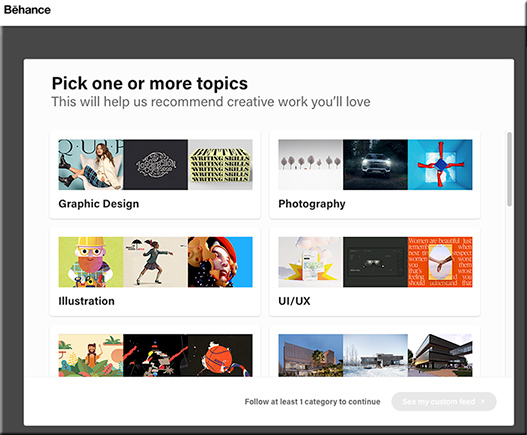
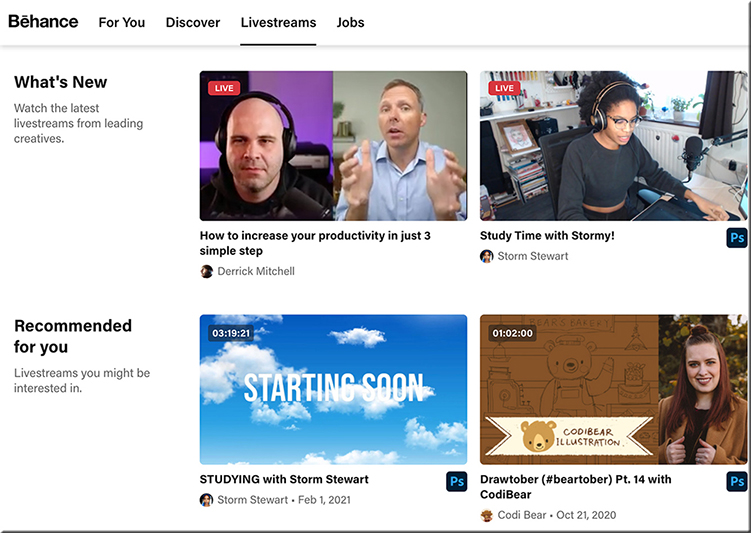
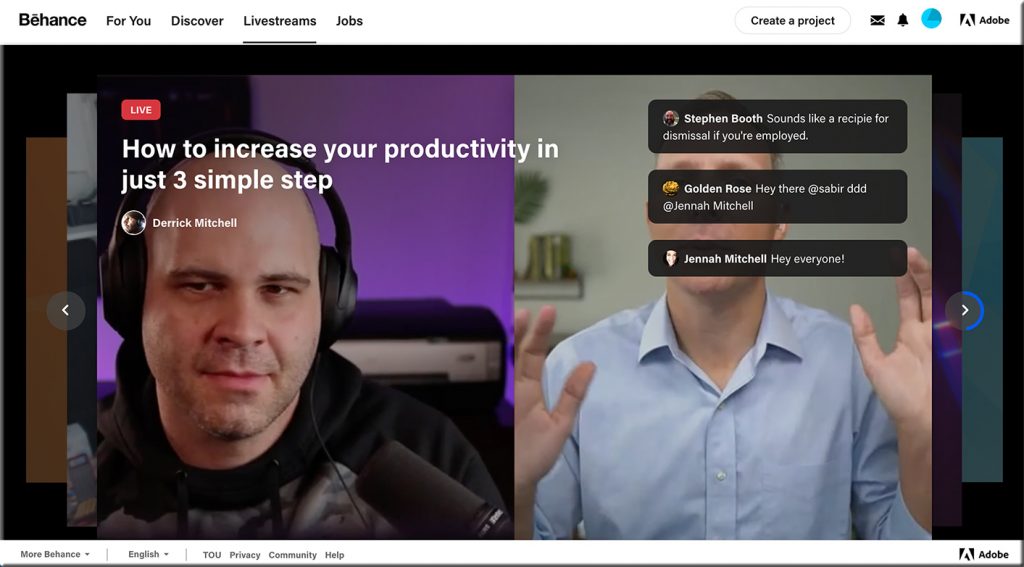
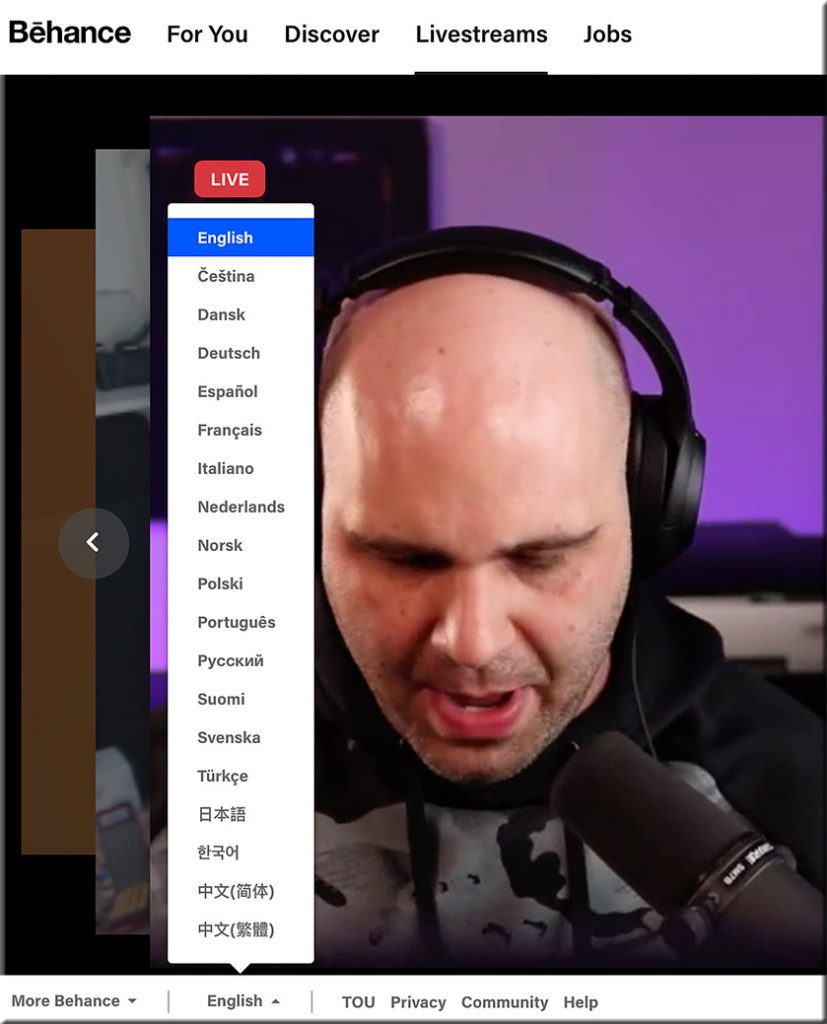
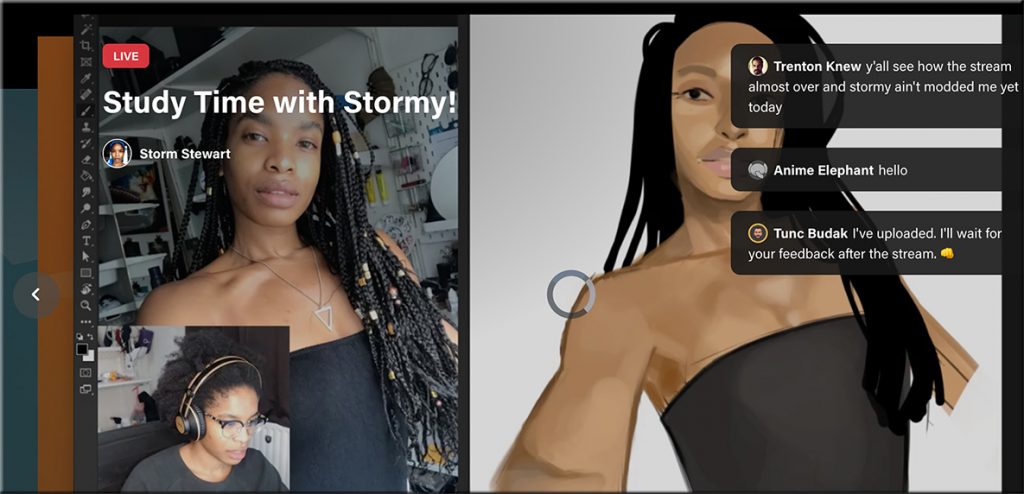
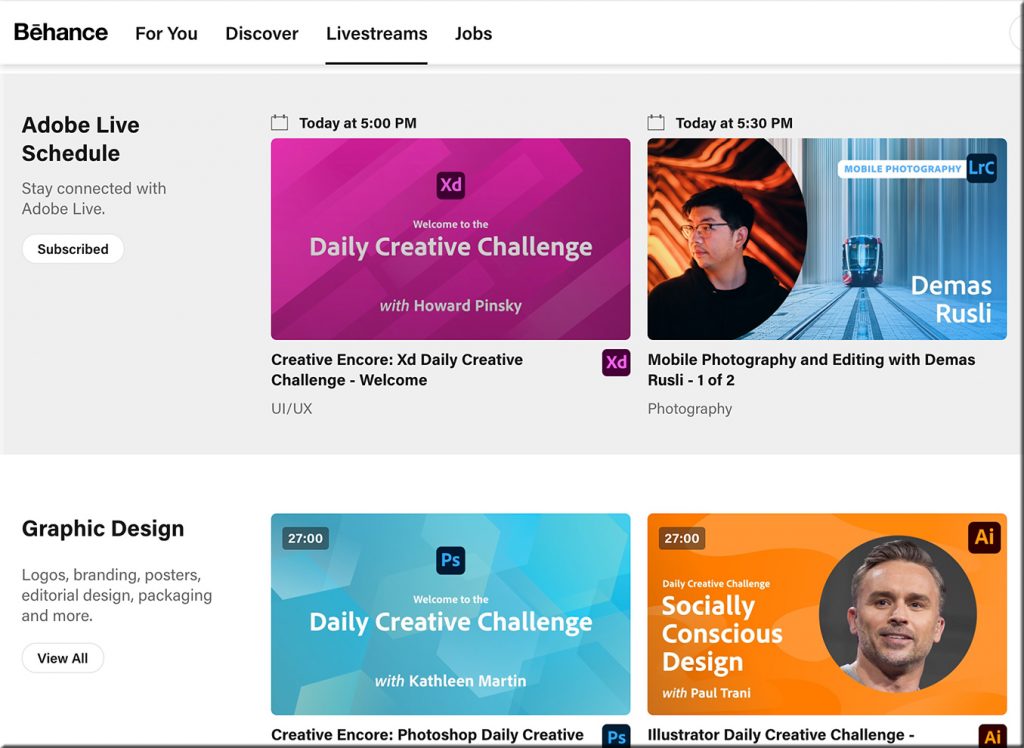
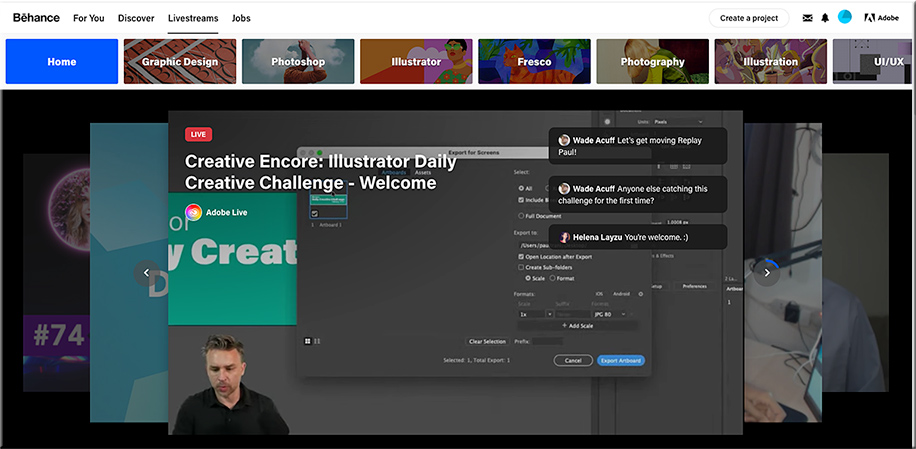
I received an email from Adobe that was entitled, “This week on Adobe Live: Graphic Design.” (I subscribe to their Adobe Creative Cloud.) Inside the email, I saw and clicked on the following:

Below are some of the screenshots I took of this incredible service! Wow!

From DSC:
So Abobe — via Behance — is already doing several pieces of the “Learning from the Living [Class] Room” vision. I knew of Behance…but I didn’t realize the magnitude of what they’ve been working on and what they’re currently delivering. Very sharp indeed!

Churches are doing this as well — one device has the presenter/preacher on it (such as a larger “TV”), while a second device is used to communicate with each other in real-time.
Remote Learning Isn’t Just for Kids — from nytimes.com by Kerry Hannon
New online tools and an array of remote classes and programs are ramping up education and training for adults.
Excerpt:
Adult education, however, is “the Wild West” of education technology, according to Mr. Yoquinto. There are many outlets experimenting with ways to get a handle on the online adult education marketplace, including community colleges and universities, for-profit learning platforms, workshop providers and nonprofit organizations.
Above resource per Laurie Burruss out on LinkedIn:
The internet has empowered adult learners by providing new online tools to ramp up education and training. “The need for workers to keep pace with fast-moving economic, cultural and technological changes, combined with longer careers, will add up to great swaths of adults who need to learn more than generations past — and faster than ever,” said Luke Yoquinto, a research associate at the M.I.T. AgeLab and co-author of “Grasp: The Science Transforming How We Learn
Five free keynotes on online learning for streaming into virtual conferences — from tonybates.ca by Tony Bates
These are the five keynotes:
From DSC:
Thanks Tony for sharing these keynotes and your expertise — which is drawn from so much research and experience. Thanks for giving it away — may your gift bless many. (And I thought you were going to retire…?!? Selfishly, I’m/we’re glad you didn’t!) 🙂
Join your colleagues to explore the latest online learning research at the QM Research Online Conference

During the FREE half-day virtual event, you will:
Each session will include a takeaway handout to help you engage with and apply the research-based strategies shared by the presenters.
8 Strategies to Prevent Teaching Burnout — from chronicle.com by Flower Darby
What can you do this semester to protect your well-being and support your students?
Excerpt:
My takeaway? Don’t rely on your usual, in-person discussion strategies. Now is the time to think creatively about what works well online. So what else might you try?
Tutor.com Has Delivered 20 Million Online Tutoring Sessions — with thanks to Jeanne Krier for the resource (of which I present an excerpt below)
Milestone Reached Amid Unprecedented Demand for Company’s Services During COVID
NEW YORK, February 1, 2021 / — Tutor.com ™ , one of the nation’s largest online tutoring companies, has reached an impressive milestone: 20 million one-to-one tutoring sessions—and counting.
Nearly two million of those 20 million sessions were delivered in 2020—a year in which Tutor.com met record-breaking demand for its services. At peak times, Tutor.com was delivering 7,500 tutoring sessions a day. Overall, 2020 saw the highest single-year delivery of services in the company’s 21-year history—an increase of more than 50 percent above the 1.3 million tutoring sessions completed in 2019. Learners also made exceptional use of the platform’s drop-off review services, practice quizzes, video lessons, and test prep from The Princeton Review ® .
“With unprecedented demand for our services, our full team at Tutor.com has risen to the challenge,” said Sandi White, Vice President and General Manager, Tutor.com. “We are mission-driven, and our dedicated tutors and staff work tirelessly to support learners, whenever they need help—24 hours a day, 7 days a week,” said White, adding that Tutor.com responded to outreach from more than 900 additional institutions and businesses seeking partnerships to serve their learning communities.
The extraordinary demand was primarily due to the impact of the coronavirus pandemic. COVID-19–related school closures meant that the nation’s 55 million K–12 students as well as 14 million college students abruptly transitioned to remote, virtual, or hybrid learning last spring—and many have remained that way. As school-at-home and work-at-home became the new normal, the requests for Tutor.com services soared.
8 Higher Education IT Trends to Watch in 2021 — from edtechmagazine.com by Adam Stone
Keep your eye on these trends as higher education prepares for a post-pandemic future.
Excerpt:
1. Get Used to More Advanced Learning Management Systems
At Virginia Tech, the Canvas learning management system (LMS) was critical for coordinating synchronous and asynchronous learning. Such systems will only become more sophisticated moving forward, says Randy Marchany, the university’s IT security officer. “With COVID, instructors have become more video savvy,” he says. “We’re all getting smarter about how we use these tools.”
2. A Rise in Sophisticated Videoconferencing Platforms
Even after the pandemic, educators might continue lecturing over Zoom and other videoconferencing platforms. However, they’ll be doing it in more sophisticated ways. “People will be making these experiences more collaborative, more authentic — with much richer interactions and conversations,” Grajek says. “We are all becoming more experienced consumers, and we will see a lot of innovation in this area.”
From DSC:
Yet another step closer…
Forever Changed: Education Predictions for 2021 — from thejournal.com by Dian Schaffhauser
Excerpt:
Teachers Will Become Massive Social Media Influencers
Teachers will be subject-matter experts who other teachers feature in video mixtapes and that parents will follow to support their students. Expect teachers to go live in Twitch-style “going live” environments. What can we expect in video?
How to become a livestreaming teacher — from innovatemyschool.com by Bobbie Grennier
Excerpts:
What is an encoder?
The format that a video camera records content in has to be transcoded so that it can be livestreamed to a destination like Facebook Live, YouTube, Twitch and Periscope. This is accomplished using an encoder software. An encoder optimizes the video feed for the streaming platform. The key to using an encoder is to learn to set-up scenes.
From DSC:
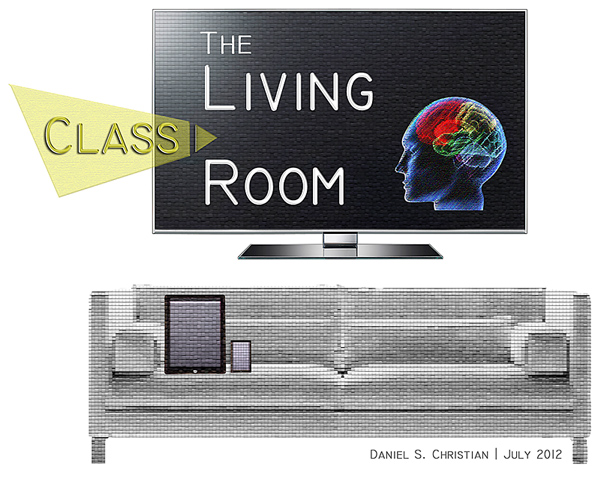
It will be interesting to see how learning-related platforms develop in the future. I’m continually on the lookout for innovative ideas across the learning landscapes, especially due to the Learning from the Living [Class] Room vision that I’ve been tracking this last decade. The pieces continue to come together. This might be another piece to that puzzle.
An online-based teaching and learning marketplace — backed up by AI, cloud-based learning profiles, voice-driven interfaces, learning agents, and more. Feeds/streams of content into how to learn about any topic…supporting communities of practice as well as individuals. And people will be key in this platform — technology will serve the people, not the other way around.