From DSC:
You want to see some incredible animation? Check out the piece “What’s Inside of the Statue of Liberty?“ by Jared Owen. His video channel on YouTube is located here.
On 06/28/2021,
in animation, architecture, communications, creativity, digital learning, digital storytelling, digital textbooks, digital video, distance education, education technology, engagement / engaging students, engineering, homeschooling/homeschoolers, instructional design, learning, learning ecosystem, Learning Experience Design, Learning from the Living [Class] Room, media/film, multimedia,
by Daniel Christian
On 06/19/2021,
in Adobe, Apple, blogs / blogging / vlogging, colleges, communications, community colleges, content development, aggregation, repositories, corporate / business world, corporate universities / corporate training, Daniel S. Christian, digital audio, digital learning, digital photography, digital storytelling, digital video, distance education, education technology, elearning, engagement / engaging students, experimentation, faculty/staff, higher education, ideas, instructional design, IT in HE, K-12 related, law schools, learning ecosystem, Learning from the Living [Class] Room, media/film, microlearning, multimedia, new media literacies, online learning, online media, photography, podcasting, presentations, productivity / tips and tricks, professional development, tools, vendors, web design and production,
by Daniel Christian
From DSC:
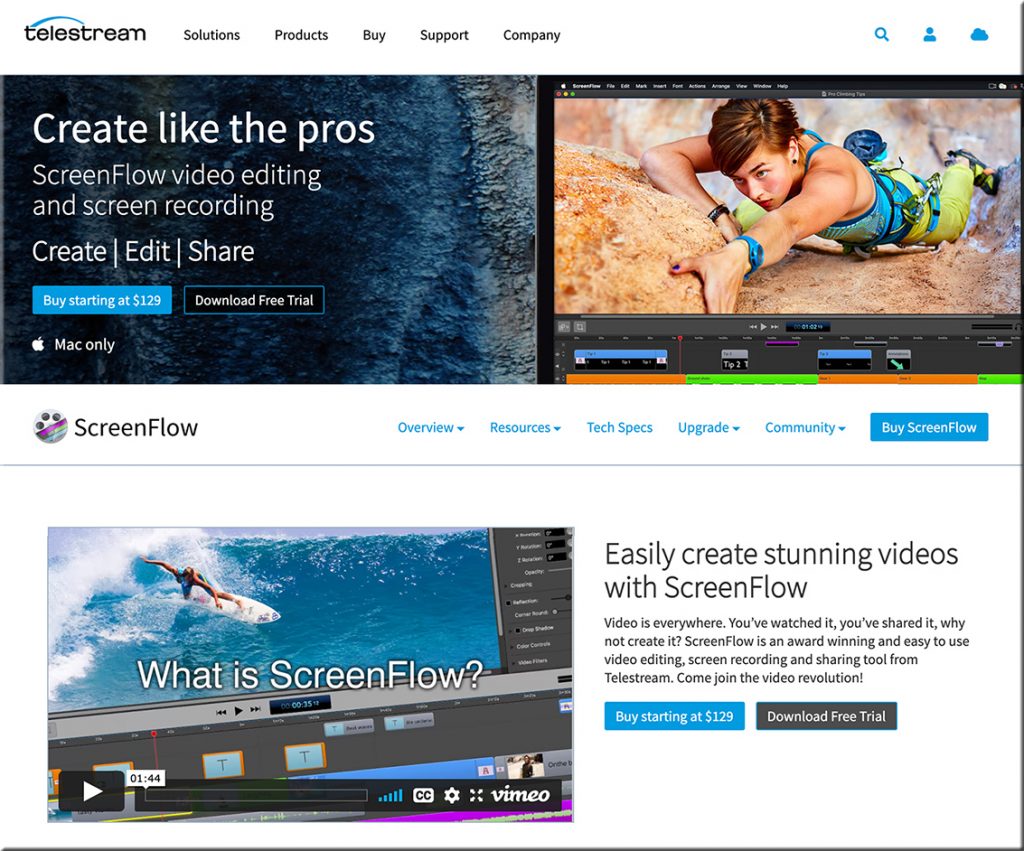
I put together a short listing of some solid tools for working with multimedia on the Mac. There are many more out there, but these should do the job(s) for you…especially Telestream’s ScreenFlow.
On 06/11/2021,
in immersion, innovation, media/film, platforms, reinvent, user experience (UX), vendors, Virtual Reality (VR) / worlds / learning, vision/possibilities,
by Daniel Christian
Museum of Other Realities XR3 Exhibition: A Clear Vision For VR Film Festivals — from uploadvr.com by Harry Baker
Excerpt:
This week, the Museum of Other Realities launched its XR3 exhibition — a joint project between Cannes XR, the NewImages Festival and the Tribeca Film Festival. Not only does the exhibition feature some fantastic immersive VR content, but it presents it in a way that feels fresh, appropriate and the right direction for VR film festivals.
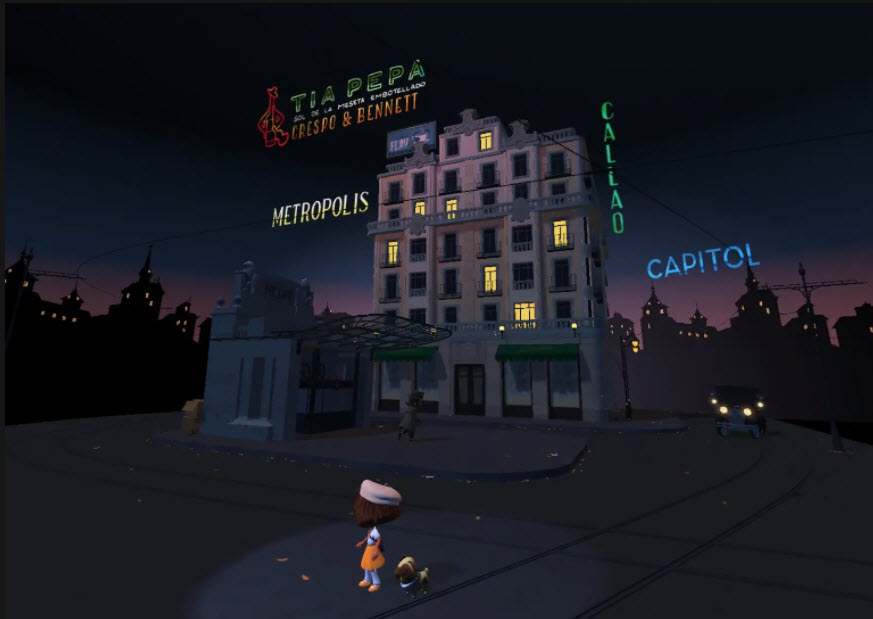
However, it feels like the Museum of Other Realities (MOR) has properly cracked the code with its XR3 exhibition this year. It’s a joint exhibition staged by the virtual museum and three organizations — Cannes XR, NewImages and Tribeca — and it results in something that feels like a true vision and creative blueprint for the future of immersive festivals.
On 04/29/2021,
in business, collaboration, communications, corporate / business world, Daniel S. Christian, media/film, tools, vendors, videoconferencing, web-based collaboration, workplace,
by Daniel Christian
From DSC:
One of my sisters sent this to me and it cracked me up!
Also see:
On 04/17/2021,
in accessibility / UDL, adjunct faculty, adult learning, assistive technologies, Bias | Diversity Equity & Inclusion (DE&I), business, colleges, communications, community colleges, content development, aggregation, repositories, corporate / business world, corporate universities / corporate training, digital learning, education, education technology, faculty/staff, formal learning, heutagogy, higher education, homeschooling/homeschoolers, instructional design, K-12 related, law schools, learning, Learning Experience Design, learning preferences, media/film, more voice more choice more control, multimedia, Natural Language Processing (NLP), neurodivergent/special needs, online learning, online media, online tutoring, parents/guardians, participation, policy, productivity / tips and tricks, professional development, quality, remote teaching and learning, society, student teaching/teacher education, student-related, teachers, teaching & learning, teaching online, technologies for your home, tools, training / L&D, universities, usability, user experience (UX), user interface design, videoconferencing, virtual tutoring, vision/possibilities, visualizing information, voice recognition / voice enabled interfaces, web design and production, web-based collaboration, workplace, youth,
by Daniel Christian
Improving Digital Inclusion & Accessibility for Those With Learning Disabilities — from inclusionhub.com by Meredith Kreisa
Learning disabilities must be taken into account during the digital design process to ensure digital inclusion and accessibility for the community. This comprehensive guide outlines common learning disabilities, associated difficulties, accessibility barriers and best practices, and more.
“Learning shouldn’t be something only those without disabilities get to do,” explains Seren Davies, a full stack software engineer and accessibility advocate who is dyslexic. “It should be for everyone. By thinking about digital accessibility, we are making sure that everyone who wants to learn can.”
…
“Learning disability” is a broad term used to describe several specific diagnoses. Dyslexia, dyscalculia, dysgraphia, nonverbal learning disorder, and oral/written language disorder and specific reading comprehension deficit are among the most prevalent.
On 03/22/2021,
in accessibility / UDL, assistive technologies, colleges, communications, community colleges, digital audio, digital learning, digital video, education technology, experimentation, Google, higher education, homeschooling/homeschoolers, human-computer interaction (HCI), innovation, instructional design, internet, IT in HE, K-12 related, law schools, learning ecosystem, Learning from the Living [Class] Room, learning preferences, liberal arts, media/film, Natural Language Processing (NLP), neurodivergent/special needs, new media literacies, online learning, student-related, teachers, teaching & learning, teaching online, tools, universities, user experience (UX), vendors, vision/possibilities, voice recognition / voice enabled interfaces, web-based collaboration,
by Daniel Christian
Chrome now instantly captions audio and video on the web — from theverge.com by Ian Carlos Campbell
The accessibility feature was previously exclusive to some Pixel and Samsung Galaxy phones
Excerpt:
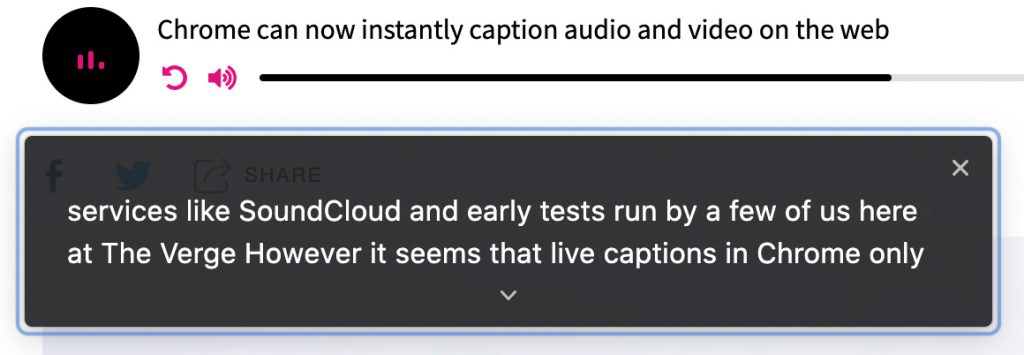
Google is expanding its real-time caption feature, Live Captions, from Pixel phones to anyone using a Chrome browser, as first spotted by XDA Developers. Live Captions uses machine learning to spontaneously create captions for videos or audio where none existed before, and making the web that much more accessible for anyone who’s deaf or hard of hearing.
…
Chrome’s Live Captions worked on YouTube videos, Twitch streams, podcast players, and even music streaming services like SoundCloud in early tests run by a few of us here at The Verge. Google also says Live Captions will work with audio and video files stored on your hard drive if they’re opened in Chrome. However, Live Captions in Chrome only work in English, which is also the case on mobile.
On 03/18/2021,
in 21st century, 24x7x365 access, 3D, A/V -- audio/visual, active learning, collaboration, communications, computer science, content development, aggregation, repositories, corporate / business world, corporate universities / corporate training, Daniel S. Christian, digital audio, digital learning, digital storytelling, distance education, drama/theater, education technology, educational games / serious games, emerging technologies, Emotion, engagement / engaging students, entrepreneurship, experimentation, future of higher education, game-changing environment, higher education, human-computer interaction (HCI), ideas, innovation, interface design, law schools, learning, learning ecosystem, Learning Experience Design, Learning from the Living [Class] Room, learning hubs & pods & microschooling, learning spaces, media/film, online learning, online media, online tutoring, participation, platforms, society, storytelling, streams of content, teaching online, telelegal, telemedicine / telehealth / virtual health, tools, training / L&D, user experience (UX), vendors, vision/possibilities, web-based collaboration,
by Daniel Christian
ARHT Media Inc.
Access The Power Of HoloPresence | Hologram Technology | Holographic Displays | Hologram Events
Excerpt:
ARHT Media mounted a holographic display at the event in Vancouver and had Sunlife’s executive captured and transmitted live as a hologram to the event from our Toronto studio. He was able to see the audience and interact with them in realtime as if he was attending the event and present in the room.
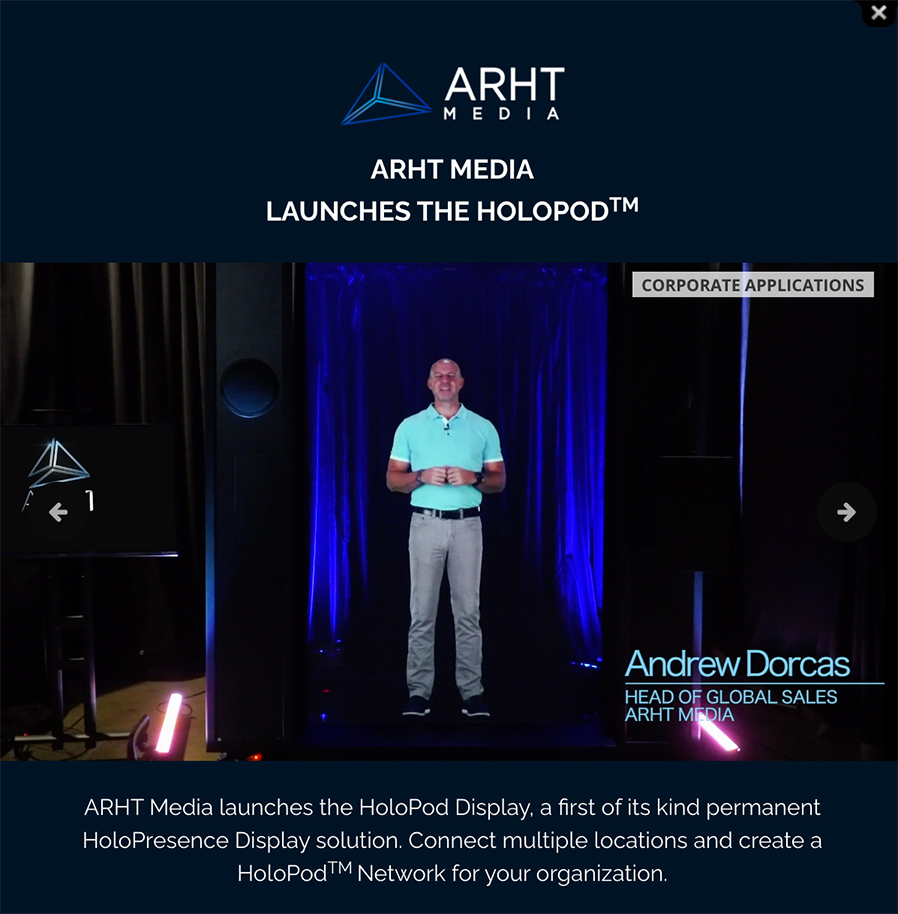
From DSC:
- Will holographic displays change what we mean by web-based collaboration?
- Will this be a part of the future learning ecosystems inside of higher education? Inside of the corporate training world? Inside the world of events and webinars?
- How will this type of emerging technology impact our communications? Levels of engagement?
- Will this type of thing impact telehealth? Telelegal?
- How will this impact storytelling? Media? Drama/acting? Games?
- Will the price come down to where online and blended learning will use this type of thing?
- Will streams of content be offered by holographic displays?
On 03/06/2021,
in 3D, A/V -- audio/visual, art, computer science, creativity, digital learning, emerging technologies, engagement / engaging students, media/film, student-related, telelegal, telemedicine / telehealth / virtual health, telepresence, television, vendors, videoconferencing, virtual field trips, virtual K-12 schools, Virtual Reality (VR) / worlds / learning, virtual tutoring, vision/possibilities, web-based collaboration,
by Daniel Christian
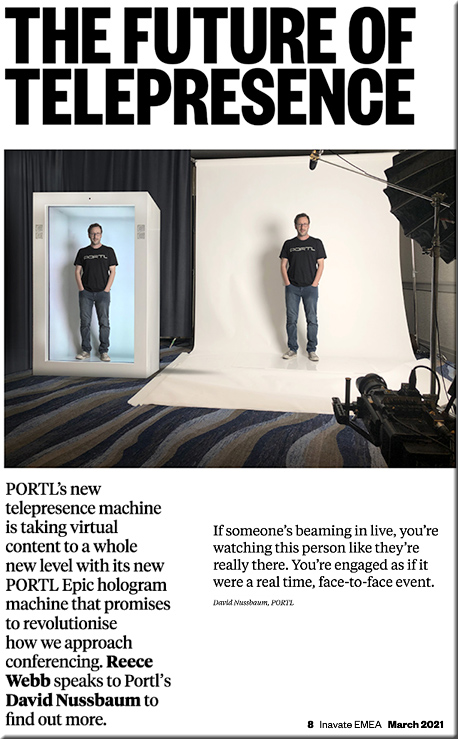
Student Builds Volumetric 3D TV To Complete Bachelor’s Program — from vrscout.com by Bobby Carlton
In the end, they ended up building a volumetric 3D closed-circuit TV system capable of producing live holographic imager; I’d say that’s pretty noteworthy.
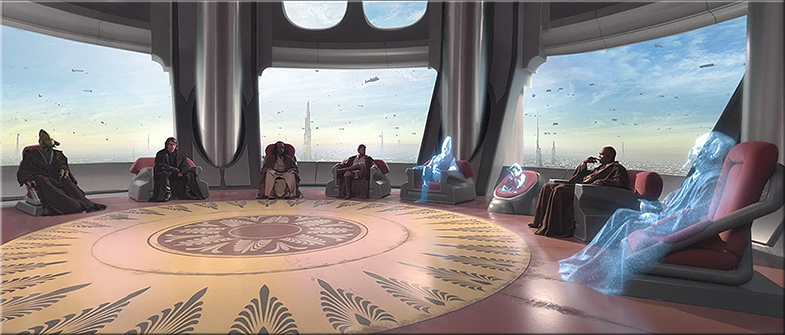
From DSC:
If we can imagine it…
Addendum on 3/12/21:
On 02/26/2021,
in adjunct faculty, colleges, community colleges, design, digital video, distance education, education technology, engagement / engaging students, faculty/staff, higher education, instructional design, law schools, Learning Experience Design, Learning from the Living [Class] Room, media/film, multimedia, online learning, online media, productivity / tips and tricks, quality, remote teaching and learning, student teaching/teacher education, teachers, teaching online, technologies for your home, universities,
by Daniel Christian
Putting Your Best Self Forward: 6 Keys For Filming Quality Videos — from er.educause.edu by Jered Borup
The difference between a video that students watch and one that is ignored often comes down to a few, easily addressed factors.
Excerpt:
- Key #1: Convey Your Voice—Is the audio clear, or is there background noise or reverberations in the room that distract from your message?
- Key #2: Find the Light—Are you well lit with a light source in front of you, or are you backlit and/or have shadows on your face?
- Key #3: Frame and Maintain Eye Contact—Are you about at arm’s length and eye level with the camera, or are you looking down or up at the camera?
- Key #4: Stage—Do you have personal and/or interesting things in the background, or are you recording in front of a blank wall?
- Key #5: Be Prepared and Natural—Are you speaking naturally in a way that conveys your interest in the topic, or do you sound somewhat robotic and/or scattered?
- Key #6: Keep it Short—Is the video under six minutes?
This article is part of a series about incorporating asynchronous video into educational activities:
- Unbounded by Time: Understanding How Asynchronous Video Can Be Critical to Learning Success
- Putting Your Best Self Forward: 6 Keys For Filming Quality Videos
- Teacher, Are You There? Being “Present” in Online Learning
- Let’s Discuss Discussions: Using Asynchronous Video to Improve Online Discussions
- Improving Problem-Based Learning with Asynchronous Video
- Back to Feedback Basics Using Video Recordings
- The Handoff: Transitioning from Synchronous to Asynchronous Teaching
On 02/25/2021,
in A/V -- audio/visual, analytics, art, attention, biology, business, chemistry, collaboration, colleges, communications, community colleges, computer science, corporate / business world, corporate universities / corporate training, data related items, design, digital learning, digital photography, digital storytelling, digital textbooks, digital video, education technology, engagement / engaging students, engineering, experimentation, graphics, higher education, human-computer interaction (HCI), innovation, IT in HE, K-12 related, law schools, learning, learning ecosystem, Learning Experience Design, learning hubs & pods & microschooling, learning spaces, liberal arts, media/film, multimedia, online media, photography, platforms, presentations, smart classrooms, storytelling, teaching & learning, technology (general), telelegal, telemedicine / telehealth / virtual health, television, tools, training / L&D, TVs, United States, universities, vendors, vision/possibilities, visualizing information, web-based collaboration,
by Daniel Christian
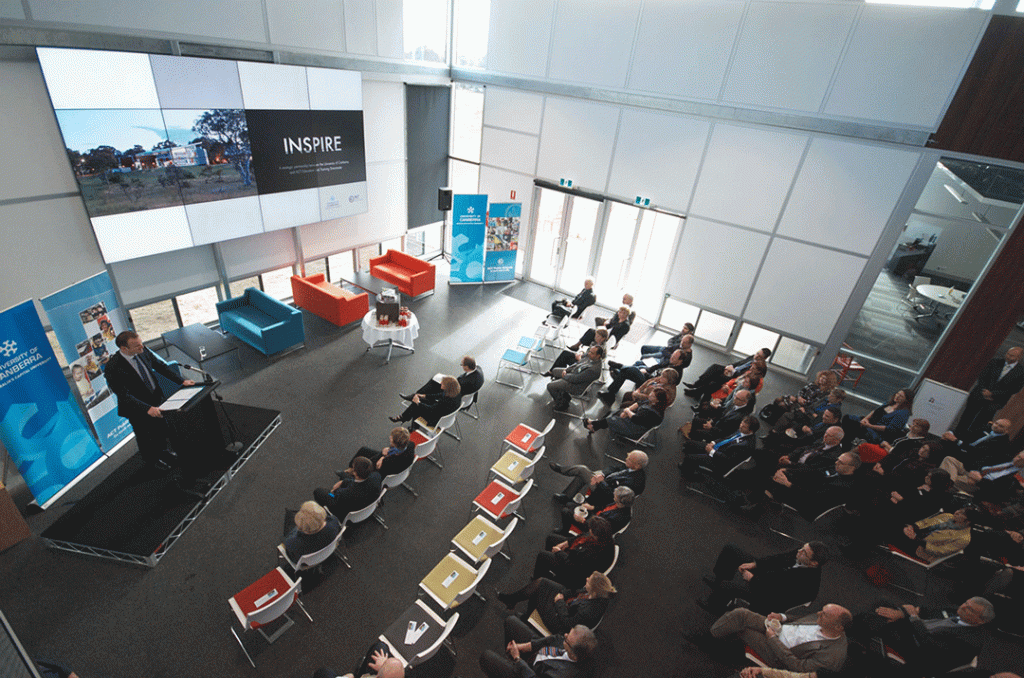
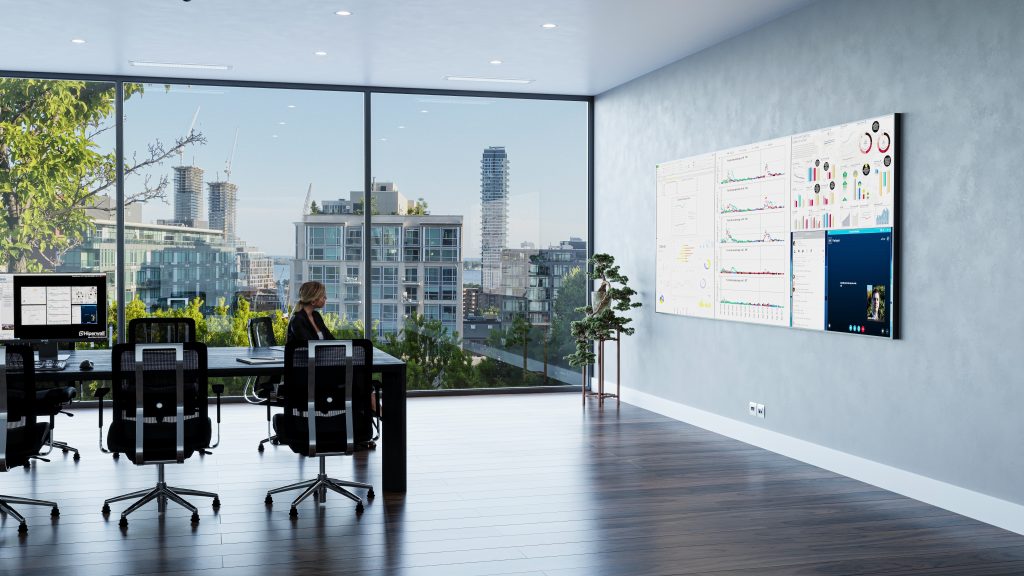
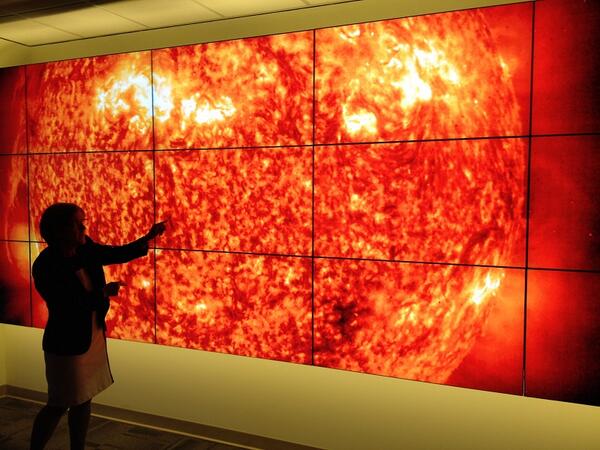
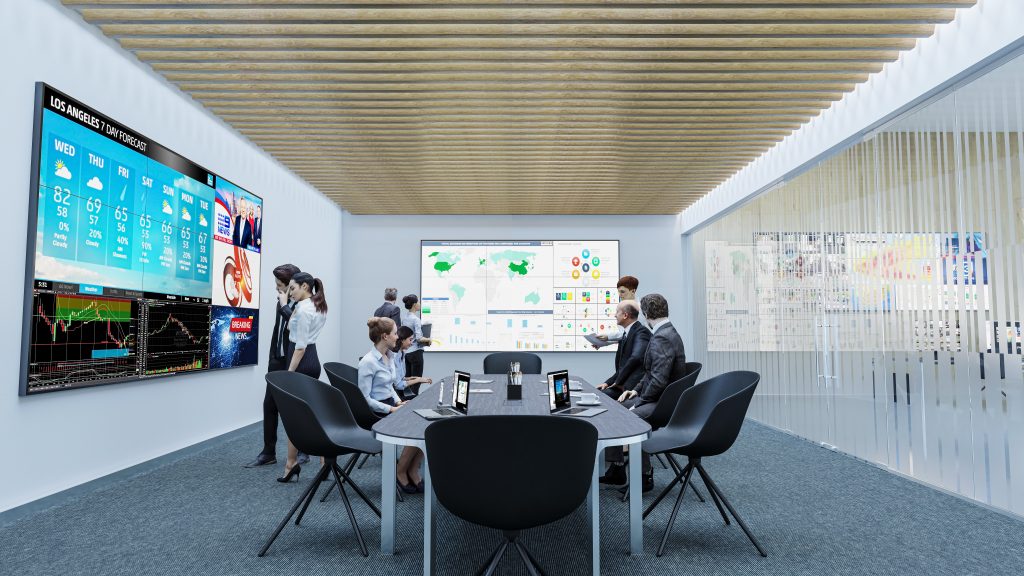
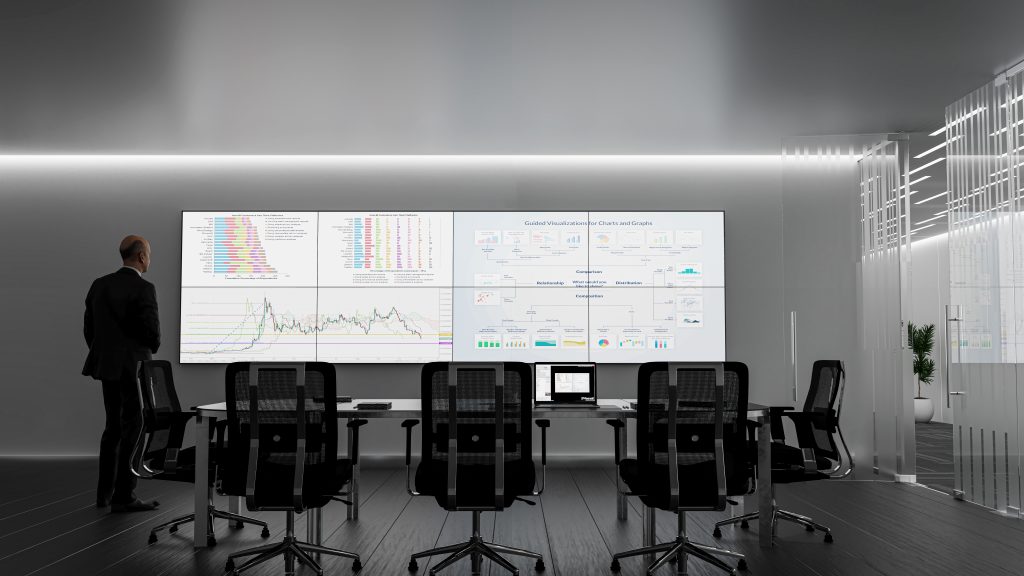
Hiperwall Introduces Cost-Effective ‘Essentials’ Video Wall Hardware and Software Packages — from hiperwall.com with thanks to Michael Farino for this resource
Hiperwall Essentials video wall bundles eliminate barriers to entry for organizations wanting enhanced collaboration, clearer communication, and the ability to make informed real-time decisions
Excerpt:
February 24, 2021 – IRVINE, Calif., – Hiperwall Inc., an industry-leader in commercialized, IP-based visualization technology, today introduces ‘Hiperwall Essentials,’ two all-inclusive video wall hardware and software bundles that get users started with a full-featured, control-room grade video wall powered by Hiperwall for just $9,995.
Most major decisions made in the public and private sectors are driven by vast amounts of data. Due to the volume of data sources, data complexity, and different analytics tools, video walls have become the perfect canvas for decision-makers to put all of this data together clearly to arrive at an informed decision faster and more confidently.
At a price point that effectively removes barriers to implementation for small to medium businesses, small government agencies, and local law enforcement, Hiperwall Essentials serves as a great baseline for integrating video wall technology into any organization. As dependence on the video wall grows, Hiperwall’s modular platform makes scaling the video wall footprint and capabilities seamless and cost-effective.
Below are some example settings:
On 02/15/2021,
in 21st century, 24x7x365 access, A/V -- audio/visual, active learning, Africa, animation, Asia, Australia, Canada, changing business models, cloud-based computing / apps / other cloud-related, collaboration, colleges, communications, communities of practice, community colleges, content development, aggregation, repositories, corporate / business world, corporate universities / corporate training, cost of getting a degree, creativity, dangers of the status quo, Daniel S. Christian, design, digital audio, digital learning, digital photography, education, education technology, engagement / engaging students, Europe, experimentation, future, game-changing environment, global, higher education, human-computer interaction (HCI), ideas, India, informal learning, innovation, instructional design, interaction design, interactivity, interface design, IT in HE, K-12 related, languages and translation, learner profiles, learning, learning ecosystem, Learning Experience Design, Learning from the Living [Class] Room, learning hubs & pods & microschooling, learning preferences, liberal arts, lifelong learning, love of learning, marketplaces, media/film, microlearning, more voice more choice more control, multimedia, new business models, new media literacies, online learning, online media, passions, photography, platforms, productivity / tips and tricks, professional development, reinvent, remote teaching and learning, second screen apps, simulations, social learning / networks, social media, STEAM-related, streams of content, teaching & learning, teaching online, technologies for your home, tools, training / L&D, TVs, UK, United States, universities, user experience (UX), user interface design, vendors, vision/possibilities, visualizing information, web-based collaboration,
by Daniel Christian
From DSC:
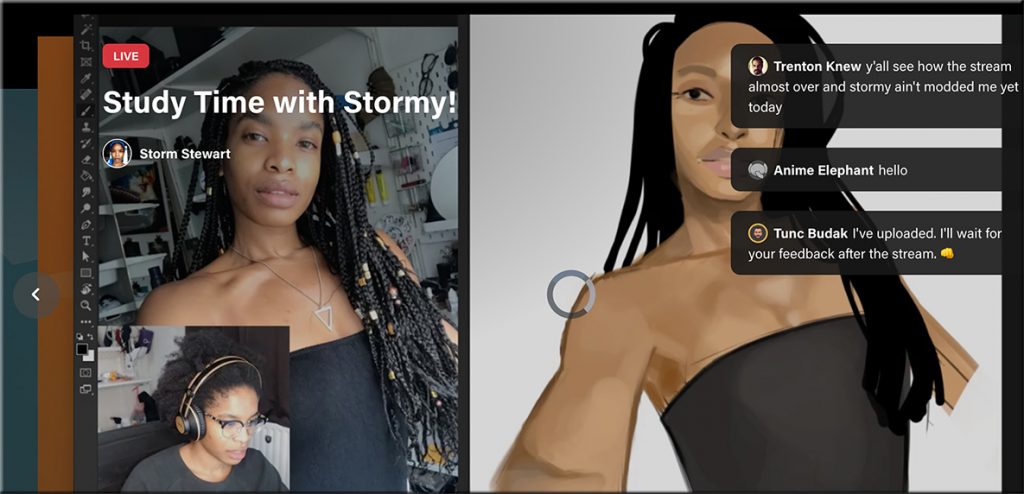
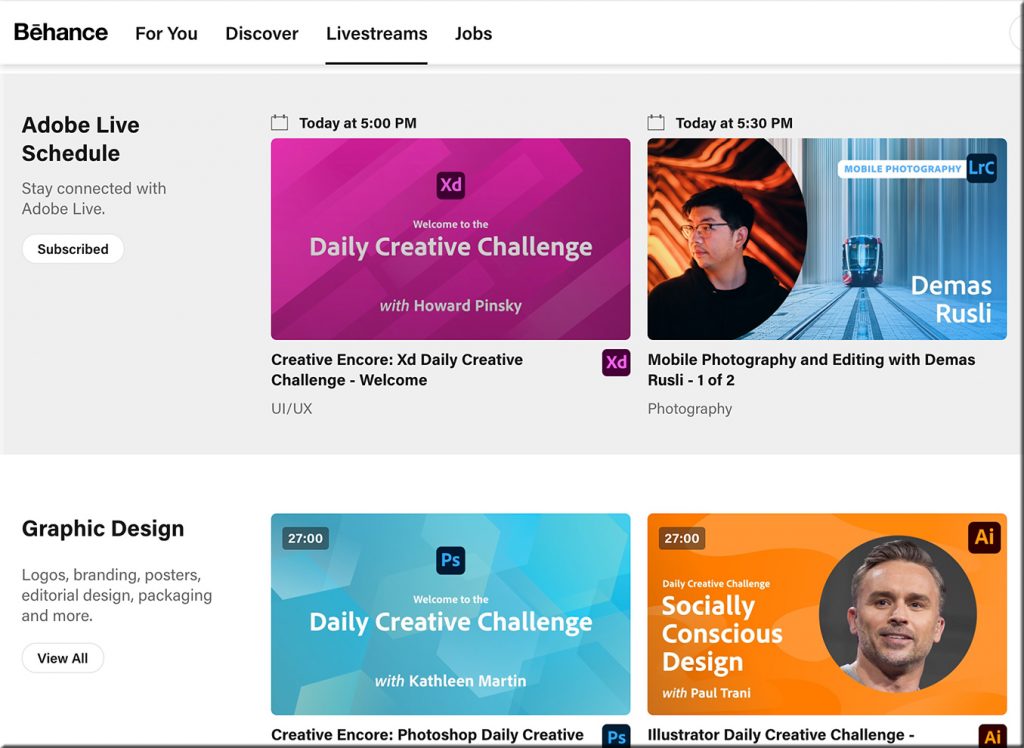
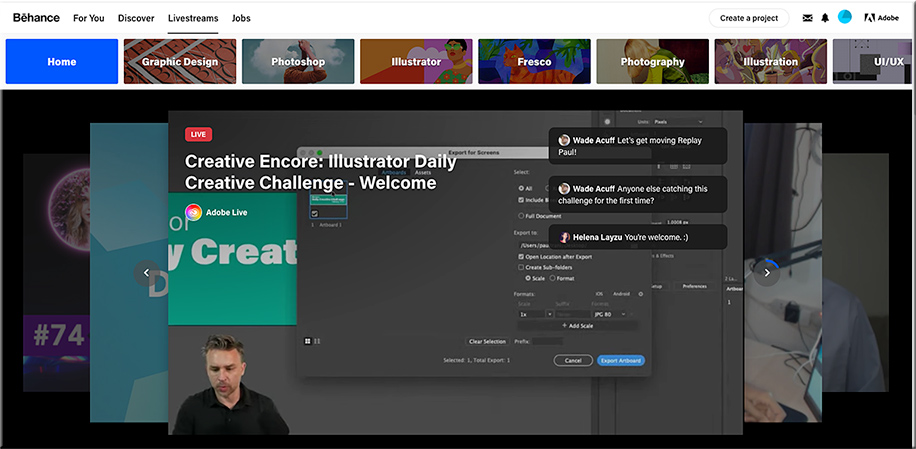
Talk about streams of content! Whew!

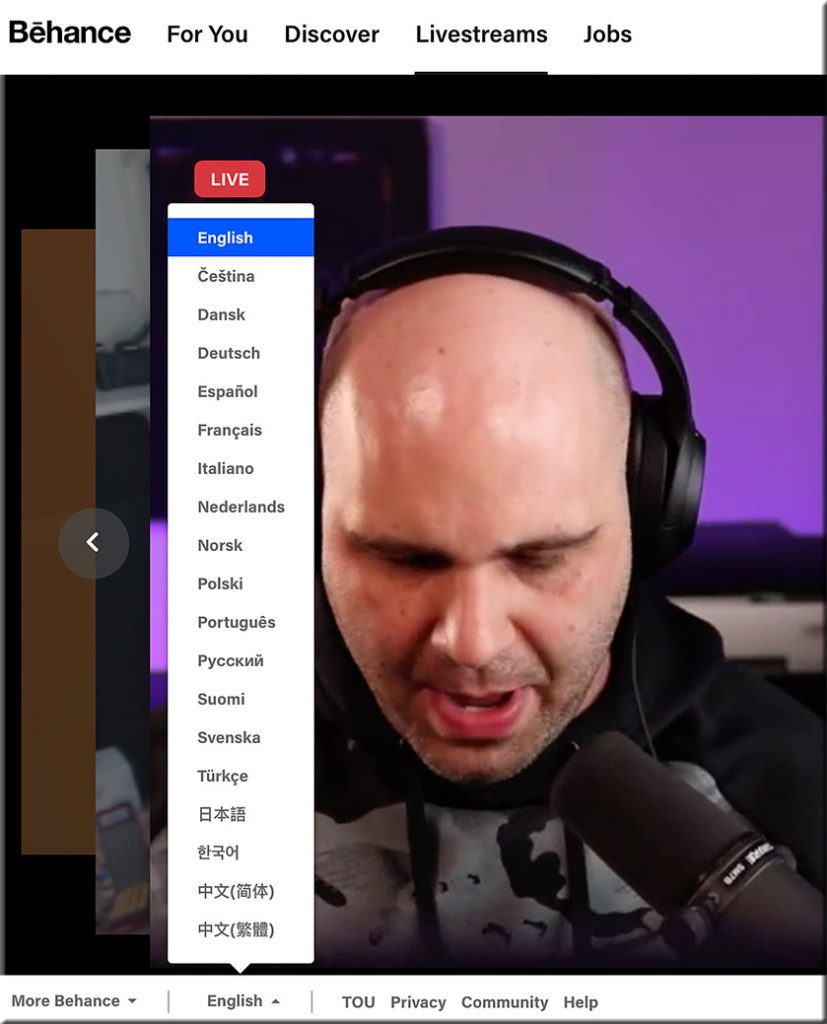
I received an email from Adobe that was entitled, “This week on Adobe Live: Graphic Design.” (I subscribe to their Adobe Creative Cloud.) Inside the email, I saw and clicked on the following:
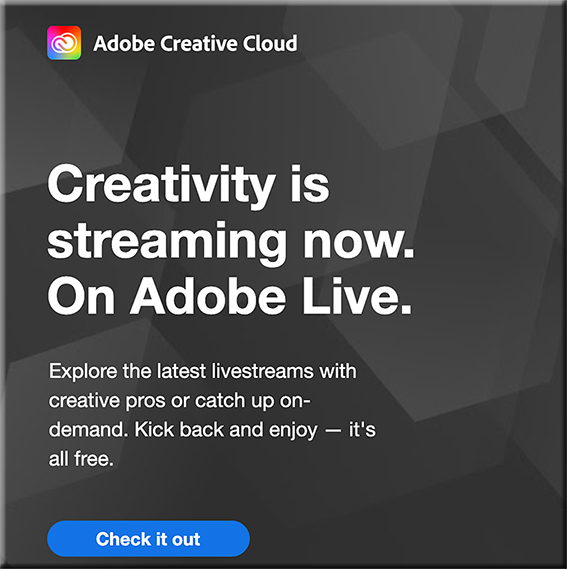
Below are some of the screenshots I took of this incredible service! Wow!
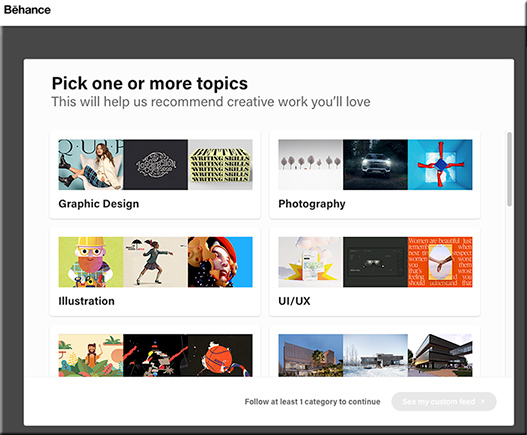
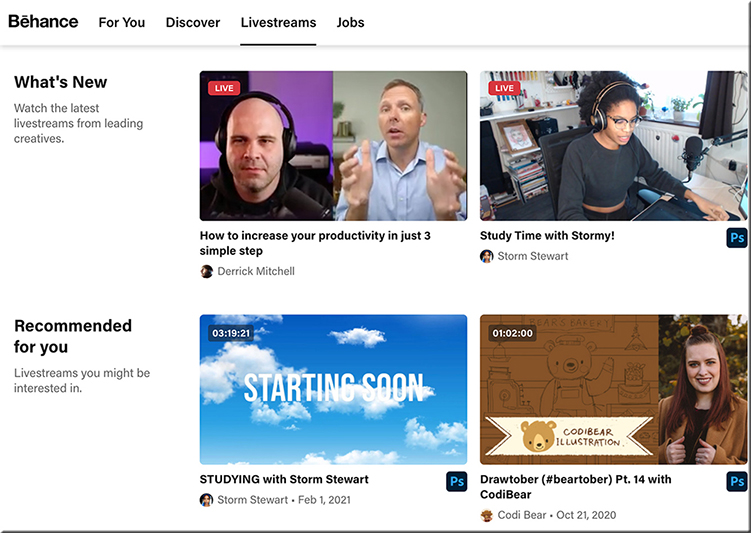
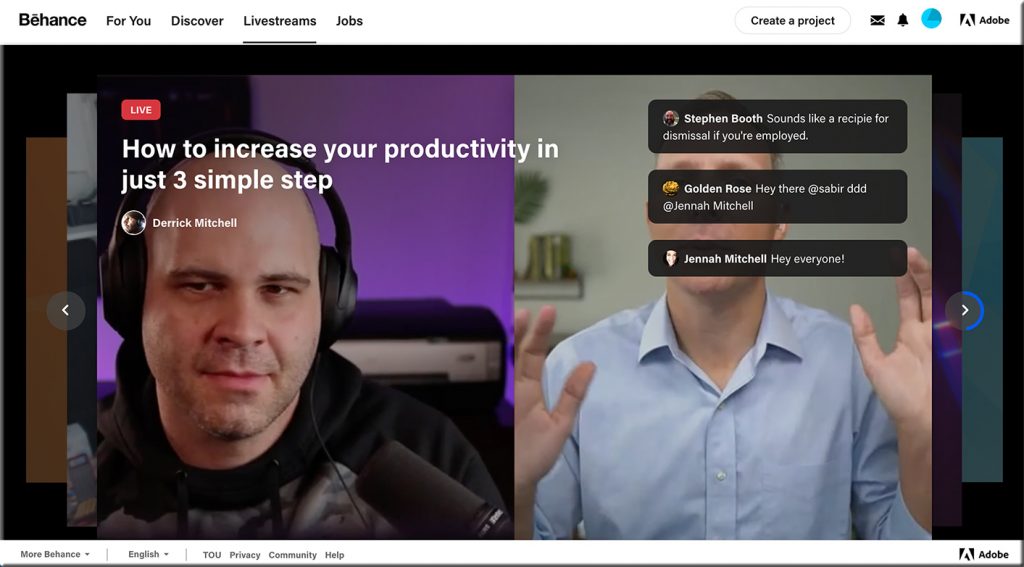

From DSC:
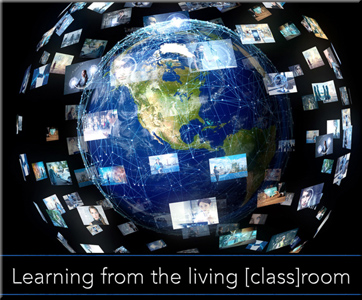
So Abobe — via Behance — is already doing several pieces of the “Learning from the Living [Class] Room” vision. I knew of Behance…but I didn’t realize the magnitude of what they’ve been working on and what they’re currently delivering. Very sharp indeed!
Churches are doing this as well — one device has the presenter/preacher on it (such as a larger “TV”), while a second device is used to communicate with each other in real-time.
On 02/14/2021,
in adjunct faculty, Africa, Asia, Australia, Canada, colleges, communications, community colleges, creativity, Daniel S. Christian, digital audio, digital learning, drama/theater, education technology, engagement / engaging students, entrepreneurship, Europe, experimentation, future, geography / geology, global, higher education, human-computer interaction (HCI), ideas, India, innovation, K-12 related, languages and translation, learning ecosystem, Learning Experience Design, Learning from the Living [Class] Room, media/film, Michigan, more voice more choice more control, multimedia, music, online media, open courseware and systems, passions, platforms, play, society, streams of content, technologies for your home, telecommunications, TVs, UK, United States, universities, vendors, vision/possibilities, web-based collaboration,
by Daniel Christian
Radio.Garden — with thanks to David Pogue for this resource
This is the COOLEST. A Google Earth-type representation of the planet. Every green dot is a radio station. Click any dot to listen in. It’s like cultural teleportation. You could spend hours with this thing… https://t.co/rdEHUUfgvk pic.twitter.com/VJgyzVClJD
— David Pogue (@Pogue) February 14, 2021
From DSC:
This is amazing! Some screenshots:
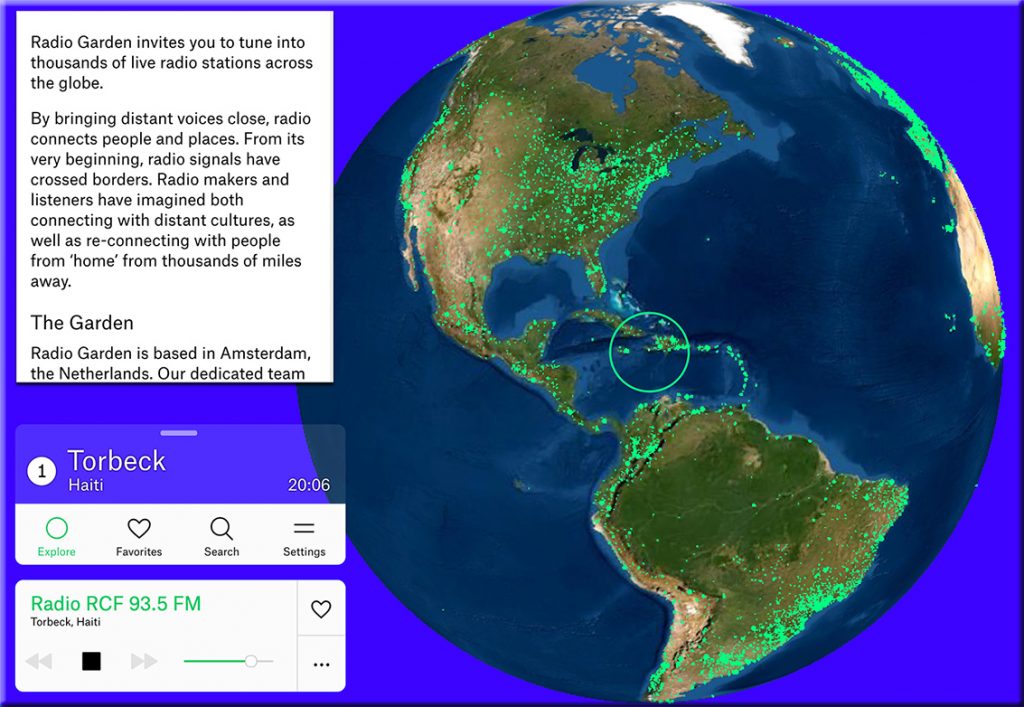
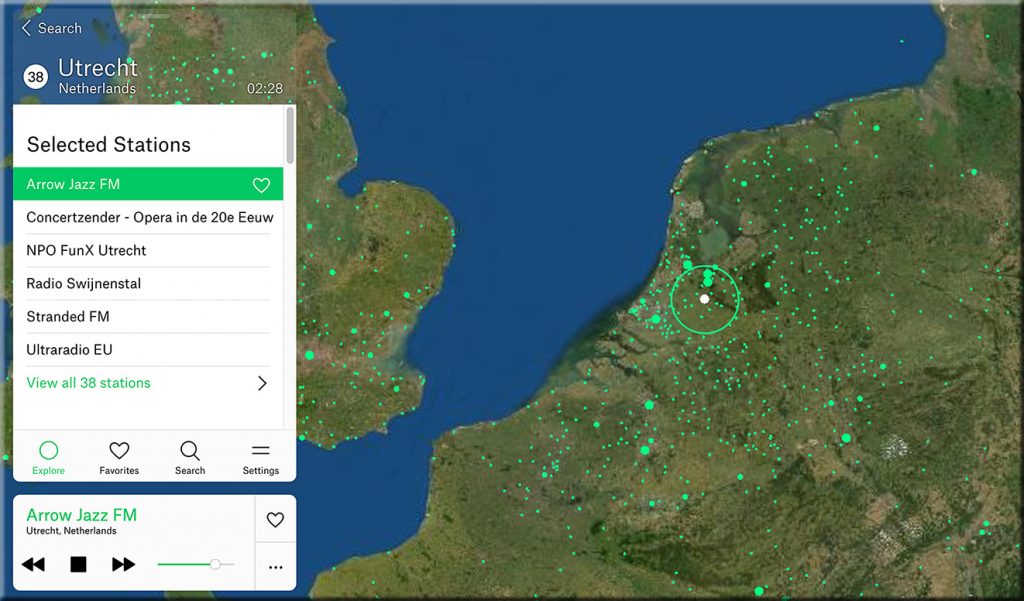
Several questions/reflections come to my mind:
- What could those teachers and professors who are trying to teach someone a language do with this?!
- If this can be done with radio stations, what can be done with learning-related streams of content?!
- Talk about “More Choice. More Control.” Man o’ man!
Addendum on 2/28/21:
Could this type of interface be used to navigate the world of work? Where instead of nations, you would have arenas of work?
On 02/11/2021,
in collaboration, communications, digital learning, education, education technology, homeschooling/homeschoolers, ideas, instructional design, internet, K-12 related, learning, learning ecosystem, Learning Experience Design, Learning from the Living [Class] Room, learning hubs & pods & microschooling, media/film, online media, parents/guardians, platforms, social learning / networks, society, STEAM-related, streams of content, student-related, teaching & learning, technologies for your home, technology (general), television, tools, TVs, United States, vendors, virtual K-12 schools, virtual tutoring, vision/possibilities,
by Daniel Christian
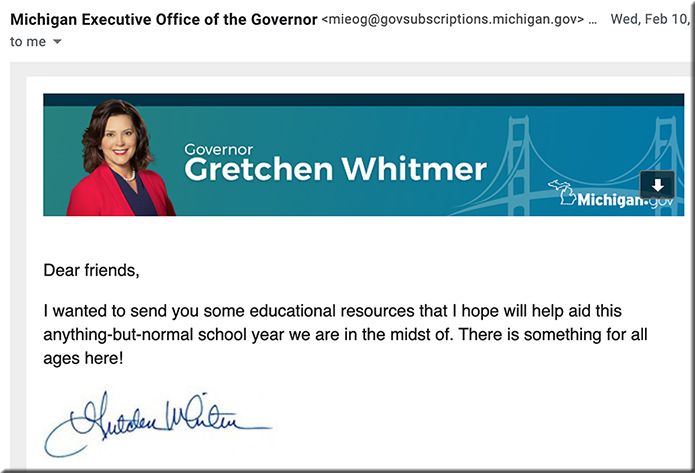
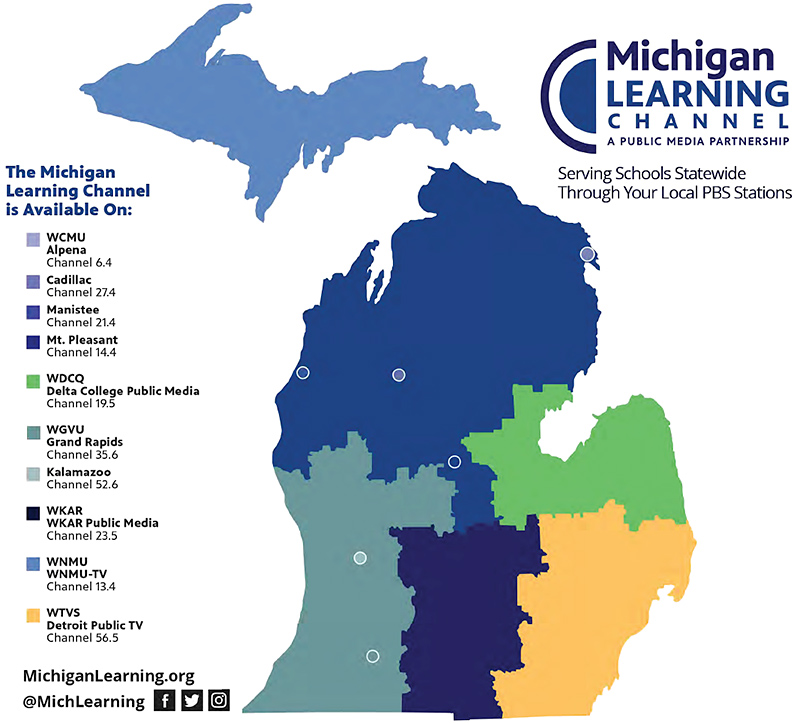
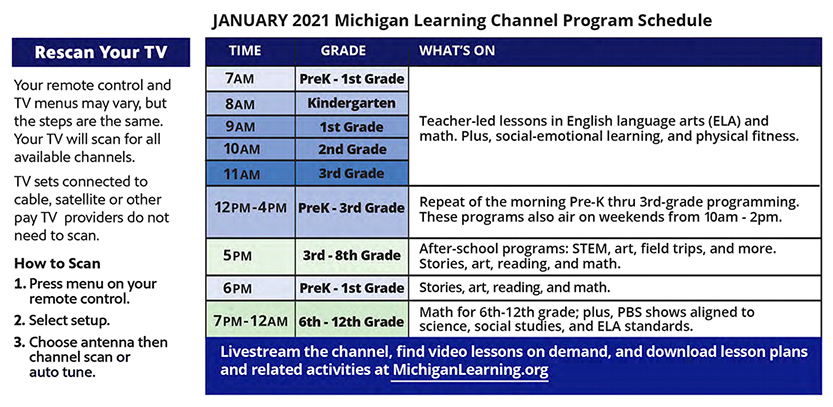
This programming is being broadcast on special on-air channels established by each of the participating public television stations in Michigan. It is also available as a livestream and stored for on-demand viewing on a variety of digital platforms, ensuring accessibility to all students, teachers and families in the state.
An example schedule from About MLC:
From DSC:
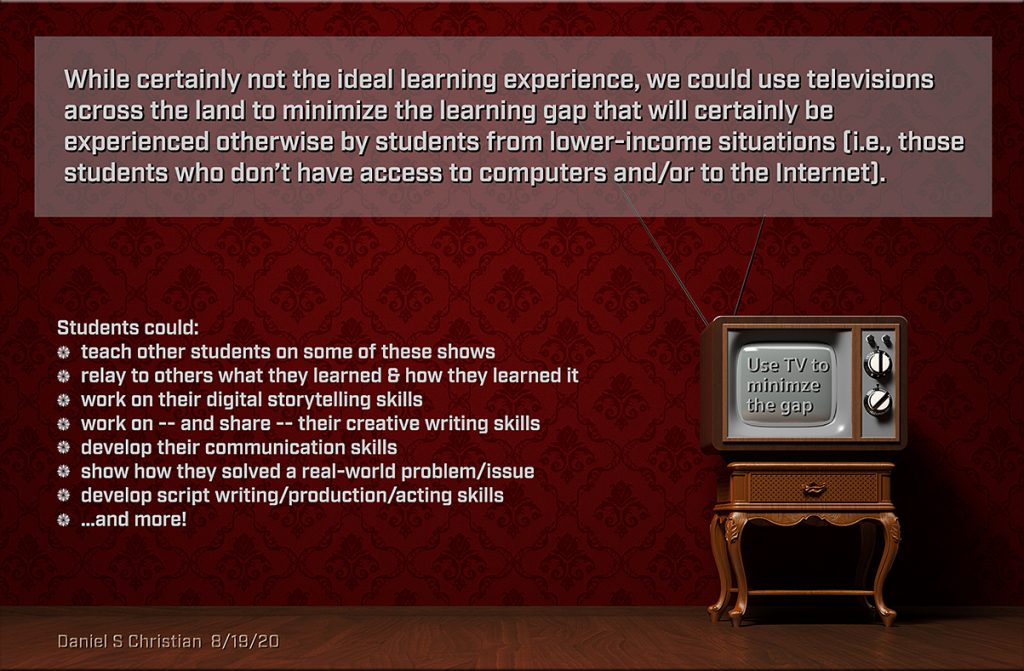
It’s great to see this inclusive, FREE, convenient piece of the K-12 learning ecosystem! I’m all about this. Perhaps such a developing platform could integrate further interactivity and social/network-based learning into it:
Also see: