


How to Get Students to Watch Your Videoshttps://t.co/m2EeDAkHqq pic.twitter.com/L8mMQIsXqg
— Daniel Christian (he/him/his) (@dchristian5) November 1, 2021
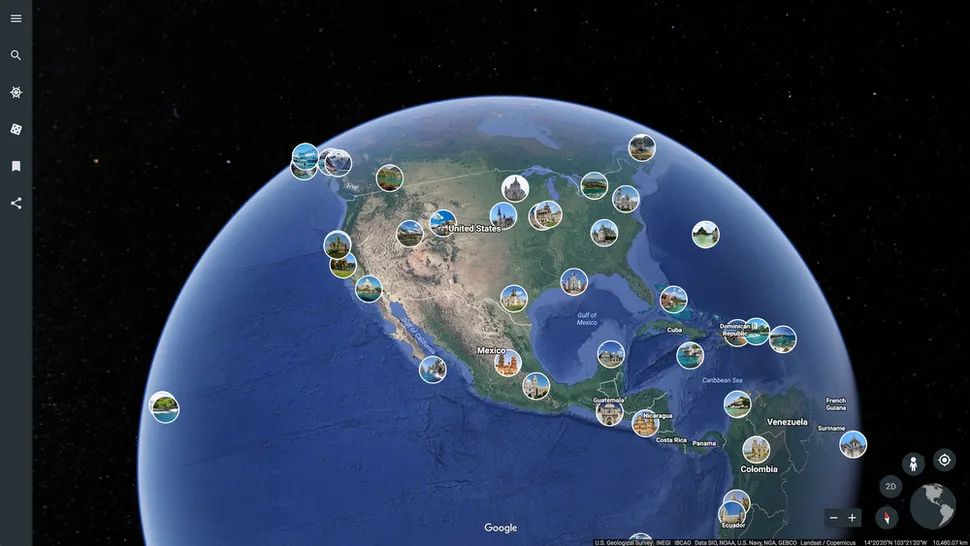
Google Earth Lesson Plan — from techlearning.com by Stephanie Smith Budhai
Excerpt:
The 3D interactive online exploration platform Google Earth provides a pathway to endless learning adventures around the globe. For an overview of Google Earth and a breakdown of its unique features, check out How to Use Google Earth for Teaching.

An Edtech User’s Glossary to Speech Recognition and AI in the Classroom — from edsurge.com by Thomas C. Murray
Per Thomas Murray:
Recently, I collaborated with SoapBox Labs’ Amelia Kelly, the vice president of speech technology there, to create a glossary to help educators and edtech developers better familiarize themselves with speech recognition and make informed decisions about its use in educational settings. Below are some of the key terms that are particularly important, along with an explanation for why those terms matter.
#augmentedreality #xr #ar #future #piano #music #tech #engineering #design
Interactive keyboard projection mapping with @m_audio
using @notchvfx & @touchdesigner by @foraus .incImage/video credits: @vr_accelerator rt @WevolverApp
cc @CurieuxExplorer @tantriclens @Shi4Tech pic.twitter.com/LUkDWUfn9s— Heinz V. Hoenen (@HeinzVHoenen) August 24, 2021
When Should You Use Branching Video Scenarios for eLearning? — from learningsolutionsmag.com by Bill Brandon
Excerpt:
Among the many changes today in the way we think about learning and training is the shift from knowledge transfer to skill development. Scenario-based learning (SBL) and the inclusion of practice with feedback are often overlooked but in many cases more effective approaches to the development of skill and competence.
What’s a scenario?
A scenario is a type of story; it presents learners with a situation in a way that engages them and places them in the situation. Scenarios are a methodology for quickly creating and delivering content to an audience based on needs and feedback. Scenarios are closely related to microlearning, and in fact some microlearning employs short scenarios as the main method of delivery. Learners are able to make decisions, solve problems, apply knowledge, and practice skills. The scenario presents challenges like the ones the learners will face in real-life situations.
The story is important! In his book Scenario-based Learning: Using Stories to Engage Learners, Ray Jimenez says, “The design of scenario-based training requires the craftsmanship of a storyteller, an instructional designer, and a subject matter expert.”
Video Lectures: 4 Tips for Teachers — from techlearning.com by Erik Ofgang
Creating short and engaging video lectures for students is a growing trend at education institutions
Excerpt:
To encourage a more professional type of evergreen video resource, the institution has invested in lecture capture studios, adding five new ones over the past year so each campus has at least one. Some of these studios are DIY, others require a crew, but all enable professors to record lectures in a professional recording environment, complete with green screens and high-quality lighting and audio. The recordings are then edited by the studio team who can help the professor follow the best pedagogical practices for video recordings, including keeping videos short and engaging.
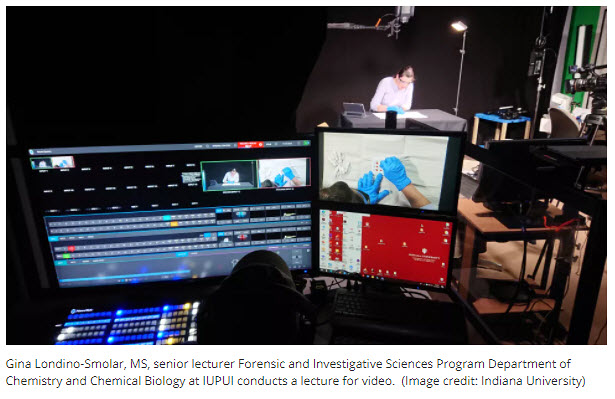
From DSC:
A great example of using of teams to create higher-quality, engaging, interactive learning content.
Also see:
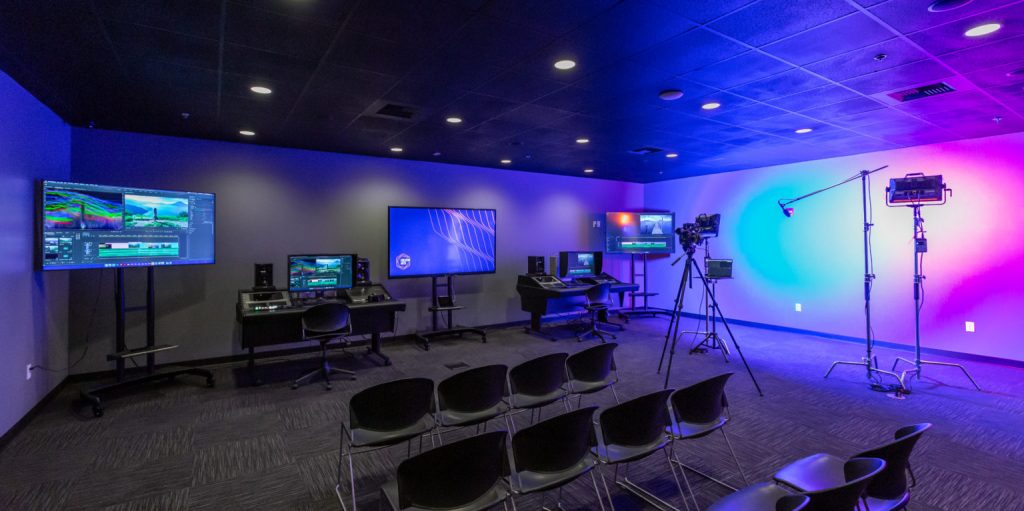
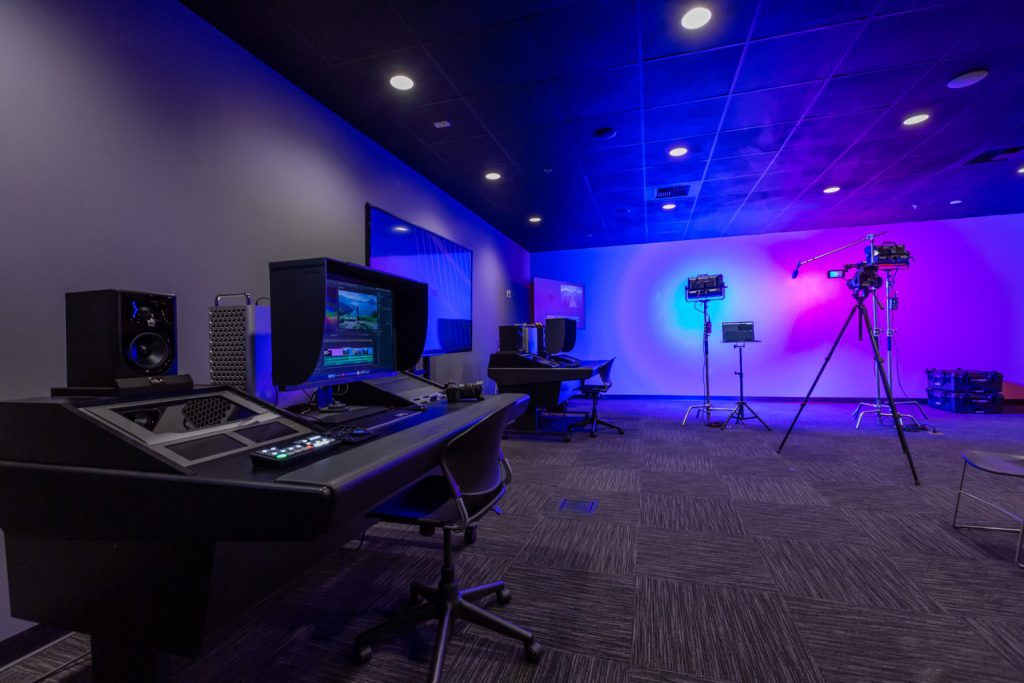
Adorama Business Solutions Equips New Classroom Studio for West Coast Baptist College Creative Arts Department — from svconline.com
Workspace Allows Department to Expand Video Production and Editing Course Offerings
GPT-3: We’re at the very beginning of a new app ecosystem — from venturebeat.com by Dattaraj Rao
From DSC: NLP=Natural Language Processing (i.e., think voice-driven interfaces/interactivity).
Excerpt:
Despite the hype, questions persist as to whether GPT-3 will be the bedrock upon which an NLP application ecosystem will rest or if newer, stronger NLP models with knock it off its throne. As enterprises begin to imagine and engineer NLP applications, here’s what they should know about GPT-3 and its potential ecosystem.
From DSC:
Talk about streams of content! Whew!

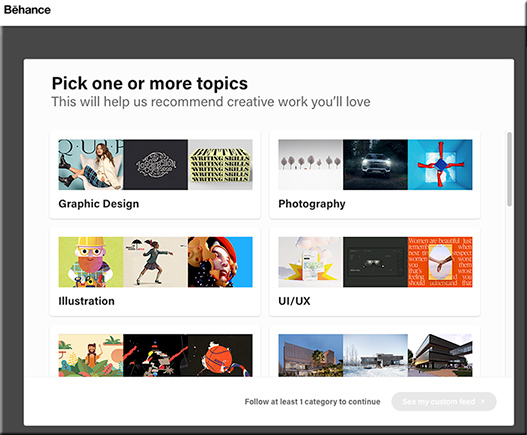
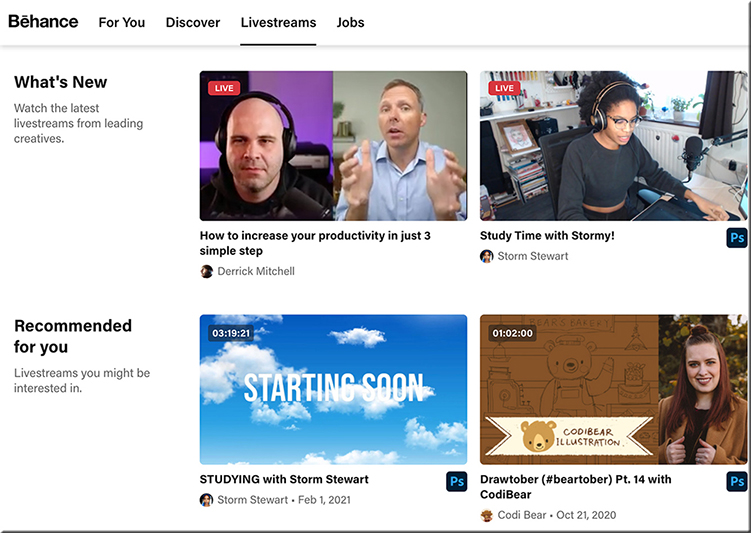
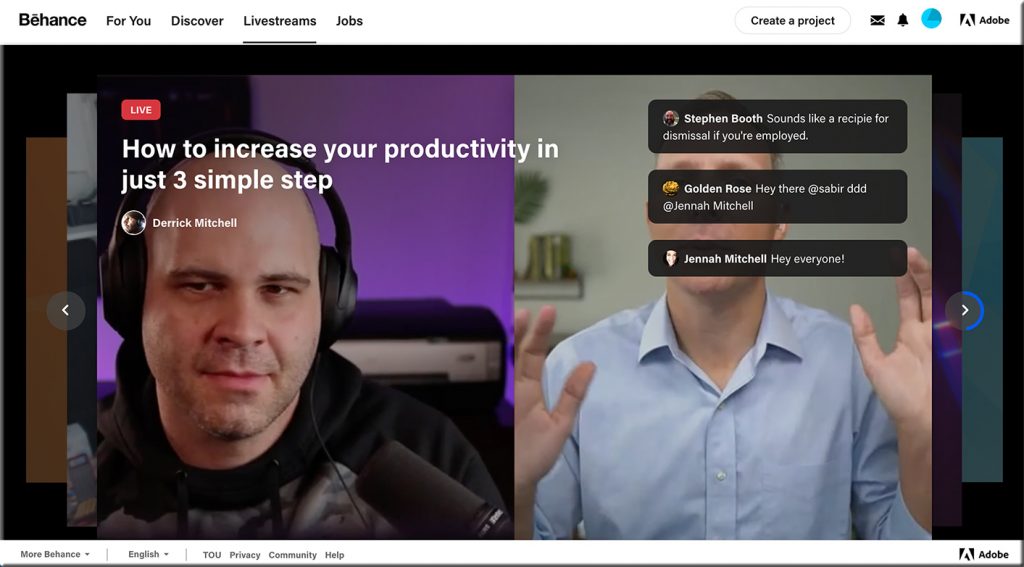
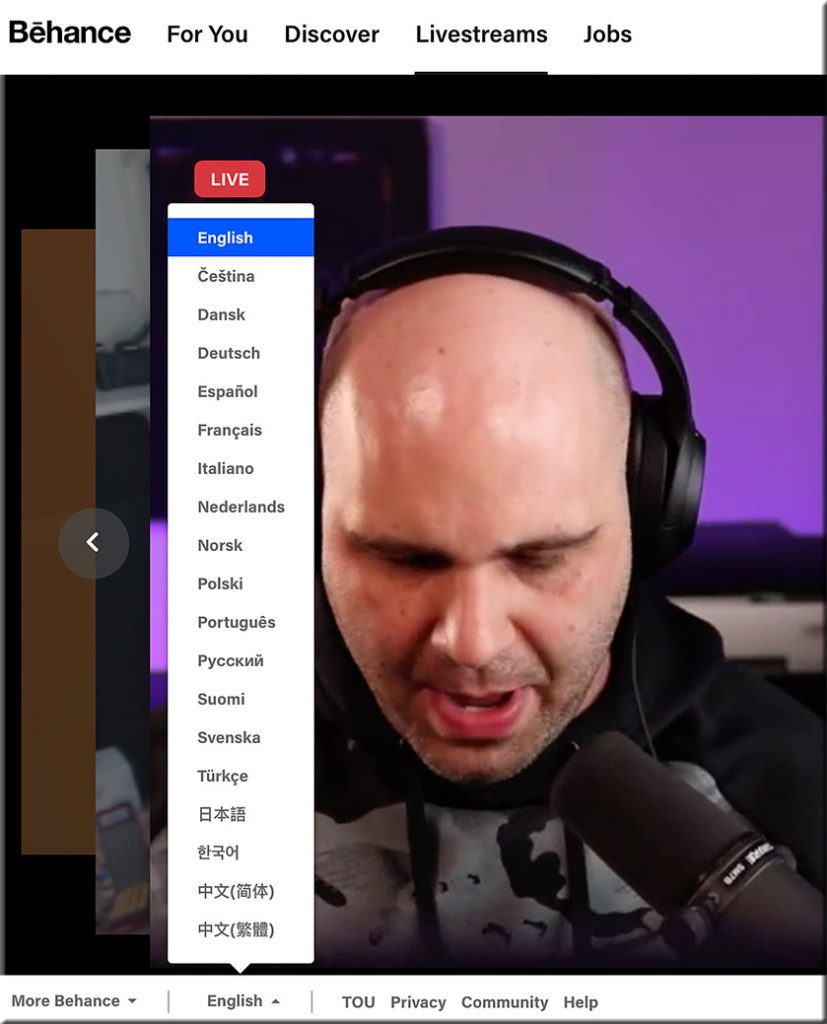
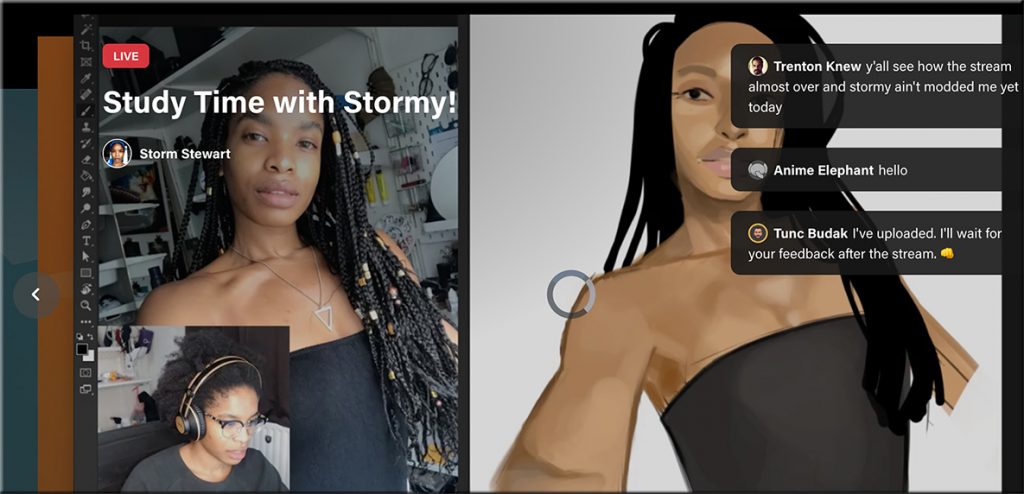
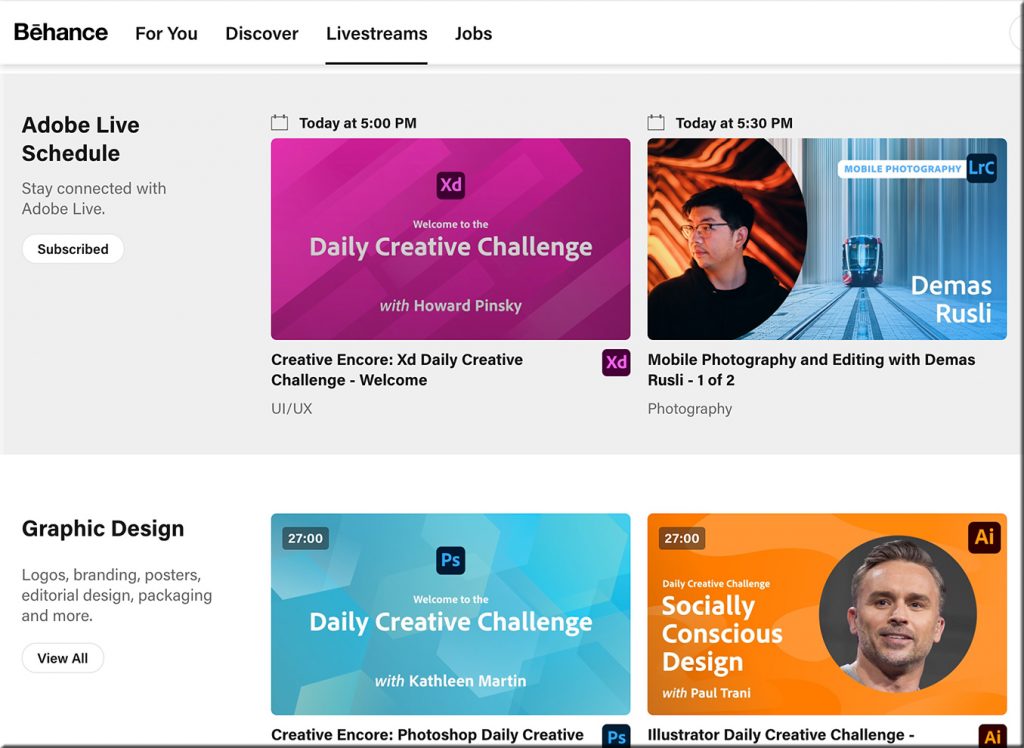
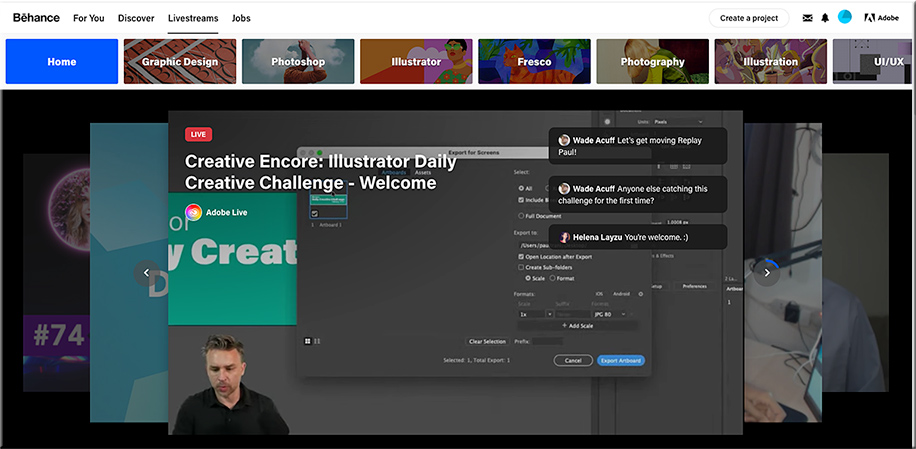
I received an email from Adobe that was entitled, “This week on Adobe Live: Graphic Design.” (I subscribe to their Adobe Creative Cloud.) Inside the email, I saw and clicked on the following:

Below are some of the screenshots I took of this incredible service! Wow!

From DSC:
So Abobe — via Behance — is already doing several pieces of the “Learning from the Living [Class] Room” vision. I knew of Behance…but I didn’t realize the magnitude of what they’ve been working on and what they’re currently delivering. Very sharp indeed!

Churches are doing this as well — one device has the presenter/preacher on it (such as a larger “TV”), while a second device is used to communicate with each other in real-time.
From DSC:
I was thinking about projecting images, animation, videos, etc. from a device onto a wall for all in the room to see.
One side of the surface would be more traditional (i.e., a sheet wall type of surface). The other side of the surface would be designed to be excellent for projecting images onto it and/or for use by Augmented Reality (AR), Mixed Reality (MR), and/or Virtual Reality (VR).
Along these lines, here’s another item related to Human-Computer Interaction (HCI):
Mercedes-Benz debuts dashboard that’s one giant touchscreen — from futurism.com
From DSC:
As we move into 2021, the blistering pace of emerging technologies will likely continue. Technologies such as:
Along the positive lines of this topic, I’ve been reflecting upon how we might be able to use AI in our learning experiences.
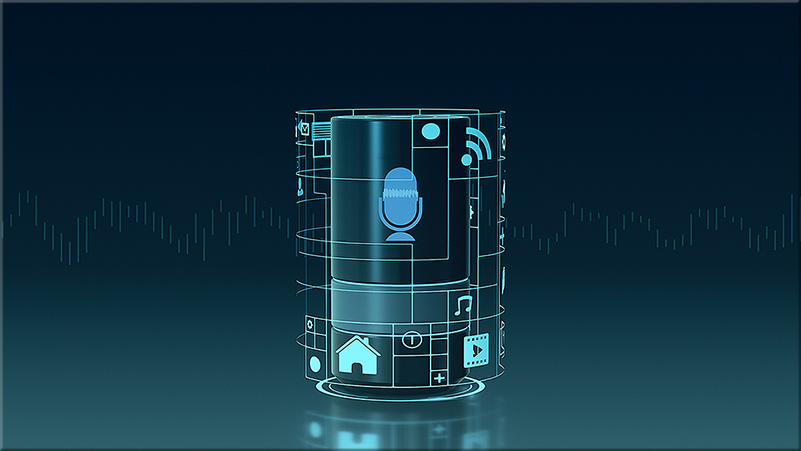
For example, when teaching in face-to-face-based classrooms — and when a lecture recording app like Panopto is being used — could teachers/professors/trainers audibly “insert” main points along the way? Similar to something like we do with Siri, Alexa, and other personal assistants (“Heh Siri, _____ or “Alexa, _____).
.
Pretend a lecture, lesson, or a training session is moving right along. Then the professor, teacher, or trainer says:
Like a verbal version of an HTML tag.
After the recording is done, the AI could locate and call out those “main points” — and create a table of contents for that lecture, lesson, training session, or presentation.
(Alternatively, one could insert a chime/bell/some other sound that the AI scans through later to build the table of contents.)
In the digital realm — say when recording something via Zoom, Cisco Webex, Teams, or another application — the same thing could apply.
Wouldn’t this be great for quickly scanning podcasts for the main points? Or for quickly scanning presentations and webinars for the main points?
Anyway, interesting times lie ahead!
Temperament-Inclusive Pedagogy: Helping Introverted and Extraverted Students Thrive in a Changing Educational Landscape — from onlinelearningconsortium.org by Mary R. Fry
Excerpt (emphasis DSC):
So how do we take these different approaches to learning into account and foster a classroom environment that is more inclusive of the needs of both extraverts and introverts? Let’s first distinguish between how extraverts and introverts most prefer to learn, and then discuss ways to meet the needs of both. Extraverts tend to learn through active and social engagement with the material (group work, interactive learning experiences, performing and discussing). Verbalizing typically helps extraverts to think through their ideas and to foster new ones. They often think quickly on their feet and welcome working in large groups. It can be challenging for extraverts to generate ideas in isolation (talking through ideas is often needed) and thus working on solitary projects and writing can be challenging.
In contrast, introverts thrive with solitary/independent work and typically need this time to sort through what they are learning before they can formulate their thoughts and articulate their perspectives. Introverted learners often dislike group work (or at least the group sizes and structures that are often used in the classroom (more on this in a moment)) and find their voice drowned out in synchronous discussions as they don’t typically think as fast as their extroverted counterparts and don’t often speak until they feel they have something carefully thought out to share. Introverted learners are often quite content, and can remain attentive, through longer lectures and presentations and prefer engaging with the material in a more interactive way only after a pause or break.
From DSC:
Could/would a next-generation learning platform that has some Artificial Intelligence (AI) features baked into it — working in conjunction with a cloud-based learner profile — be of assistance here?
That is, maybe a learner could self-select the type of learning that they are: introverted or extroverted. Or perhaps they could use a sliding scaled to mix learning activities up to a certain degree. Or perhaps if one wasn’t sure of their preferences, they could ask the AI-backed system to scan for how much time they spent doing learning activities X, Y, and Z versus learning activities A, B, and C…then AI could offer up activities that meet a learner’s preferences.
(By the way, I love the idea of the “think-ink-pair-share” — to address both extroverted and introverted learners. This can be done digitally/virtually as well as in a face-to-face setting.)
All of this would further assist in helping build an enjoyment of learning. And wouldn’t that be nice? Now that we all need to learn for 40, 50, 60, 70, or even 80 years of our lives?
