Faculty Innovation Toolkit — from campustechnology.com by Leila Meyer and Dian Schaffhauser
Excerpt:
- 15 Sites for Free Digital Textbooks
- 12 Tips for Gamifying a Course
- 10 Tools for More Interactive Videos
- 4 Ways to Use Social Media for Learning
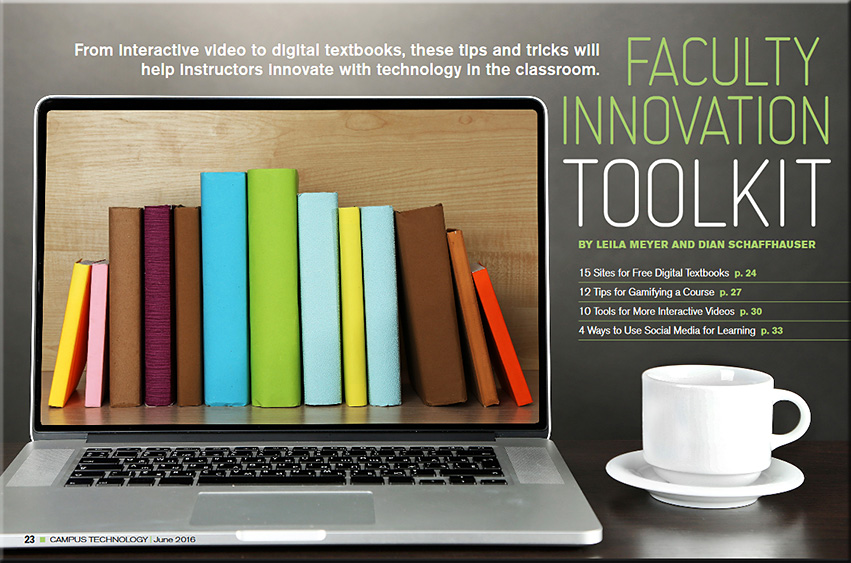
Faculty Innovation Toolkit — from campustechnology.com by Leila Meyer and Dian Schaffhauser
Excerpt:
Everything Siri can do for you and your Apple TV — from imore.com by Lory Gill
Excerpt:
When you ask Siri what it can search for, it will respond, “I can search by title, people (actor, director, character name, guest star, producer, or writer), ratings (like PG or TV-G), reviews (such as best or worst), dates (like 2012 or the 80s), age (like kid-friendly or teen), seasons, episodes, and studio. And of course, I can search by genre.”
But, what else can Siri do?
…
Siri has a fairly robust search feature with multi-layer filtering.
…
While you are watching a movie or TV show, or listening to music, you can get a little extra help from Siri. It’s like having a buddy sitting next to you — but they don’t shush you when you ask a question.
…
You can search for content in the Music app on Apple TV by artist, album, or song title. With a little know-how, you can also turn Siri into your personal deejay.
…
While you may normally look to your smartphone for your weather predictions, Siri can be just as helpful about the conditions around the world as your local weatherman or app. All you have to do is ask.
From DSC:
Following this trajectory out a bit into the future — and in light of significant developments that continue to occur with artificial intelligence, the development and use of algorithms, the potential use of web-based learner profiles (think LinkedIn.com/Lynda.com, MOOCs, the use of nanodegrees), second screen-based apps, and the like — one has to wonder:
“What are the ramifications of this for learning-related applications?!”
![The Living [Class] Room -- by Daniel Christian -- July 2012 -- a second device used in conjunction with a Smart/Connected TV](http://danielschristian.com/learning-ecosystems/wp-content/uploads/2012/07/The-Living-Class-Room-Daniel-S-Christian-July-2012.jpg)
Interactive app brings 4th-century thinker to life — from campustechnology.com by Toni Fuhrman
At Villanova University, a student-developed app version of Augustine’s Confessions brings contemporary vitality and relevance to a classic 4th-century work.
Excerpt:
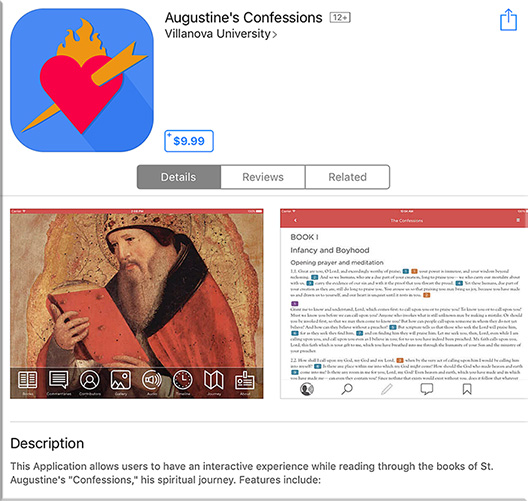
Augustine of Hippo, who lived from A.D. 354 to 430, might be surprised to find his Confessions in circulation today, including a number of e-book versions. Still widely read, popular in great books programs and studied in university classes, The Confessions of St. Augustine is autobiography and confession, spiritual quest and emotional journey.
One of the most recent electronic versions of the Confessions is an interactive app developed at Villanova University (PA), the nation’s only Augustinian Catholic University. Released three months ago on Augustine’s birthday (Nov. 13), the Confessions app is required for all freshmen as part of a “foundation” course. Available for both Apple and Android devices, the app includes the 13 books of the Confessions, authoritative commentaries, photo gallery, timeline, map and text-highlighted audio, as well as search, note-taking, annotation and bookmark options.
“What better way to reflect on and update this struggle than for today’s students to use technology to bring the text to life through visual, audio and analytical components?”
From DSC:
Love the idea. Love the use of teams — including students — to produce this app!
From DSC:
If you can clear up just short of an hour of your time, this piece from PBS entitled, “School Sleuth: The Case of the Wired Classroom” is very well done and worth your time. It’s creative and objective; it offers us some solid research, some stories, and some examples of the positives and negatives of technology in the classroom. It weaves different modes of learning into the discussion — including blended learning, online learning, personalized learning and more. Though it aired back in October of 2015, I just found out about it.
Check it out if you can!

Also see:
Apple puts out call for Apple TV apps — from bizjournals.com by Gina Hall
Excerpt:
The company put out the call for app submissions on Wednesday for tvOS. The Apple TV App Store will debut as Apple TV units are shipped out next week.
…
The main attraction of Apple TV is a remote with a glass touch surface and a Siri button that allows users to search by voice. Apple tvOS is capable of running apps ranging from Airbnb to Zillow and games like Crossy Road. Another major perk of Apple TV will be universal search, which allows users to scan for movies and television shows and see results from multiple sources, instead of having to conduct the same search within multiple apps.
Apple CEO Tim Cook hopes the device will simplify how viewers consume content.
From DSC:
The days of developing for a “TV”-based OS are now upon us: tvOS is here. I put “TV” in quotes because what we know of the television in the year 2015 may look entirely different 5-10 years from now.
Once developed, things like lifelong learning, web-based learner profiles, badges and/or certifications, communities of practice, learning hubs, smart classrooms, virtual tutoring, virtual field trips, AI-based digital learning playlists, and more will never be the same again.

Also see:
Addendum on 10/26/15:
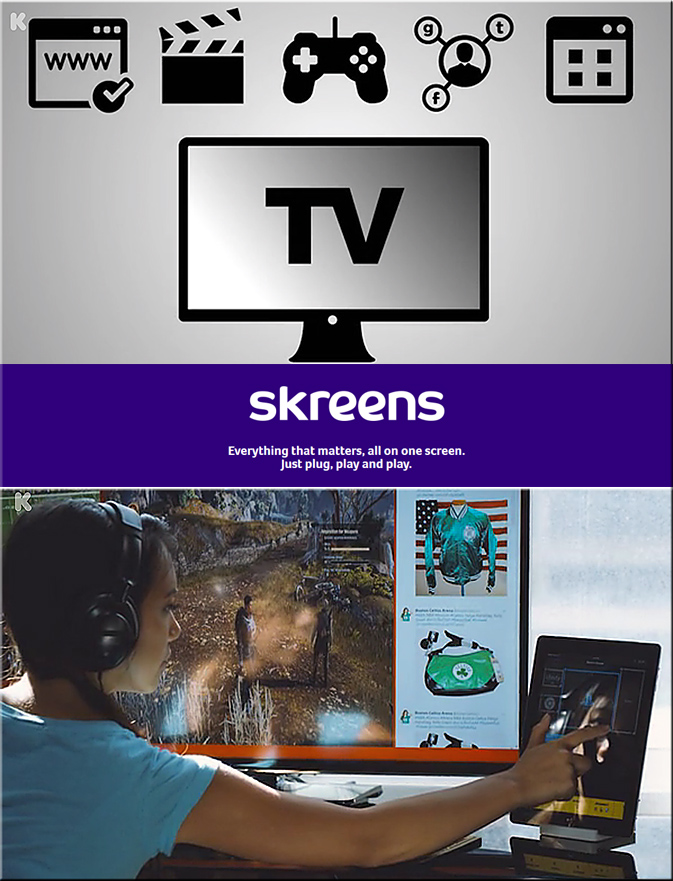
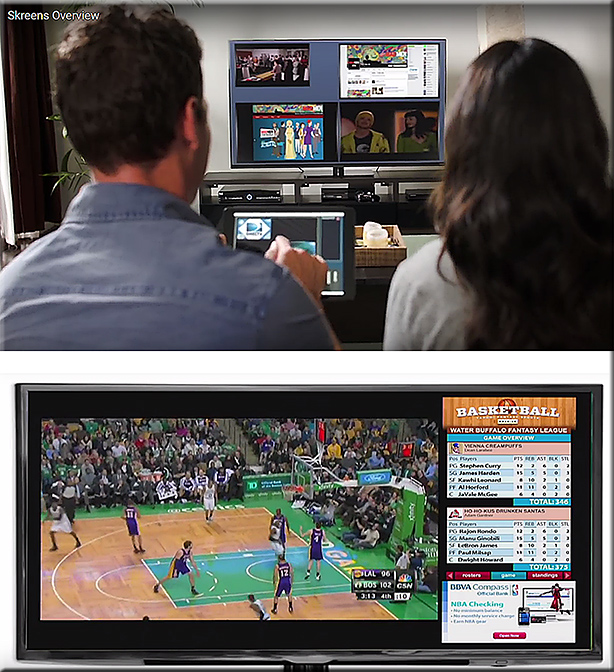
The article below discusses one piece of the bundle of technologies that I’m trying to get at via my Learning from the Living [Class] Room Vision:
From DSC:
Imagine what learning could look like w/ the same concepts found in the Skreens kickstarter campaign? Where you can use your mobile device to direct what you are seeing and interacting with on the larger screen? Hmmm… very interesting indeed! With applications not only in the home (and on the road), but also in the active classroom, the boardroom, and the training room.
See
Skreens.com
&
Learning from the Living [Class] Room
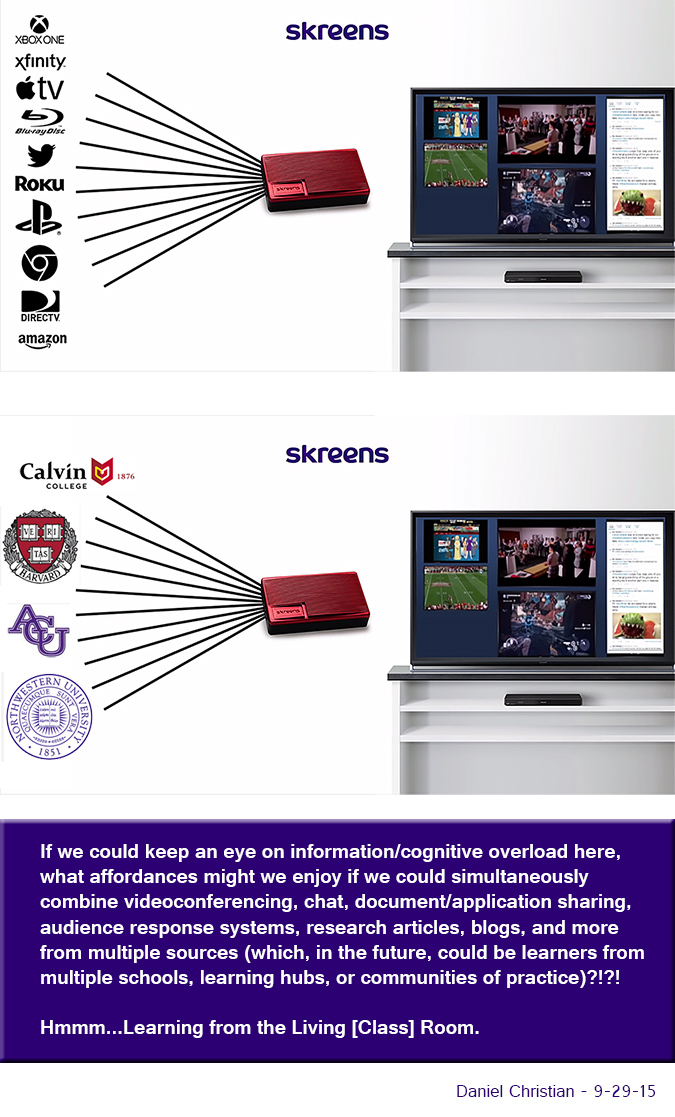
From DSC:
Some of the phrases and concepts that come to my mind:
Addendum:
Check out this picture from Meet the winners of #RobotLaunch2015
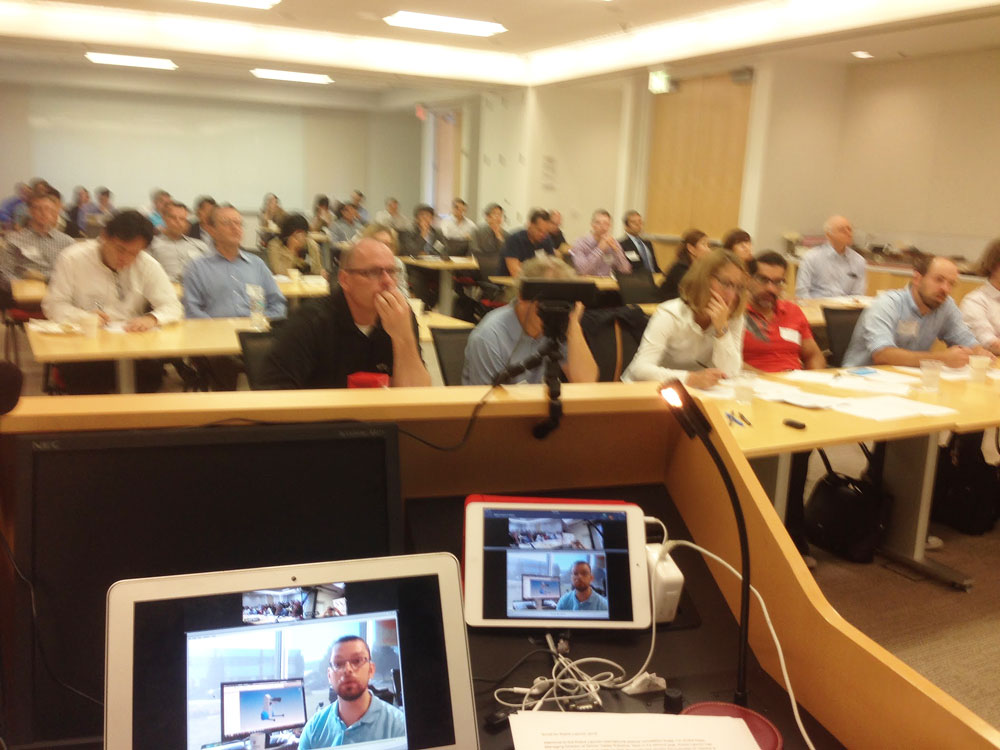
Packed house at WilmerHale for the Robot Launch 2015 judging – although 2/3rds of the participants were attending and pitching remotely via video and web conferencing.
7 things you should know about developments in Instructional Design — from educause.edu
Excerpt:
From DSC:
What applications and implications might this type of setup mean for libraries? For classrooms?
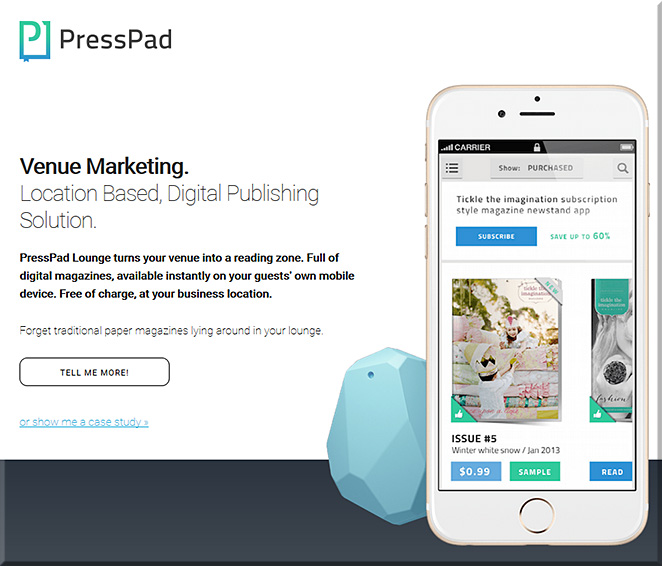
PressPad Lounge: new digital press corner that utilizes iBeacon technology — from talkingnewmedia.com by D.B. Hebbard
Excerpt:
The idea behind PressPad Lounge is that the service allows a business to turn a space into a reading zone, allowing those with mobile devices to access digital publications for free.

Also see:
Excerpt:
With PressPad Lounge, people visiting your venue are able to install the magazine app of their choice, and read every issue for free while remaining PHYSICALLY within your venue.
Whether it’s a hotel lobby, a shopping mall, restaurant or a booth, PressPad Lounge enables a slick marriage of digital publishing with location marketing. People located within the range of the reading zone will be able to read magazines on their mobile devices, for free.
7 powerful reminders to finally adopt HTML5 in corporate eLearning — from elearningindustry.com by
Excerpt:
Mobility, ubiquity and portability are key requirements for any type of learning as the market fully embraces to the demand of learners to access knowledge when and where is needed. Learners today expect access to relevant and useful information on various types of mobile devices connected via networks of ever cheaper and faster bandwidth.
This trend toward multi-device and multi-access learning is solidifying day after day, making responsive content design one of the most critical components of any production process for online training material. The premise today is for learning to “follow” the person and not the other way around.
In this dynamic online learning scenario, HTML5 is finally going mainstream as the leading technology to structure and present learning content online. Here are some powerful reasons to adopt HTML5 today even when legacy constrains seem to favor a “wait and see” approach:
———–
Also see:
2015 Business eLearning Trends Infographic — from elearninginfographics.com
Addendum on 4/28/15:
How soon is now for the mobile web? — from visionmobile.com by Matt Asay
Excerpt:
That’s one primary takeaway from VisionMobile’s “How Can HTML5 Compete With Native?” report. As report author Dimitris Michalakos concludes, “The question is no longer *whether* HTML5 can produce quality apps, but *how* easy it is to create quality web apps.” Given that “HTML5 is like driving a car without a dashboard,” the key is to deliver better dashboards, or tools, to make it easier to build great web apps.
New from Educause:
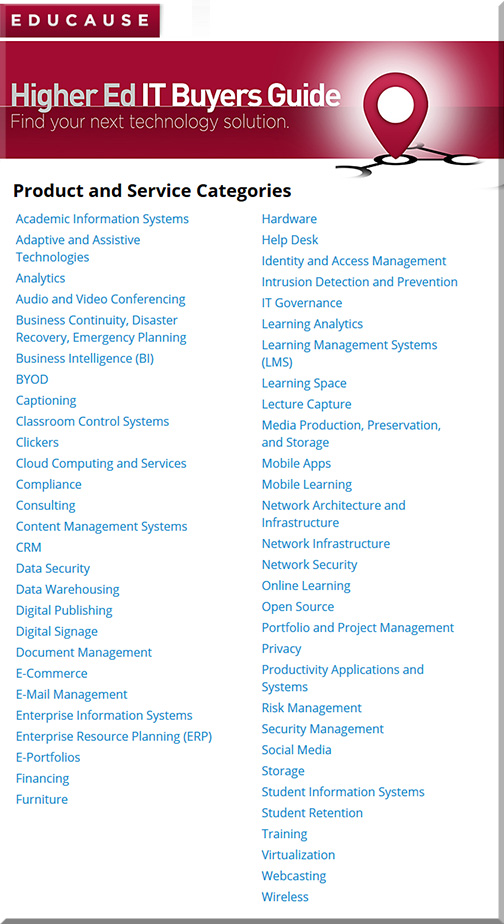
Higher Ed IT Buyers Guide
Excerpt:
Quickly search 50+ product and service categories, access thousands of IT solutions specific to the higher ed community, and send multiple RFPs—all in one place. This new Buyers Guide provides a central, go-to online resource for supporting your key purchasing decisions as they relate to your campus’s strategic IT initiatives.
Find the Right Vendors for Higher Education’s Top Strategic Technologies
Three of the Top 10 Strategic Technologies identified by the higher education community this year are mobile computing, business intelligence, and business performance analytics.* The new Buyers Guide connects you to many of the IT vendors your campus can partner with in the following categories related to these leading technologies, as well as many more.
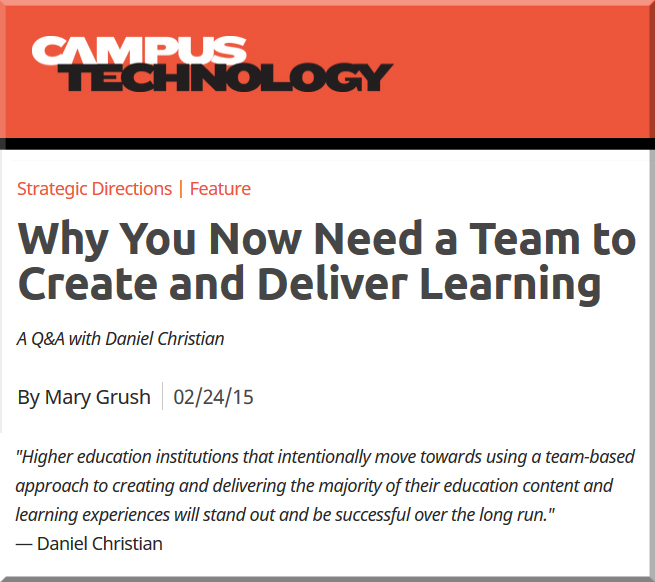
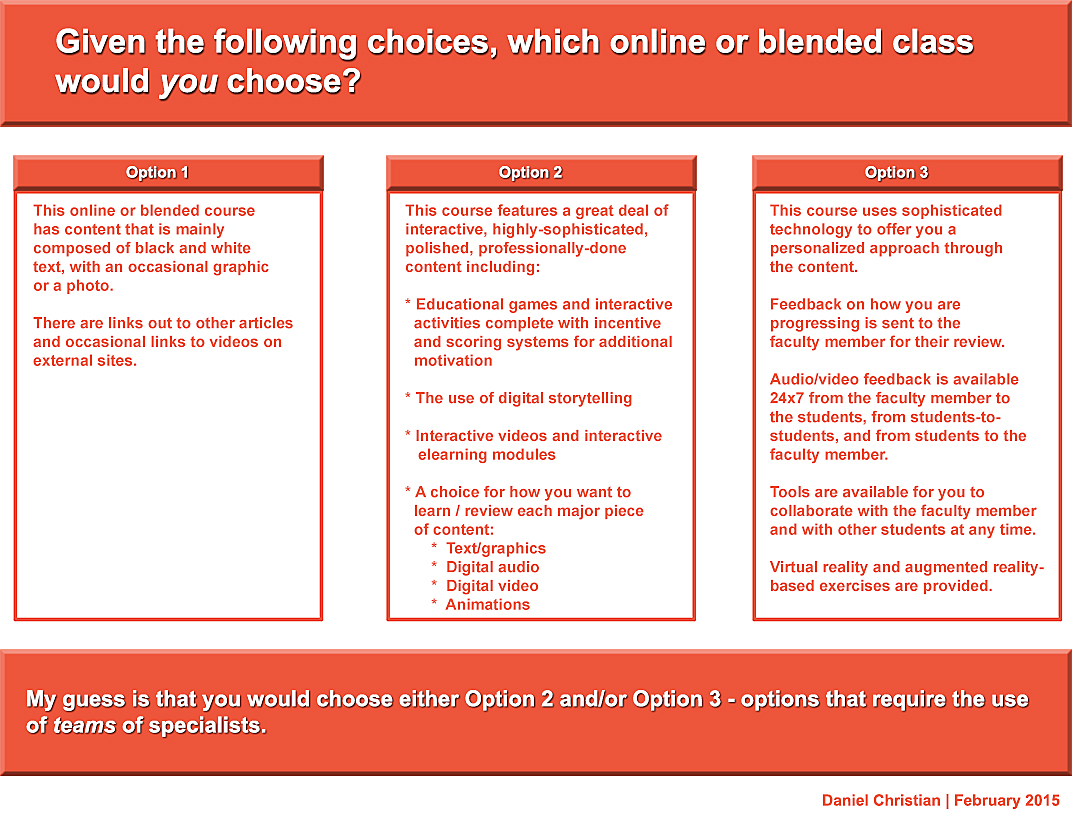
My thanks to Mary Grush at Campus Technology for her continued work in bringing relevant topics and discussions to light — so that our institutions of higher education will continue delivering on their missions well into the future. By doing so, learners will be able to continue to partake of the benefits of attending such institutions. But in order to do so, we must adapt, be responsive, and be willing to experiment. Towards that end, this Q&A with Mary relays some of my thoughts on the need to move more towards a team-based approach.
When you think about it, we need teams whether we’re talking about online learning, hybrid learning or face-to-face learning. In fact, I just came back from an excellent Next Generation Learning Space Conference and it was never so evident to me that you need a team of specialists to design the Next Generation Learning Space and to design/implement pedagogies that take advantage of the new affordances being offered by active learning environments.