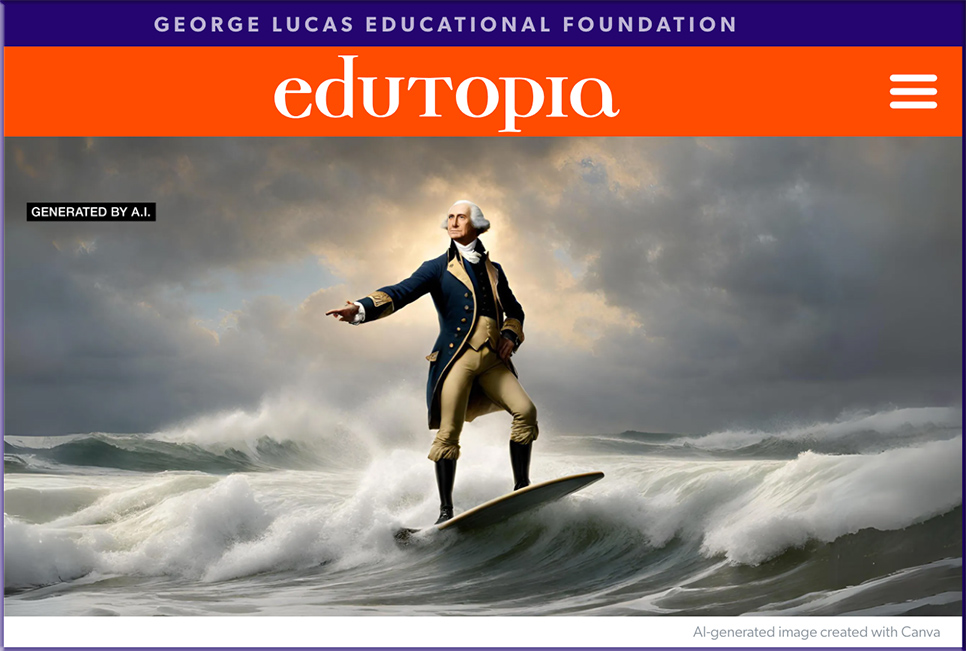
Using Drawing as a Powerful Learning Tool — from edutopia.org by Selim Tlili
When students draw something they’re learning about, they’re more likely to remember key details.

One of my main goals as a science teacher is to open students up to seeing all of those beautiful and interesting details. I do that by having students draw things and clearly write what they observe. Drawing something requires students to look at their subject far longer than they are accustomed. Writing what they see forces them to consciously acknowledge it. I explain to students that just as every single human is unique, so is every coin, plant, and salt crystal.


The 2023 Ocean Photographer of the Year Contest Highlights the Stunning Sights Above and Below the Surface — from thisiscolossal.com

Michael Haluwana, illuminated by the Arctic sun, a polar bear walks across a glacier that is adorned by a waterfall, Arctic


It’s Not Kansas Anymore: It’s Cinematic Thinking — from campustechnology.com by Mary Grush and Gardner Campbell
A Q&A with Gardner Campbell

Blogs are like a screenplay to a mental movie the student has made. It’s a kind of narrative, but in a way that’s more associative, the way film can be.

Grush: What about your recorded online class sessions? Do they present another path to cinematic thinking?

Campbell: Yes! A couple years ago I started describing what I did with online learning as making movies on location. That referred to the way that I really wanted each of our class meetings to be: a kind of experience, not just for students to be here as I’m lecturing, though I may be doing that, but an experience that’s similar to a live television show. Or almost like a live recording session. Of course, we’re making something that is recorded on video, and you can go back and look at it to get the flow of the experience of our time together: the way in which that story exists through time.


Where to Submit Your Work: A Curated List of Websites that Feature Art + Illustration — from booooooom.com

So you’ve just completed your latest creative project or maybe you’ve been building up your portfolio for a while and finally feel ready to share, what next? It’s important to be confident and put yourself out there, but let’s first talk about what all this process entails in order to make the most of your time and energy.

This comprehensive guide includes a collection of websites and magazines that currently accept art and illustration submissions. Plus we’ll cover how and what to prepare before you start submitting to help you improve the quality of your submissions and give you a sense of what to expect throughout the entire process!


9 Tips for Using AI for Learning (and Fun!) — from edutopia.org by Daniel Leonard; via Donna Norton on X/Twitter
These innovative, AI-driven activities will help you engage students across grade levels and subject areas.

Here are nine AI-based lesson ideas to try across different grade levels and subject areas.

ELEMENTARY SCHOOL

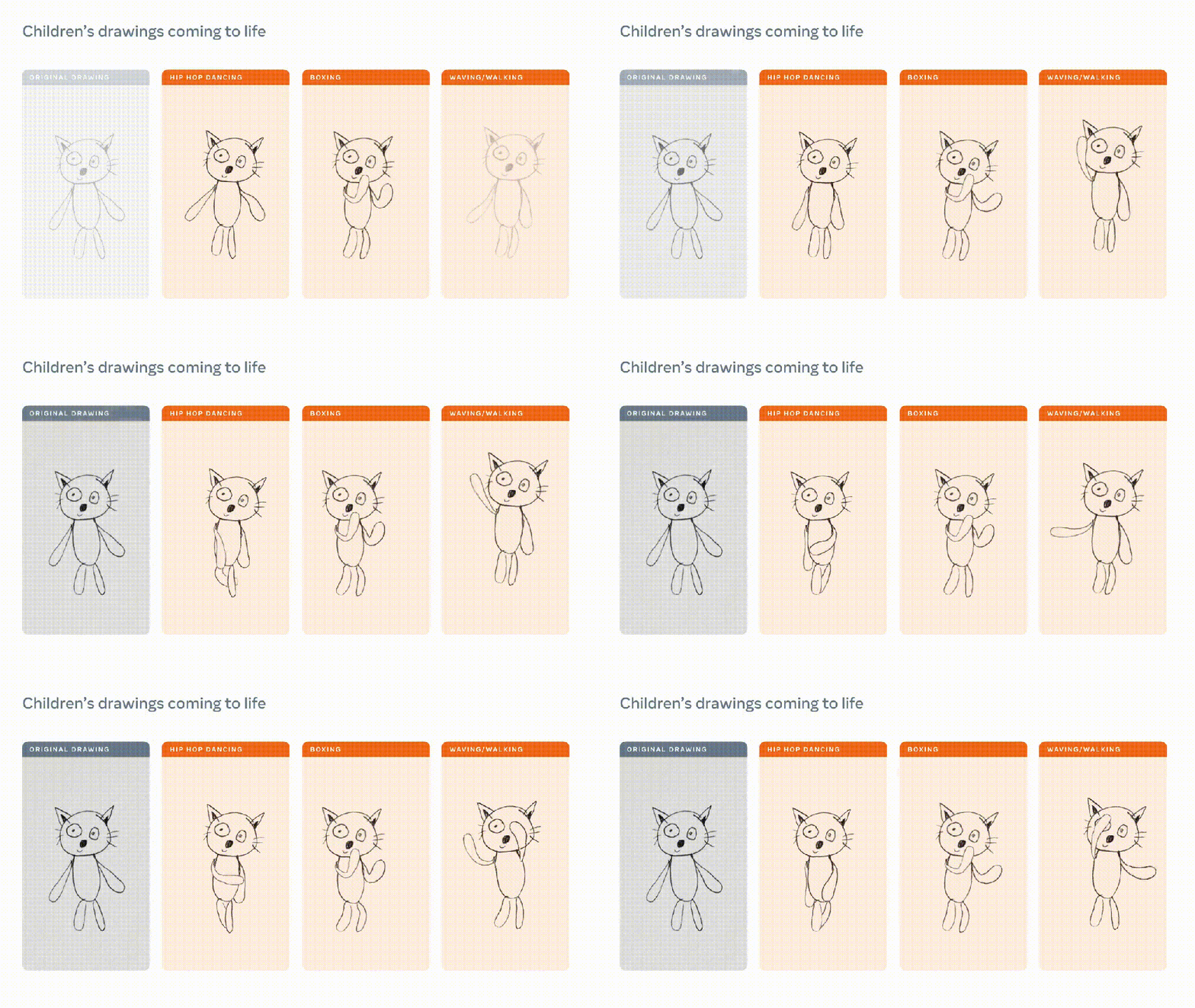
AI-generated Animated Drawing of artwork

Courtesy of Meta AI Research
A child’s drawing (left) and animations created with Animated Drawings.

.

1. Bring Student Drawings to Life: Young kids love to sketch, and AI can animate their sketches—and introduce them to the power of the technology in the process.

HIGH SCHOOL

8. Speak With AI in a Foreign Language: When learning a new language, students might feel self-conscious about making mistakes and avoid practicing as much as they should.


Though not necessarily about education, also see:

How I Use AI for Productivity — from wondertools.substack.com by Jeremy Caplan
In this Wonder Tools audio post I share a dozen of my favorite AI tools

From DSC:
I like Jeremy’s mentioning the various tools that he used in making this audio post:


7thSense powers content on Sphere’s interior and exterior LED displays — from inavateonthenet.net

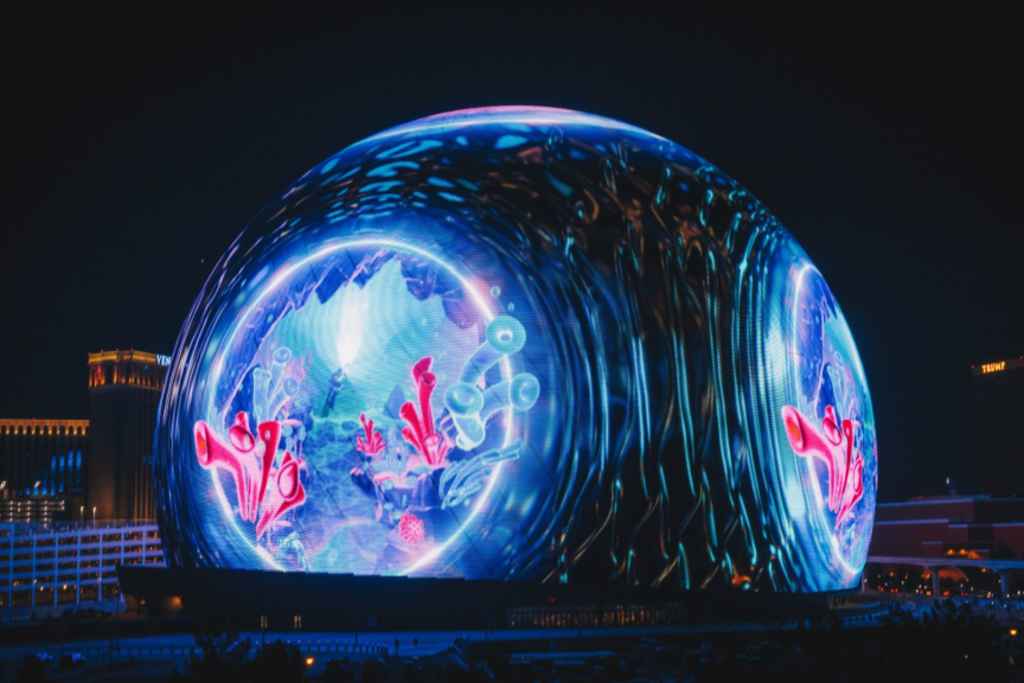
At 16K x 16K resolution, Sphere’s interior LED display plane is the highest resolution LED screen in the world. Soaring to a height of 240 feet, and with over 3 acres of display surface, the screen wraps up, over, and around the audience to create a fully immersive visual environment.


50-foot-high Hypervsn hologram launches at The Sphere in Las Vegas — from inavateonthenet.net

The pubic atrium of the recently opened MSG Sphere in Las Vegas features Hypervsn’s largest-ever 30 x 50-foot holographic display wall alongside real-life humanoid robots that greet visitors on arrival, a 360-degree avatar capture and a beam-forming sound display.

The 50-foot-high installation project included 420 individual SmartV Hypervsn displays fixed to a secure rack that hangs from the atrium wall.


Thandiwe Muriu Confronts Notions of Value in Her Vividly Disguised Portraits — from thisiscolossal.com by Grace Ebert

“A Cycle of Joy” (2023). All images © Thandiwe Muriu


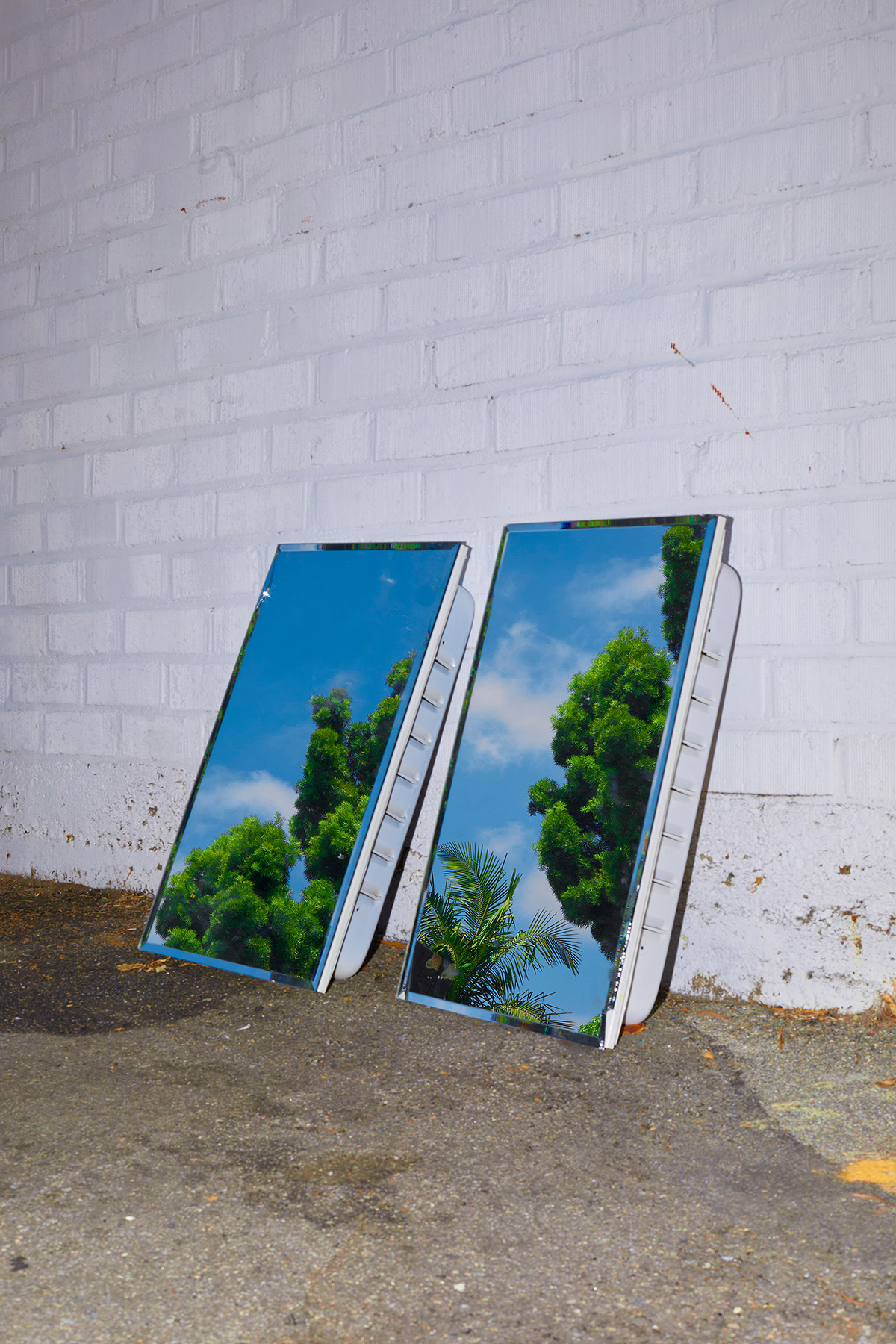
“Santa Monica” by Photographer Francesca Forquet — from booooooom.com by Francesca Forquet


Introducing Magic Studio: the power of AI, all in one place — from canva.com


Also relevant/see:

Canva’s new AI features make everyone a designer — from joinsuperhuman.ai by Zain Kahn

…here are all the cool new ways you can use Canva to create pro-grade designs for your work:

  • Magic Media: Generate photos and videos with text prompts.
  • Magic Design: Turn ideas into designs with AI-generated templates.
  • Magic Switch: Translate content into different languages and formats.
  • Magic Expand: Make images bigger with AI.
  • Magic Edit: Edit images with simple text prompts.
  • Magic Morph: Transform text and shapes with visual effects.
  • Magic Write: Generate texts and summaries with AI.

Canva also announced that they’re creating a $200 million fund to compensate creators who opt-in to train their AI models.


Adobe video-AI announcements for IBC — from provideocoalition.com by Rich Young

For the IBC 2023 conference, Adobe announced new AI and 3D features to Creative Cloud video tools, including Premiere Pro Enhance Speech for faster dialog cleanup, and filler word detection and removal in Text-Based Editing. There’s also new AI-based rotoscoping and a true 3D workspace in the After Effects beta, as well as new camera-to-cloud integrations and advanced storage options in Frame.io.

Though not really about AI, you might also be interested in this posting:


Airt AI Art Generator (Review) — from hongkiat.com
Turn your creative ideas into masterpieces using Airt’s AI iPad app.

The Airt AI Generator app makes it easy to create art on your iPad. You can pick an art style and a model to make your artwork. It’s simple enough for anyone to use, but it doesn’t have many options for customizing your art.

Even with these limitations, it’s a good starting point for people who want to try making art with AI. Here are the good and bad points we found.

Pros:

  • User-Friendly: The app is simple and easy to use, making it accessible for users of all skill levels.

Cons:

  • Limited Advanced Features: The app lacks options for customization, such as altering image ratios, seeds, and other settings.


60-Second Strategies for Educators Our popular series of short videos that break down effective classroom practices for every grade level in literally one minute—all in one place. How’s that for a quick win?

.


8 Fall Activities for Kids With a Digital Spin — from classtechtips.com
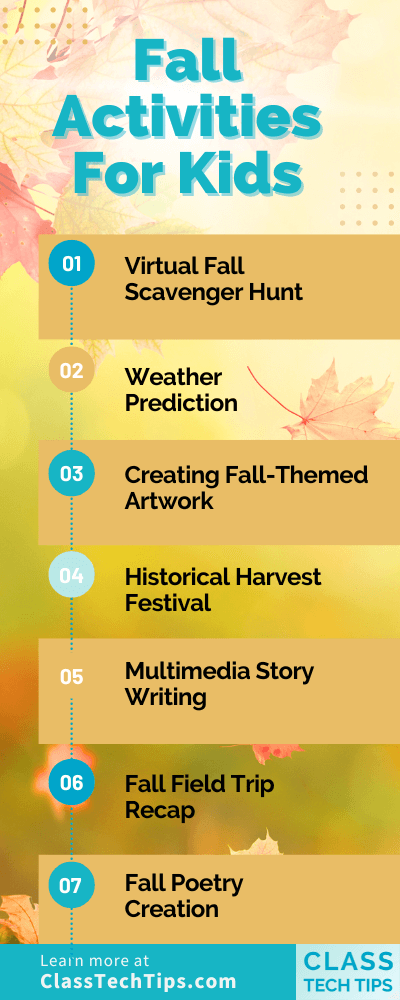

Redefining What High School Is Supposed to Look Like — from edutopia.org by Brittany R. Collins
From restorative grading to paid internships, an equity-centered approach to education creates rich learning opportunities for all students.

We have a networking party with special tables and food, and the students have to stand and mingle. We emulate this sort of a networking party, because they have to learn how to do it. They have to dress the part that day, and I film it so we can watch it back to give them some feedback.


Digital Promise Launches FutureLab to Investigate Transformative Approaches to Teaching and Learning — from digitalpromise.org

Digital Promise announced [on 9/26/23] the launch of the Digital Promise FutureLab. This cutting-edge initiative embodies Digital Promise’s long-standing dedication to innovation in education and aims to not only revolutionize the current state of education, but to reimagine a new world of learning.

FutureLab is funded in part by Digital Promise’s recent gift from MacKenzie Scott.

“Innovation is in Digital Promise’s DNA, and we are reaffirming our commitment to push the boundaries of what’s possible in education,” said Jean-Claude Brizard, President and CEO of Digital Promise. “We believe the Digital Promise FutureLab will be a catalyst for transformative change in education. It’s a significant opportunity to collaborate with visionary educators, technologists, and researchers to create a more equitable future for learners worldwide.”


Google Tools and Activities for Art Education — from techlearning.com by Eric Curts

Google tools and activities for art education

.

Although there is no replacement for getting your hands dirty with finger paints, technology can offer many ways for students to be creative when making art. In addition to creativity, technology can also allow students to explore and learn about art in new and engaging ways.

Some of the best free digital art tools are those from Google that help educators and students with teaching, learning, exploring, and creating art. The wide range of tools and activities available provide nearly infinite possibilities.

Also relevant/see:

And speaking of tools, also see:

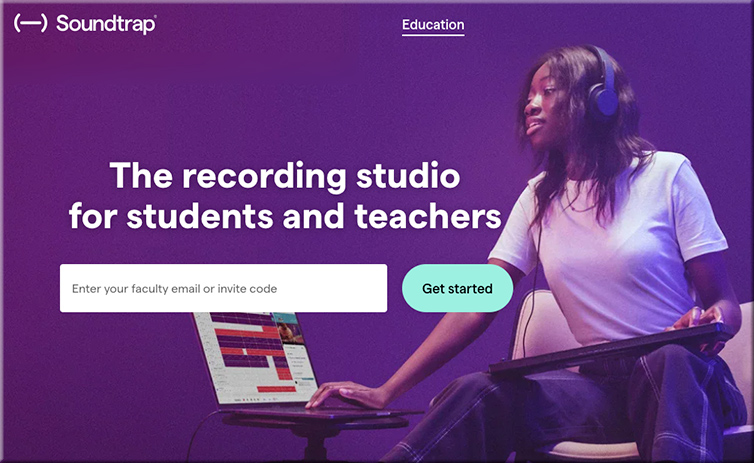
  • Soundtrap: How To Use it to Teach — from techlearning.com by Luke Edwards
    Soundtrap is the recording studio for students and teachers that could help in class and beyond

Soundtrap is a music production tool that is designed for use in education. That means a full-on mixing and sound production studio experience, but one that is accessible for students grade six and up.

Since this is relatively simple to use and is available in app as well as web formats, it is highly accessible for both in-class and personal devices.

This tool offers a way to spark creativity in students and a method to help experiment with music that can inspire those new to this world, or enable more experienced students to create complex and explorative music. 

soundtrap.com -- the recording studio for students and teachers


Also relevant/see:


10 Free AI Tools for Graphic Designing — from medium.com by Qz Ruslan

With the advancements in Artificial Intelligence (AI), designers now have access to a wide array of free AI-powered tools that streamline their creative process, enhance productivity, and add a touch of uniqueness to their designs. In this article, we will explore ten such free AI tools websites for graphic designing that have revolutionized the way designers approach their craft.


Generative Art in Motion — from heatherbcooper.substack.com by Heather Cooper
Animation and video tools create an explosion of creative expression


World’s first AI cinema opening in Auckland to make all your Matrix fantasies come true — from stuff.co.nz by Jonny Mahon-Heap
Review: My HyperCinema experience was futuristic, sleek – and slightly insane as I became the star of my own show.


AI That Alters Voice and Imagery in Political Ads Will Require Disclosure on Google and YouTube — from usnews.com by Associated Press
Political ads using artificial intelligence on Google and YouTube must soon be accompanied by a prominent disclosure if imagery or sounds have been synthetically altered

Google will soon require that political ads using artificial intelligence be accompanied by a prominent disclosure if imagery or sounds have been synthetically altered.

AI-generated election ads on YouTube and other Google platforms that alter people or events must include a clear disclaimer located somewhere that users are likely to notice, the company said in an update this week to its political content policy.


Learn Letter 96: How to make encoding work for you, Three websites to learn something new — from evakeiffenheim.substack.com by Eva Keffenheim

Learning Nuggets:  Three websites to learn something new

  1. Curious claims to increase your “CQ” (curiosity quotient) – it’s a website where you can learn something new every day by dedicating a small amount of time to it: 5, 15, or 30 minutes daily. Whether there is a thing as CQ or not – the site offers plenty of great resources to explore new areas. The drawback is that you need to subscribe for a 7-day free trial to start exploring.
  2. Drawspace is one of the most popular sites for learning how to draw. You choose an image and get a step-by-step guide on creating your drawing.
  3. ?Teoria is a donation-based site that helps you study music theory through articles, references, and interactive exercises. You can do, for example, interval ear training or learn to read music and scales.
 
© 2025 | Daniel Christian