From DSC:
You might be interested in reviewing one or more of the items out at Faculty Focus Live Podcasts.

Some example podcasts:

  • Episode 11: Assessing Online Student Learning: How You Can Gauge Activities and Writing Through Online Assessment
  • Episode 9: Live with Wendy Trevor: Overcoming Student Distaste for Collaborative Group Work Online
  • Episode 8: Establishing and Revisiting Our Teaching Philosophies and Teaching Personas
  • Episode 7: Finding the Missing Piece: How to Help Your Students Who Are Struggling with Online Learning


Walt Whitman’s doctor annotates his patient intake form — from mcsweeneys.net by Amanda Lehr

Excerpt:

NAME:
Whitman, Walter

Physician Notes: Goes by “Walt.”

ADDRESS:
The Grass

Notes: Is this a housing development? Clarify with patient.

AGE:
I, now thirty-seven years old in perfect health begin,
Hoping to cease not till death.
I know I am deathless.

Notes: Well, aren’t we optimistic?
…
OCCUPATION:
I am the actor, the actress, the voter, the politician,
The emigrant and the exile, the criminal that stood in the box,
He who has been famous and he who shall be famous after to-day,

Notes: Unemployed.
…
ARE YOU SEXUALLY ACTIVE?
The armies of those I love engirth me and I engirth them.

Notes: Yes.


Top blogging platforms worth considering in 2021 — from webdesignerdepot.com by Rebekah Carter

Excerpt:

Want to know which of the top blogging platforms you should consider using this year?

Blogging is still one of the best ways to draw attention to your brand, generate thought leadership, and build your credibility. Research suggests that US internet users spend 3x more of their browsing time on blogs than on email. Additionally, people view about 20 billion blog pages on average each month.

So, how do you join the blogging revolution? You’ll need the right platform.

Essentially, a blogging platform is a CMS (Content Management System) which supports blog creation. Many come with additional tools like SEO support and integrations with email marketing too. There are tons of great blogging platforms out there, which means knowing where to start searching can be tough. To help you, we’ve put together this list of the leading blogging platforms.

Top blogging platforms worth considering in 2021 -- from webdesignerdepot.com by Rebekah Carter

From DSC:
This is a great list of tools for those who want to blog — complete with the pros and cons of each platform/tool. Students, I would encourage you to start blogging — as it helps you process information, pulse check the landscapes, improve your writing, shows others what you are thinking about, and more.


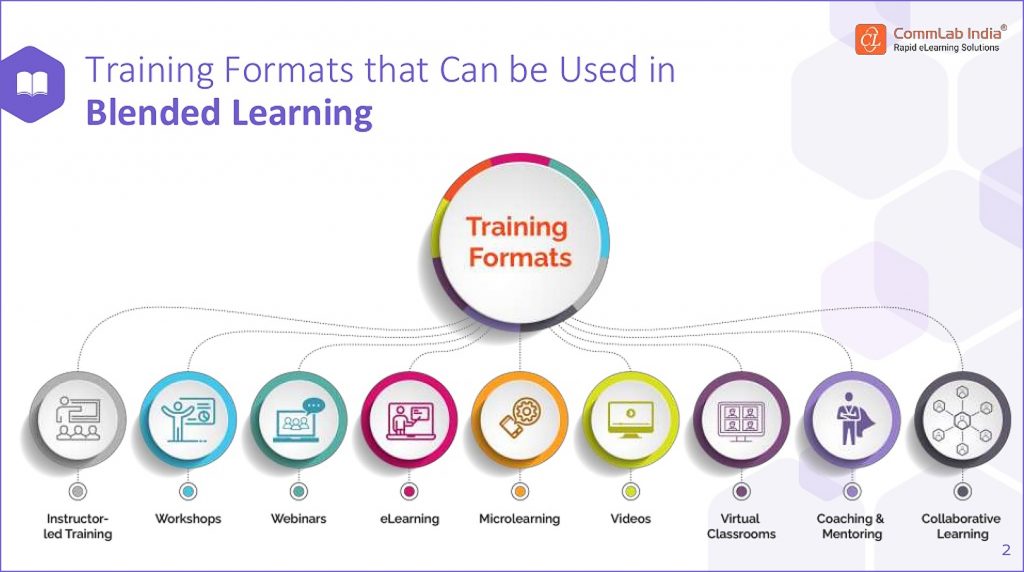
The image below was excerpted from:


A great example of a learning ecosystem from CommLab India!


20 Best Websites to Help Kids Learn From Home in 2021 — from wizcase.com by Julia Olech

Excerpt:

That’s why I rounded up a list of the 20 best free websites that provide engaging and fun learning experiences for you and your children. I made sure each website caters to a wide range of ages with games and interactive lessons that won’t bore even the most fidgety kids. The best part is that you can use them all at no cost!


What is Book Creator and How Can Educators Use It? — from techlearning.com by Erik Ofgang

 Excerpt:

Book Creator is a free tool that allows educators and their students to create multimedia ebooks based off of class assignments and topics.

Available on Apple and Android tablets and phones, and on Google Chrome for desktop use, Book Creator is a digital resource that helps students explore their creative sides while learning.

The tool lends itself well to active learning and collaborative projects of all kinds, and is appropriate for various subjects and age groups.

Book Creator gives students the ability to upload images, vidoes, audio, and more within the ebooks they create. It also empowers them to draw, take notes, and collaborate in real-time with their classmates and instructor.

Read on to find out everything you need to know about Book Creator.

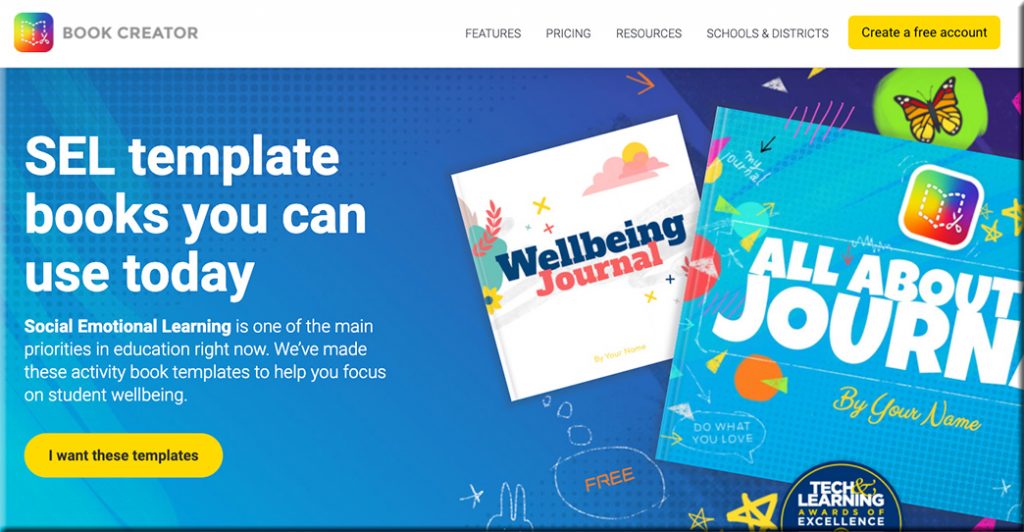
Also see the Book Creator’s website:

Clicking here will take you to the Book Creator website, where they are offering SEL template books that you can use today.

Addendum on 5/21/21:

  • Sketch, draw, and doodle — apps to unleash students’ creativity — from educatorstechnology.com
    How about using arts-based approaches to engage students in meaningful learning experiences? Drawing, sketching, doodling, and painting are three expressive forms of art with huge educational potential that students can use to unleash their creativity. They can be applied in writing, reading, speaking, and in storytelling activities. Finished products can also be included in students’ portfolios to document and showcase their learning. To this end, the selection below features some good apps students can use in this regard. Check them out and share with us your feedback.

Addendums on 5/24/21:

As with all of Book Creator we have made the image search fully accessible to screen readers and keyboard navigation. But we thought we could go a bit further with the image search and make it accessible to younger kids or ELL students who aren’t super confident with their spelling by introducing a voice search.

Addendum on 6/7/21:

  • A rubric for Book Creator — from bookcreator.com
    Sam Kary talks about helping his students elevate their work by introducing a rubric for their digital book projects, helping them focus on design and multimedia.
 

Thursday, 5/20/21, is Global Accessibility Awareness Day!!!

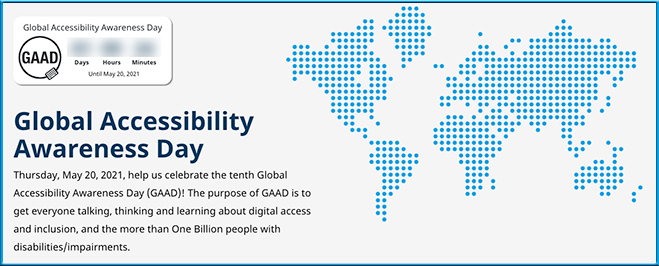
Global Accessibility Awareness Day is this Thursday, May 20, 2021
Help us celebrate the tenth Global Accessibility Awareness Day (GAAD)! The purpose of GAAD is to get everyone talking, thinking and learning about digital access and inclusion, and the more than One Billion people with disabilities/impairments.

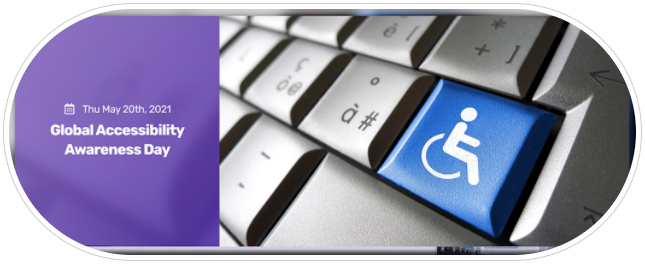
Global Accessibility Awareness Day is is Thursday, May 20th 2021

Also see:

Global Accessibility Awareness Day is Thursday, May 20, 2021


When Learning How to Write Starts Virtually, Here’s What’s Helpful to Know — from kqed.org by Caroline Smith

Excerpt:

This school year, kindergarteners learned how to turn on and off their web cameras and mute buttons alongside spelling and reading fundamentals. Separated by distance and screens, kindergarten teachers soon faced the additional challenge of teaching their 5- and 6-year-old students to write on pieces of paper that instructors couldn’t directly see.

So kindergarten teacher Lynn Marie Glick began having her students tilt their computer screens, pointing cameras down to their work, so she could watch as they label drawings of stuffed animals, pets or family members with letters formed by colored pencils, markers and crayons. She pinned the screens of students on Zoom who wanted to share their work with their class.

When it was time to submit their assignments, her students uploaded photos of handwritten work to the online platform Seesaw.


7 good apps for learning spelling — from educatorstechnology.com

Excerpt:

We have curated for you this collection of carefully vetted apps to use with your kids, students and anyone else keen on learning and improving their spelling skills. The apps provide guided practice, interactive games, lessons, quizzes, puzzles, and several other materials to make learning spelling a fun and engaging task. We invite you to check them out and share with us if you have other suggestions to add to the list.

From DSC:
If you or someone you know is having significant issues with spelling, you/they may want to do some investigative work around:

Also, Microsoft’s Immersive Reader might come in handy.


Specialties In Instructional Design and What They Do — from teamedforlearning.com
Specialties in instructional design can help both job seekers and hiring managers find the right fit for digital learning courses and programs.

Excerpt:

An instructional designer is anyone who designs and develops digital learning experiences. That may sound straightforward, but within that vague job title nest dozens of specialties. Even more confusingly, instructional designers may also be called learning designers or learning architects. Their work often overlaps with that of instructional technologists and content creators. Specialties in instructional design help both teammates and hiring managers to navigate this evolving position.

Untangling the complexities of the instructional design role can help both job seekers and hiring managers find the right fit. Identifying a specialty can help professionals carve out their own niche in the instructional design ecosystem. Greater clarity around what instructional designers actually do can help team leaders find the right instructional designer for their project.


From DSC:
I was reviewing an edition of Dr. Barbara Honeycutt’s Lecture Breakers Weekly, where she wrote:

After an experiential activity, discussion, reading, or lecture, give students time to write the one idea they took away from the experience. What is their one takeaway? What’s the main idea they learned? What do they remember?

This can be written as a reflective blog post or journal entry, or students might post it on a discussion board so they can share their ideas with their colleagues. Or, they can create an audio clip (podcast), video, or drawing to explain their One Takeaway.

From DSC:
This made me think of tools like VoiceThread — where you can leave a voice/audio message, an audio/video-based message, a text-based entry/response, and/or attach other kinds of graphics and files.

That is, a multimedia-based exit ticket. It seems to me that this could work in online- as well as blended-based learning environments.


Addendum on 2/7/21:

How to Edit Live Photos to Make Videos, GIFs & More! — from jonathanwylie.com


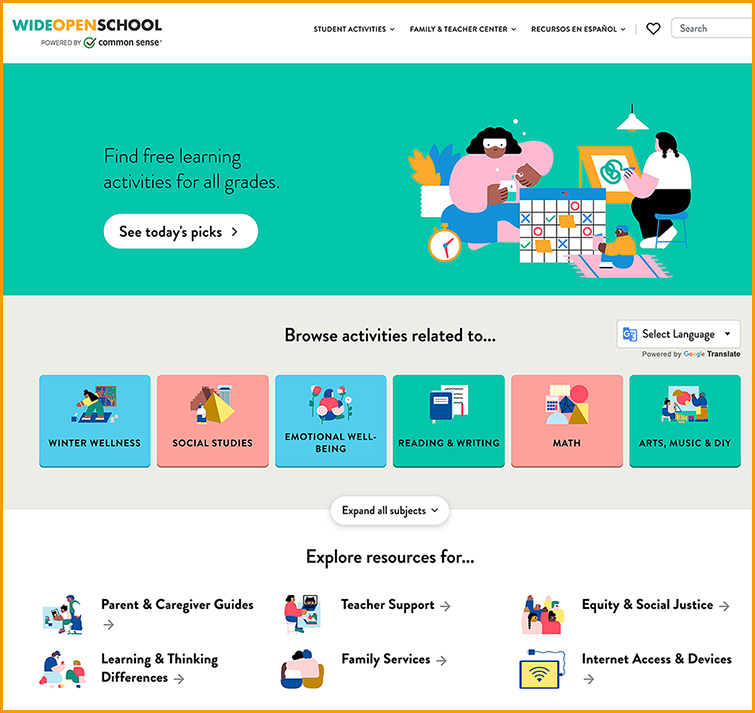
An important distance learning resource for teachers, students, & parents — from educatorstechnology.com

Excerpt:

Wide Open School (WOS) is a platform developed by the leading non-profit for kids and families Common Sense media. WOS provides access to a wide range of resources designed specifically to help enhance the quality of distance learning. The work of Wide Open School is a fruit of a partnership with more than 80 leading educational organizations and services including Kahoot, Google, Khan Academy, National Geographic, PBS, Scholastic, Smithsonian, TED Ed, and many more.


Also see:

The work of Wide Open School is a fruit of a partnership with more than 80 leading educational organizations and services including Kahoot, Google, Khan Academy, National Geographic, PBS, Scholastic, Smithsonian, TED Ed, and many more.


The top content management systems — from w3techs.com

Excerpt:

38% of the websites use none of the content management systems that we monitor.
WordPress is used by 39.7% of all the websites, that is a content management system market share of 64.1%.

From DSC:
Though I love WordPress and it continues to do well market share-wise…for people who want to get into blogging and/or who want to get their voice out there, I’m disappointed that WordPress has gone the way of web design and production (i.e., into major complexities). WordPress needs a WordPress-Lite version or an easier-to-use interface/theme/template section for beginners (or something along those lines).


Best Online Educational Games for High School Students — from edtechreview.in by Saniya Khan

Excerpt:

…the introduction of educational games to kids helps increase their motivation and engagement, enhance visual skills, improve students’ interaction and collaboration abilities with their peers, and apply gaming values in a real-world situation; most importantly, it improves learning.

Learning Apps For Kids To Explore in 2021 — from edtechreview.in by Priyanka Gupta

Excerpt:

Living in a digital era and in times when technology has kept education going, let’s look at some promising learning apps for kids to explore in 2021.


© 2025 | Daniel Christian