


Firefly adds new video capabilities, industry leading AI models, and Generate Sound Effects feature — from blog.adobe.com
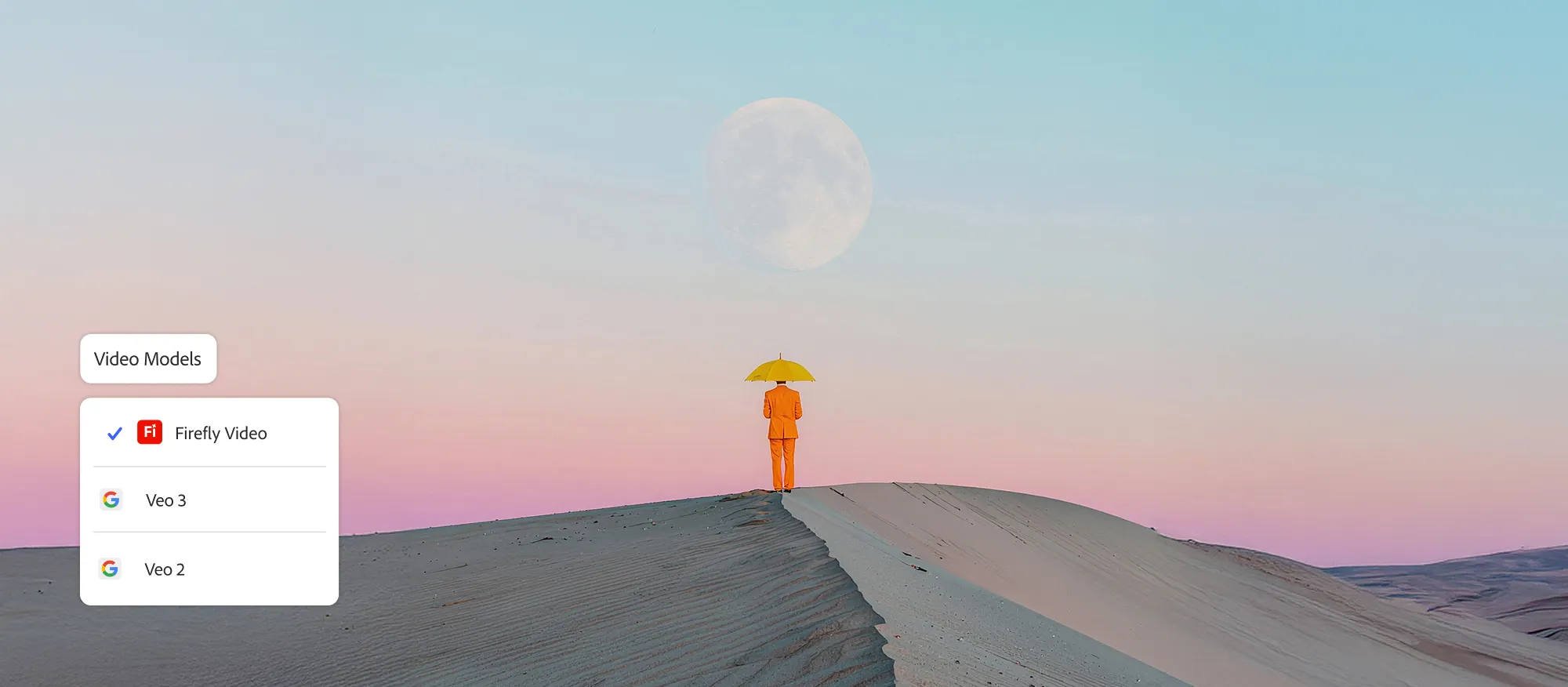
Today, we’re introducing powerful enhancements to our Firefly Video Model, including improved motion fidelity and advanced video controls that will accelerate your workflows and provide the precision and style you need to elevate your storytelling. We are also adding new generative AI partner models within Generate Video on Firefly, giving you the power to choose which model works best for your creative needs across image, video and sound.
Plus, our new workflow tools put you in control of your video’s composition and style. You can now layer in custom-generated sound effects right inside the Firefly web app — and start experimenting with AI-powered avatar-led videos.
…
Generate Sound Effects (beta)
Sound is a powerful storytelling tool that adds emotion and depth to your videos. Generate Sound Effects (beta) makes it easy to create custom sounds, like a lion’s roar or ambient nature sounds, that enhance your visuals. And like our other Firefly generative AI models, Generate Sound Effects (beta) is commercially safe, so you can create with confidence.
Just type a simple text prompt to generate the sound effect you need. Want even more control? Use your voice to guide the timing and intensity of the sound. Firefly listens to the energy and rhythm of your voice to place sound effects precisely where they belong — matching the action in your video with cinematic timing.